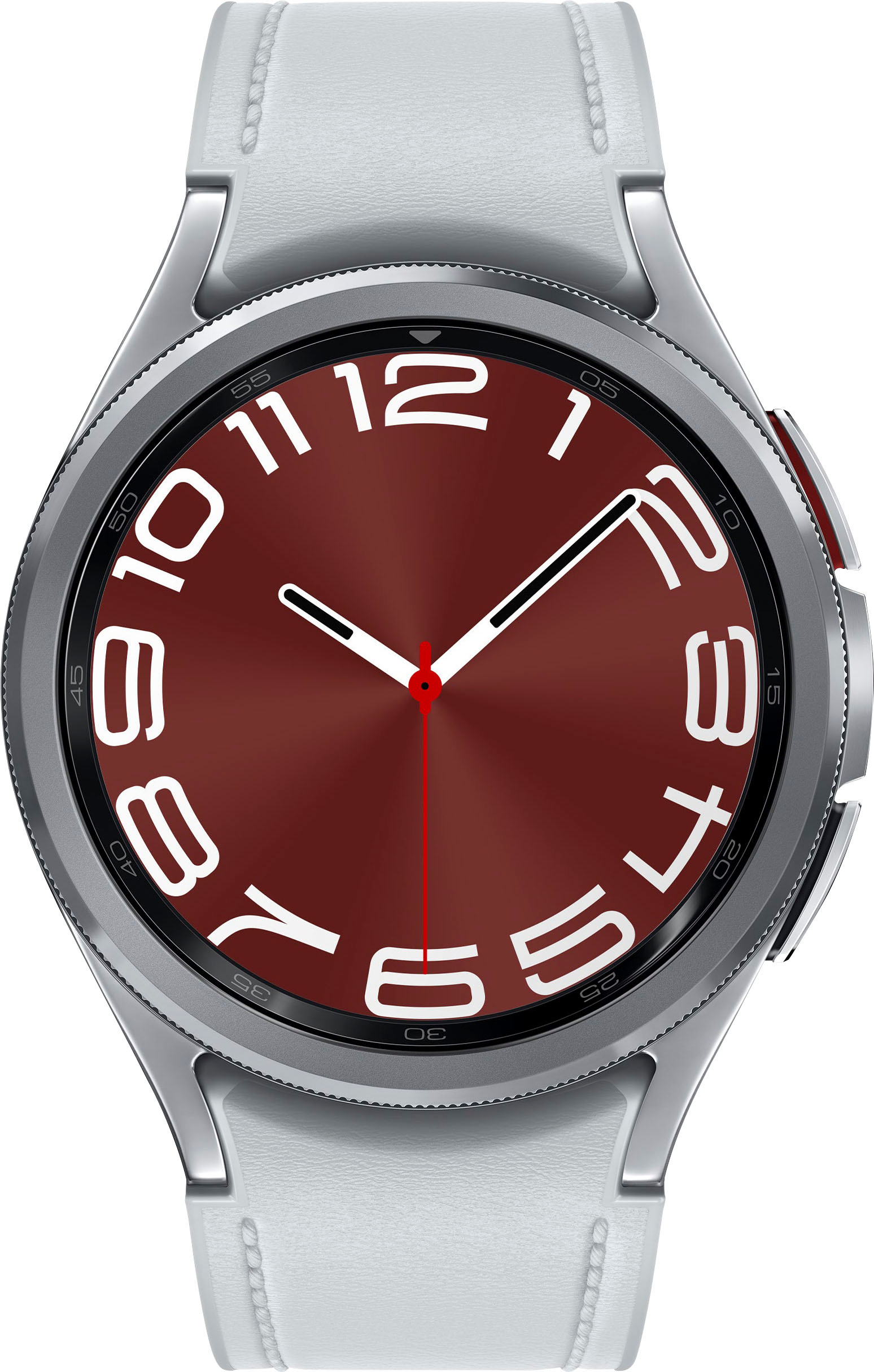
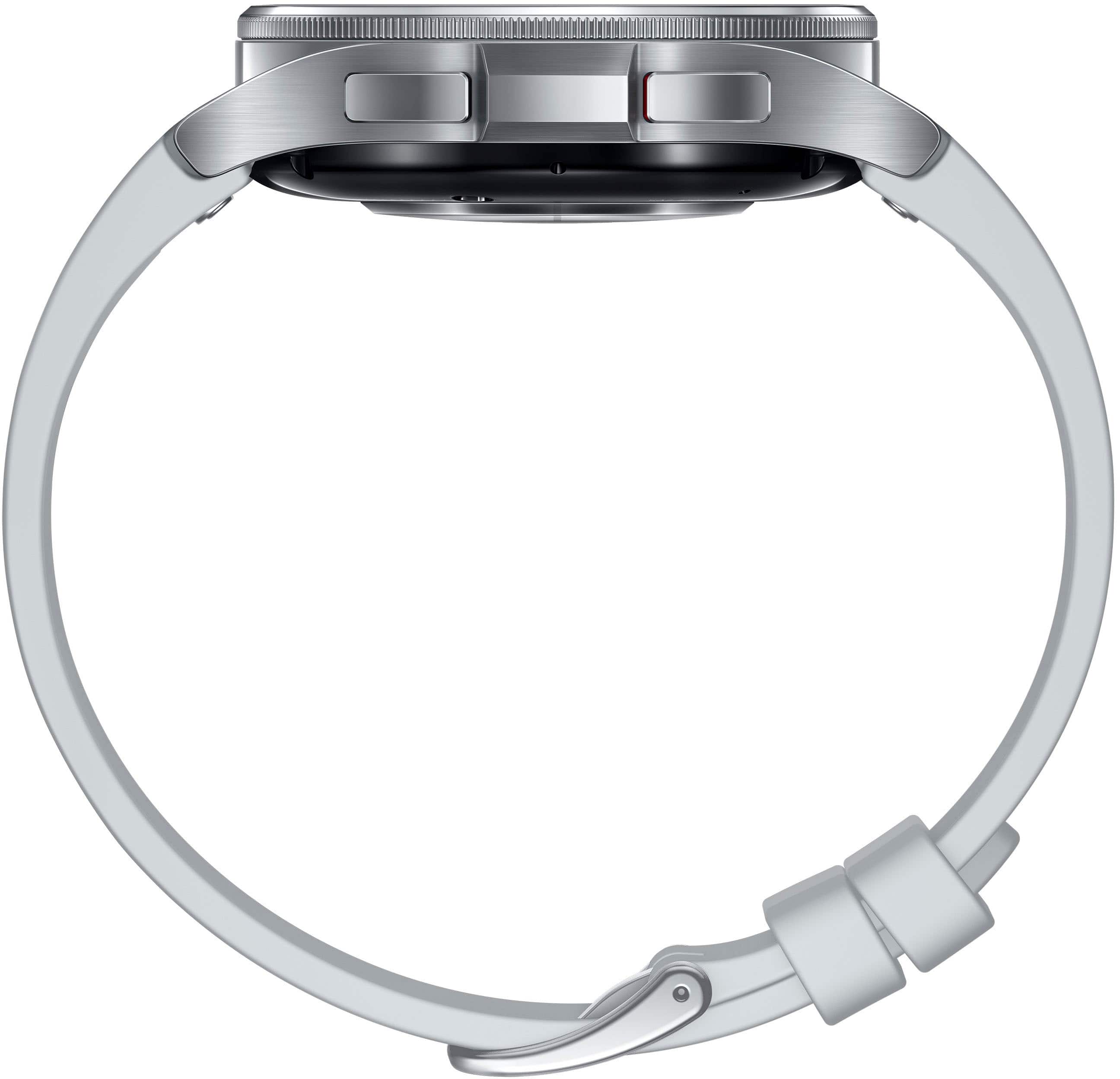
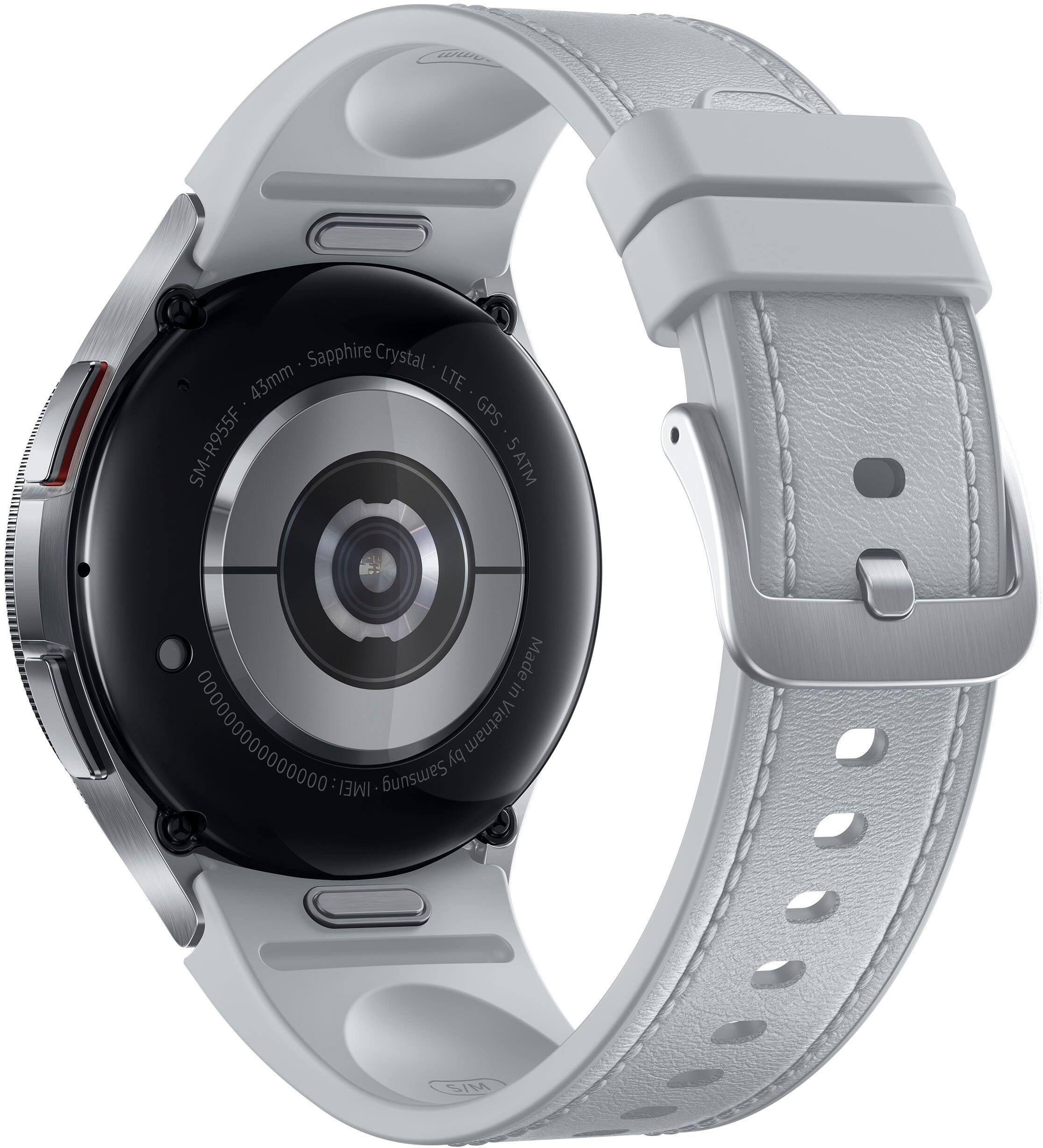
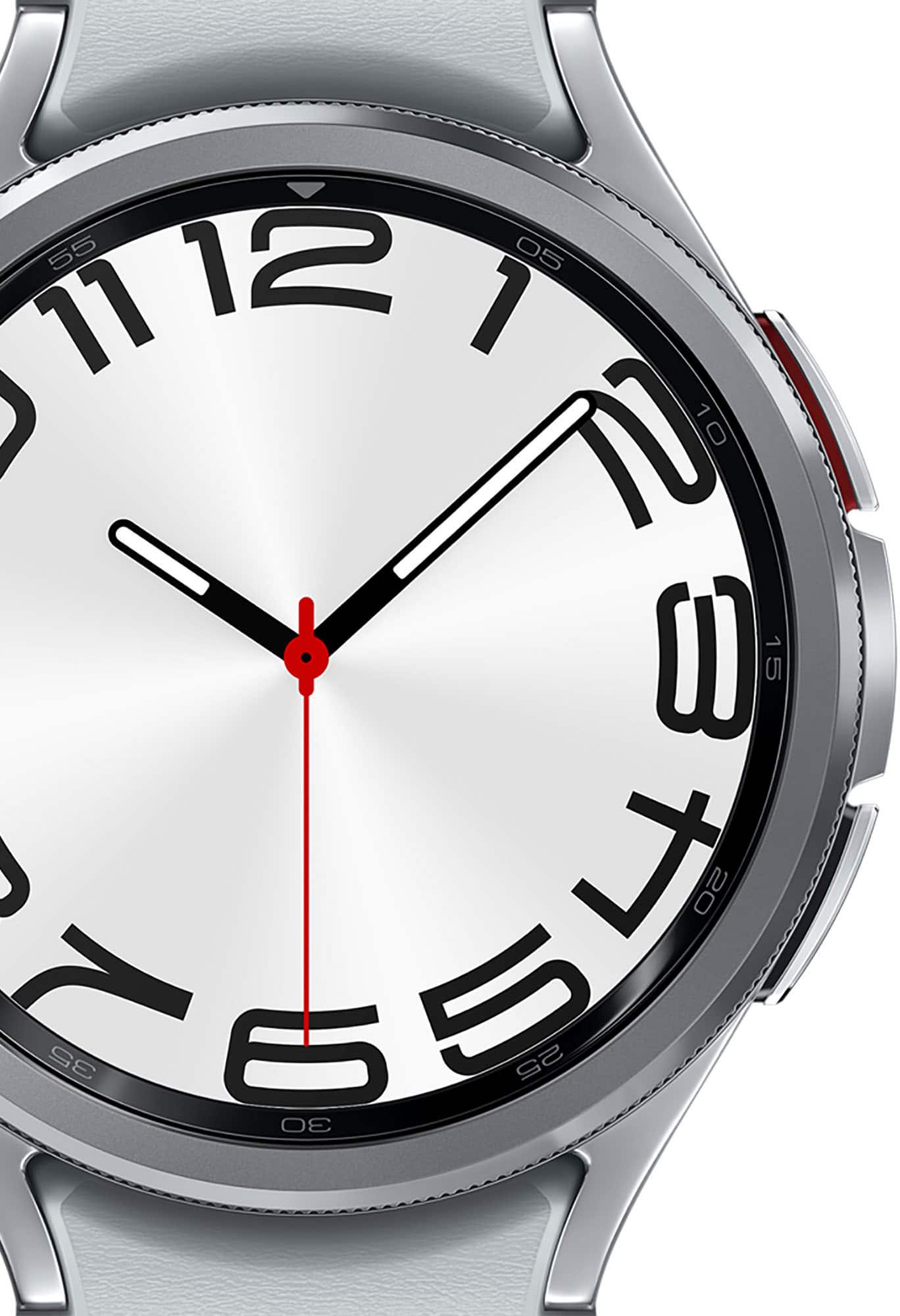
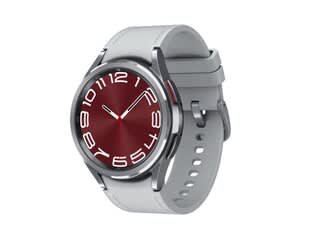
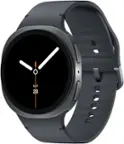
A:AnswerSalutations Dean, thanks for taking the opportunity to ask us your question about the Samsung Galaxy Watch6 Classic. Yes, LTE versions of our watches are capable of making and receiving calls as well as text messages even when their phones are turned off. If you have any additional questions for us, feel free to reach out to Samsung Support for further assistance. Thank you for being a dedicated Samsung customer. - Debra
A:AnswerThank you for reaching out to us with your inquiry! We see that you are reaching out about the Watch6 and its compatibility. Galaxy Watch6 and Galaxy Watch6 Classic: Phones with Android 10.0 and RAM 2.0 GB or higher are supported. If you have any other questions or concerns, please reach out to us at Support. -Kelvin
A:AnswerBT is Bluetooth only and will need to be connected to the phone. LTE is a mobile company that offers you to make calls on it and you would need to contact the carrier for additional charges that you may incur monthly, just like a cell phone.
A:AnswerHi there Yogi, thanks for taking the time to ask us your question about the Samsung Galaxy Watch6 Classic. You can use a 20mm width band with: Galaxy Watch6 (44mm & 40mm), Galaxy Watch6 Classic (47mm & 43mm), Galaxy Watch5 Pro (45mm), and Galaxy Watch5 (44mm & 40mm). To learn more, feel free to check out "Find the right band size for your Samsung smart watch." Let us know if you have any other questions or if you would like any further assistance by reaching out to Support. Thank you for being a staunch Samsung customer. - Debra
A:AnswerHey there GsCHaCq, thank you for finding the free time out of your busy day to ask us your question about the Samsung Galaxy Watch6 Classic. You can track your blood oxygen levels through the Samsung Health app. From Samsung Health, tap Blood oxygen, and tap Measure to begin. Follow the prompts to position the device and your arm properly. Tap Ok to start measuring blood oxygen. Let us know if you have any other questions for us by contacting Samsung Support. Thank you for being a valued Samsung customer. - Debra
A:AnswerAloha Dean, thanks for taking the available time out of your busy day to ask us your question about the Samsung Galaxy Watch6 Classic. The watch can be configured to automatically measure and track your heart rate and stress. 1. From Samsung Health, tap Heart rate. 2. Tap Measure to begin measuring your stress level. * After a moment, your stress level is displayed on the screen. 3. Swipe up, tap HR and stress measurement, and select a measuring interval. * Measure continuously: The watch measures your heart rate and stress continuously, regardless of your movement. * Every 10 mins while still: The watch measures your heart rate every ten minutes when you are relaxed. * Manual only: The watch measures your heart rate or stress only when you check it manually. 4. Tap Help to review help information for using the HR and stress measurement feature. Let us know if you have any other questions by contacting Samsung Support. Thank you for being a steadfast Samsung customer. - Debra
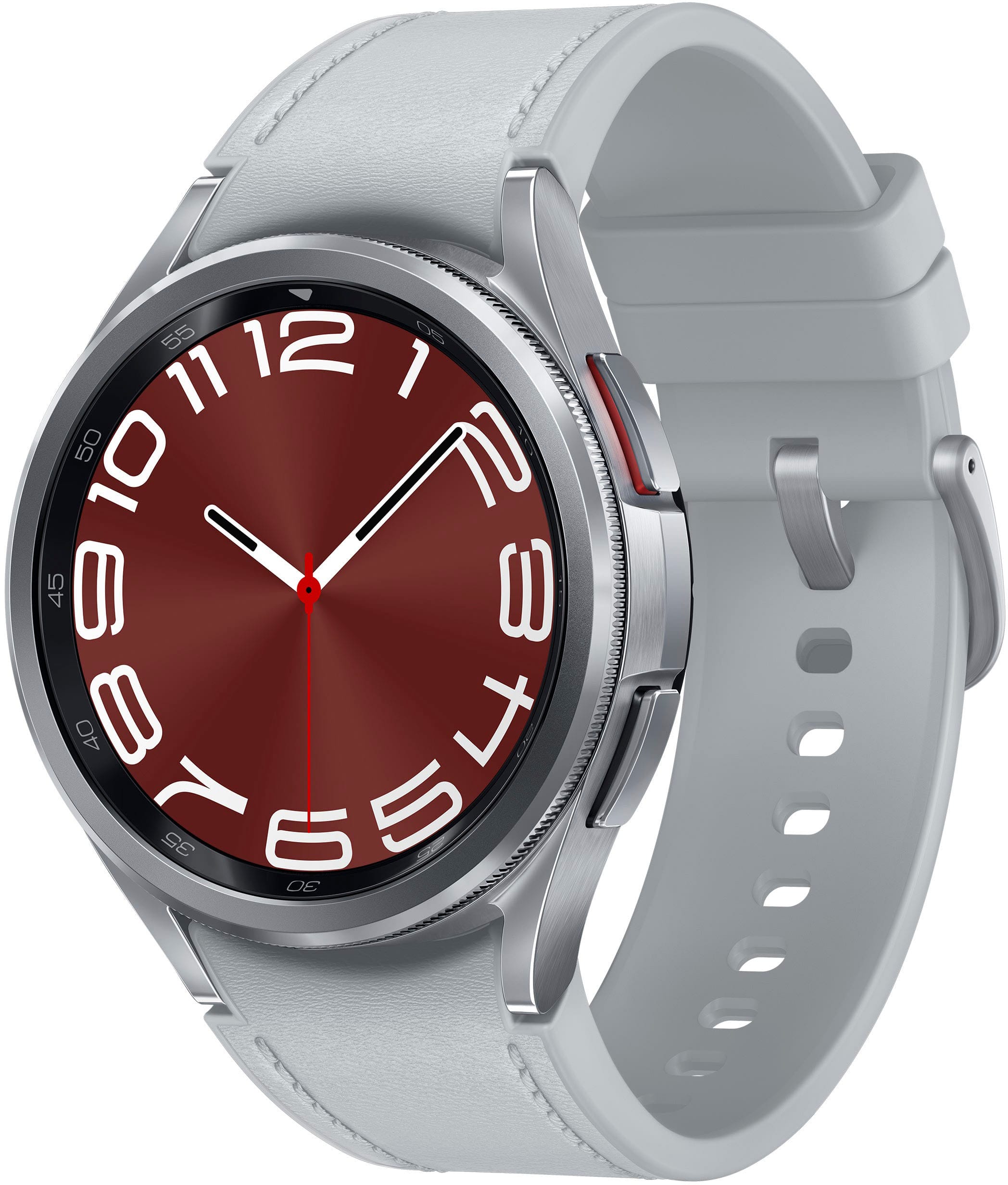
A:AnswerIt does however it will be a more seamless experience if you have a samsung or android phone. The apple watch is a great alternative for IOS users.