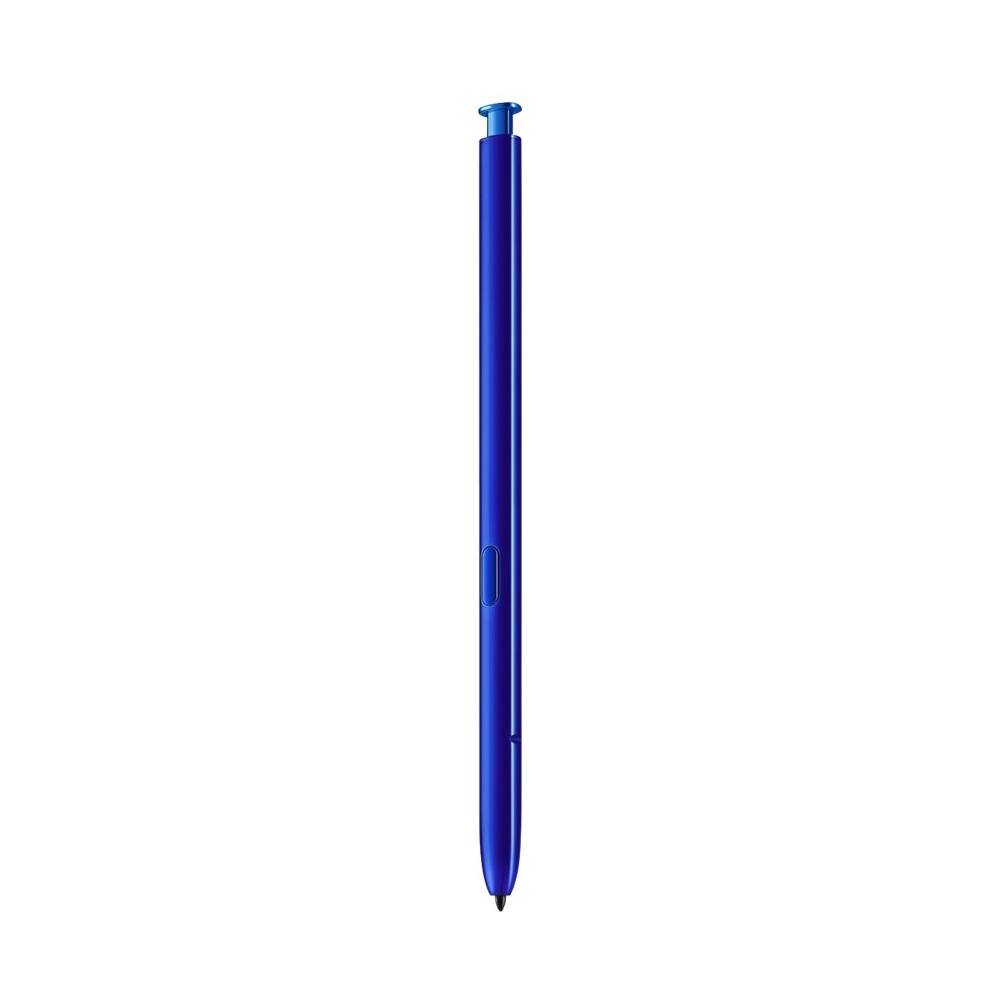
A:Answerit should , I think the only thing that wouldn't work on the n.9 is the remote controle part that works on note 10+ is gestures. AND FOR PICKERS ,SO IT SHOULD.LET ME KNOW. I ALSO NEED TO SAY THAT THE TIPS ARE HARD TO FIND. THATS MY PROBLEM. IF SOMEONE CAN FIND A WAY TO GET THEM, PLEASE LET ME KNOW. THANKS.
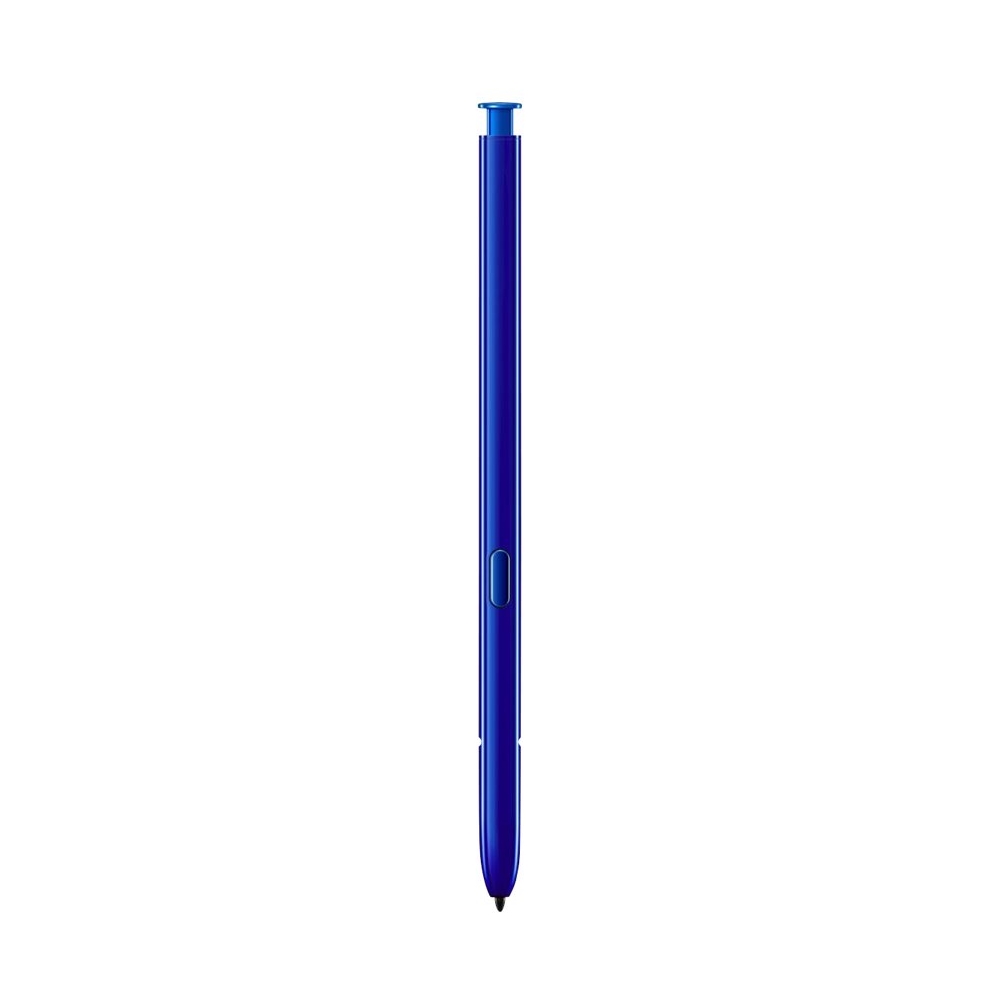
A:AnswerNot sure its program is different i try to get one of the pen to work on my note10+ and it wouldn't work. Plus its tip was made of copper it felt like it would scratch it up. I need a cover on my cell phone , I have it forc5 months now its swathed bad so be careful is to what you apply to the surface of this devices. Thanks.
A:AnswerIt will work on a note 10. Being you can pair it and get about 70% of the benefits of it's purpose.
Truthfully it is designed for Windows and you have full function.
There are only a handful of portable (Android) devices that will allow it to even work at all.
But at throttled back capacity, no palm protection for Android.
A:AnswerI can not promise this as a solution. I would say yes with confidence though. I believe it is dependent on the screen and not the pen so much. You can look the tech up on the internet. Since the Tab already uses an S pen I would think it would as it works with my S21 Ultra that has a different pen. I have used a pen from a note 4, note 7, note 9, and this one from a note 10 with the S 21 Ultra.
A:AnswerTo be honest I'm not sure. I don't think it will work with the Tab A because the pens are different sizes and the point is different. I know I tried to use the Tab A pen on my Note 10 and it didn't work.