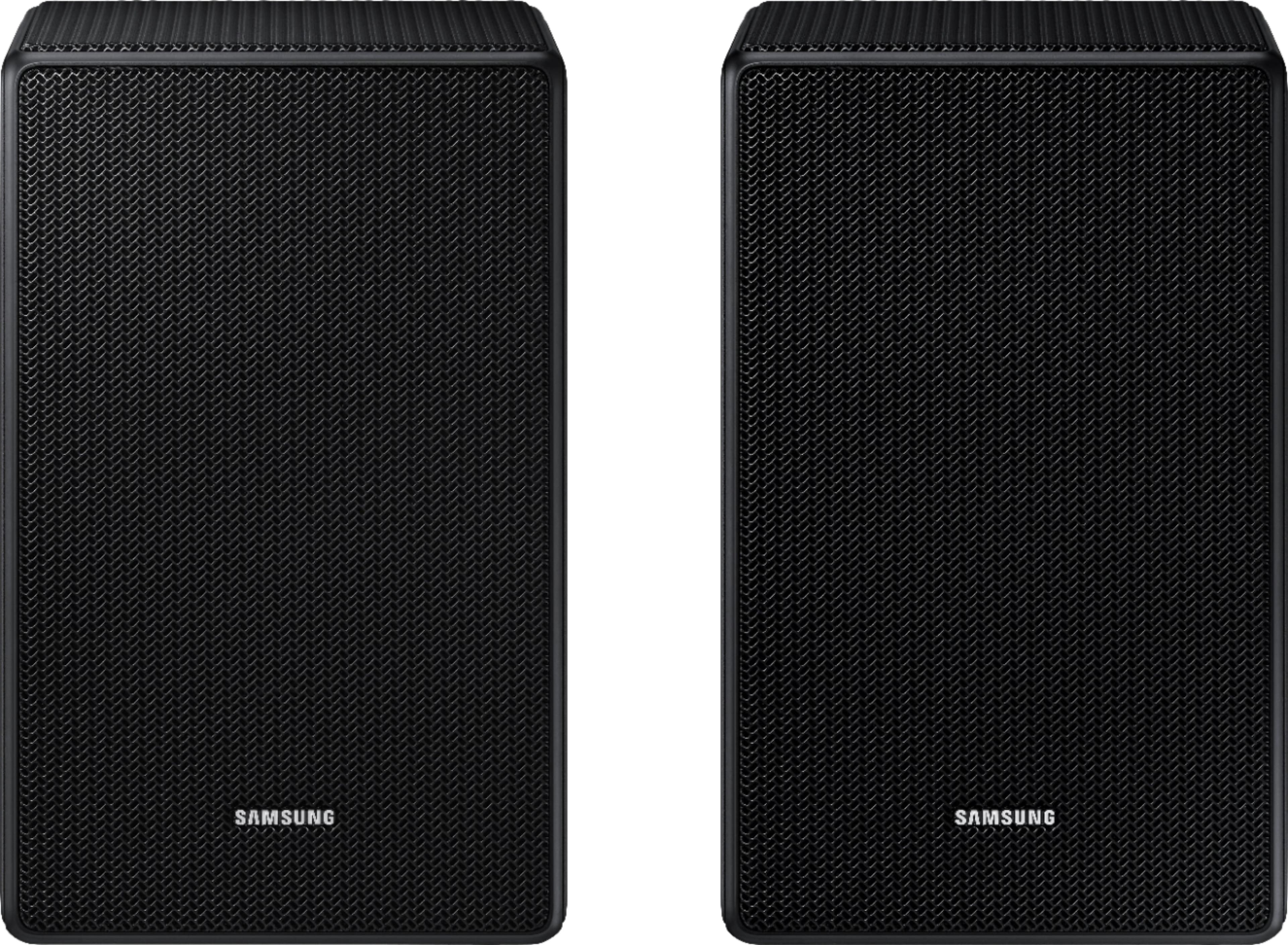
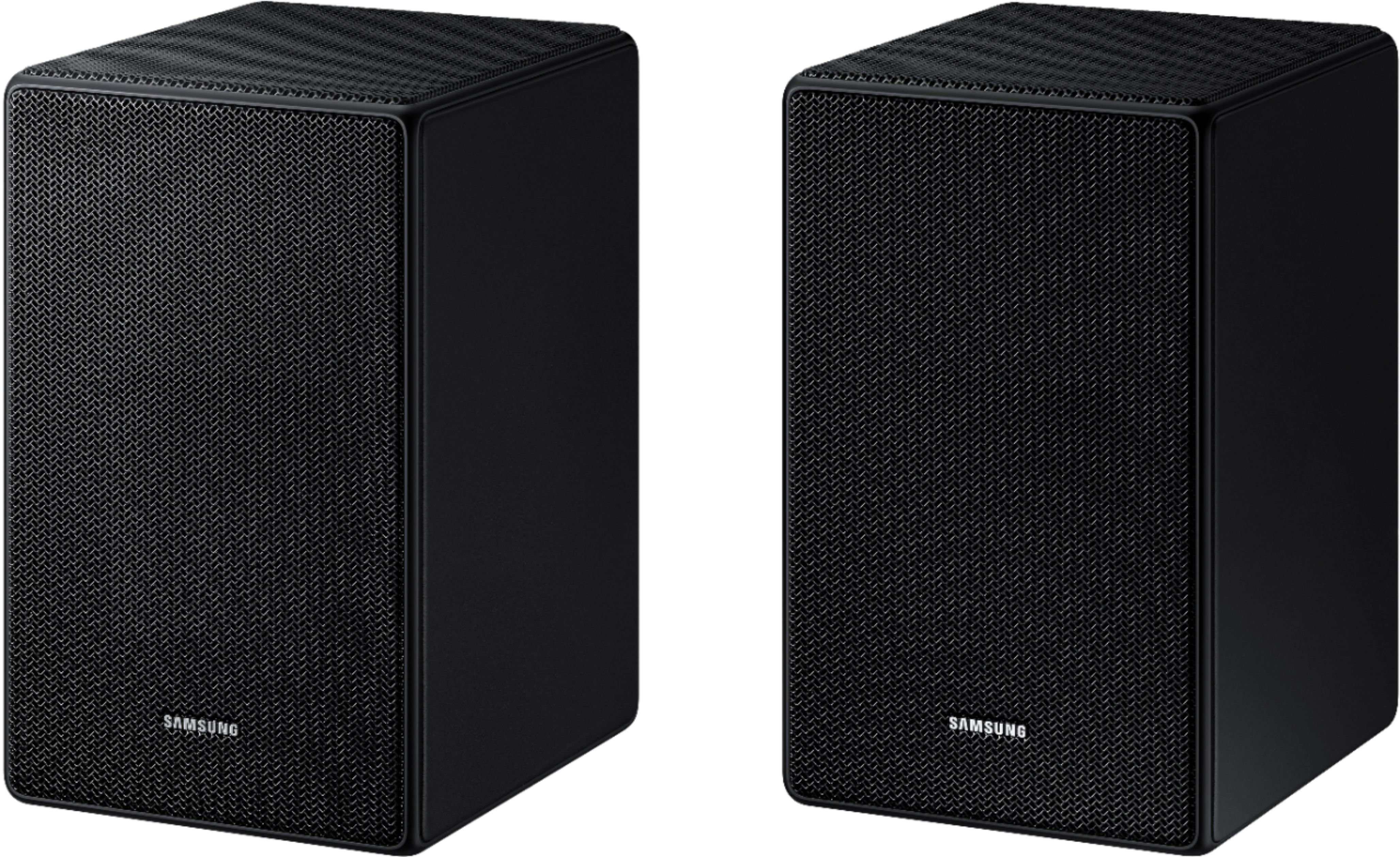
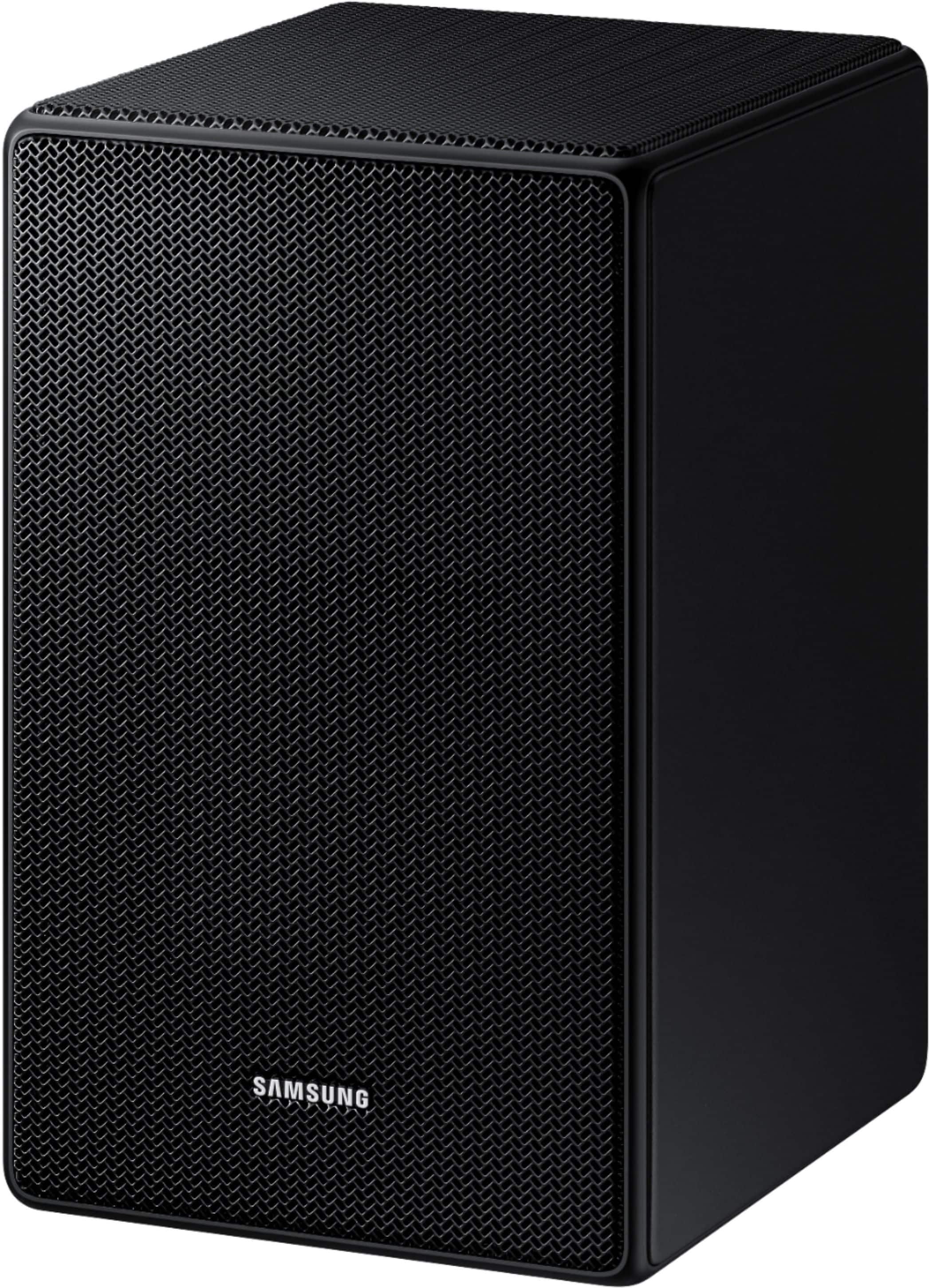
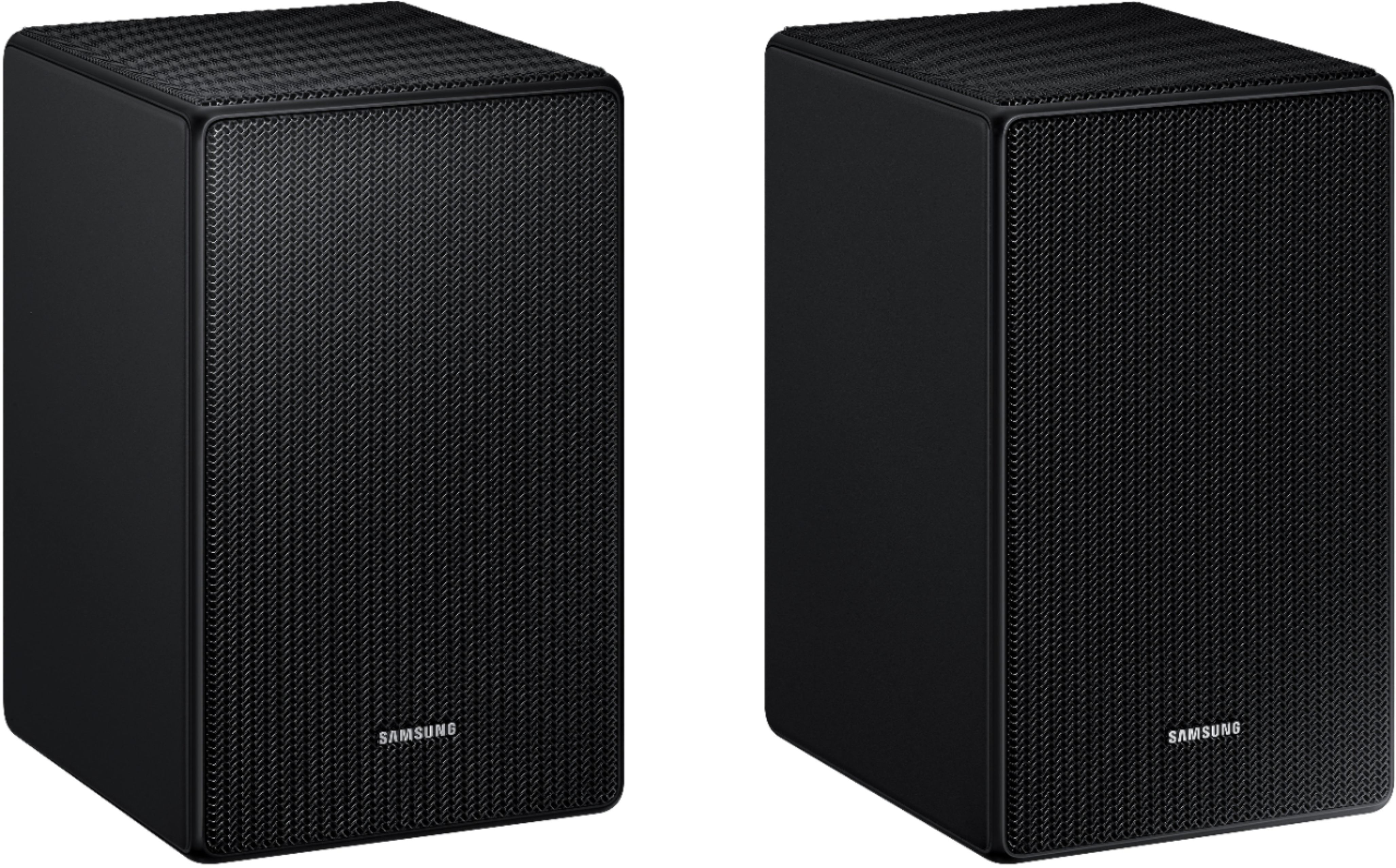
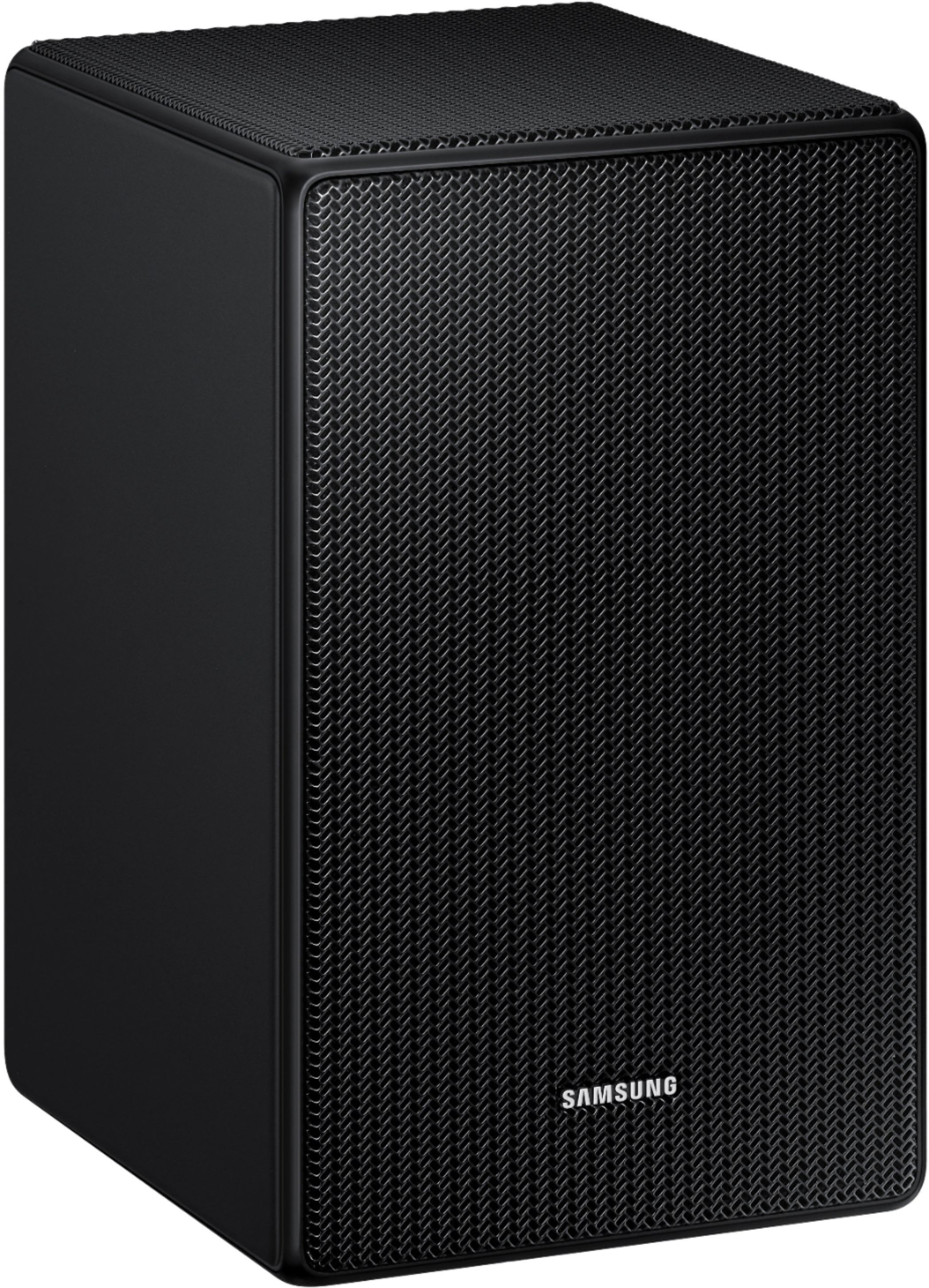
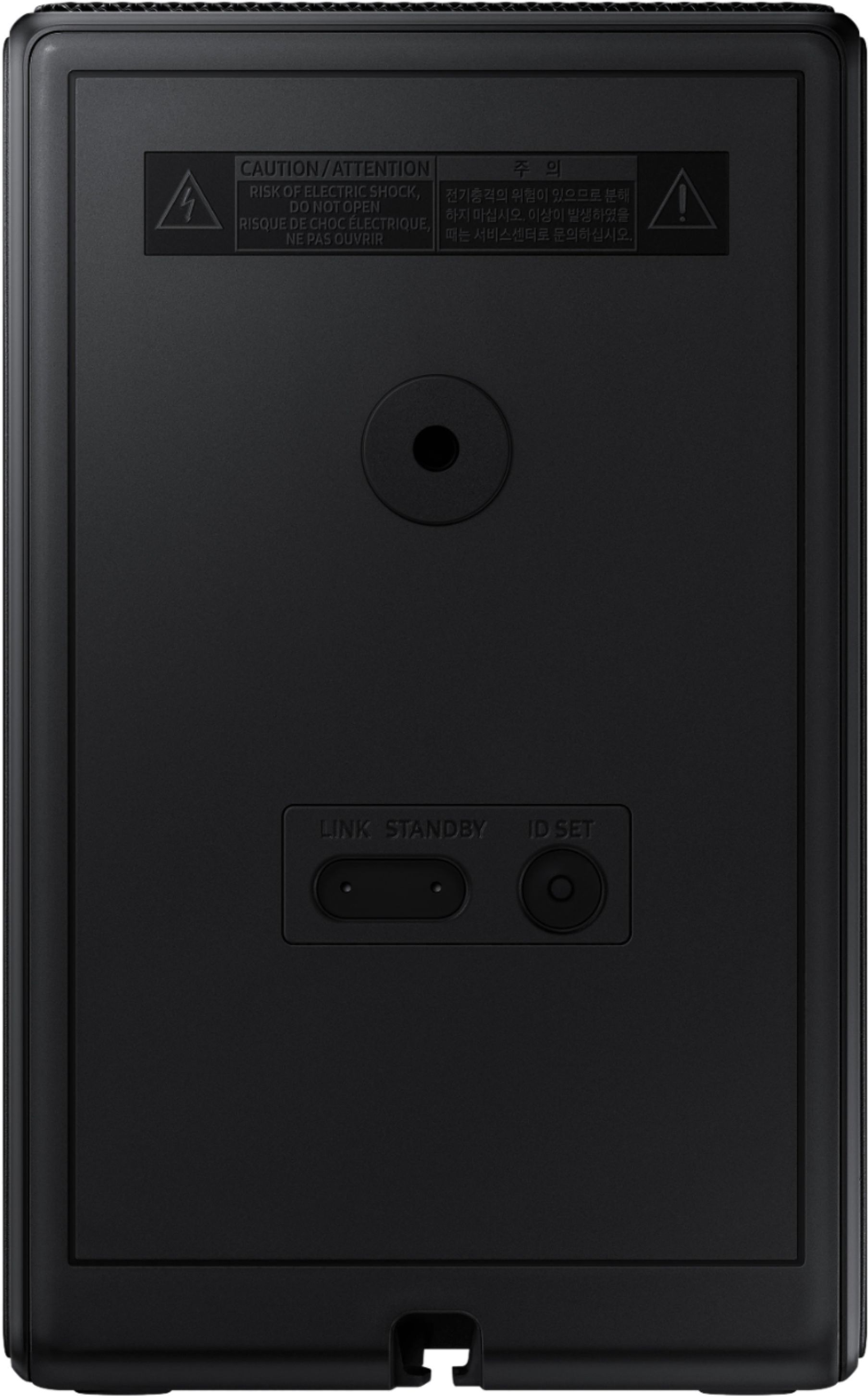
A:AnswerAs long as your soundbar has an ID Set button, you sound be able to purchase the 9500s/za rear speaker kit and will work. Just look under the SOUNDBAR for the button.
A:AnswerAs long as your soundbar has an ID Set button, you sound be able to purchase the rear speaker kit and will work. Just look under the SOUNDBAR for the button.
A:AnswerI'm not sure. They need to sync with the bar and these are very picky and only sync to two Samsung models. I would be very surprised if they would work with a different brand entirely.
A:AnswerSWA-9500S do NOT work with your soundbar. Additionally they wouldn't solve the issue you have.
I would try updating the firmware for your bar.
Rear speakers don't do dialog, they are purely ambient sounds for surround.
Link to your bar is here. Firmware and instructions are on the page.
https://www.samsung.com/ca/support/model/HW-H750/ZA/
A:AnswerHi There,
The SWA-9500S Wireless Rear Speaker Kit is compatible with select 2021 and 2022 Samsung Soundbars.
For the HW-A430 soundbar you will need to purchase the SWA-9100S Wireless Rear Speaker Kit.
~Samsung Solutions
A:AnswerHi Coness,
The SWA-9500S Wireless Rear Speaker Kit is not compatible with the HW-Q70T and that model soundbar is only compatible with the SWA-9100S Wireless rear kit.
^Andrew
A:AnswerHi Walker,
The HW-Q800B Soundbar is exclusively compatible with the SWA-9500S Wireless Rear Speaker Kit. Even if you don't use a lot of Atmos content, the speakers will greatly improve your overall audio experience.
^Andrew