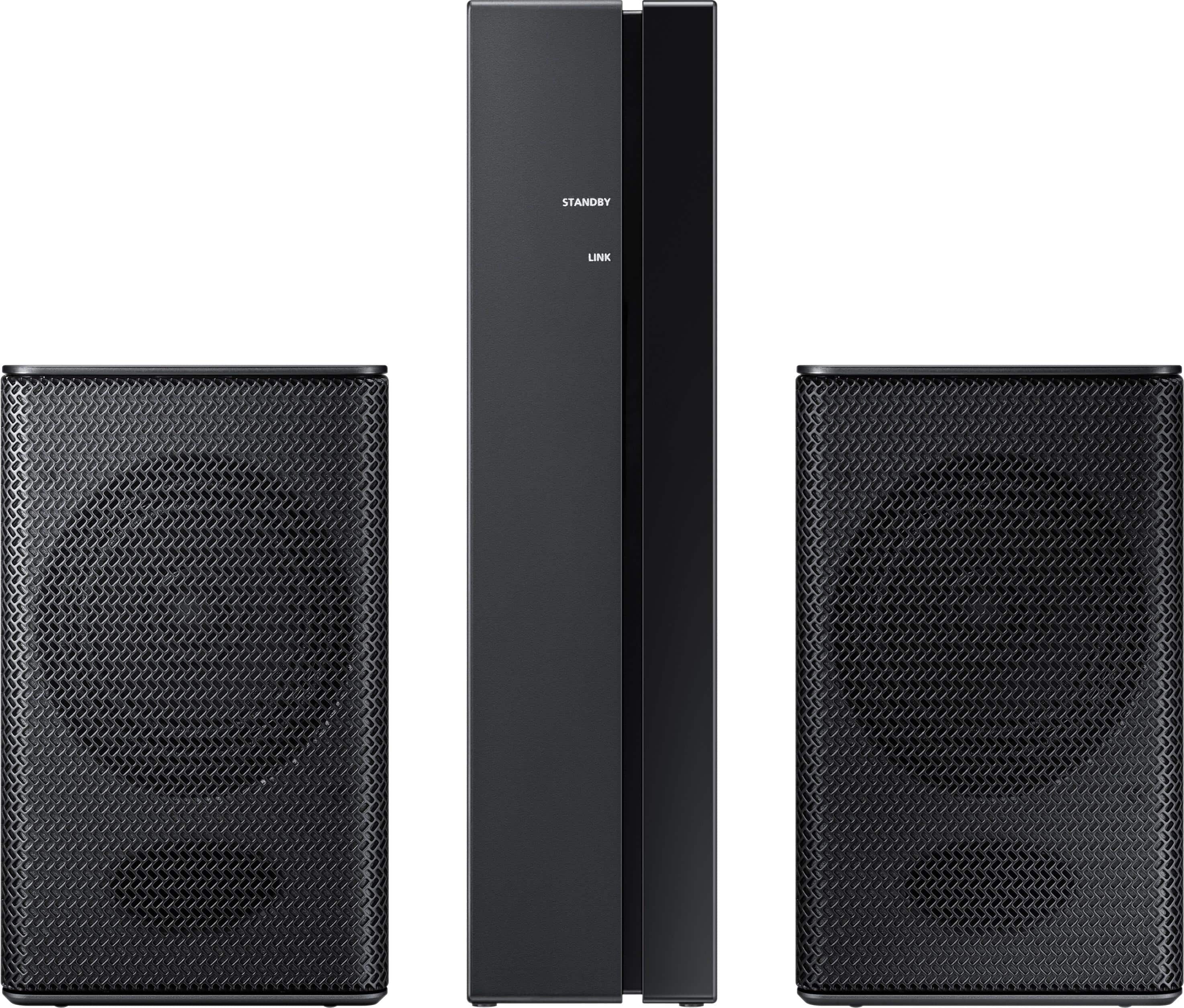
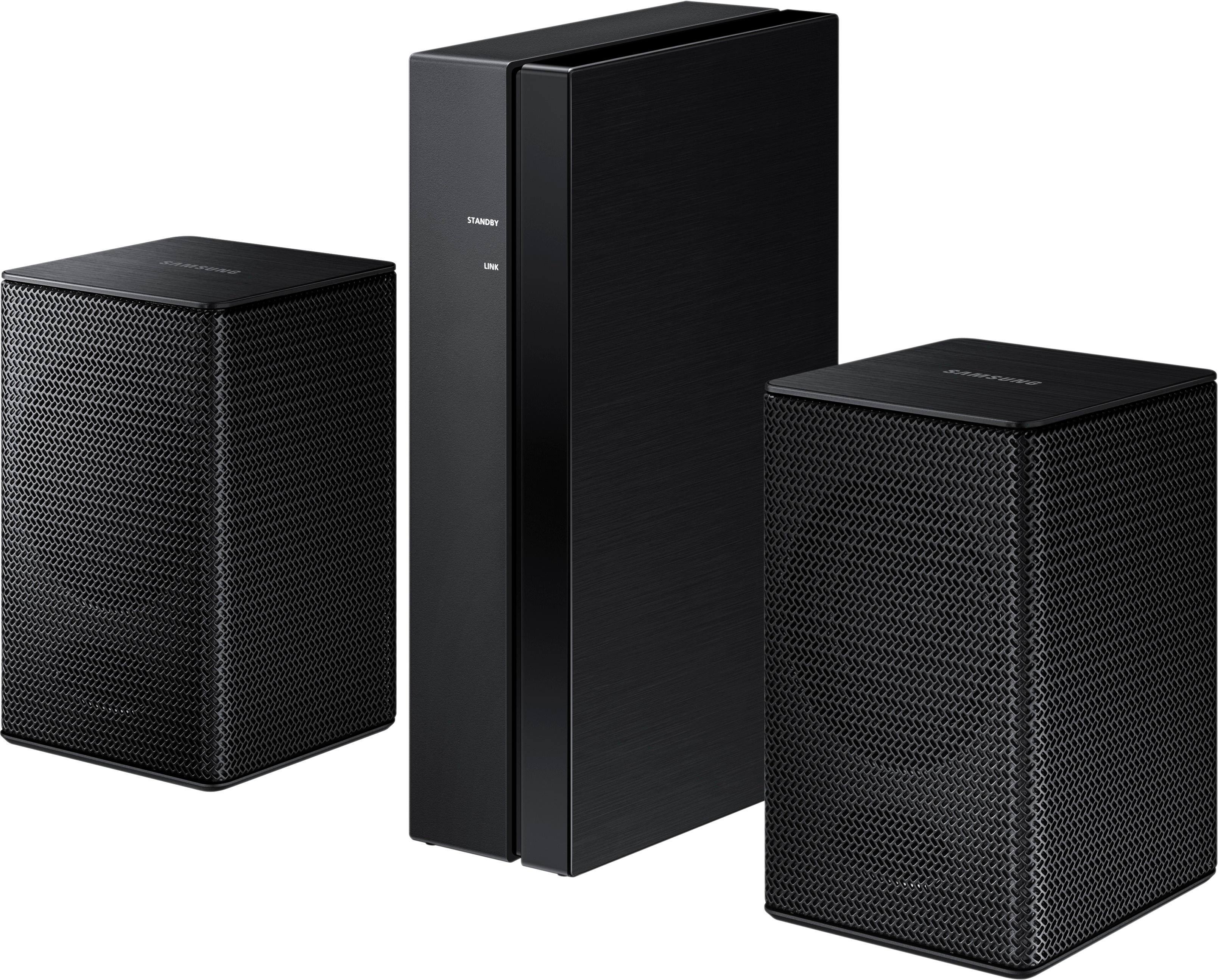
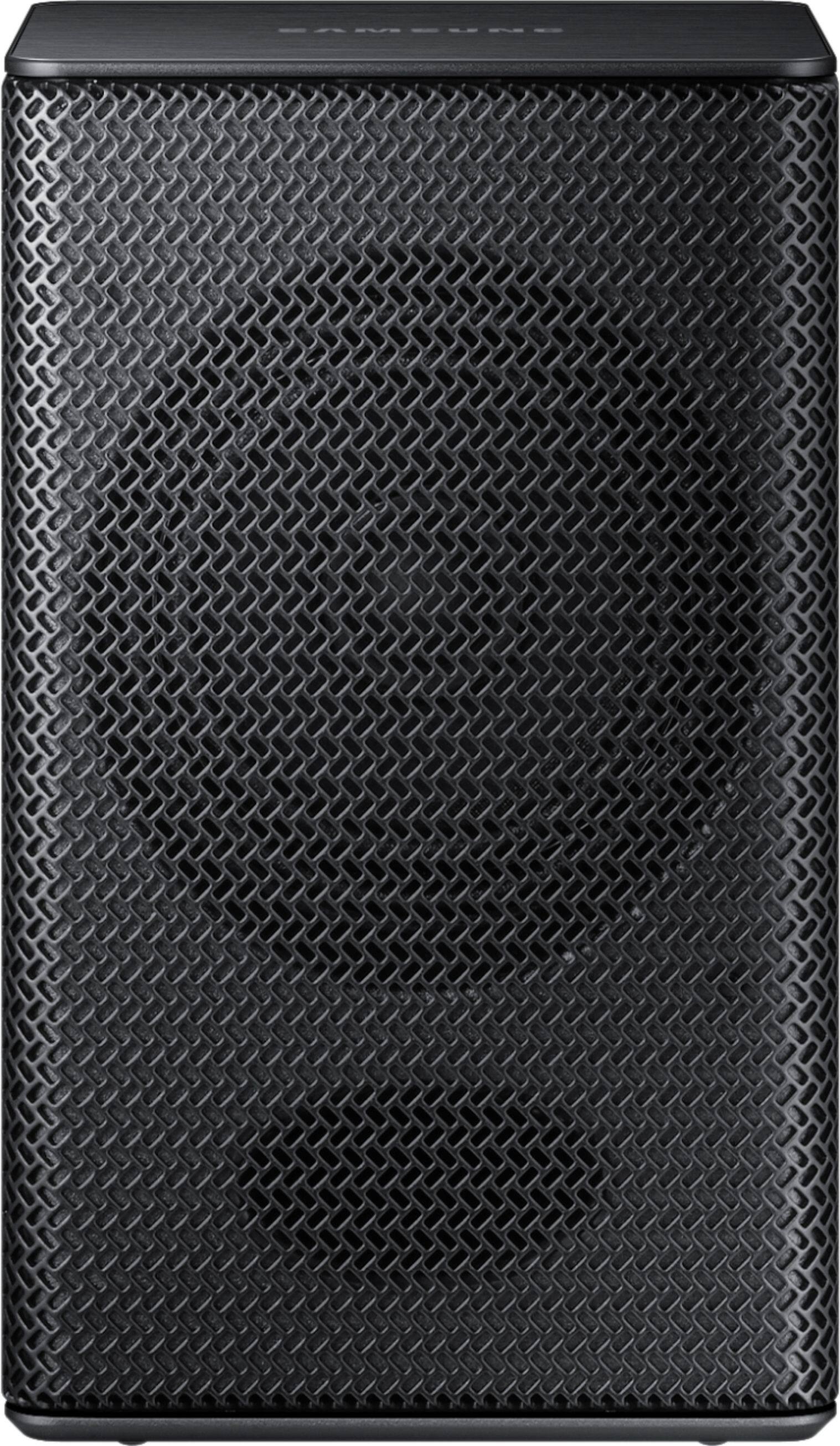
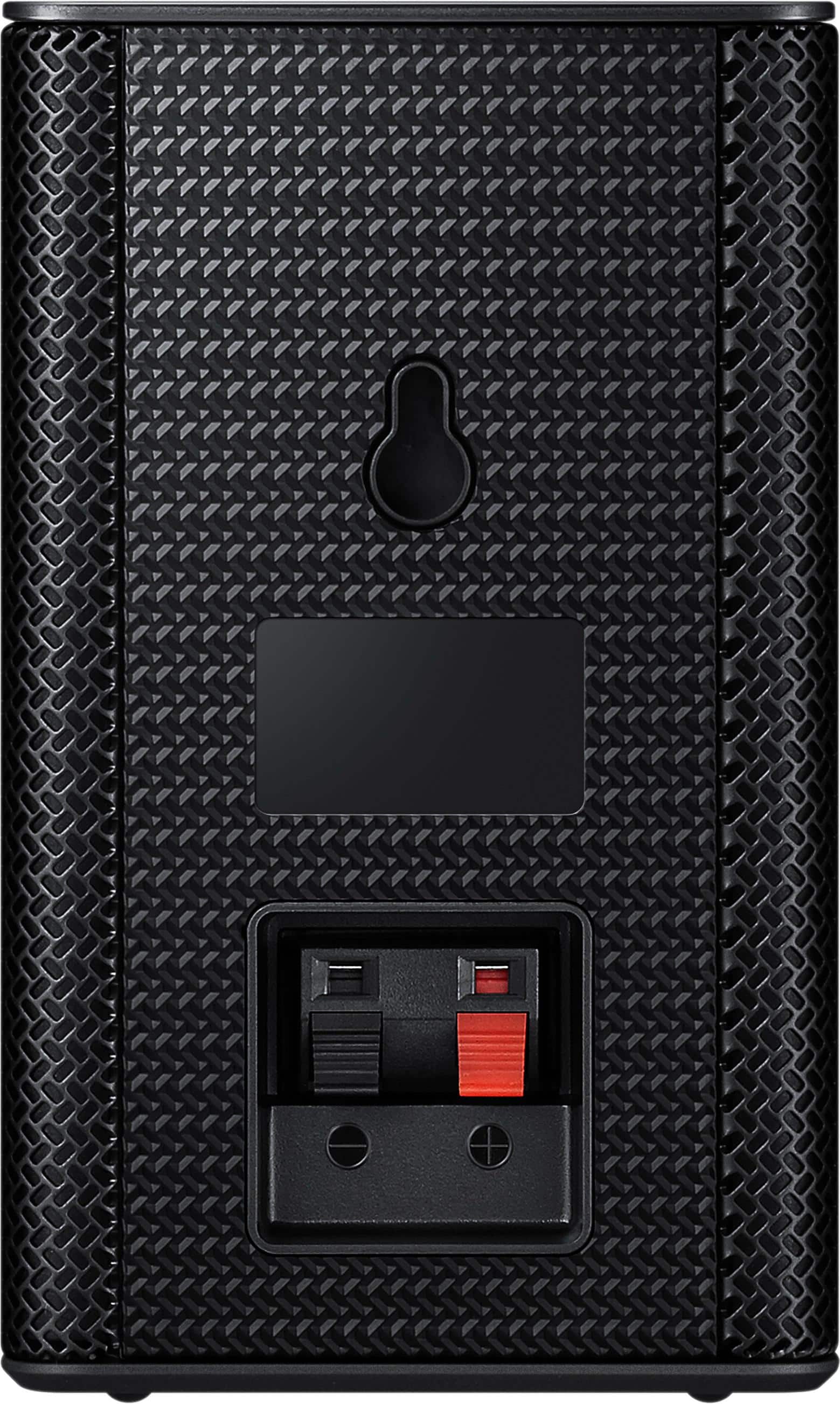
A:AnswerBill - You can use the SWA-8500S rear kit available on Bestbuy.com https://www.bestbuy.com/site/samsung-wireless-rear-loudspeakers-black/5754510.p?skuId=5754510
.^Jason
A:AnswerIt may not work with that model check the manual be it only covers 2018 models be it will work with 2019 models you have to give samsung a call they will tell you the new listing over the phone because there manual is not up dated. Hope this helps..
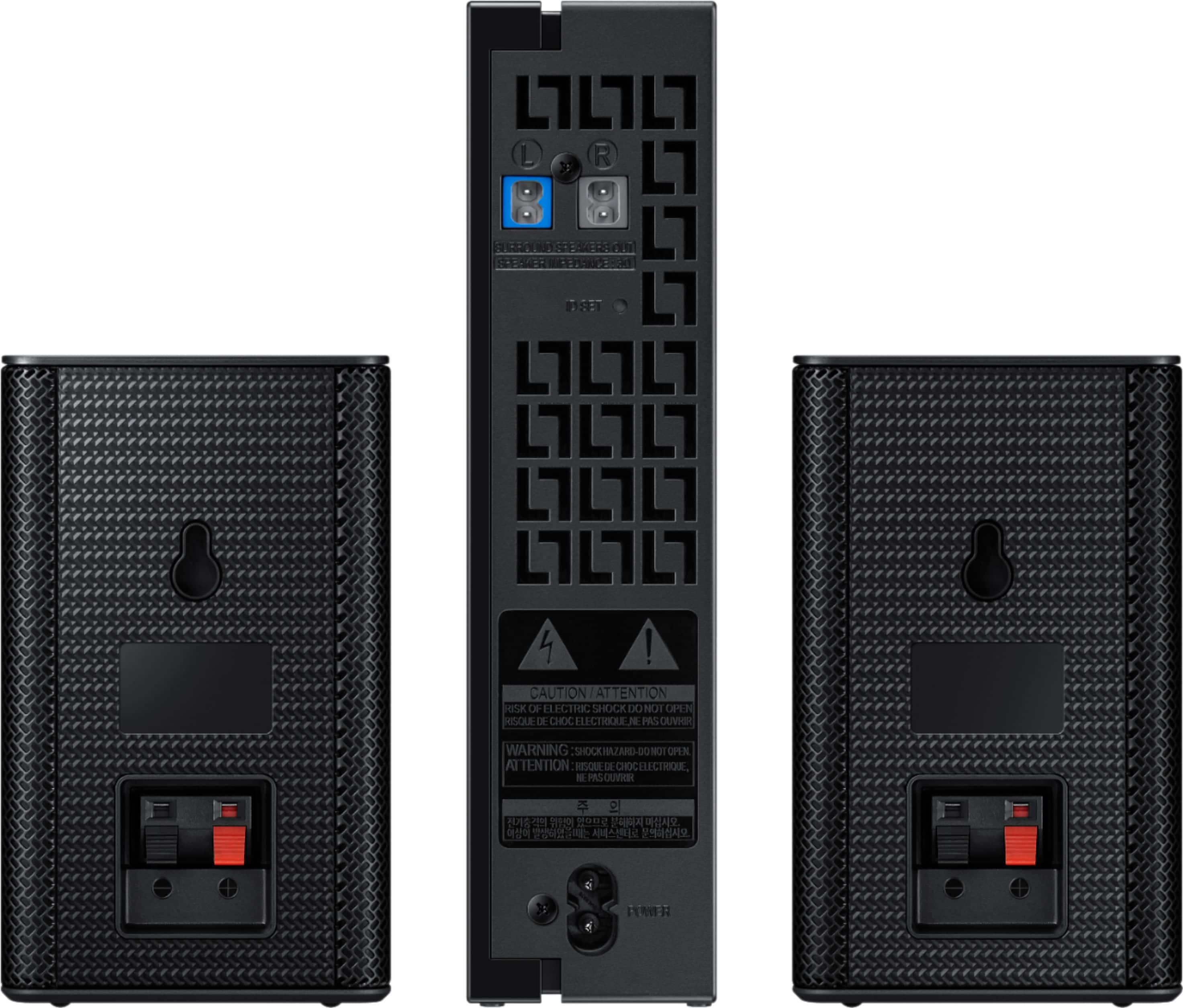
A:AnswerJadenB0323 - First, make sure that the soundbar and the two speakers are plugged into a power source.The soundbar also needs to be turned on.Press and hold ID SET on the back of the surround speakers for at least 5 seconds. The red indicator on each speaker will turn off and start blinking blue.Press either the VOL button or the Up button on your soundbar's remote. Hold down the button for 5-6 seconds until the “ID SET” message appears on your soundbar’s display.
Note: Which button you need to press varies by model. Please read your soundbar's user manual for specific instructions.The LINK LED indicator will stop blinking and glow a solid blue when a connection is established between the soundbar and the wireless receiver. If this doesn't resolve your issue please contact 1-800-SAMSUNG for further support . ^Jason
A:AnswerHey Jon , In any speaker stand solution you would need to utilize the thumb screws that will as the mounting point for the speaker. BestBuy.com has a few options available. https://www.bestbuy.com/site/searchpage.jsp?st=speaker+stands+&_dyncharset=UTF-8&_dynSessConf=&id=pcat17071&type=page&sc=Global&cp=1&nrp=&sp=&qp=&list=n&af=true&iht=y&usc=All+Categories&ks=960&keys=keys . ^Jason