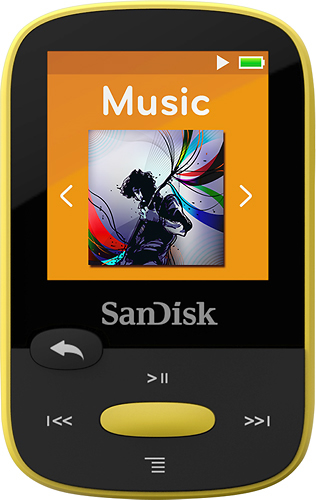
A:Answer This is a good question. There is one little wrinkle that I encountered with this version of the clip that I didn't experience with prior versions. The operating system of the 8GB Sport Clip apparently only stores the album title in a 12-digit field. So, if your album title is, for instance, The Edge of Eternity - Disc 1, it will only store "Edge of Eter". This is a problem if you have multiple CD's that have the same first 12 digits album name because when you try to play it back through the music feature, it will play the first track of the first CD, then the first tract of the second CD, etc. rather than playing the tracks in order. I have reason to suspect that the operating system of the Clip Sport Plus supports longer album names but I'm unwilling to shell out $60 just to find out.
The workaround that I have discovered is that, after ripping the CD using Windows Media Player, just edit the album name to 12 characters or less (Eternity 01, Eternity 02, etc.). right in Windows Media Player. An alternative way to rename them is to change the album name using Windows Explorer. Select all the files in a folder, then select properties, then Details, then change the album name there. A bit cumbersome and a lot easier right in Windows Media Player. Either way, changing the album name to 12 digits or less before copying the files to the Clip Sport fixed the problem for me.