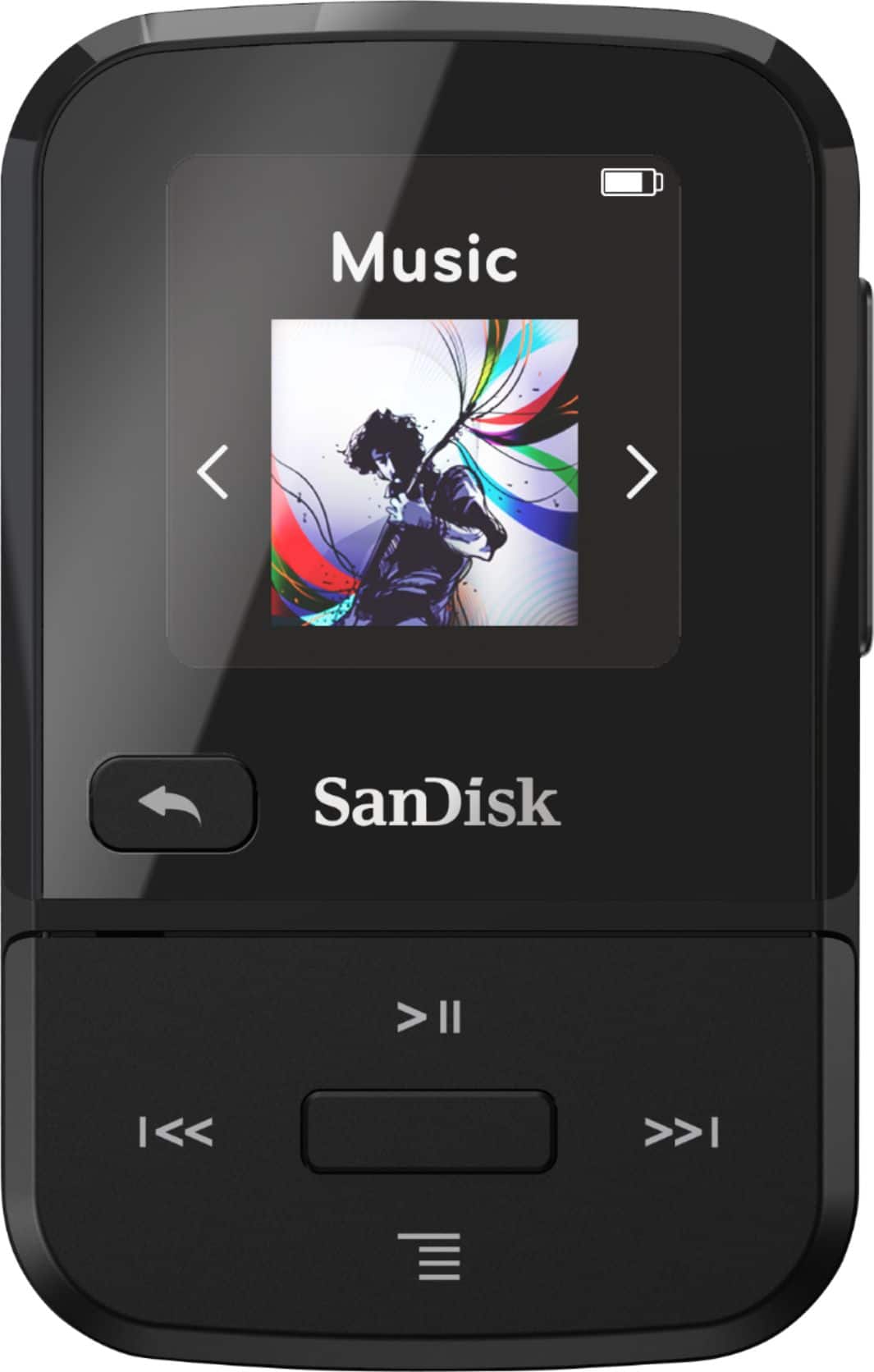
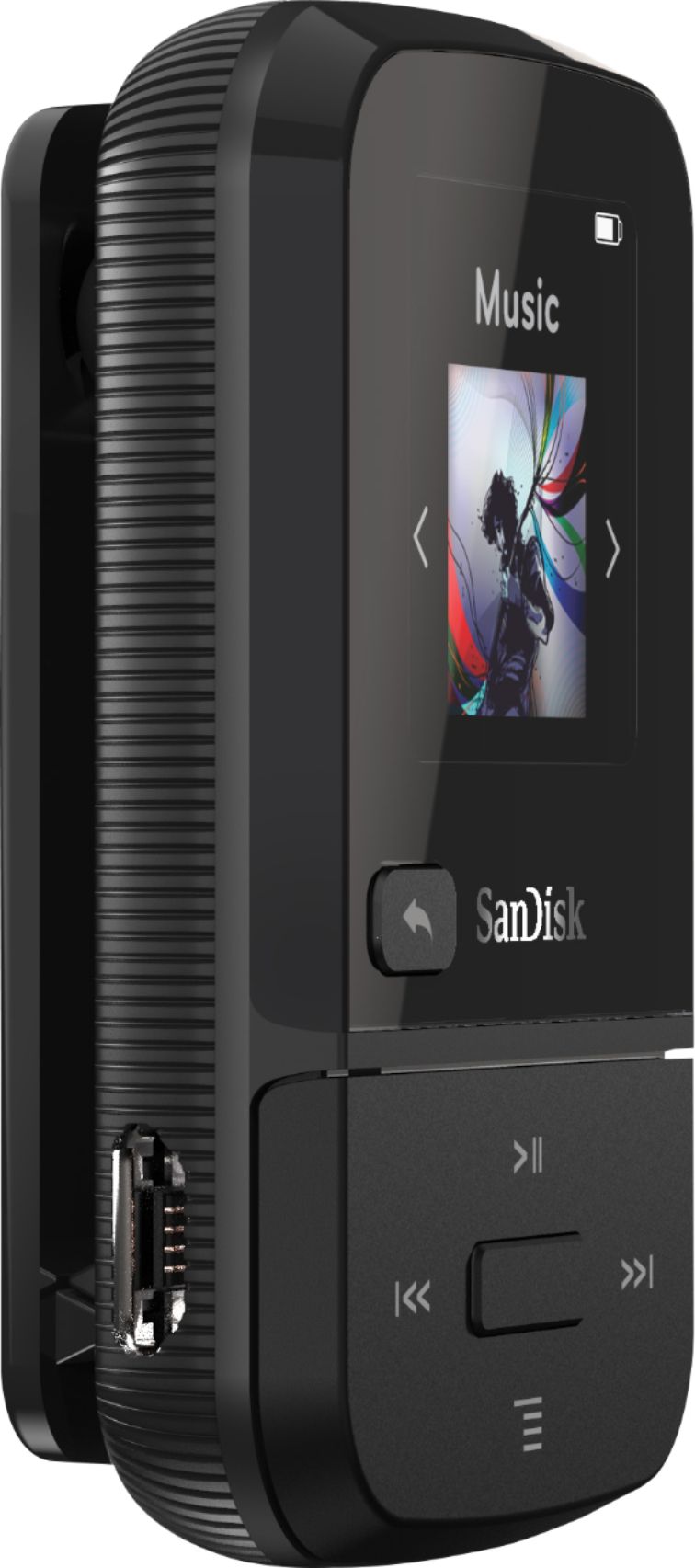
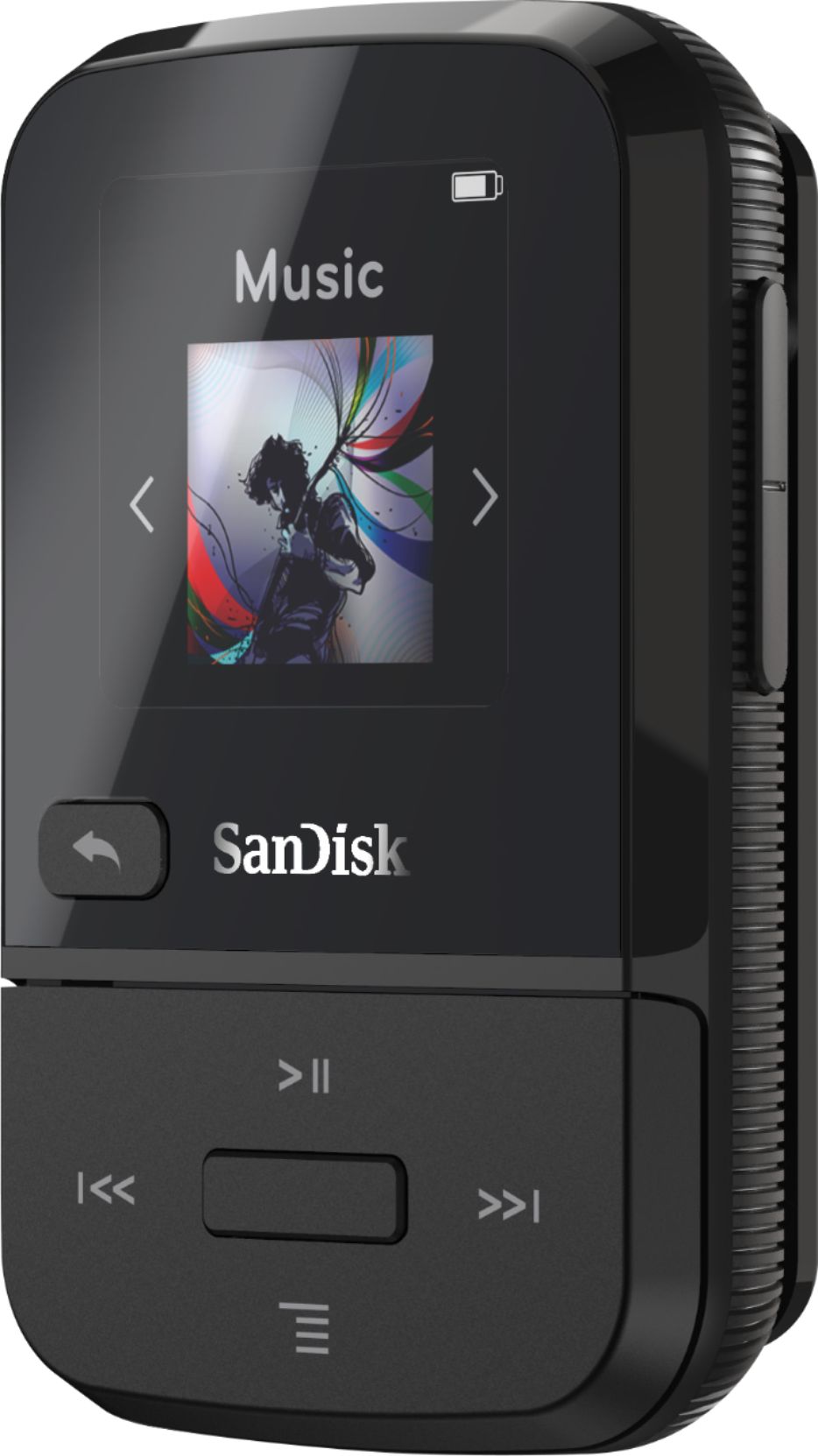
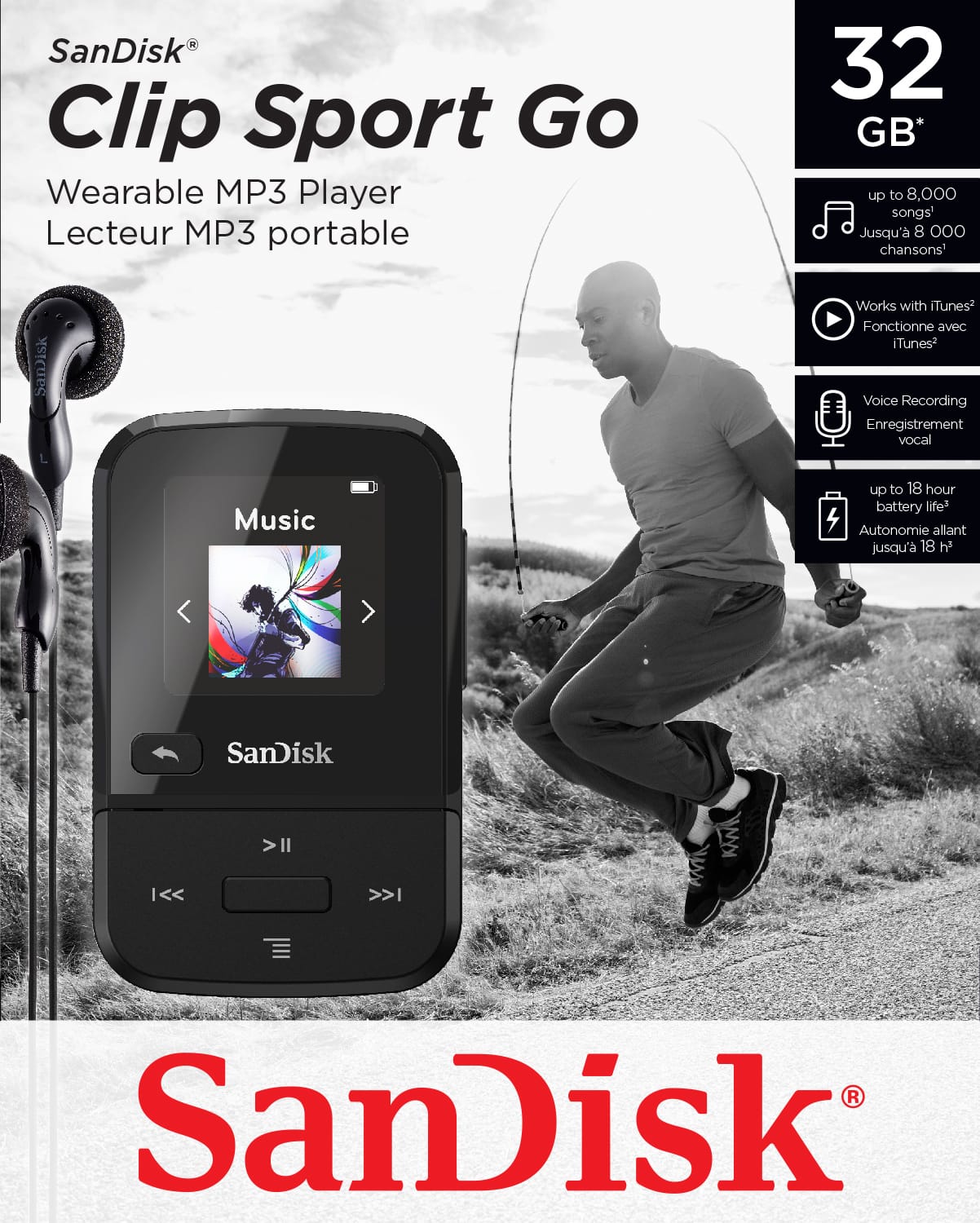
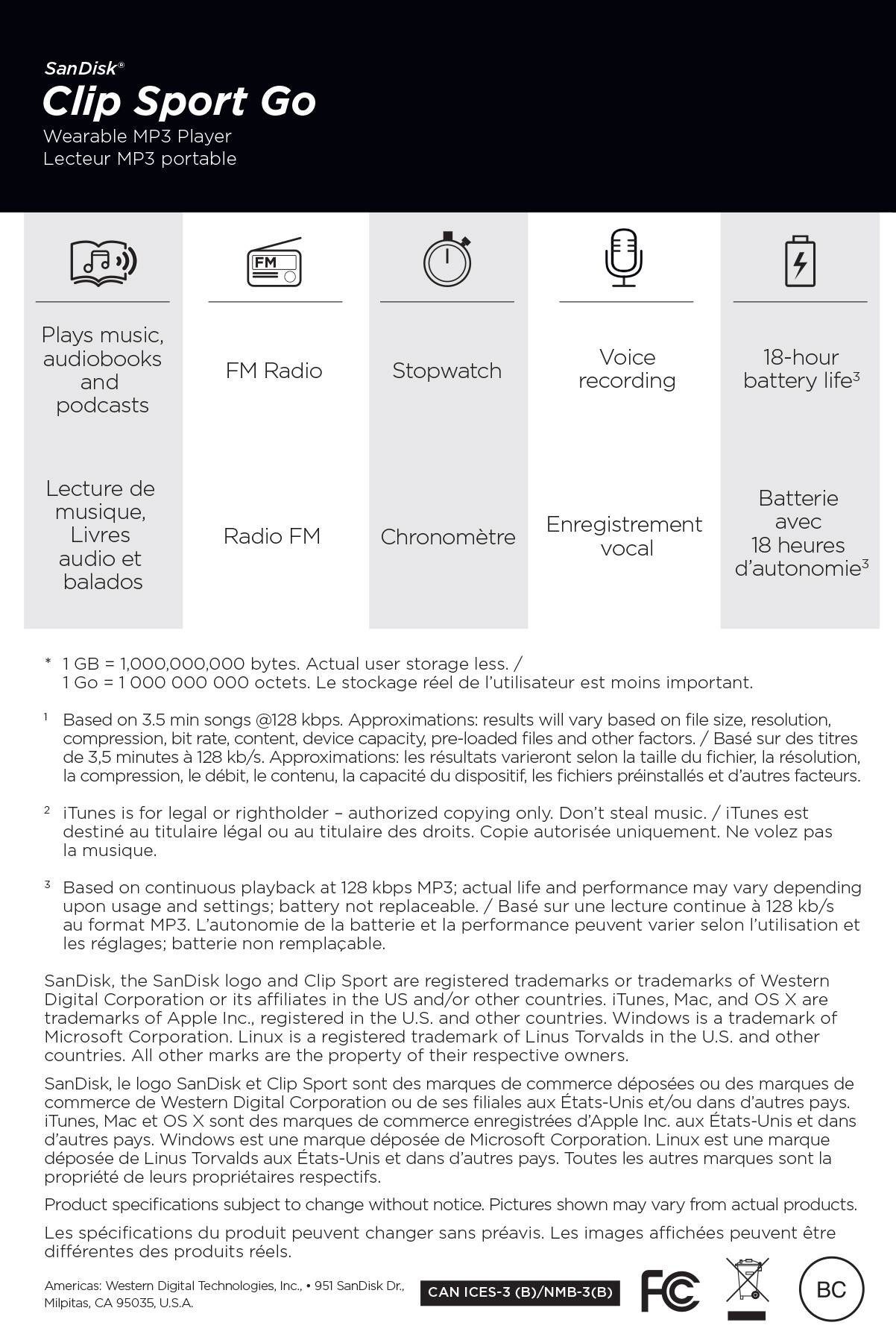
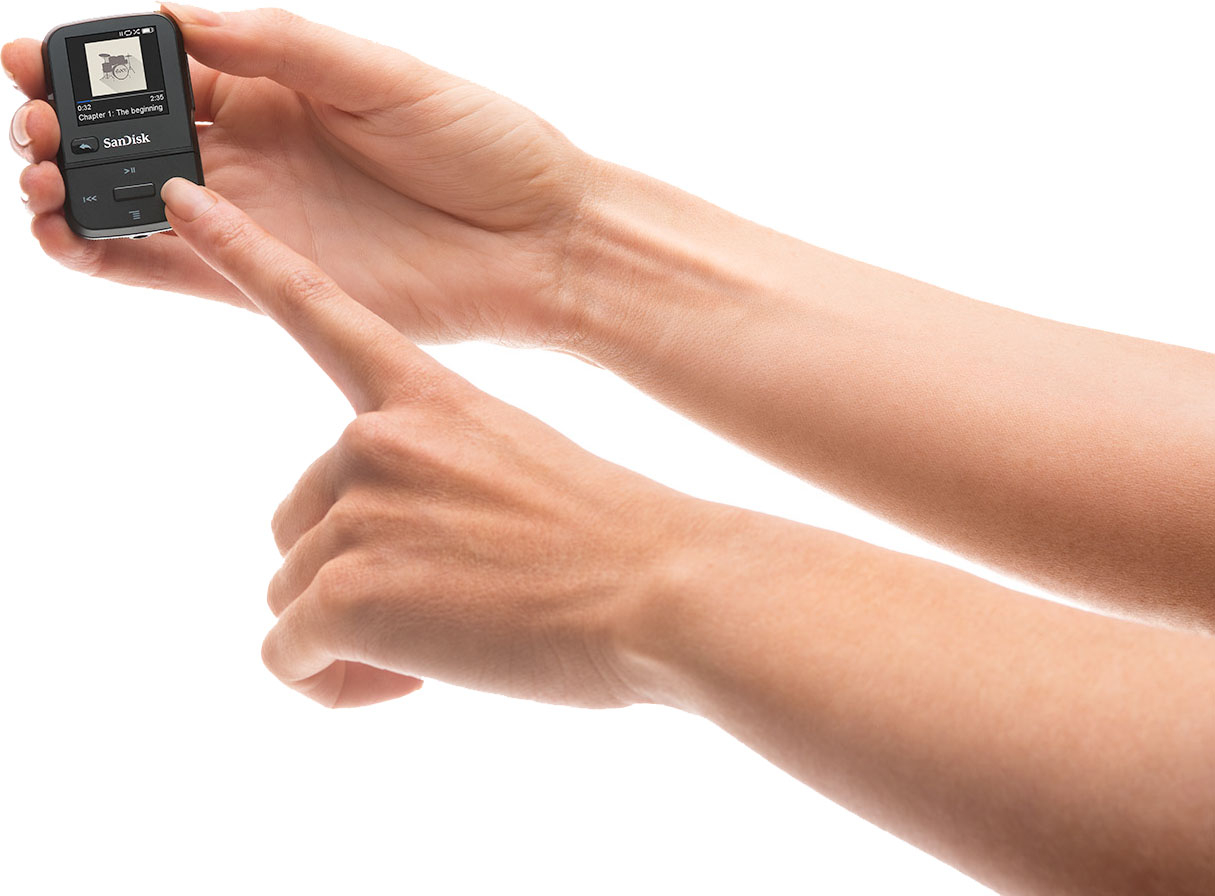
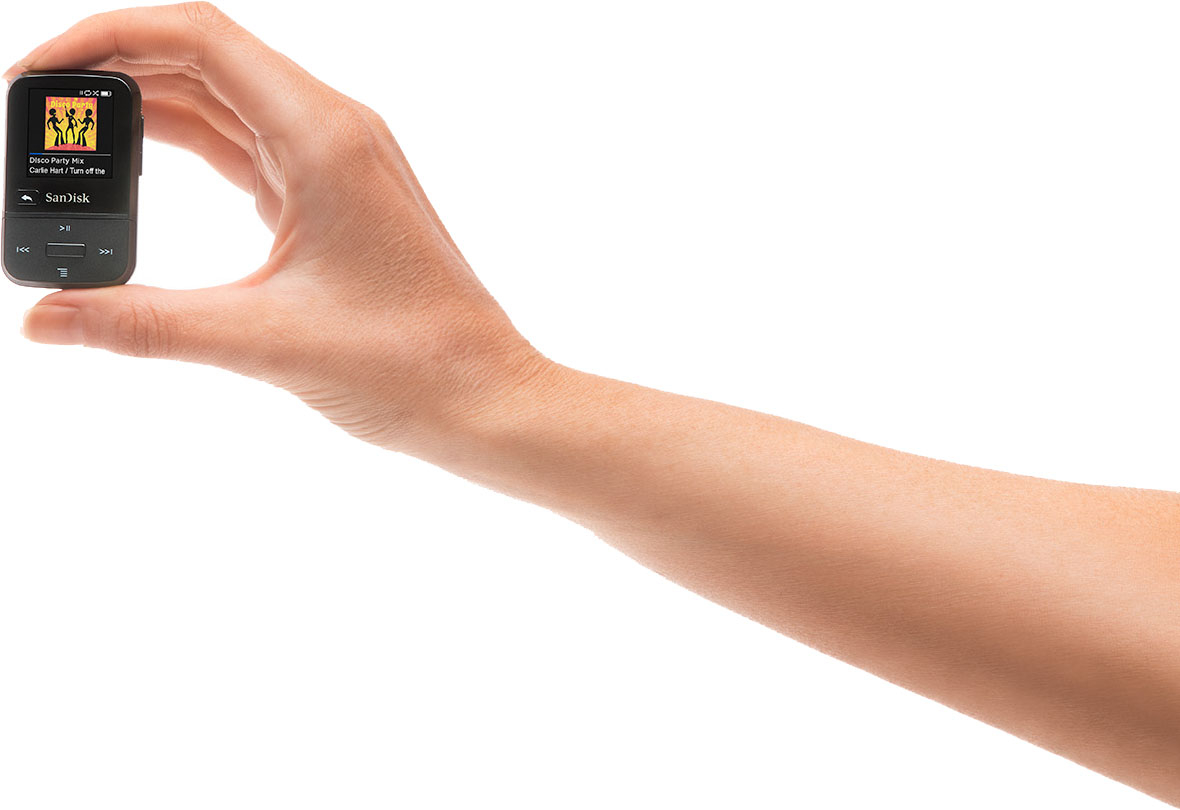
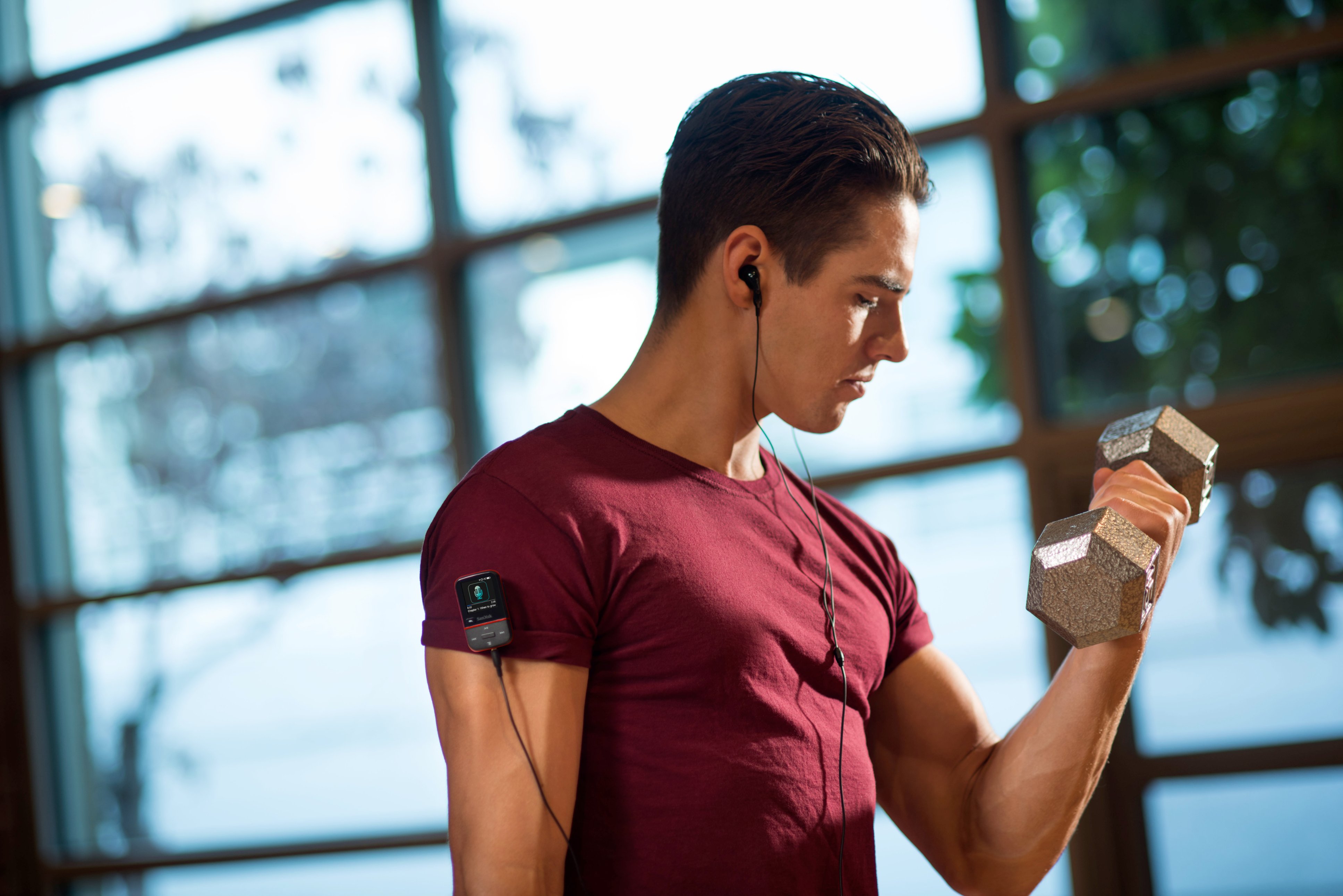
A:AnswerThank you for reaching out to us. Please allow us to inform you that the iTunes MP3 files can be transferred on the SanDisk Clip Sport Go MP3. However, if the files are subscription based then they would not get transferred on the MP3 player. For any further assistance please submit a support ticket at https://support-en.wd.com/app/askweb.
A:AnswerThank you for reaching out to us. Please allow us to inform you that the SanDisk Clip Sport Go 32GB MP3 Player is only tested with the Windows and Mac computers. The player may work with a stereo system or may not work. For any further assistance please submit a support ticket at https://support-en.wd.com/app/askweb.
A:AnswerThank you for reaching out to us. We sincerely apologize for the inconvenience caused to you. We regret to hear about your experience. We would request you to submit a support ticket at https://support-en.wd.com/app/askweb so that we can investigate the issue further and provide you an appropriate resolution.
A:AnswerThank you for reaching out to us. Please be informed that the SanDisk Clip Sport Go MP3 player is only compatible with the Windows and Mac computer. For further assistance please submit a support ticket at https://support-en.wd.com/app/askweb.
A:AnswerPlease allow us to inform you that the SanDisk Clip Sport Go MP3 player does not have the Bluetooth feature. However, the SanDisk Clip Sport Plus MP3 player supports the Bluetooth feature.
A:AnswerPlease allow us to inform you that the SanDisk Clip Sport Go does not have any inbuilt speaker to hear without the headphones. For further assistance please submit a support ticket at https://support-en.wd.com/app/askweb
A:AnswerPlease allow us to inform you that the SanDisk® Clip sport Go 32GB MP3 player can store up to 8000 songs. You may also refer to the user manual to know more using the below mentioned link:
https://downloads.sandisk.com/downloads/um/clipsport-um.pdf.
A:AnswerNo, but it has 32 GB's of storage. If you can load your Flashdrive contents onto a computer you may be able to load the contents from the computer on to your Sandisk.
Check to see if the sound formats are compatible.
A:AnswerYou can if your playlist contains mp3 files in it.
Personally, I create a new folder and drag-and-drop mp3s into it in the desired order for listening. This can be done using File Explorer on a PC.
So you tailor your own playlist with mp3 files you have on your computer.
I haven't tried to upload my Spotify playlists, but I assume you should "own" the songs you upload to it... so my PC's music library is from purchasing mp3s from Amazon and from the tedious task of ripping all of my old CDs to my PC via Windows Media Player.
A:AnswerPlease allow us to inform you that the SanDisk® Clip Sport Go MP3 Player does not come with Memory Card slot. However, you can format a Memory Card using phone or computer.
A:AnswerNo, you won't be able to transfer entire music playlist on the SanDisk® Clip Sport Go MP3 player. However, you can create playlist separately for this MP3 player using the below mentioned link :
-- https://support-en.wd.com/app/answers/detailweb/a_id/35079
A:AnswerNo, you'll not be able to transfer songs downloaded from subscription based application as the files are DRM-protection. You may also refer to the below mentioned link: -- https://support-en.wd.com/app/answers/detailweb/a_id/35166