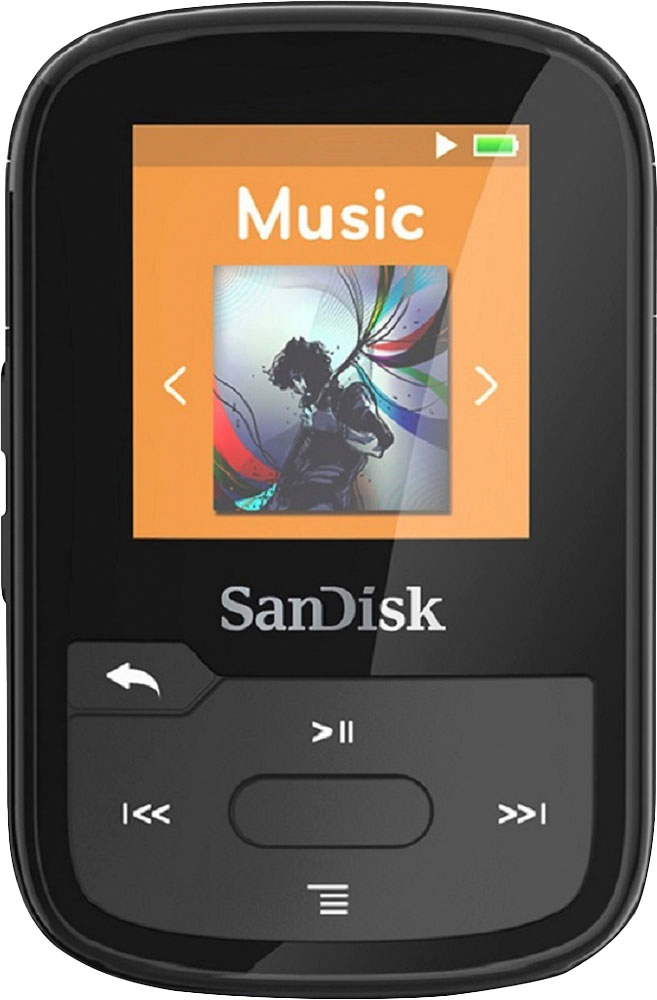
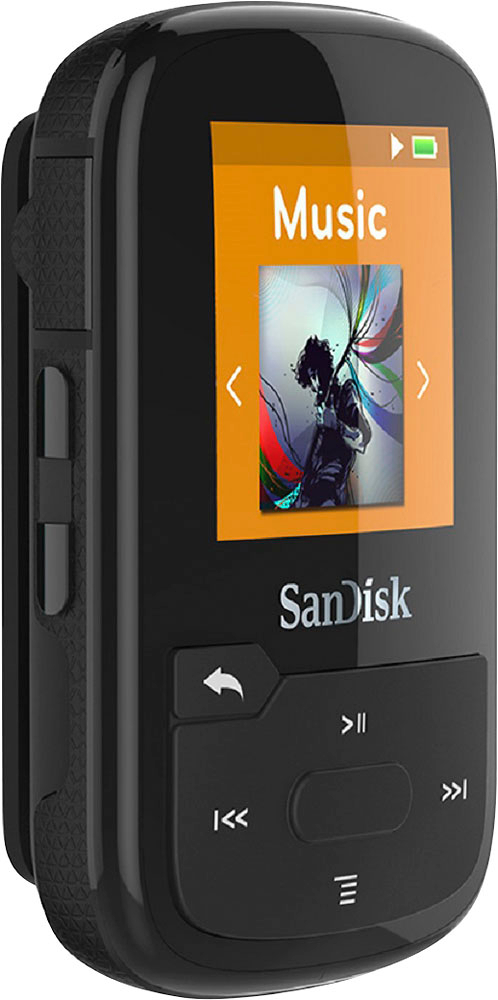
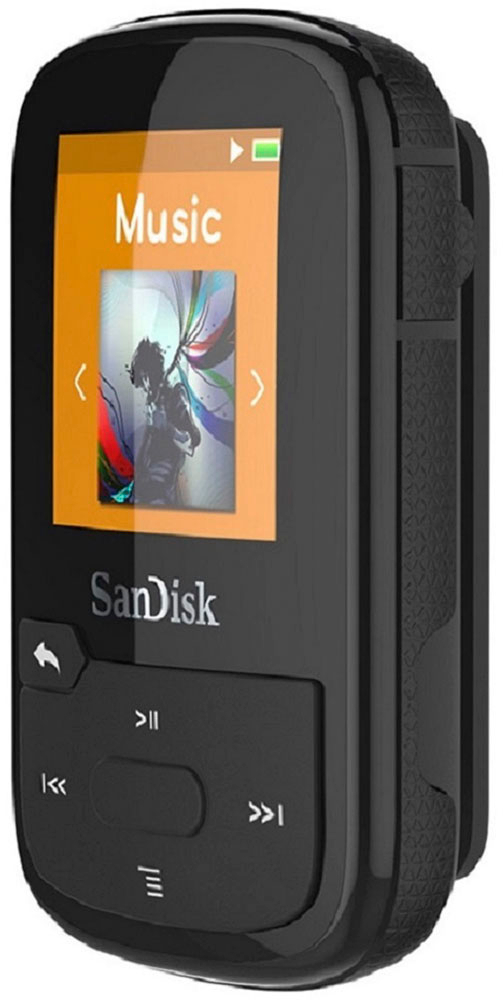
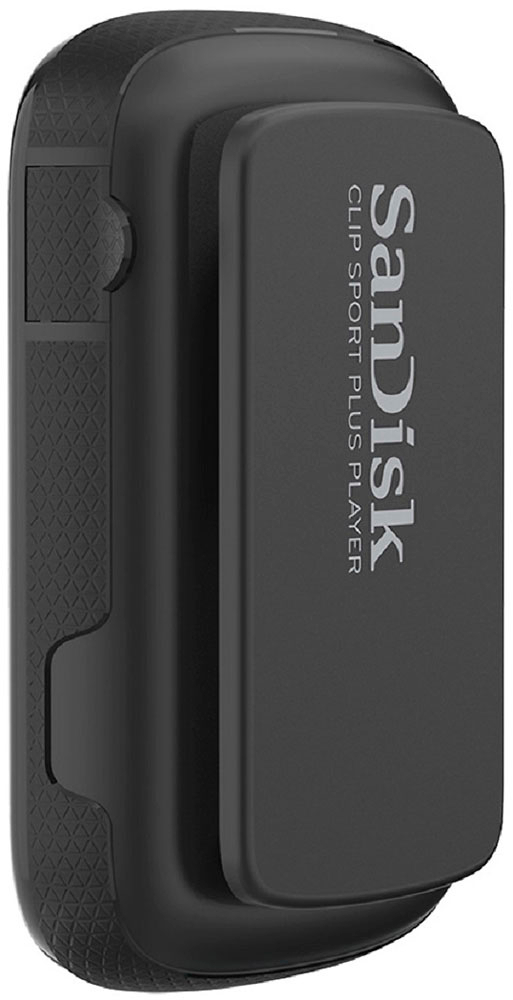
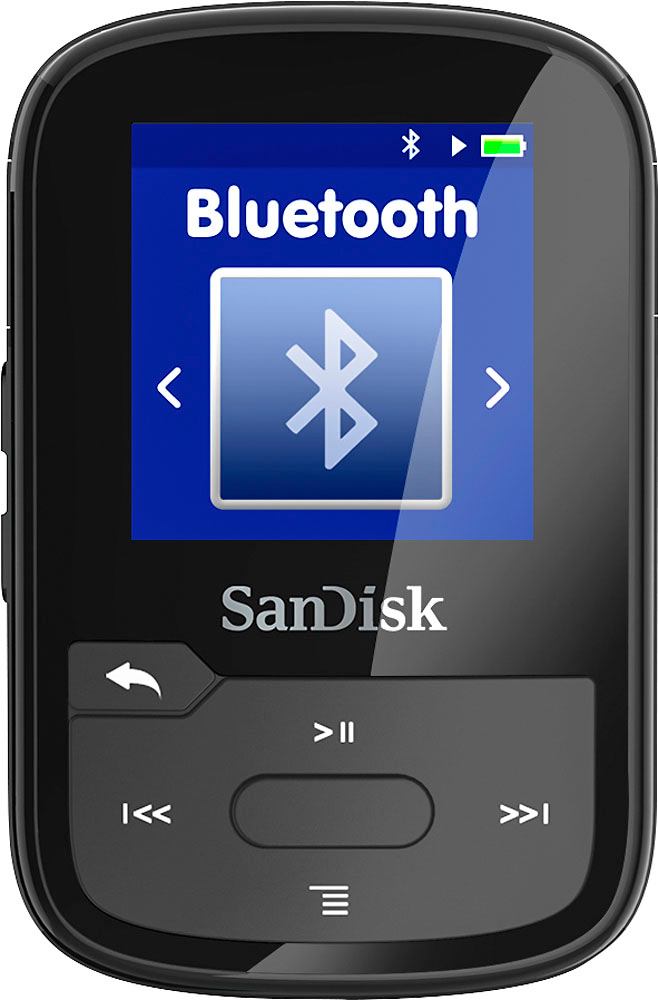
A:AnswerPlease allow us to inform you that the SanDisk® Clip Sport Plus does not comes with camera or voice recording. However, our Clip Sport Go comes with voice recording functionality but none of our MP3 Players has camera.
A:AnswerYes, you can listen and transfer podcast to the SanDisk® MP3 Players. Please refer to the below mentioned link
-- https://kb.sandisk.com/app/answers/detail/a_id/7192
A:AnswerPlease be informed that the SanDisk® Clip Sport Plus MP3 comes with bluetooth and you can connect your car stereo using bluetooth or AUX cable.
A:AnswerI have done this successfully from my laptop. I copied the itunes songs I wanted into a folder labelled music and then copied this folder into the sandisc. The sandisc seemed to recognize these songs and worked fine with them.
A:AnswerNo, you cannot transfer music files/ data directly from your iPad to this SanDisk® Clip Sport Plus 16GB MP3 Player. You would need to use a Windows/ Mac computer for the same.
A:AnswerYes you can download from iTunes. I used a MacBook. It will not however, make compatible Playlists. It will only list songs in alphabetical order, by song name. From the MUSIC Folder you can choose to play Artist, Album, Shuffle, or Songs( alpha list.)