A:AnswerHi, we would be happy to help, but it would be best to contact us directly so that we can investigate further and provide you with an appropriate resolution. You can use the Ask form at https://kb-eu.sandisk.com/app/ask/ and there is also a phone number you can call available at https://www.sandisk.com/about/contact/customer-care.
A:AnswerYou just use the usb cord it cam with and plug it to your computer while the other end is connected to the player and copy and paste the files. I use 7 digital to download songs but you do heed the songs on MP3 player format. It’s really as easy as saving it if it were a usb flash drive.
A:AnswerHi, we would be happy to help, but it would be best to contact us directly so that we can investigate further and provide you with an appropriate resolution. You can use the Ask form at https://kb-eu.sandisk.com/app/ask/ and there is also a phone number you can call available at https://www.sandisk.com/about/contact/customer-care.
A:AnswerHi Job, please be informed that you cannot directly connect this SanDisk® Ultra Plus microSDXC Memory Card in your Kodak Slide & Scan Digital Film Scanner as this scanner supports only the regular sized SD/SDHC/SDXC Memory Cards. Therefore, we recommend using a regular sized SD Memory Card with this scanner. However, if you still wish to connect a microSD Memory Card in this camera, you may do the same by using a microSD to SD Card Adapter.
A:AnswerHi, we would be happy to help, but it would be best to contact us directly so that we can investigate further and provide you with an appropriate resolution. You can use the Ask form at https://kb-eu.sandisk.com/app/ask/ and there is also a phone number you can call available at https://www.sandisk.com/about/contact/customer-care.
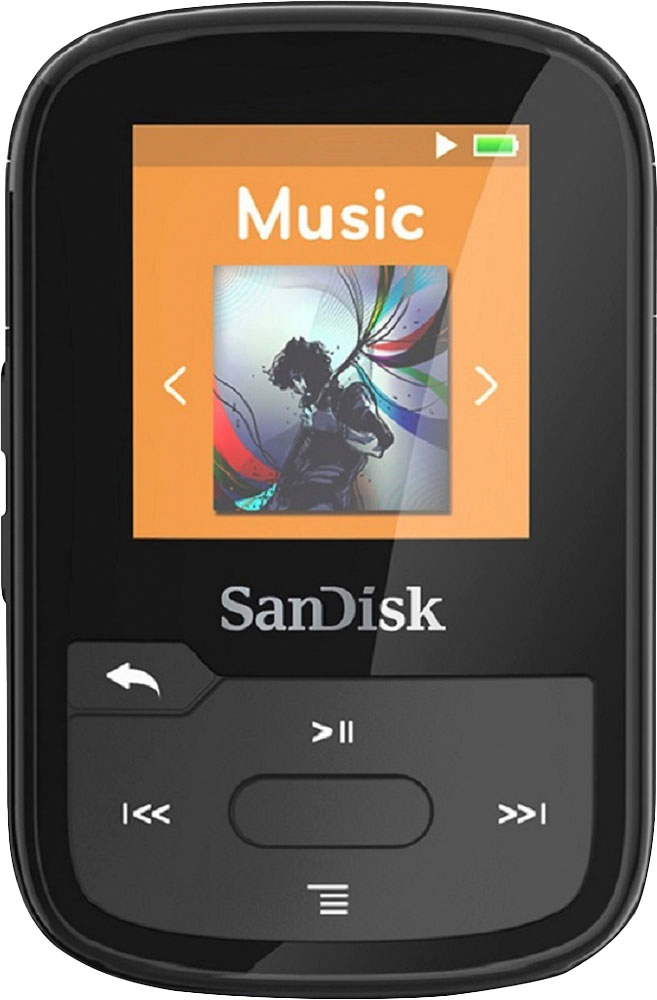
A:AnswerHi, please be informed that you can download the User Manual of the SanDisk Clip Sport Plus and learn more about it on its online support page on our official knowledge base by referring to this link: https://kb.sandisk.com/app/answers/detail/a_id/19538/.
A:AnswerHi, we would be happy to help, but it would be best to contact us directly so that we can investigate further and provide you with an appropriate resolution. You can use the Ask form at https://kb-eu.sandisk.com/app/ask/ and there is also a phone number you can call available at https://www.sandisk.com/about/contact/customer-care.
A:AnswerYes, you may use the shuffle songs feature in the SanDisk® Clip Sport Plus 16GB MP3 Player. In order to know more about the SanDisk® Clip Sport Plus MP3 Player, please refer to its support page on our official knowledge base website by referring to this link: https://kb.sandisk.com/app/answers/detail/a_id/19538/.
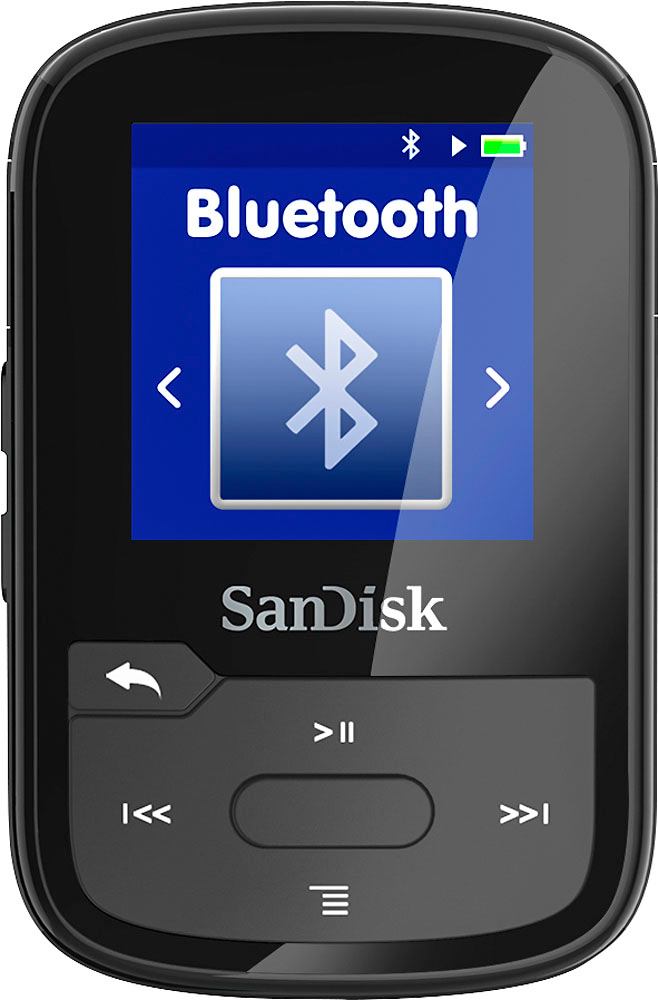
A:AnswerPlease allow us to inform you that the SanDisk® Clip Sport Plus MP3 Player comes with bluetooth functionality and you can connect wireless earbuds as well. I you need any further assistance, please feel free to reach out to our support available at https://www.sandisk.com/about/contact/customer-care.