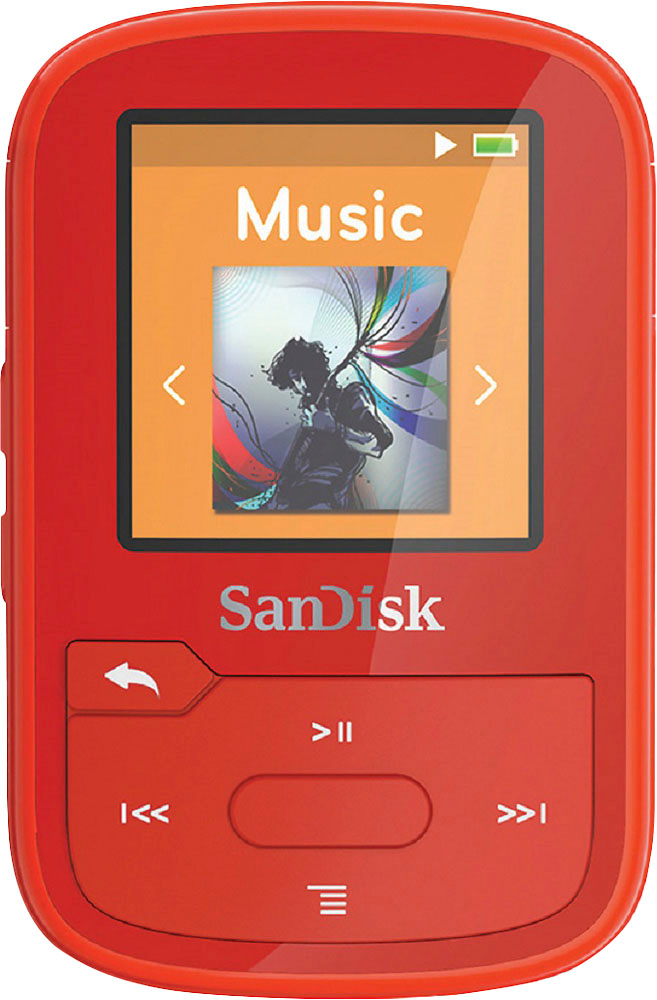
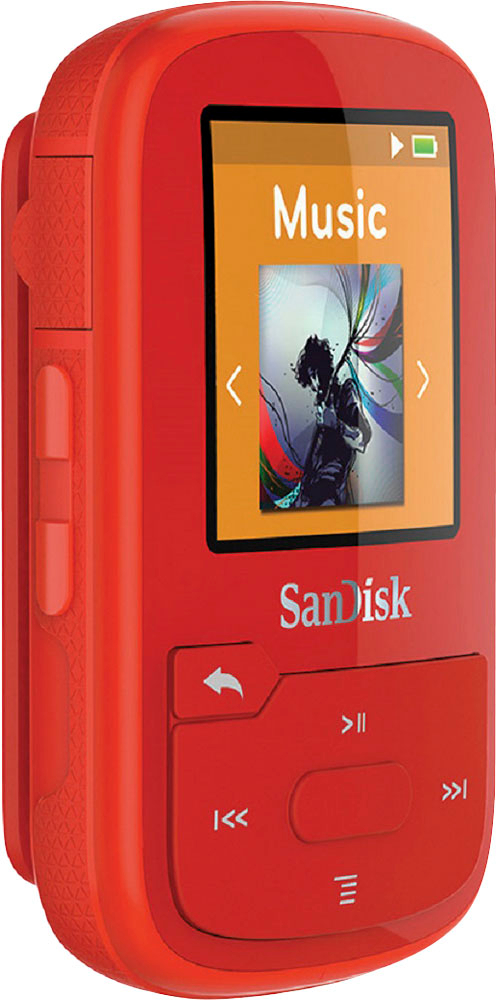
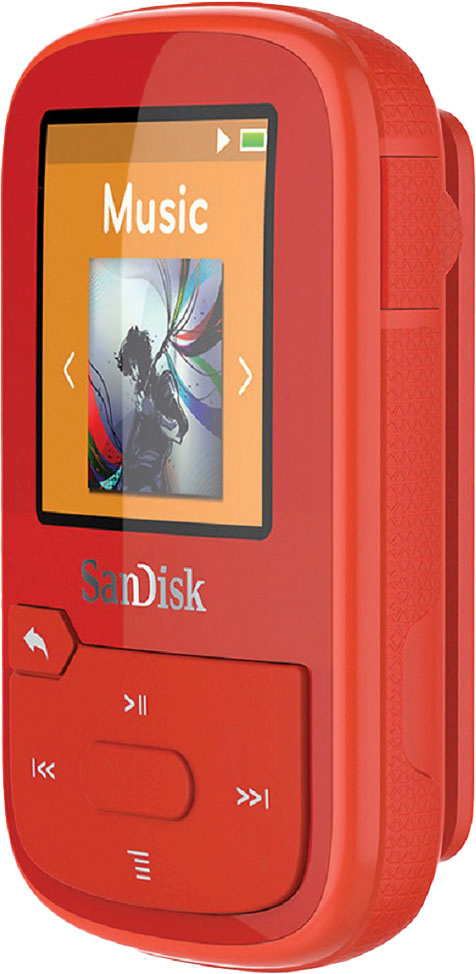
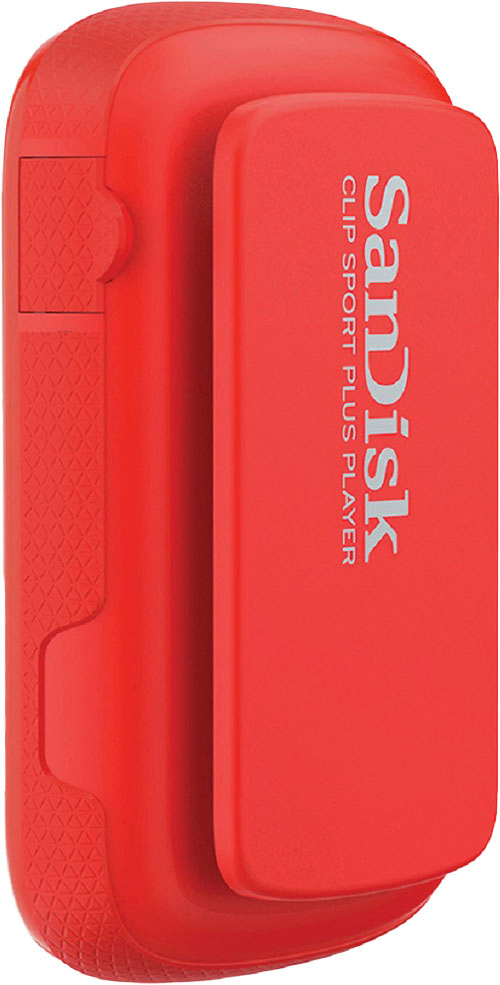
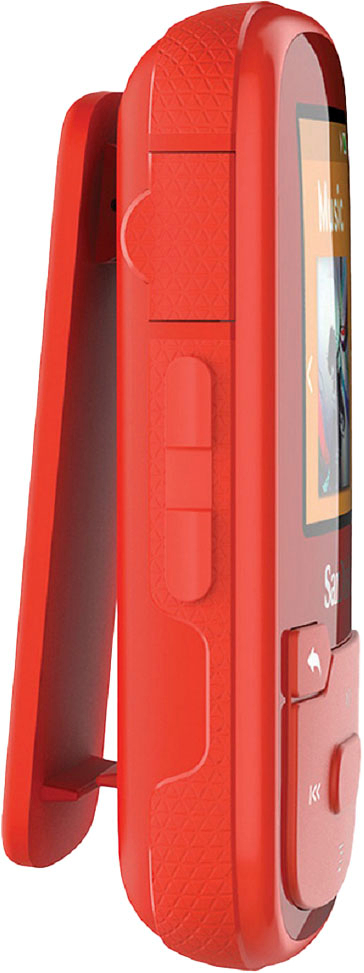
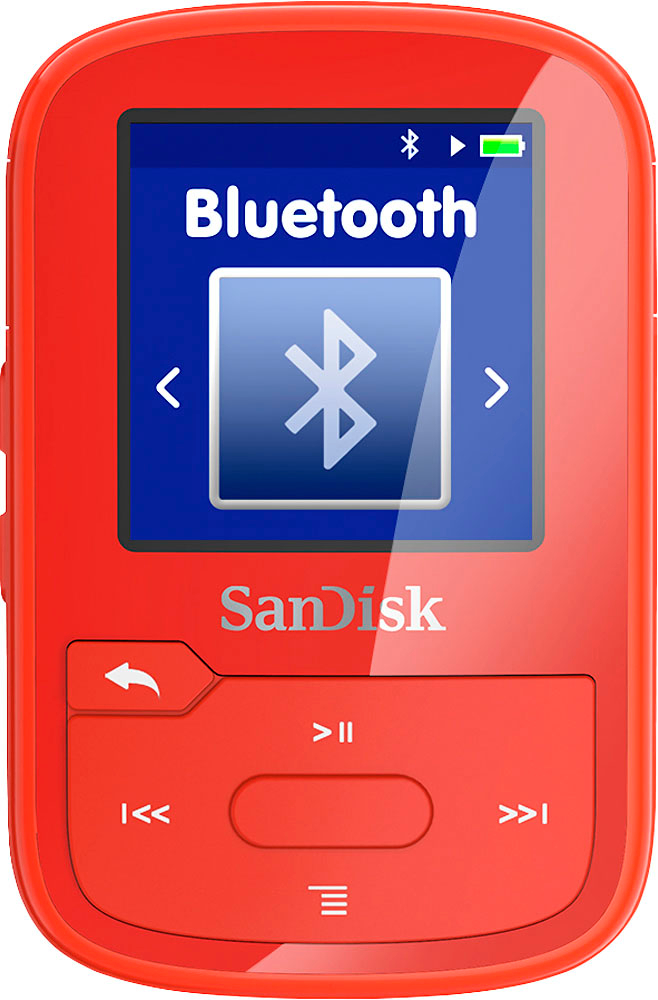
A:AnswerAccording to the SanDisk site, it is water resistant and safe to use in the rain or when sweating, but I doubt that means under water while swimming. It has covers that seal the headphone jack and other connectors, but they would not keep water out with ear buds connected, if you can even swim with ear buds.
A:AnswerIt only has internal memory. Too bad it will not accept external micro SD cards. 16 GB will hold a lot of music, but being able to swap out various songs by swapping out micro SD cards would have been a real plus.
A:AnswerOn the Center of the clip press until your clip turns on. Press on the Arrow (to the left of the clip) until you get to Settings. Once you find Settings you can make all your changes.
A:AnswerYes, when connected with the USB cable, it shows up in the finder/desktop as a drive. Open this drive and drag and drop mp3s and other music files into the "Music" folder. Eject the drive and it is ready to go.
A:AnswerMy music is on my desktop computer. I just plug MP3 player in and sync music to player via Windows media player. I have ITunes on a lap top and do the same process
A:AnswerYou would sync your old device to something like windows media player (WMP) or equivalent and then transfer the music to the new device using the same WMP/eq.
A:AnswerGoogle it. I saw where someone was wanting to get the radio removed because of their child. There’s several forums with answers on this about how accomplish this.
A:AnswerI have not tried that, I believe you will need a usb adaptor for the phone to plug in the sandisck then transfer from your downloaded music folder to device,
A:AnswerYes. Carefully follow the detailed instructions in the user's manual for creating playlists on your PC and moving files. I missed one step and had to start over but that was my only issue with the device and usage.