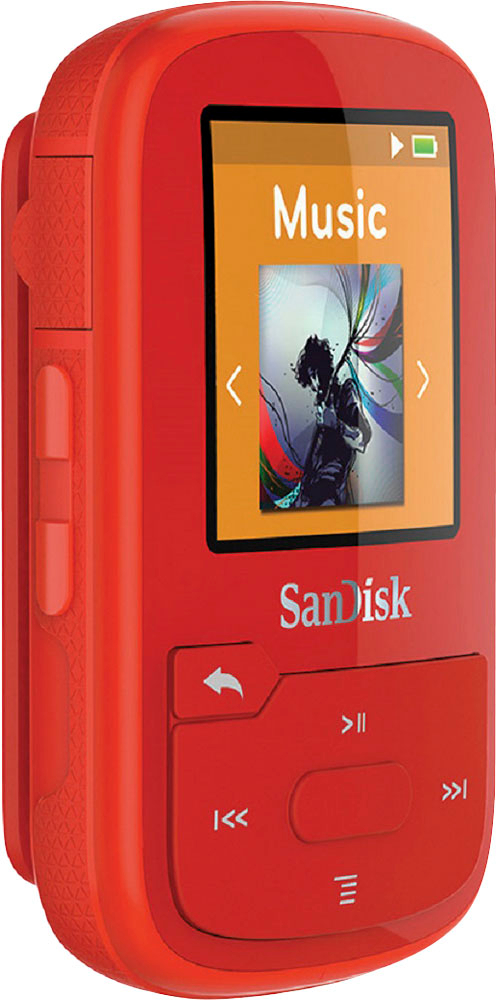
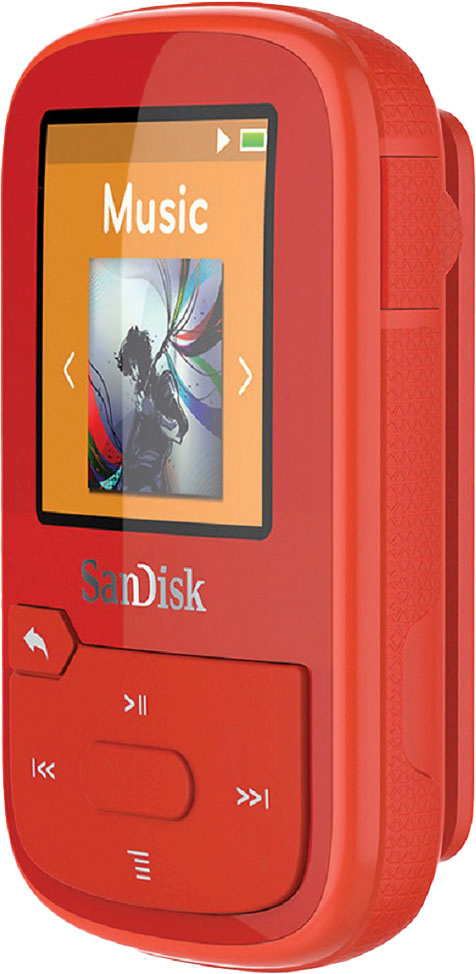
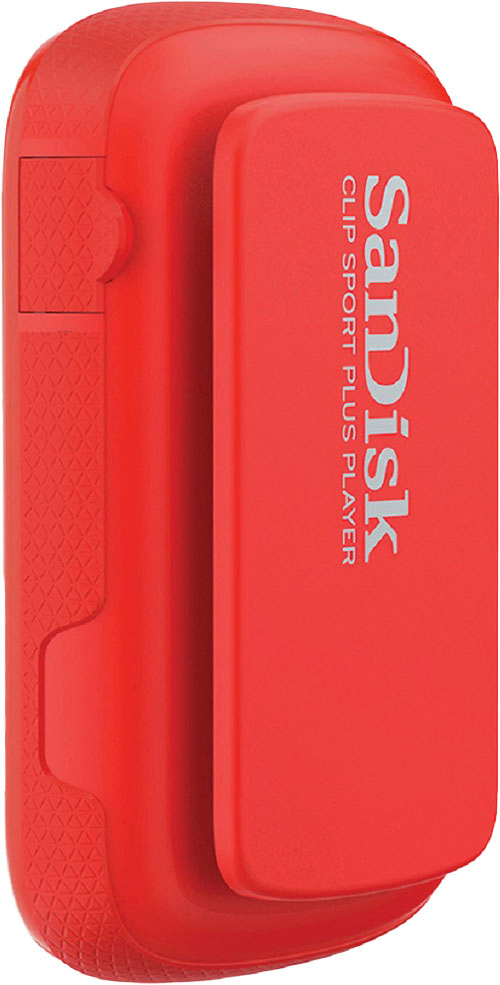
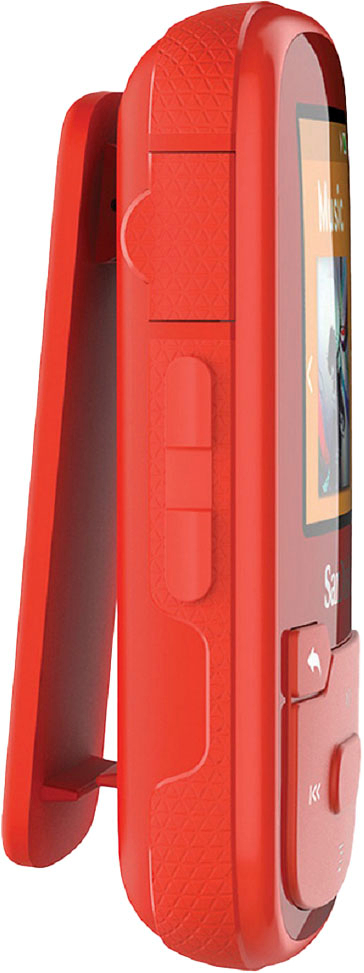
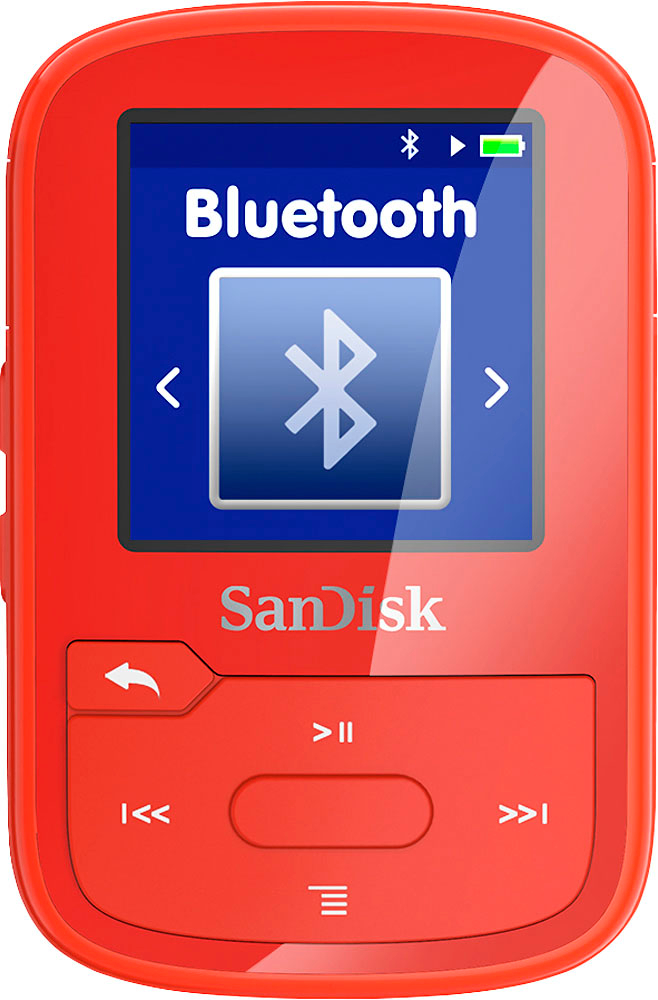
A:AnswerI would think so. I'm technically challenged so it has done well for me. It is very small and I can keep it in my pocket when I walk. I download borrowed books from the library on it but it really for music I think.
A:AnswerOf course, you can. I don't think there is an automated way, but simply copy&paste the songs to a folder in the SportClip. I have done it this way, and also from iTunes to the SportClip. As long as your files are compatible format (I use MP3 format only) they will work fine on the SportCLip. I have done it for three years, and this is now my second SportCLip (I wanted Bluetooth wireless earphones, so I upgraded to the new model).
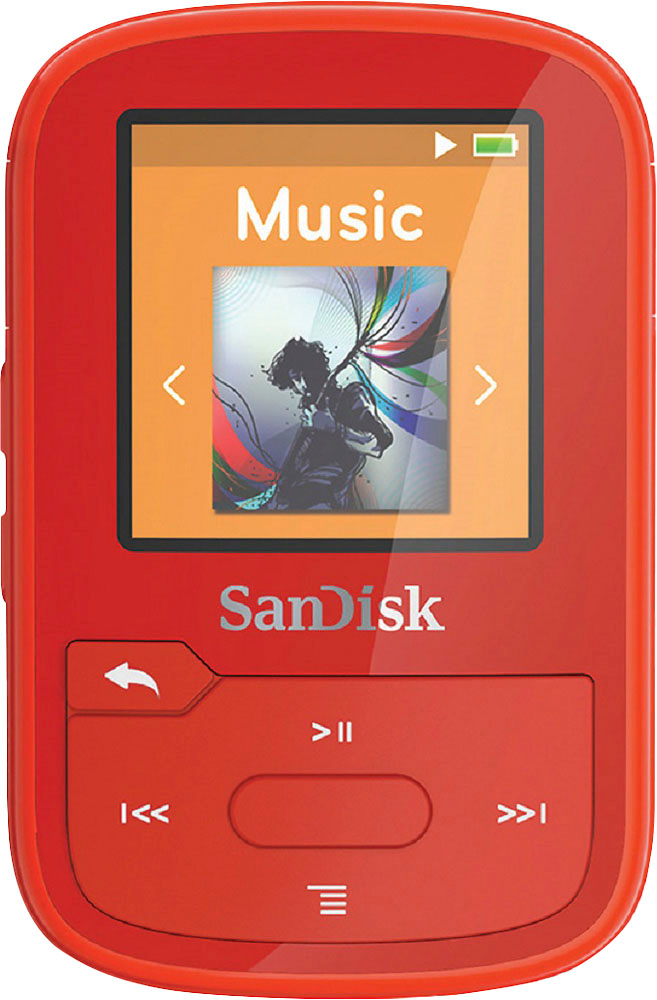
A:AnswerNo, the device uses the wired headphones as a antenna for FM radio. If you connect wireless headphones to the device, it WILL NOT pickup any FM stations! I have the same complaint on the device, said that the manufacture didn't address this issue.
A:AnswerMake sure the device is turned on when you have it plugged into your computer. Should be able to find it in the same way you would locate a flash drive.