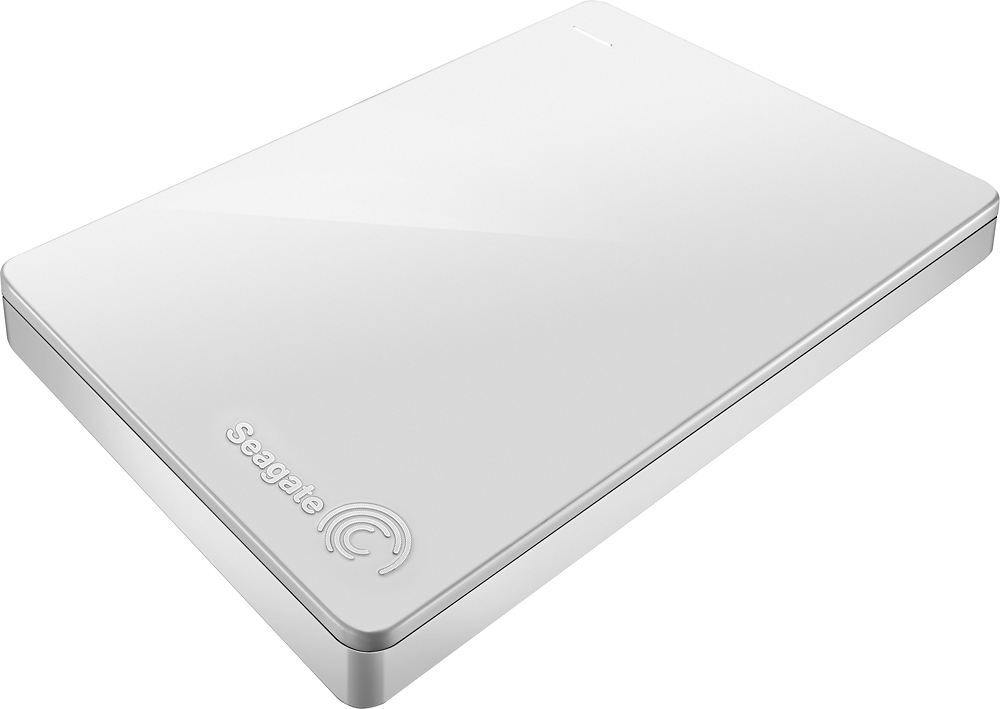
A:AnswerYou should be able too. I backup my laptop using this drive. I have another drive that I use for my desktop but the only limiting factor to using it on the desktop would be the amount of space that is required to backup both devices.
A:AnswerIt should work without any problems. Of course, you have to make sure you have the newest updated PS4 operating system to give you the capability to use it.
A:AnswerYes, it should work with your Windows laptop, unless you are working with a computer that has windows xp or earlier, or that does not have a USB port.
A:AnswerThere seem to be few different models of these drives and one of them is intended for Macs only.
Other model(s) can be used with both OS, but the way you're formatting the drive and the actual format to be used makes a difference. There's a good article about this on CNET.com (likely elsewhere too) which can be found at: https://www.cnet.com/how-to/the-best-ways-to-format-an-external-drive-for-windows-and-mac/
Of course, there may also be inherent restrictions in the external HD's that prevent for eample partitioning for dual OS use, but there will still be other workarounds.
A:AnswerYes, backup software is located on the hard drive itself. Using Window 8, I just launched the application file (.exe) and installed the management software. The software itself, once installed, is straightforward and not difficult to use. Options exist for scheduling backups based on the needs of different users.
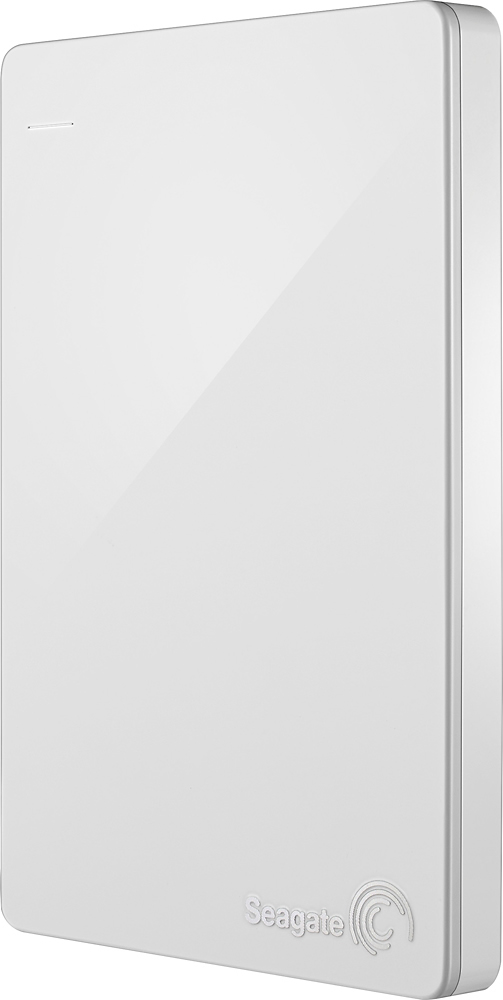
A:AnswerThere are minor differences to do this depending on your version of Windows. You can open Computer Management and then click on Disk Management. Find your USB HDD which will be called something like "Disk 1" , "Disk 2" , etc. Right click on that name and there should be an option called "Convert to Dynamic Disk" After that you can remove any partitions and create your Spanned Volume.
Be warned, using an external storage device to be part of a Spanned Volume is not recommended as an unexpected loss of connectivity to the disk could mean loss of data.
A:AnswerI had an issue with a Seagate drive crashing before and they offer a service that can try to recover the data but it is not free. If the drive fails or crashes you would be able to make a claim and get it replaced but data recovery and virus protection are not part of the deal. You are on your own with that. Make sure that you have multiple back-ups for everything.