A:AnswerThat’s just the down side of using external drive you have to transfer back and forth constantly in order to play…the system itself won’t slow you to play from the external drive….you gotta free up enough internal space by sending it over to the external then transfer whatever it is you wanna play from the external to the internal
A:AnswerYes and it will work on ANY xbox version series S/X so if your trying to transfer all data from old xbox to current new ones or just add storage to ANY xbox this WILL work for what you want and it's the only one that will that I currently know of. Now Xbox series S and the series X do make a external hard drive for ONLY those so make sure you do not buy one ONLY for series S/X unless that's what you want because you cannot use it for older xbox versions such as xbox one X or older hope this helps.
A:AnswerYes it works nicely. However, u can only STORE newer series x/s games on it because those types of newer games need to be on faster ssd drives. So you must MOVE the series x/s games to the actual console ssd drive to be able to play them. All the other xbox one and 360 games work great to store and play on this drive.
A:AnswerHello Evan,
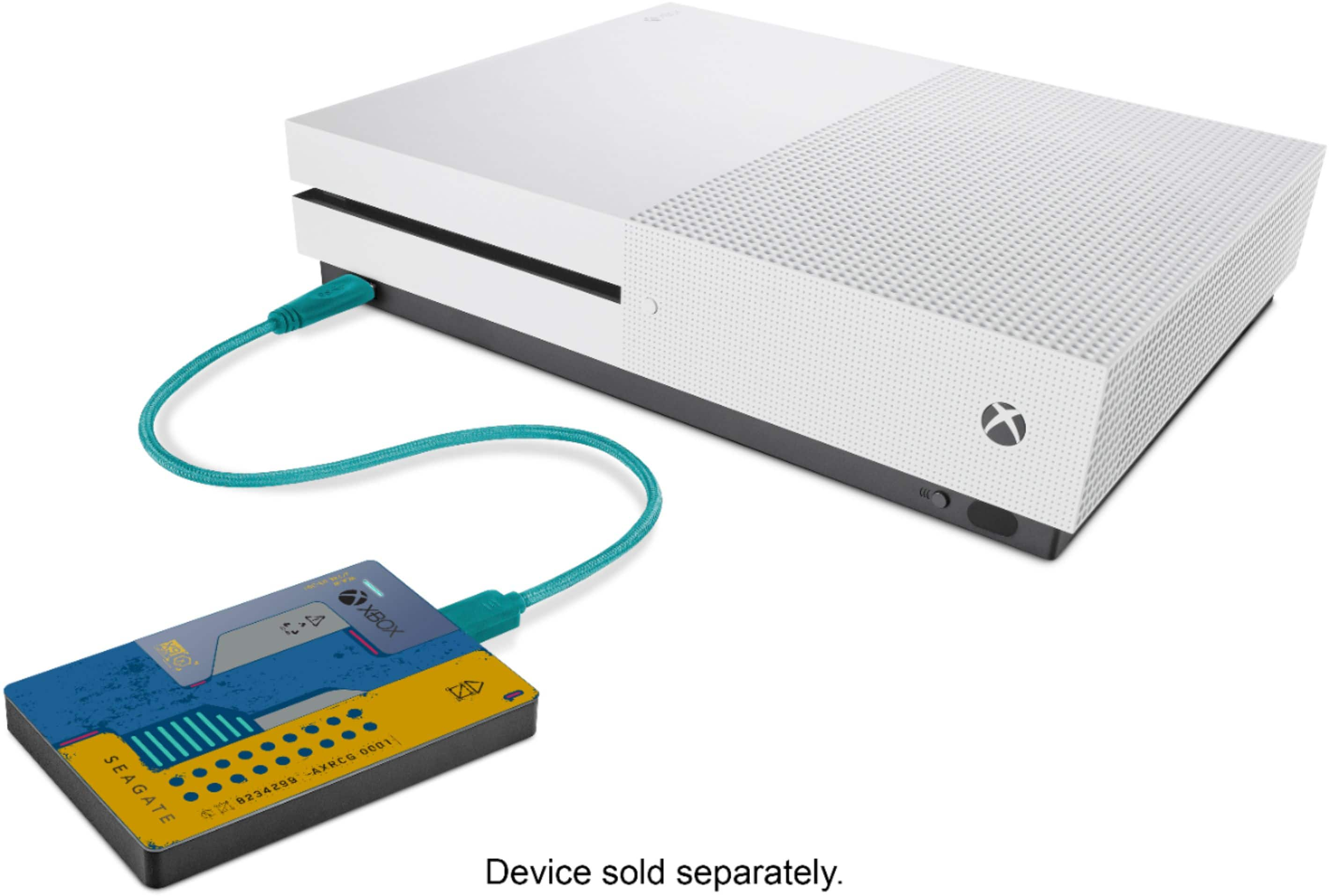
The Seagate Game Drive is designed to be compatible with Xbox Series X | S and Xbox One, as stated in the product support site:
https://www.seagate.com/de/de/consumer/play/game-drive-xbox/
Regards,
Zac
Seagate Support