Deals Worth GiftingShop now

Main Content

Questions & Answers

Your price for this item is $369.99
Page Showing 1-3 of 3 questions
  • QuestionIs this one drive or multiple drives to make 14TB?

    Asked by Jill.

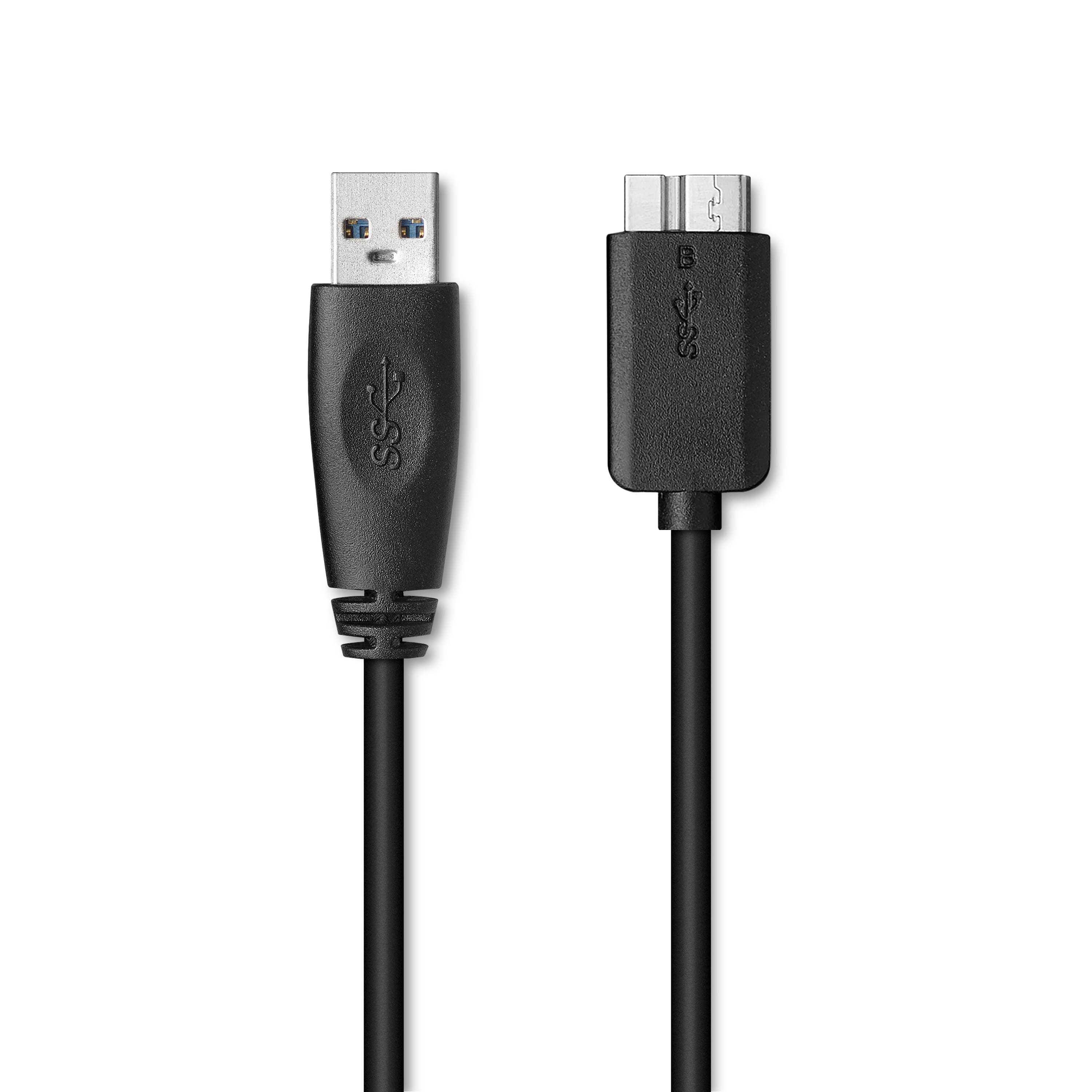
    • Answer This is a single drive, seems to work fine. Transfer speeds of connected flash or portable drives are not the same as when connected to the computer separately, but you have the 2 built-in ports, which allows you to keep this connected at all times. Most portable drives have their own cables, if not you can buy at BestBuy or Amazon, especially the USB-C to USB-A. I’ve owned about 5-6 of these from 4TB to 6 to 8 to 10, they’re reliable and quiet. I had a 6TB fail on me, but these are mechanical devices, it happens. Mine are on 24/7 duty, and I usually replace them after 4-5 years without waiting for trouble, as the storage needs increase. For me these are for back-up purposes. As usual you should NEVER use just ONE drive to store files, because failure can be disastrous. If you use a Mac you reformat to HFS or whatever is needed, and vice-versa. Drive comes pre-formatted as NTFS and has its own utilities but I use my own separate backup program.
      Answered by Ronspeak

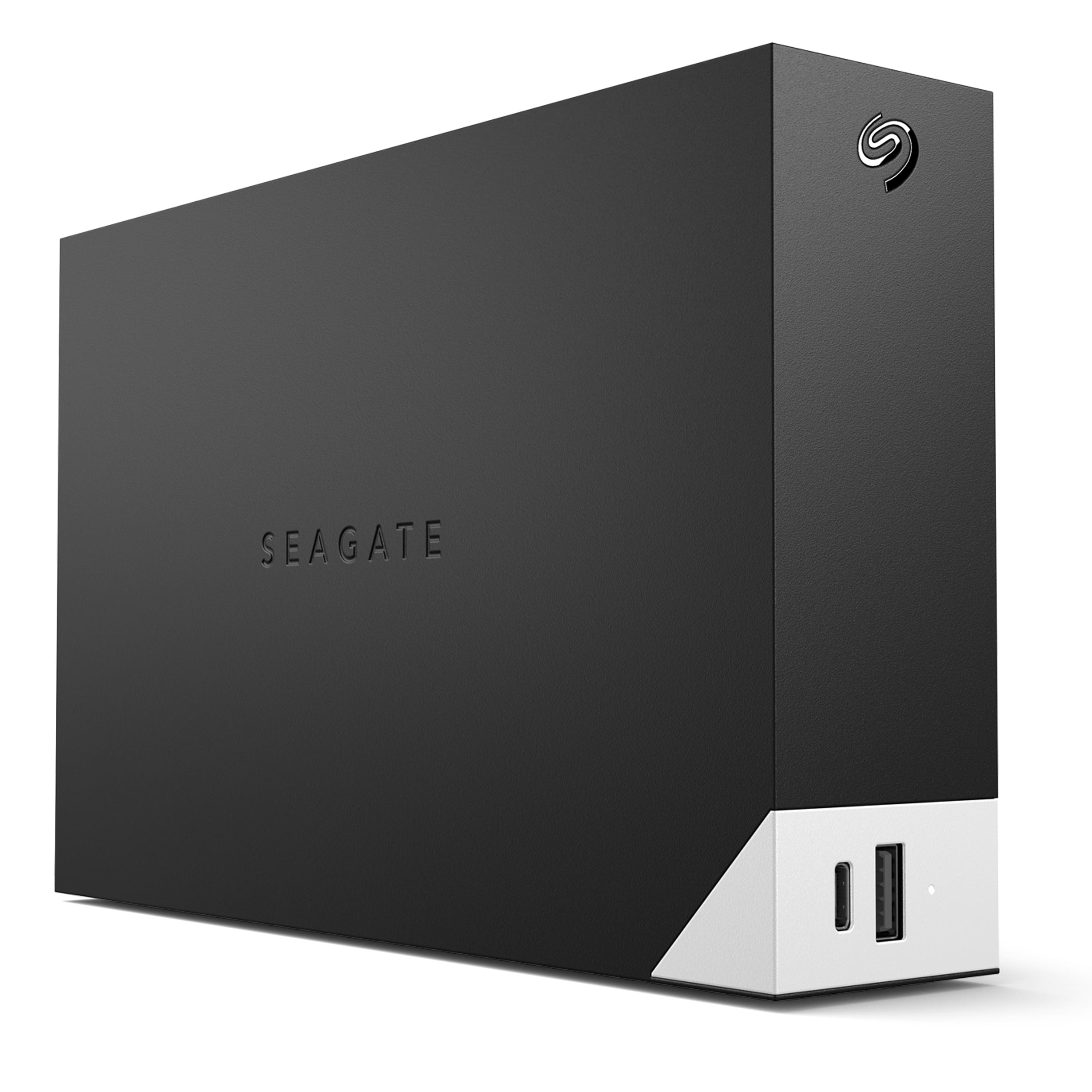
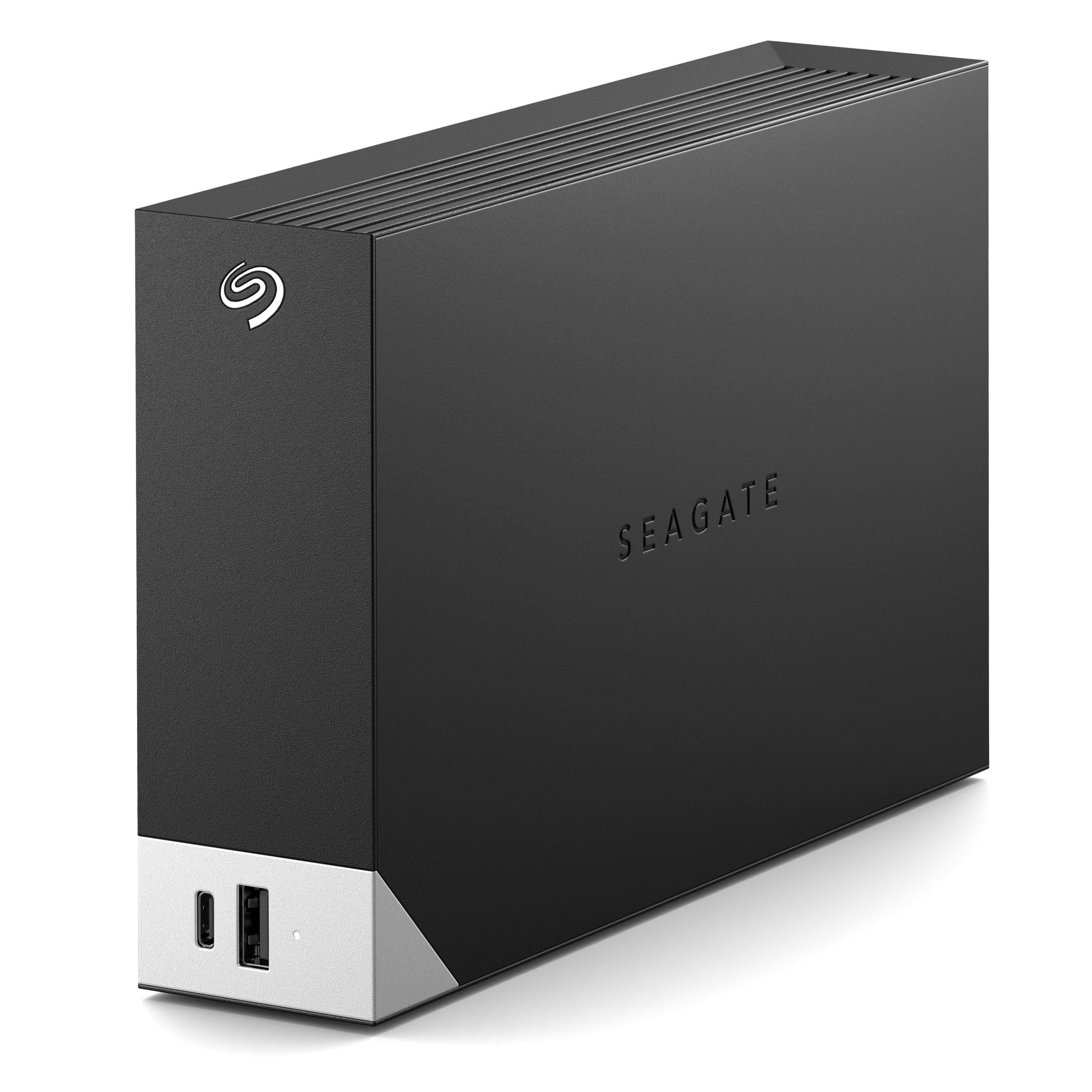
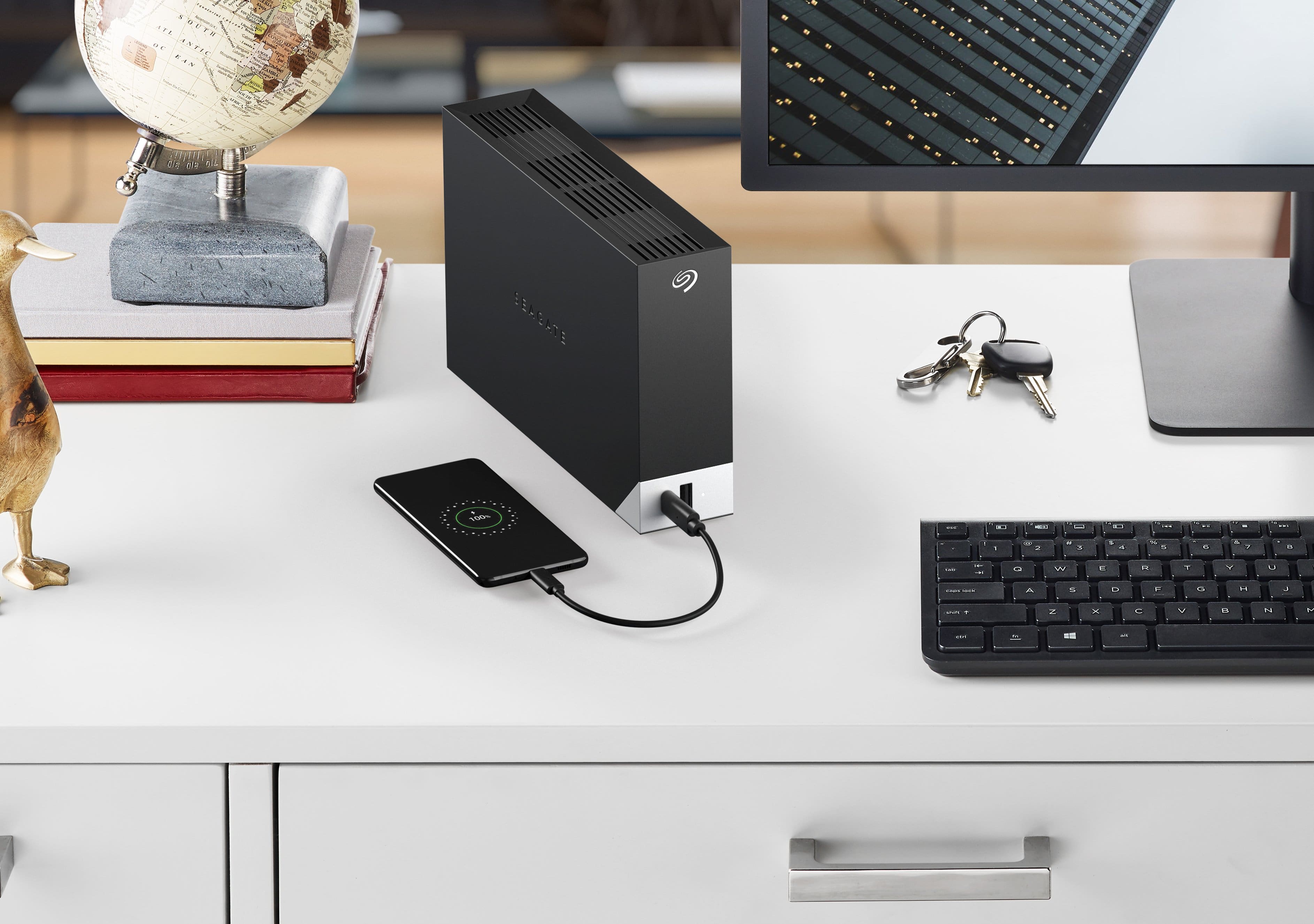
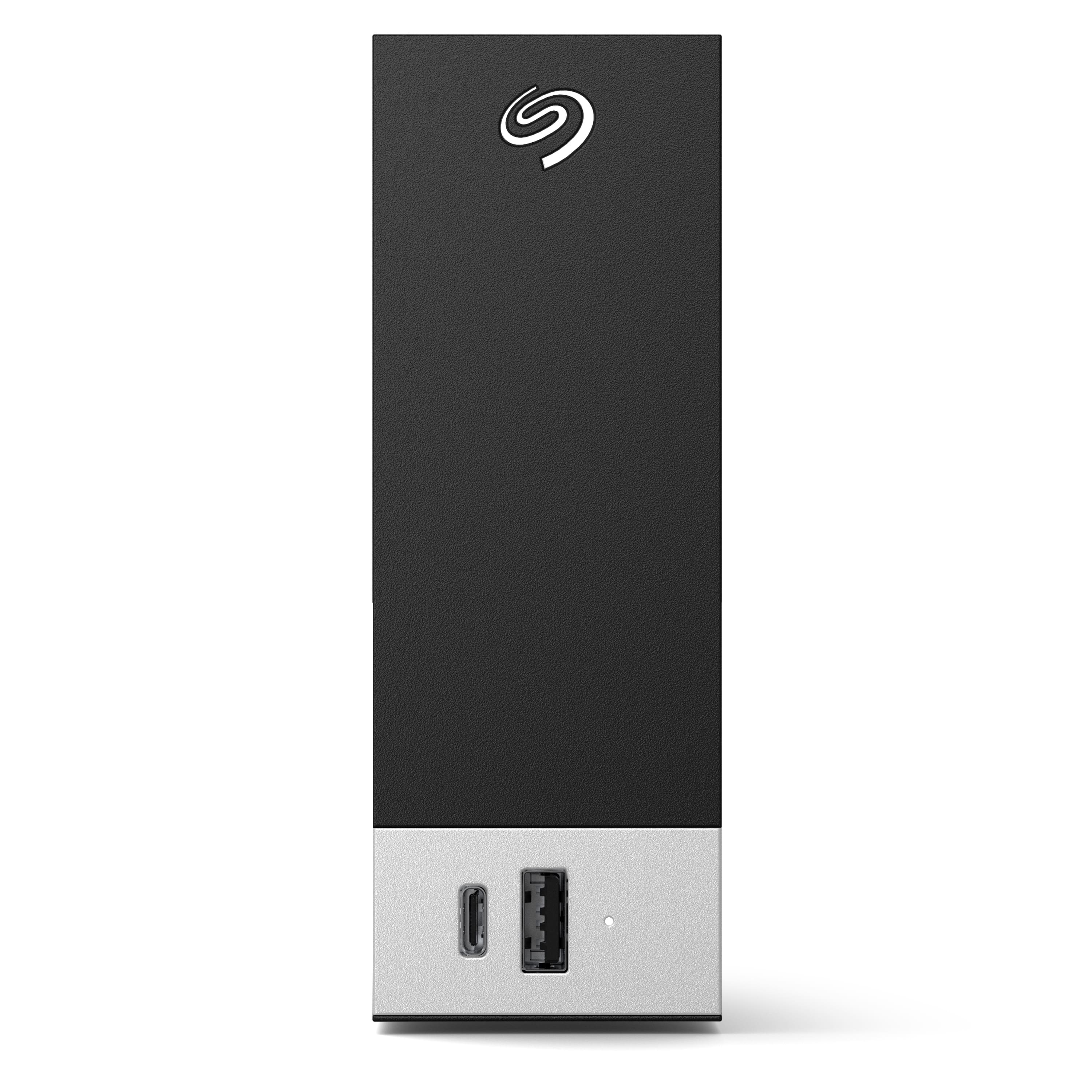
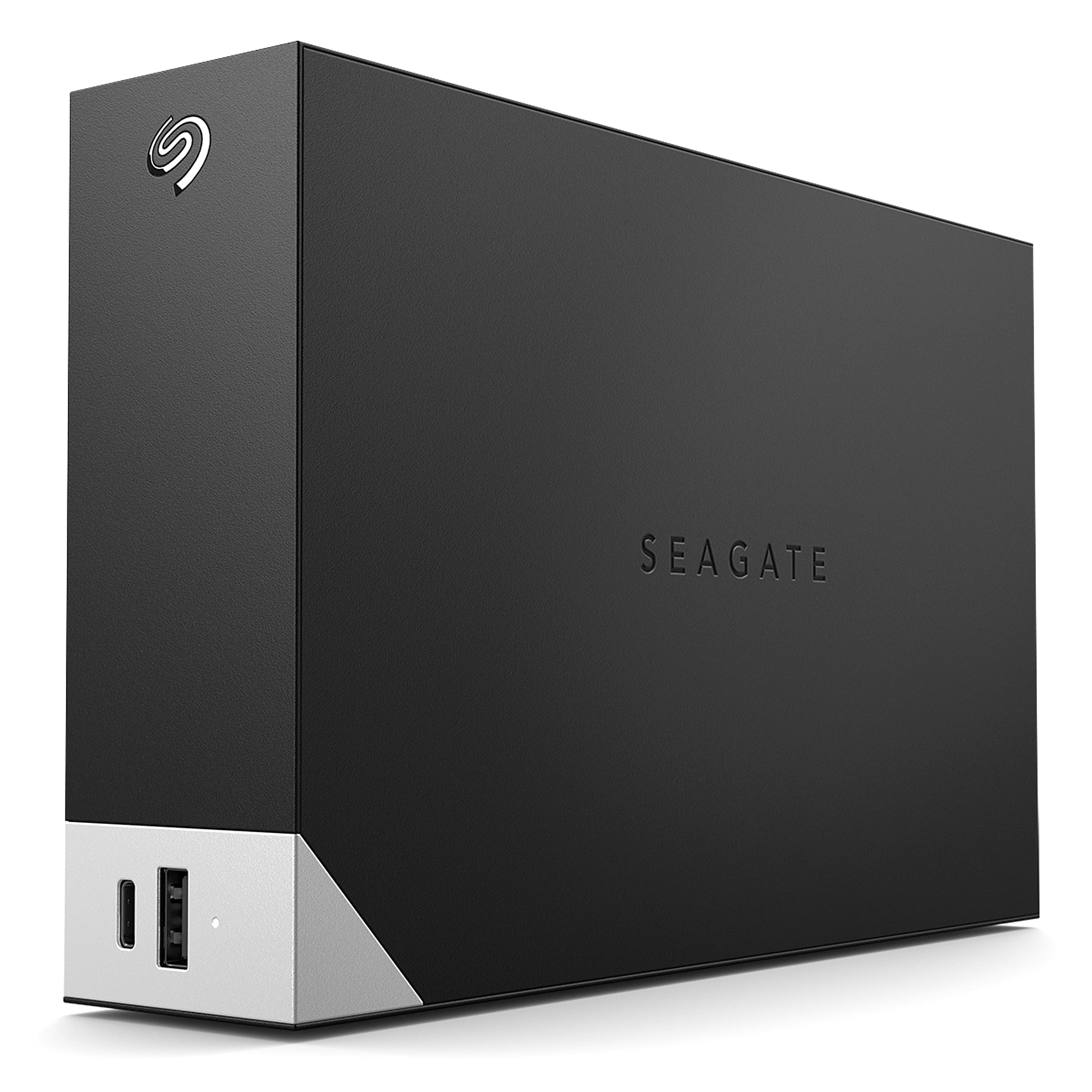
  • QuestionWhat is the exact function of the USB type C port on the front used for? Can I connect it with another external device like a laptop that supports USB type C to transfer files from the laptop to the hard drive?

    Asked by Anonymous.

    • Answer USB-C ports are kind of gimmicky because they are everywhere, although most peripherals don’t have the actual cable ends to match or sustained speeds. For me, USB3 means transfers of up to 120 MBPS, you see Windows displaying that as you copy files, and USB-C is supposed to be faster, but I have a USB-C on my desktop and I connected a portable drive with a separate cable I bought at Amazon, and the transfer speeds don’t seem better. I prefer the older Seagate hubs with 2 regular USB ports, but times are changing and they are trying to be “hip”. However, there are no comparable hubs out there, so this is useful because it allows you to leave this drive plugged into the main computer 24/7 and makes 2 ports available. I use this drive for back-up purposes only, if you wish to use it for primary storage you could connect a portable drive (5TB maximum size) and use that as a backup to the Seagate. For Macs, just reformat. Not sure if ports can recharge phones.

      Answered by ronspeak

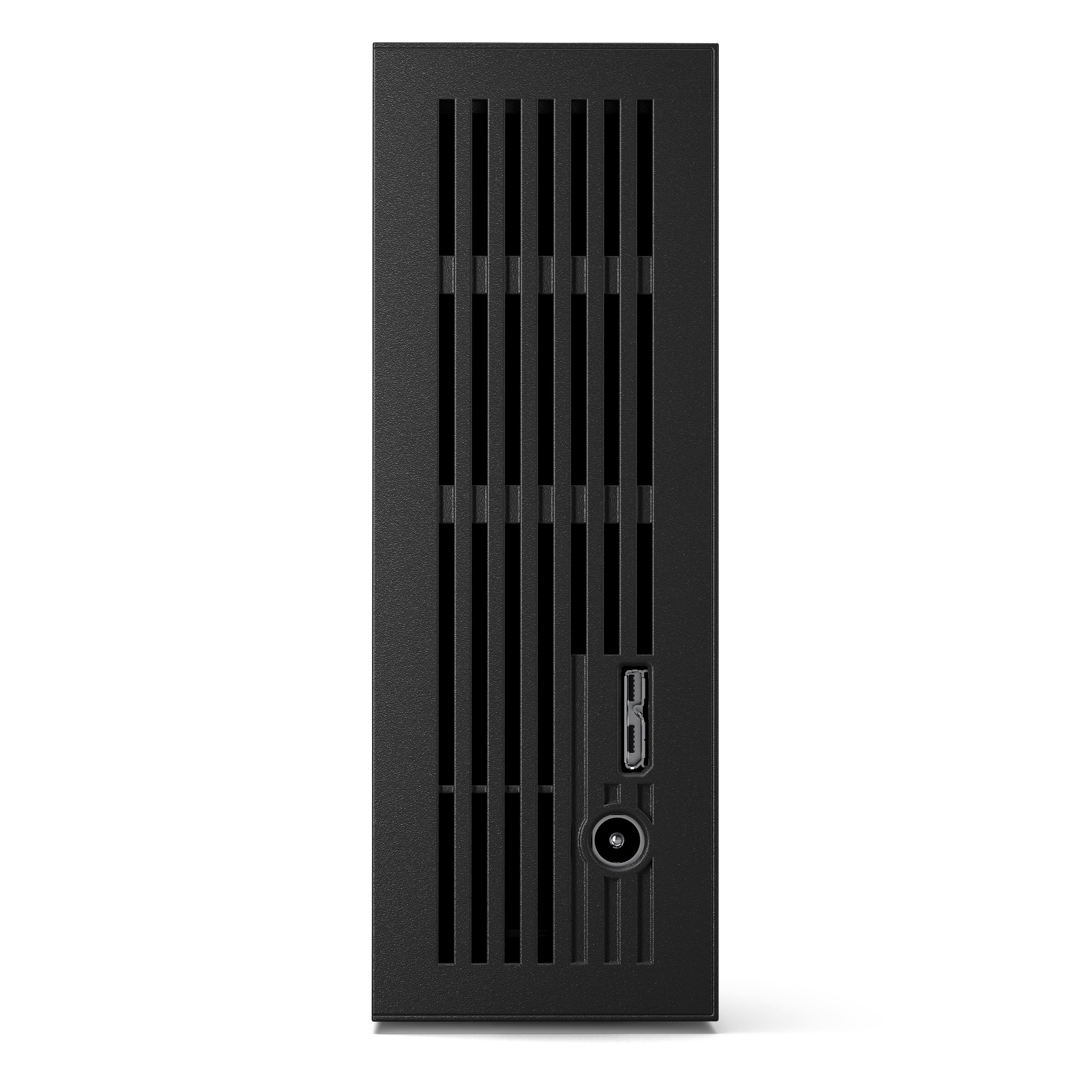
  • Questionwill this run on the c-port with out an ac adapter as the speck say ac adapter hmmm

    Asked by james.

    • Answer No it requires the ac adaptor even though technically USB C can provide more than enough power. Also if you're using this as a backup drive or mini NAS style device then you want to plug it into a different circuit from your PC... Ideally. That way if your PC trips a breaker (it can happen, especially if you use a power strip for multiple high draw devices) then this drive would continue to function and whatever is in it's buffer will still be written or if it was plugged into your router to act as media storage or general storage (router based NAS) then you can access it from any device on the network and your PC doesn't need to always supply power.

      Answered by d0x360