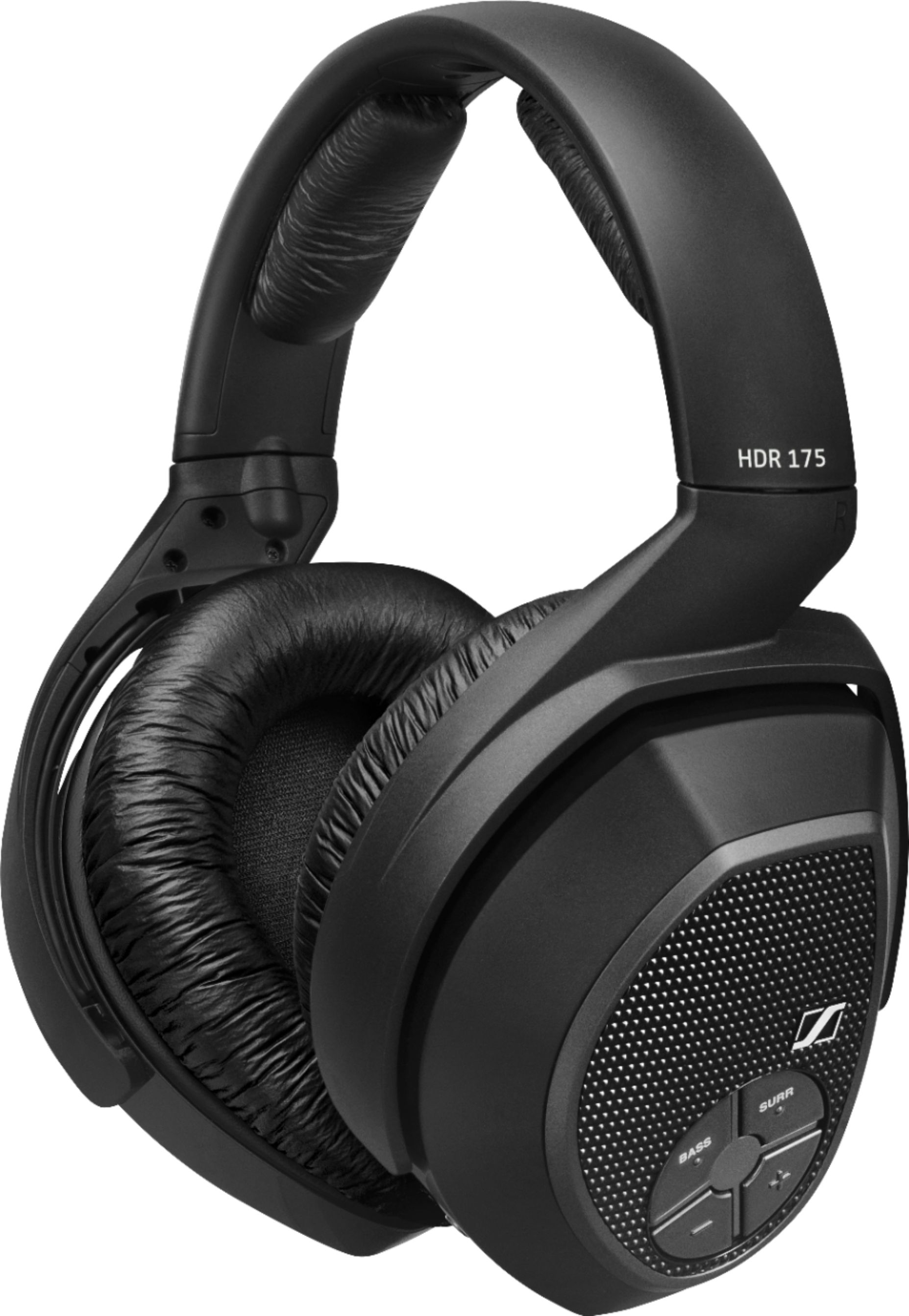
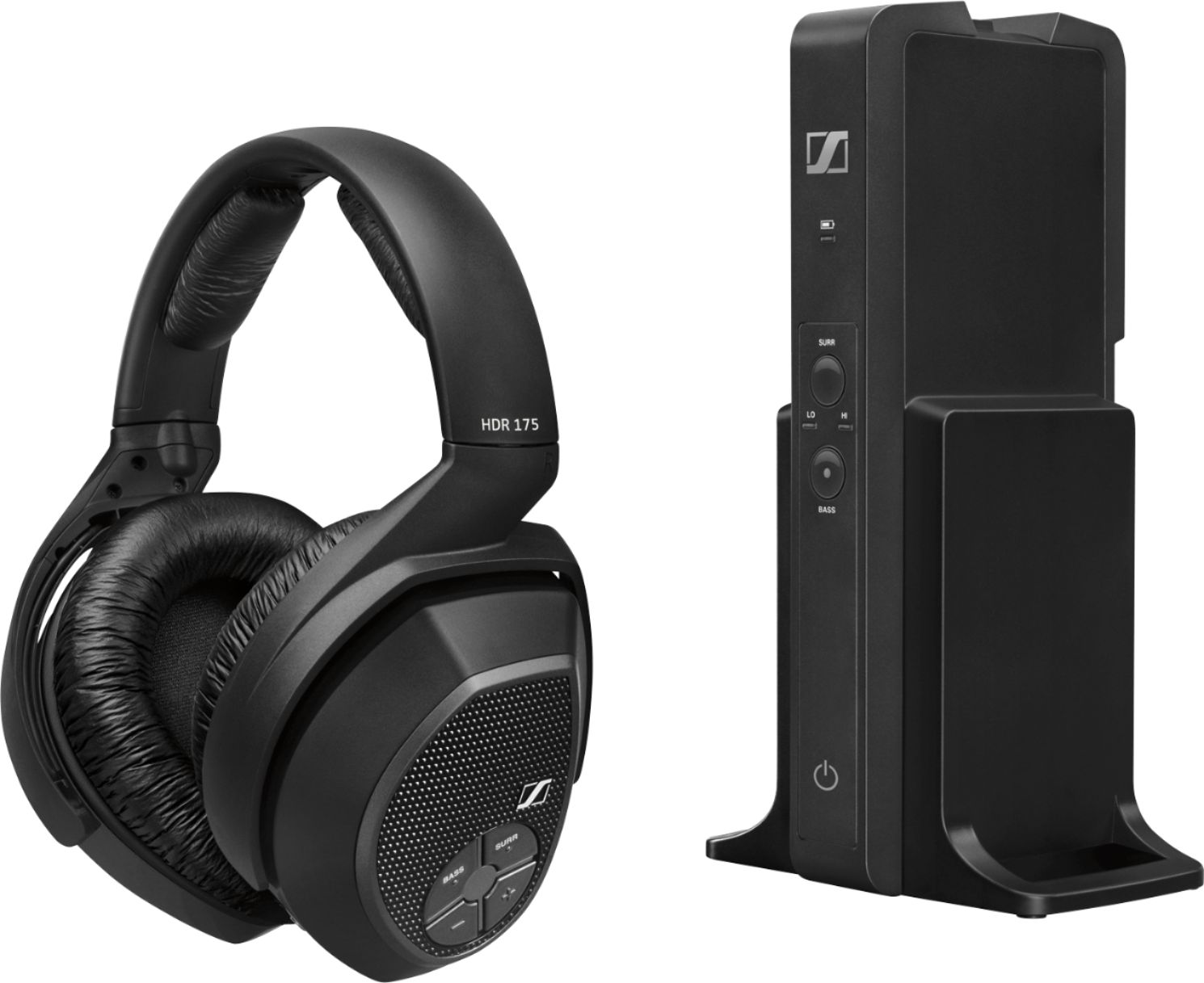
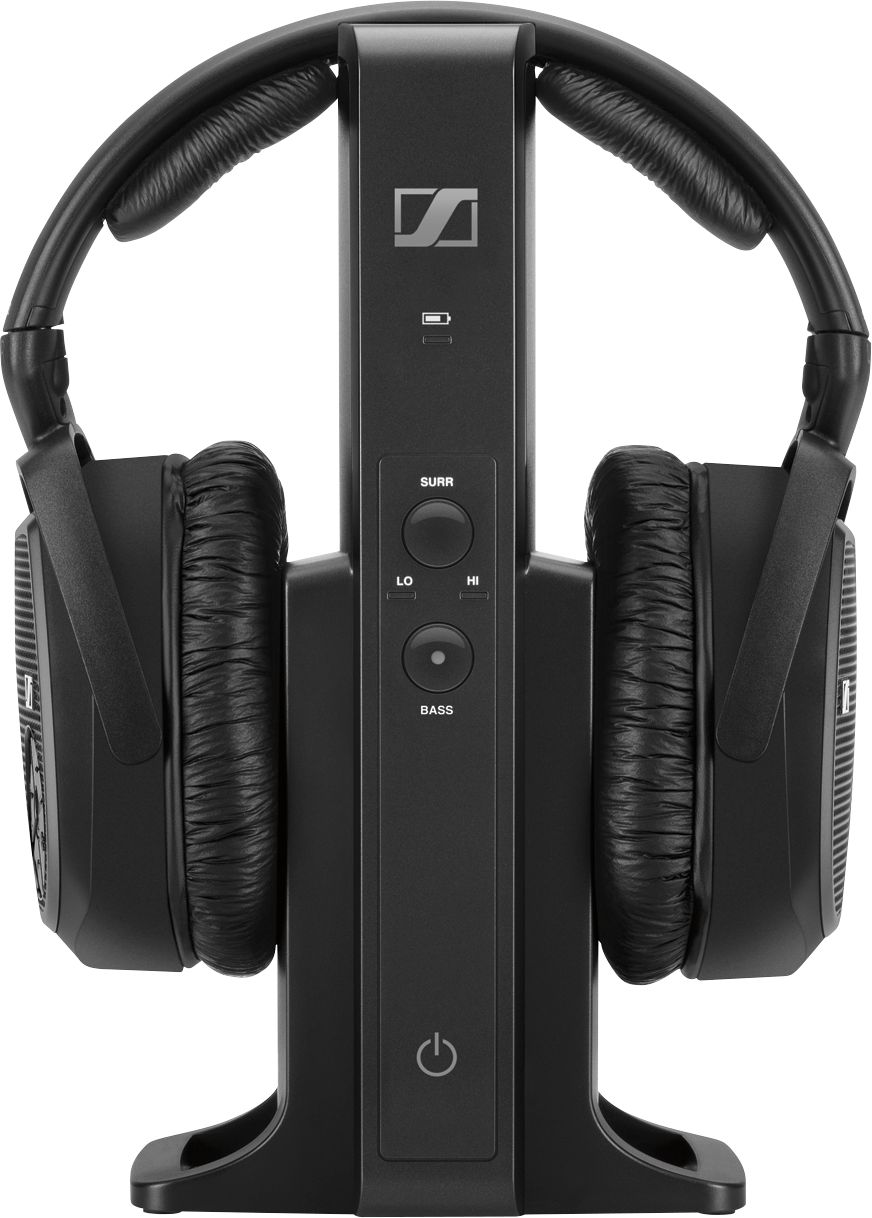
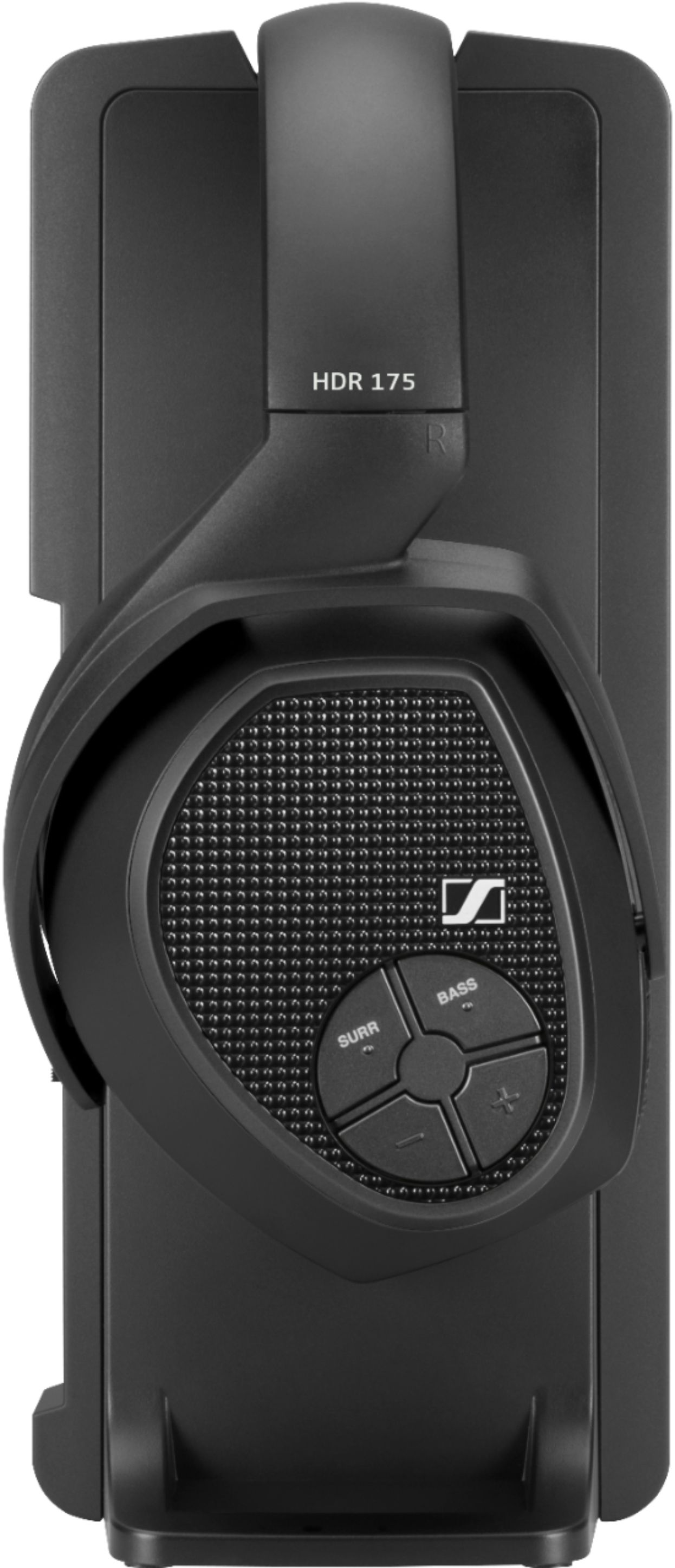
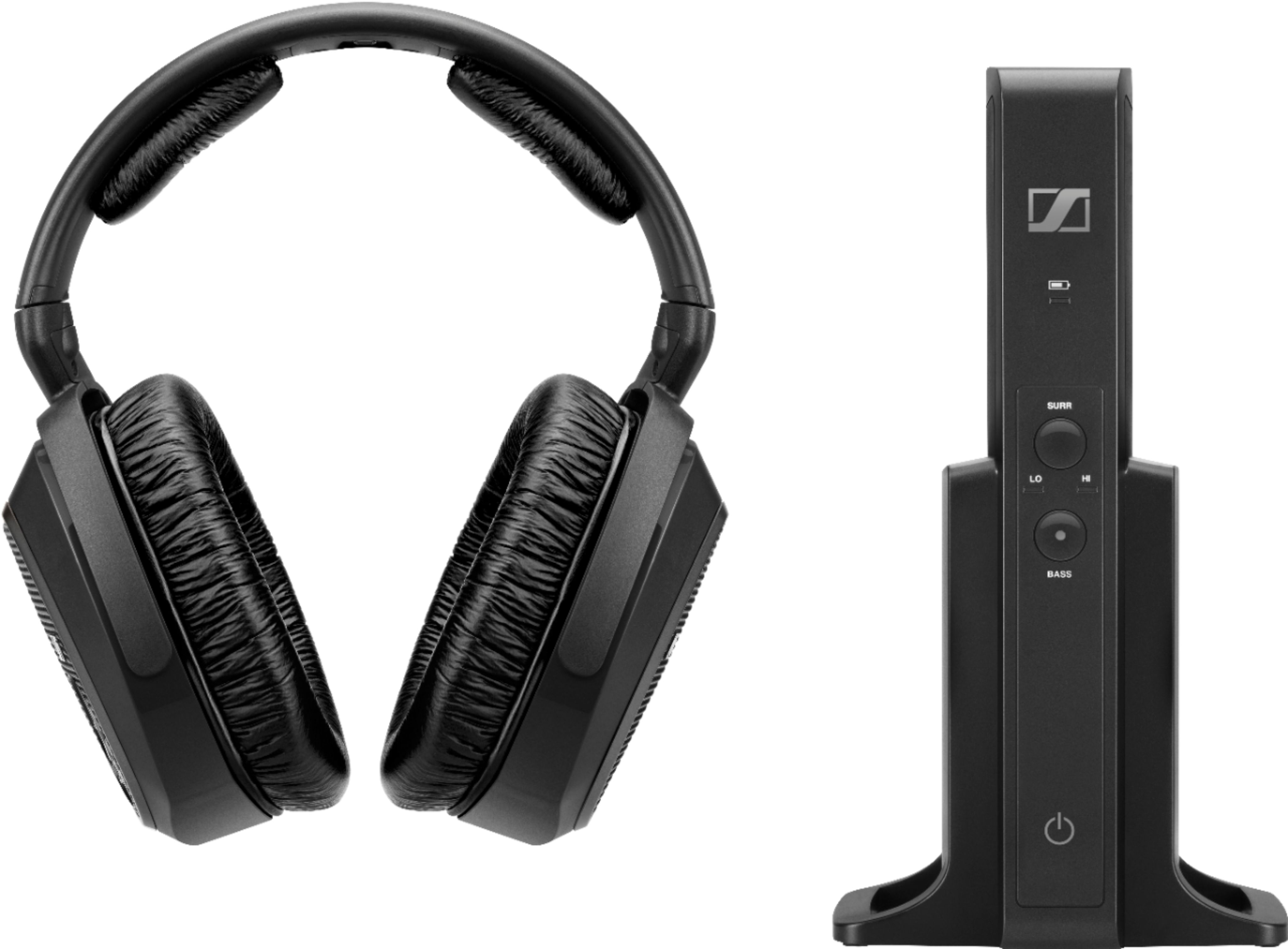
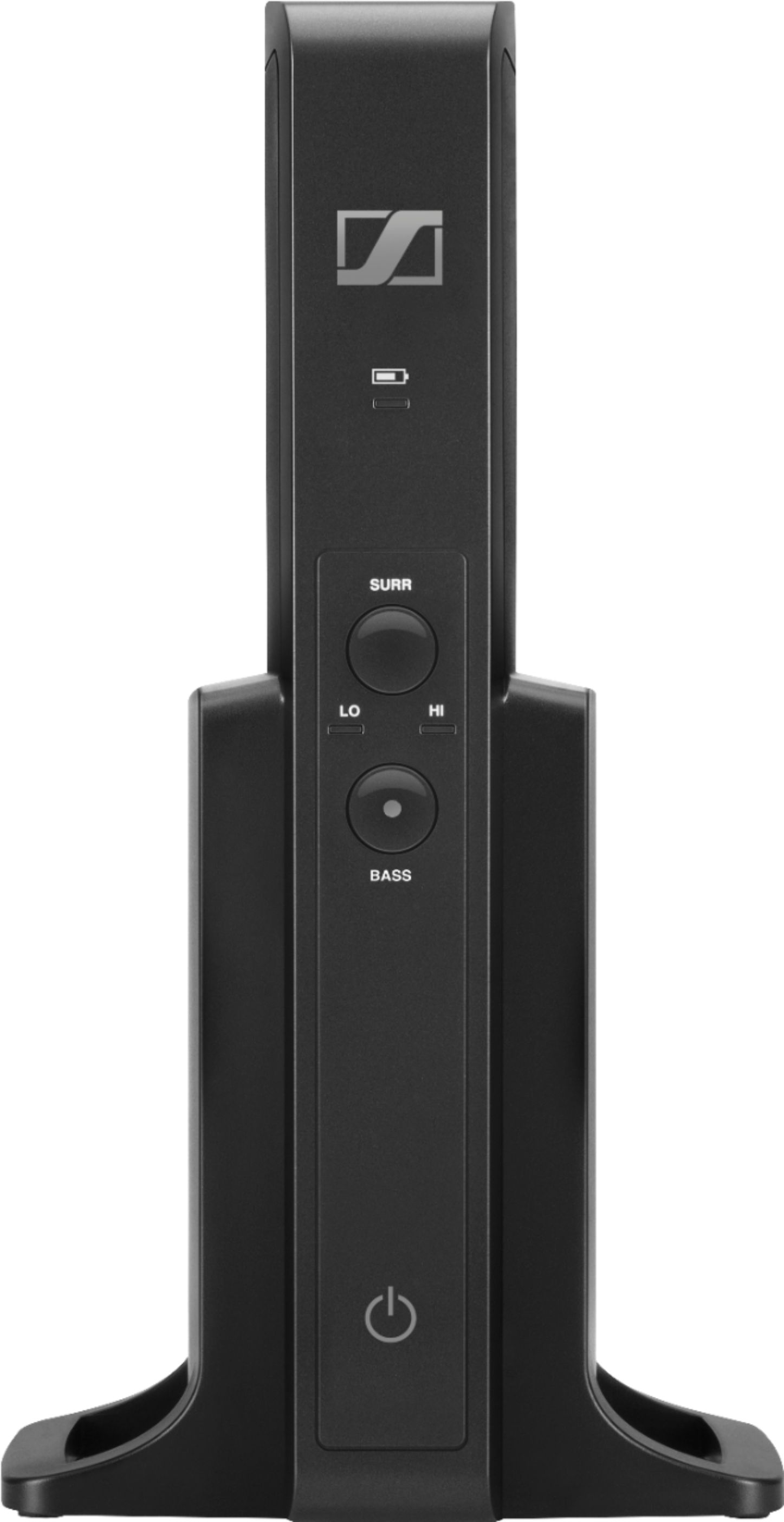
A:AnswerI checked the specs and I see the Marantz Amplifier has fiber optic output for a cable. I do not have the Marantz, but I can say it works well with my Samsung SMART TV. However, even though my SONY 4K player is attached via an HDMI cable, it will not play the audio through it, it just has a buzzing noise similar to reverb; this also happens on certain Internet sites. It will not play the audio, but buzz annoyingly. Despite this one drawback, once it is fully charged, it has excellent sound and tone. The bass is good and treble is very good.
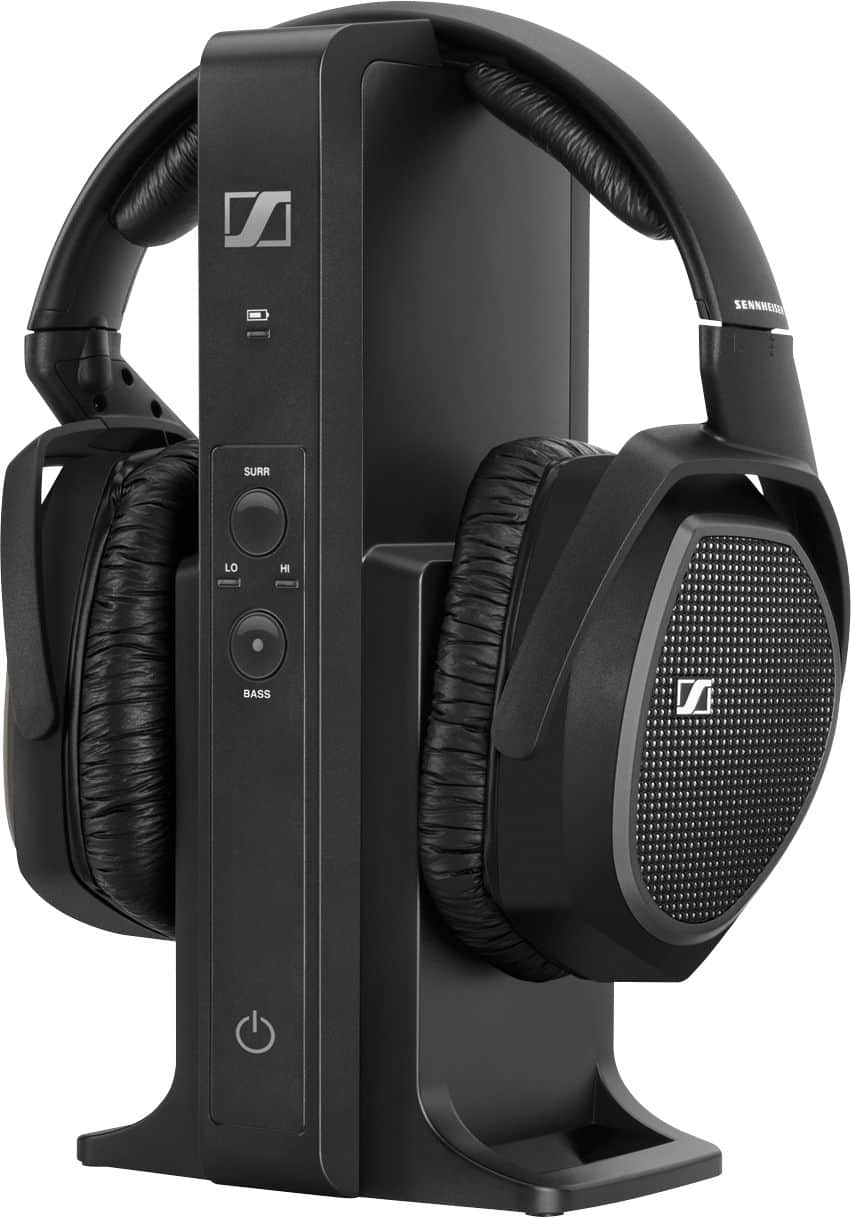
A:AnswerThe light should be steady when on. I'd check to be sure it's charged and then check or replace the batteries. It that dosen't help, they could be defective.
A:AnswerYes you can connect through your receiver if you have the appropriate/open jacks. You will get all the benefits of optimal receiver sound and e headphones also have a Surround Sound control function.
A:AnswerI wear over the ear hearing aids and have an occasional problem that I can fix by moving the right earpiece. My hearing aids have never been a great fit but I can adjust for that. I would recommend this model.
A:AnswerYou cannot connect with Bluetooth. You must have an optical splitter in order to connect to the optical input of the base with a separate optical cable. Then the audio output of the TV must be set to PCM mode and it will work perfectly!
A:AnswerYes. I bought the one headset with charging station from best buy. I bought a second headset only from another store as bestbuy only sells the headset with the charging station. I didn't even have to pair the second headset, mine worked as soon as it was fully charged. You can charge one headset and use the second at the same time. Or if you have someone else over you can use both headsets at the same time. The charging station can only charge one headset at a time. Also the max headset supported by the charging station is two headsets.
A:AnswerGoogling Sennheiser I found....Larry...change the xx to tt. Hopefully you'll get this ok.
hxxps://en-us.sennheiser.com/
from there I clicked on Support which led me to
hxxps://en-us.sennheiser.com/service-support-contact-center
Scrolling almost to the bottom of the page, above Newsletter and bottom of their box list I found 'Downloads'
Clicked on that, which brought me to
hxxps://en-us.sennheiser.com/download
In the Quicksearch Box where it says Product name, I typed RS 175 (which is the model I have)
then I hit enter and a list of their assets appeared,
The second one down is Instruction Manual...maybe this helps?
Clicking on that brings me to...
PDF instruction book here:
hxxps://assets.sennheiser.com/global-downloads/file/2663/RS175_Manual_EN_0919.pdf
Good Luck!