A:AnswerHello, we apologies for the issue you are having and we are happy to assist. Kindly reach out to us via email at onlinesupport@sharpsec.com so that we may look into this for you.
A:AnswerHad to special order mine since it was out of stock on my local Best Buy store (Peachtree city (GA). Was delivered to my home in perfect condition after 4 days later.
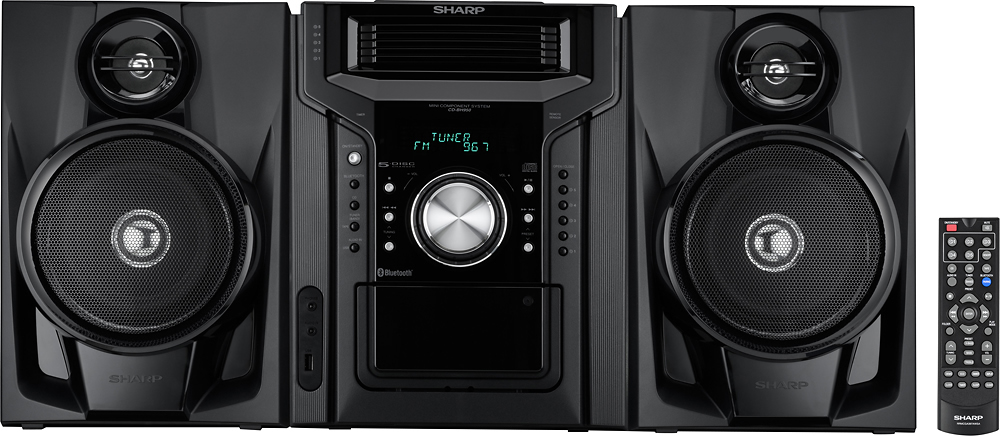
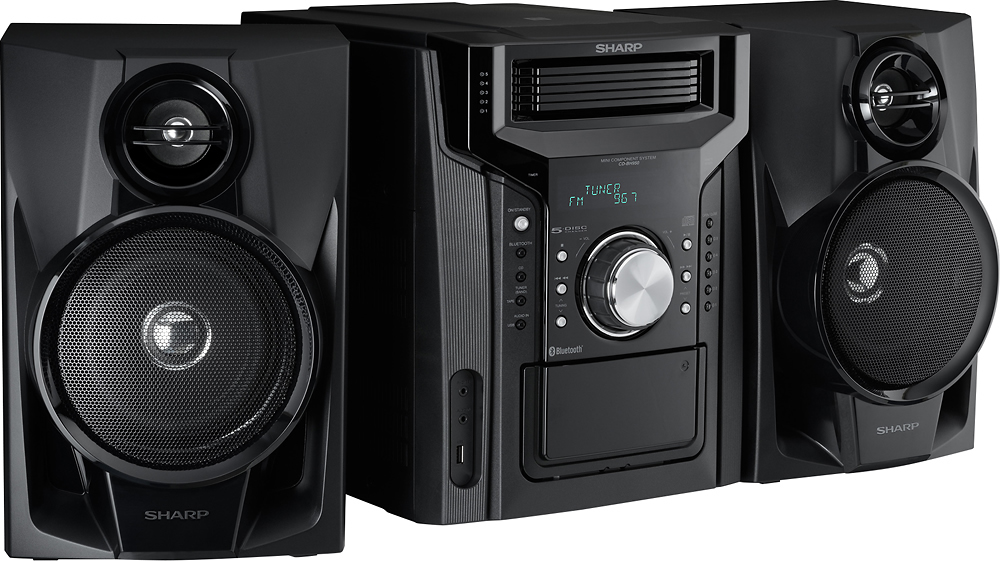
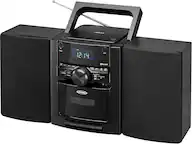
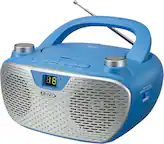
Super great unit that plays my CDs five at a time and the sound is really beautiful. The control unit is a learning curve but after using it for awhile you’ll get the hang (instructions aren’t to helpful.
This unit is a keeper however I paid for a four year warranty which was quite cheap.
A:AnswerHello, unfortunately you are unable to lessen the range for the Bluetooth communication of within 32 feet. We apologize for the inconvenience this has caused you.
A:AnswerHello DJ, we would suggest that you reset the unit, a person that is in close range can pair with the unit. Kindly contact us at onlinesupport@sharpsec.com for steps on how to reset the unit. In the email please include your questions and the model number.
A:AnswerHello, we are sorry to hear this. If you require product support please reach out to us via email at onlinesupport@sharpsec.com. We're happy to help.
A:AnswerHello, the unit does have a USB port in which a device can be connected to however there is no guarantee in regards to the compatibility of the device that you are trying to connect to the unit. Please feel free to email us at onlinesupport@sharpsec.com if you have any further questions or concerns.
A:AnswerHello Jack, we are sorry for the inconvenience. You can perform a reset on the unit and try doing the preset setting again. If you have any further issue, please contact us at onlinesupport@sharpsec.com and include your contact details and the model number of the unit.