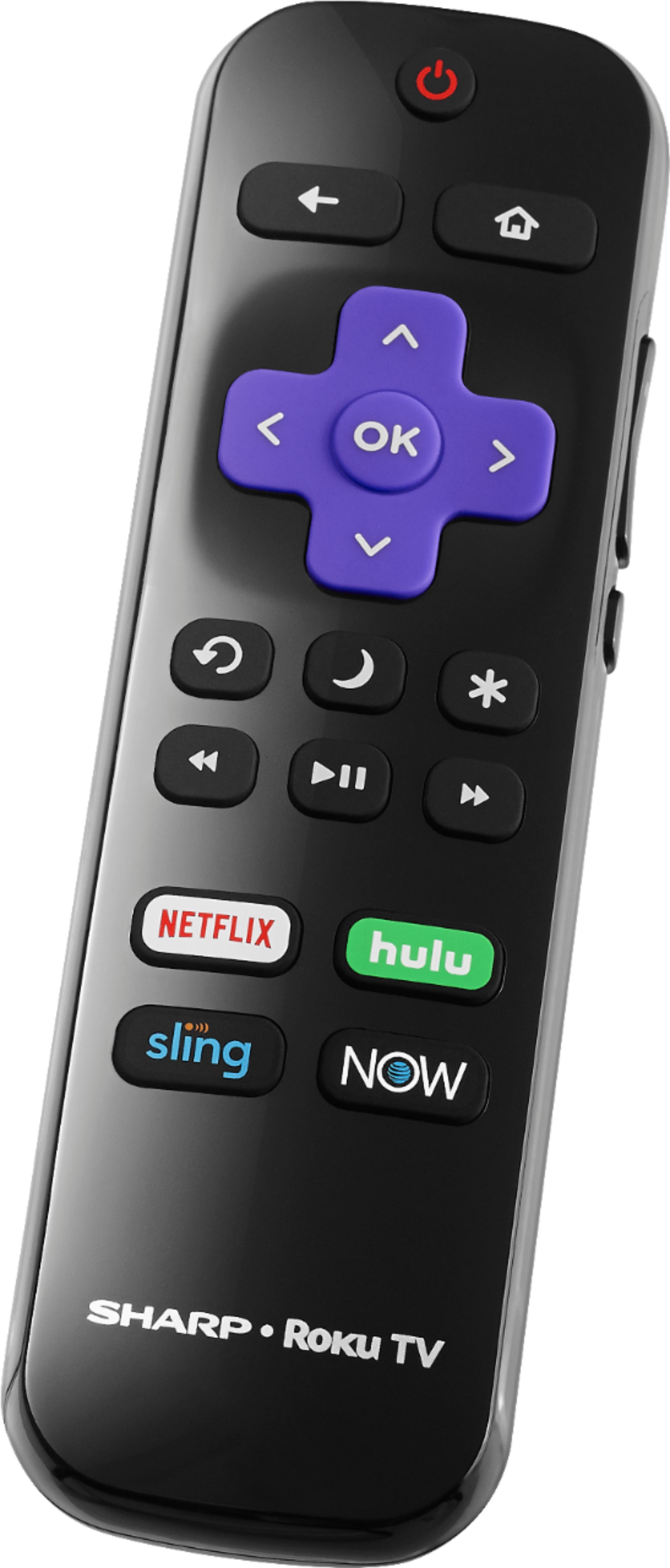
A:AnswerPress the. * button, this will pull up a menu on the left side of the screen .scroll down to picture size, then select zoom or stretch to get full screen
A:AnswerYou can change the default Input that shows up when you turn the TV on. (The factory default is set to the "Home" screen).
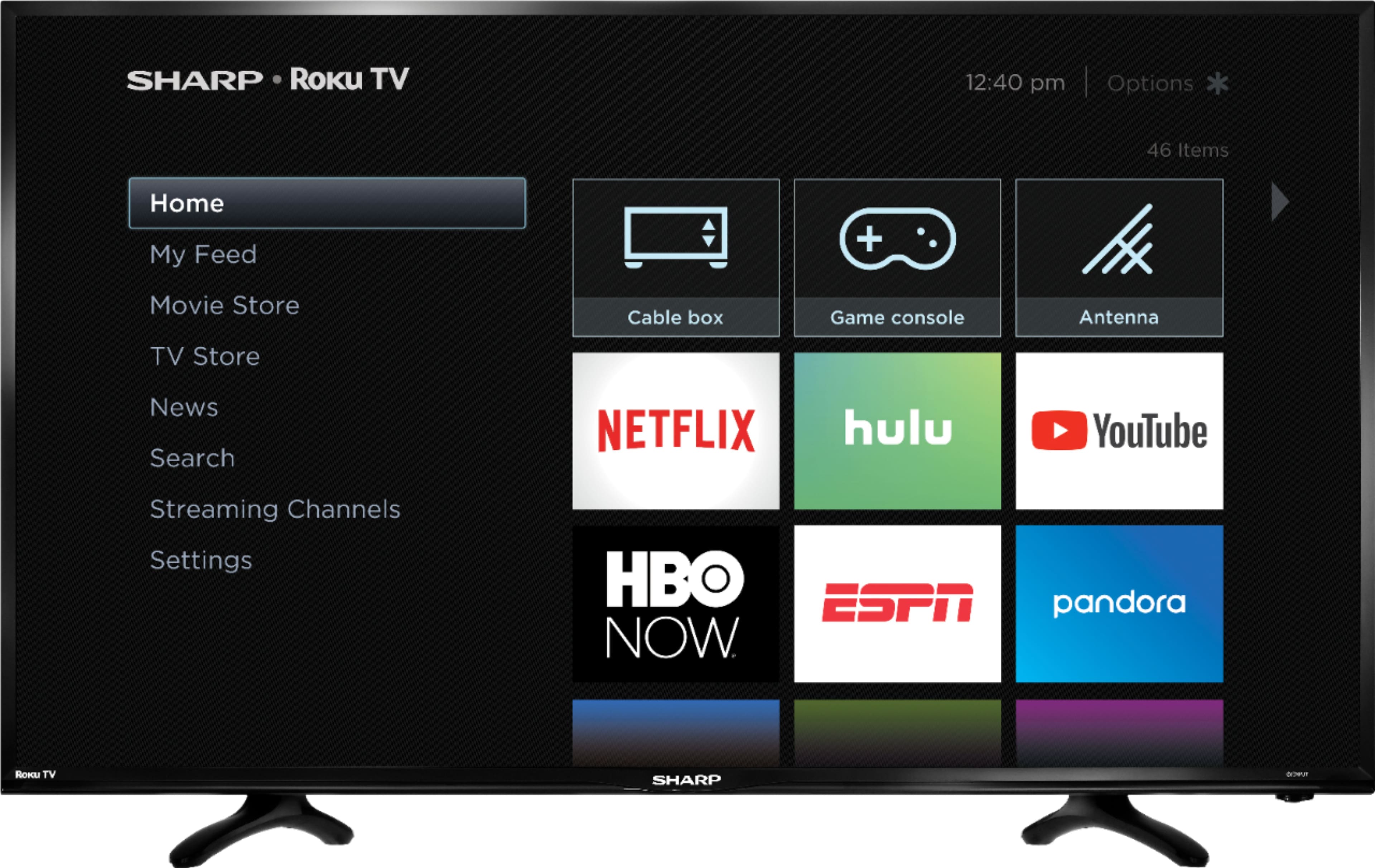
From the "Home" screen, use the Roku remote's arrow buttons to scroll to:
Settings - System - Power - Power On--- (then choose your option).
Test it by turning TV off then back on again.
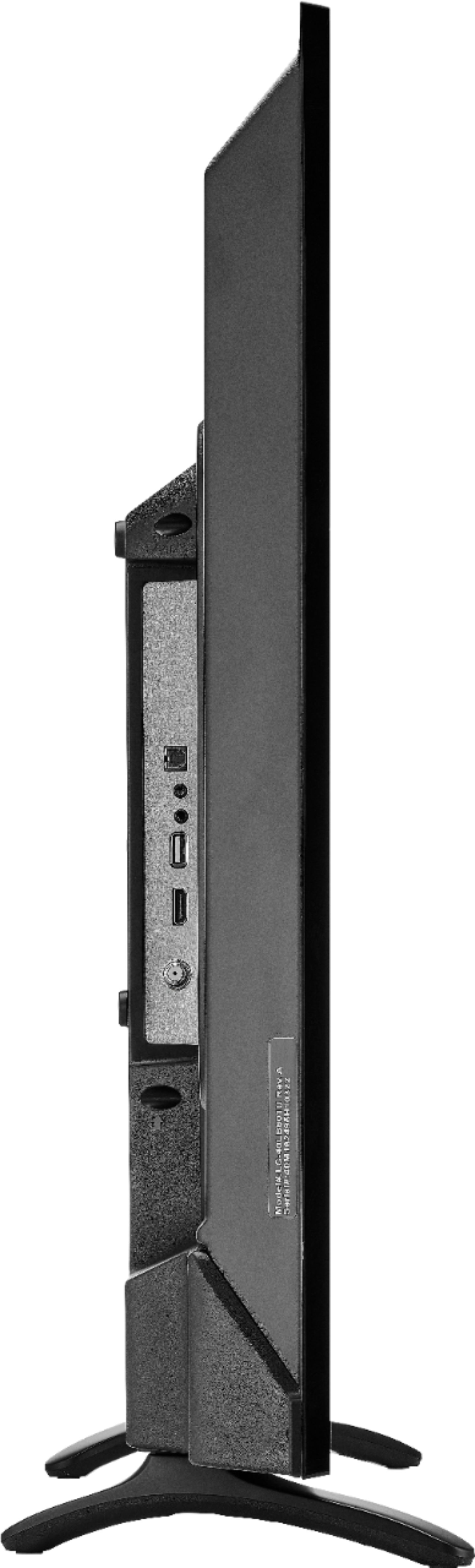
A:AnswerHello Dan, the speaker output is 5.5 watts. Once an headphone/earphone is connected to earphone jack all sound from the TV will be sent directly to the earphone only.
A:AnswerHello JoeyAnn, this television does not have the Tikilive application installed. If we may be of further help, please contact us at 1-855-544-2030.
A:AnswerRoku is free. Its the streaming channels offered through Roku that you pay for, and you may pay for most of the movies on those channels. For a higher monthly charge only Netflix offers all free content and original programming.
A:AnswerMake sure it isn't the YouTube video that is the culprit. YouTube is notoriously bad for quiet videos and other videos blare. I wish YouTube would equalize the sound on all videos.