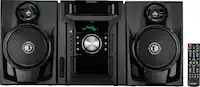
A:AnswerHello Bob, this can happen if you have the unit programmed to repeat play, programmed play or random play. To stop this, please turn off the feature that was selected for the unit to play as normal.
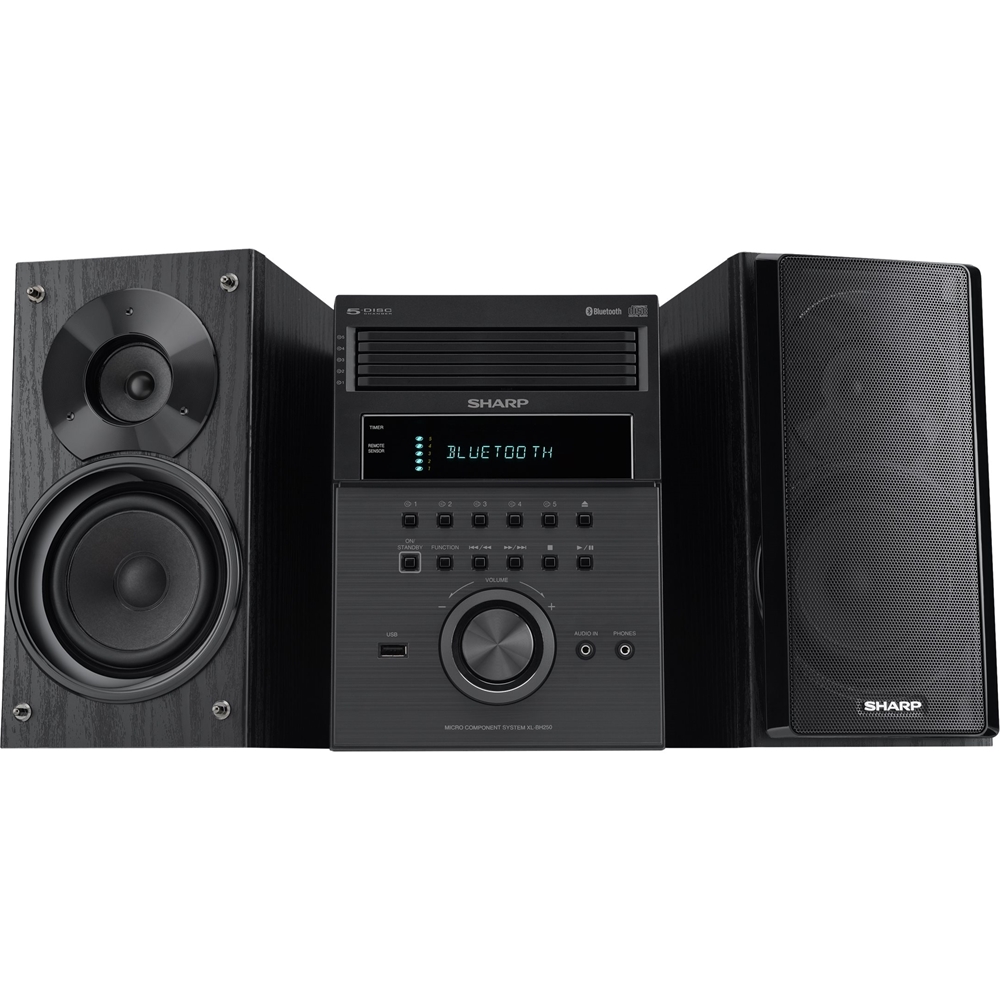
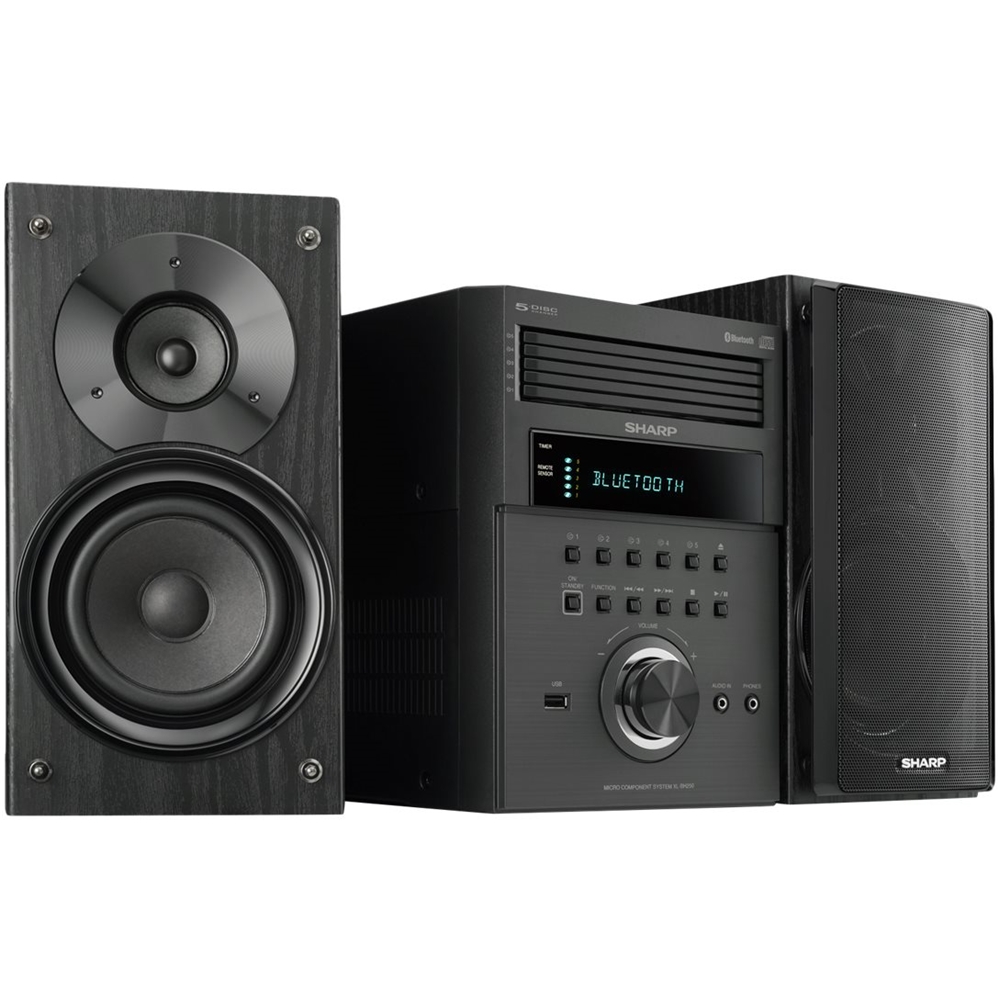
A:AnswerHello, yes, you are able to connect an external device (Turntable) to the (audio in) 3.5 mini jack aux port at the front of the unit. When this is done the sound will output through the speakers of this unit.
A:AnswerHello Robert, we are sorry for the inconvenience and we will be happy to help. Please email us at onlinesupport@sharpsec.com. Please include the model number and serial number in your email.
A:AnswerHello, the unit was designed to play and shuffle one tray at a time. Once the first tray is completed it will randomly move on to the other tray and shuffle the songs on that disc.
A:AnswerHello, you are able to connect an external device (Turntable) to the (audio in) 3.5 mini jack aux port at the front of the unit. When this is done the sound will output through the speakers of this unit.
A:AnswerHello, you are able to play music from a USB memory device that has MP3 format files. If further assistance is needed please email us at onlinesupport@sharpsec.com.
A:AnswerHello, the "ON/Standby" button is what is used to power off and on the unit. Please be advised that the demo button is used to activate or deactivate the demonstration mode once you select the demo button it will automatically goes into Bluetooth standby mode in which you will then select the echo button on the remote in order to have the unit enter into power consumption mode in which nothing will be displayed on the screen while the device is powered off. Please also be advised that if the unit looses power such as if you unplug it and then re-plug the demonstration mode and Bluetooth function is automatically activated.
A:AnswerHello, Please be advised that the Bluetooth on this this unit is used to connected devices such as tablets and cellphones, that support Bluetooth connection. The signal can only be sent to the unit and therefore would not support an external Bluetooth speaker.
A:AnswerHello Marisa, we are sorry to hear of this problem and would love to look into this further. You may email us at onlinesupport@sharpsec.com so we may do so. Your case number is 9532370.
A:AnswerHello Piko, the size of the USB drive is not listed, however, the maximum total of MP3 files is 65025 and the maximum total number of folders is 999 INCLUSIVE of root directory. If further help is required, please reach out to us at onlinesupport@sharpsec.com.
A:AnswerHello, the random play feature allows you to play tracks from your discs in random order automatically. This means the unit will random play songs on an individual CD until all songs have been played on that disc. Once all songs are completed on that specific disc, it will move on to the next CD tray and random play songs from the disc in that tray. The unit will not shuffle from CD to CD.
A:AnswerHello, we apologize for any inconvenience this has caused. You may have enabled the Specific Play on the unit, when this is done after the last track the unit will stop automatically. To cancel this, press the Play mode button until Normal appears, this will allow you to play all tracks on the 5 CDs.