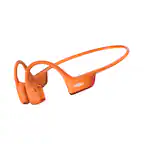
A:AnswerHi there- Shokz here! While the OpenRun Pro 2 will technically pair with gaming systems (i.e., PlayStation, Xbox, etc.) we don’t recommend it because the lag is significant and would impact gameplay, overall. They may also require a Bluetooth adapter depending on the gaming system. Please reach out to our Customer Happiness Team if you have any other questions. Thank you!
A:AnswerUnlikely. You’re limited by the limitations in Bluetooth range, not the phone or the Shokz. Bluetooth does not have long-range power (by design) so unless your locker is with 30 feet or so, no, they won’t work, or if they do, they’ll work sporadically.
A:AnswerHi there- Shokz here! We kindly ask that you reach out to BestBuy Customer Service directly so they may assist you with this information Thank you!
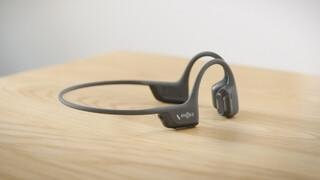
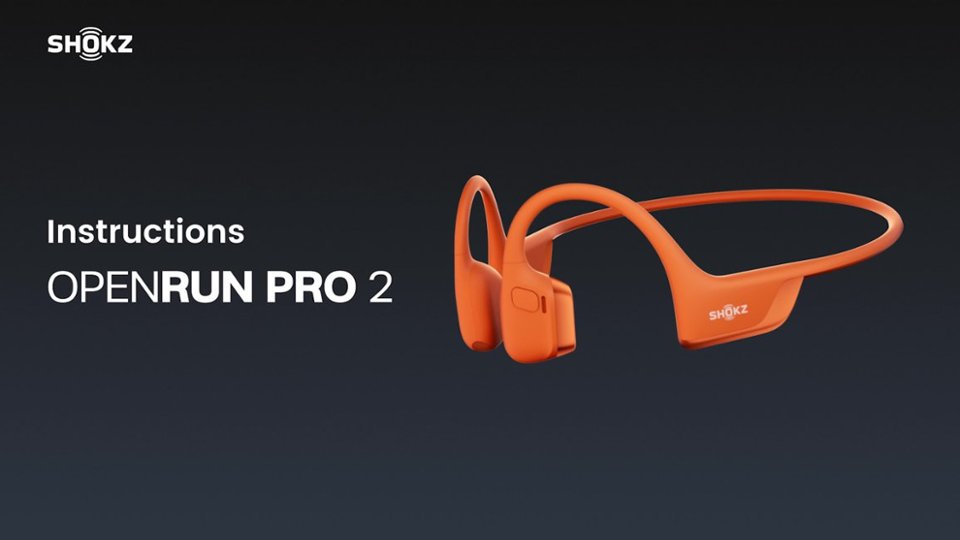
A:AnswerHi there- Shokz here! Yes, the size you have purchased is the standard size. Please reach out to our Customer Happiness Team if you have any other questions. Thanks!
A:AnswerHello-Shokz here! Caller identification is a setting on the phone that can be turned on. If the phone setting is turned on to announce the caller's name, then you will hear this through the OpenRun Pro 2 when it's connected to your device. Please reach out to our Customer Happiness Team if you have any other questions! Thanks.
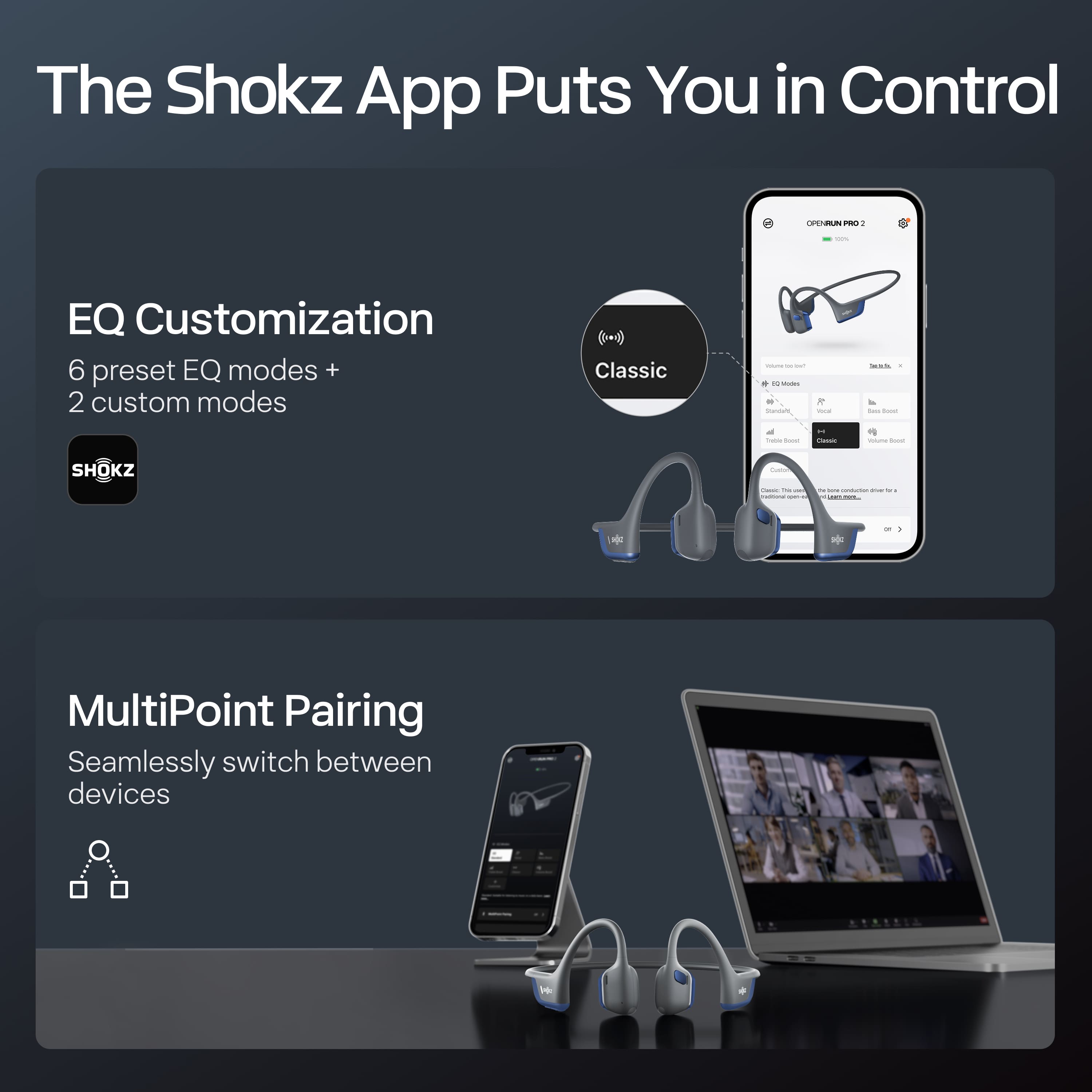
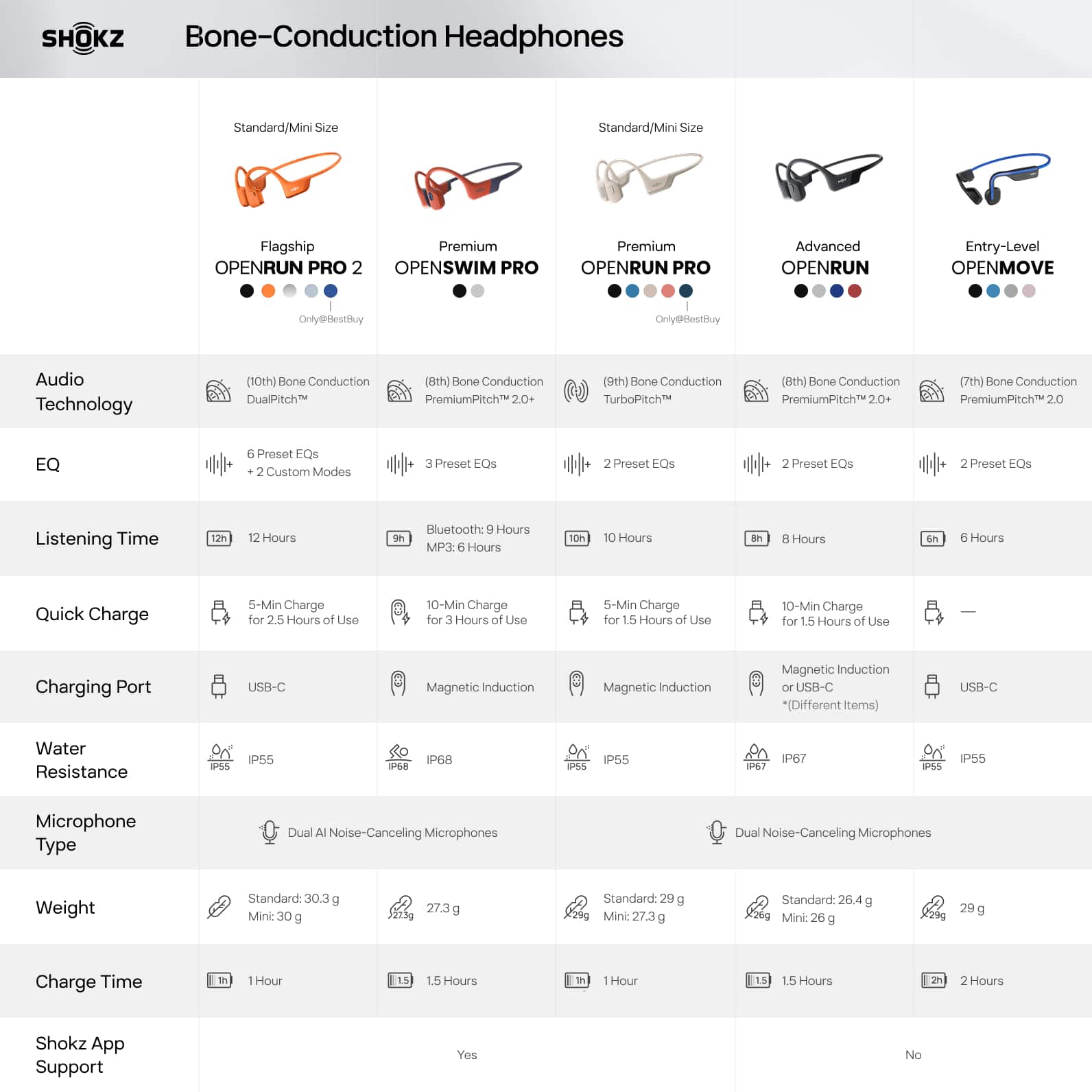
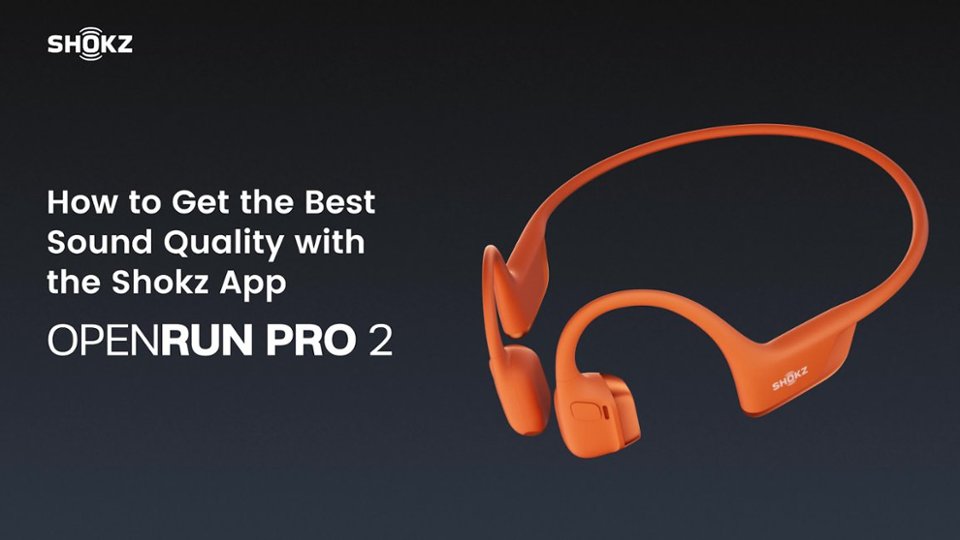
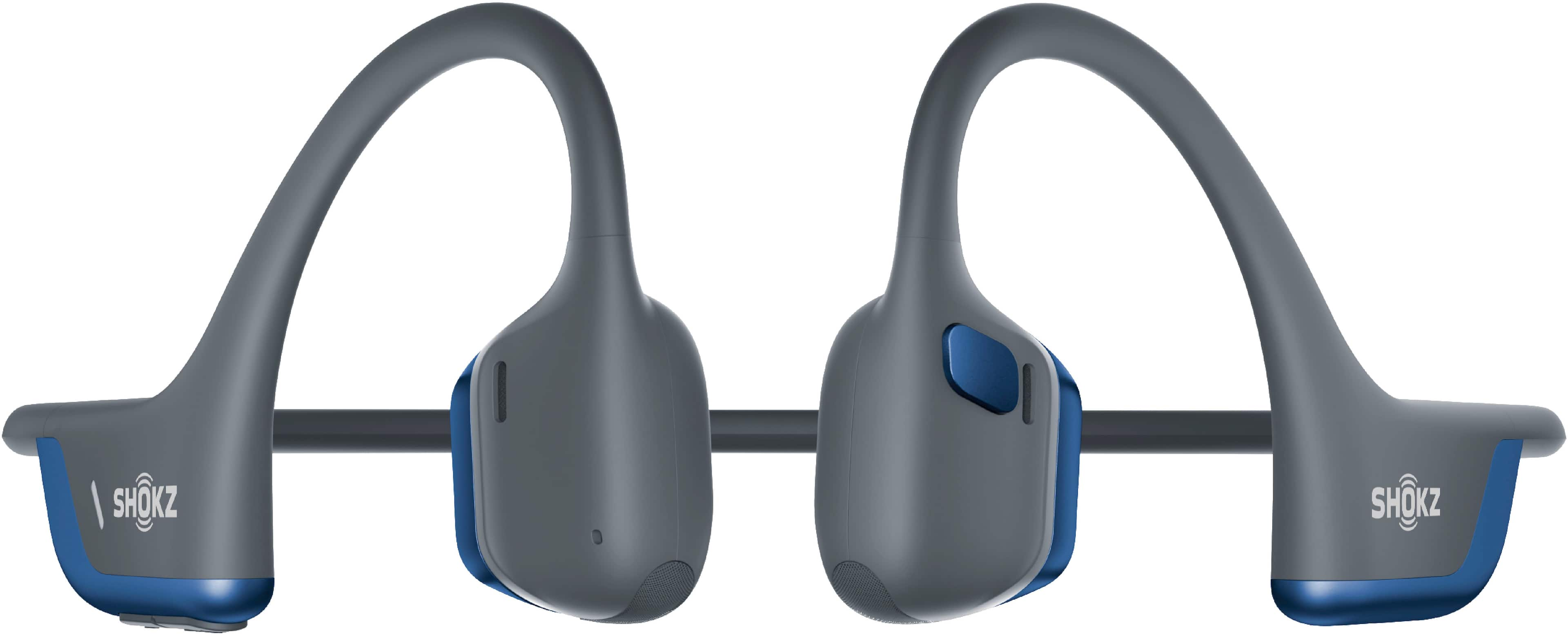
A:AnswerHi there- Shokz here! Yes, the OpenRun Pro 2 is compatible with the Shokz app. You can choose from 4 preset EQ modes and 2 custom modes to tailor your experience, seamlessly connect with MultiPoint Pairing, and more via the Shokz App. Please reach out to our Customer Happiness Team if you have any other questions. Thanks!
A:AnswerHello- Shokz here! The OpenRun Pro 2 works with most Bluetooth compatible devices, so they should work with your TV. Since this order is fulfilled by BestBuy, we kindly ask that you reach out to their Customer Service directly to learn of their return policy, in the case these are not a good fit for you. Thanks!
A:AnswerHi JS- Shokz here! The Shokz products sold at BestBuy are manufactured in China. Please reach out to our Customer Happiness Team if you have any other questions. Thank you!
A:AnswerHi there- Shokz here! It's possible that the wind noise may be overpowering for the OpenRun Pro 2, due to these having an open-ear concept. We recommend using earplugs when in particularly loud environments.
We’re excited to share that we’ve just upgraded to the latest firmware version, and it can be updated via the Shokz app for the best experience with your OpenRun Pro 2. There is also a phone setting that may increase the volume. -On the iPhone, go to Settings > Sound & Haptics > Headphone Safety, make sure that the Reduce Loud Audio Feature is switched off as this will affect the volume of the headphone. -On an Android, go to the Bluetooth Settings on the phone, find the headphone and make sure that the Absolute Volume feature is switched on for it. Please reach out to our Customer Happiness Team if you have any other questions. Thanks!
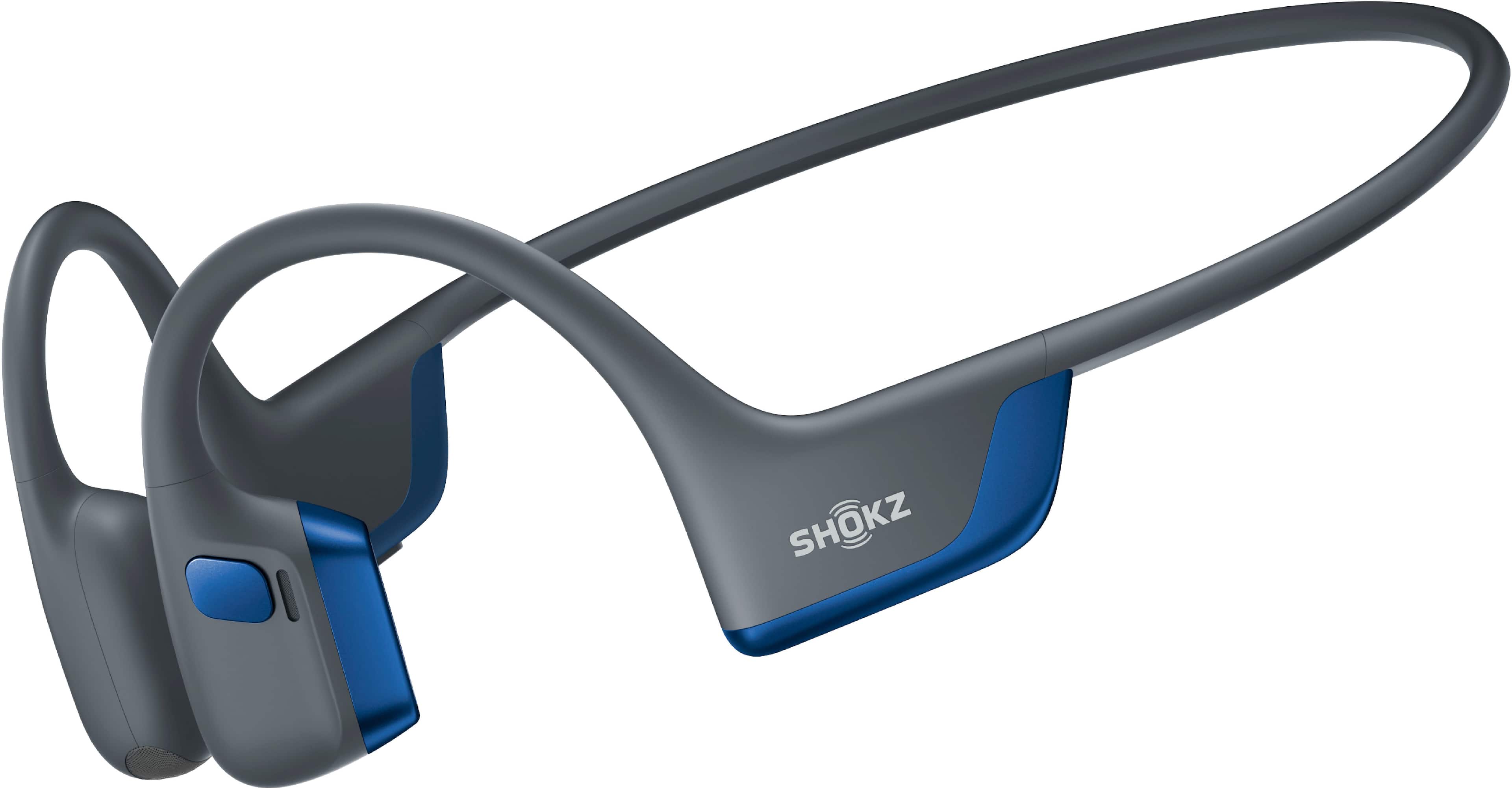
A:AnswerHi there- Shokz here! The OpenRun Pro 2 does have multipoint pairing, allowing them to be connected to two devices with seamless transitions between one and the other. Please reach out to our Customer Happiness Team if you have any other questions. Thanks!
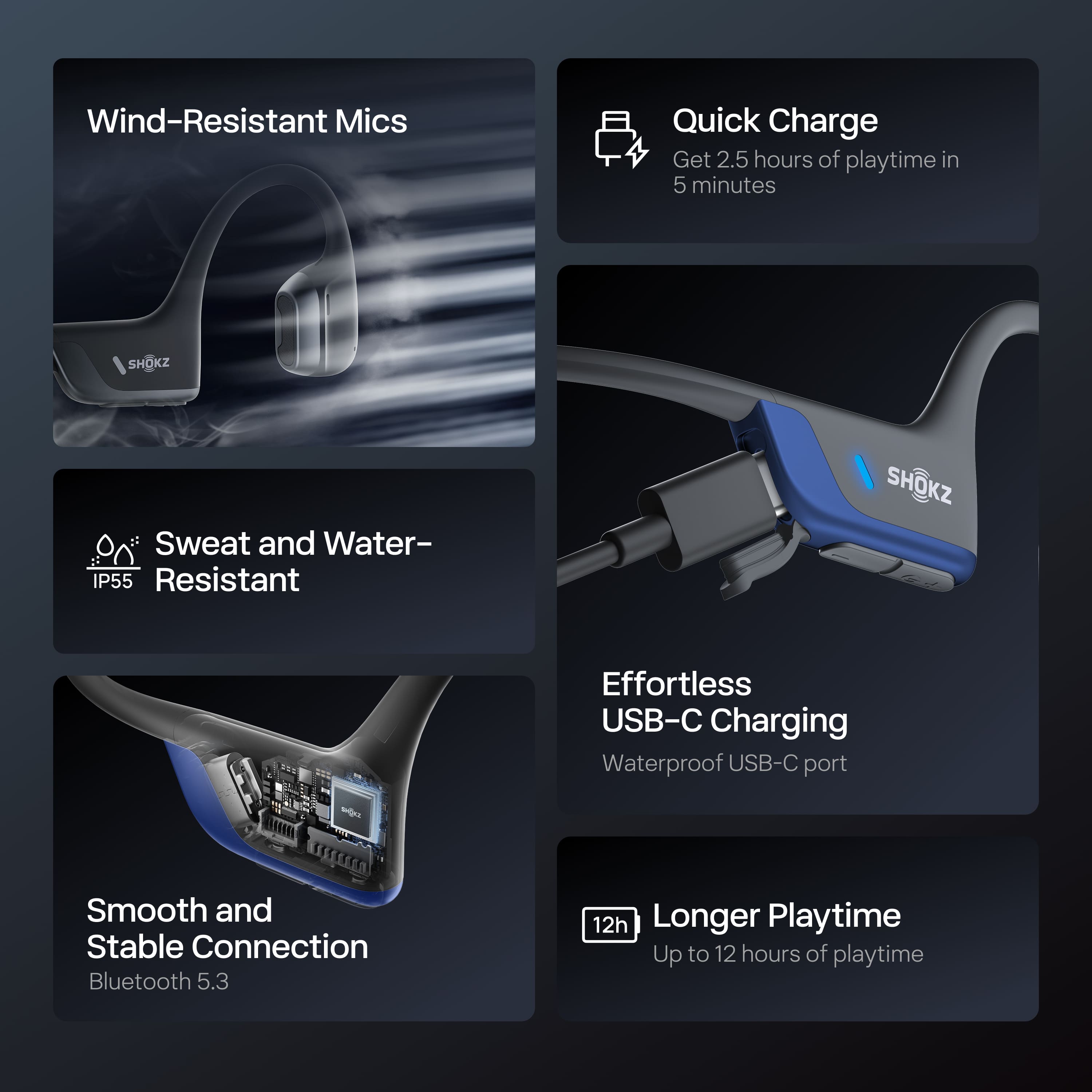
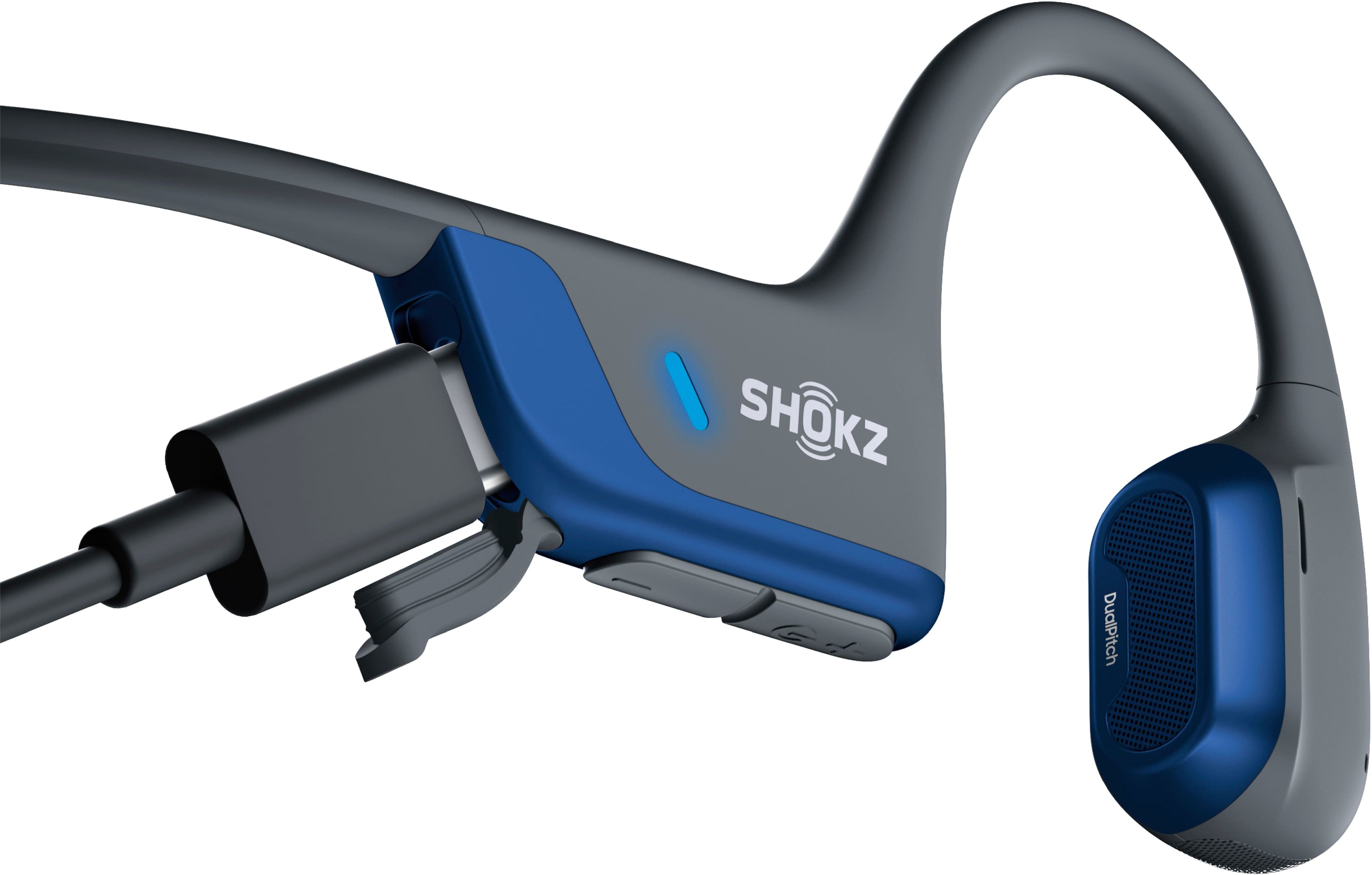
A:AnswerThis made me curious so I plugged mine in and tried to use them while charging. it was a No-Go. However, there is a relatively short partial charge time so if you don't have fall-back wired earbuds, wait 15 minutes to go for your run, or whatever, and you should be good for a couple hours.