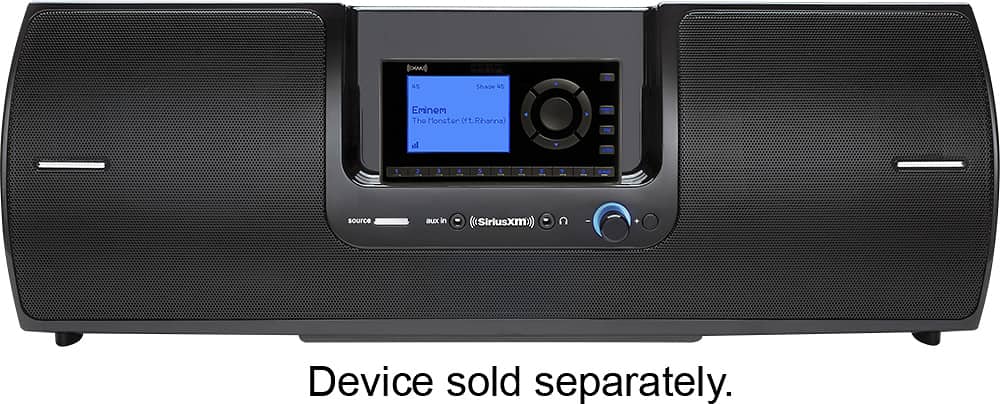
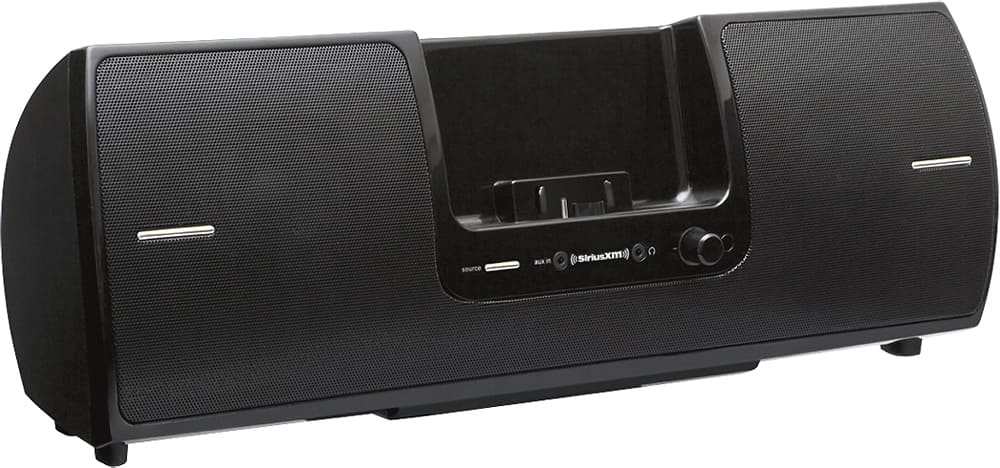
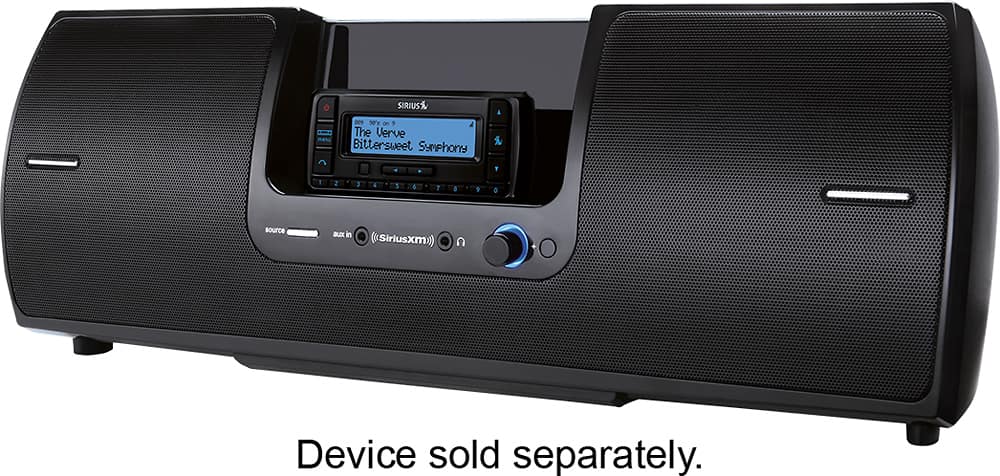
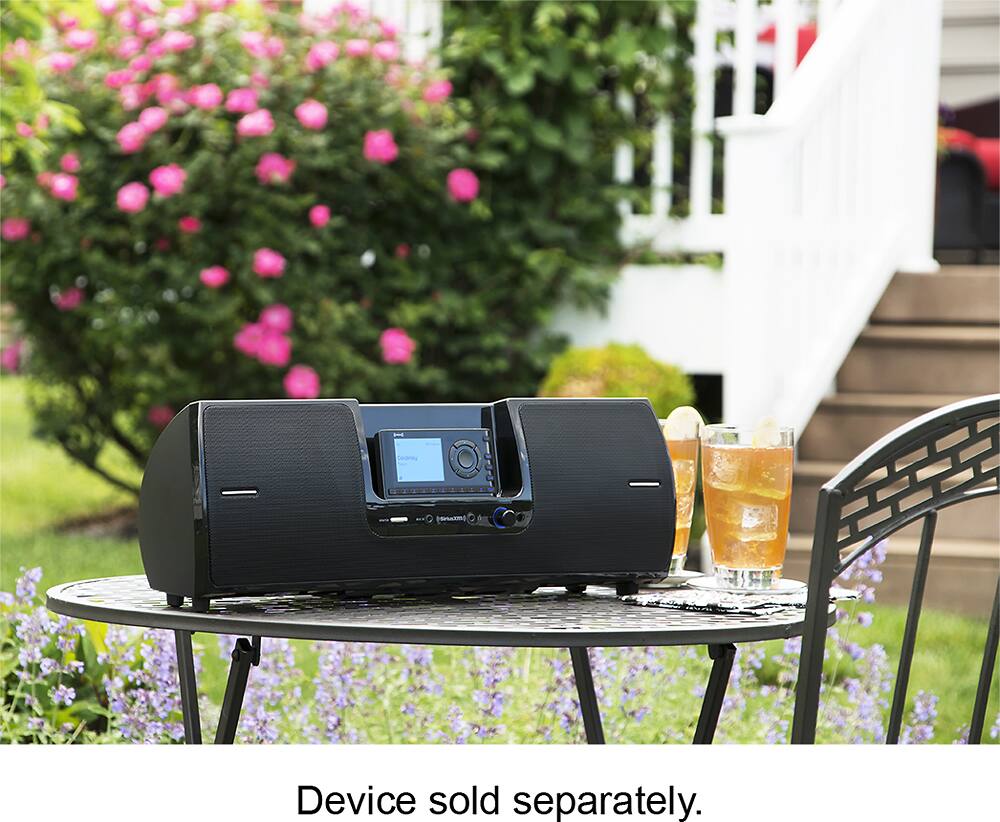
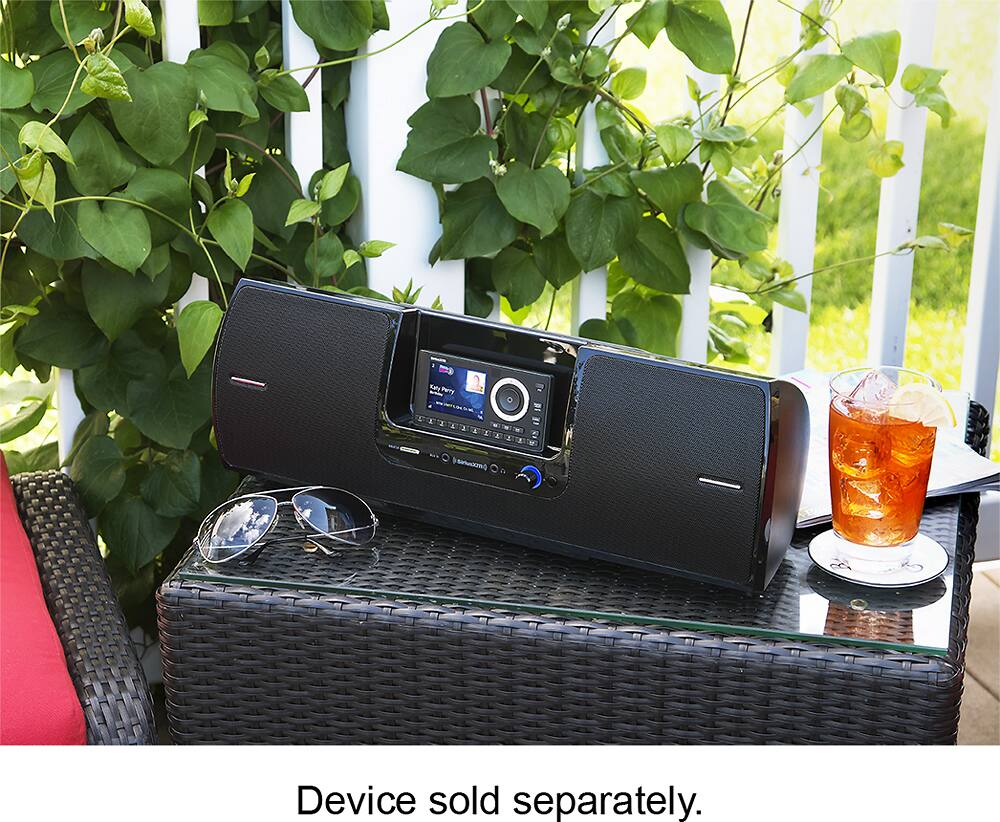
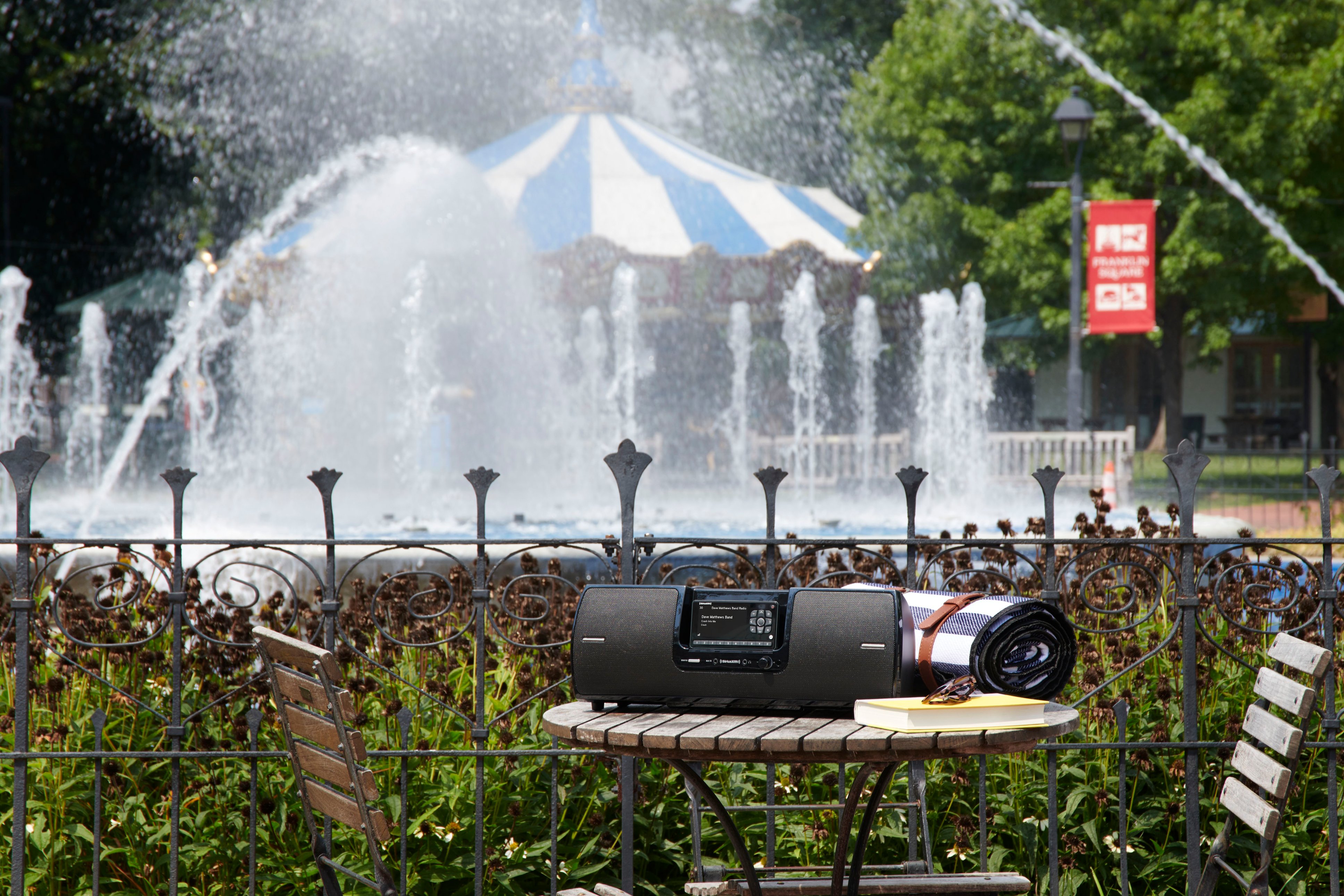
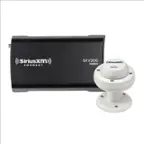
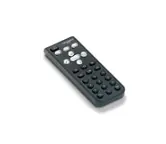
A:AnswerThe SXSD2 does not come with a plug for the car but it does come with an AC power adapter and cord. Or you can use 8 "D" size batteries. With regards to the power on/light, the light is blue when the Portable Speaker Dock is powered on. The light will turn red when the batteries in the Portable Speaker Dock are nearly discharged and need replacement.
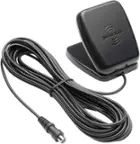
A:AnswerIf you want to use this as your in car stereo its two items, a Sirius receiver and the portable docking station. The docking station (Radio) has a satellite antenna with a long cord so you can set it antenna in the window run it out on top of the car where ever you can get a good line of sight to the stars. You can "MacGyver it" and it will work as your car stereo.
A:AnswerThis is expectable to me. I don't walk around with this it's stationary, so it doesn't bother me. When I do move it, it works perfectly fine. I saved 25 dollars buying it like this and its worth the savings. Box has awesome sound. Now if they can just figure out how to generate a stronger signal so the portables can be used inside homes it make would make it a worth while purchase.
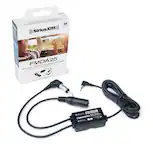
A:AnswerIf you search the web for SXSD2 12v car adapter you can find several offerings that will send 12volts to your SXSD2 from your vehicle's 12volt power port. Just make sure it says it is for SXSD2 and is not a 5volt converter. Also be sure you use this in a switched 12volt power port. If the 12volt power port is always on the be sure to unplug the adapter for safety while unattended and to avoid running your car battery down.
A:AnswerHave you tried pressing the power button on your radio while it is in the SXSD2 when the SXSD2 is powered on? SiriusXM Radios remember the last power state of the Boom Box separately from the car dock. If it thinks it was turned off via the radios power button then it will stay off when the SXSD2 is turned back on. Try turning on the SXSD2 and then pressing the Radio's power button to turn the radio on.
If that doesn't work then undock the Radio and remove the dock adapter plate from the SXSD2 and the redock the radio into the SXSD2 and see if the Radio turns on now. Repeat the steps above in the first paragraph to be sure the Radio's remembered power state isn't out of sync with the boom box. If the Radio can be powered up in the SXSD2 with the adapter plate removed then this means that the adapter plate was not fully seated and was keeping the Radio from fully docking and making contact with all the connections in the dock connector. Even a very small gap along the back of the adapter plate can cause this. Reinstall the adapter plate and apply a lot of force along the entire perimeter of the adapter plate to snap it fully into place. If none of these tips solve the problem then send a support email to "[email protected]" for further support.
A:AnswerI had to replace the SiriusXM radio (plug-in module) with a new radio unit. The docking station was just fine; it was the radio that was at fault.
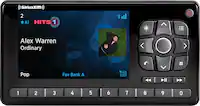
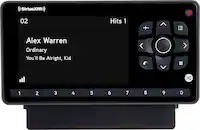
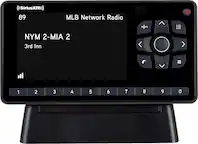
A:AnswerMost Dock and Play Sirius, XM and SiriusXM branded radios will dock in the SiriusXM SD2 Portable Speaker Dock. The current Dock and Play radios presently on sale include the SiriusXM Onyx EZR and SiriusXM Onyx Plus and the SiriusXM Tour.
The SD2 includes adapter plates that will accommodate both XM and Sirius as well as SiriusXM branded dock and play radios.
A:AnswerNo, the SXSD2 speaker dock only accepts the wired audio from either a Satellite radio docked into the speaker dock or from a 1/8in (3.5mm) stereo cable plugged into the Aux input on the speaker dock. If you have an older Samsung phone with wired headphones then it will accept this same 1/8 stereo cable. But the speaker dock does not have any Wi-Fi nor Bluetooth capabilities.
If you don't already have a SiriusXM dock n Play radio that fits the SXSD2 speaker dock then you might want to consider the GDI-SXTTR3 table top radio. This table top radio uses the same streaming credentials as your Samsung phone so you don't need an extra subscription. The table top radio is available here: https://www.bestbuy.com/site/siriusxm-wi-fi-sound-station-black/6454202.p?skuId=6454202