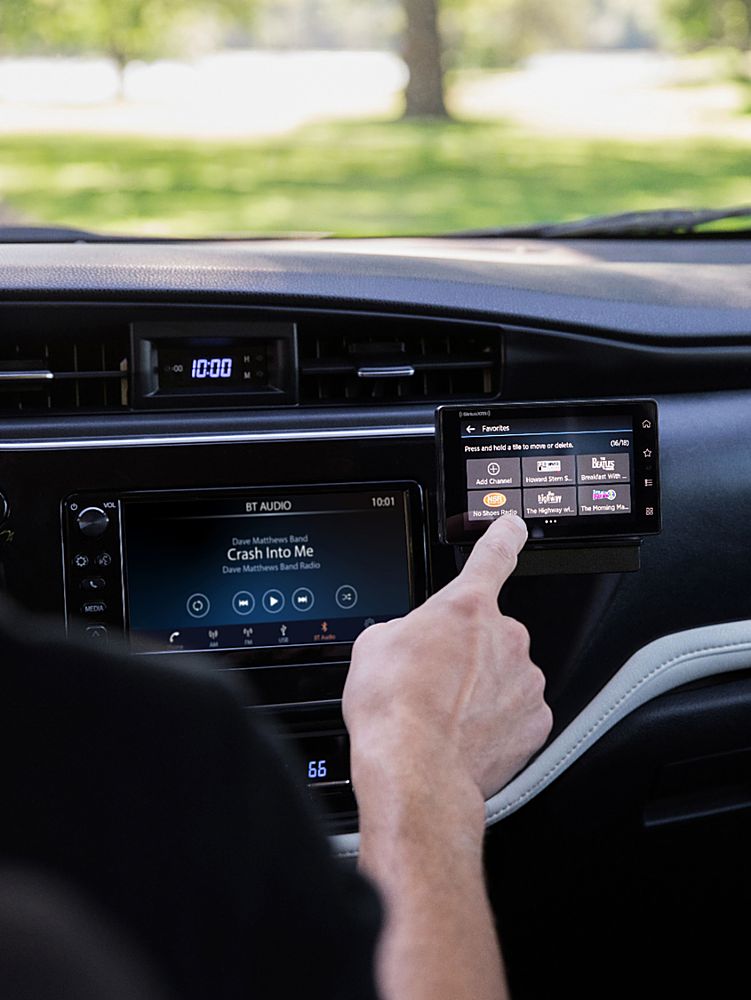
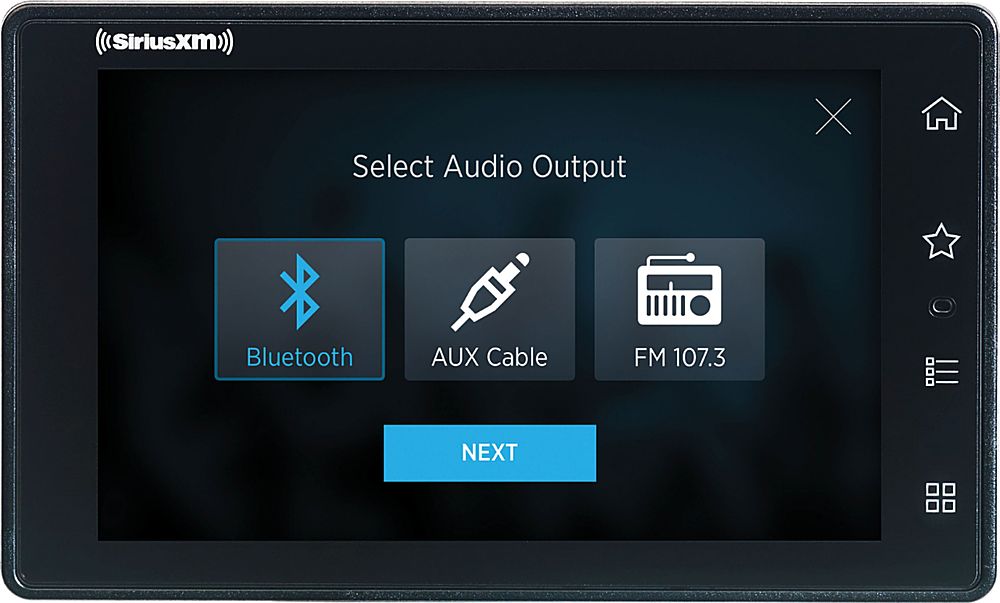
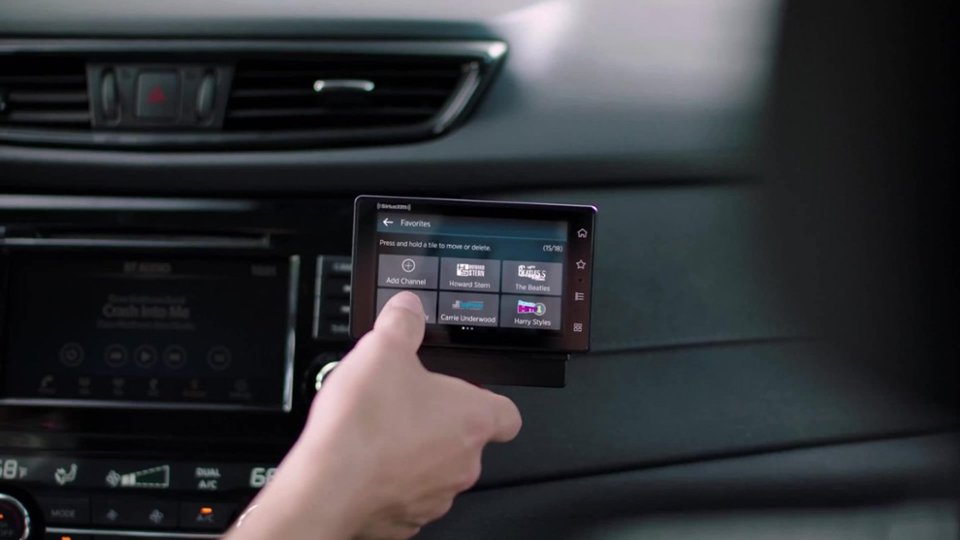
A:AnswerYes it can. Preferably you want an aux connection to your radio, but not necessary. No auxiliary speaker needed. Can be connected by your radio FM frequency.
A:AnswerYes.....you will need to activate this xm radio and change it to your subscription....then buy both the car / home dock for this one....take the head unit and plug into your car while driving...then take head unit out and plug it into the home dock at home....one subscription on one device...but two locations...or try and set up xm online via your fire stick or Roku device...then just keep your car set up in car and use online app for your home receiver through fire stick...
A:AnswerIf you are looking to replace your factory radio with an aftermarket radio with SiriusXM-Ready capabilities, it is best to work directly with your Best Buy Geek Squad installation team to see what radio(s) can fit and interface into your vehicle.
A:AnswerThis unit will work with the antenna inside your vehicle in either the front window or rear window, but it will cut out from time to time. I had mine 8nside, but now have it outside and it works better. Hope this helps with your question.
A:AnswerYou would need the home kit to connect to any speakers outside of your vehicle. You could connect to a Bluetooth speaker to use in your car, I suppose, but the included car kit only enables the radio to be used in a vehicle.
A:AnswerYou would need to change it to a frequency without a station. The radio allows you to store several FM frequencies, so you can quickly change to an unused frequency. Best bet is to use the AUX or Bluetooth output options, if your car stereo is capable.
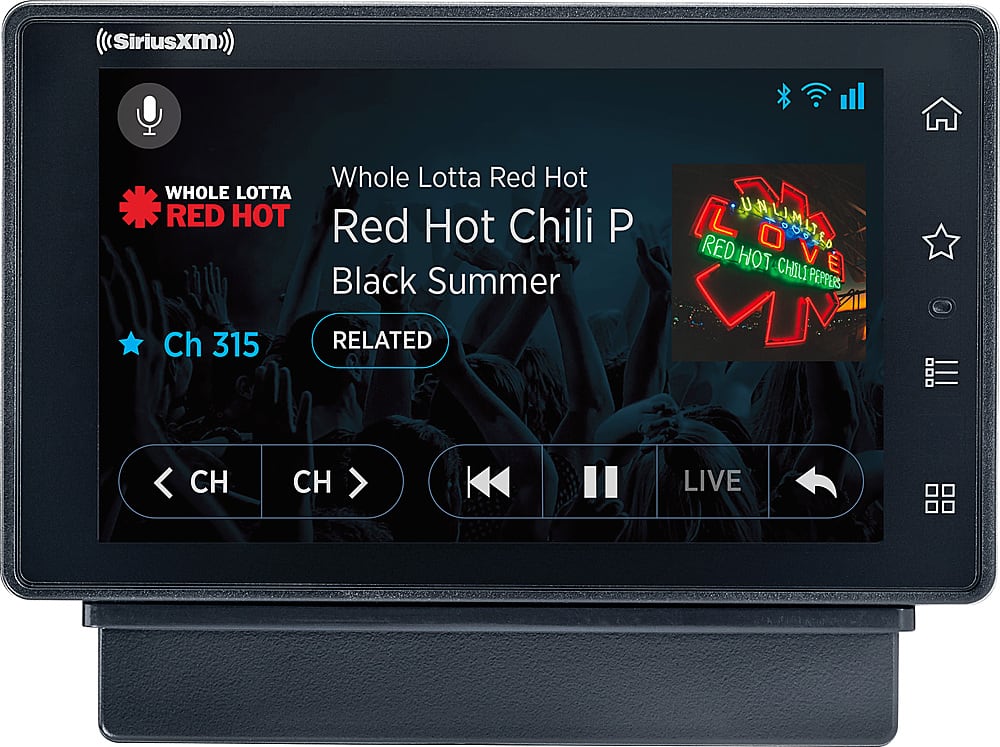
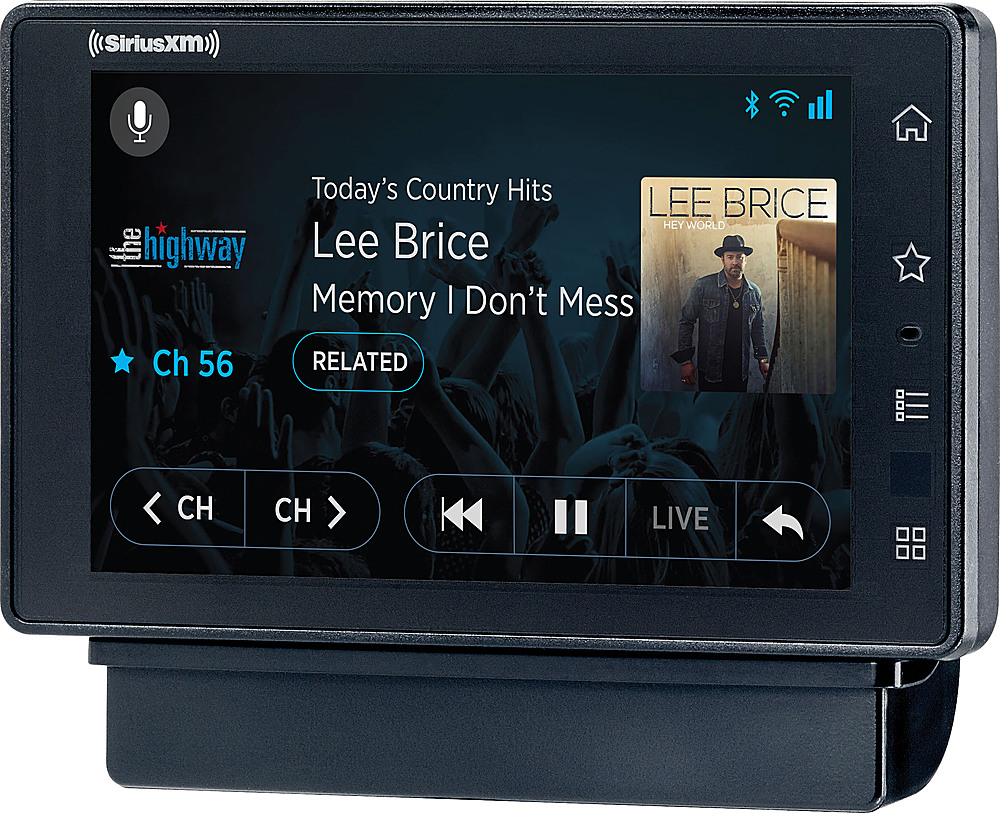
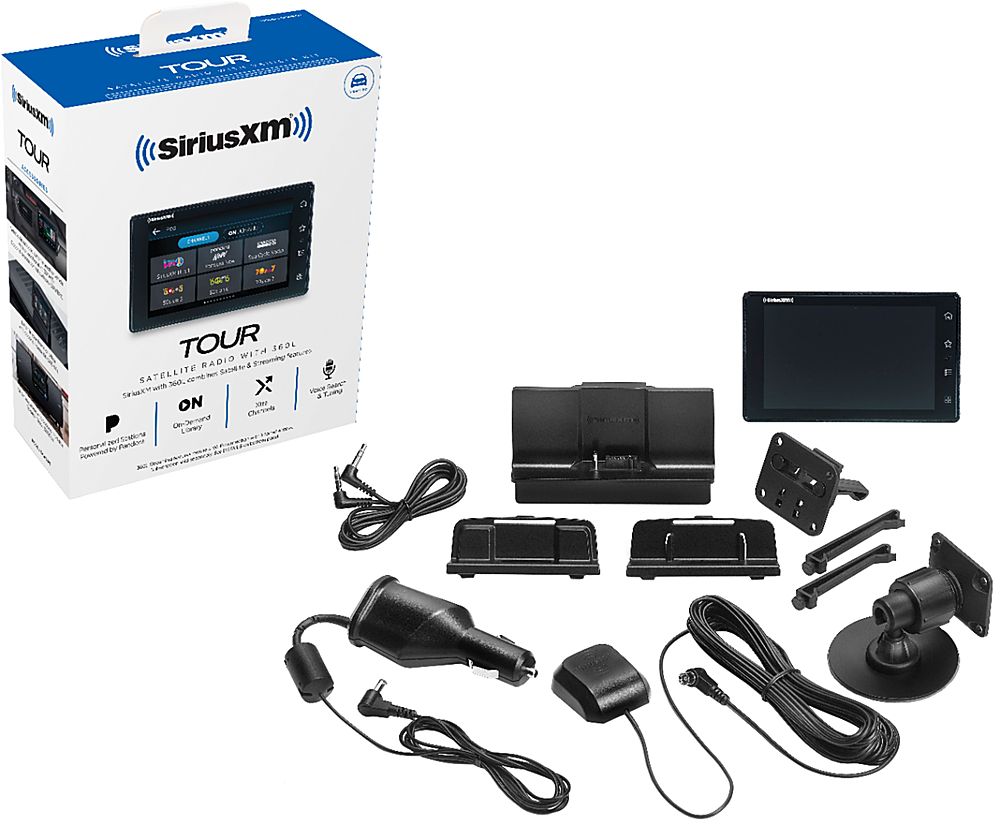
A:AnswerIt's a portable unit just like the rest of the units, just an updated version that utilizes wifi as well as satellite for added features. Comes with the normal mounts and cigarette lighter power cord.
A:AnswerI would check with your local Best Buy but should be around $70 to have it installed and we recommend adding the FMDA25 for a fully integrated look and improved sound quality!