A:AnswerBuy it now. Try it in your home. There is where you need to test it. A very liberal time for returns this holiday season, but I doubt you will return it. It is that good.
A:AnswerYes you can. While watching tv you can use the app to change audio source while tv is still on or you can use Alexa or Google (whichever you choose) on the arc voice control to change audio source as well. then you can change the audio source back to tv once you unmute the tv using the app or your tv remote.
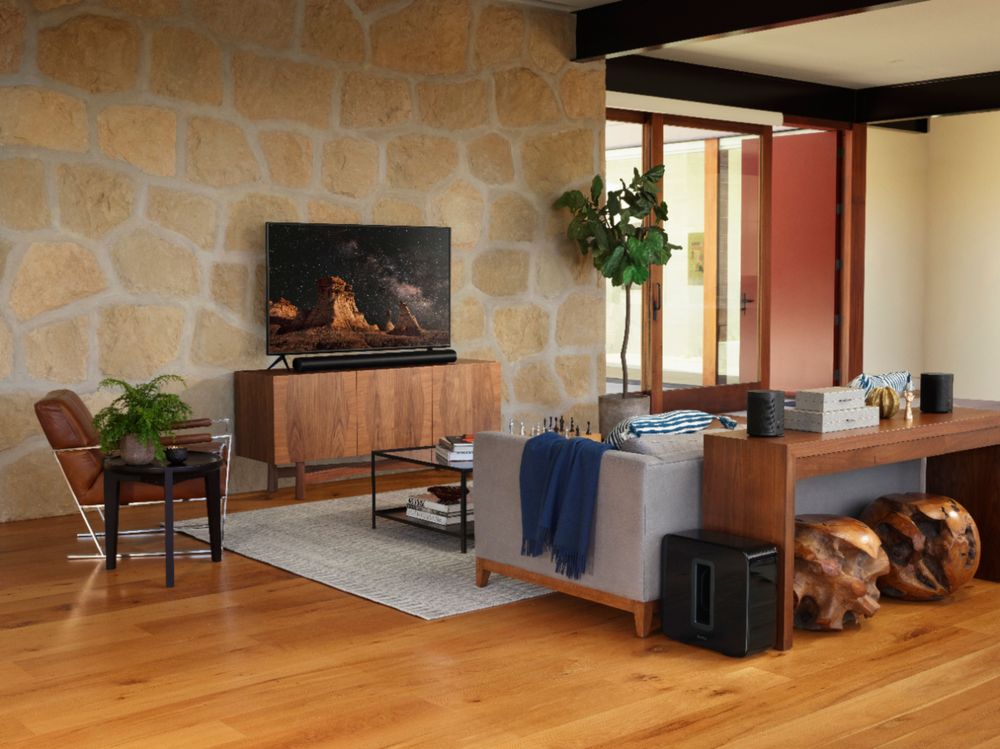
A:AnswerIf you dont have an end table, why not? You want them ear level. I sometimes lay them behind couches facing up but not the best way to maximize the quality. They do greatly add to the sound bar. The cords can't be in wall though. Need to be plugged in.
A:AnswerWithout eARC you may be able to get Dolby Digital Plus to pass through....this is the lossy (compressed) form of Atmos.
Only eARC can pass through Dolby True HD which is the full uncompressed Atmos codec.
A:AnswerThere are no traditional speaker connections on the rear; only an HDMI port. That said, if your TV supports the eARC standard(Dolby Atmos) or Dolby Digital, you just connect SONOS ARC to the TV HDMI out. There is no benefit to running the speaker trough your receiver.
A:AnswerAs long as the app on the Shield is outputting Atmos and the Q80 is configured to properly send Atmos through its ARC port then you will get Atmos on the Sonos Arc!
A:AnswerYes! The Arc has an IR passthrough that learns your other remotes you use for volume and if it connected through ARC and you have CEC+ controls enabled it will control the television as well.
A:AnswerI have the original Play Bar and it works fine with the Logitech remote so I would assume this will as well but I would contact Sonos to confirm.