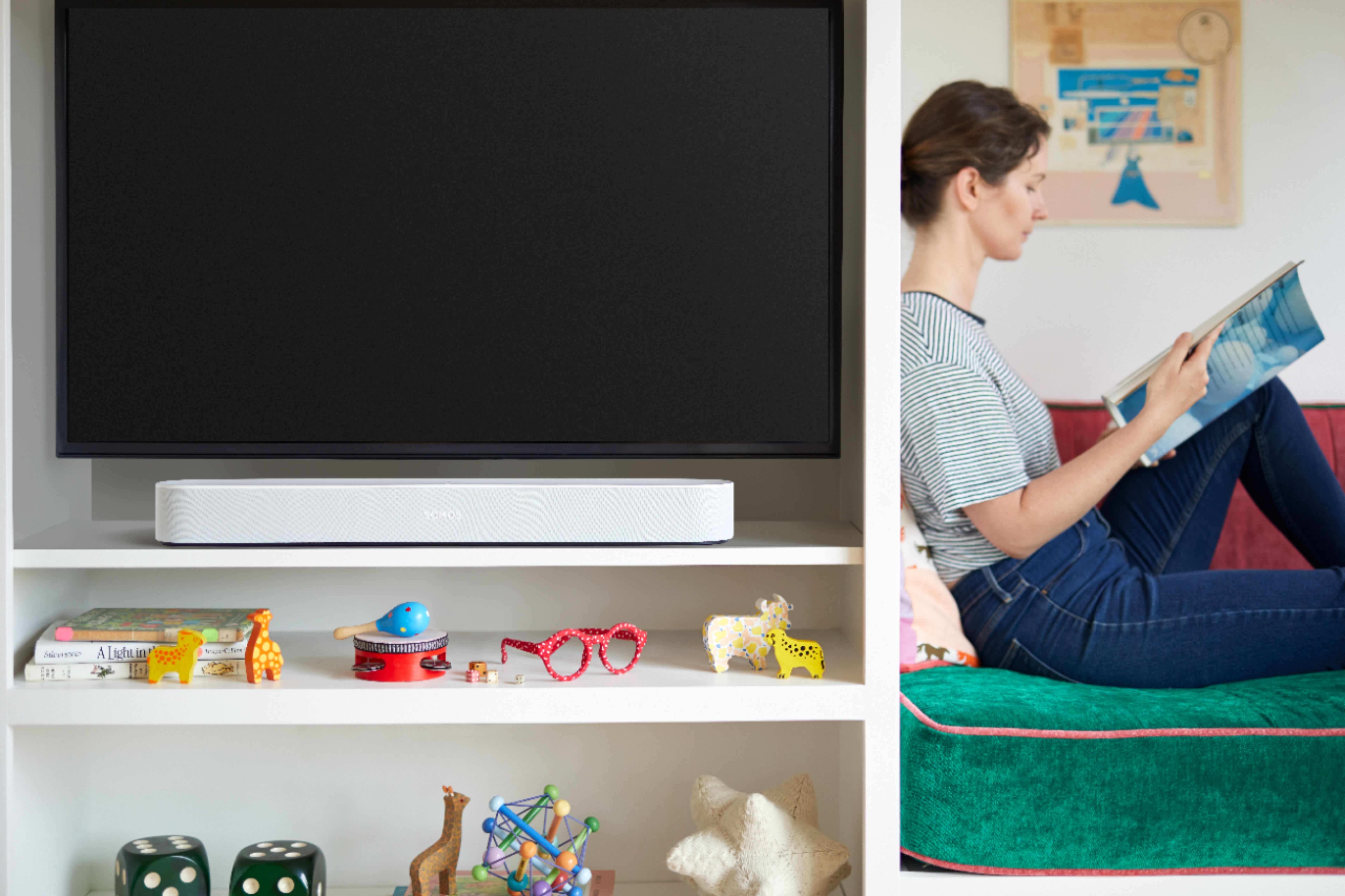
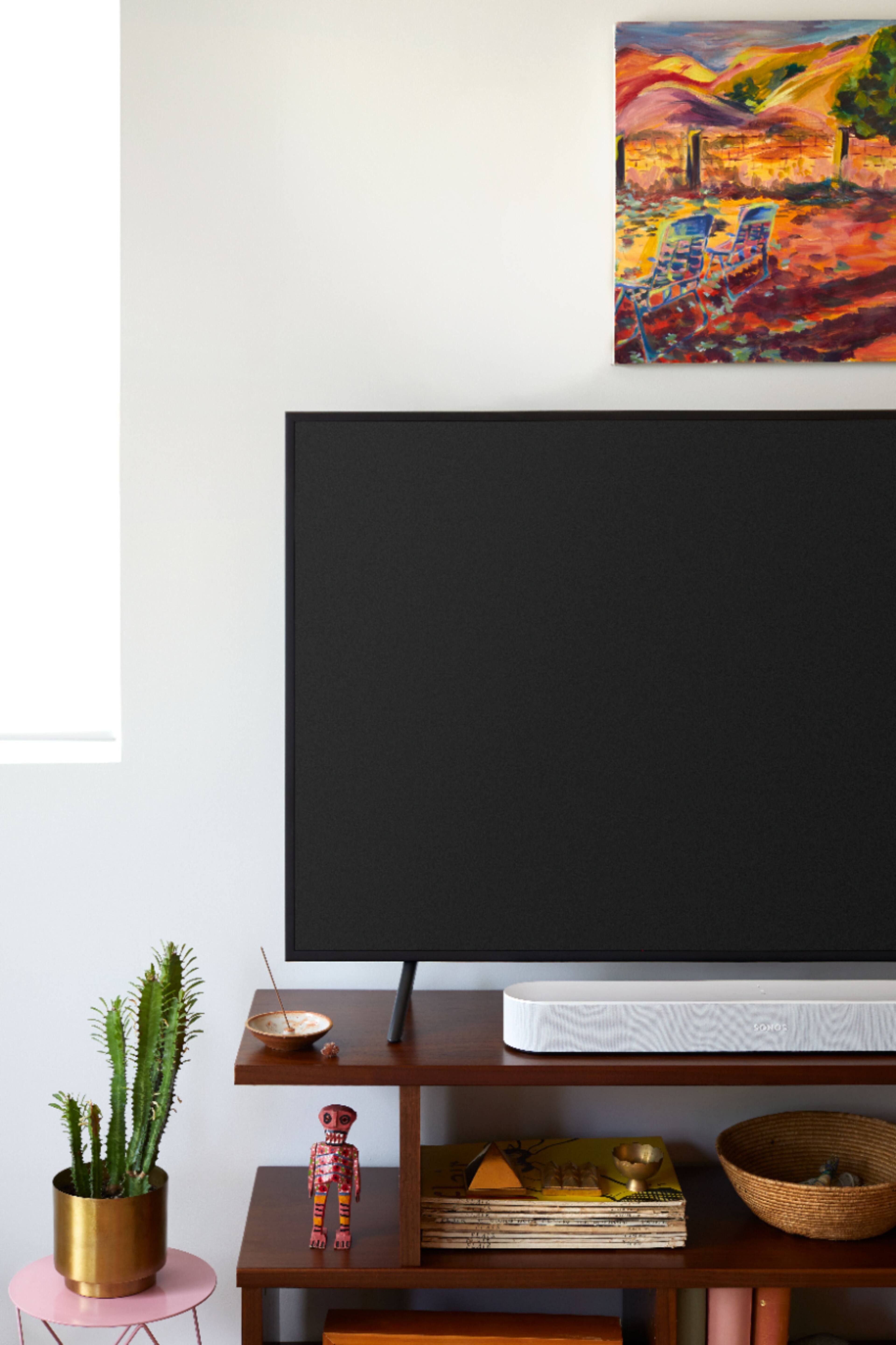
A:AnswerI have a Beam and an Arc so I assume it’s the same. I’m also assuming you’re seeing both devices when you click on system (4 lines) In the Sonos app. Click on the device that you’re playing the music from. Then, in the bottom right, there is a square with a triangle on the bottom of it. Click that and you should be able to pick your other device to play through as well.
A:AnswerIm not sure if this requires internet or not to work, my guess is that if its directly connected it doesnt but if you qrr connecting via Bluetooth or some other means than it would not work- i guess it depends on your setup itself.
A:AnswerThis was the main reason I bought the sonos beam. There is a control to enhance speech and it actually works. With the beam I can hear voices clearly even with background music playing. You can't go wrong with the sonos beam!!
A:AnswerYes it will and was the main reason I bought the sonos beam after reading many reviews. The sonos beam has a control for enhanced speech and it works. I can hear dialogue clearly even with background music playing. I have tried several other sound bars and this is the best one I have tried by a mile. Buy this sound bar you won't regret it...and if you like surround sound add two sonos one speakers and this setup will blow you away with its sound in dolby digital 5.1!!!
A:AnswerIt has a plug adapter that is square that goes on the end of the hdmi cable that I believe may be the digital audio. Or a hdmi audio extractor may work too. Take a picture of the tv plugs and bring it with you to Best Buy geek squad.
A:AnswerI know you can use alexa on your soundbar. Never tried google, but uf google works with your little speaker it should work with google assistant . Hope that helps?