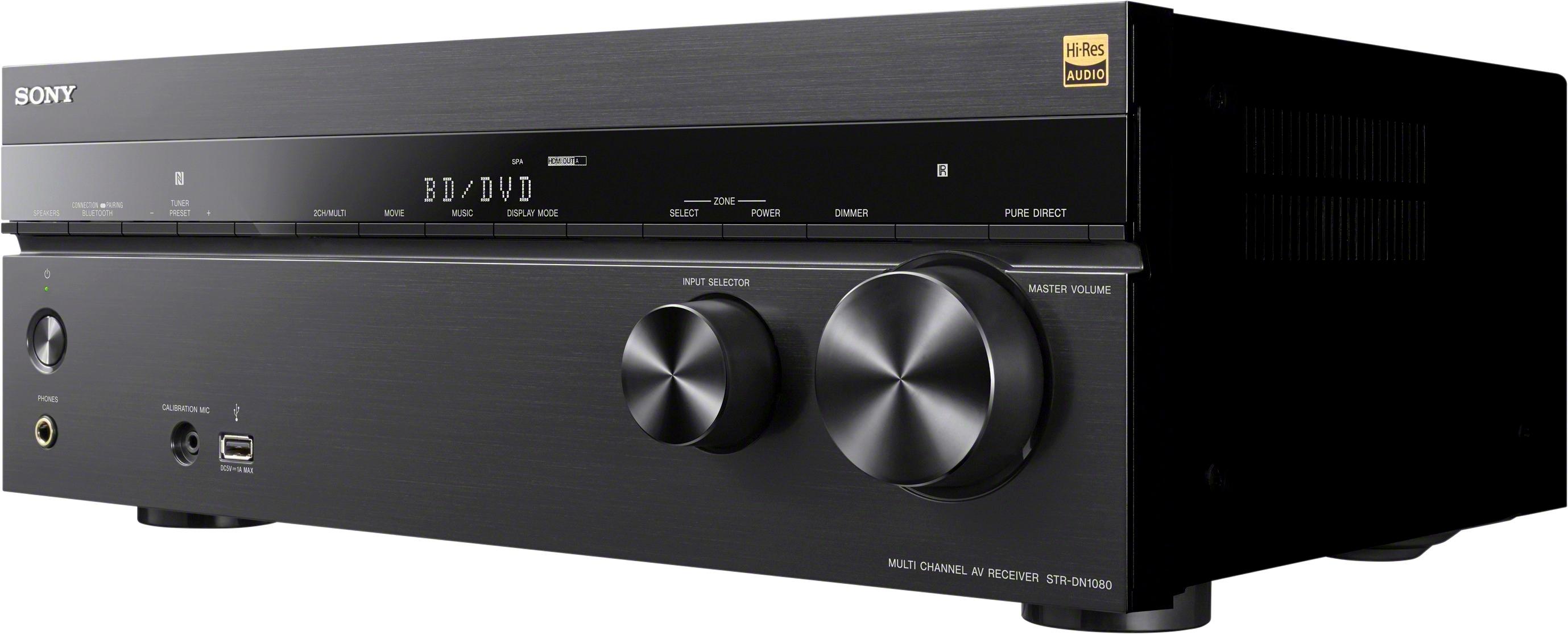
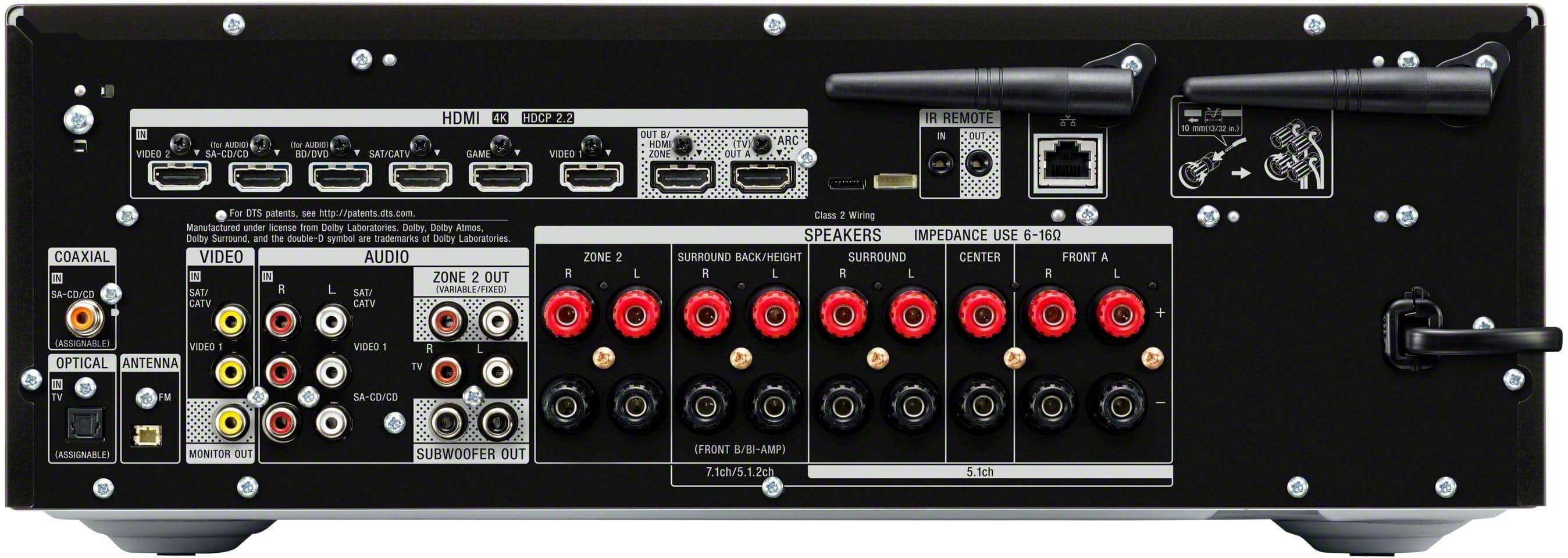
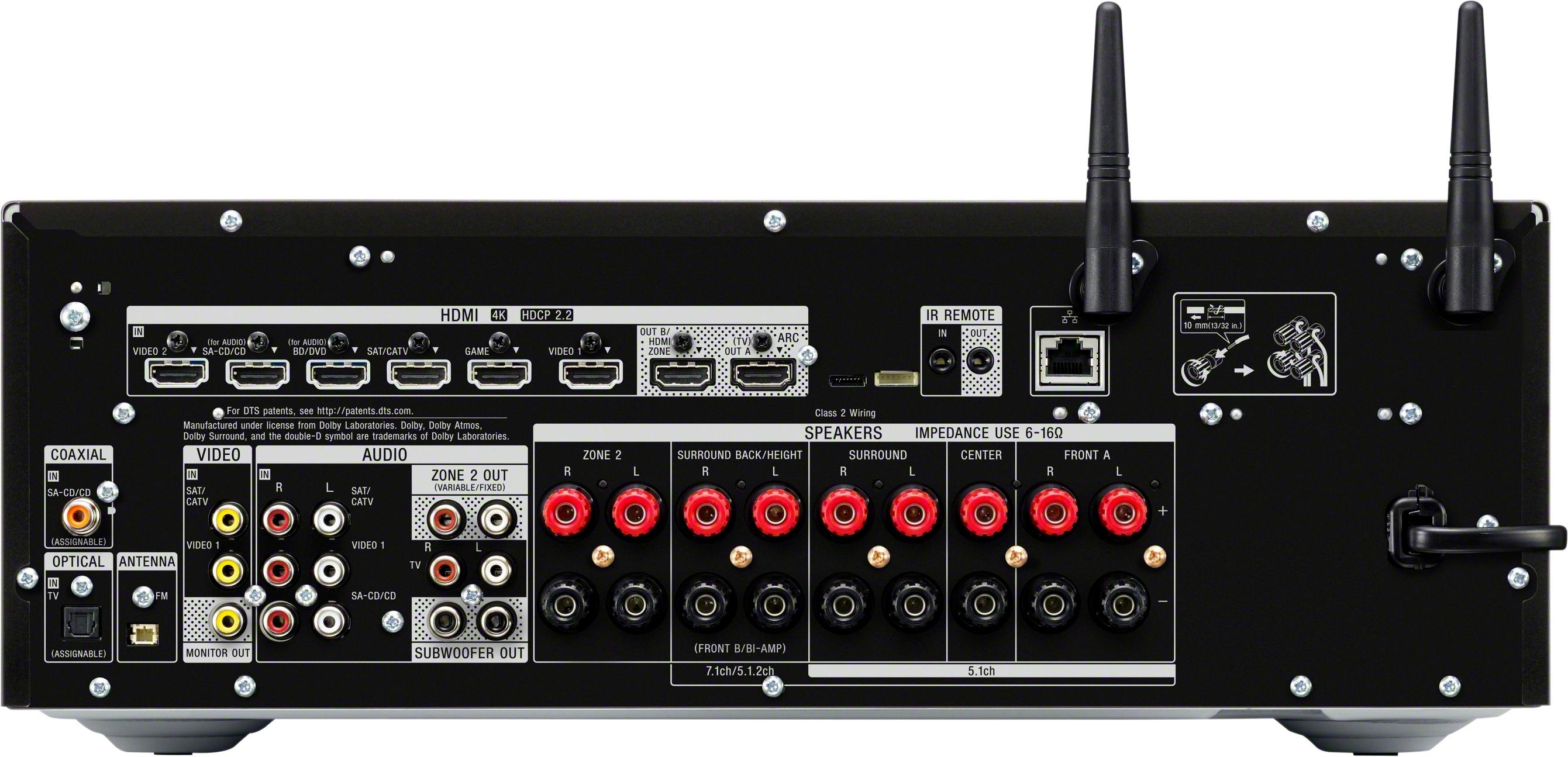
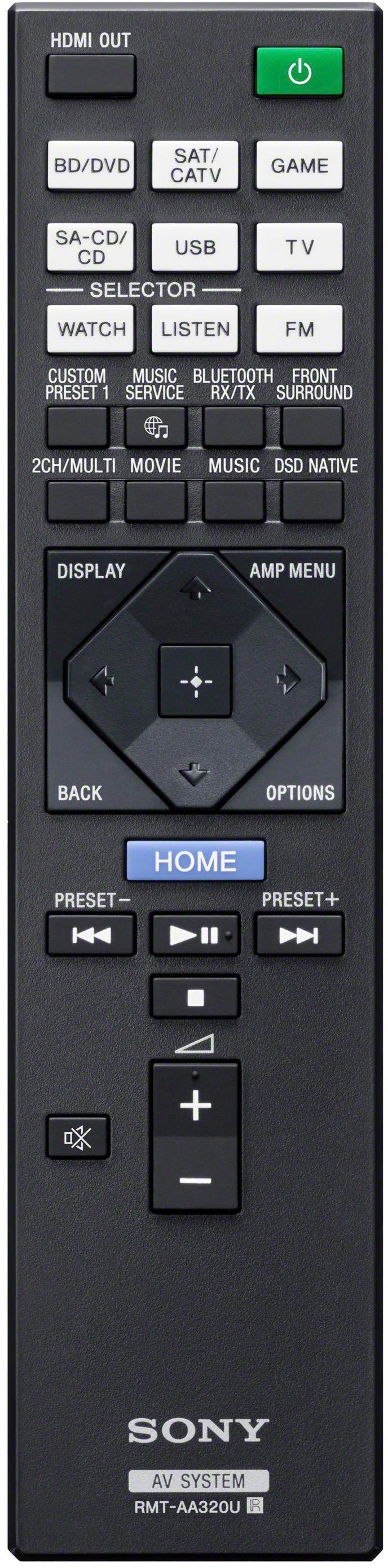
A:AnswerHi Vicgonewild, Thank you for your inquiry! Yes, you can. The receiver has HDMI, Audio L&R and Optical ports that you can use with your TV. Please check if your TV supports these connections. Regards, Carl
A:AnswerHi DICK,
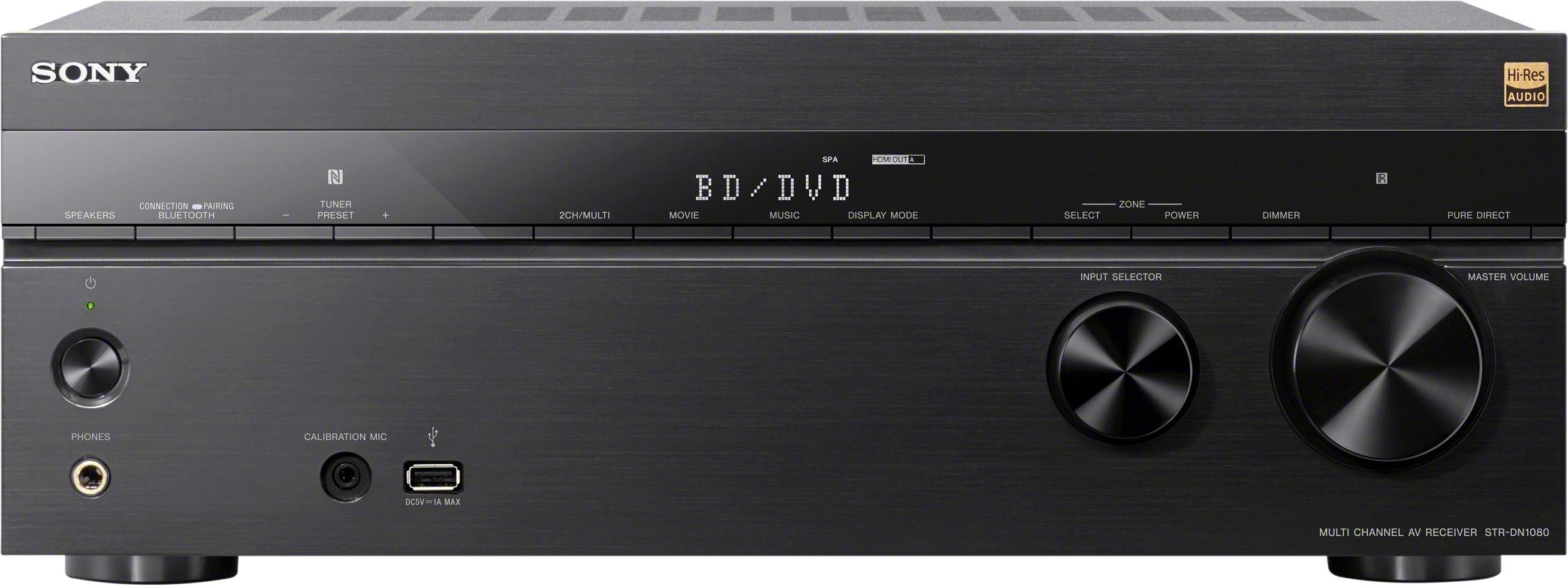
We can only provide the dimension of the AV receiver. The STRDN1080 Dimension (WxHxD inches) 17 x 6 1/4 x 13 1/8 inches (430 x 156 x 331 mm).
Happy to help,
David
A:AnswerHi memo,
We don't recommend using your smartphone with a headphone cable connected directly to the headphone port of the AV receiver. Full operation is not guaranteed. You can enjoy playing back audio content in high-quality audio from a computer or network HDD, or iPhone/iPad/iPod or other smartphone or tablet connected to your home network either wired or wirelessly. See page 50 from this link for more details.
https://www.sony.com/electronics/support/res/manuals/4686/1a5e9c2b4143ad36dd5cb360f2a11851/46865241M.pdf
Regards,
David
A:AnswerHi Jake,
Yes, you can use 5.1.2-channel using top middle speakers. For connection, see page 23 from this link below. Take note that the ZONE 2 component output jacks on the Audio/Video (A/V) receiver will output analog video signals only. To output a signal from the ZONE 2 jacks, the source device must be connected to one of the composite or component inputs on the A/V receiver.
https://www.sony.com/electronics/support/res/manuals/4686/1a5e9c2b4143ad36dd5cb360f2a11851/46865241M.pdf
Regards,
David
A:AnswerHi Jake,
Yes, you can use 5.1.2-channel using top middle speakers. For connection, see page 23 from this link below. Take note that the ZONE 2 component output jacks on the Audio/Video (A/V) receiver will output analog video signals only. To output a signal from the ZONE 2 jacks, the source device must be connected to one of the composite or component inputs on the A/V receiver.
https://www.sony.com/electronics/support/res/manuals/4686/1a5e9c2b4143ad36dd5cb360f2a11851/46865241M.pdf
Regards,
David
A:AnswerHi Kenny,
With 7.2 channels of room-filling sound and 165W (165 W x 7 @ 6 ohms, 1 kHz, THD 0.9%) per channel, this powerhouse envelops you in a new level of sound performance. You can also expand your audio/video experience beyond the living room with a powered 2nd zone, plus an available 3rd zone connectivity and control.
Happy shopping & thanks for your interest in Sony!
Regards,
David
A:AnswerHi Ronnie,
Yes, both TV and AV receiver supports 4K HDR signal. Check the link below for more information regarding your concern.
https://helpguide.sony.net/ha/strdn108/v1/en/contents/TP0001224895.html
Happy to help,
David
A:AnswerHi somgster01,
Unfortunately, it doesn't remember the last MP3 file that you played on USB but the AV receiver has a Auto Playback function where If this is set to [On], music files stored on the connected USB device will start playing automatically when you press USB.
https://helpguide.sony.net/ha/strdn108/v1/en/contents/TP0001221213.html?search=mp3
Happy to help,
David
A:AnswerHi Frodo5254,
You can connect up to 7.1-channel speaker system to this AV receiver. Visit the link below for the table that shows examples of speaker configurations and speaker pattern settings for the STRDN1080.
https://helpguide.sony.net/ha/strdn108/v1/en/contents/TP0001227293.html
We recommend connecting speakers with a nominal impedance of 6 ohms to 16 ohms. We also recommend using speaker wires that are anywhere between 12 to 16 gauge. These are most commonly used for connecting speakers to an amplifier or an Audio/Video (A/V) receiver
Happy to help,
David
A:AnswerHi LooneyTunes, Thank you for your inquiry. The STRDN1080 is compatible with headphone products that support Bluetooth A2DP (Advanced Audio Distribution Profile). You may want to check on our help guide for additional information on the receiver https://helpguide.sony.net/ha/strdn108/v1/en/index.html Regards, Carl
A:AnswerHi ER,
Thank you for the interest! We recommend connecting speakers with a nominal impedance of 6 ohms to 16 ohms. We also recommend using speaker wires that are anywhere between 12 to 16 gauge. These are most commonly used for connecting speakers to an amplifier or an Audio/Video (A/V) receiver. Check the link for more information.
https://www.sony.com/electronics/home-theater/t/home-cinema-speakers
Regards,
David
A:AnswerHi dan,
This Multi Channel AV Receiver is intended for sound and video playback from connected
devices, music streaming from an NFCcompatible smartphone or a BLUETOOTH device, and FM tuner. This system also supports network streaming.
Happy to help,
David
A:AnswerAs far as I can tell from the manual this receiver only allows a 60hz pass through. HDMI 2.1 should allow 4k 120hz, but according to page 62 this receiver does not.
https://docs.sony.com/release//Manual_4686524141.pdf
A:AnswerHi Coloradogold,
The Google Home® voice-activated speaker has many different features and functions that you can use with your sound bar or an A/V receiver. Check the link below for more information regarding your concern.
https://www.sony.com/electronics/support/audio-components-receivers-amplifiers/str-dn1080/articles/00171880
Regards,
David

A:AnswerHi DJM7,
Yes, it's via software update. The eARC is a new HDMI 2.1 standardized function which adds support for the latest audio formats, in addition to audio formats supported by the existing Audio Return Channel (ARC) function. Visit the link below for more details.
https://www.sony.com/electronics/support/audio-components-receivers-amplifiers/str-dn1080/downloads/00016640
Regards,
David

A:AnswerHi DJM7,
Yes, the STRDN1080 supports eARC. The eARC is a new HDMI 2.1 standardized function which adds support for the latest audio formats, in addition to audio formats supported by the existing Audio Return Channel (ARC) function. Update the AV receiver software to get this function.
Happy shopping & thanks for your interest in Sony!
Regards,
David