A:AnswerSame issue here. As time has went on, the rear speakers and the subwooofer have disconnected over and over. It’s at the point that I am through trying. So much potential ruined. Wish I had blown off the promise of Dolby Atoms and went with Sonos.
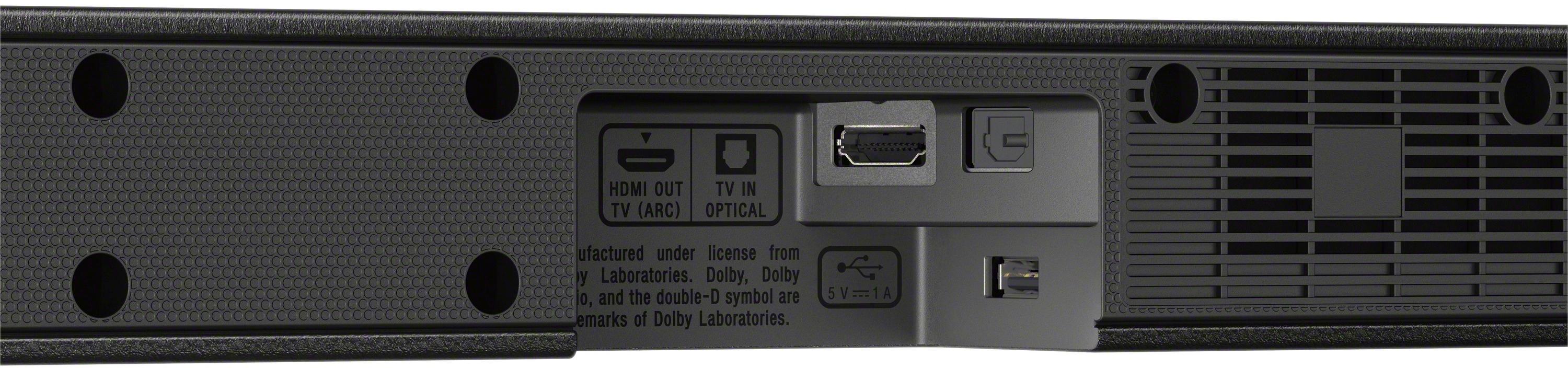
A:AnswerHi Kolby, The TV must have an HDMI ARC or optical with HDMI IN. You may refer to this link for more information (Connecting with a TV):
https://www.sony.com/electronics/support/res/manuals/4689/9745c39227db316cc8bee5b65791aceb/46895521M.pdf
~Ralph
A:AnswerHi Jen, as far as I can tell, this is a definite minus for this soundbar. I have researched all kinds of forums including on sony's website and there is no way to see the volume level on the tv screen. If you do find a workaround I would love to know.
A:AnswerConnect with HDMI wire or optical digital wire. If you use the HDMI wire, make sure you put it in the HDMI slot which says ARC on the TV. Good Luck.
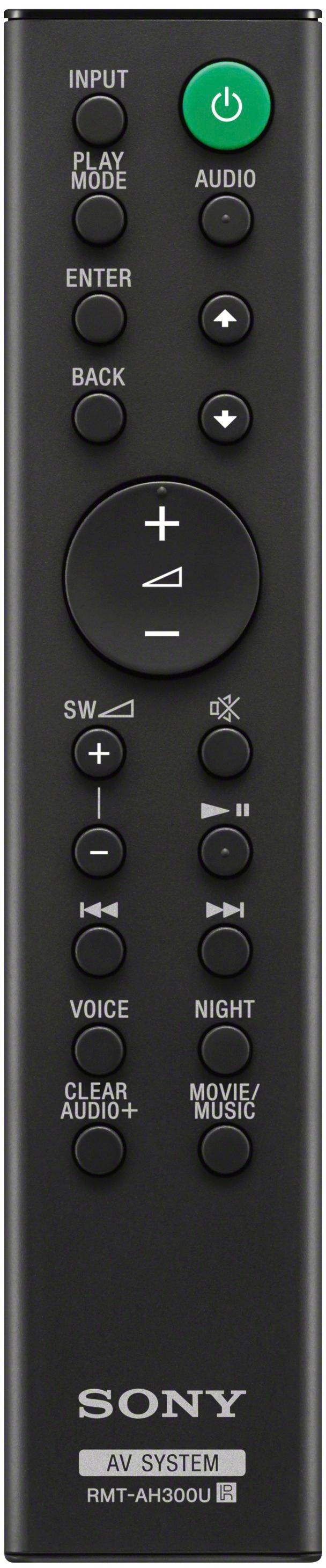
A:AnswerYou must understand that the purpose of the soundbar is to enhance the audio of the tv. I have been able to add add a tuner to get ( one of the last sony tuners from 10 years ago) by using a best buy RCA to HDMI converter. However the tuner remote will not control the soundbar. The main problem with this set-up is you the must use an optical connection from the TV to the soundbar, which at times can cause audio lag. The harmony remote will control a few of the legacy commands, but not all functioned responses even with the proper master programed code because it functions best with last generation universal components input. However if you don't mind using 2 remotes at the same time your idea will work without the harmony remote control of the soundbar.