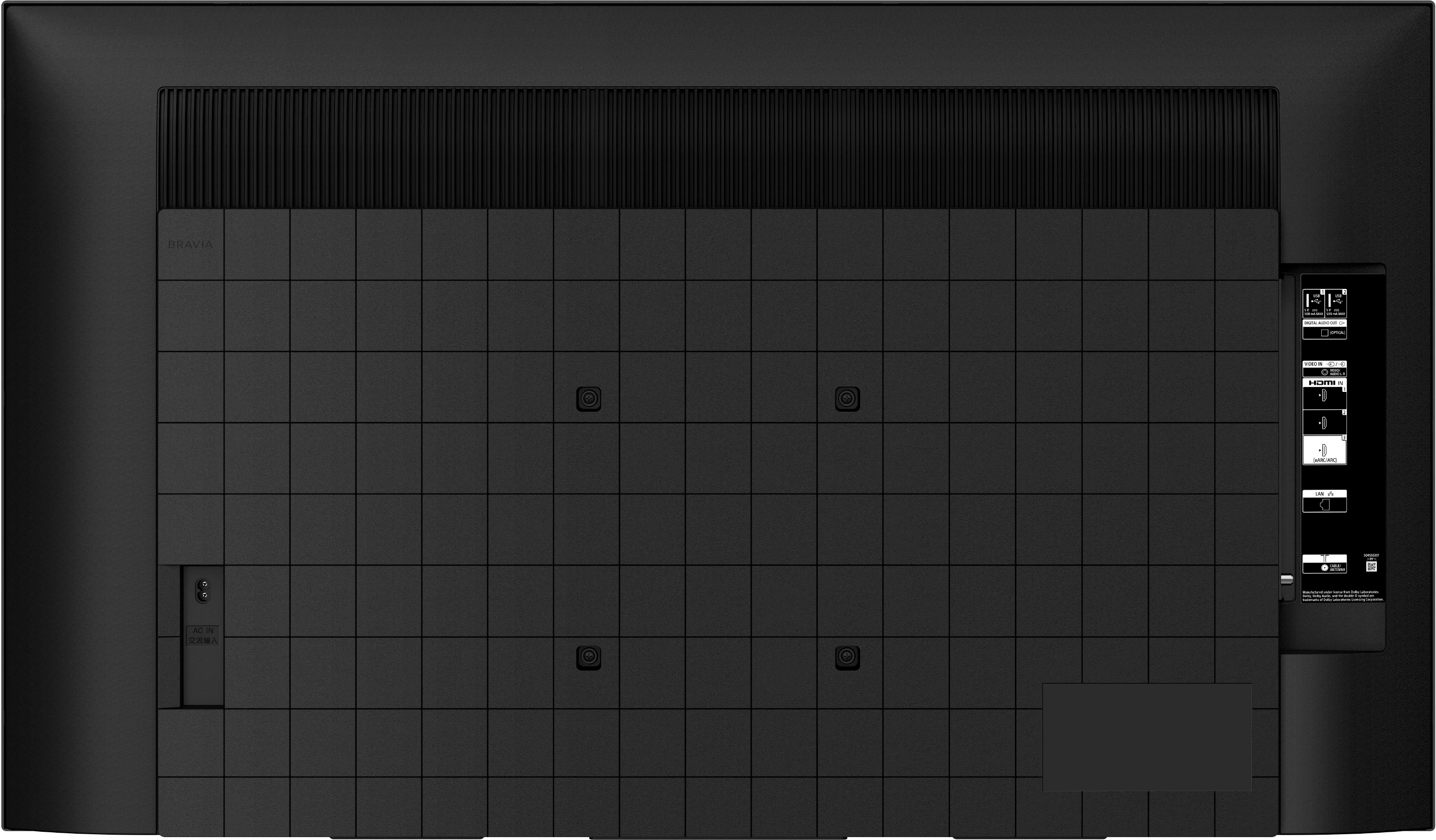
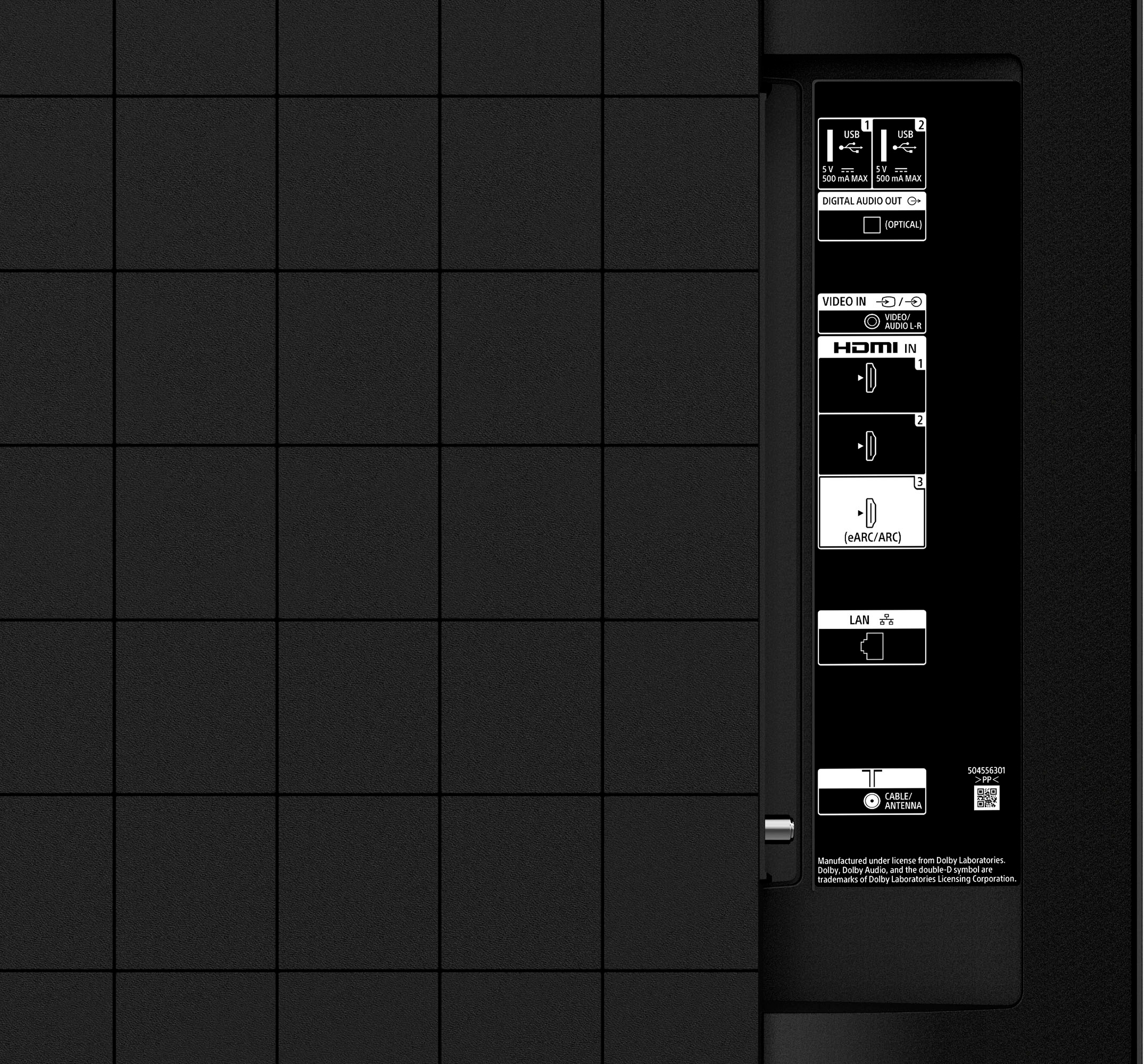
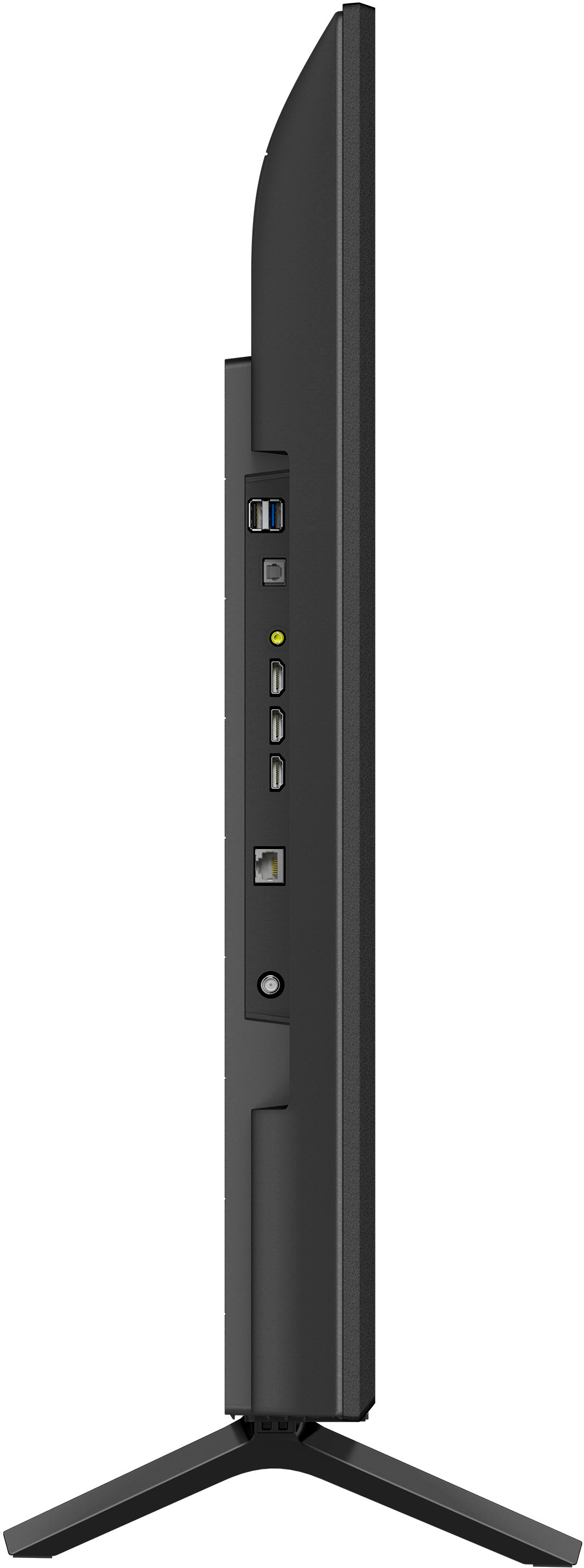
A:AnswerYes it should. It has a connection for a cable box with either coax or HDMI and 4 total HDMI ports. As long as the DVD player has an HDMI port you should be fine.
A:AnswerHi kahn, Thanks for the question. Yes. The Sony X77L has aspect ratio settings. Powered by Sony's 4K Processor X1 and Live Color technology, your movies, shows, and games look immersive and realistic with more vivid colors. Even 2K and HD media can be upscaled to near-4K thanks to Sony's 4K X-Reality PRO. If you like sports and action-packed movies, Motionflow XR will create and add frames to keep things smooth and blur-free. Finding what to watch is easy with Google TV built-in, or you can cast from a phone or PC with Chromecast Built-in and support for Apple AirPlay. All of this and more is intuitively managed with the included voice-enabled remote and Google Assistant. Regards, -Craig
A:AnswerHi Stevo, Thanks for the question. All Sony Tv’s come with a 1 year manufacturer warranty. Your retailer of choice will have certain offers to cover beyond this if you so choose. Powered by Sony's 4K Processor X1 and Live Color technology, your movies, shows, and games look immersive and realistic with more vivid colors. Even 2K and HD media can be upscaled to near-4K thanks to Sony's 4K X-Reality PRO. If you like sports and action-packed movies, Motionflow XR will create and add frames to keep things smooth and blur-free. Finding what to watch is easy with Google TV built-in, or you can cast from a phone or PC with Chromecast Built-in and support for Apple AirPlay. All of this and more is intuitively managed with the included voice-enabled remote and Google Assistant. Regards, -Craig
A:AnswerHi DarbyM, Thank you for your inquiry! Unfortunately, the Xfinity Streaming app is currently not available to install on this TV. However, you can use the built-in Chromecast feature to cast the content from the Xfinity Stream app on your mobile device to this TV. Hope this helps!
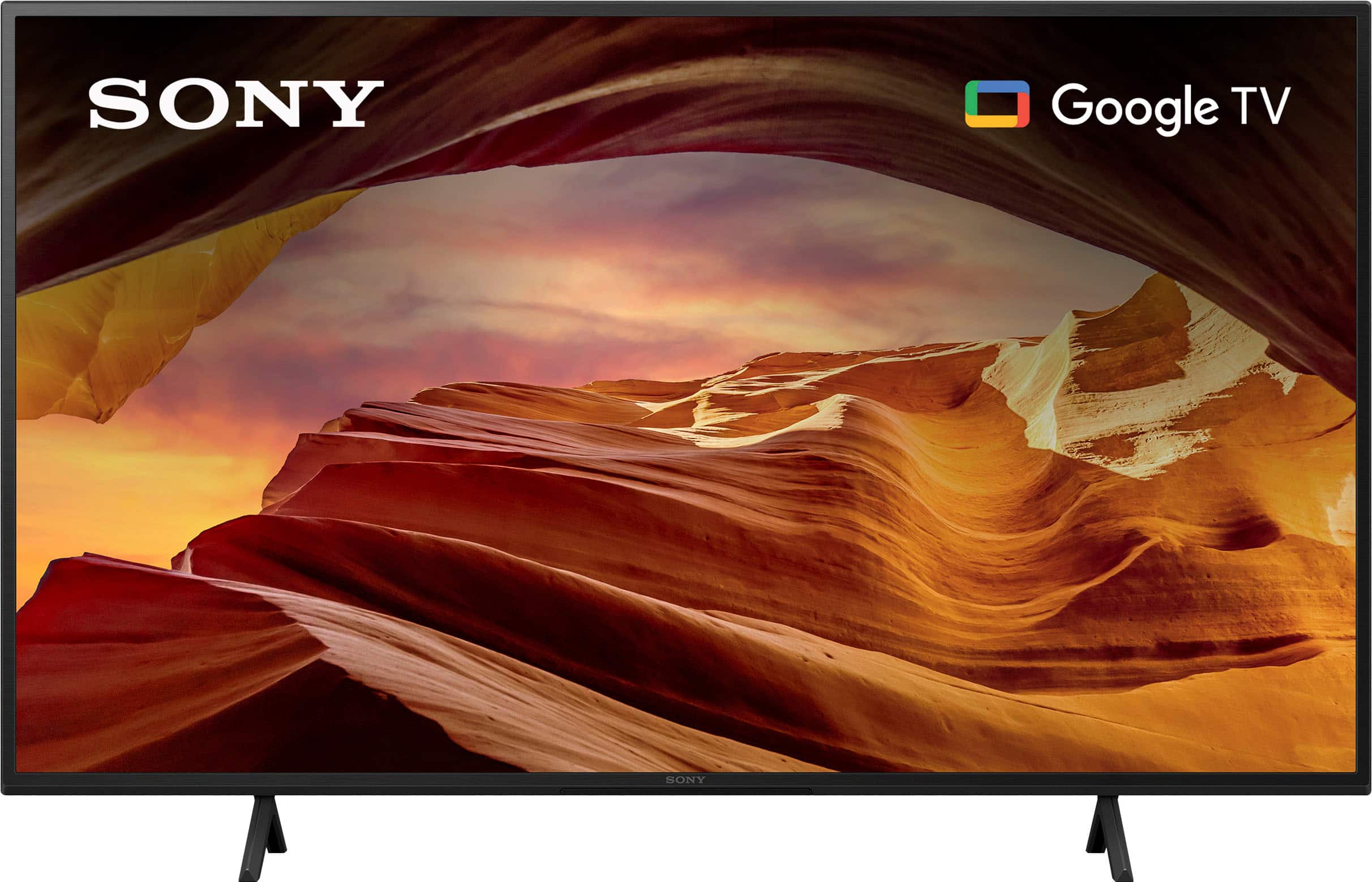
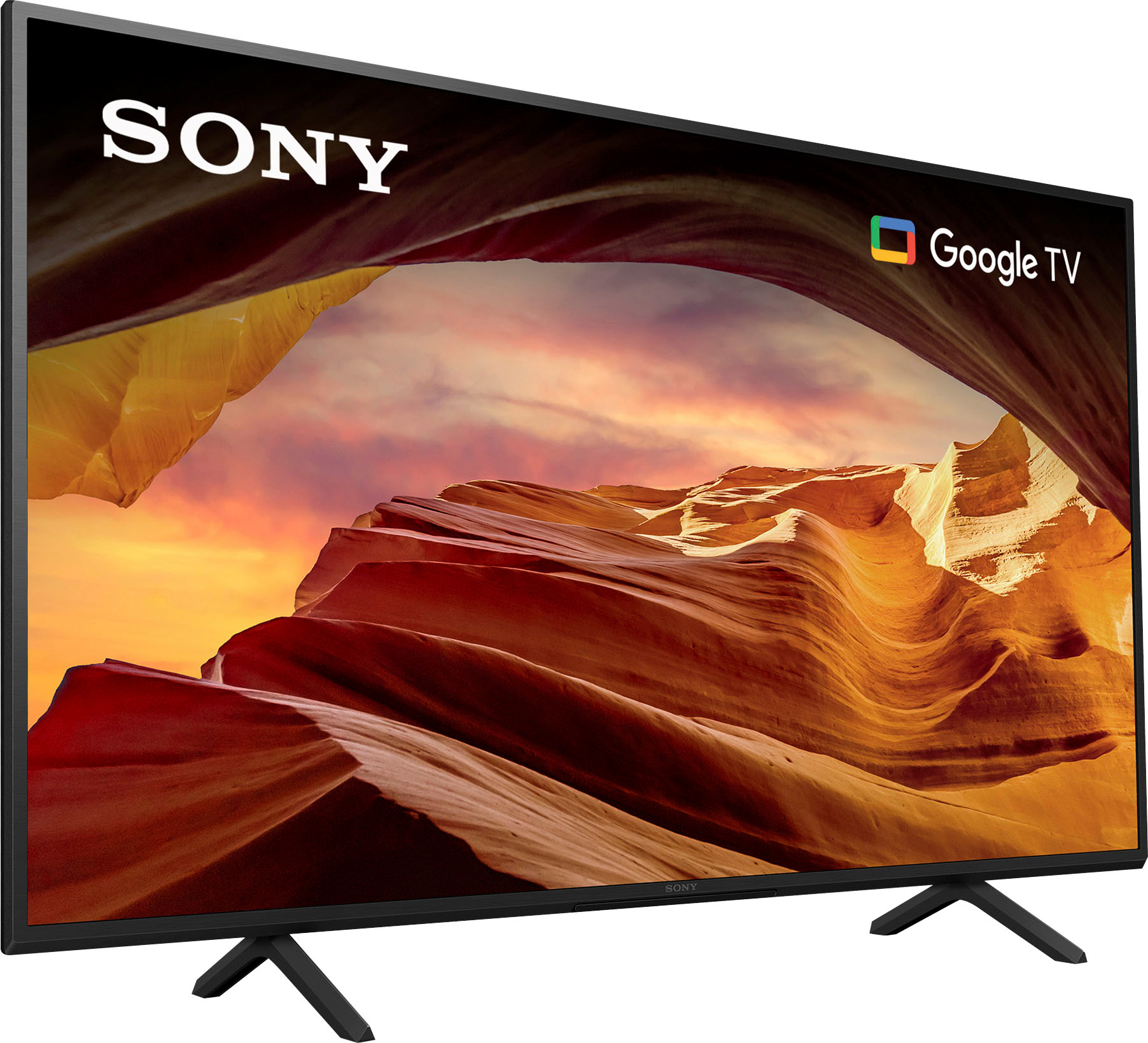
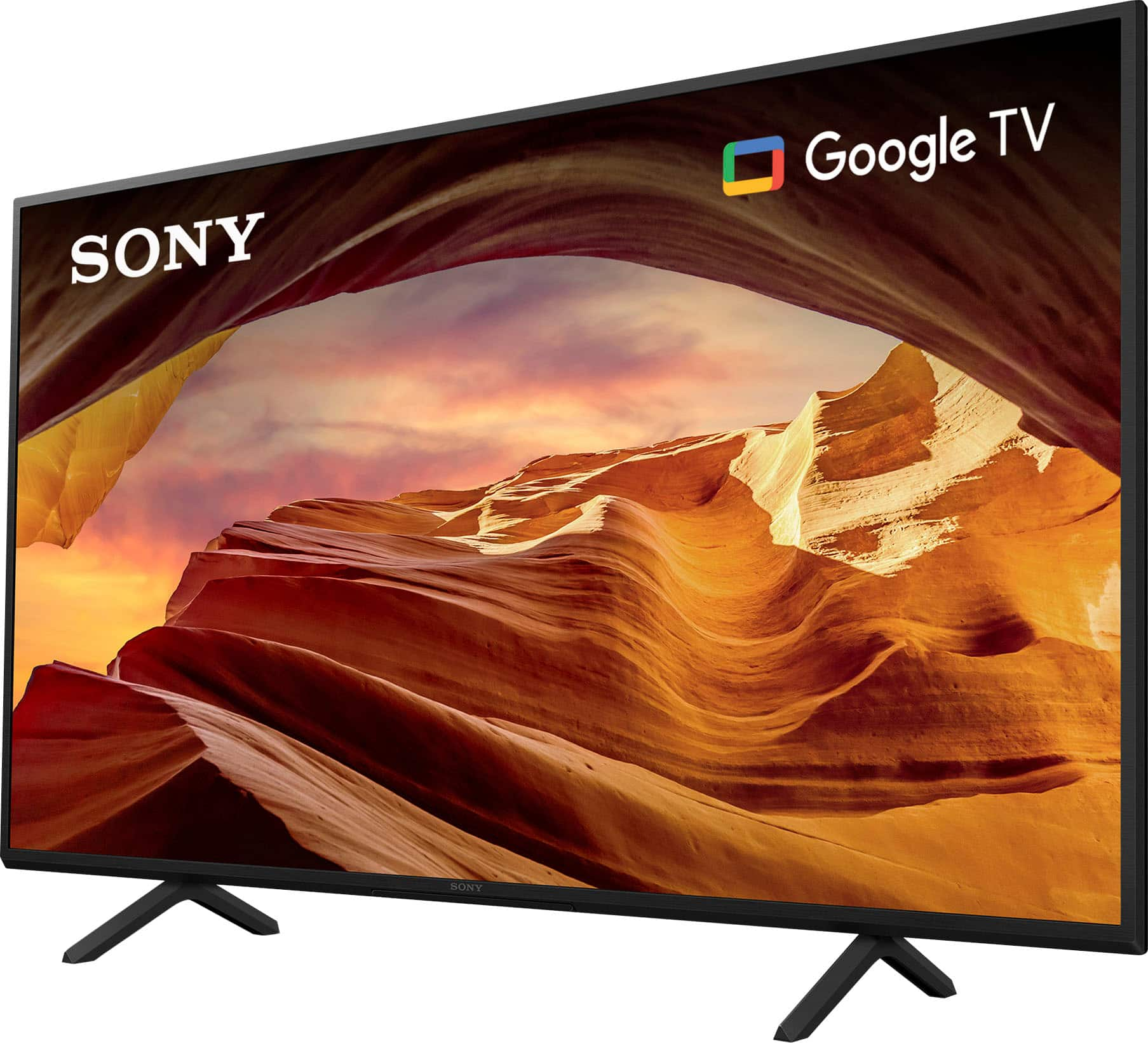
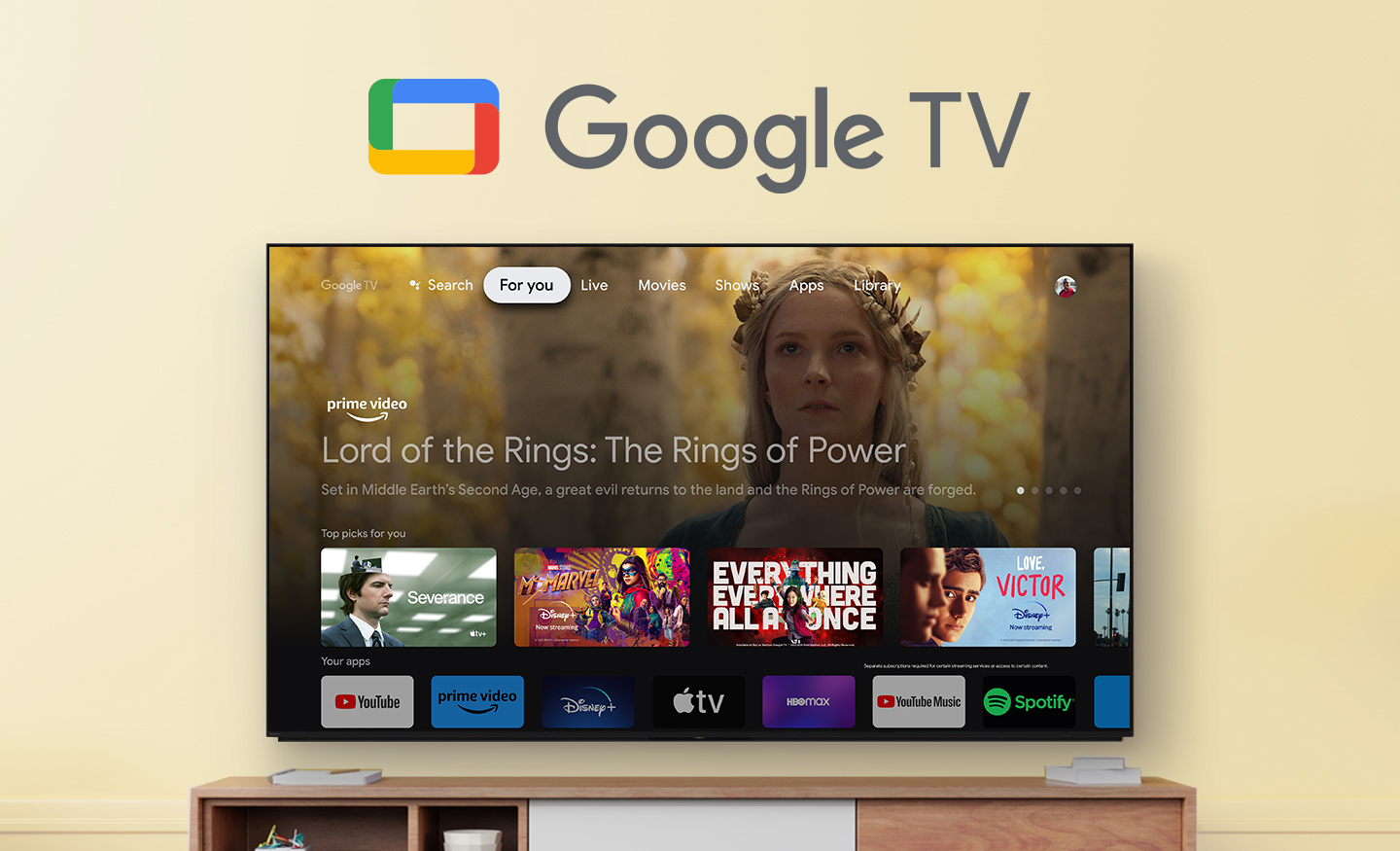
Powered by Sony's 4K Processor X1 and Live Color technology, your movies, shows, and games look immersive and realistic with more vivid colors. Even 2K and HD media can be upscaled to near-4K thanks to Sony's 4K X-Reality PRO. If you like sports and action-packed movies, Motionflow XR will create and add frames to keep things smooth and blur-free. Finding what to watch is easy with Google TV built-in, or you can cast from a phone or PC with Chromecast Built-in and support for Apple AirPlay. All of this and more is intuitively managed with the included voice-enabled remote and Google Assistant.
Regards,
Sam
A:AnswerHi DNMCV,
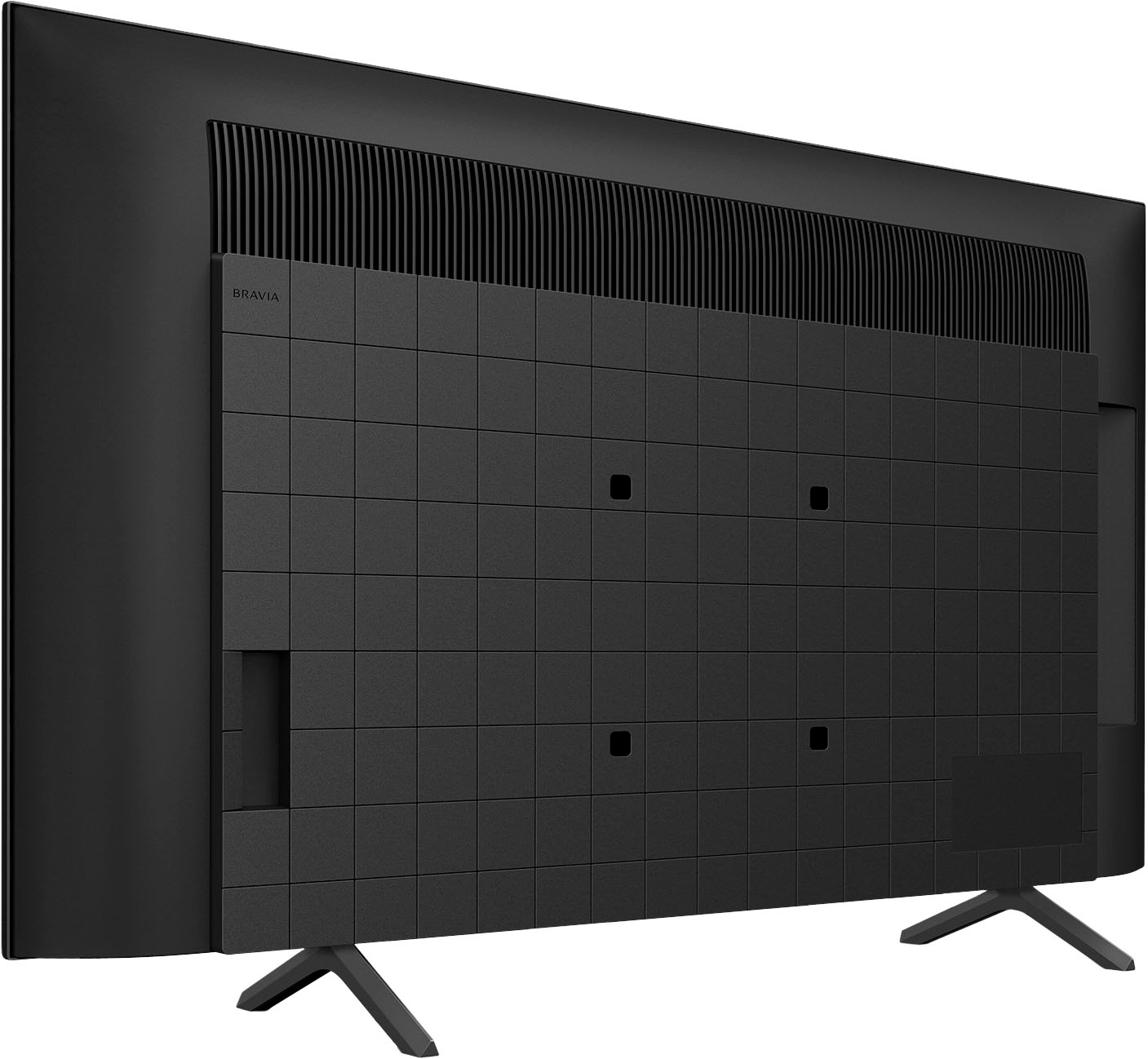
Thanks for the question! The KD43X77L works with VESA compatible wall-mount bracket with a screw hole pattern of 200 × 200 mm (7 7/8 x 7 7/8 in). You can see further setup diagrams for this model in the Quick setup guide found on our Sony support website.
For product protection and safety reasons, Sony strongly recommends that the installation of the TV on a wall be performed by qualified professionals. You may visit your retailer/BestBuy to find the best VESA-compliant mount stands that meets the size of our TV, your wall or environmental requirements, and your stylistic preferences.
Additional information:
Every image, alive with vivid colors! Live Color expands colors of images to the reproducible colors of the TV so everything you see looks vivid and real. Our Motionflow XR creates and inserts extra frames between the originals. With more images seen every second, action is smoother and sharper.
Hope this helps! - Kris
A:AnswerHi mnlitmdns,
Thanks for the question! If you are setting up your Sony Google TV for the first time, please check the following below:
Unbox and assemble. Carefully remove your TV from the box and attach the stand according to the instructions.
The first thing you can do after turning on the TV for the first time is select your preferred language then select your region or country. You'll have the option to choose from Google TV experience or the basic TV experience.
The basic TV experience includes live TV as well as external device and limited selection of pre-installed apps.
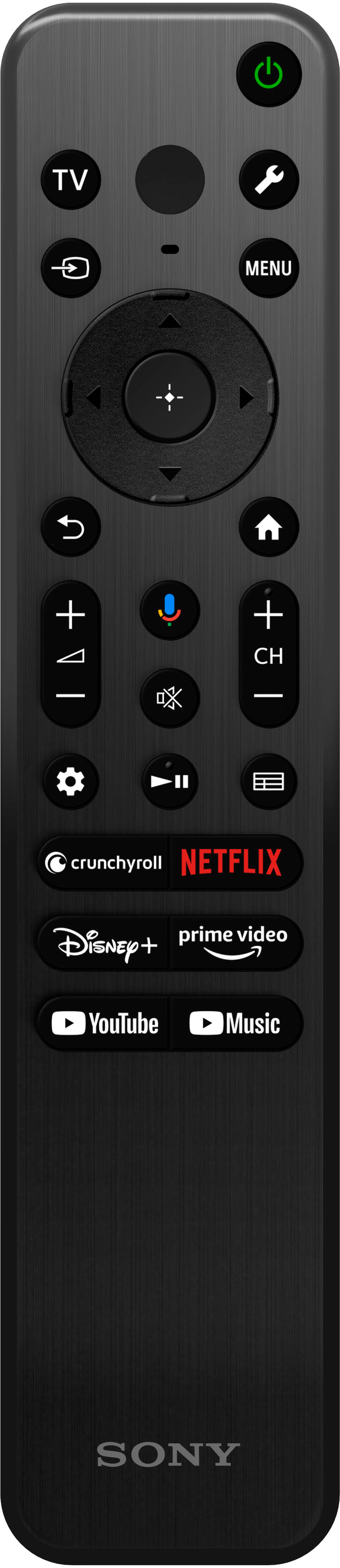
If you want to take advantage of the 10,000 plus apps available for Google TV, then you want to ensure that you're using the full Google Tv experience, movies and TV shows from across your favorite streaming apps, personalized recommendations, Google assistance, search and control your TV using your voice along with the tv and entertainment from external devices, you'll need to select the Google TV experience to get the most out of your new TV.
Download the google home app on your smartphone or tablet or continue setup on your TV. We recommend using the Google Home app as it's much faster and help you control all compatible smart home devices that you'll have in the Google Home app.
Connect your TV to the internet and sign in to your Google account.
Follow the onscreen instruction to complete the set-up.
For more detailed guide, please visit our Sony support website and check the article "How to set up your Sony TV with Google TV ". It contains video tutorial that covers the initial setup of a Sony BRAVIA TV with Google TV, including Apps, Channels, Living Decor, and Google photos.
Should you need further assistance, please feel to contact us. Unfortunately, due to the current Best Buy phishing protocol for your protection, we cannot provide a direct email or phone number for customer support as of now. Please find Sony Electronics' Support information: Go to our support website > click on “Support” > scroll down click on “Contact Support” > click on "TV & Projectors" and from there you'll see different ways to contact us.
Hope this information helps! - Kris
A:AnswerHi RW, Thanks for the inquiry. The back button is not a switch button which will allow you to switch between two different channels. It is to back out of a previous selection or navigation of where you have gone or selection you have made and it will not allow you to toggle between two different channels. With X77L BRAVIA 4K TV, experience all your favorite content in lifelike 4K HDR picture quality, powered by the 4K Processor X1. Google TV with Google Assistant organizes your content all in one place. Thanks and regards, -Craig
A:AnswerHi frank, Thanks for the inquiry. The TV in standard position has a stand width of 28 1/4 inches and depth of 10.5 inches.
Powered by Sony's 4K Processor X1 and Live Color technology, your movies, shows, and games look immersive and realistic with more vivid colors. Even 2K and HD media can be upscaled to near-4K thanks to Sony's 4K X-Reality PRO. And yes, this TV supports Sling TV app. You can download Sling TV and other third-party apps from the Google Play Store app of this TV. Thanks and regards, -Craig
A:AnswerHi gene, Thanks for the inquiry. The TV alone measures 972 x 567 X 70 mm ( 38 3/8 X 22 3/8 X 2 7/8 inches ). Powered by Sony's 4K Processor X1 and Live Color technology, your movies, shows, and games look immersive and realistic with more vivid colors. Even 2K and HD media can be upscaled to near-4K thanks to Sony's 4K X-Reality PRO. Thanks and regards, -Craig
A:AnswerHi Tree, Thanks for the inquiry! Powered by Sony's 4K Processor X1 and Live Color technology, your movies, shows, and games look immersive and realistic with more vivid colors. Even 2K and HD media can be upscaled to near-4K thanks to Sony's 4K X-Reality PRO. And yes, this TV supports Sling TV app. You can download Sling TV and other third-party apps from the Google Play Store app of this TV. Thanks and regards, -Craig
A:AnswerHi Interested,
Thank you for the question! Unfortunately, the X77L does not support NextGen TV(ATSC 3.0). If you are looking for TV models that feature ATSC 3.0, you may want to check our X80K, X85K, X90K, X90L, X93L and A95L
Additional information:
With X77L BRAVIA 4K TV, experience all your favorite content in lifelike 4K HDR picture quality, powered by the 4K Processor X1. Google TV with Google Assistant organizes your content all in one place. Support Apple AirPlay.1,5. Take your PlayStation 5 gaming to the next level with exclusive features that optimize picture quality for gaming and streaming. See blur-free picture quality in fast-moving sports and movies powered by Motionflow XR™ technology. Bring back lost texture and detail and see your content upscaled to near-4K resolution with 4K X-Reality PRO. Hope this helps! - Kris
A:AnswerHi Dougjnew12024,
Thanks for your inquiry! We are sorry but the X77L does not support NextGen TV(ATSC 3.0). If you are looking for TV models that feature ATSC 3.0, you may want to check our X80K, X85K, X90K, X90L, X93L and A95L
With X77L BRAVIA 4K TV, experience all your favorite content in lifelike 4K HDR picture quality, powered by the 4K Processor X1. Google TV with Google Assistant organizes your content all in one place. Support Apple AirPlay.1,5. Take your PlayStation 5 gaming to the next level with exclusive features that optimize picture quality for gaming and streaming. See blur-free picture quality in fast-moving sports and movies powered by Motionflow XR™ technology. Bring back lost texture and detail and see your content upscaled to near-4K resolution with 4K X-Reality PRO. Hope this helps! - Kris
A:AnswerHi HaroldB, Thanks for the question. The Sony X77L does not have a camera. If you are looking for a TV that has a camera, we have a few models you can choose from :
2023 Sony TVs – A95L, A80L, X95L, X93L, X90L
2022 Sony TVs – Z9K, X95K, A95K, A90K, A80K, X90K, X85K, X80K
Please note that some models come with the camera and some requires separate purchase.
Hope this helps. Thanks and regards, -Craig