A:AnswerYes... but not through the TV's Bluetooth settings. Very frustrating, Sony!! Have no idea why this so common Bluetooth option is not possible natively on some Sony TVs.
You can get Bluetooth audio to work using an app from the Google Play Store.
If you go to the Google Play Store FROM THE TV apps section, the app: "Bluetooth Scanner for Android TV" works perfectly for connecting Bluetooth audio devices! (NOTE: I am NOT involved with this app or developer, just worked for me first try.) I connected a Sony SRS-XB20 speaker, an AUVIO PBT200 speaker, and Jabra Sport Pace Wireless Bluetooth Earbuds. Now you can get Bluetooth audio right from the TV.
The key is to download this app from the TV's apps section and the Play Store. Then go to the Apps screen on the TV and select the "Bluetooth Scanner" app and run it. Use that app's scan for devices option with your BT device in pairing mode. Select it from the list and complete the pairing. Next, go to the TV's Bluetooth Settings (under the Remotes & Accessories section of Settings). You should the device(s) you paired with the app. Finally, click the paired device and select Connect from the options. Your audio device should now connect! The TV audio drops out and you only have the audio from the Bluetooth device. When you connect an audio device, that device's volume up/down does control the TV's on screen volume display. Pretty cool!
A:AnswerHi Hullmet, Thanks for your inquiry. The number printed on the front of the box is different because it represents the model series of the television. For X800H, they are actually the same. The X800H is the model number, and the X80H is the series that the X800H model belongs to.
REF: https://www.sony.com/electronics/support/articles/00248035
Hope this helps!
-Sam
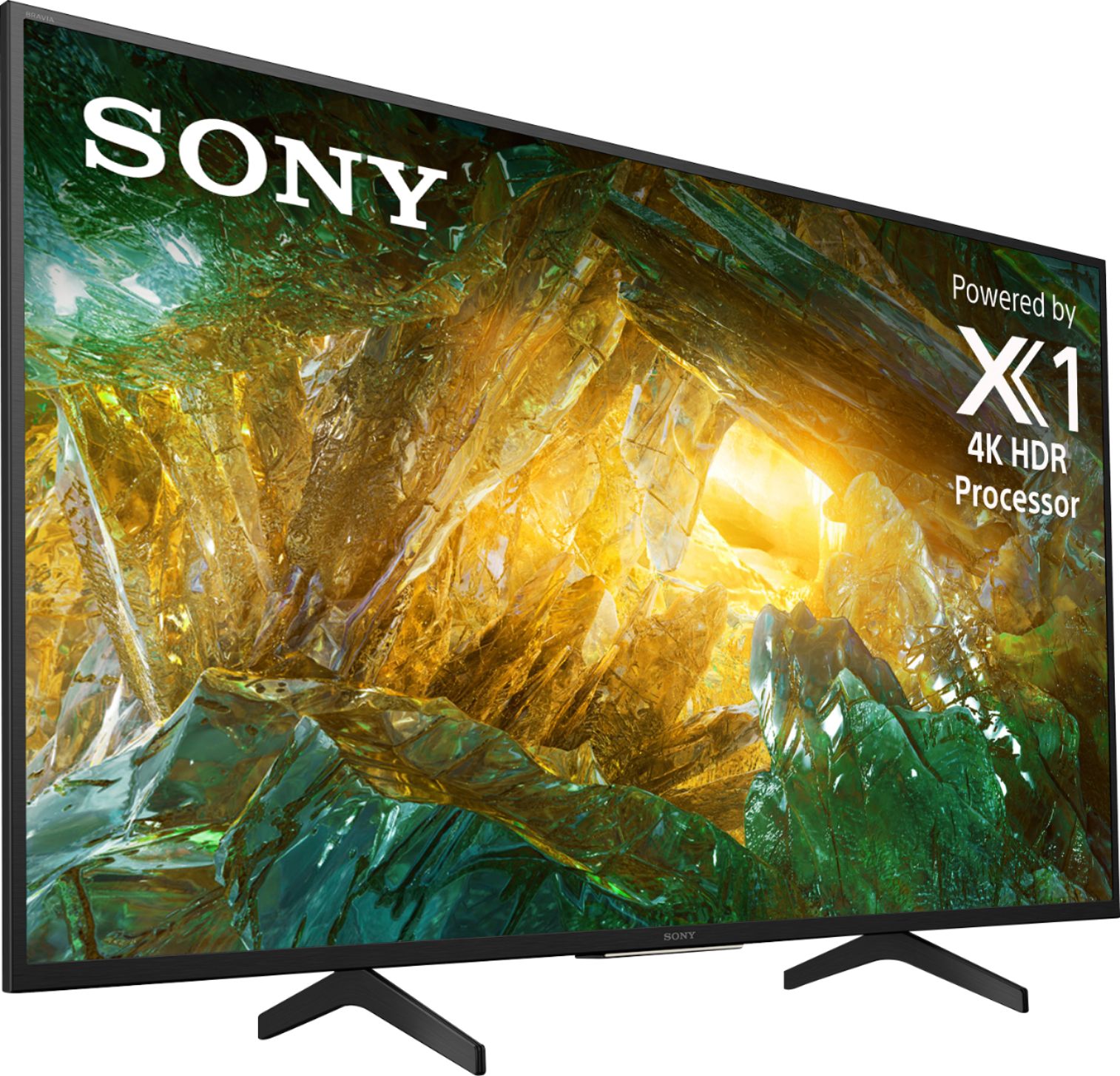
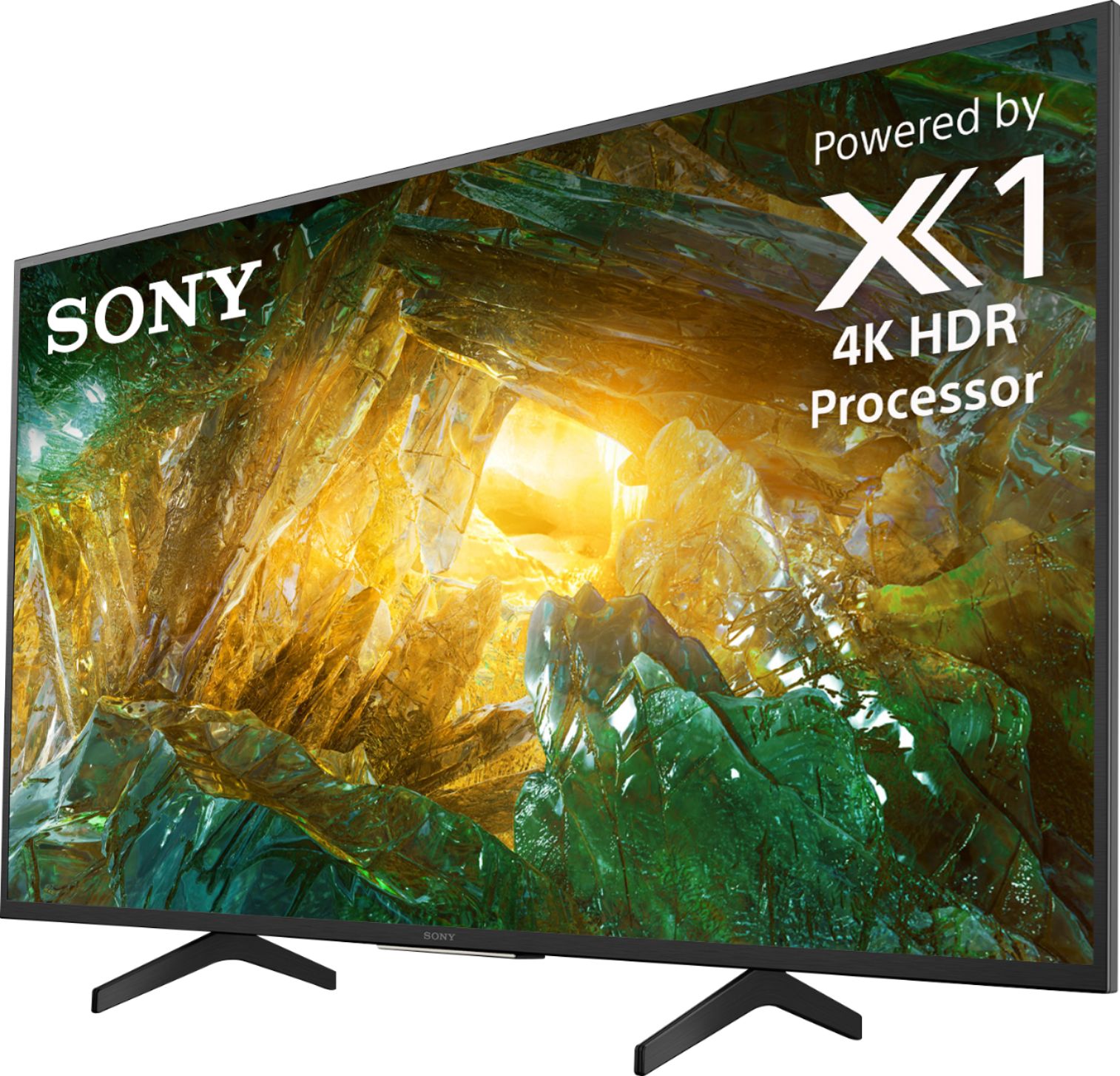
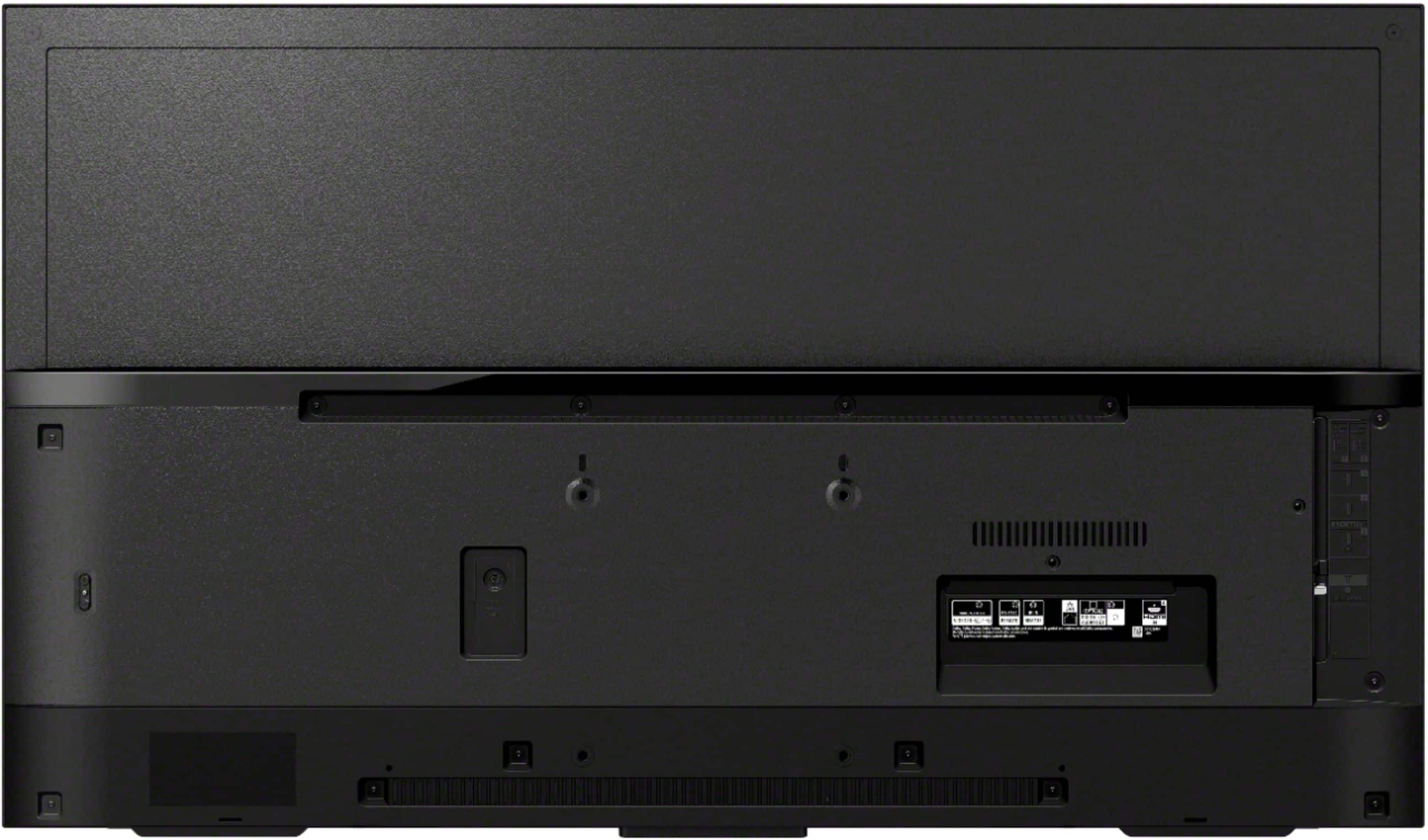
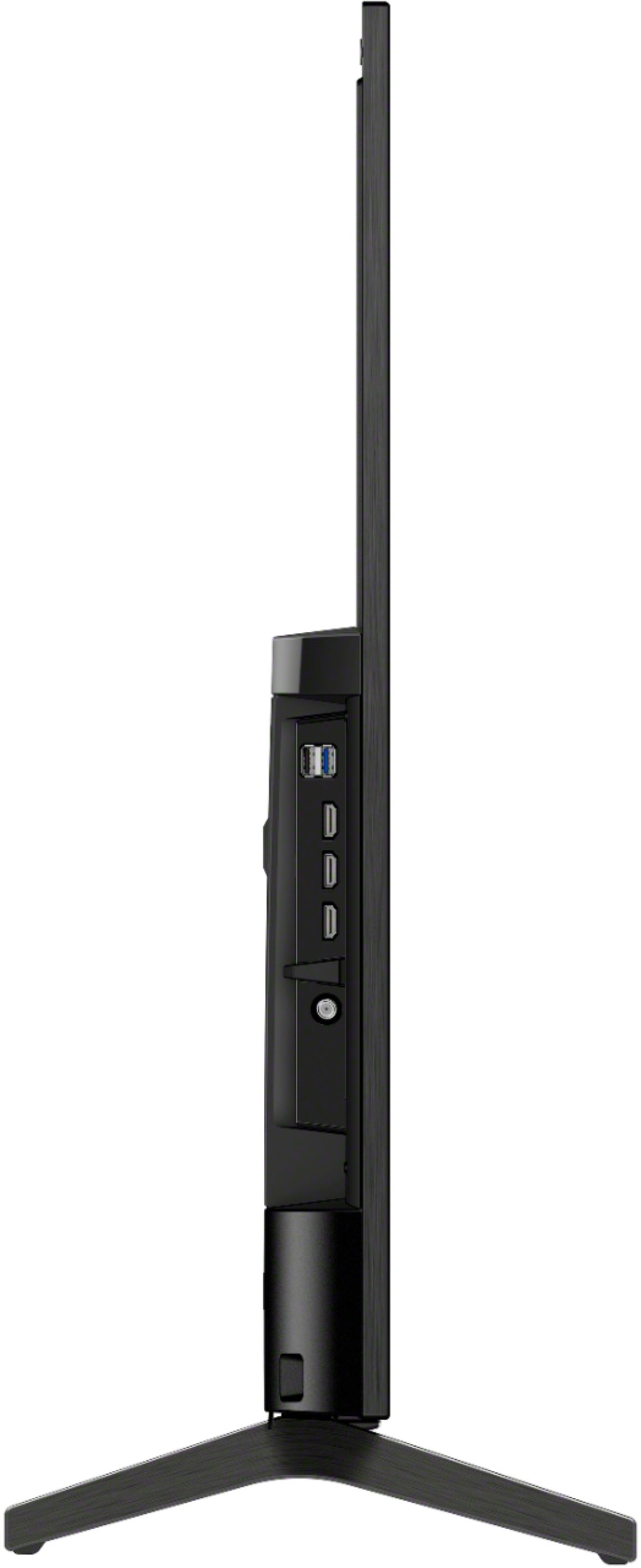
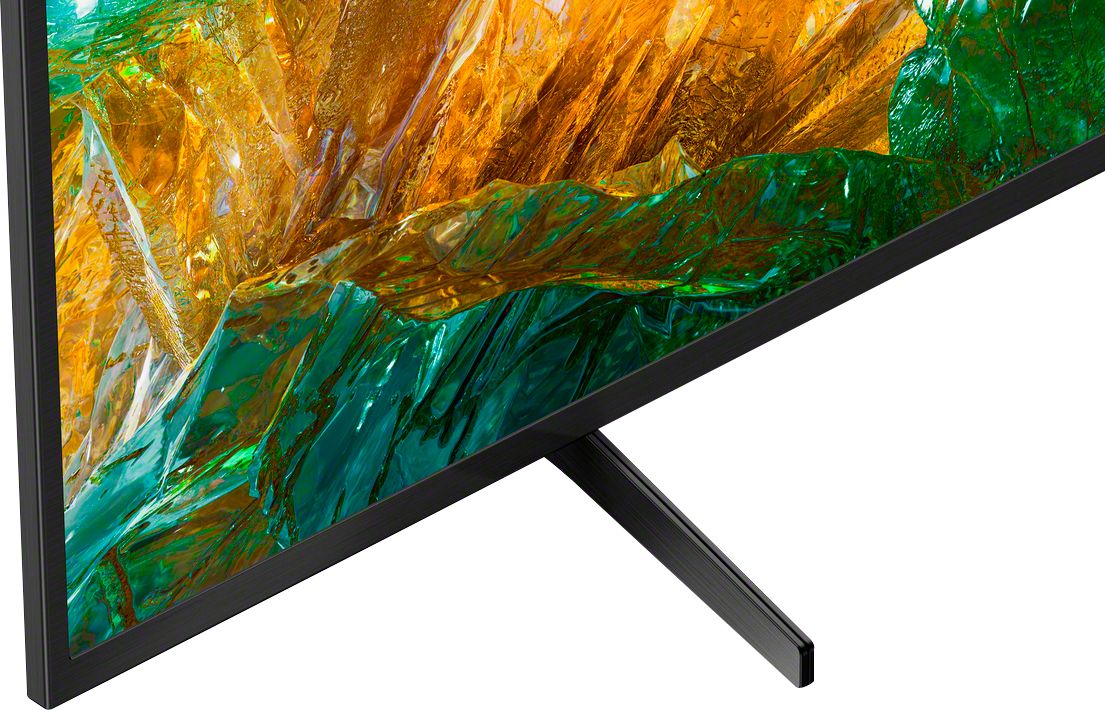
A:AnswerIt can stand on a table or tv stand. It comes with legs. They are a bit over 11 deep, and stand 21 inches apart. The TV is a bit over 36 inches wide. Otherwise, yes a wall bracket. I have it on a rolling cart.
A:AnswerI don't know technically what the max angle is, but from observation I would say at least 45 degrees.
I can stand practically at the side & still see a clear picture.
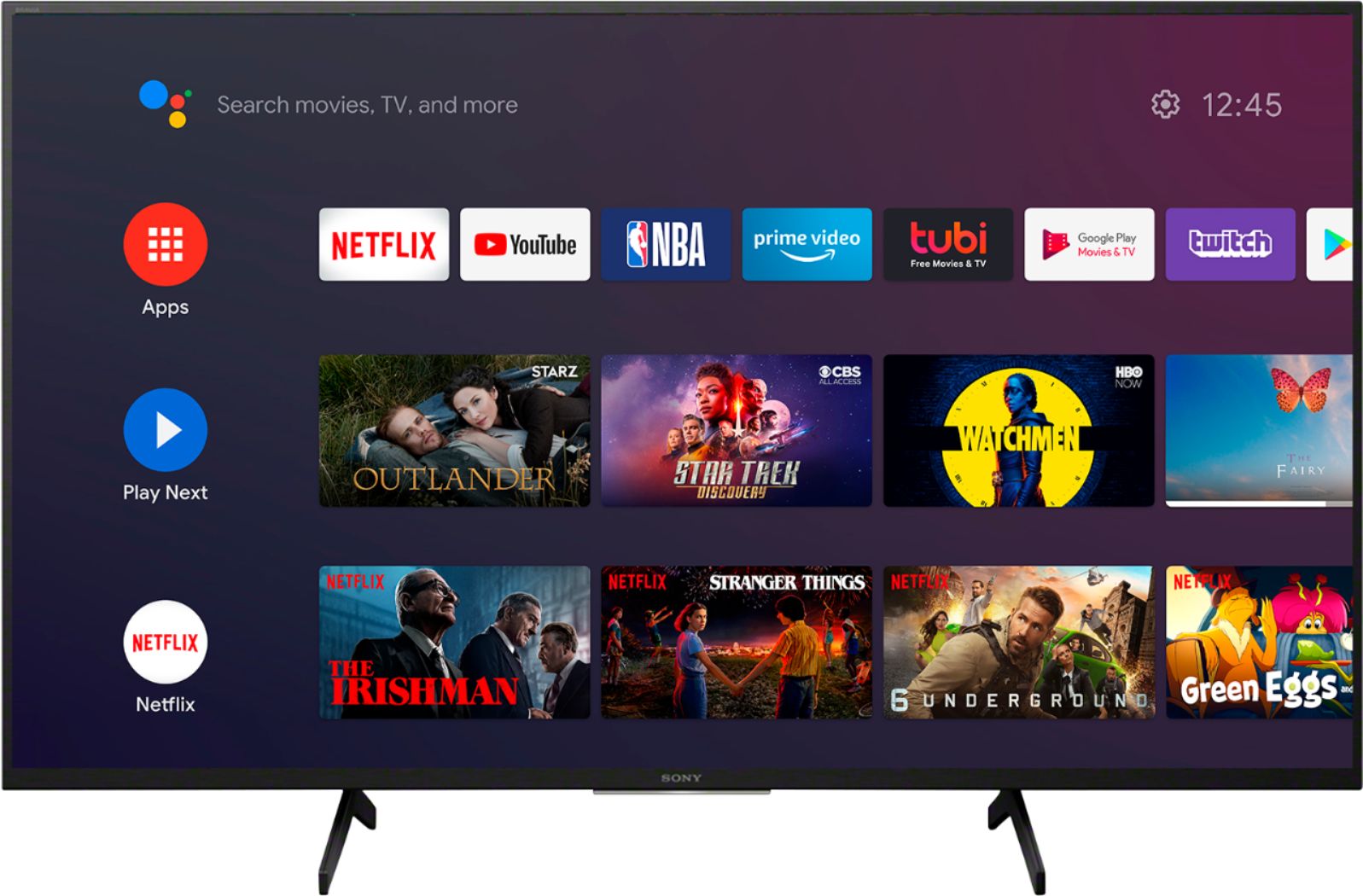
A:AnswerHi Susu, Thank you for your inquiry. This TV comes with preinstalled apps such as Youtube, Netflix, Amazon Prime, Hulu, etc. And many of the existing apps from the Google Play store can be downloaded to this Android TV. There are over 5000+ apps already available with a consistent flow of new apps being released for the Android TV platform. Hope this helps! -Sam
A:AnswerHi Les, Yes, this TV is compatible with Google Home, Amazon Alexa, and supports Apple AirPlay 2 and Apple HomeKit. With Apple AirPlay, you can stream movies, music, games, and photos to your TV right from your iPhone, iPad, or Mac. Thanks, Jay
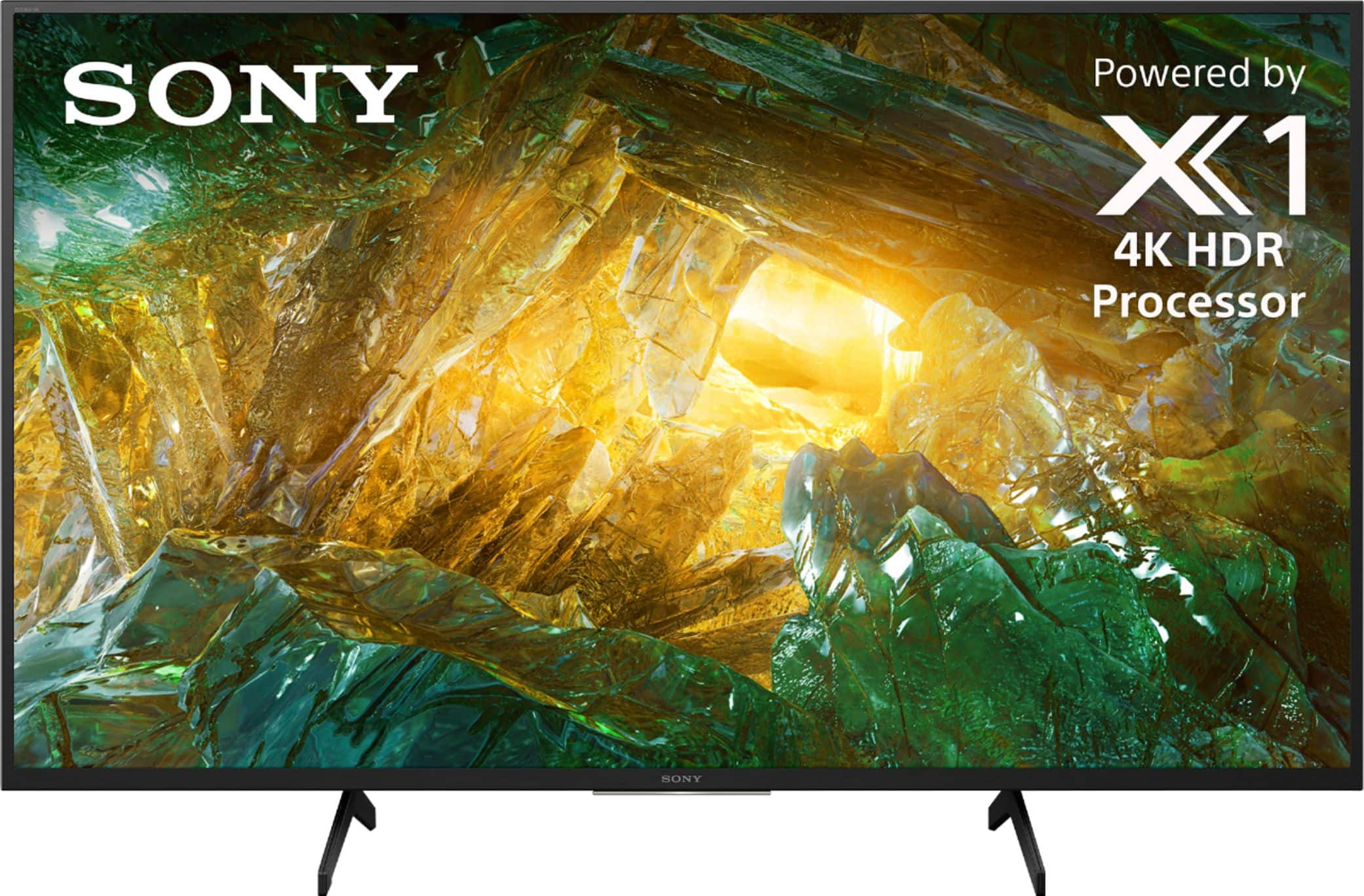
A:AnswerHi Tman, Yes, you can set the picture mode of this TV into Game mode. The X800H uses Motionflow XR refresh rate technology to keep the motion smooth and clear, providing fast-moving action sequences in sports, movies and gaming experience with lifelike clarity. I hope this helps! Thanks. -Jess
A:AnswerHi Gmoney, thank you for inquiring about the X800H. As long as you have downloaded Amazon Alexa app for your Android TV you can pair the ring door bell to this app and access it through your TV set through your network. I hope this helps. Regards, Erin
A:AnswerHi Chris, We recommend purchasing the X900H / 90CH and Z8H that supports 4K/120fps gaming. You'll enjoy smooth, responsive gameplay and you can even control your PlayStation with your TV remote. Thanks, Jay
A:AnswerHi Pepper, You can use the remote control((RMF-TX500U) for the on-screen keyboard and voice search function of this TV. The Voice Search function helps you find the content you are looking for by listening to your vocalized (spoken) search words. In order to use the voice search function, an internet connection is necessary. Thanks, Jay
A:AnswerHi Lorax,
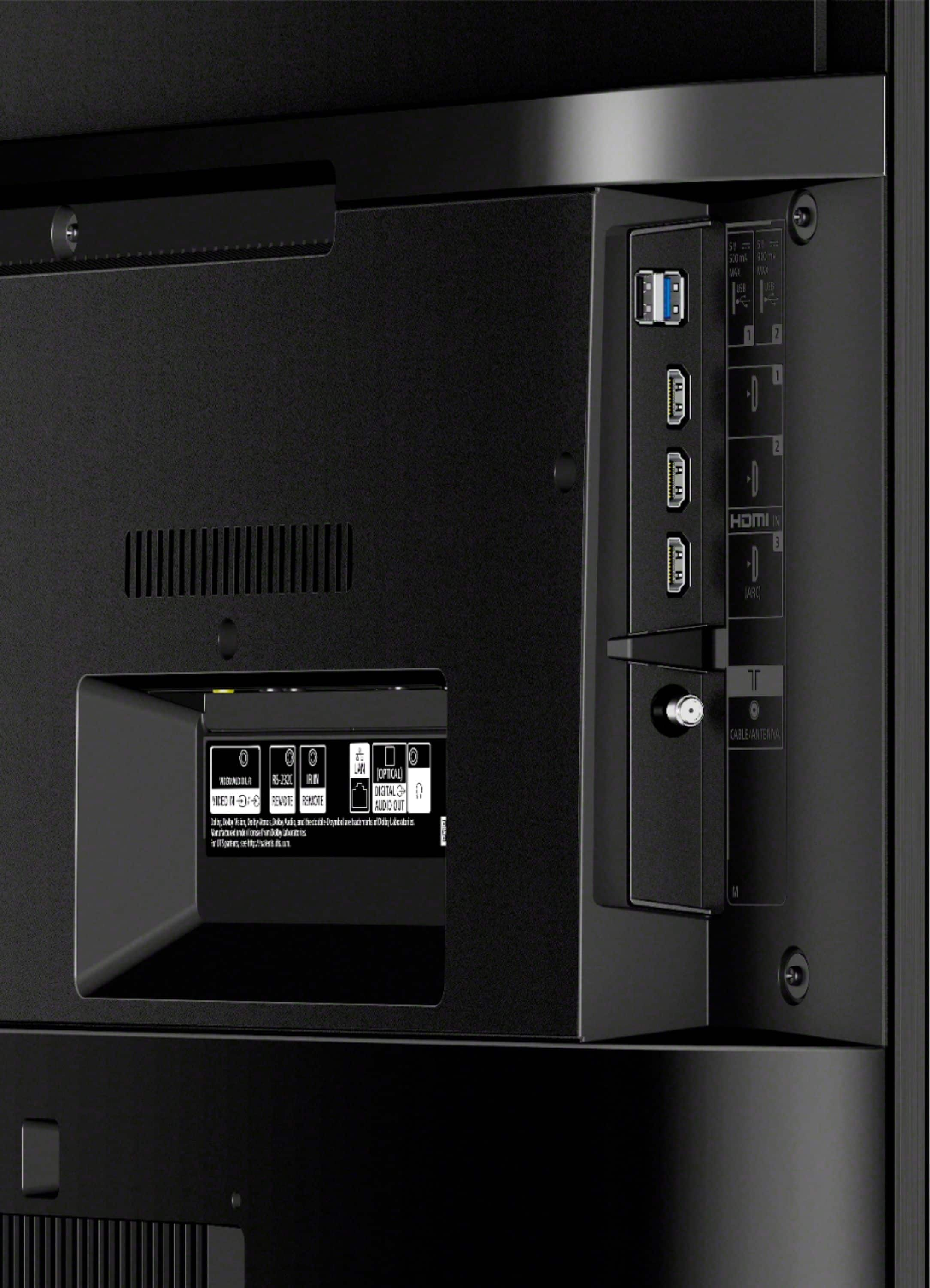
Thank you so much for your inquiry! You will need to have an Analog Extension cable to connect your old DVD player to the TV. For us to better assist you on where you can purchase it, please email us at [email protected] with the following details:
Name:
BestBuy Username:
Model Number:
Issue:
Telephone Number:
Sincerely,
Romeo
Sony Social Support