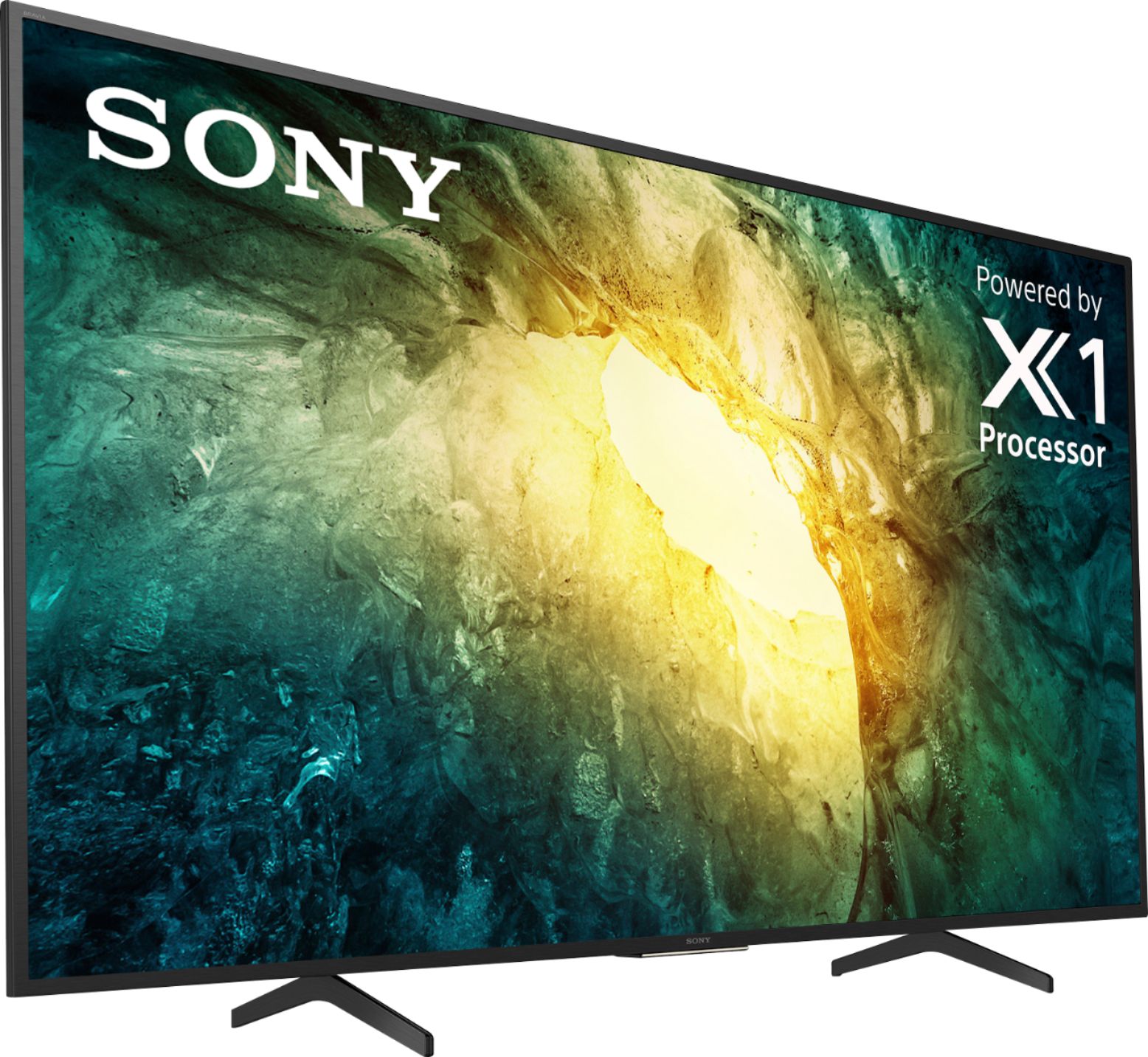
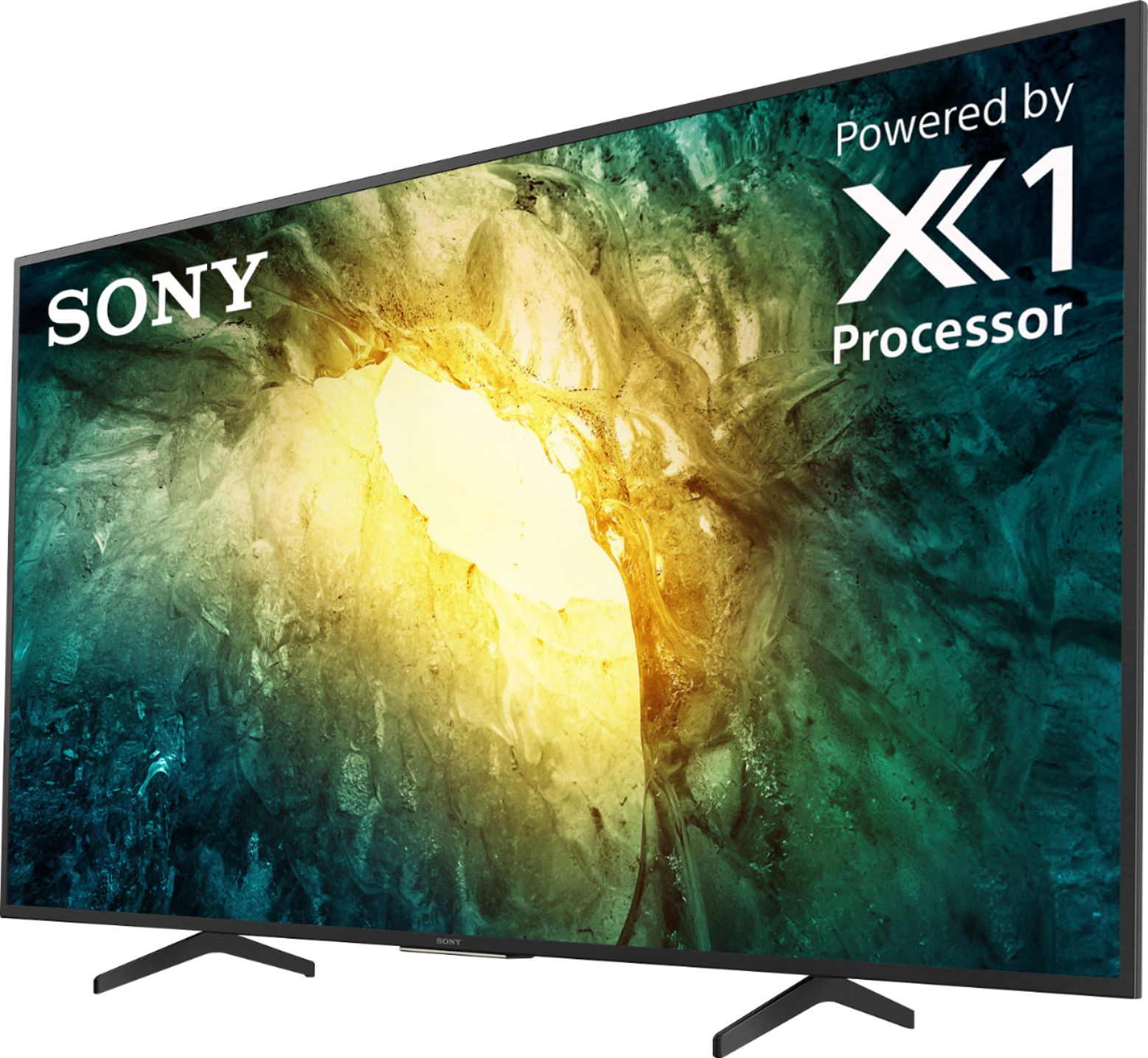
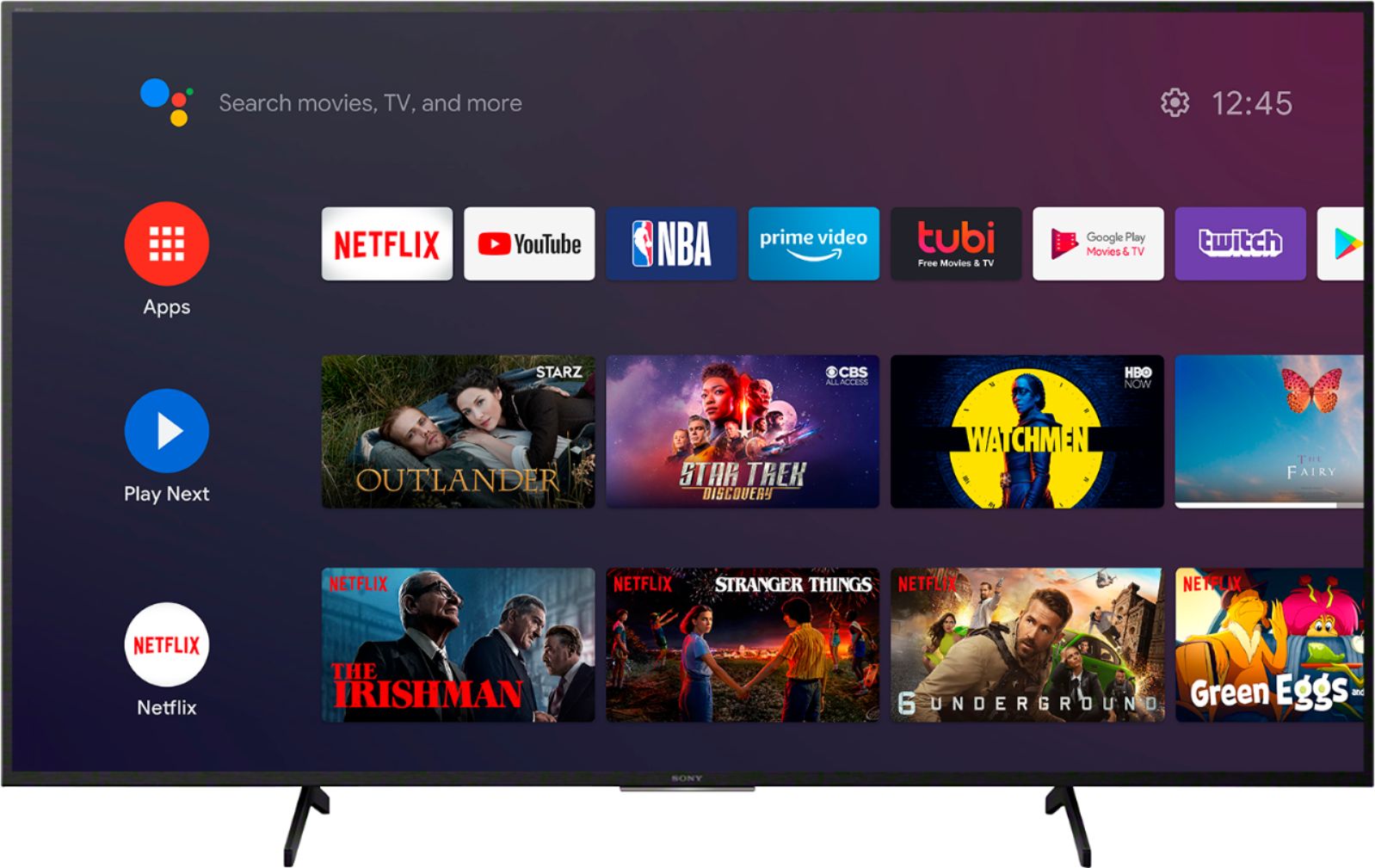
A:AnswerHi there, Thanks for your inquiry. Are you trying to download this app "messinger" on the TV? If yes, many of the existing apps from the Google Play™ store can be downloaded to the Android™ TV. There are several hundred apps already available with a consistent flow of new apps being released for the Android TV platform. Hope this helps! -Sam
A:AnswerHi Rossi, Thank you for your interest in the X750H. No. This particular model has Direct LED frame dimming type display. If you're looking for a full array direct LED TV, please do check out our X950H, X900H, and X950G series. Hope this helps! -Sam
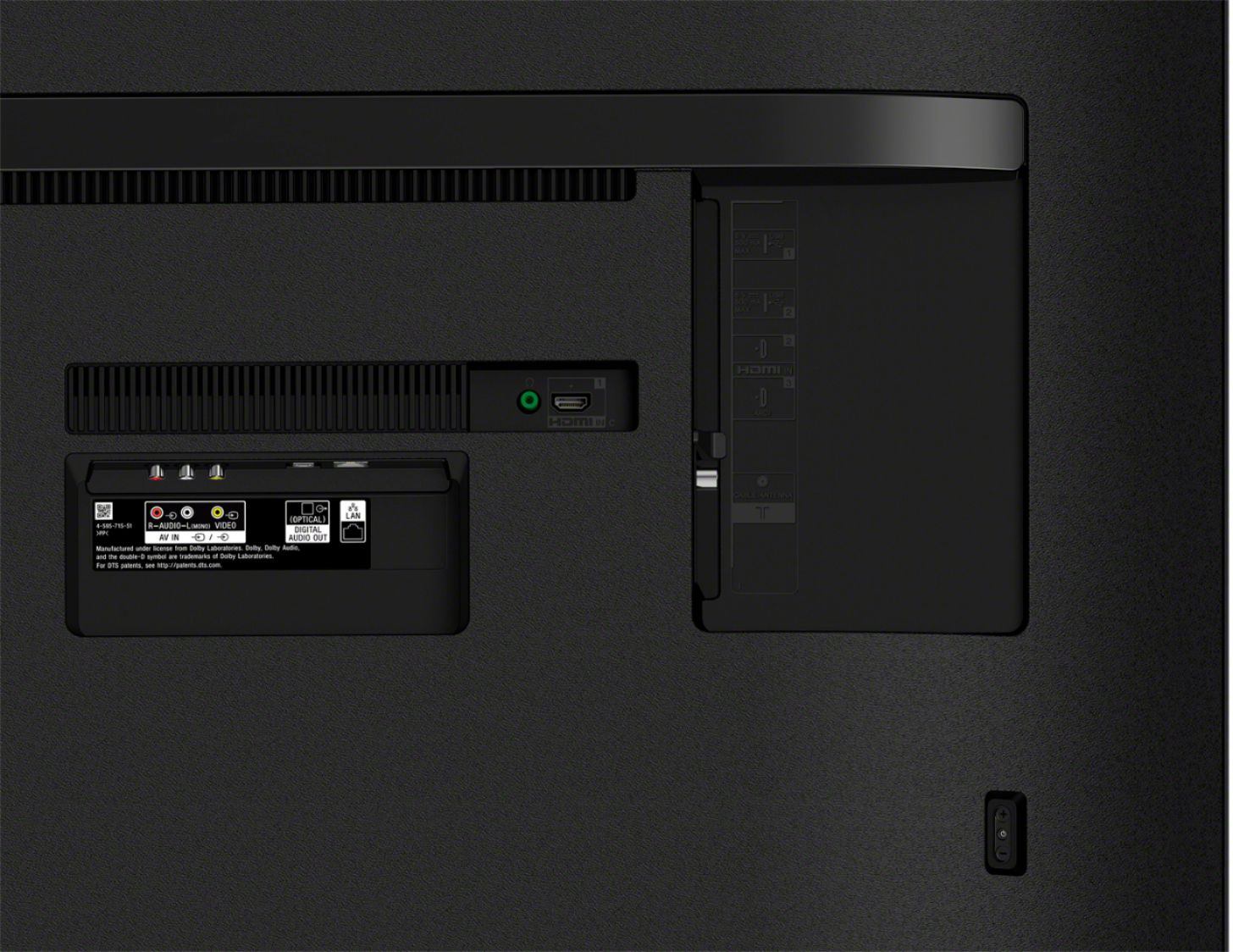
A:AnswerHi there, Thanks for your interest in the X750H. Yes! X750H can support audio out connection to compatible Sony Home Theater Headphones (Model name Sony WH-L600), while simultaneously playing through the TV’s speakers. Please keep in mind, this solution will not work with Bluetooth wireless headphones and TV speakers simultaneously.
For more information on how to wire this solution, please access the following:
https://www.sony.com/electronics/support/televisions-projectors-lcd-tvs-android-/xbr-49x950h/articles/00201347?model=XBR-49X950H&category=televisions-projectors-lcd-tvs-android-
Hope this helps!
-Sam
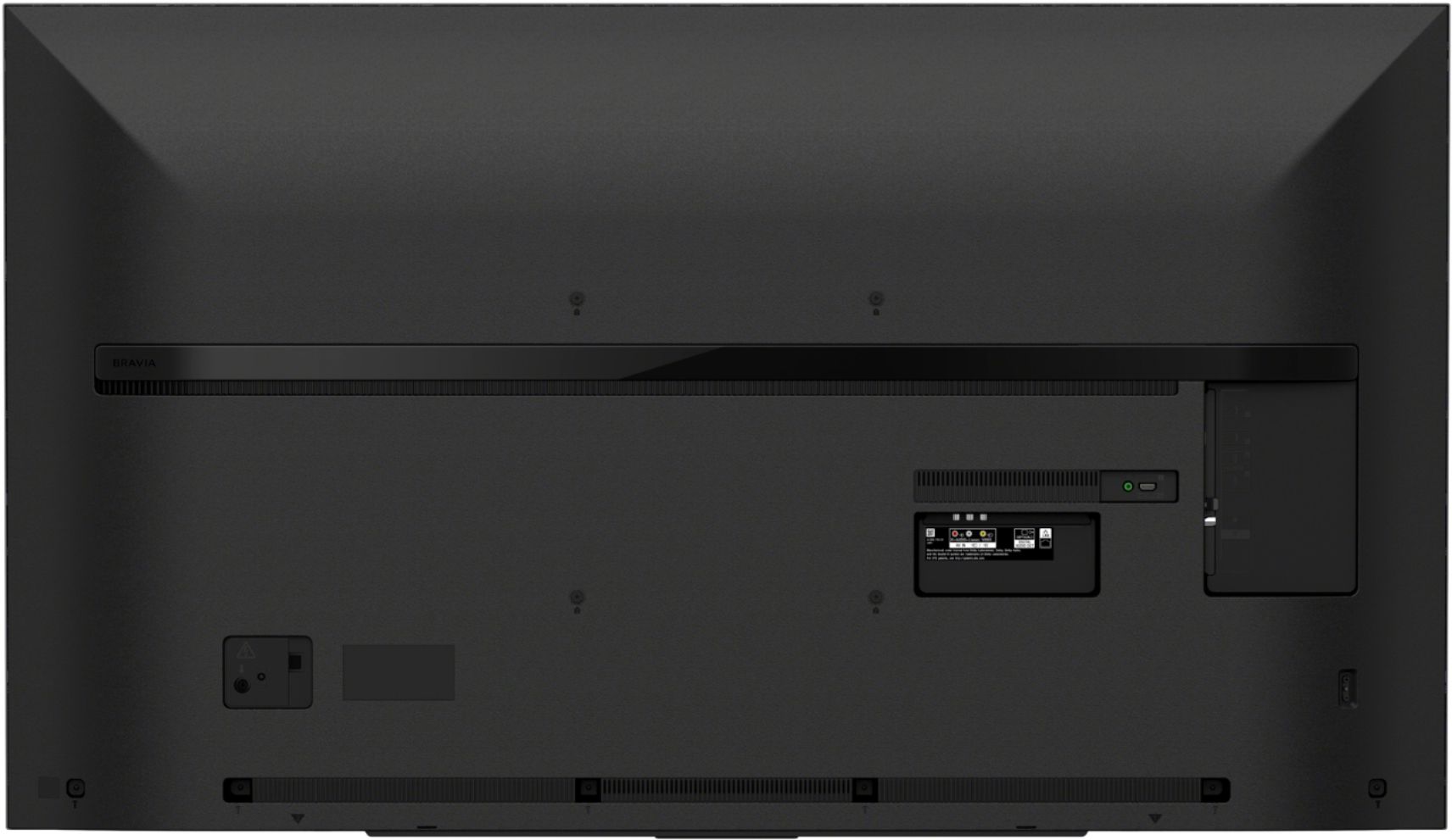
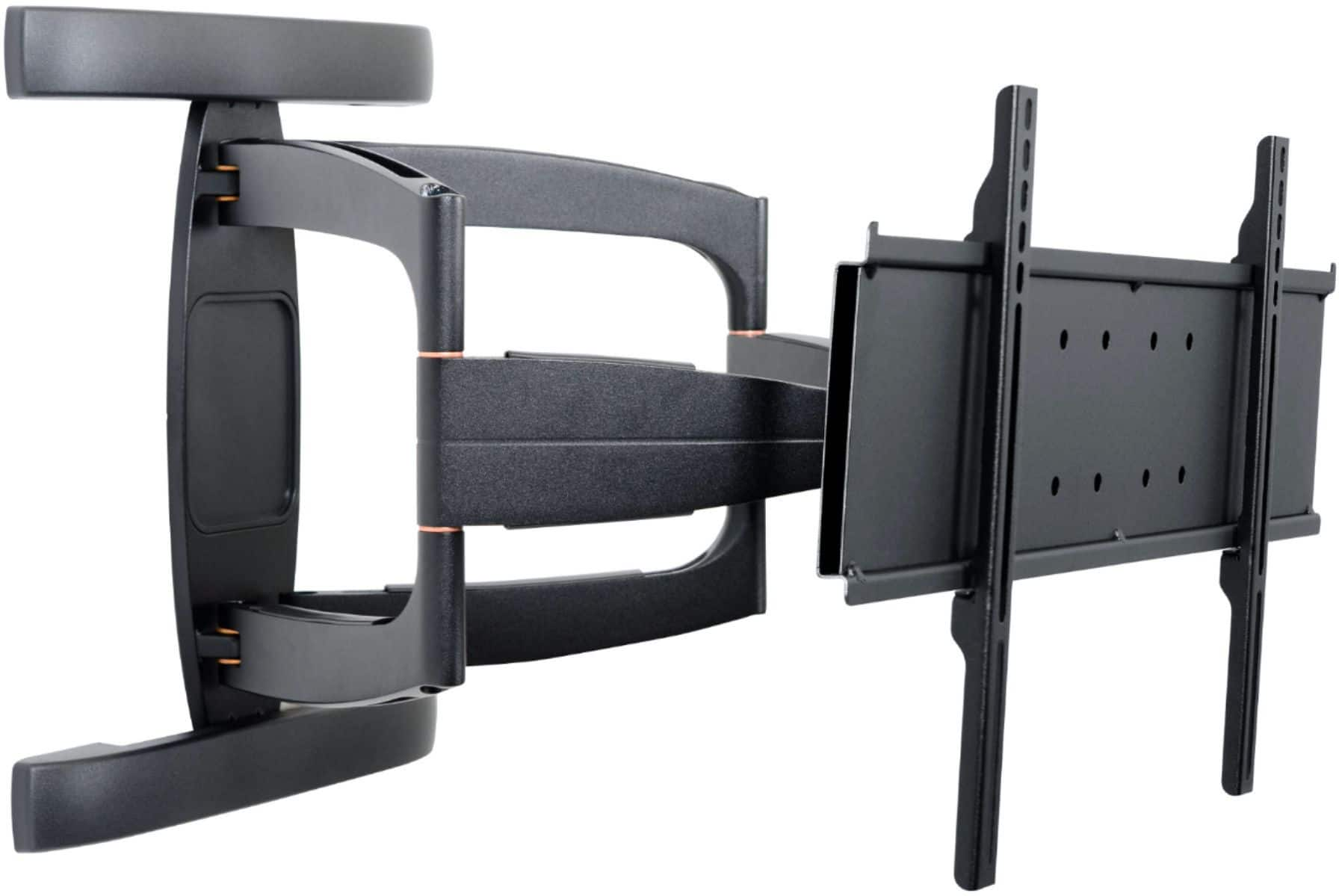
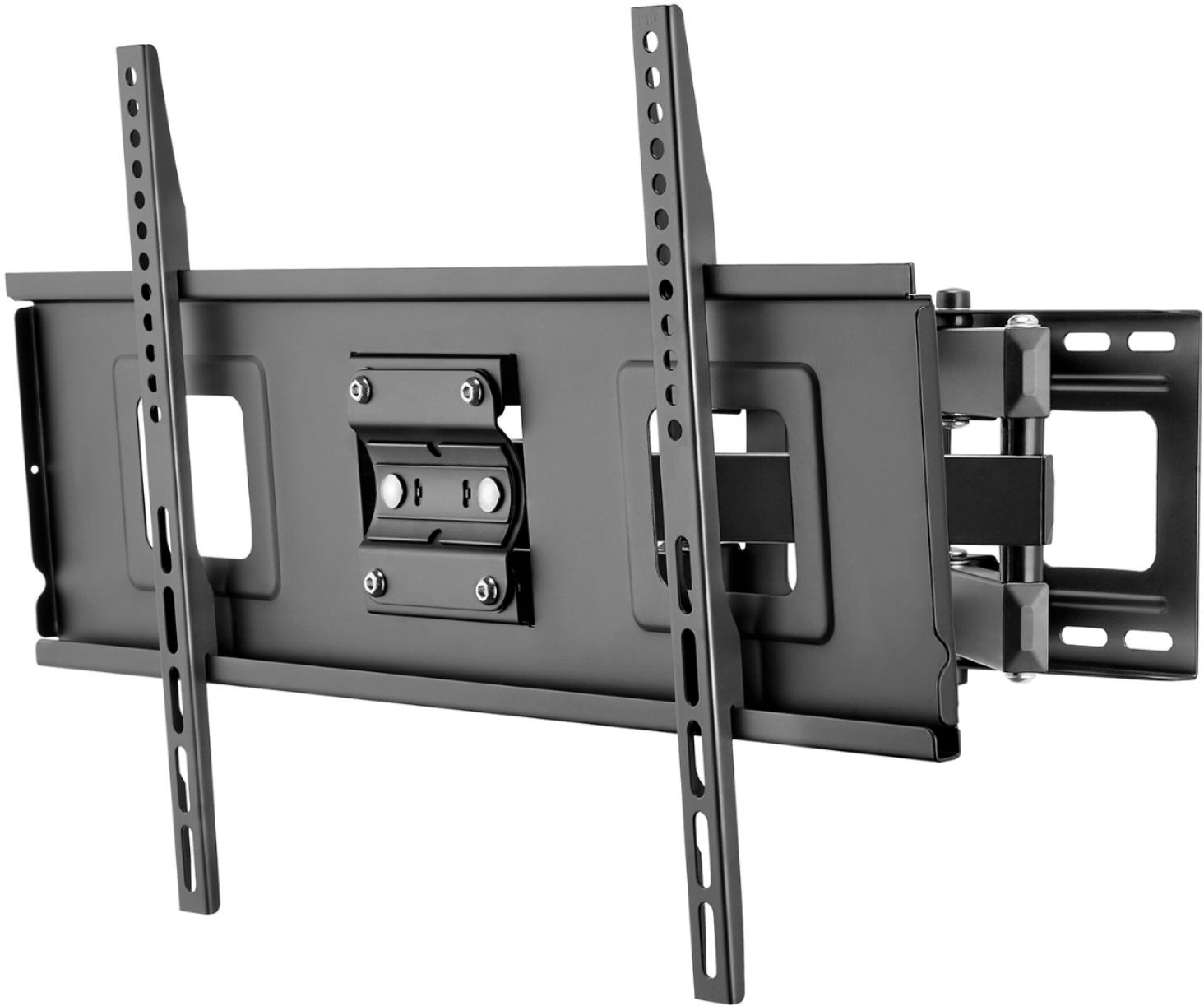
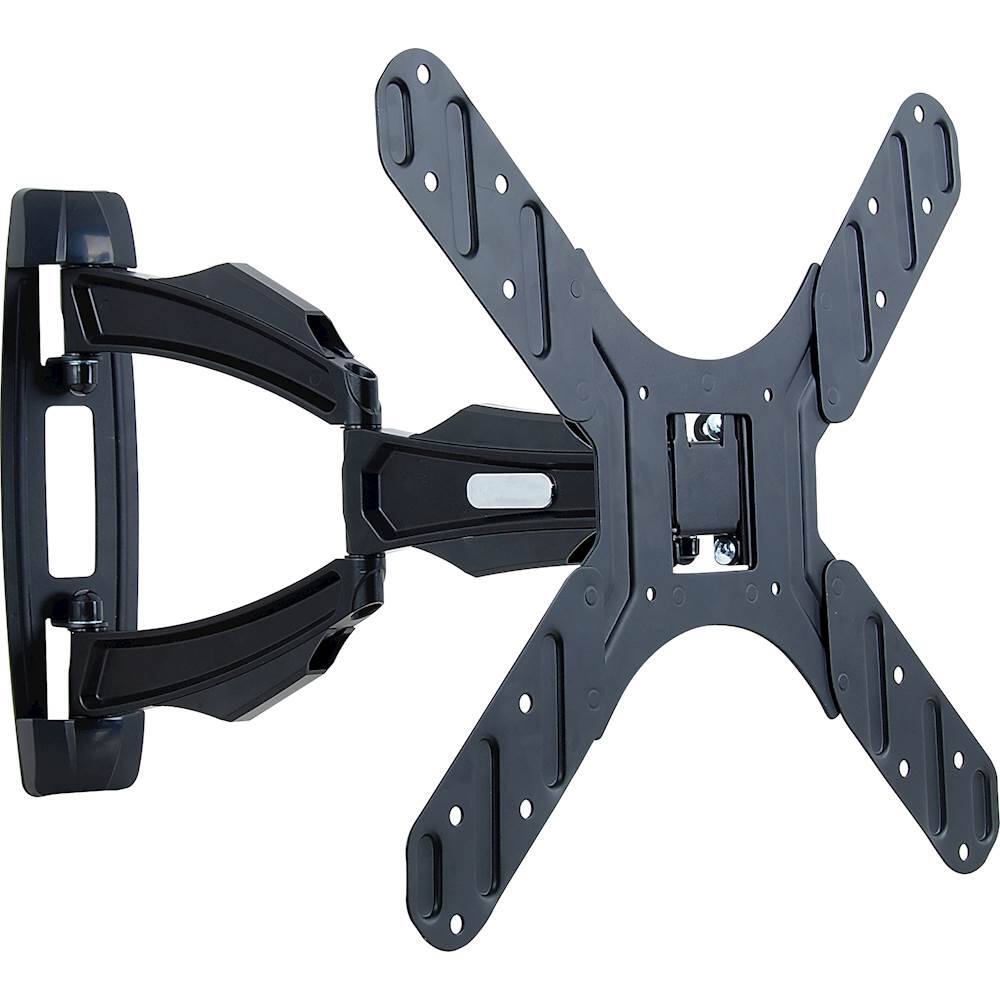
A:AnswerHi RoseTatted, Thanks for your inquiry. Yes. Follow the instruction guide provided with the Wall-Mount Bracket(not supplied) for your model. Sufficient expertise is required in installing this TV, especially to determine the strength of the wall for withstanding the TV’s weight. -Sam
A:AnswerHi jprose1, Thank you for your interest in the X750H and X800H TV. Other than screen sizes and pricing, The X800H features the X1 4K HDR Processor, while the X750H has the X1 Processor that does not support Object-based HDR Remastering. Another difference is that the X800H supports Dolby Vision, while the X750 does not. For more detailed comparison. please visit our Sony website at https://www.sony.com/electronics/tv/t/televisions. -Sam
A:AnswerHi there, Thank you for your interest in the X750H. Please refer to the link below for the lists of picture settings that you adjust in this TV.
https://helpguide.sony.net/tv/gusltnr1/v1/en-003/07-02_02-01.html#SID_004045
Regards,
Sam
A:AnswerHi rubenvz1963,
Thank you for reaching out with your concern. All TVs have an aspect ratio (The ratio of the width to the height of an image or screen). Current model LCD or LED TVs have an aspect ratio of 16:9 or 1.78:1. This is much wider than older TVs that were 4:3 or 1.33:1. The reason that you end up seeing black bars on some TV shows and movies is that many films and shows on YouTube TV were, and are, made in different ratios (usually wider) than what your TV supports. Please reference the links below for more information on how to isolate this issue:
https://www.sony.com/electronics/support/televisions-projectors-lcd-tvs-android-/kd-55x750h/articles/00027127
https://www.sony.com/electronics/support/televisions-projectors-lcd-tvs-android-/kd-55x750h/articles/00031431
If this does not help, please email us at [email protected] with the following details so we can better assist you.
Name:
BestBuy Username:
Model Number:
Issue:
Telephone Number:
Thank you so much for choosing Sony!
Sincerely,
Romeo
A:AnswerI bought this model because it was on sale. I believe this model does not allow you to turn off the center white led light. The setting display is different than the other Sony Bravia I saw on you tube doesn't have the setting in the submenu like Sony sight describes.
Also No Bluetooth headphones. A2DP is the basic Bluetooth stereo streaming protocol that's not included.
Although It still has a nice screen and google android platform . I just place electrical tape over LED light so the TV blends with my Dark wall at night.
Haven't had any issues of heat nor the remote working with the LED light covered with electrical tape.
Android TV™ models
On the supplied remote, press the HOME button.
Select Settings.
The next steps will depend on your TV menu options:
Select Device Preferences → LED Indicator → Operational response or Illumination LED → Off.
Select Device Preferences → Illumination LED → Off.
Select LED Indicator → Illumination LED → Illumination LED → Off.
Select Illumination LED → Off. some models LED indicator setting is not available almost returned it!
A:AnswerHi Rob, Unfortunately, do not install this TV outdoors and do not install this TV in a vehicle, ship, or other vessels. The TV should not be exposed to rain or direct sunlight in order to avoid damage and possible fire or electric shock. You can check the safety guidelines before installation/operating your TV from the link below:
https://support.am.sony.com/release/Safety_5012450121.pdf
Thank you for the inquiry! Jay
A:AnswerHi Hi Turk, Yes. When plugging in a device via the auxiliary (headphone) port, you will be able to control the audio out volume via the TV remote’s volume control. Thanks! Jay
A:AnswerIt supports Apple TV, so that's in your favor. Apps for streaming services are Android based, but that shouldn't affect you too much--your password works for your services. It does not support airplay as Chromecast is built in.
A:AnswerHi Katt, Unfortunately, the Zoom app is not compatible to download on your Android TV. However, the X750H has a built-in Chromecast. Chromecast lets you cast your favorite videos, games, and apps from your mobile device in full quality to your Chromecast built-in TV. Just one tap of the Cast button on your Android or iOS screen is all you need to supersize the things you love. Cast your content, then continue browsing on your phone or tablet. Also, you can connect this TV to the computer that has the Zoom app. Your connection options may be limited by the types of ports available on both devices. Please check the link below for more details about connecting this TV to the mobile phone or computer:
https://www.sony.com/electronics/support/televisions-projectors-lcd-tvs-android-/kd-55x750h/articles/00231150
Thank you for the inquiry. Jay
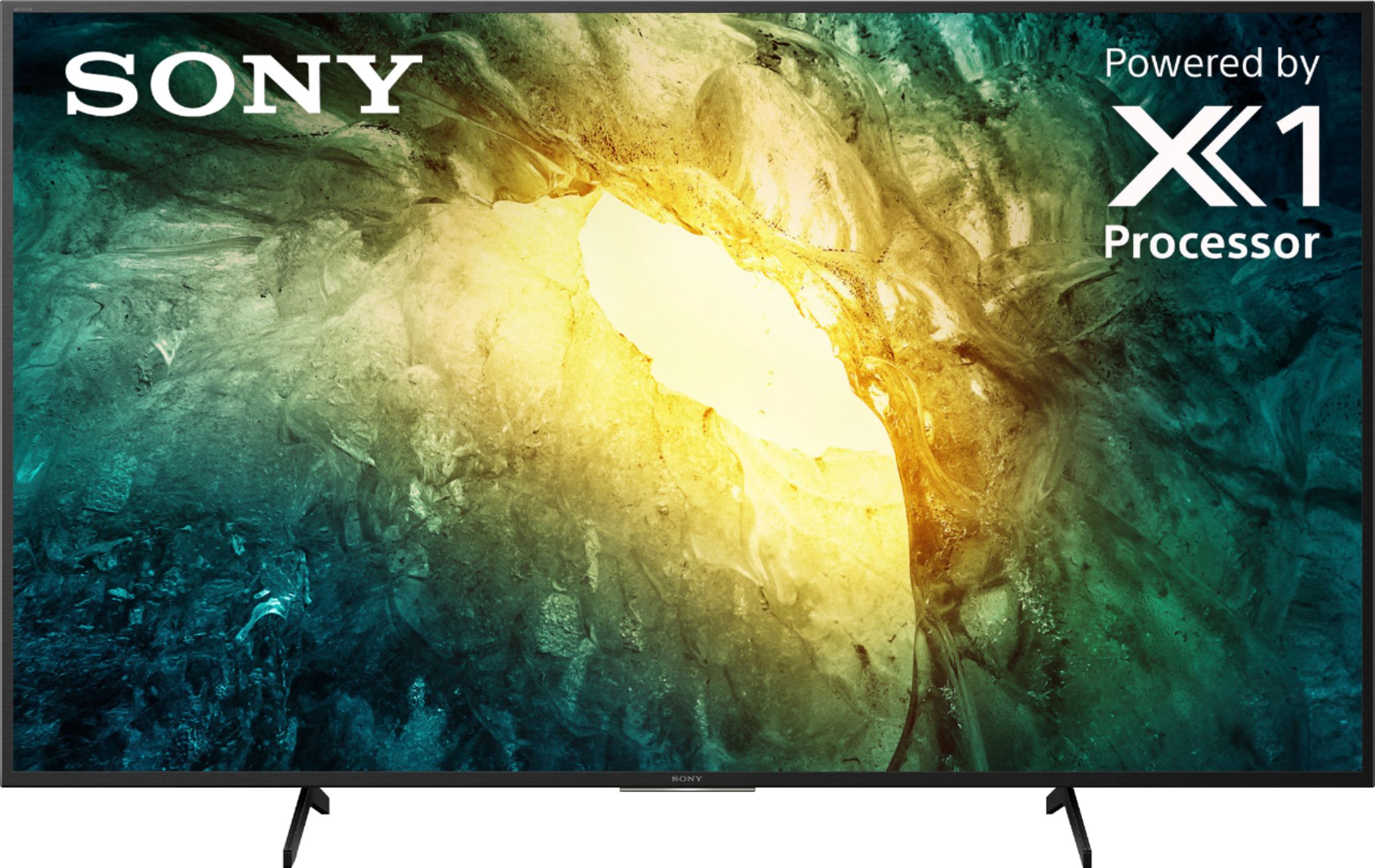
A:AnswerHi jeremy, The Panel Refresh Rate (Native Hertz) of this TV is 60Hz with Sony’s MotionFlow XR 240. Please see the X900H/X90 for or higher for a native 120Hz refresh rate. Thank you for the inquiry. Jay