A:AnswerHi Mannyr, thank you for your interest in Sony products. Below are some of the best wireless headphones we can recommend.
WH-1000XM3
WH-1000XM4
WH-XB900N
WH-CH710N
WF-1000XM3
WF-SP800N
You can check the lists of recommended models here: https://www.sony.com/electronics/support/articles/00159290
Sincerely,
Erin
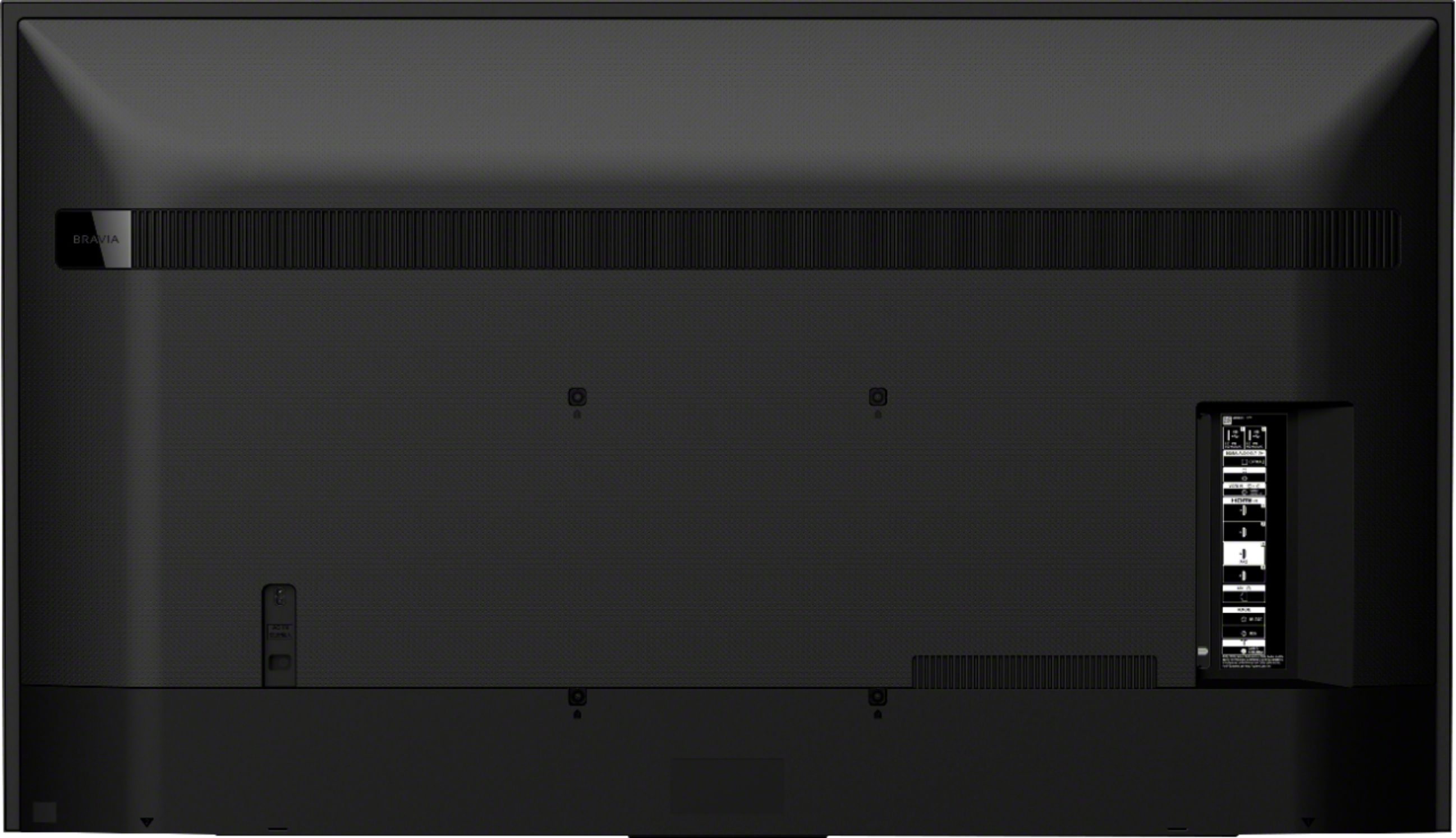
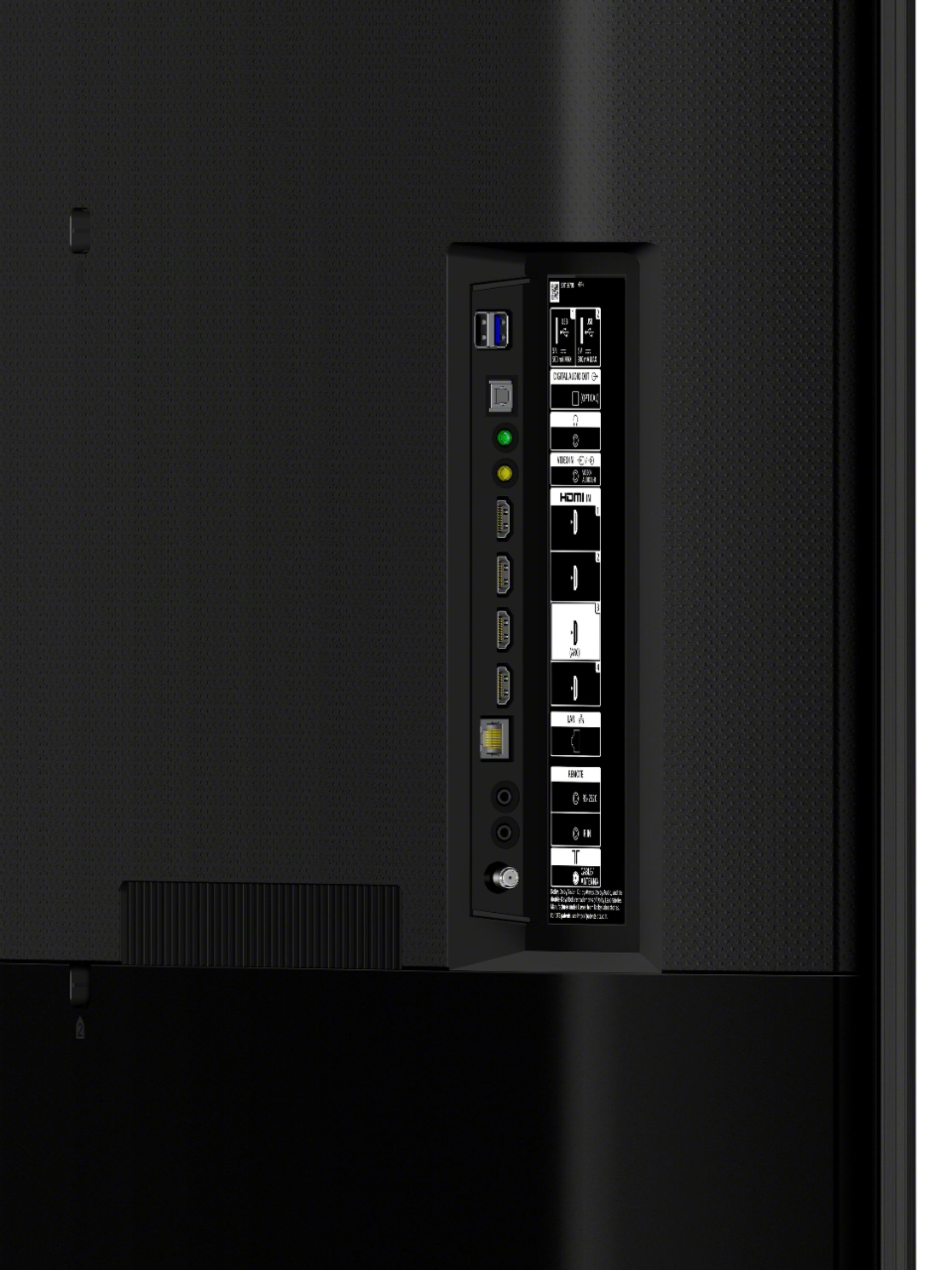
A:AnswerHi Ben, Thank you for inquiring about the XBR55X800H. Connecting a PC to the TV depends on the available ports available on your TV and computer. If your PC has an HDMI port, you can use an HDMI cable. Please check the reference link below for more details:
https://www.sony.com/electronics/support/televisions-projectors-lcd-tvs-android-/xbr-55x800h/articles/00032283
I hope this helps.
Regards,
Erin
A:AnswerHi Gigi, thank you for inquiring about the XBR55X800H. Yes. You can control the TV using your Alexa-enabled device. The amazon Alexa app needs to be on the TV, might have to download that thru google play. Regards, Erin
A:AnswerUsually, your cable provider has a list of codes for almost every Brand. It's usually comes in the remote packaging. If lost you can contact you provider for help.
A:AnswerHi Alicia, there is a voice button on the remote. You press it and speak into it, I believe it also works with Alexa once set up with that device.
A:AnswerI haven't done a deep dive...I'm running to set off the HDMI connection from my cable box.
The specs list "HDCP 2.3 via HDMI." I don't know whether that's helpful to you...I hope it is.
A:AnswerHi, Grouper441, The X800H TV does not natively support Bluetooth audio out (mainly used for headphones). This feature may work with a compatible external USB Bluetooth Adapter or third-party Bluetooth applications that can be downloaded from the Google Play Store. Thank you. -Vincent
A:AnswerHi, Vincent, If you are asking if the TV can be used as a monitor to your computer, yes, you can. FOr more details, check out this link: https://www.youtube.com/watch?v=3BF_mt86S_g&t=4s. Thank you. -Vincent
A:AnswerHi, Vincent, If you are planning to use this TV as a monitor for your computer, yes, you can. You can visit this link for more details: https://www.youtube.com/watch?v=3BF_mt86S_g&t=4s. Thanks! -Vincent
A:AnswerHi, Papa, The Bluetooth feature of this TV supports HID/HOGP/SPP profiles. The X800H TV does not natively support Bluetooth audio out (mainly used for headphones). This feature may work with a compatible external USB Bluetooth Adapter or 3rd party Bluetooth applications that can be downloaded from the Google Play Store. You may also check out other TV models that are compatible with the WH-1000XM3 headphones: https://www.sony.com/electronics/support/articles/00159290. Hope that helps! -Vincent
A:AnswerHi, herbie, You may follow the guide from this link to help further with your concern: https://www.sony.com/electronics/support/articles/00014997. Thanks! -Vincent