Black Friday is hereShop new DoorbustersShop now

Main Content

Questions & Answers

Your price for this item is $1,064.99
Clearance
The comparable value price is $2,499.99
Page Showing 1-20 of 213 questions
  • QuestionThis is going to be my first OLED. How concerned should I be about “burn-in”?

    Asked by Tsak6789.

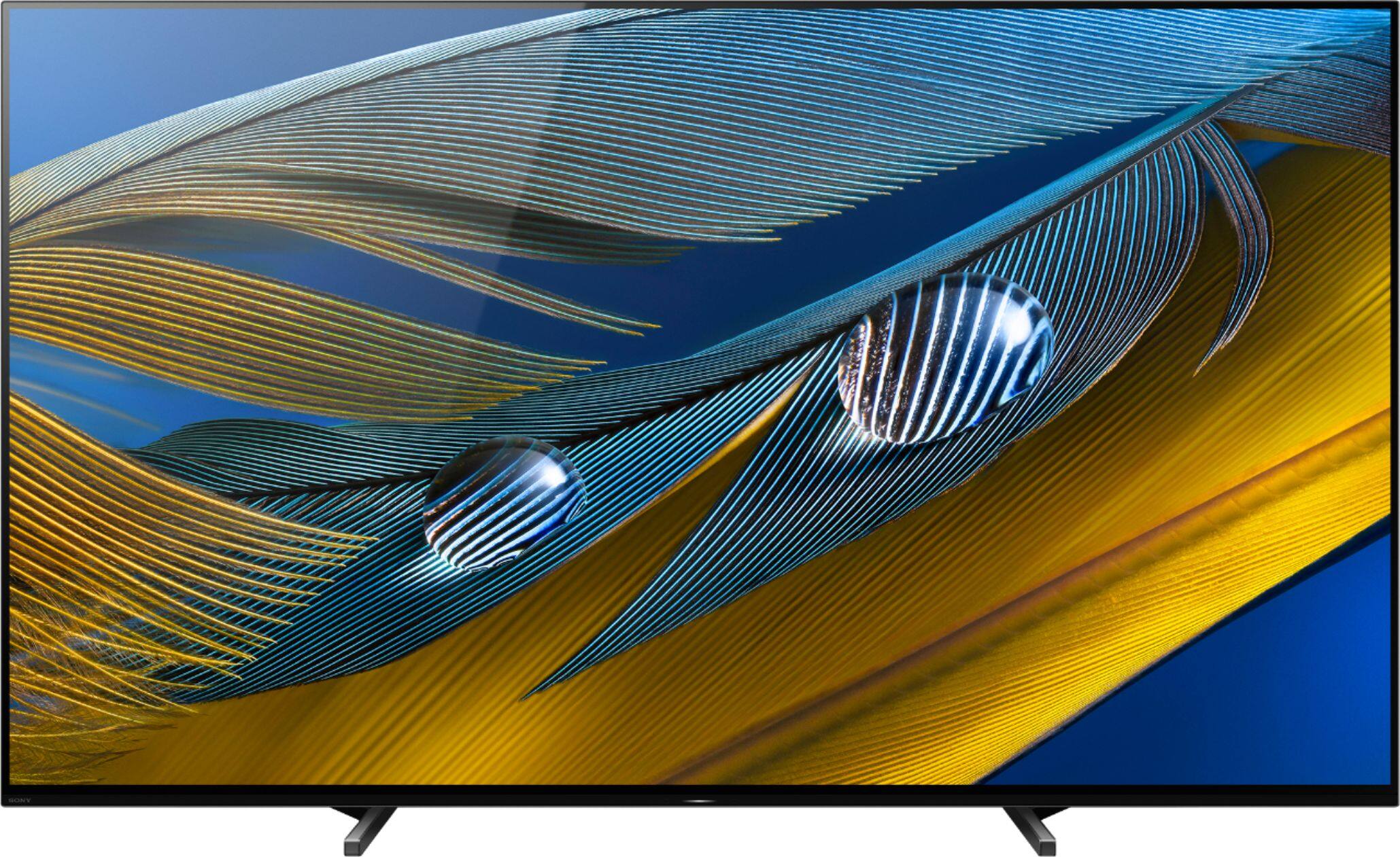
    • Answer Hi Tsak6789, Thank you for the interest in purchasing the BRAVIA XR A80J! The Organic LED displays (OLED) may experience image retention if an image is continuously displayed for a long period of time or the same image is repeatedly displayed. This is due to the characteristics of the materials used to achieve high-definition imaging. To protect your TV screen, avoid using images that may cause image retention. The good news is that we have taken steps to protect the TV screen from image retention like Pixel Shift and Panel Refresh found within the TV settings. Our Cognitive Processor XR with XR Motion Clarity cross-analyzes data to ensure action stays smooth, bright, and clear. With pictures created by millions of individually controlled pixels, everything is sharp and clear on OLED. And with our OLED XR Motion Clarity™ technology, even fast-action stays smooth and clear. Moving images are precisely controlled to minimize blur so that pictures remain true with less loss in brightness during high-speed scenes. In any case that you need our assistance, please email the below information to [email protected] or chat with us from Sony’s e-support webpage. Apologies if you disclosed some of this information in your review and to customer service, we just want to ensure that we have your accurate details at the time of communication. Full Name: Best Buy Username: Telephone Number: Sony Model Number: Additional Information regarding your experience with the A80J: I hope this helps! Thank you for choosing Sony! Regards, Jay


      Answered by SonyListens

  • QuestionHi, we are ready to purchase the Sony xr65A80J the question is what is the difference between the Costco version (A80CJ) versus the BestBuy (xrA80J) Series other than warranty. Are there any technical or design features that differ?

    Asked by Undecided.

    • Answer Hi Undecided, Thanks for your inquiry. These models share the same dimensions and technical specifications. The only difference is that the A80CJ has a 3-year limited manufacturer's warranty while the A80J only has a 1-year limited manufacturer's warranty. Hope this helps! Regards, -Ralph

      Answered by SonyListens

  • QuestionNetflix app is still crashing back to the Home Screen after about 6 minutes of watching. Clearing the app data did not fix it. Is there another fix available?

    Asked by hdrnoob.

    • Answer I was experiencing a similar problem, but it turned out to be the "Chromecast built-in" app crashing (which then caused Netflix to close.) Clearing the data & cache for "Chromecast built-in" fixed this issue for me. You’ll find it in system apps (go to all apps and scroll right till the bottom)

      Answered by Yashna

  • QuestionWhich wall mount is recommended for the A80J ?

    Asked by Switch.

    • Answer I used a universal wall mount paid 60.00 for it worked great

      Answered by WOOGERS

  • QuestionWhat hdmi ports does this tv have ? Regular hdmi ? hdmi 2.1 ?? Does it have both ??

    Asked by Anonymous.

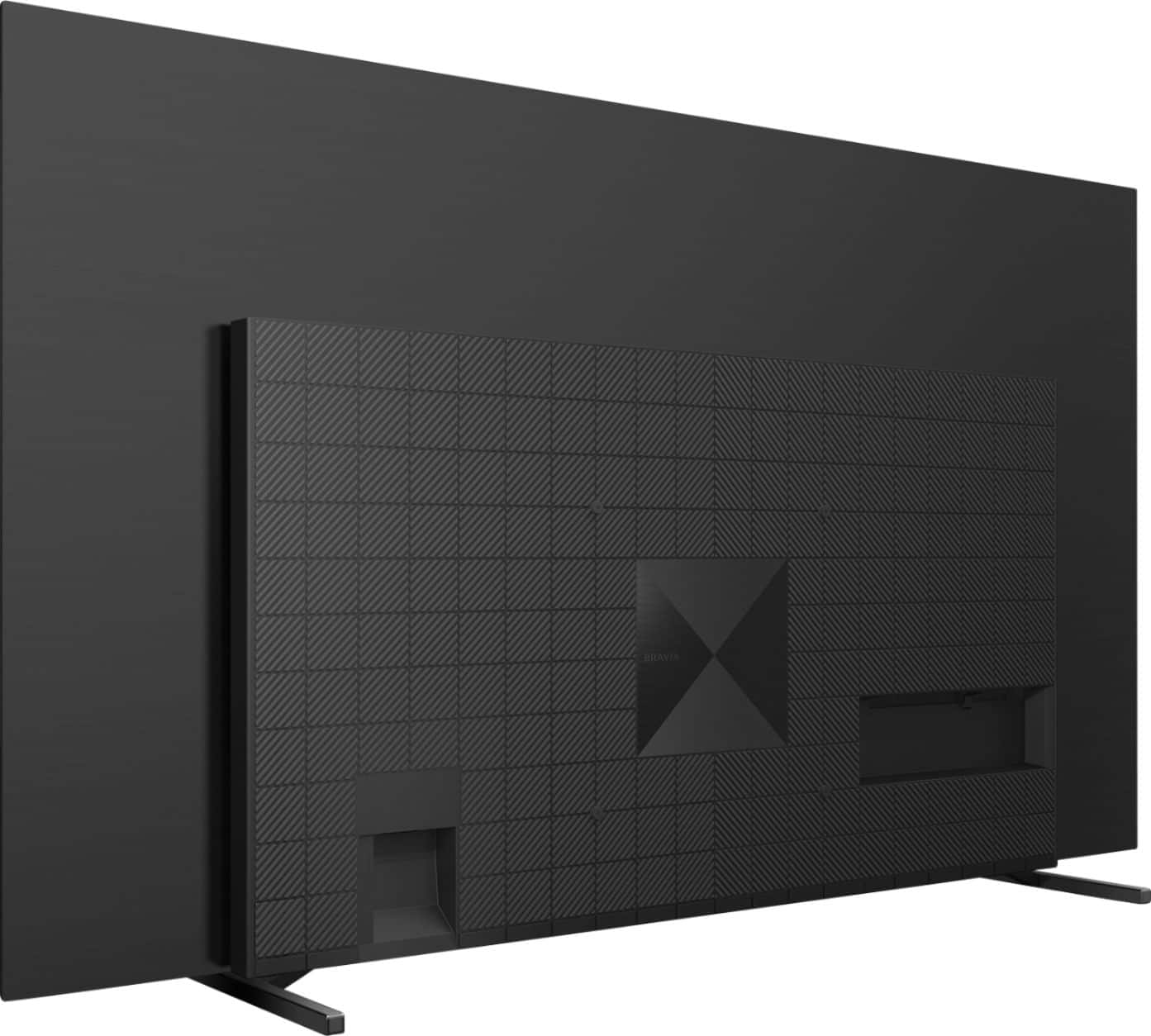
    • Answer Hello, thank you for your question. There are a total of 4 HDMI ports on this TV. 2 of them (HDMI 3/4) support the HDMI 2.1 standards which are the 4K120, eARC, ALLM, and VRR. (VRR will be available via a future firmware update). ~Earl

      Answered by SonyListens

  • QuestionJust so I understand, the 4K signal works through any of the 4 HDMI ports, but for anything with a 120hz refresh rate I'd need to use the 2 HDMI 2.1 inputs, correct? And what is pushing 4K 120hz besides gaming consoles? Is streaming or 4K blu ray?

    Asked by MaxieMo.

    • Answer Hi Newbie, thank you for your question. Yes, all HDMI ports on this unit support 4k. The HDMI (3) and (4) support the HDMI 2.1 standards. The 4K120hz is for next-gen gaming. Currently, streaming services and 4k Bluray titles will render good enough in 60hz. ~Earl

      Answered by SonyListens

  • QuestionHi, is it normal to hear a "clicking" sound when turning the tv on or off? I have other Bravia models and they do not make this sound.

    Asked by Fransoch.

    • Answer Our TV is connected to a Marantz receiver. It does make a clicking sound when connecting.

      Answered by DaveN

  • Questionwhat is the difference between the "J" and "H" series? I'm looking at the Sony 65" BRAVIA XR A80J OLED 4K UHD Smart Google TV. Thanks

    Asked by MBRTV.

    • Answer The letter added to the end of the model number indicates each yearly iteration, so the H is 2 years older than the J. Otherwise, they are the same model but the newer one will generally have slightly updated chipsets and might have more RAM and a slightly faster CPU. You're generally safe to get an older model if you want to save some money and don't mind the possibility for a little slower response speeds with built in streaming apps. (If you use an external streaming device like a Roku/Apple TV/Amazon Fire, none of these TV differences will matter or impact your experience.) Hope that helps!

      Answered by Anon

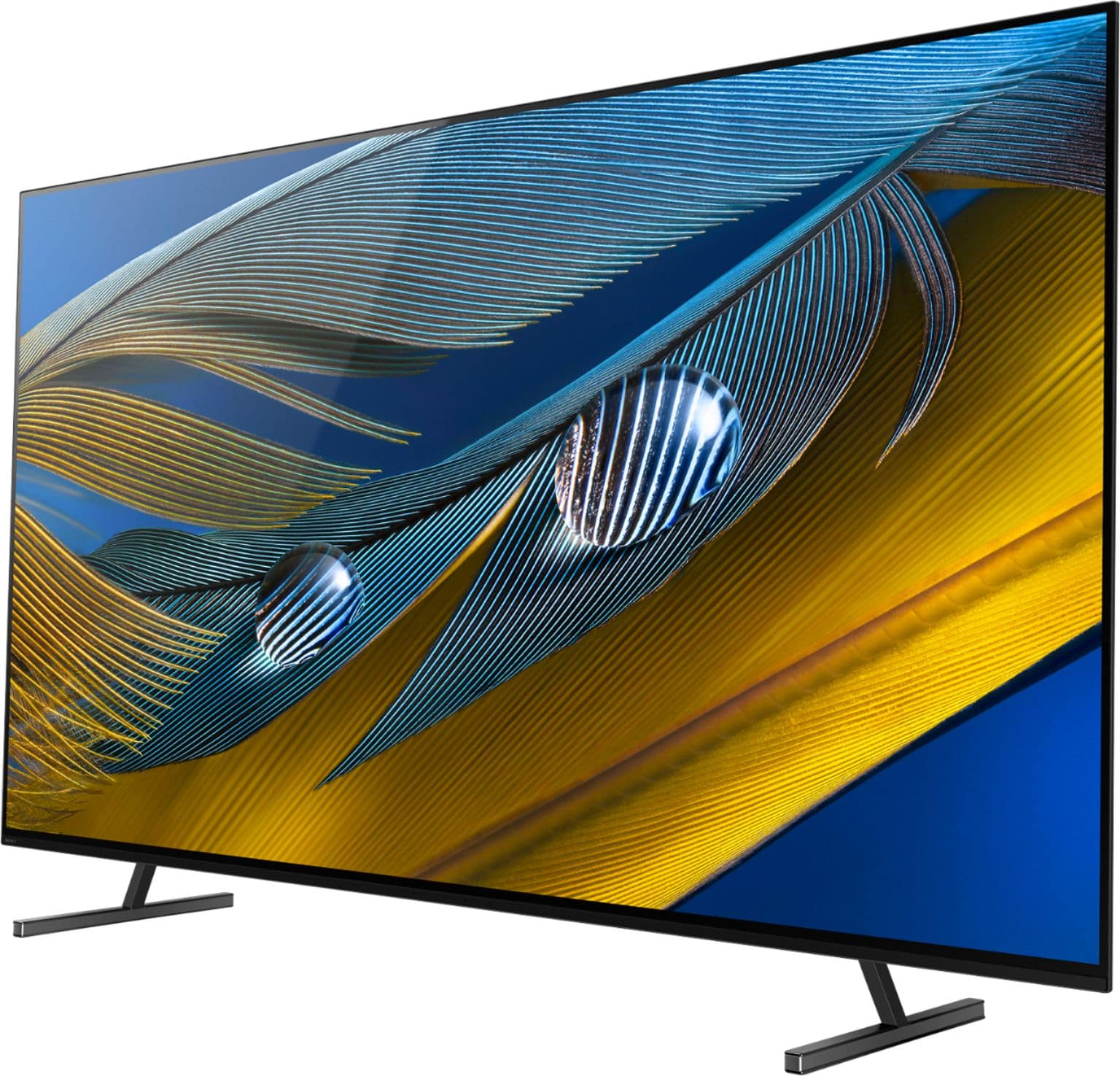
  • QuestionWhat is the maximum height with stand at its maximum height? How much free space is there beneath to TV to place a cable box?

    Asked by Charles.

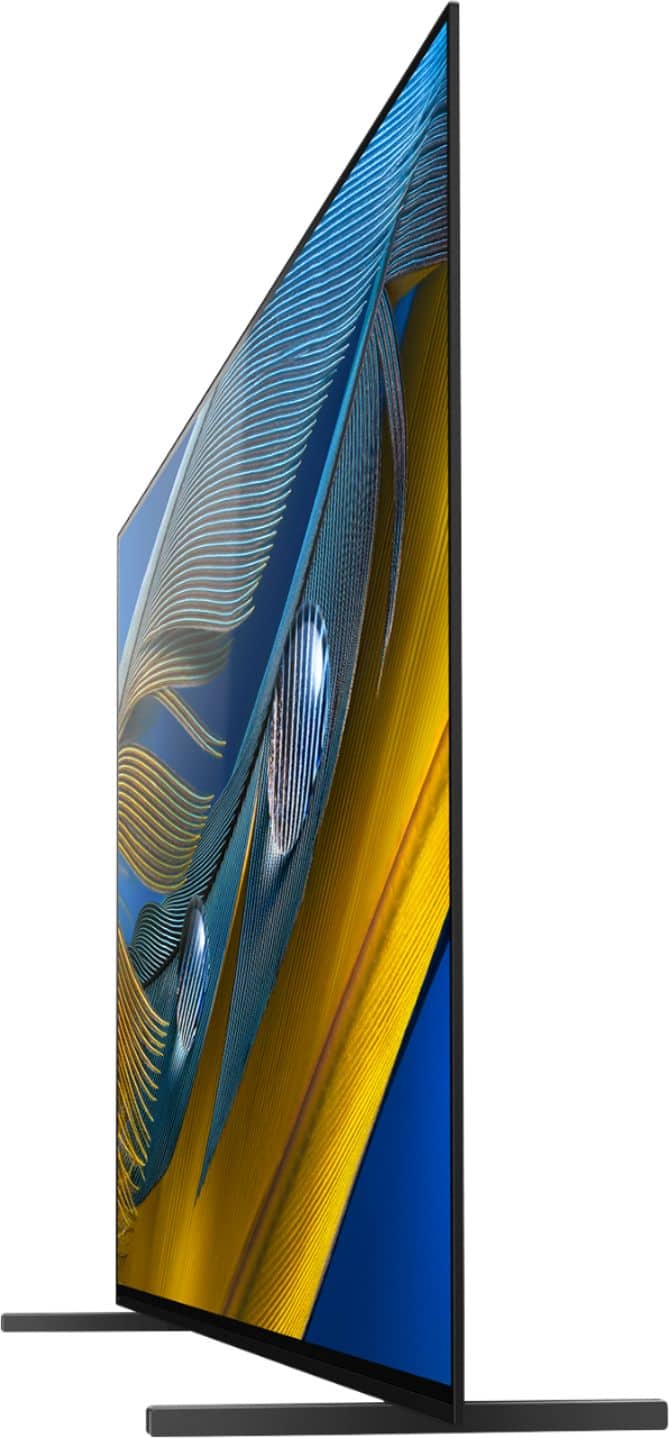
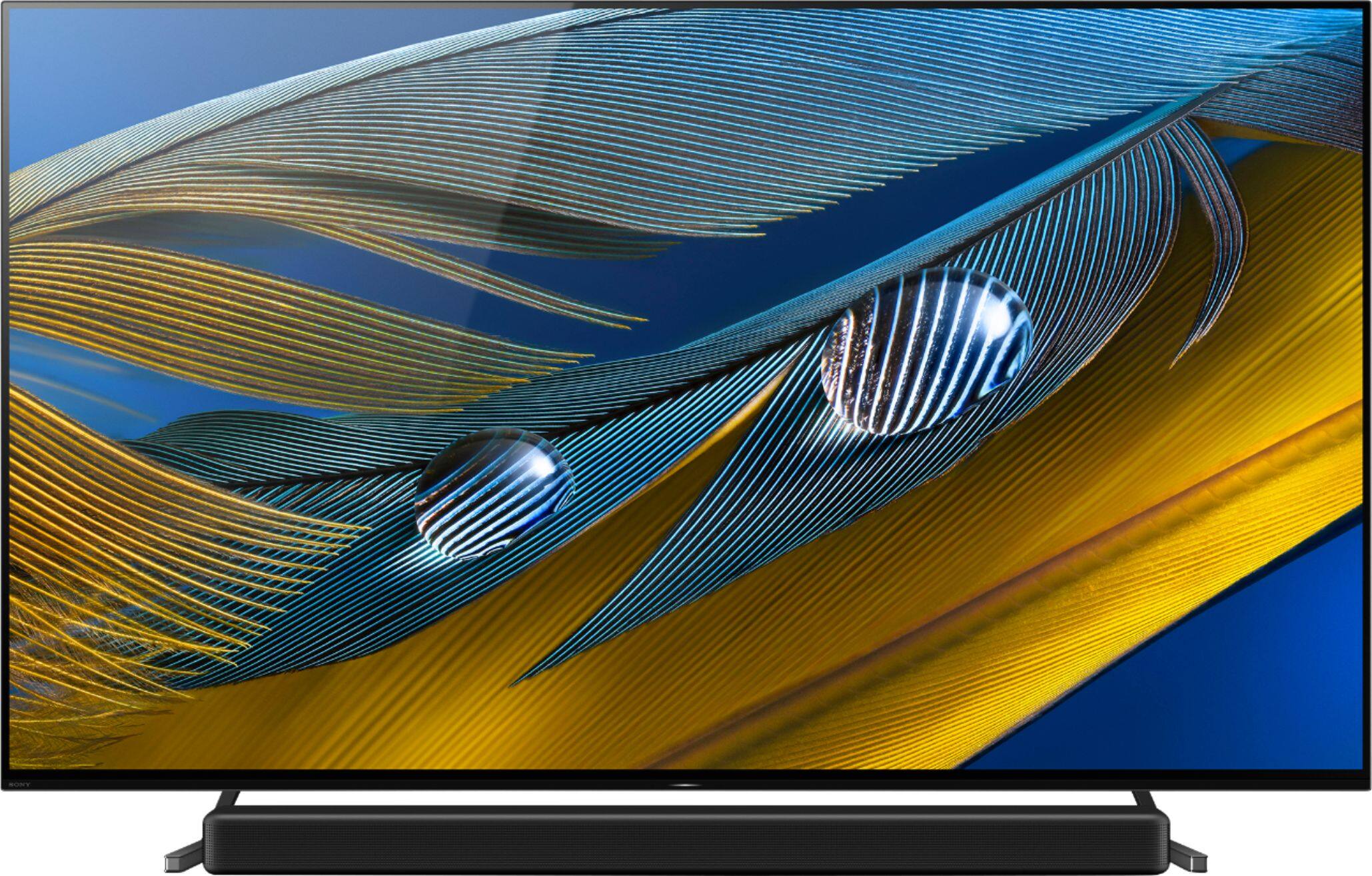
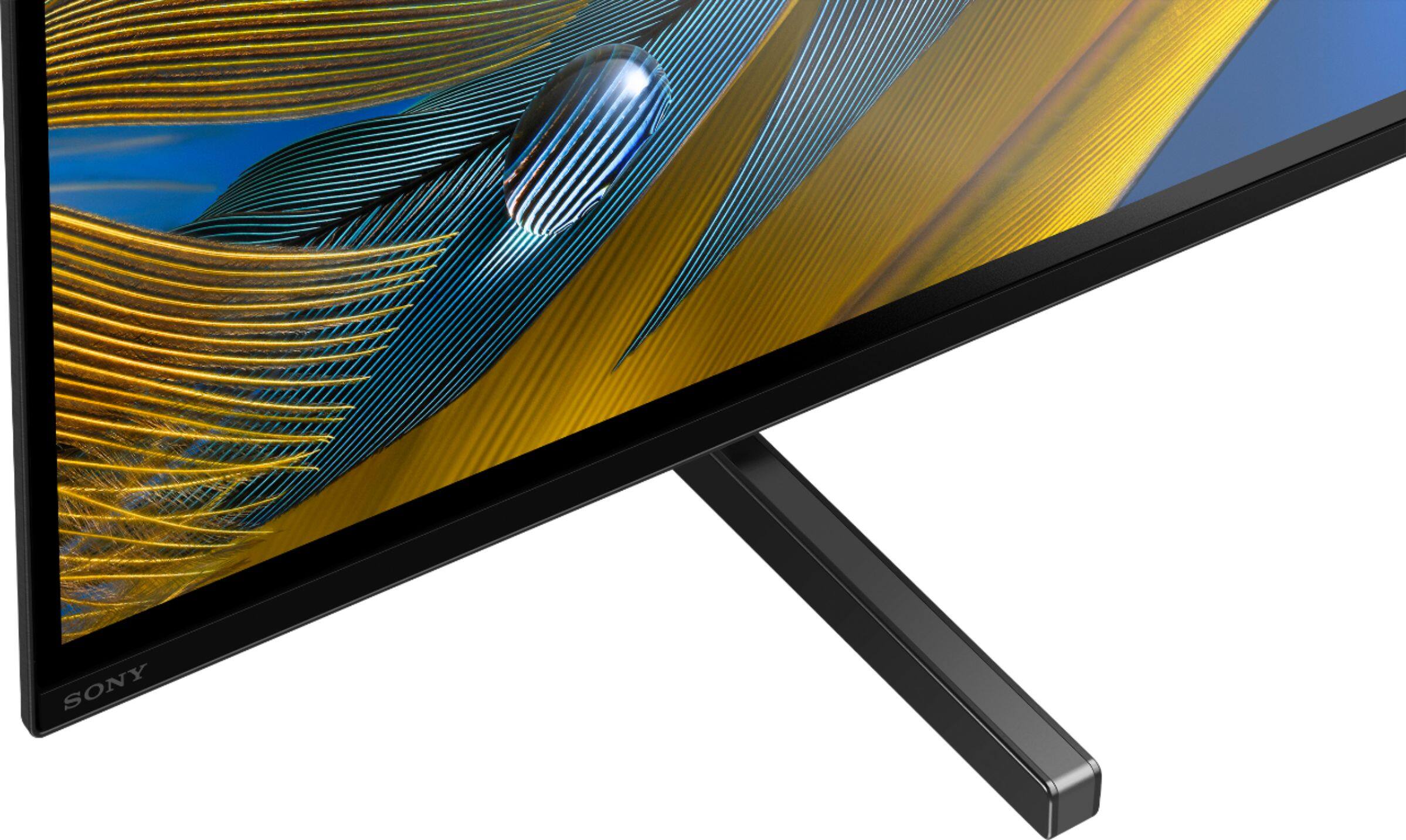
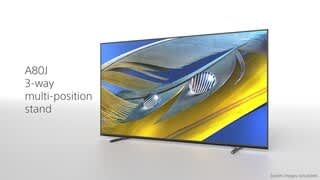
    • Answer Hi Charles, thank you for your question. There are two positions for the TV stand attached to the TV itself. The Standard position height is 33 3/8 inches. The Soundbar position height is 35 3/4 inches. There will be a free space good enough to fit a cable box that measures 2.3 inches in height beneath the TV. Hope this helps. ~Earl

      Answered by SonyListens

  • Questionwhich hdmi port should i use for my cable box?

    Asked by Anonymous.

    • Answer Hello, Thank you for the inquiry! You can connect the cable box to the HDMI 1 or HMDI 2. Both HDMI Inputs supports HDR. Please make sure to use a Premium High Speed HDMI cable which supports Enhanced format (18Gbps) and set the HDMI signal format for the connected HDMI port to either Enhanced format (Dolby Vision) or Enhanced format. For more details, please check the BRAVIA TV Connection Guide for more details: https://www.sony.com/electronics/support/articles/00231151 I hope this helps! Jay

      Answered by SonyListens

  • QuestionIs the Sony XRA80J compatible (hardware) with DIRECTV 4k? If not, will I need additional equipment provided by DIRECTV to access 4K? Thanks-

    Asked by A80J.

    • Answer Hi A80J, Yes, the A80J works with the Direct TV 4K box. All you should need is a High Speed HDMI cable (18gbps). Regards, -Ralph

      Answered by SonyListens

  • QuestionIs there anything else I need to buy or be aware of to make sure I am getting all the 4K / OLED options? Someone at your store said I might need aVerizon Fios One for best 4K viewing? My primary interest is in picture clarity for sports and movies. Thanks

    Asked by DavidB.

    • Answer Our TV has no additional enhancements and we are over the moon with our 4K/OLED quality. Our regular 4K channels through our cable box/DVR display wonderfully. We are so happy with this purchase!!! We use Roku rather than Google TV, so we just connected our Roku and the streaming is of equal quality to our cable box. I hope this helps.

      Answered by Karen

  • QuestionCan you get Hulu on this TV?

    Asked by Kathie87124.

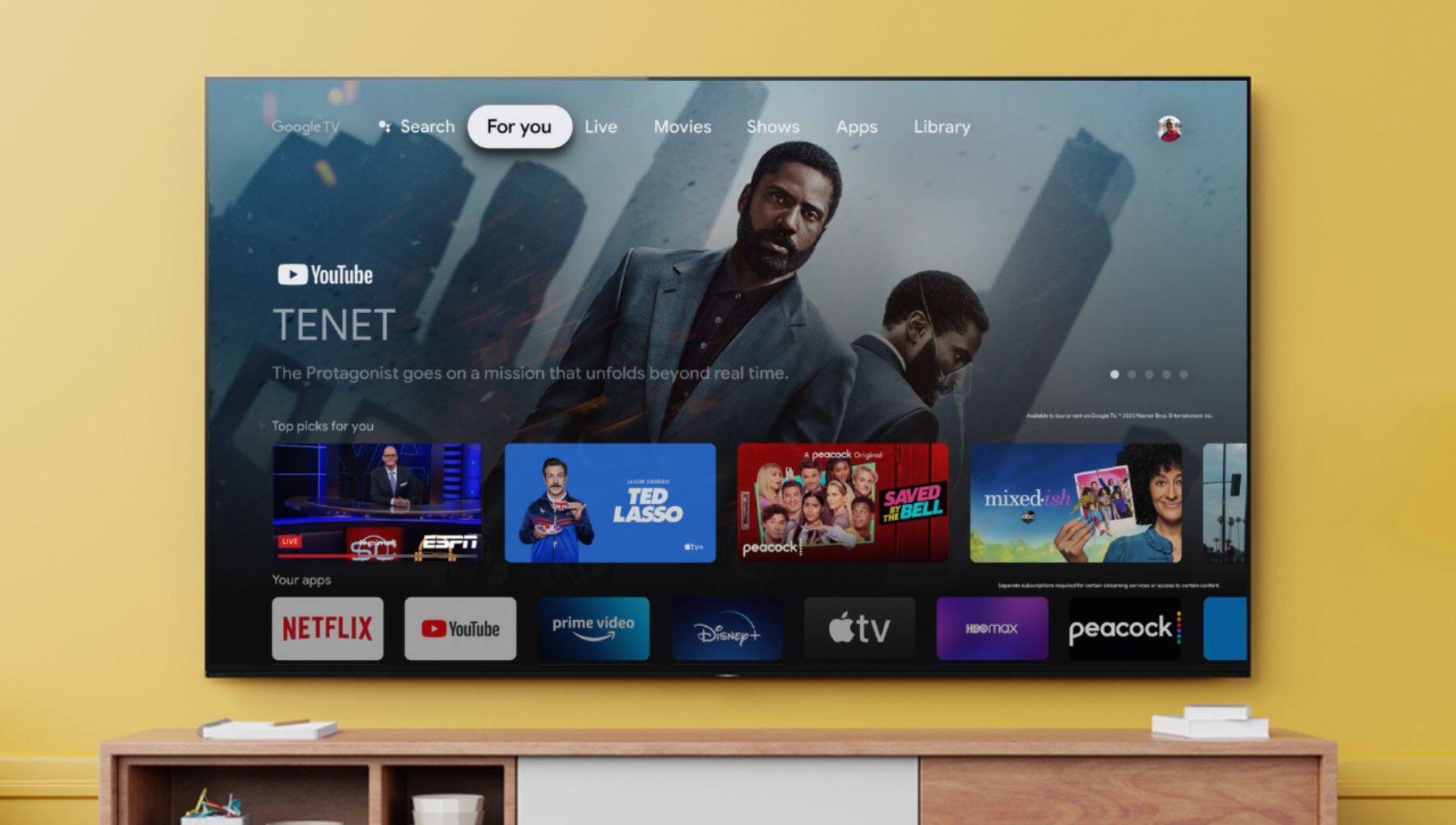
    • Answer Hi Kathie87124, Thanks for your inquiry. Yes, Hulu is supported by the A80J. Hulu is one of the usual pre-installed apps on Bravia Android / Google TVs. You can find it and other pre-installed apps by pressing the HOME button of the supplied remote then select Apps. In case Hulu is not installed, you can install using the Google Play Store app of the TV. Once installed, it will be added to the Apps section. I hope this helps! -Ralph

      Answered by SonyListens

  • QuestionHow many inches is the VESA mounting holes from the top and bottom of the TV for the 65”?

    Asked by Jason.

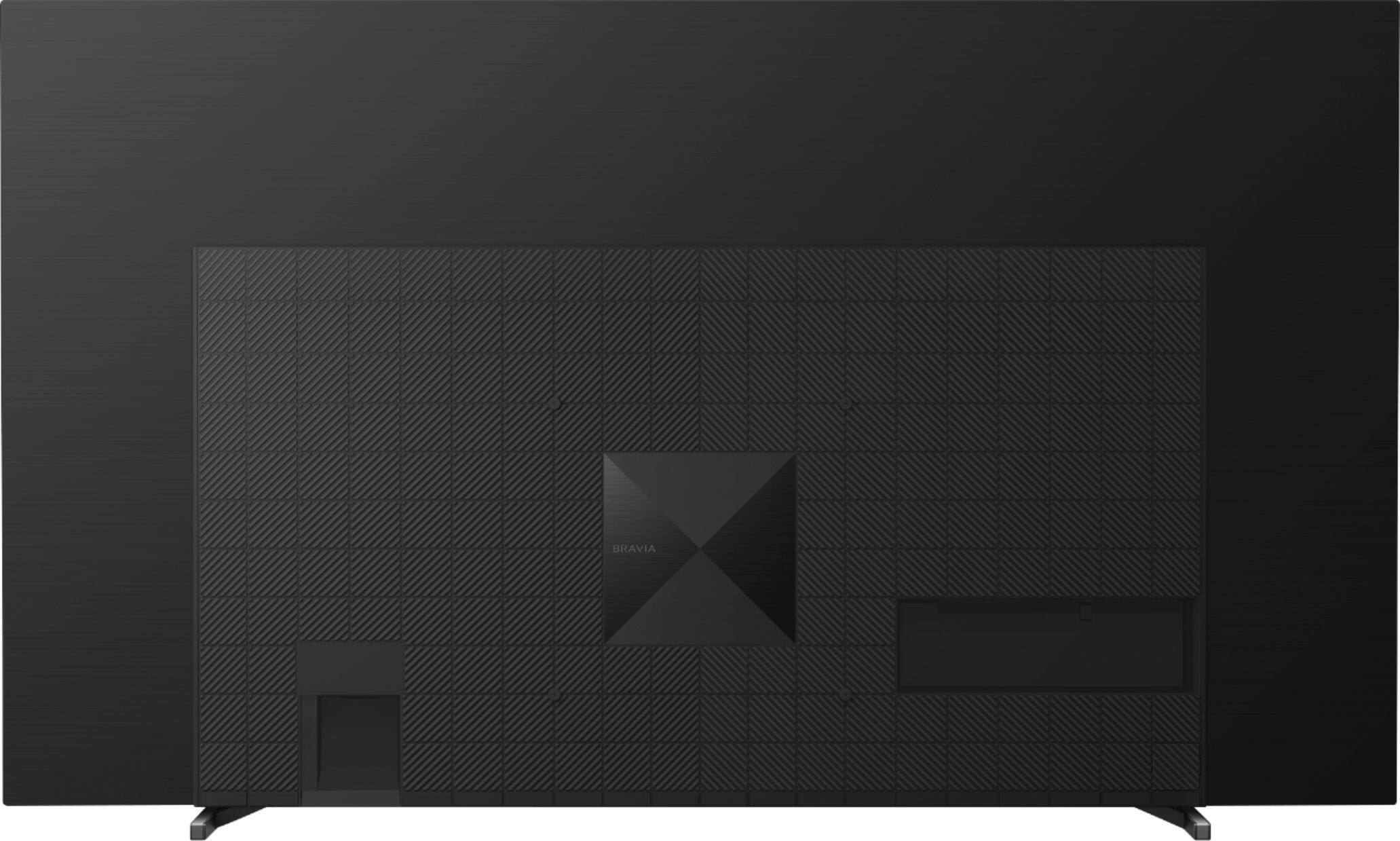
    • Answer Hello Jason, Thank you so much for your question! The distance of the top wall mounting screw of our 65" A80J to the top of the TV is approximately 416.36 mm (16.39 inches) and the distance between the bottom mounting screw to the bottom of the TV is approximately 119.4 mm (4.70 inches). Additional information: Sony recommends using only the compatible Wall-Mount Bracket SU-WL855 for this TV. The XR-65A80J has a Wall-mount hole pattern of 11 3/4 x 11 3/4 inches (300 × 300 mm). For safety and product protection, we recommend that a qualified professional perform the installation of the TV on the Wall-Mount. You may also visit your local retailer to find the best Vesa-compliant wall mount bracket that meets the size of our TV, your wall or environmental requirements, and your stylistic preferences. Hope this helps! Thank you so much for choosing Sony! - Romeo

      Answered by SonyListens

  • QuestionHello, why can’t I get 4K UHD at 120hz on my tv? Xbox Series X (Sony Bravia A80J 65”) Thanks

    Asked by 120hz.

    • Answer Hi 120hz, We regret to hear that you are not able to enjoy the 120Hz function of the TV. 120Hz is supported on HDMI IN 3 and IN 4. For optimum performance, it is recommended to use a Premium High Speed HDMI™ Cable(s) that supports 18 Gbps. Make sure to also set the HDMI signal format to "Enhanced": -Press the (Quick Settings) button on the remote control, then select [Settings] — [Channels & Inputs] — [External inputs] — [HDMI signal format] — [Enhanced Format] For more information, please refer to these links: https://www.sony.com/electronics/support/televisions-projectors-oled-tvs-android-/xr-65a80j/articles/00141961 https://helpguide.sony.net/tv/iusltn1/v1/en-003/04-09_02.html In case you need further assistance, please email the below information to [email protected]. Apologies if you disclosed some of this information in your review and to customer service, we just want to ensure that we have your accurate details at the time of communication. Full Name: Best Buy Username: Telephone Number: Sony TV Model Number: Additional Information regarding your experience with your XR65A80J. Sincerely, -Ralph

      Answered by SonyListens

  • QuestionDoes this TV require an internet connection? I'd like to use this TV without making use of its "smart" features, is that possible?

    Asked by BoulderBuilder.

    • Answer Hi BoulderBuilder, Thank you for the inquiry. Yes, you can use and enjoy watching TV programs by connecting this TV to the cable box, antenna, Blu-ray Player, and DVD Player. However, if you want to enjoy the internet-enabled functions on a Smart/Android TV such as watching video streaming services, Chromecast Built-in, and downloading apps from the Google Play Store connect this TV to the wireless connection or wired connection. I hope this helps. Jay

      Answered by SonyListens

  • QuestionIs there an approximate date when this TV might be available for purchase from Best Buy?

    Asked by Shopping.

    • Answer Went live earlier today. I have mine scheduled for pickup on Sunday!

      Answered by Jake

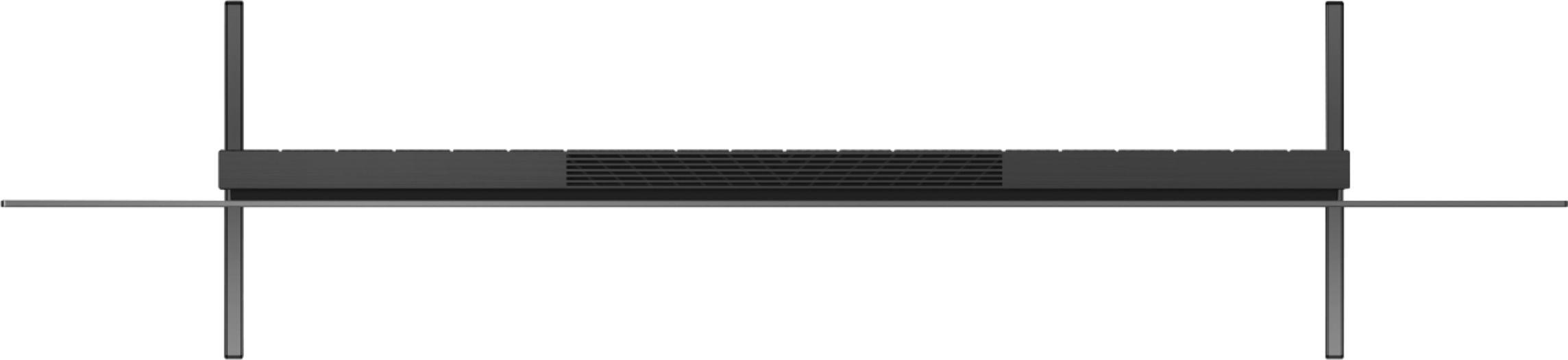
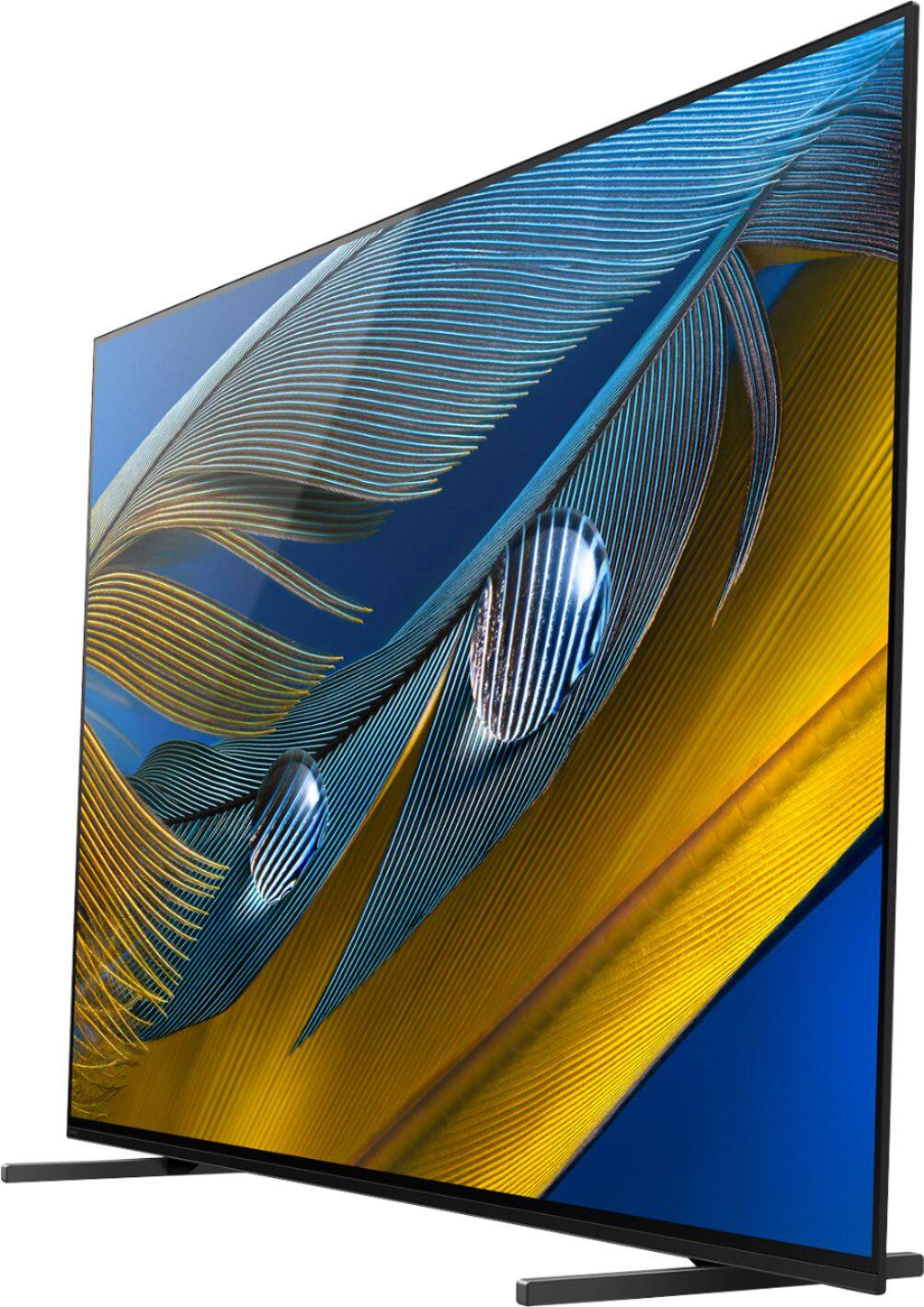
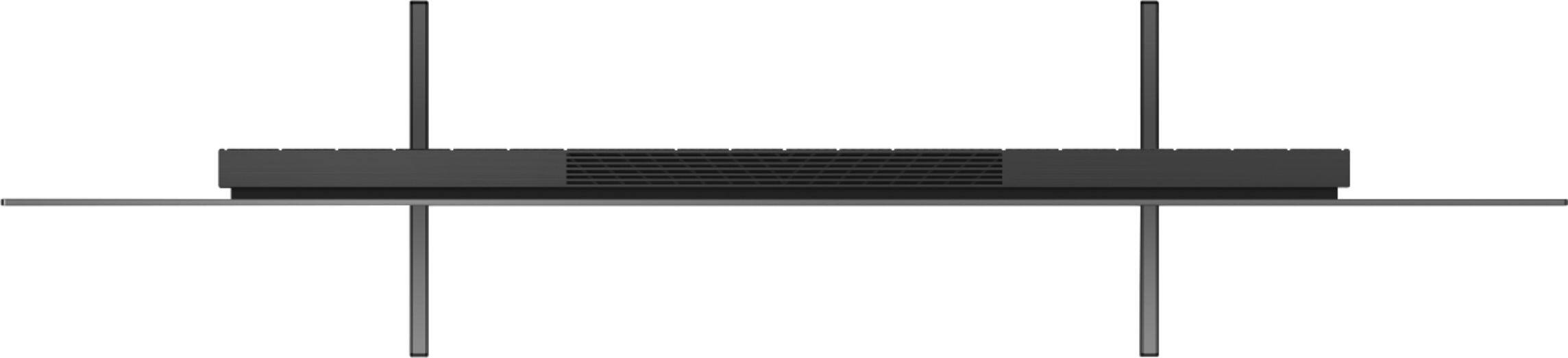
  • QuestionHow far is the distance between the two legs when assembled?

    Asked by Anthony.

    • Answer Hi Anthony, Thanks for your inquiry! The approximate distance between the TV stand/legs of this TV are as follows: -Standard position: 40.75" (1,034 mm) -Narrow position: 27.25" (692 mm) -Soundbar position: 40.88" (1,036 mm) For full specifications of this TV, please refer to the link below: https://www.sony.com/electronics/support/televisions-projectors-oled-tvs-android-/xr-65a80j/specifications Regards, Sam

      Answered by SonyListens

  • QuestionWhere can I find i Sony's Smart Google TV privacy policy? Can I opt out of being tracked and surveilled. I ask because my LG OLED suddenly requires that I agree to be surveilled after owning the TV for 3 months.

    Asked by NOTanLGfan.

    • Answer Hi LadyC, Thanks for your inquiry. The privacy settings can be found on the home menu screen of the TV (press HOME - Settings - Privacy). Google offers services and third-party apps that use location information to optimize their services for each country. Depending on the application, if you don't turn on Location, the app may not work properly on your Android TV. For more information, please refer to this link: https://www.sony.com/electronics/support/televisions-projectors/articles/00124502 Sony has a Privacy Policy to help protect your personal information, as well as that of your family and children. Sony does not share any personal information with third-party companies without your consent. Full details about our privacy policy can be found on this link: https://electronics.sony.com/privacy-policy Hope this helps, -Ralph

      Answered by SonyListens

  • QuestionI'm looking to buy this TV next month and would like to hear about the experiences of others. I'm excited to be able to play with 120fps w/o a computer. Is it worth the splurge?

    Asked by Playstation5.

    • Answer Hi Playstation5, Thanks for your interest in the Sony A80J. The TV's Cognitive Processor XR with XR Motion Clarity cross-analyzes data to ensure action stays smooth, bright, and clear. Get the most out of your gaming with BRAVIA XR TVs featuring exclusive features for the PS5 console. With 4K/120Hz, you’ll achieve increased frame rate significantly benefiting high-performance 4K gaming. And, the dedicated BRAVIA Game Mode enables reduced input lag and optimized performance in every frame. You can't go wrong with the Sony A80J. With the BRAVIA XR A80J, you will enjoy a premium OLED picture with contrast and color that feels deep, natural, and real. The revolutionary Cognitive Processor XR optimizes thousands of on-screen elements simultaneously for a lifelike picture. Feel the action with Acoustic Surface Audio+ and experience truly immersive sound that perfectly matches the picture on the screen. Hope this helps, -Ralph

      Answered by SonyListens