A:AnswerHi Customer,
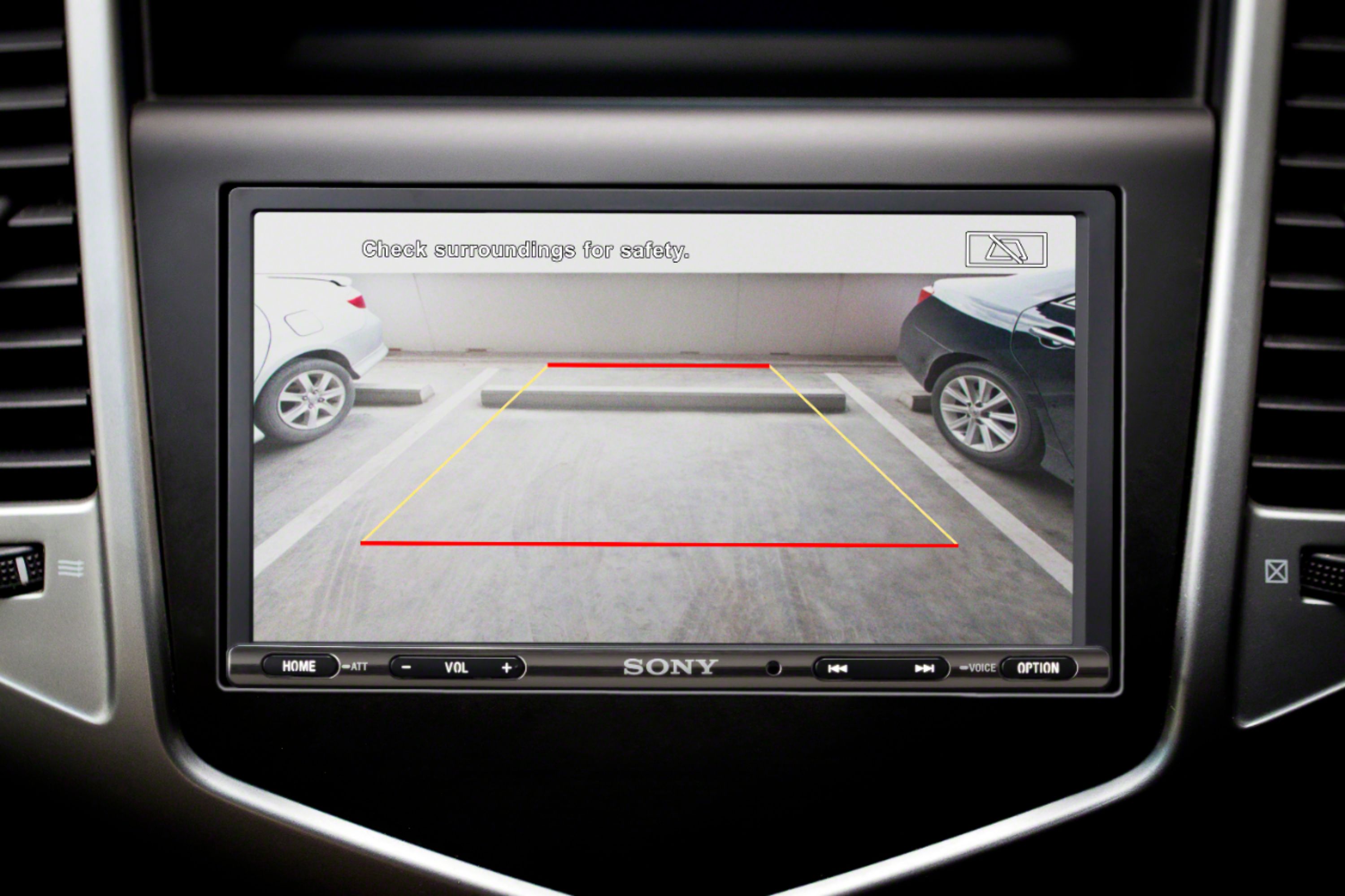
By connecting the optional rear view camera to the CAMERA IN terminal, you can display the picture from the rear view camera.
Regards,
David
A:AnswerHi, arindam, We cannot guarantee if this unit will fit a Honda Amaze 2014. We suggest contacting a professional installer instead and refer to the manual for the dimensions of the unit: https://www.sony.com/electronics/support/res/manuals/4739/4ed1f2b2cedab10c67bfe2ef6fb3a02e/47393172M.pdf (21). -Vincent
A:AnswerHello. It is recommended to contact a professional installer. We cannot guarantee if this unit will perfectly fit into a 2019 Road Glide Special. For the dimensions of the unit, please visit this link: https://www.sony.com/electronics/support/res/manuals/4739/4ed1f2b2cedab10c67bfe2ef6fb3a02e/47393172M.pdf (21). -Vincent
A:AnswerYou will more than likely need a steering wheel control adapter. Best Buy does offer them for most vehicles. Depending on your vehicle, some of your buttons may have different functions or might not work at all with the new stereo unit.
A:AnswerHi Meme,
Because of the number of variables encountered with different makes and models of automobiles, Sony is unable to assist with the installation of car stereo and mobile audio systems. We recommend consulting a professional installer to determine its compatibility with the vehicle.
~Ralph
A:AnswerHi,
Because of the number of variables encountered with different makes and models of automobiles, Sony is unable to assist with the installation of car stereo and mobile audio systems. We recommend consulting a professional installer to determine its compatibility with the vehicle.
~Ralph
A:AnswerHi sirtextsalot,
You have to manually press the car stereo. To display the picture from the rearview camera, press HOME. then select [Rear Camera]. See page 9 for details.
https://www.sony.com/electronics/support/res/manuals/4739/4ed1f2b2cedab10c67bfe2ef6fb3a02e/47393172M.pdf
Regards,
David
A:AnswerHi, Josh! Unfortunately, you can only use the built-in wallpaper color options. You may refer to page 18 of this link:
https://www.sony.com/electronics/support/res/manuals/4739/4ed1f2b2cedab10c67bfe2ef6fb3a02e/47393172M.pdf
~Ralph