Year-End SaleEnds 1/1/26. Limited quantities. No rainchecks.

Skip to content
Main Content

Questions & Answers

Your price for this item is $974.99
Clearance
The comparable value price is $1,299.99
Page Showing 121-128 of 128 questions
  • QuestionDoes it have Bravia Sync? Also is it better than the 75" XBR-X900F?

    Asked by Lordgalla.

    • Answer Hey Lordgalla, Yes, it does support Bravia Sync function. Yes, it is better than X900F since it supports Dolby Atmos and Dolby Vision out of the box. For detailed specifications, please visit https://www.sony.com/electronics/support/televisions-projectors-lcd-tvs-android-/xbr-75x800h/specifications, https://www.sony.com/electronics/support/televisions-projectors-lcd-tvs-android-/xbr-75x900f/specifications. Thanks! - Romeo

      Answered by SonyListens

  • QuestionJust purchased my x800h 75 in and love it. I want to upgrade my hdmi cables. Does this tv support hdmi 2.0 and/or 2.1 and if so which one should I choose?

    Asked by Carguy.

    • Answer Hi Carguy, Thank you for your inquiry. There is much confusion about the HDMI versions and concerns about compatibility. For this reason, we do not promote the HDMI versions incorporated on many of our products. Instead, we advertise the features of a product that are associated with a particular HDMI version. For X800H, the TV will support up to 18Gbps signal for 4K HDR. All HDMI ports on this TV support HDR and 4K picture with Enhanced format (18Gbps). You may use a Premium High Speed HDMI cable which supports 18Gbps for viewing 4K HDR contents from an external HDMI device. Regards, Jess

      Answered by SonyListens

  • QuestionII am thinking about buying a 4K TV I use Directv and wondered if I will need them to come out to hook up new equipment. I'm not tech knowledgeable so please be as specific as possible thank you

    Asked by aurora.

    • Answer Hi aurora, Thanks for the inquiry. We recommend using a high-speed HDMI cable when connecting this TV to DirecTV or other HDMI devices. Please notify your content provider on what equipment to use from them to get the best experience using the above cable. Regards, Jay

      Answered by SonyListens

  • QuestionCan I use as a display in a Window? There is no direct sun light.

    Asked by moed34.

    • Answer Hi moed34, The TV should not be exposed to rain or direct sunlight in order to avoid damage and possible fire or electric shock. To prevent radio interference to the licensed service, this device is intended to be operated indoors and away from windows to provide maximum shielding. Thanks, Jay

      Answered by SonyListens

  • Questionwhat are the size screws required for wall bracket? what is the weight of the tv?

    Asked by Anonymous.

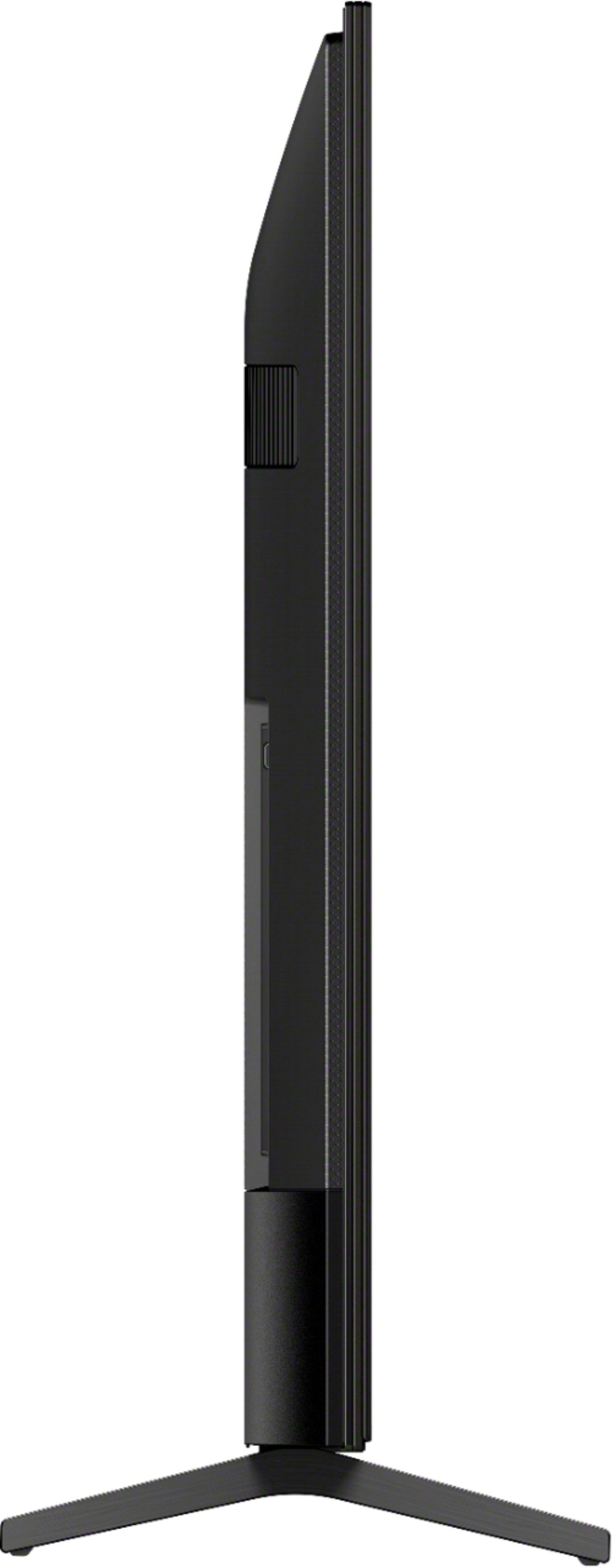
    • Answer Hello, The required wall mount bracket for the XBR75X800H is SU-WL855 with the VESA Hole Pitch(W x H) 300x300 mm / 11 7/8 x 11 7/8 inch. The screw is M6 (8mm -10mm). The height of this TV with a Table-Top Stand is 41 inches while 38 1/8 inches without the Table-Top Stand. For product protection and safety reasons, Sony strongly recommends that the installation of your TV on the wall be performed by qualified professionals. Do not attempt to install it yourself. Thank you. Jay

      Answered by SonyListens

  • Questioncan i hook up a web cam, and use Zoom on the Sony XBR75X800H?

    Asked by DGood.

    • Answer Hi, DGood, No. This TV does not support webcams. -Vincent

      Answered by SonyListens

  • QuestionI just bought this TV and look great but every so often the sound stops and I have to turn it off and turn it on to get the sound. Is it because I have a sound bar or its a wrong connection. Help please. Thank you.

    Asked by Lu.

    • Answer Hi Lu, Thank you for choosing and purchasing our Sony X800H Ultra HD Smart TV. We’re sorry to hear you are experiencing some audio issues with your X800H. This is definitely not the experience we wanted you to have in our product. We’d love to help you troubleshoot your problem by isolating your sources and understanding your connections. You can isolate this issue by following the troubleshooting steps below. 1. Verify whether the TV has an ARC label on one of its HDMI ports - If the TV has an ARC (Audio Return Channel) label on one of its HDMI ports, connect one end of the HDMI cable to the HDMI ARC port on the TV and the other end to the HDMI OUT (ARC) on the Soundbar. 2. Reconnect the cables and verify the audio output - Disconnect the cables between the TV and the home theater system or home audio system, and then securely reconnect them. 3. Verify that the Audio Output setting in the TV menu is set to Audio System. - Press the (Quick Settings) or ACTION MENU button, then select [Speakers] — [Audio system]. - Press the HOME button, then select [Settings] — [Display & Sound] — [Audio output] — [Speakers] — [Audio system]. 4. Turn off the devices - Turn off the unit and wait for a minute, then turn on the unit again. - If the issue still occurs, turn off the TV and wait for a minute, then turn on the TV again. 5. Make sure Software Auto update is set to ON - On the supplied remote, press the Help button. - Select System software update, and make sure Automatically check for update is set to ON. You may refer to this link for more information: https://www.sony.com/electronics/support/televisions-projectors-lcd-tvs-android-/xbr-75x800h/articles/00028375 Should you need further assistance, please email us at [email protected] with the following details: Apologies if you disclosed some of this information in your review and to customer service, we just want to ensure that we have your accurate details at the time of communication. Full Name: Best Buy Username: Telephone Number: Sony TV Model Number: Additional Information regarding your experience with the X800H Thank you for letting us help assist you. Sincerely, Jessie

      Answered by SonyListens

  • QuestionDoes this tv have HDMI 2.0 or 2.1 ports?

    Asked by Edyal.

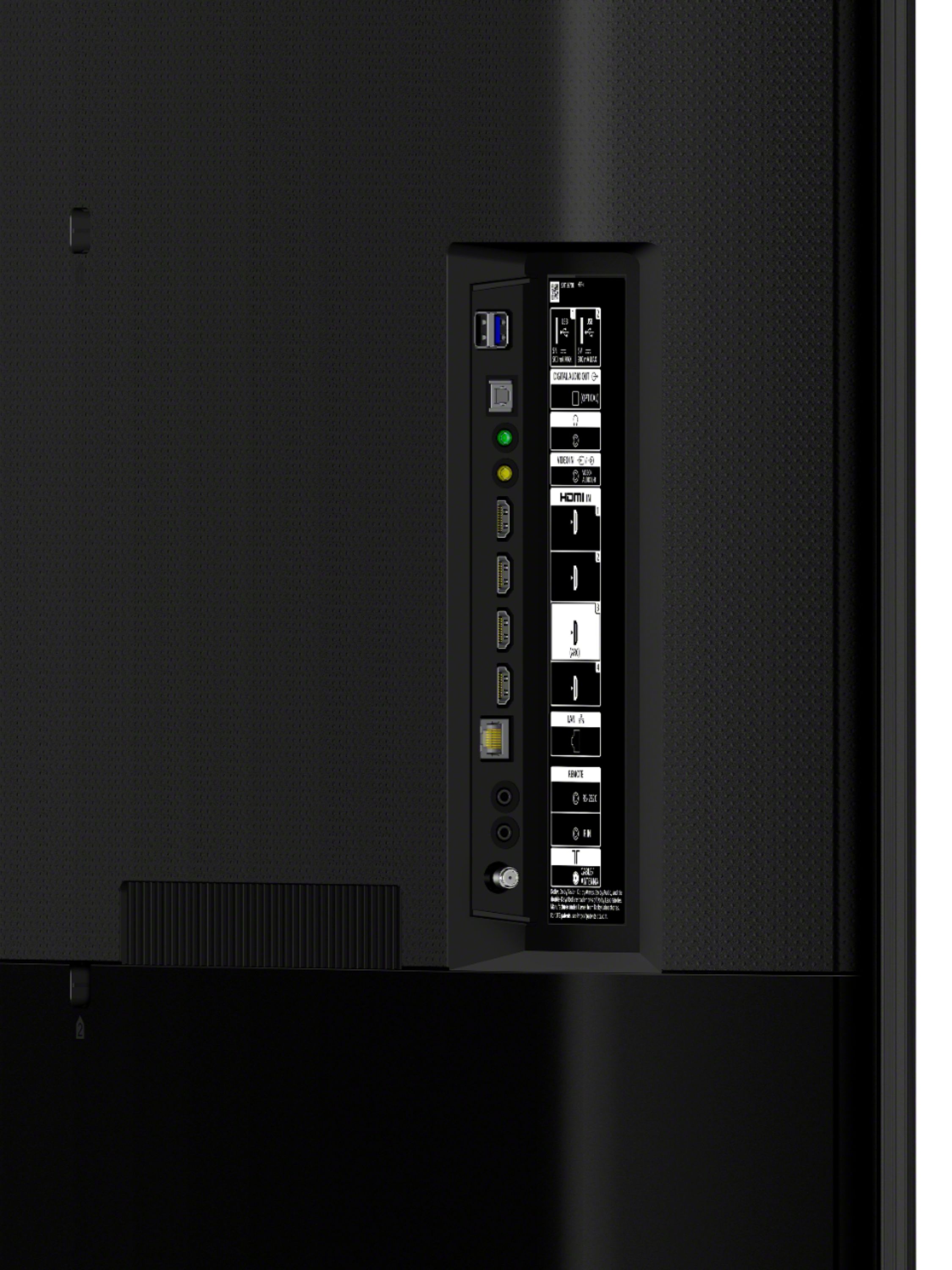
    • Answer Hi Edyal, The X800H has 4 HDMI(2.0) inputs/ports and only HDMI 3 supports the ARC(Audio Return Channel). Below are the HDMI signals: 4096 x 2160p (24, 60 Hz), 3840 x 2160p (24, 30, 60 Hz), 1080p (30, 60 Hz), 1080/24p, 1080i (60 Hz), 720p (30, 60 Hz), 720/24p, 480p. Thanks, Jay
      Answered by SonyListens