A:AnswerAbsolutely, and I wouldn’t recommend taking Solar pictures unless you are adequately trained. I’m not even sure if the proper filter is available for this camera, please be careful!
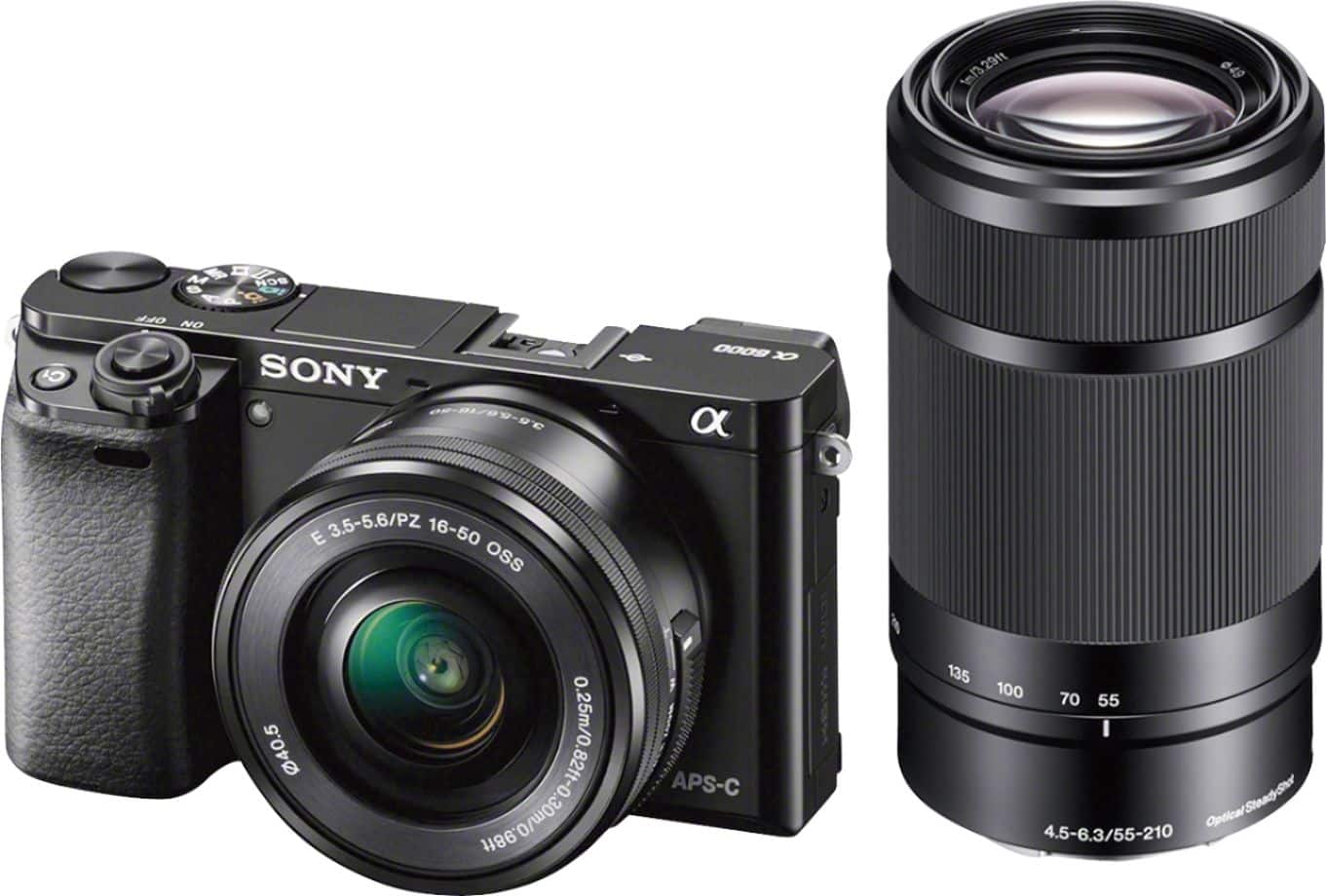
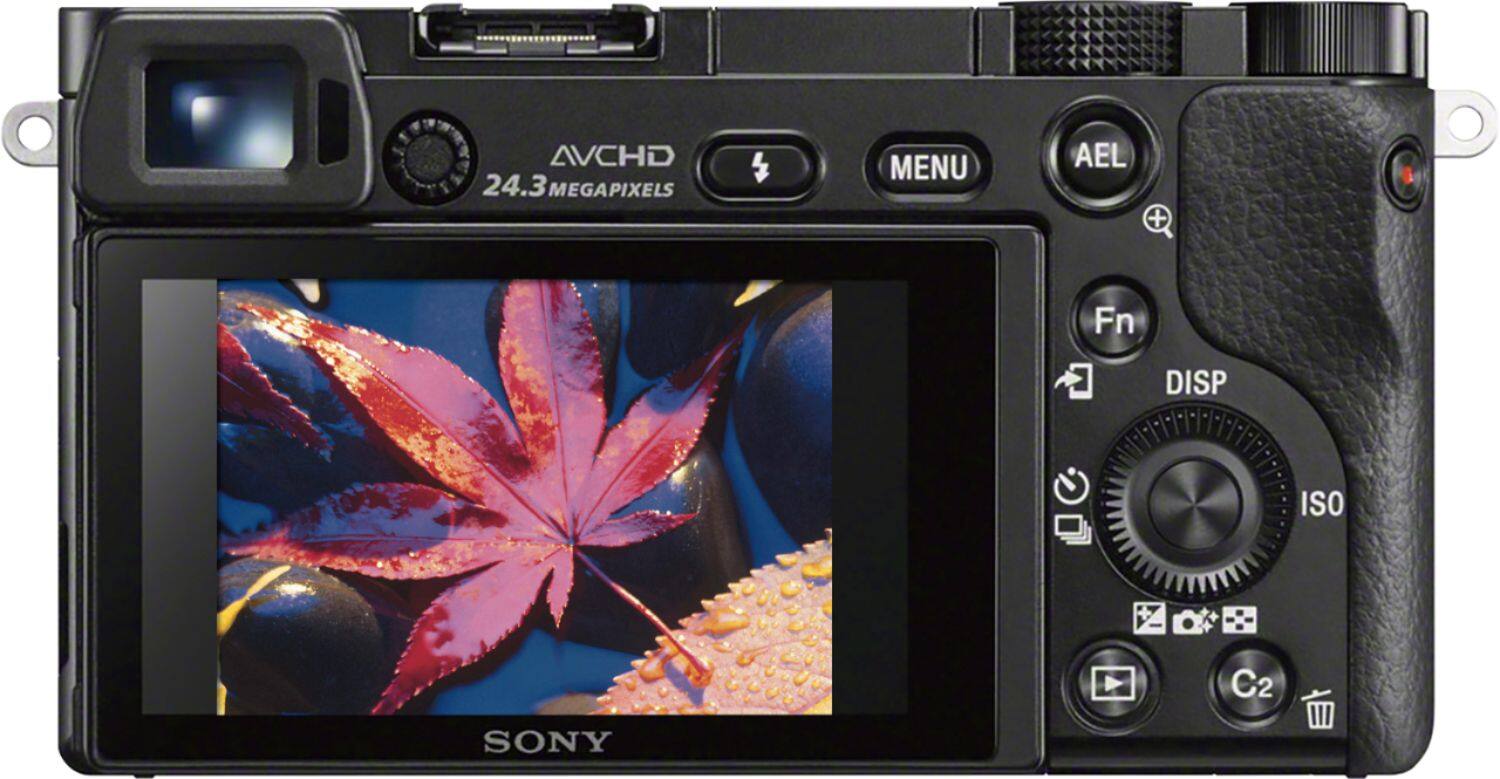
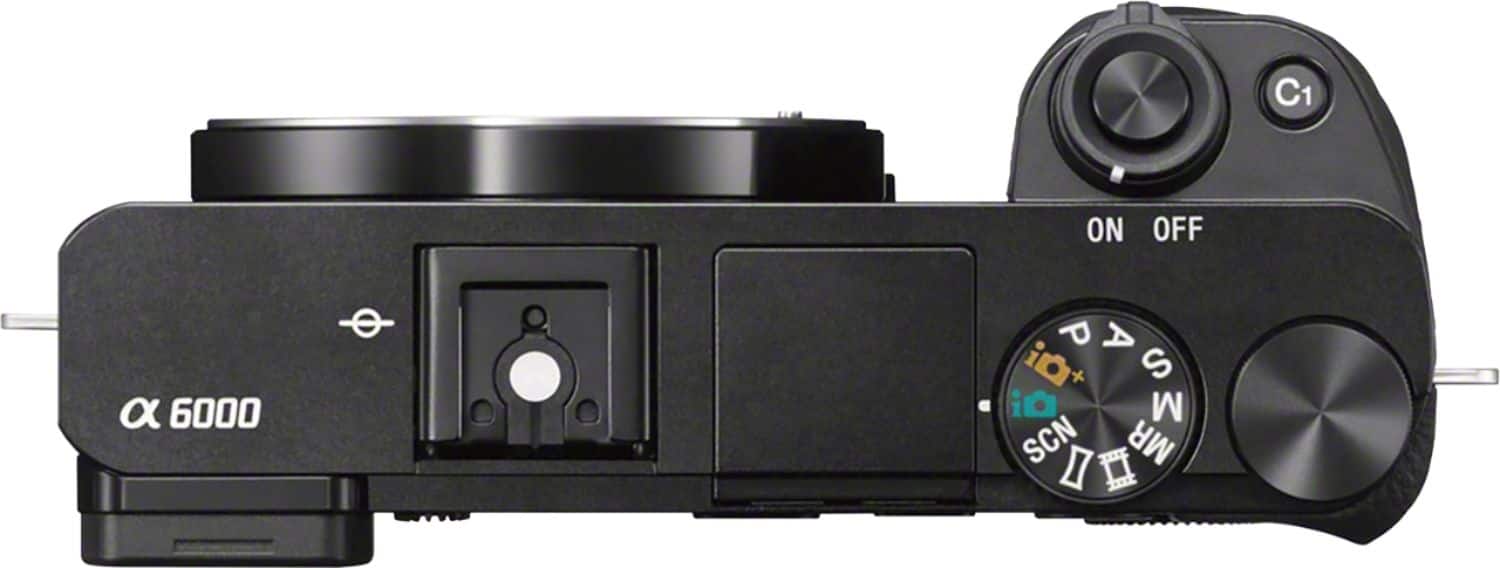
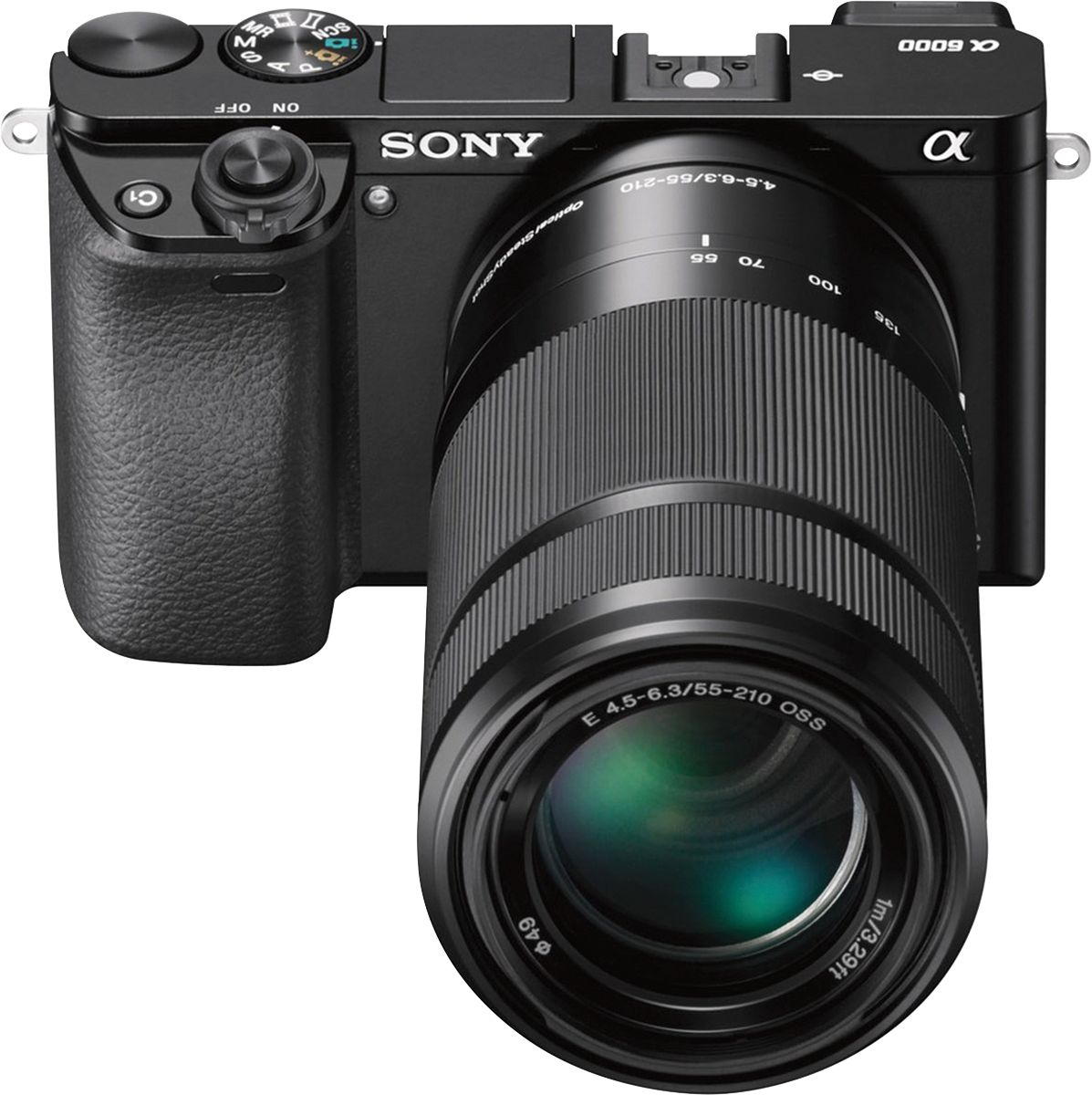
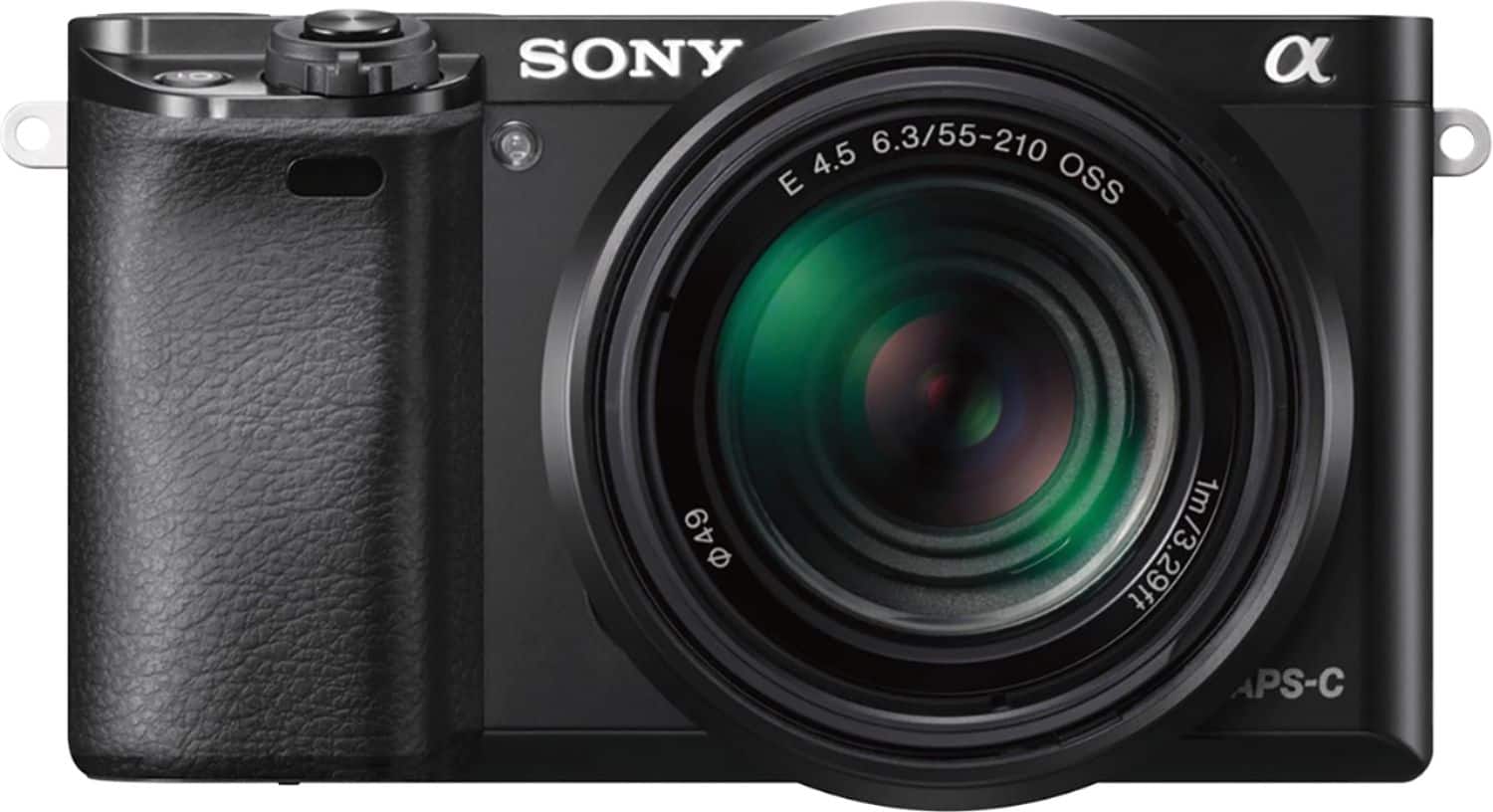
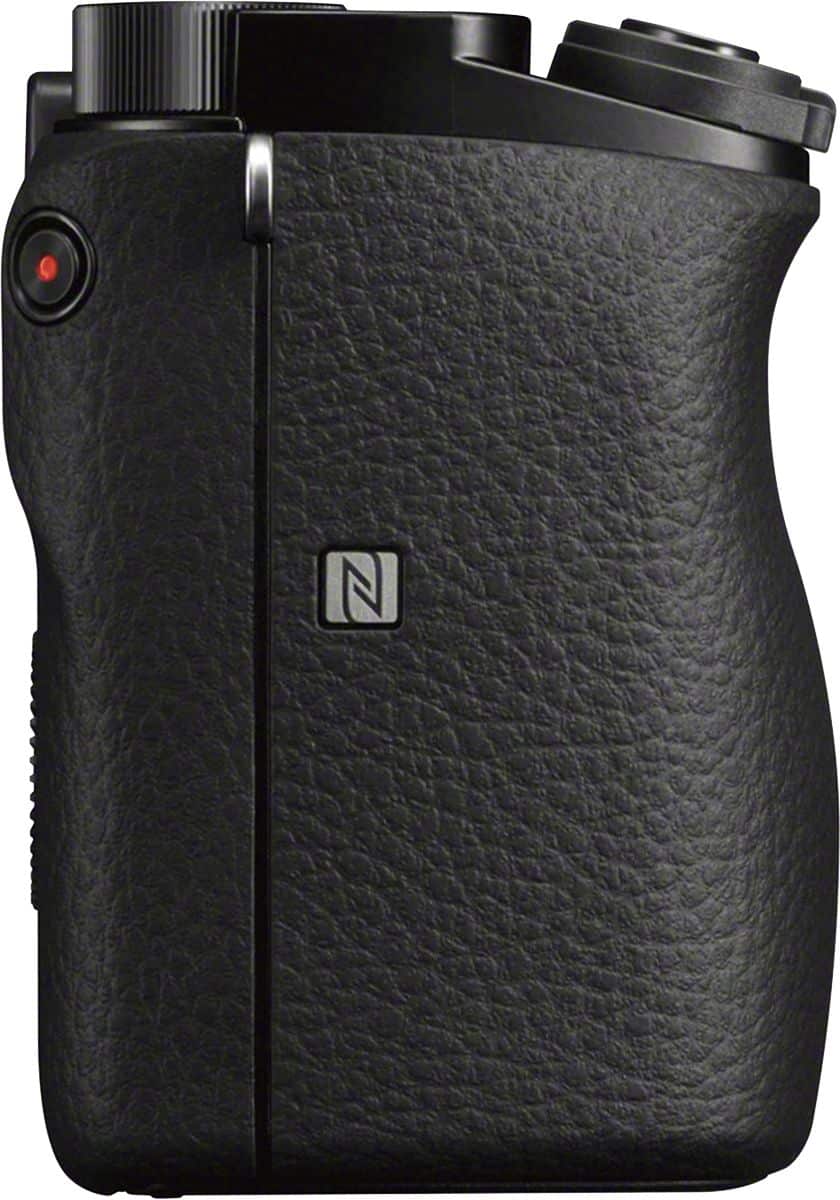
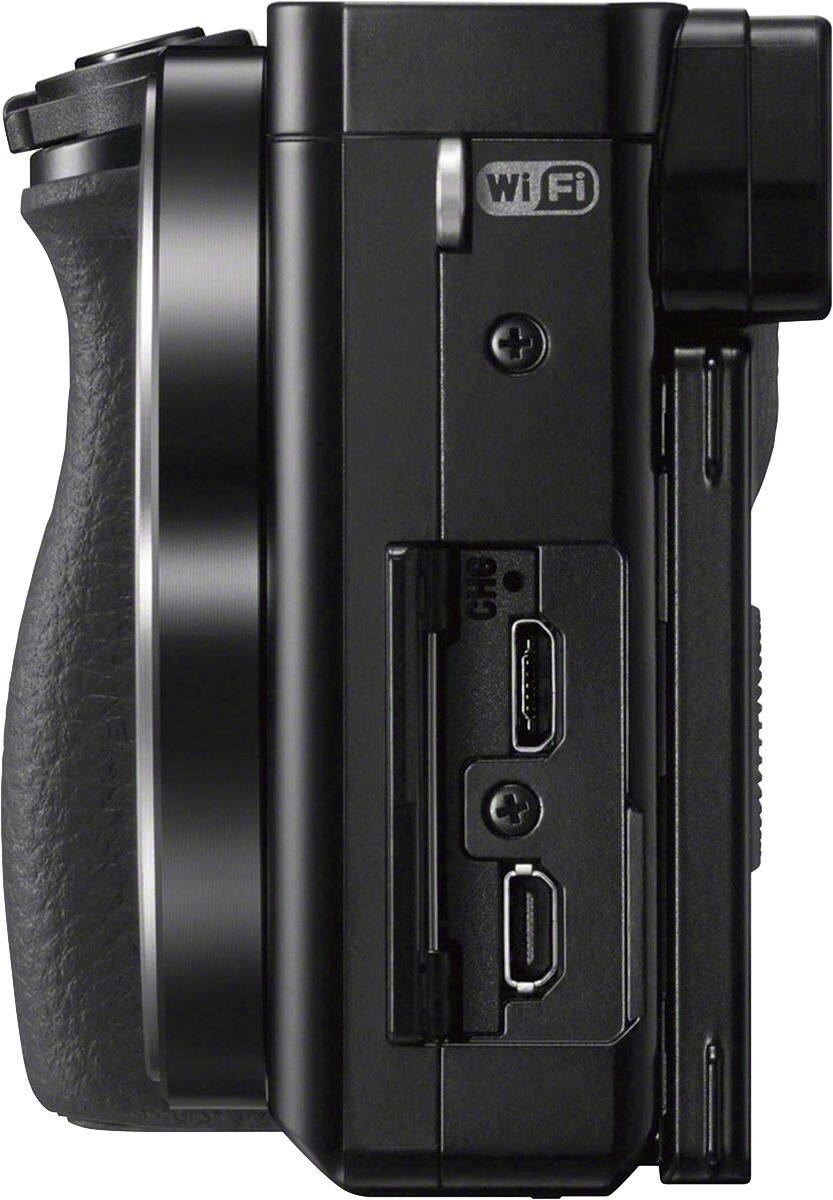
A:AnswerThe Sony A6000 is a newer camera than Sony NEX-7 and it features NFC, Built-in Wi-Fi, takes photo in low light, less shutter lag and faster RAW shooting in bust mode.
A:AnswerI know you can set it to HDR mode, but I do believe it will take 3 separate shots automatically. The manual is teenie tiny and just very basic. You will have to go to the website or purchase one of the how-to books online for a more in depth version. This camera really is amazing.
A:AnswerThe playmemories app is no longer available. You will need to download the Imaging Edge Mobile app. Once downloaded, go to the camera and hit Menu, then select the WiFi icon, then “send to smartphone”, “select on this device”, select the appropriate option as to which image you want to send, then go to your iPhone setting to pick the SSID that’s on the camera’s lcd screen and enter the password for that network, then go to the Imaging Edge Mobile app and select “connect”. Your picture(s) will transfer to your phone. Hope this helps!