A:AnswerHi Johanna, please contact us using the phone number under this link for us to help troubleshoot the issues https://us.esupport.sony.com/support/s/support-contact?language=en_US&category=di
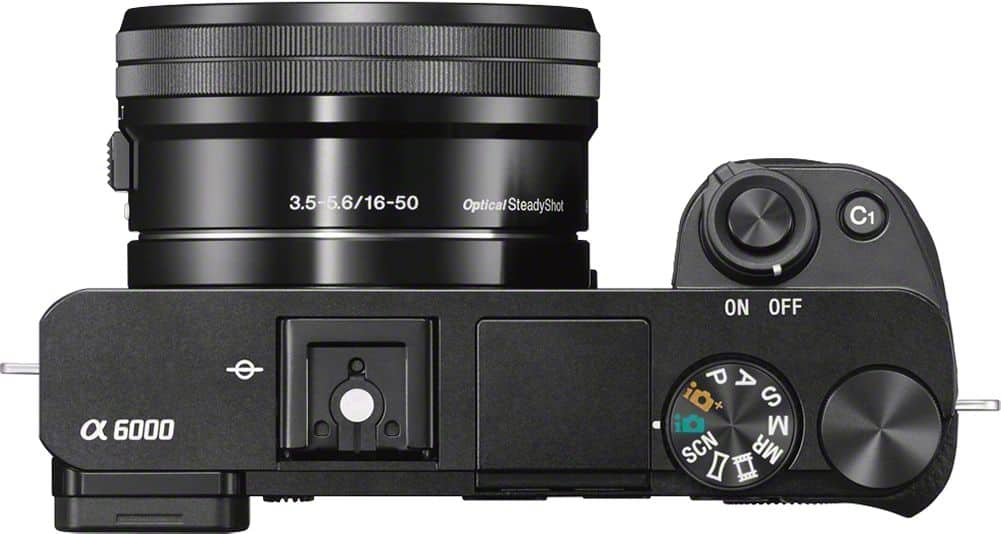
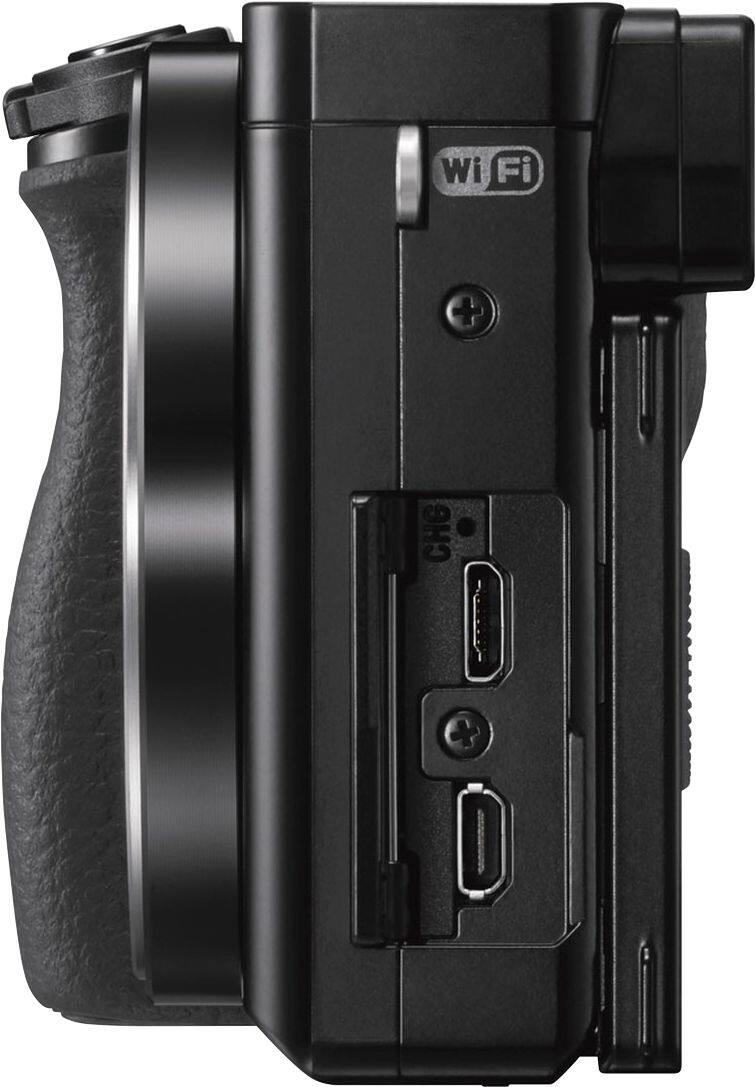
A:AnswerHi ovidse, the Sony Alpha a6000 does not have a mic input so the Rode VideoMicro will not work with it. However, this microphone is fully compatible with it Sony ECM-XYST1M.
A:AnswerYes. If I remember correctly it can handle up to a 256 card. I'd buy the fastest card you can if you are going to be using it for any kind of action shots. Buffer fills up quickly in high speed shooting.
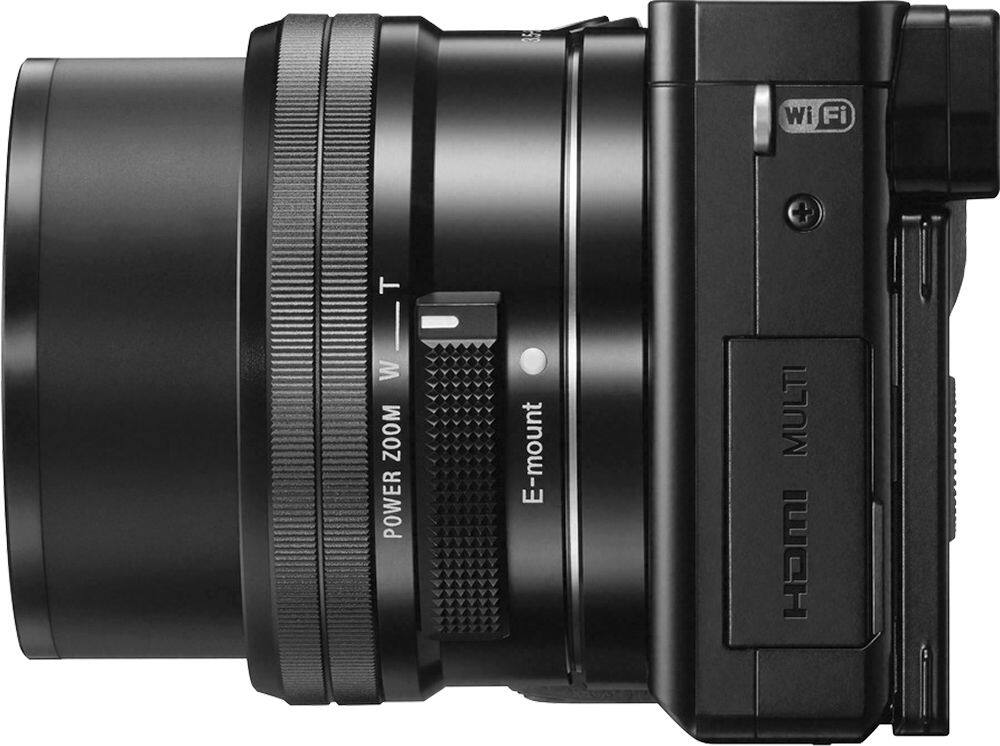
A:AnswerGet the 55-210mm lens. This will appear to put you 2.5 to 3x closer to the subject. Also I would recommend getting a 40.9mm UV filter for you 16-55mm lens. This will protect it from scratches and is cheaper to replace than the lens. The 55-210mm lens uses a 49mm filter.
A:AnswerMost US chargers are dual voltage 100-240VAC. This will be stated on the charger/transformer. The most you will need is an adapter to go from US style plug into the New Zealand outlet.
A:AnswerYes it is a good camera for photos and videos. It is a small camera and with the kit lens, 16-55mm a light camera. That being said Best Buy has other DSLR cameras, Canon EOS Rebel T6 & Nikon D3500 that are better priced, come with 2 lenses, other accessories & offer a wider range of lens choices & flashes that are fully compatible. Also don't forget to get UV filters for the lenses. The filter protects the front of the lens from scratches & costs less to replace than the lens.
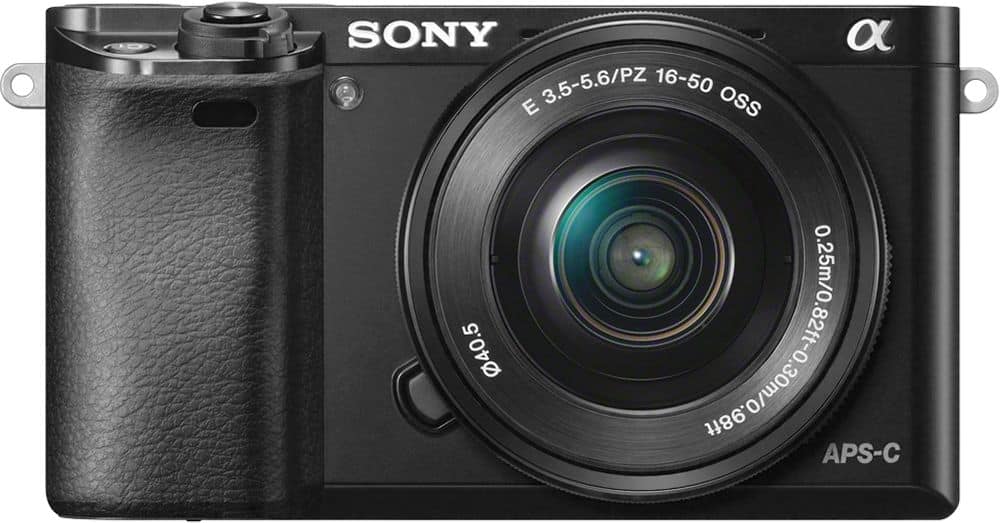
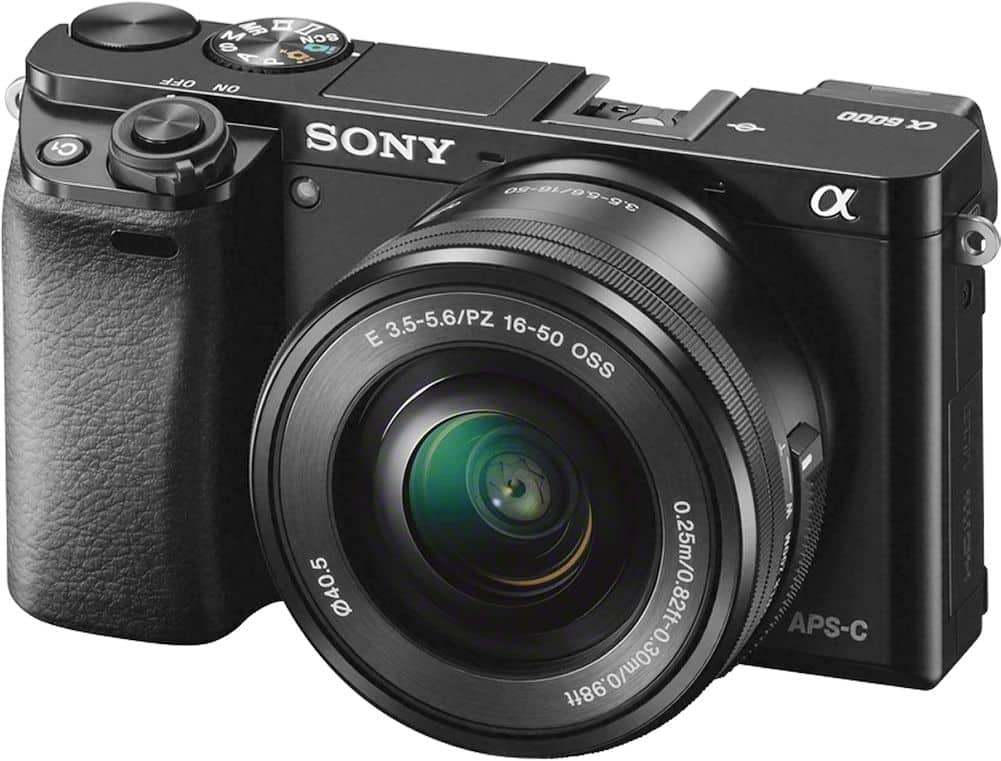
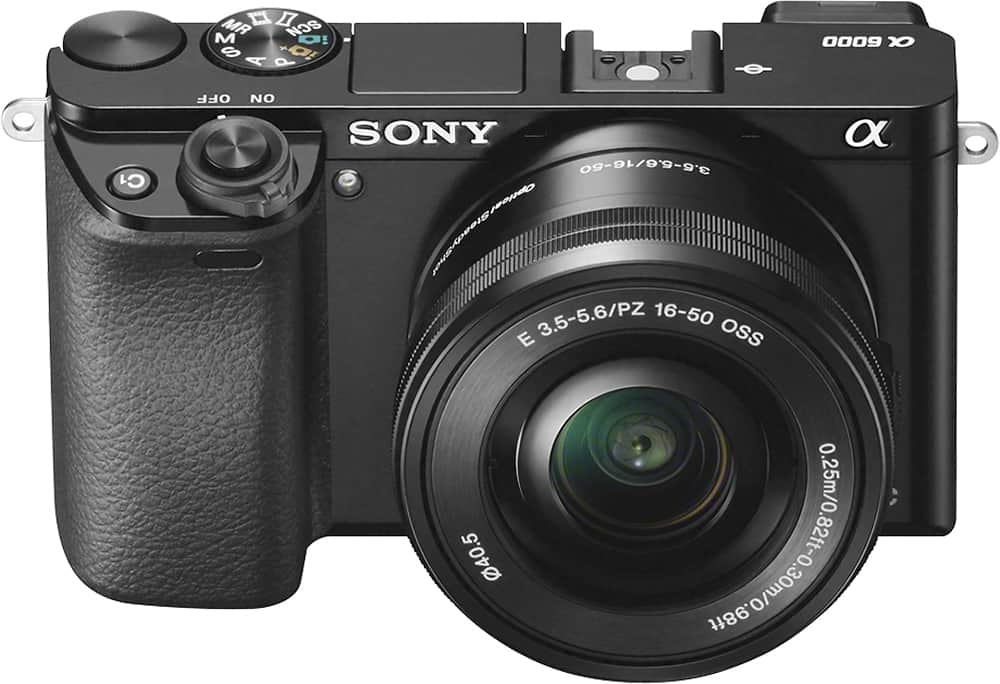
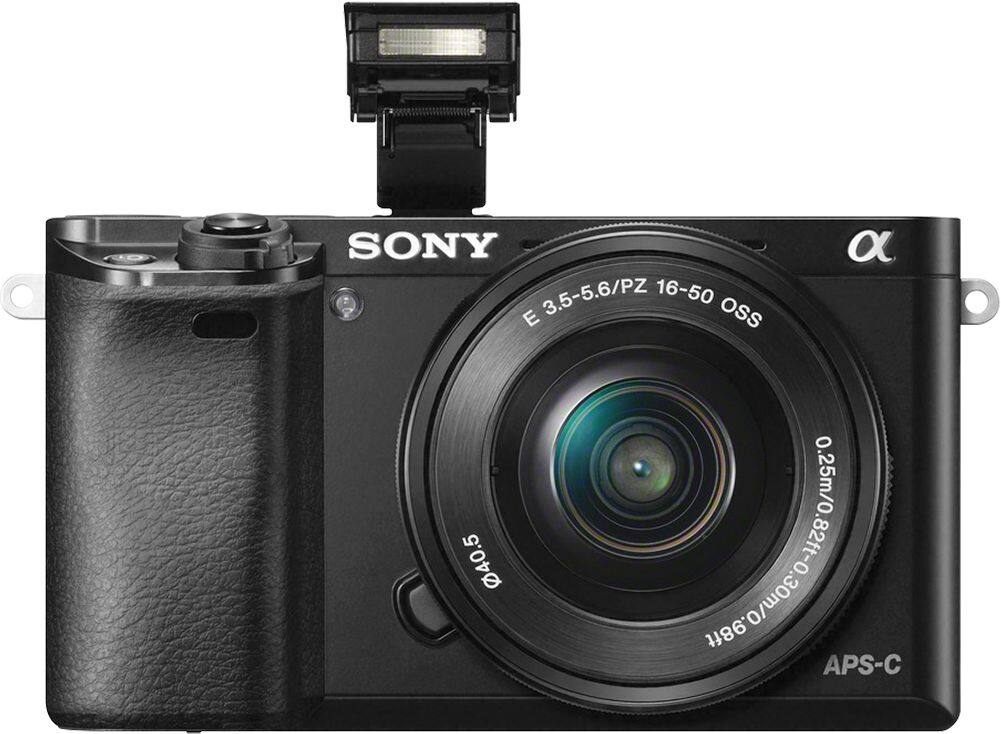
A:AnswerHi Cammy23, The Sony Alpha a6000 comes with 16-50mm lens since it's a APS-C sensor camera the focal length on the lens is 1.5x that of the amount shown. The full frame equivalent focal length will be 1.5x(16-50mm) = 24-75mm which is fairly good amount of zoom but you can also purchase other lenses that has better zoom length.
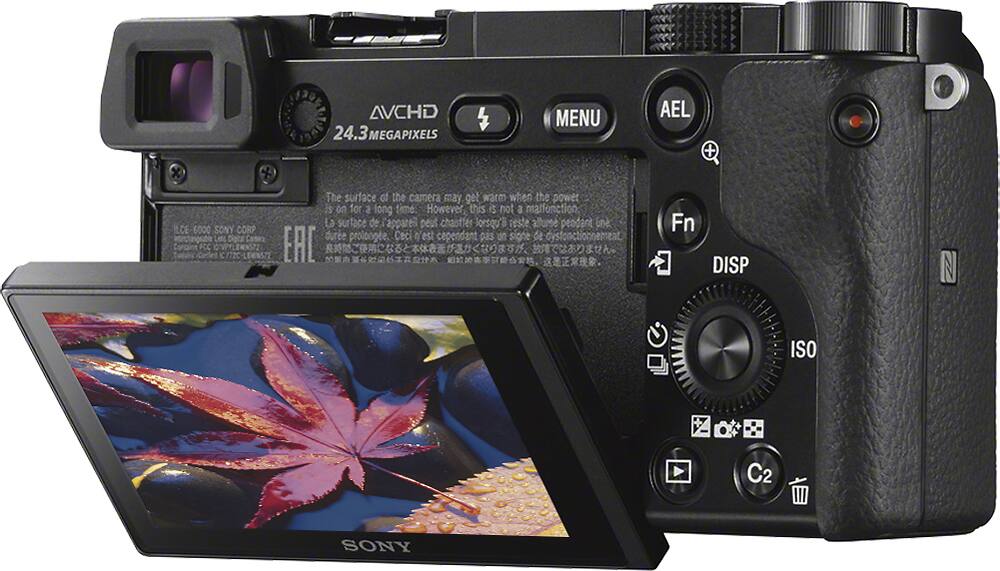
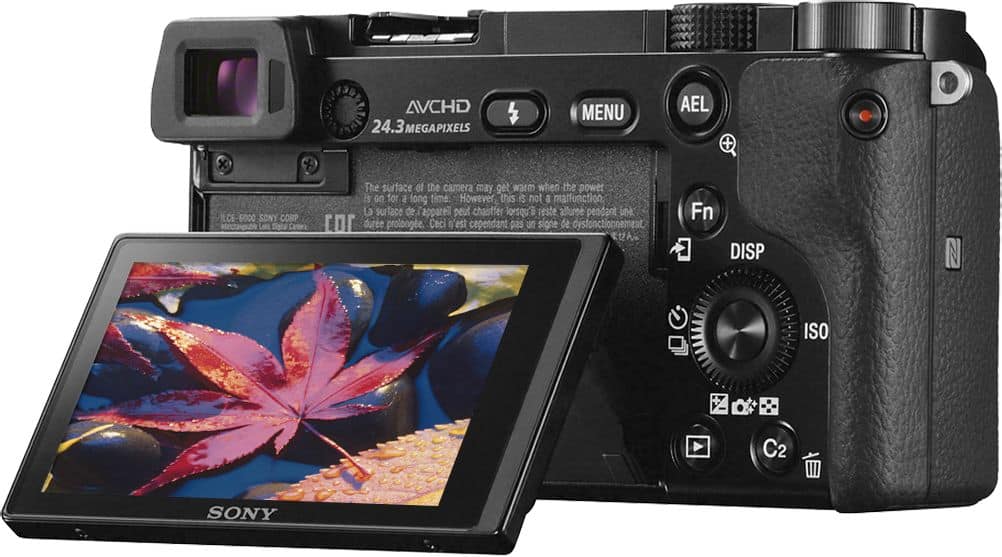
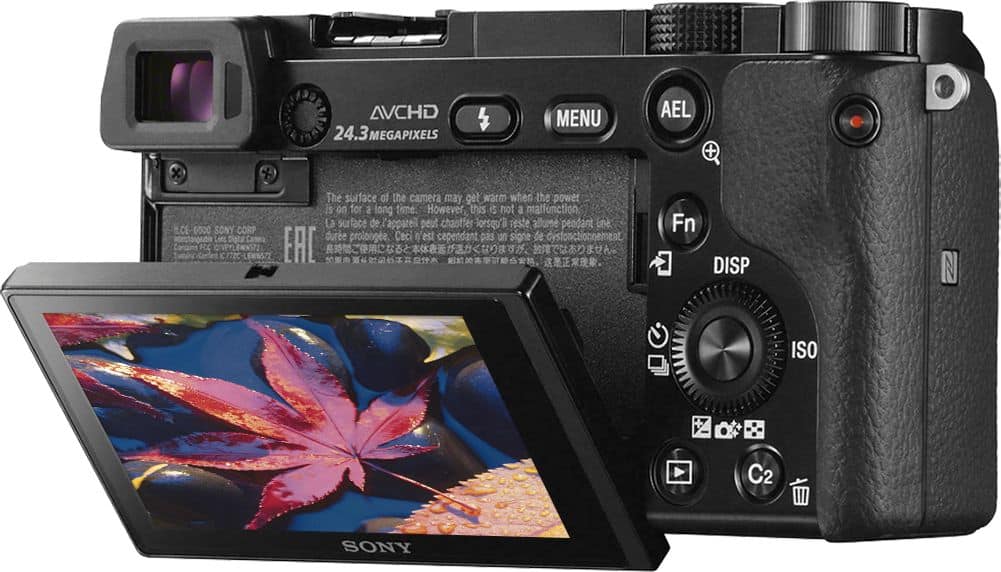
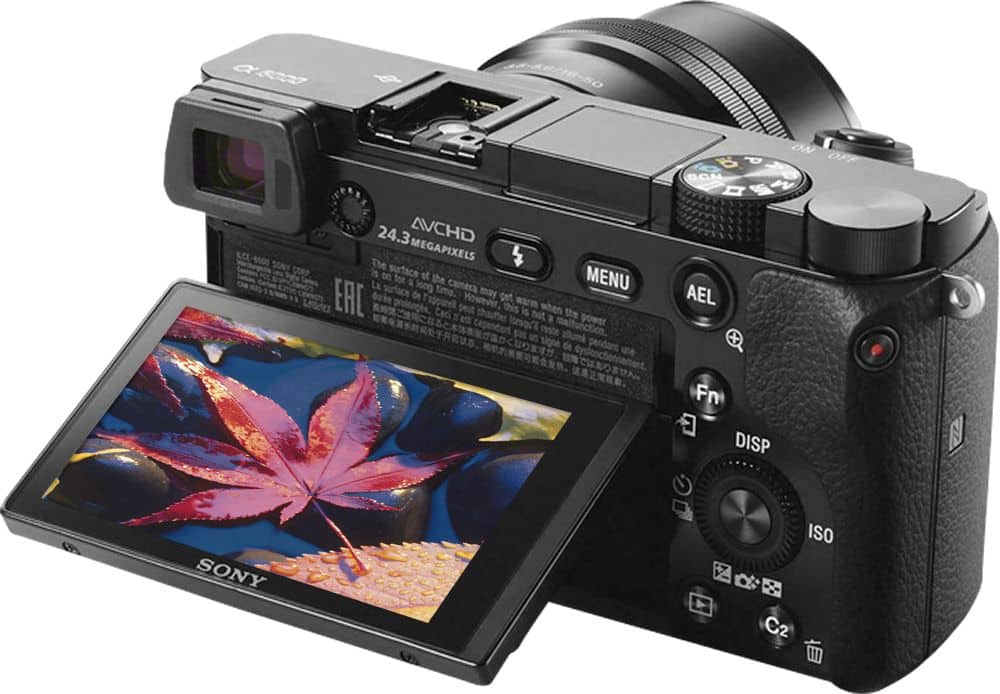
A:AnswerHi, Lovephotography31! The LCD screen of this Alpha camera is not touch screen. You can adjust the screen to an easily viewable angle and shoot from any position. Check this link for more details: https://helpguide.sony.net/gbmig/45349331/v1/en/contents/TP0000522400.html. -Vincent
A:AnswerI'm not sure I understand your question. The images are stored in a standard picture format, jpeg, tif, png etc. The only limiting factor is the printer being used. Most should handle HD format/resolution. If not try switching the camera to 3:2 instead of 16:9. 3:2 will mimic 35mm more closely.
A:AnswerTry taking the lens off and cleaning the connections on the lens and camera body. If this doesn't work then have the Geek Squad try another 16-55mm lens. Denatured alcohol with q-tips should be safe to use. Just don't have the q-tips too wet.
A:AnswerHi, ZoeRose! Great news! The camera is designed to work well with iPhones. Kindly make sure that you install the Imaging Edge Mobile app. You may refer to this link for more information:
https://support.d-imaging.sony.co.jp/app/iemobile/en/devices/
~Ralph
A:AnswerRecordings on the camera can be up to 29 minutes, however there is a risk of overheating the sensor. For taking video, make sure to pull the back screen out to help with cooling, and avoid using it in direct sunlight. If the sensor overheats, the recording will stop, and the camera will turn off until the sensor has cooled and you manually turn the camera off and on. There are hacks to override the 29 minute limit, but they may void the warranty.