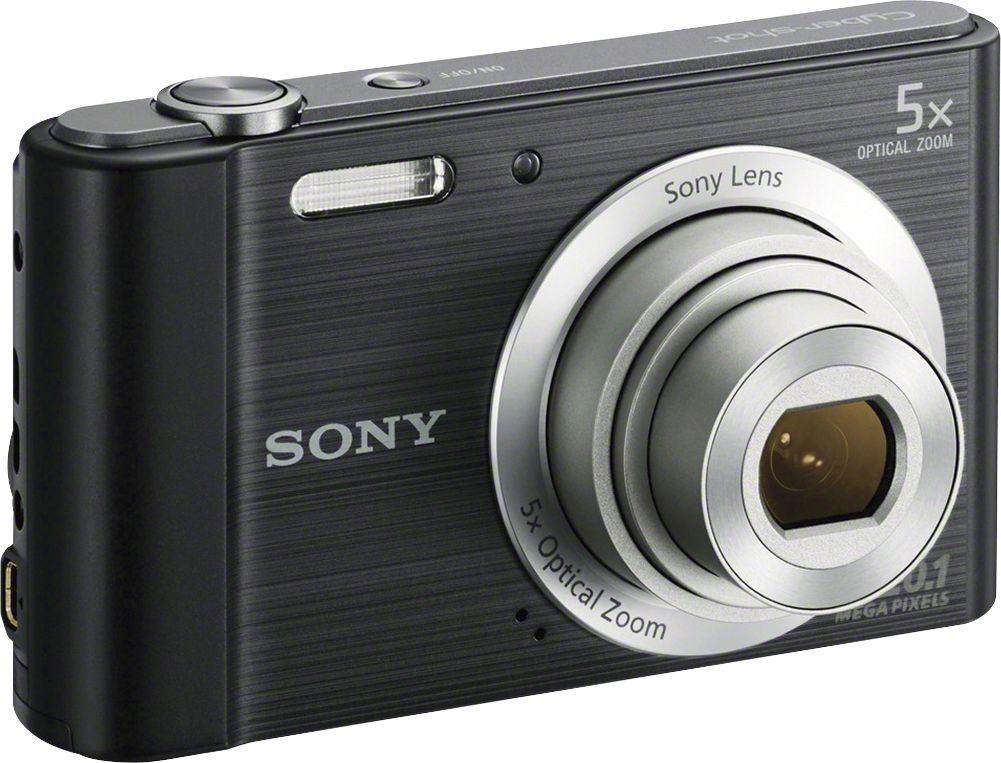
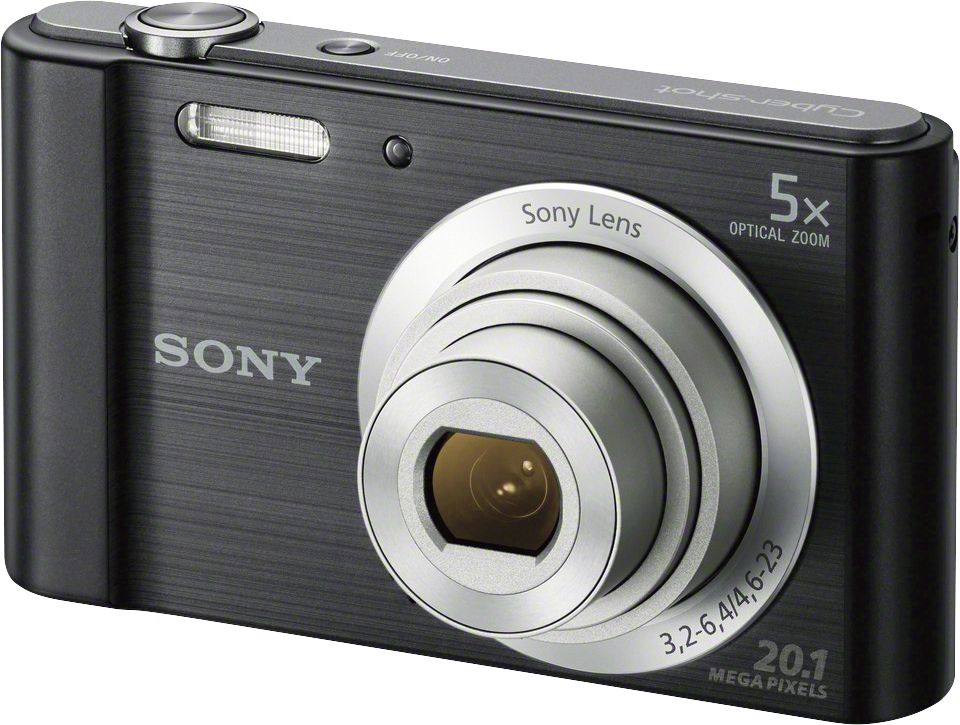
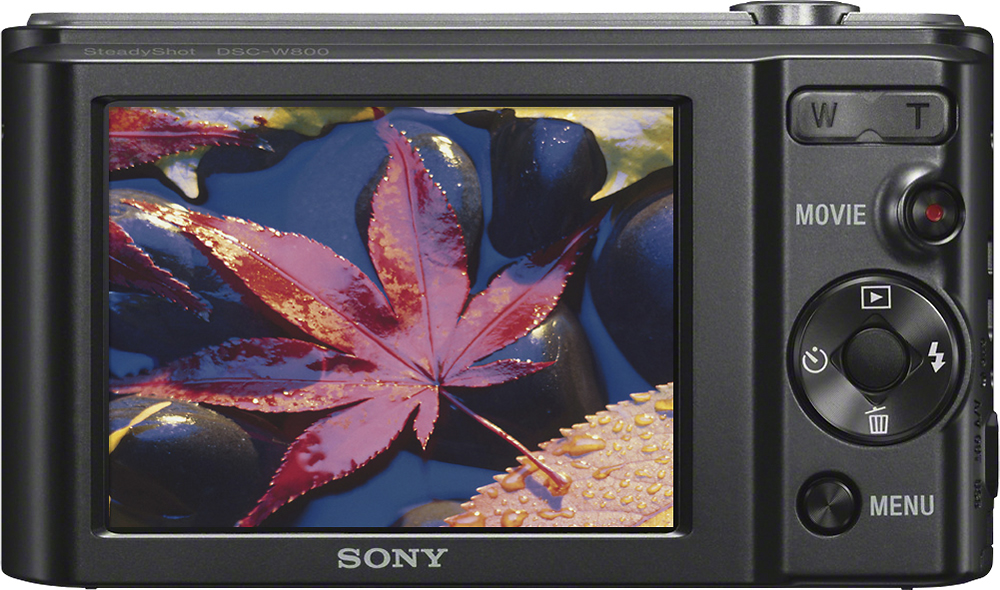
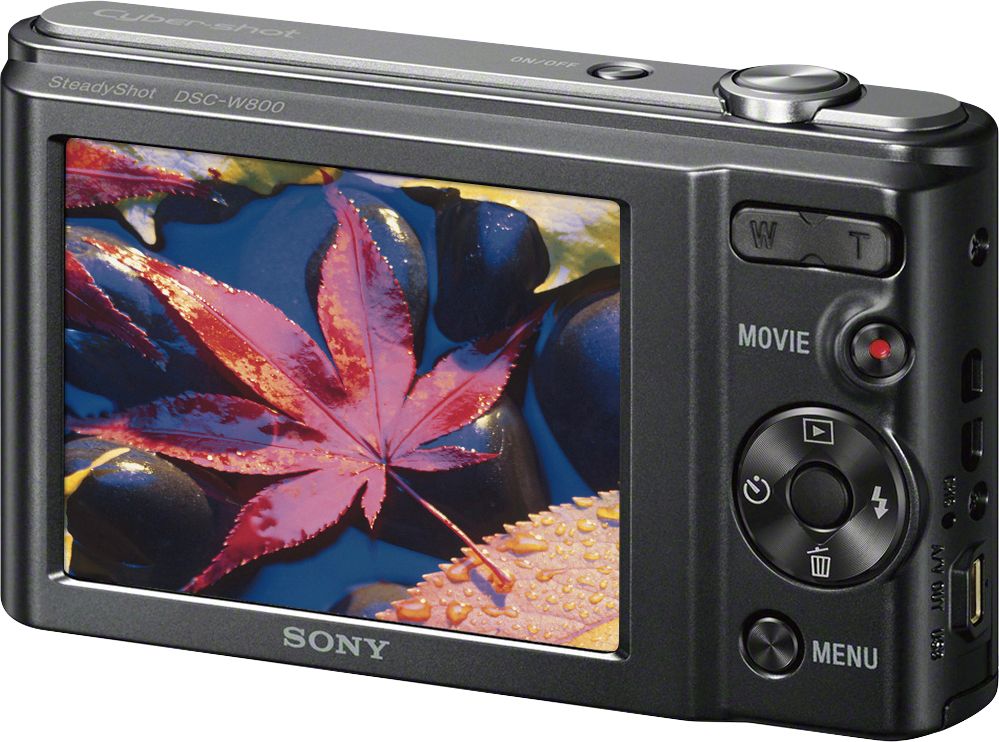
A:AnswerYes, you can add a strap to the camera. I just took the strap off of my old camera and attached it to the new one. There is a place to attach it on the camera. I'm also using the old camera case because my new camera is the same size as my old one. Hope this helps!
A:Answerthere might be one on best buy if not an universal usb cable will work i use a universal usb cable for 4 things it just save time looking for one when im on the go.
A:AnswerIf you mean a timer for self shutter, then yes. Otherwise, I have no idea. I've used it to take pictures of myself.
It has a screw inlet for a tripod.
A:AnswerHi Wendi, there are many ways to print the images please take a look at the link for more info : https://helpguide.sony.net/gbmig/45333561/v1/en/contents/TP0000243659.html?search=print
A:AnswerYes, the images can be downloaded with the special USB cable included with the camera. It works on both Mac an PC. On Mac, you can use Photos or Image Capture apps to download the images. On PC, it can be done from the drive letter directly to the folder you want. Or with a photo app.
A:AnswerHi MD, Please remove the battery pack, wait for about one minute, re-insert the battery pack, then turn on the power. Test the camera and make sure your finger is not blocking the microphone. Initialize the unit is still unresolved: https://helpguide.sony.net/gbmig/45333561/v1/en/contents/TP0000234048.html
If none of them work, visit this page: https://us.esupport.sony.com/support/s/service?language=en_US.
Regards,
Vincent
Regards,
Vincent
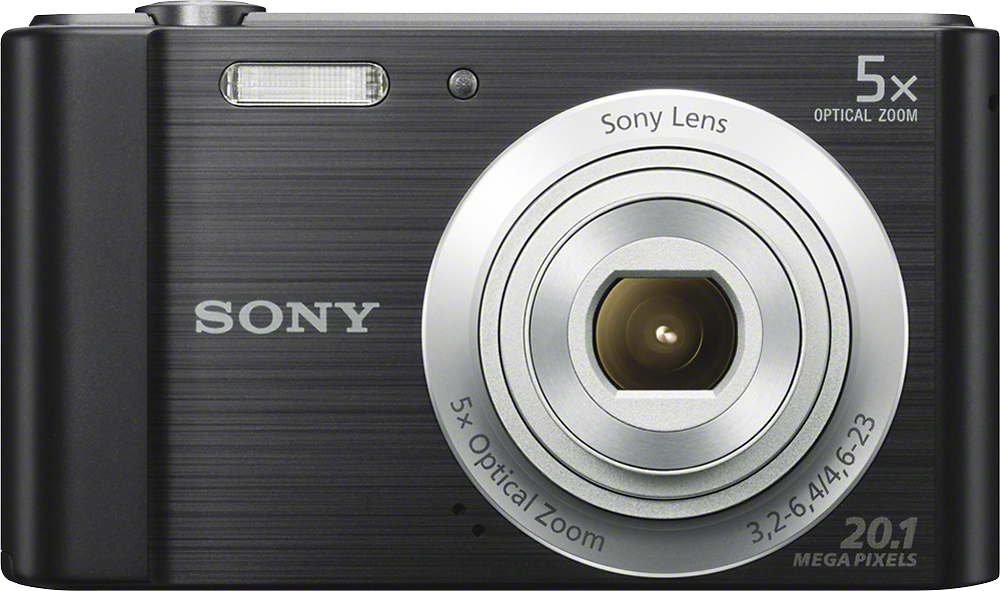
A:AnswerHi Krista, This camera does not have any wireless network capability. To transfer pictures from the camera to a phone, you have to use a computer. Connect the camera to a computer then transfer the pictures. Once done connect your phone to the computer then transfer the pictures from the computer to your phone:
http://docs.esupport.sony.com/dvimag/2014/DSC-W800_guide/en/contents/TP0000234057.html
Regards,
Vincent

A:AnswerHi Dayanara2131, It is all up to you if you want to keep the videos or edit and post it one at a time. If you're going to a vacation, you may want to use a bigger memory card or use multiple memory cards: http://docs.esupport.sony.com/dvimag/2014/DSC-W800_guide/en/contents/TP0000234065.html
Regards,
Vincent
A:AnswerHi jcsf, No option to capture images in black and white or sepia. However, you can shoot an image that makes a strong impression by leaving a specified color on portions of a monochrome image. Here is the link to its online manual for your reference: https://docs.sony.com/release//DSC-W800_Cyber-shot_Camera_HelpGuide_EN.pdf -Jerome
A:AnswerHi Carebear, yes, this camera works with Windows 10. You may check this link for additional information on this camera: https://docs.sony.com/release//specs/DSCW800_mksp.pdf Thanks, -Mark
A:AnswerHi! This camera does have a tripod receptacle on its base. Need more details? Check out this page: http://docs.esupport.sony.com/dvimag/2014/DSC-W800_guide/en/contents/TP0000233960.html?. -Vincent
A:Answerits not bluetooth so you have to either remove the SD card (if your computer takes them) or easier yet used the enclosed USB cable I bought a 5 foot extra cable.
A:AnswerHi Dottie, depending on the frequency of operation of the camera functions, turning power on and off and toggling the Menus, the battery can last up to 1 1/2-2 hours on a single charge. Thanks_Mitch