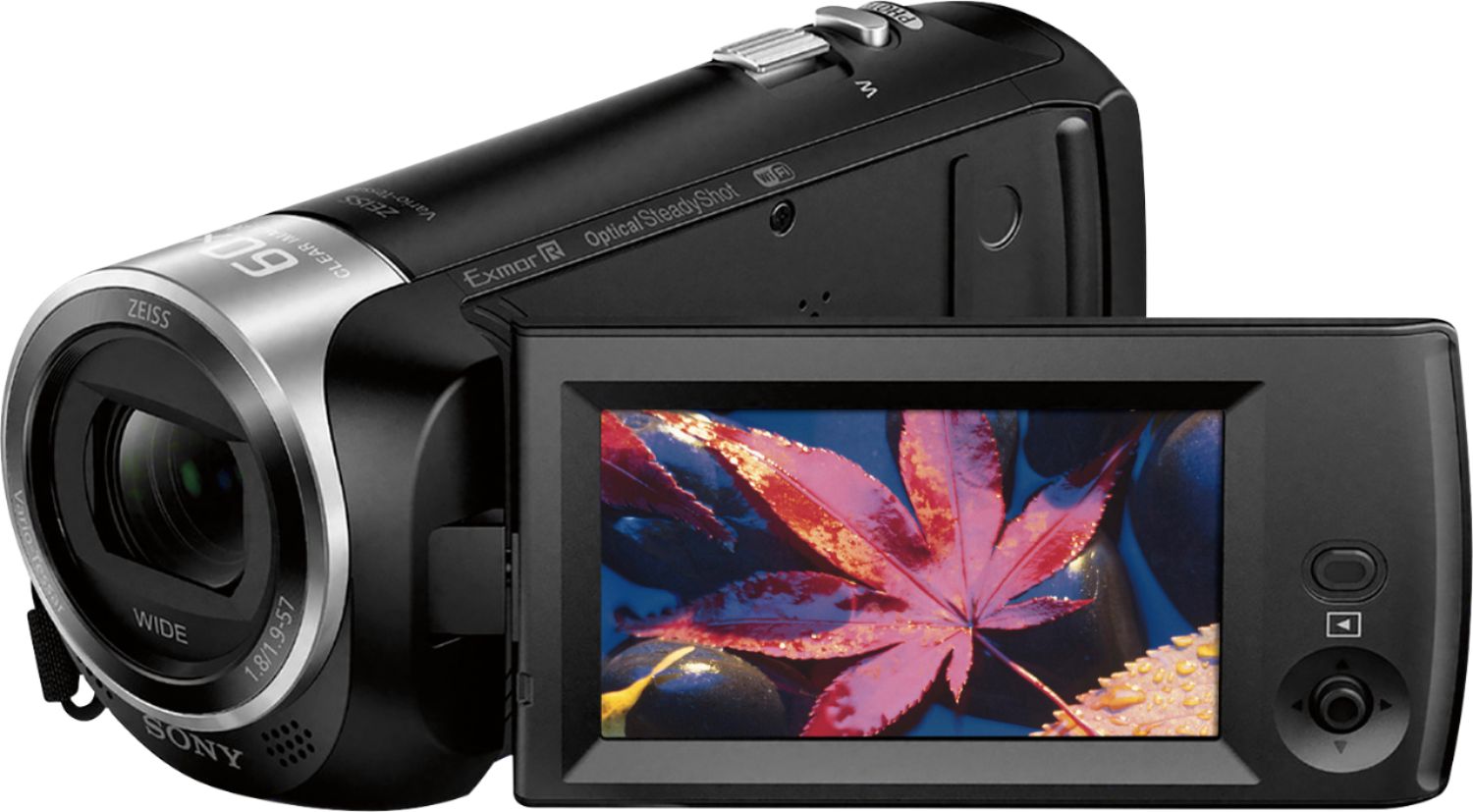
A:AnswerAs far as I have seen with it only does auto focus, there's no buttons for manual, if you want manual focus I believe a DSLR is your best bet . I wish I could manual focus since I use it for YouTube drawing and sometimes it focuses on my hand instead of the paper
A:AnswerHi me, The date and time are recorded automatically and can be displayed ONLY during playback. To display them, select - [Setup] - [Playback Settings] - [Data Code] - [Date/Time].
A:AnswerHi CuriousBuyer, Yes you can. You may refer to this link for compatible Tripods:
http://support.d-imaging.sony.co.jp/www/cscs/accessories/compatibility.php?area=gb&lang=en&mdl=HDR-CX440&cat=32
~Ralph
A:AnswerHi Skypisces, yes, this Handycam has features/modes designed specifically for night or low-light use, additionally, we've been receiving a lot of positive feedback about how good its built-in mic performs. Regards, -Mark
A:AnswerHi Bdogg1, This Handycam has scene detection which can detect low light or night scene but it has no infrared feature. Here is the complete specifications, https://www.sony.com/electronics/handycam-camcorders/hdr-cx440/specifications. Regards, Jen
A:AnswerHi lin1956, Please refer to this link to help you on how to hook the camcorder to the TV; https://helpguide.sony.net/cam/1440/v1/en/contents/TP0000557775.html?search=tv. Regards, Jen
A:AnswerHi PickyPaul,
We are sorry to hear that. Sony HDR-CX405 camcorder has a Wi-Fi function. You can create a backup of your pictures and videos and save them from a computer or a smartphone. Check out the links below for more details:
https://helpguide.sony.net/cam/1440/v1/en/contents/TP0000557799.html
https://helpguide.sony.net/cam/1440/v1/en/contents/TP0000557865.html
https://helpguide.sony.net/cam/1440/v1/en/cover/level2_06.html
Regards,
Vincent
A:AnswerThe Data Code or date/time stamp can only be seen when the videos are played back in the camera. This information will also show up when the camera is connected to a TV or external monitor. This information is also saved in the EXIF data of the video and can be accessed by opening the properties of the file. The date/time will not be displayed when the file is transferred.
A:AnswerHi Jay62, You cannot use an app to control this camcorder. You may use an RM-VPR1 remote control instead: http://support.d-imaging.sony.co.jp/www/cscs/accessories/compatibility.php?area=gb&lang=en&mdl=HDR-CX440&cat=31
Regards,
Vincent
A:AnswerHi Linny, You can record while this camcorder is connected to a TV via HDMI connection. This is not possible via WiFi connection: http://helpguide.sony.net/cam/1440/v1/en/contents/TP0000557800.html
Regards,
Vincent