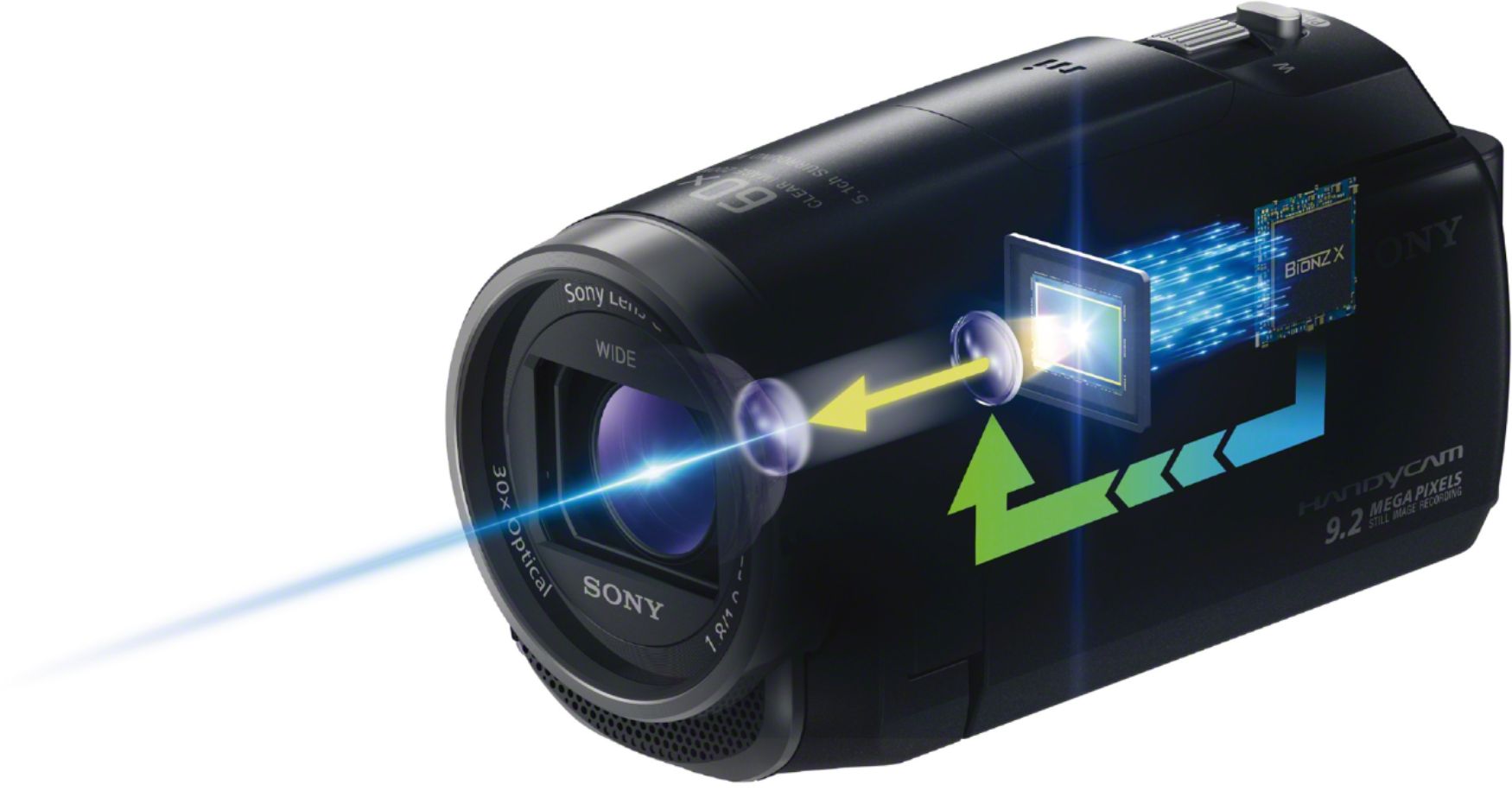
A:AnswerHi BasketballMom, this camera does have Fast Intelligent AF autofocuses not only with exceptional speed, but with uncanny precision as well. Dave
A:AnswerHi Herman! Sony camcorders will automatically adjust the shutter speed based on the lighting conditions. When a video is being shot in low-light situations, the camera will slow the shutter speed. This is normal operation and is not a service issue. To prevent this issue, record video in locations where more light is present. -Anthony
A:AnswerHi novist, yes, the camera can live stream your videos using UStream. The camera shoots in MP4, AVCHD, and XAVC S, we suggest checking the file formats compatible with the program. Thanks_Mitch
A:AnswerSimple answer is yes. Using PlayMemories Mobile app as the view finder, you can record just fine, but you can't see the real time reordong. You have to transfer files to play the video as far as I know.
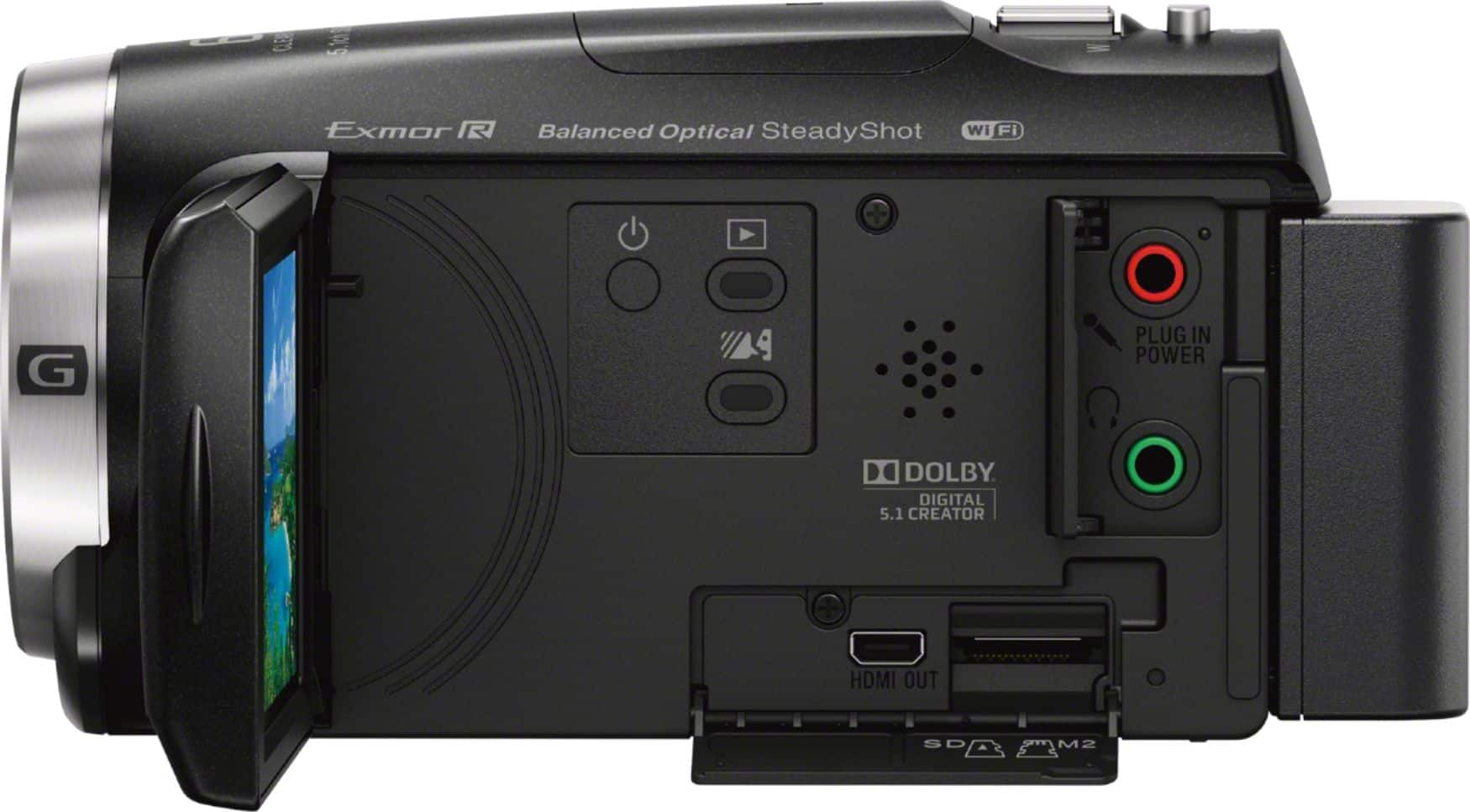
A:AnswerHi Joshua, If you connect this product to the TV using more than one type of cable to output images, HDMI input takes priority on the TV. So the answer is it will not be able to output video to 2 outputs (HDMI and A/V) at the same time.
A:AnswerHi, you would need a third party video capture device that have an HDMI input. Please make sure the feature CTRL for HDMI on the camcorder is turned off to output clean HDMI signal to the capture device.
A:AnswerPlease contact us through the steps below so we can gather more details and answer your.
Should you need further assistance, please contact us. Unfortunately, due to the current Besbuy's phishing protocol for your protection, we cannot provide a direct email or phone number for customer support as of now. Please find Sony Electronic’s Support information: Go to our website > click on “Support” > scroll down click on “Contact Support” > click on Cameras & Camcorders > click on “Email Your Question.” Or Call US using the number provided on the website.