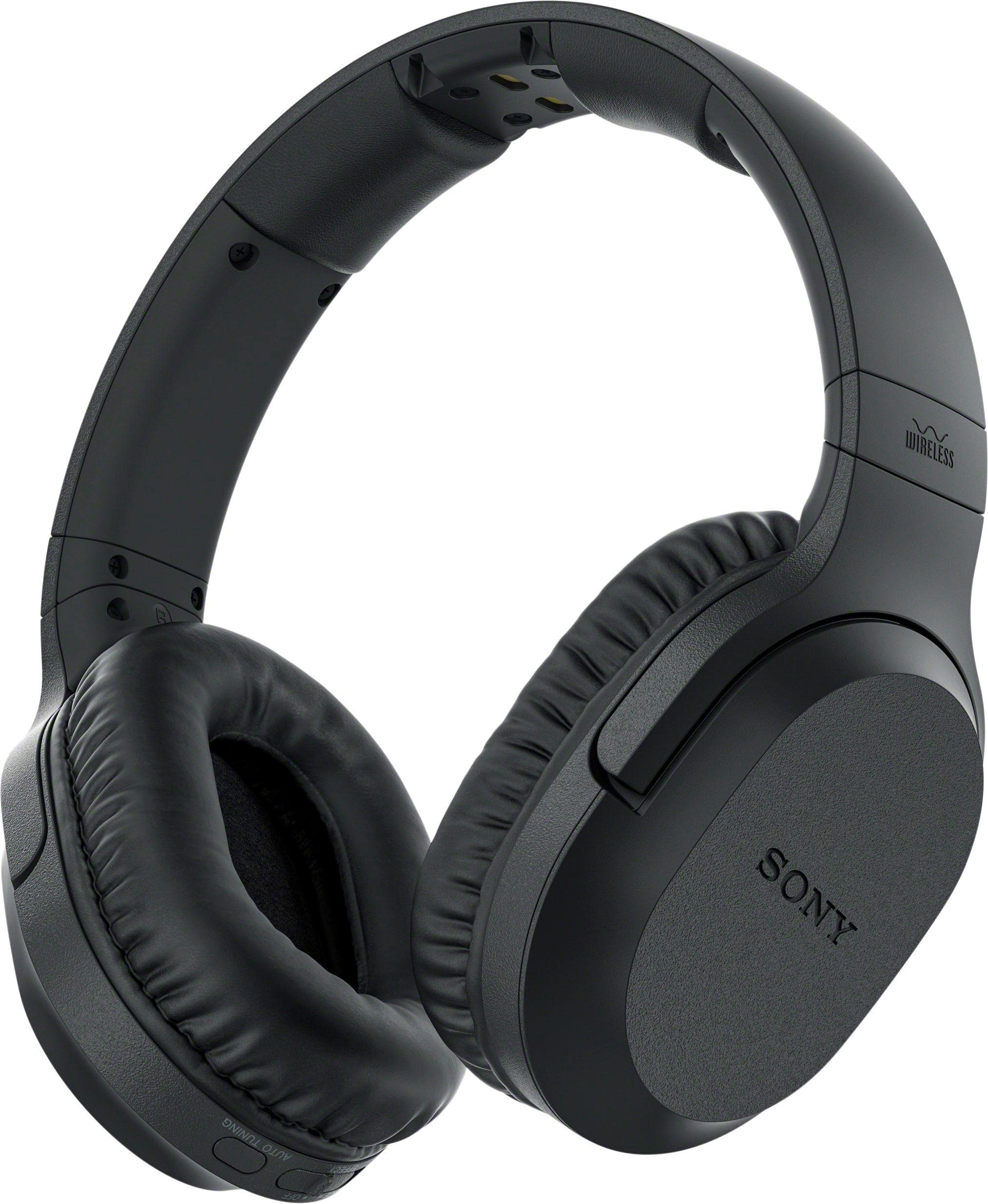
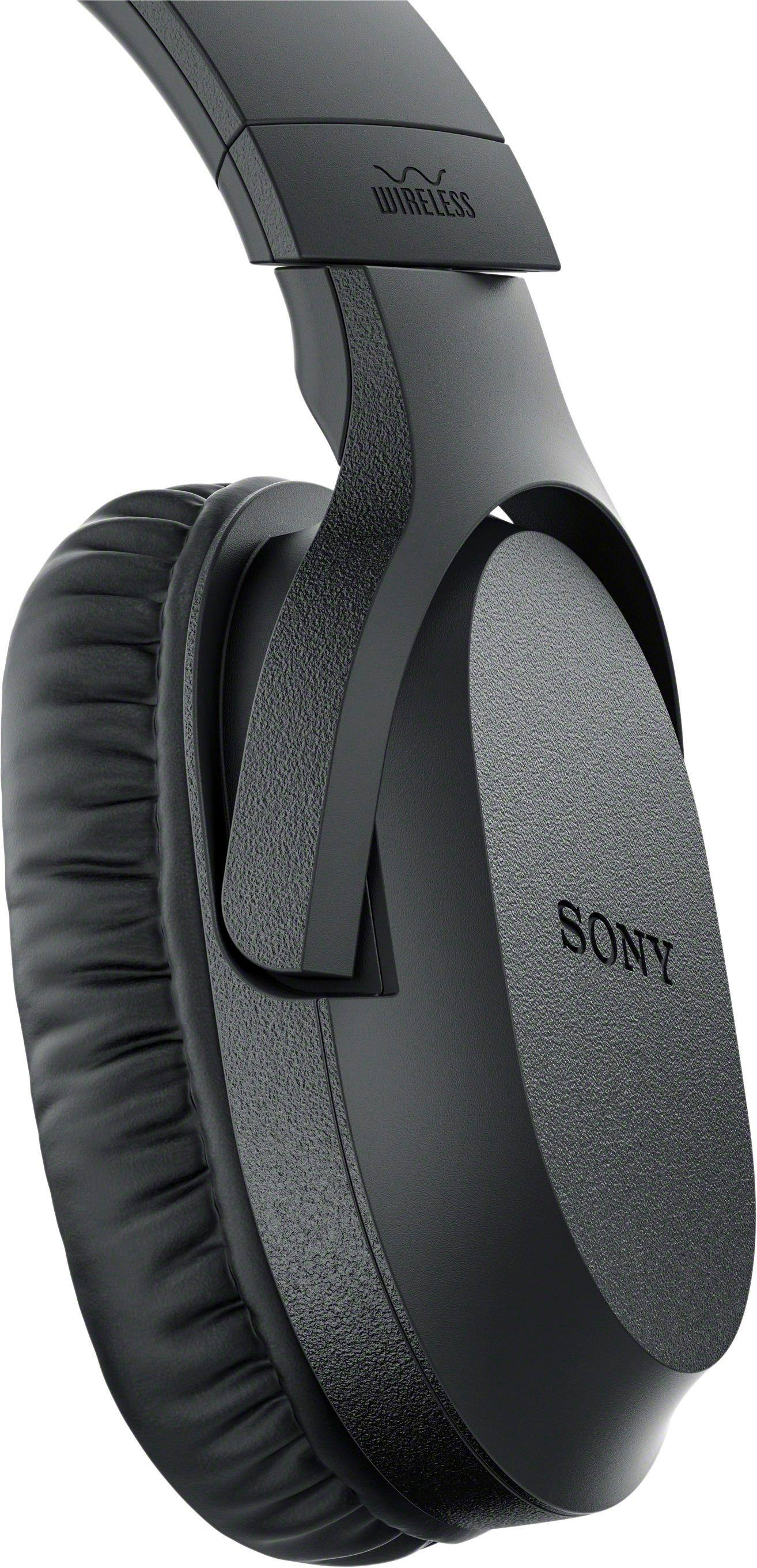
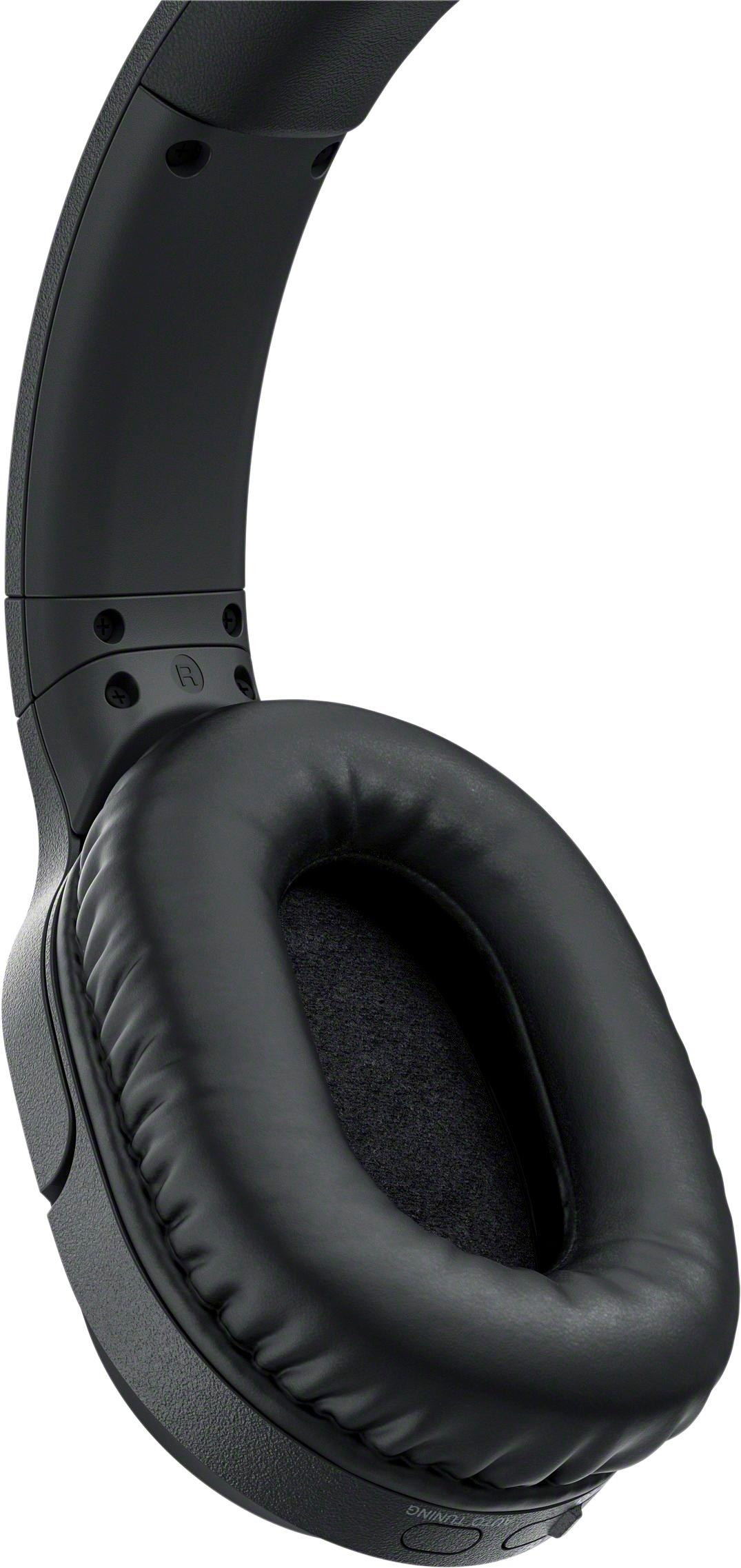
A:AnswerI'm not sure. Im having the same issue. It seems this model was priced very cheap due to the batteries not holding charge. I believe they sat on the shelf too long. I've been using standard batteries
A:AnswerIf you order the replacement from Sony, it will be the same as the one you took out. But - you CAN replace those batteries with new NMH (NMH ONLY) batteries that you can buy at a specialty battery store. They don't have to be in a plastic holder. Alkaline or lithium-ion batteries WON'T work!!! Also note that the batteries must be inserted into the headphones with BOTH batteries facing the same way. Look at the ones you took out to see how to put the replacement in.....
A:AnswerNot via Bluetooth. The headset and it's transmitting station have no Bluetooth capability. The transmitting station plugs into any sound source that has a standard 3.5 mm jack for audio out. Your sound bar is not a sound SOURCE, though it may have such a jack I would think it unlikely. Your TV might but maybe your sound bar is already plugged into that jack. If you have a standard headset jack on your TV or sound bar, you would need a simple plug/jack adapter to convert it from 1/4 inch to 3.5 mm.
A:AnswerHi Gatorfanben, It will depend if the TV has a headphone jack or an audio out port. You may refer to this link for more information:
https://www.sony.com/electronics/support/res/manuals/4691/46918931M.pdf
~Ralph
A:AnswerHi drseltzer, please refer to the link below for more information on how to connect this headphones to your TV. Thanks! ^Ron
https://www.sony.com/electronics/support/wireless-headphones-rf-headphones/mdr-rf995rk/articles/00023605
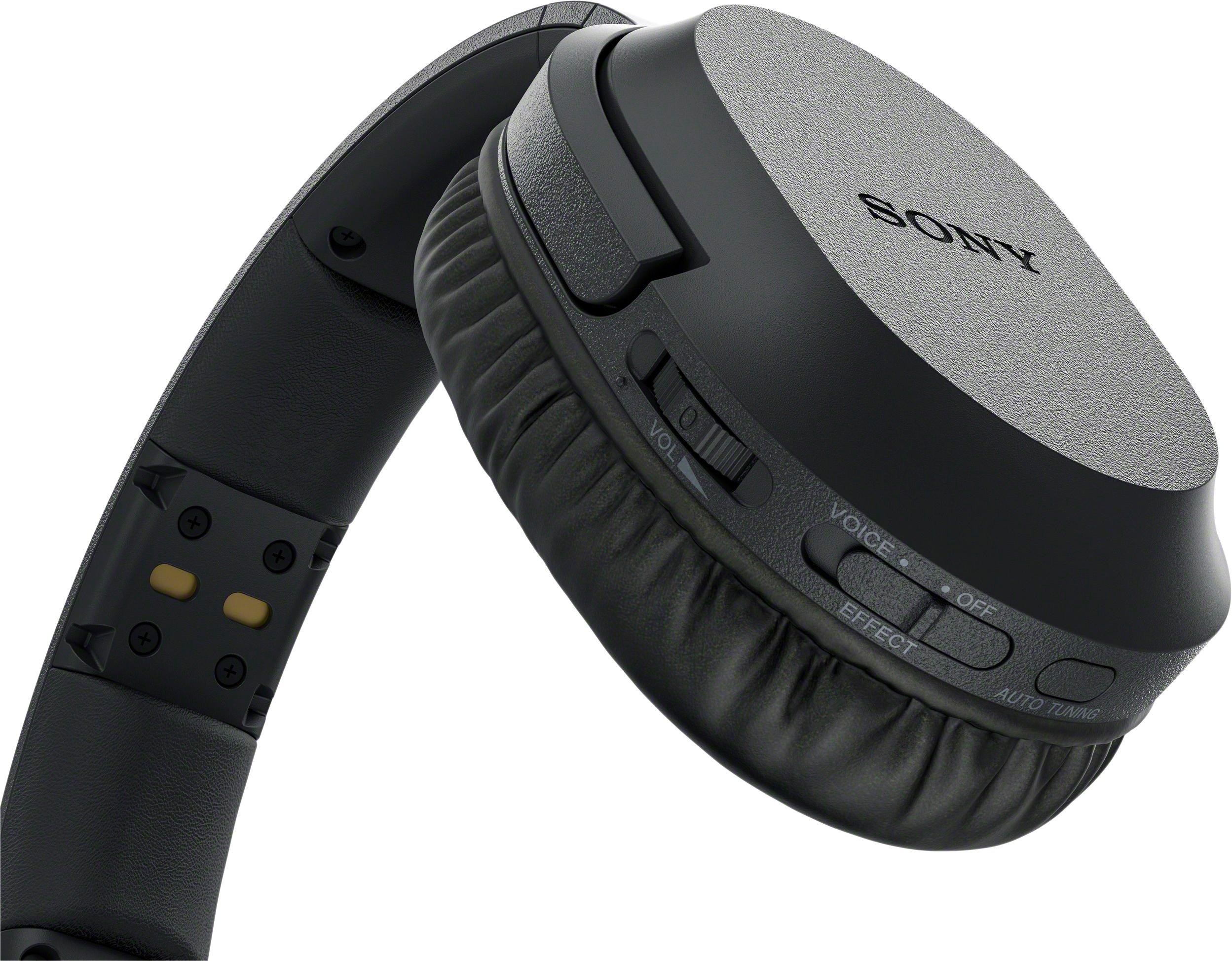
A:AnswerBatteries go in the speaker the on/ off button is on. You’ll see “push” where the speaker bends. It took me a while to figure it out, so I hope this helps.