A:AnswerHi, Patty!
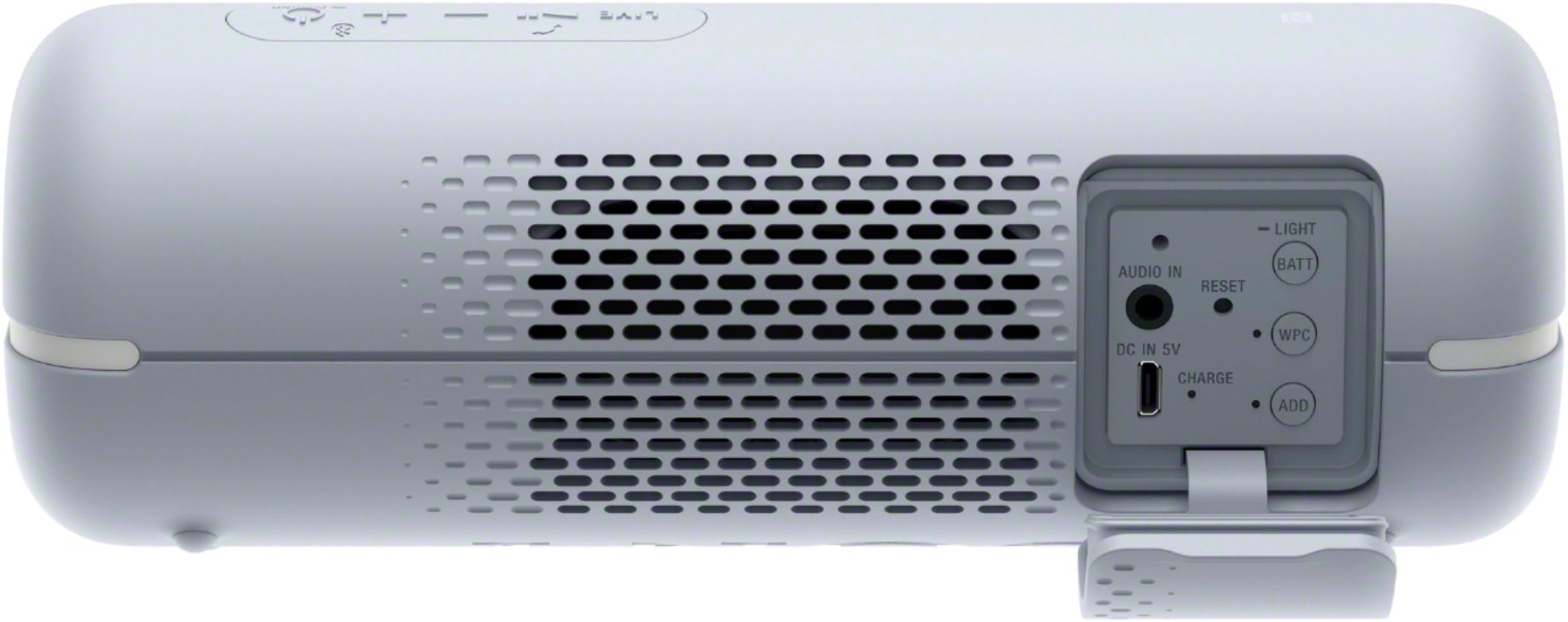
We're sorry to hear about this. No, there is no button that you need to toggle. Once the audio cable is connected on both ends, Start the playback on your device and adjust the volume on the speakers. Please follow these steps for additional details. https://helpguide.sony.net/speaker/srs-xb22/v1/en/contents/TP0002240433.html
If you are unable to resolve your concern, please email us at [email protected] with the following details:
Name:
Bestbuy Username:
Model Number:
Issue:
Telephone Number:
Best Time to Call:
Sincerely,
Sam
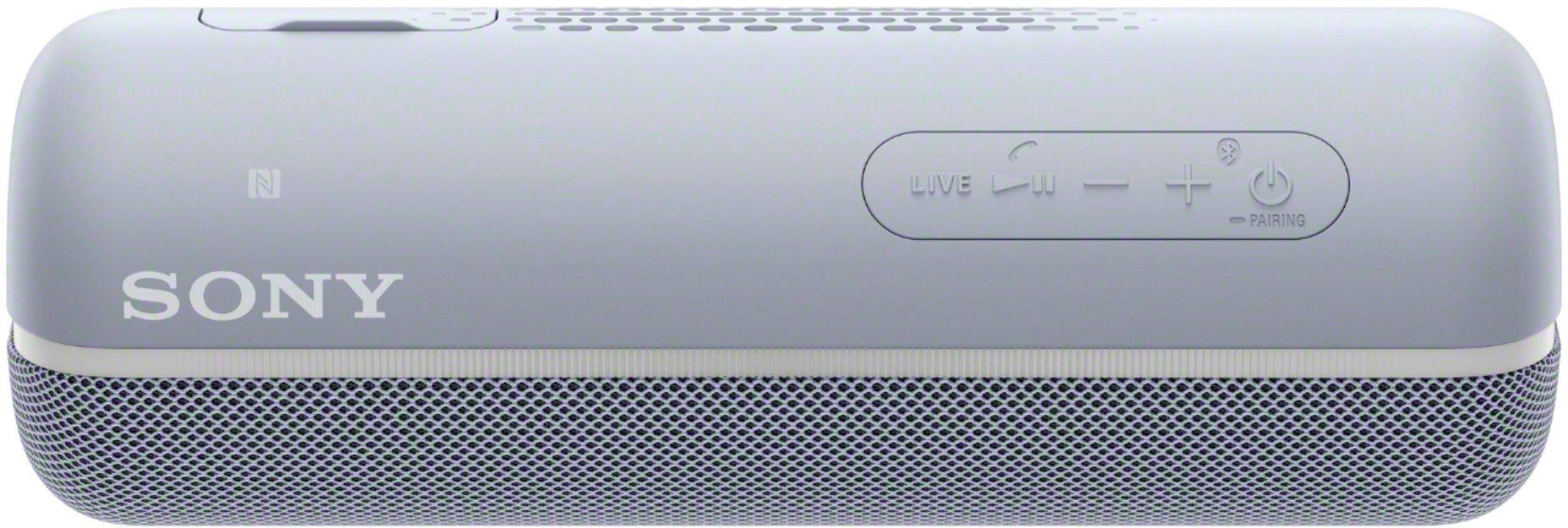
A:AnswerI have a galaxy s10 plus, Turn on your speaker, Go to your phone settings and turn on your bluetooth youll see nearby devices that are available to connect with. Click the sony xb32 and the speaker will pair to your phone. Hope this helps!
A:AnswerWell I rinsed it off and it says it is, but if you value it, I wouldn't test it further than that. And NO high pressure washing as it might make it through. Just be safe. But you can WASH it.
A:AnswerHi, Donster!
Yes, the operating time of the bluetooth speaker is 12 hours if the volume is set to 25, lightning mode to OFF and sound mode to Standard. Hope this helps! -Sam
A:AnswerHi Rich, The SRSXB22 is a 2019 model while the XB21 is from the previous year. The battery capacity of the XB22 is 2800mAh compared to 2700mAh of the XB21. You may compare them further by visiting the links below:
-https://docs.sony.com/release//SPECS/SRSXB22B_mksp.pdf
-https://docs.sony.com/release//SPECS/SRSXB21B_mksp.pdf
Regards,
Vincent
A:AnswerYes absolute you can connect this speaker to any bluetooth device. Like smart phones or laptops. but consider that this NO have a microphone. Regards
A:AnswerHi there, You can connect this Bluetooth speaker to your TV as long as it supports A2DP (Advanced Audio Distribution Profile) and AVRCP (Audio Video Remote Control Profile) Bluetooth profile. Ref: https://helpguide.sony.net/speaker/srs-xb22/v1/en/contents/TP0002240431.html?search=a2dp -Sam
A:AnswerHi, Barb!
The estimated charging time differs depending on the power output capacity of the connected USB AC adaptor. The speaker supports a USB AC adaptor with an output current of 500 mA or more. However, depending on the type and specification of the USB AC adaptor and micro-USB cable, the charging time may take a long time.
Happy to help,
David
A:AnswerExactly my thoughts, I am scavenging Google to find the solution for this Idiotic Useless feature, I own 2 Sony SRS-XB32 Speakers and I also own Sony WH-1000XM4
If my XM4's battery gets low it gives me a warning and still able to work for a few more hours without decreasing the volume, but if my XB32's battery gets low the volume gets decreased by half, that's really annoying they should give us 10-15 Minutes to charge the speaker instead of stopping our Fun, even if they can't give a few more hours like XM4 they must provide 15-20 Minutes
I don't want longer battery life after the battery gets low, I want Full volume but short duration, and that's fine with me, SONY at least give us Users an option to disable this feature
or else you might lose the Loyal customers