


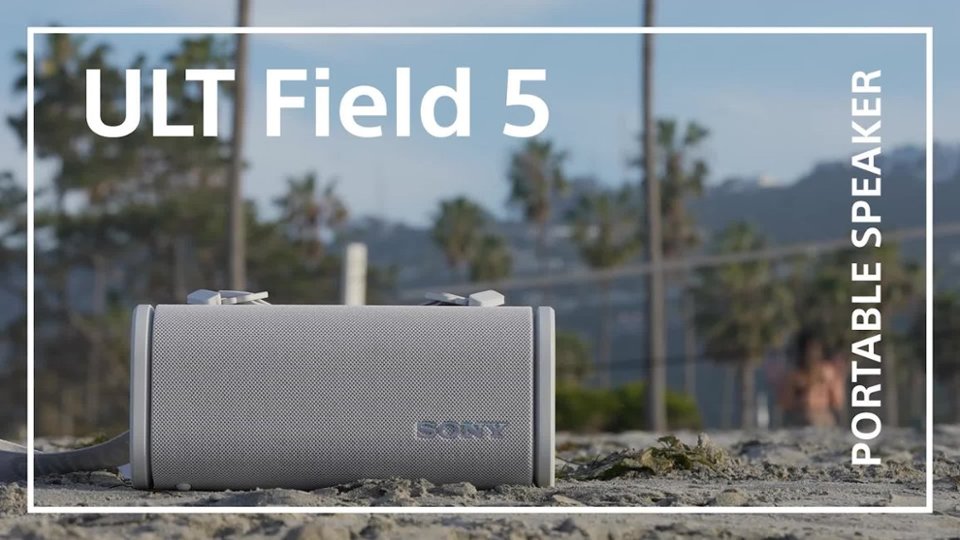
Questions & Answers
- Model:
- SRSULT50/B
- |
- SKU:
- 6620181
Highly rated by customers for: Sound Quality
$198.00$198.00
Save $151.99
The comparable value is Comp. Value: $349.99
Page Showing 1-20 of 31 questions
Q: QuestionHow can I control the sound settings on the speaker?
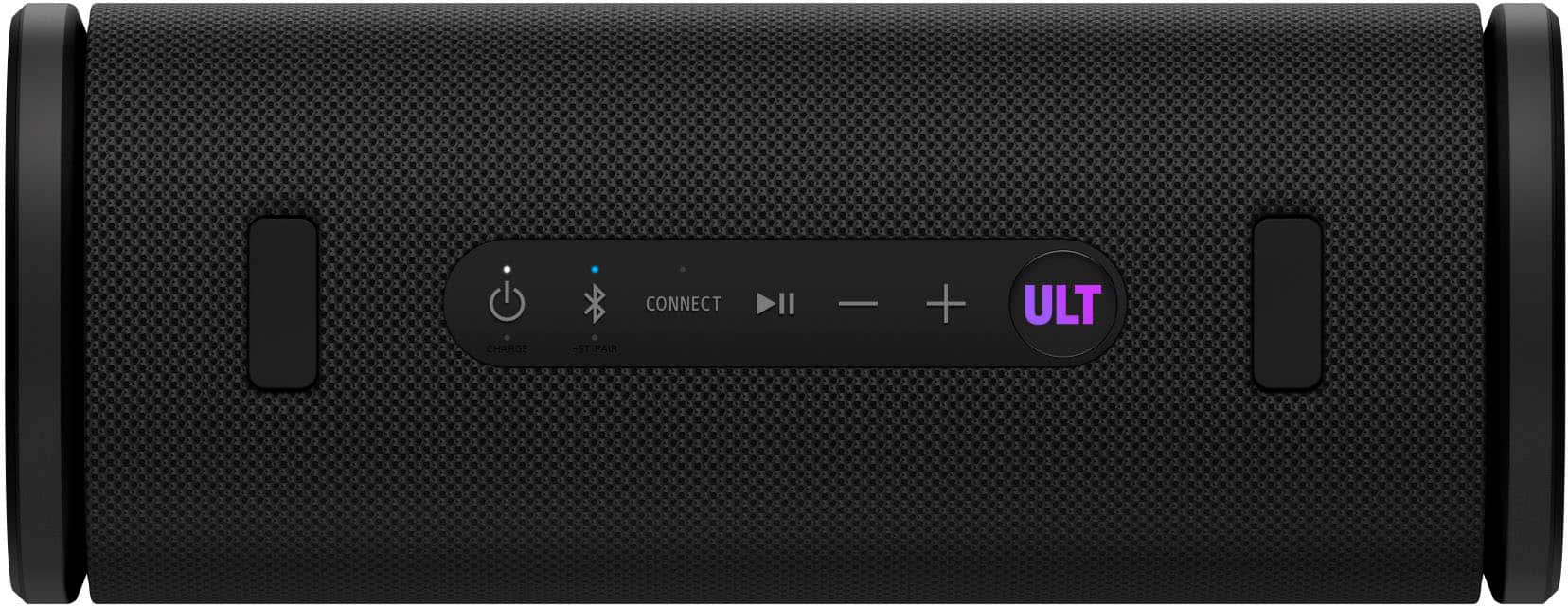
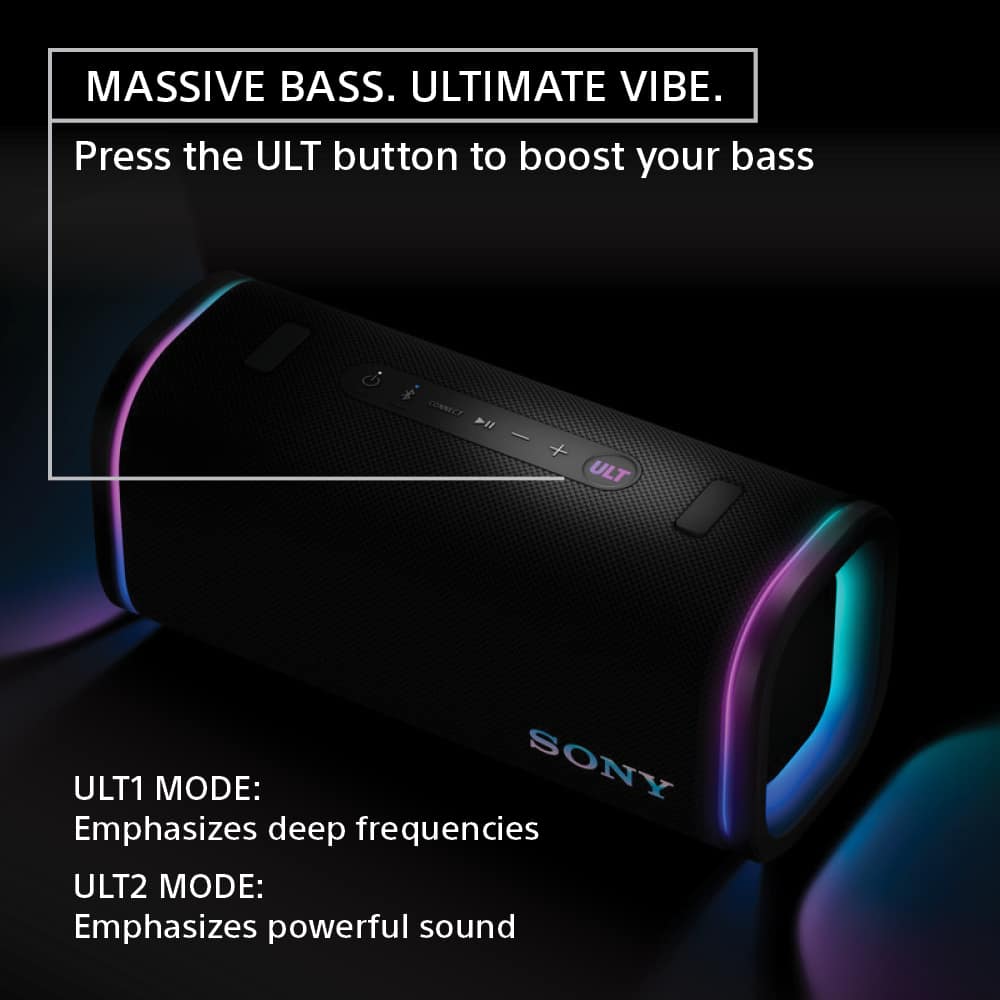
- A:Answer You can customize the sound and lighting using the Sony | Sound Connect app.
This question and answer was generated by AI based on customer and product data.Q: QuestionWhat type of charging port does the speaker use?
- A:Answer It uses a USB Type-C® port for charging.
This question and answer was generated by AI based on customer and product data.Q: QuestionIs this Sony speaker waterproof?
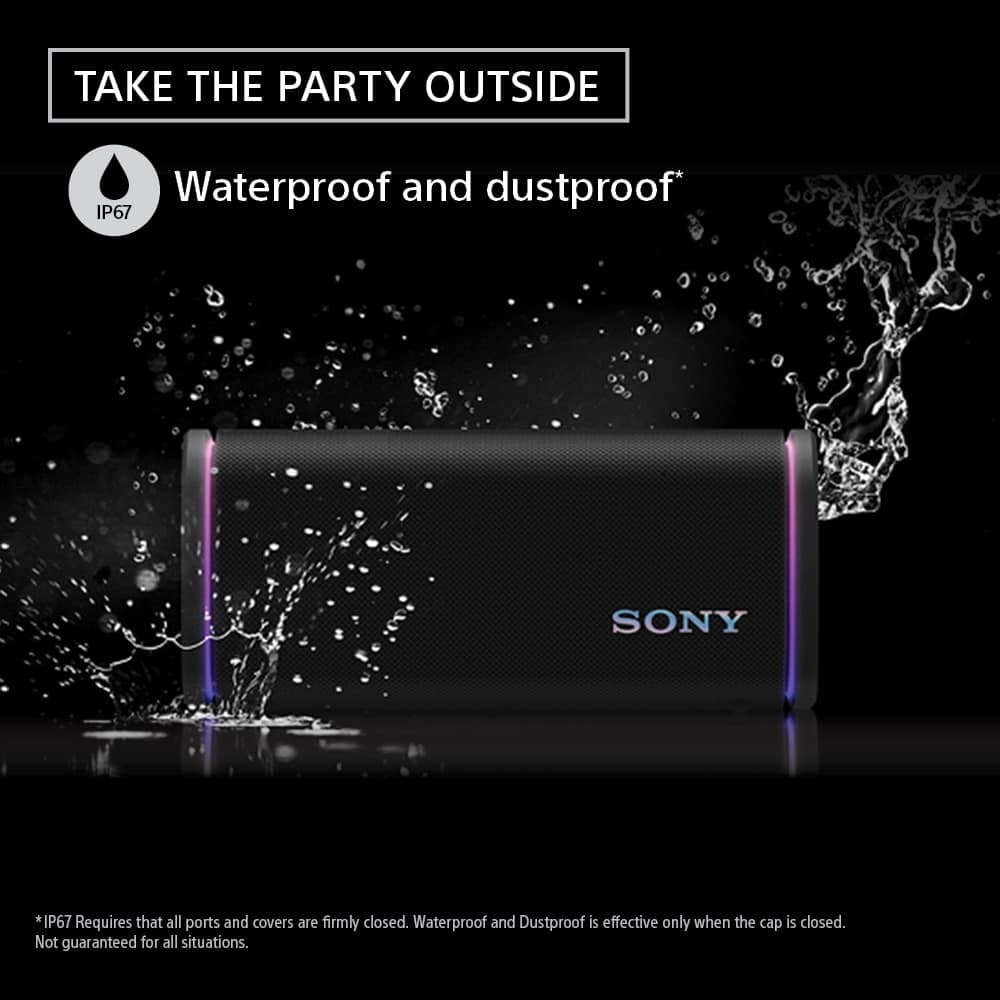
- A:Answer Yes, it has an IP67 rating, meaning it is waterproof, dustproof, and rustproof.
This question and answer was generated by AI based on customer and product data.Q: QuestionDoes the speaker have any special lighting features?
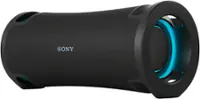
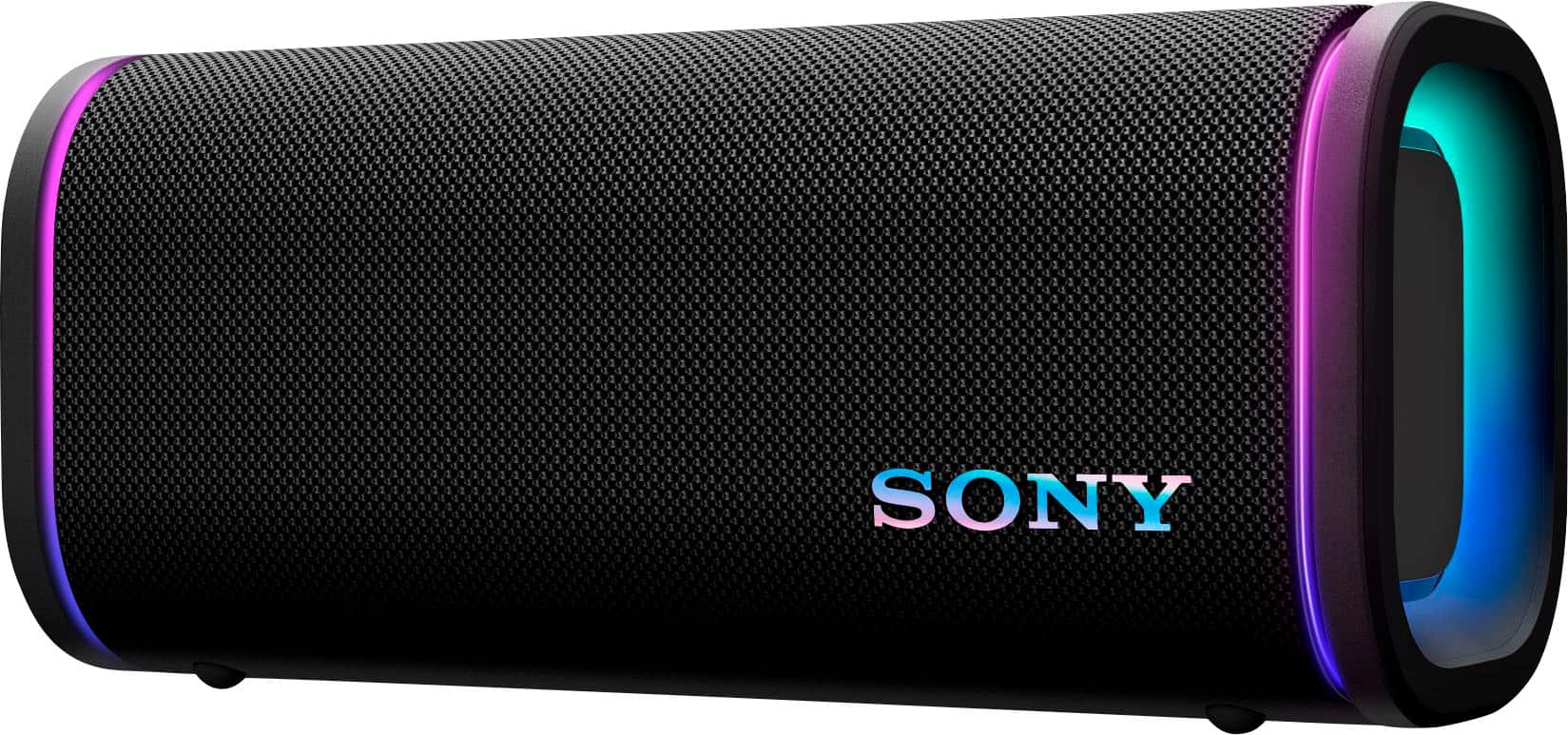
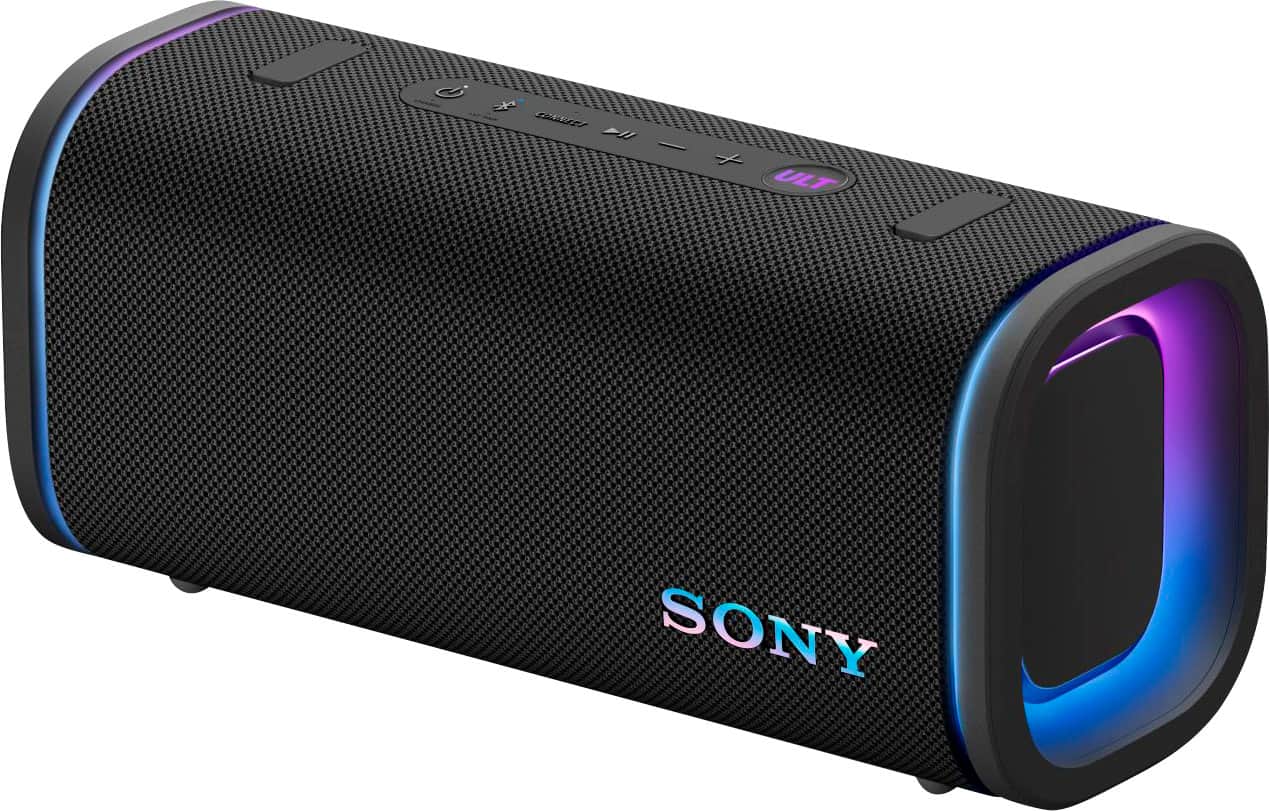
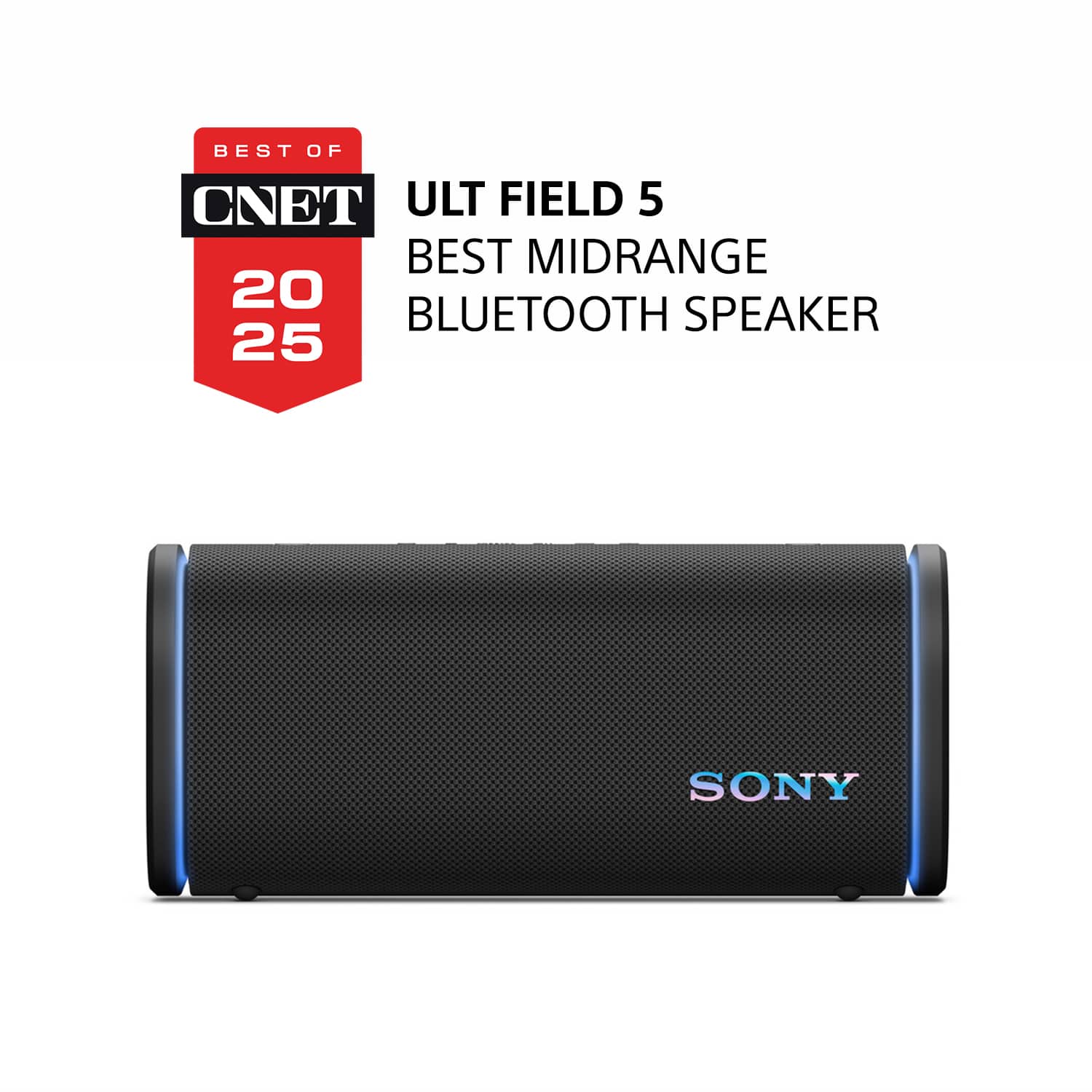
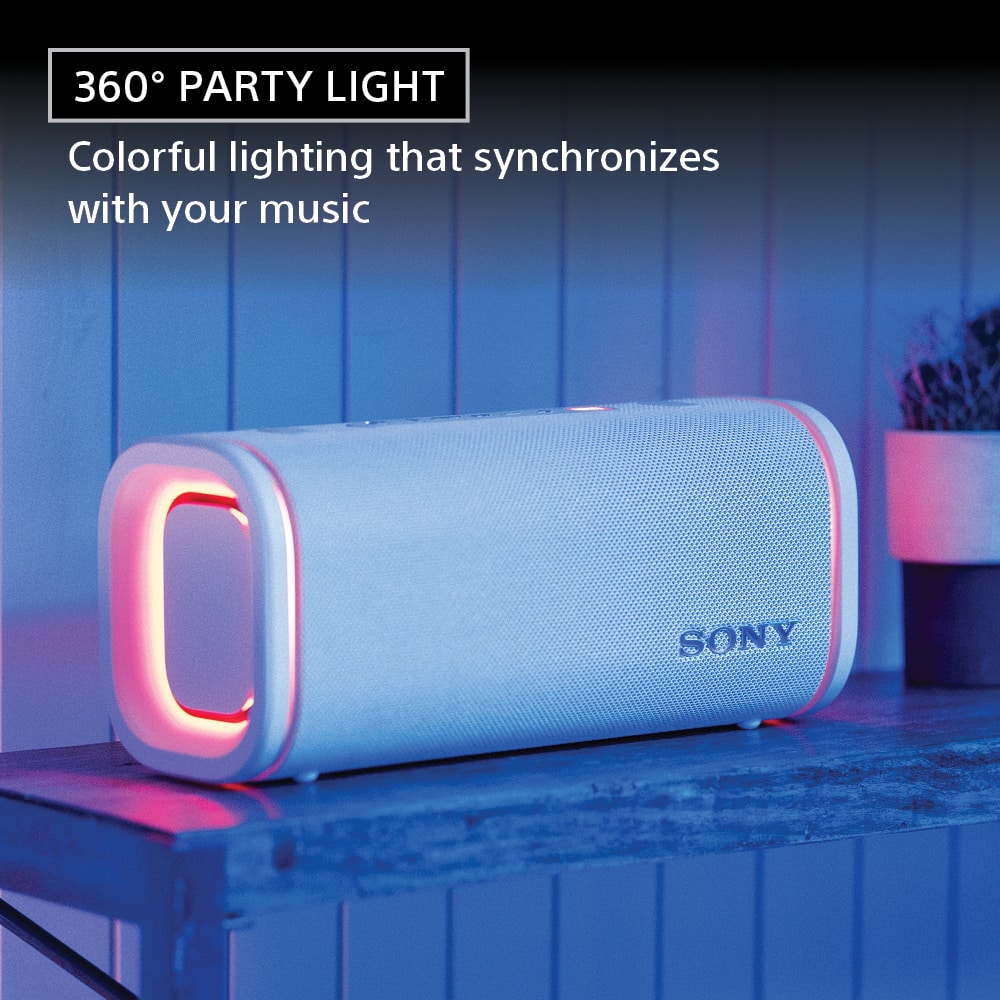
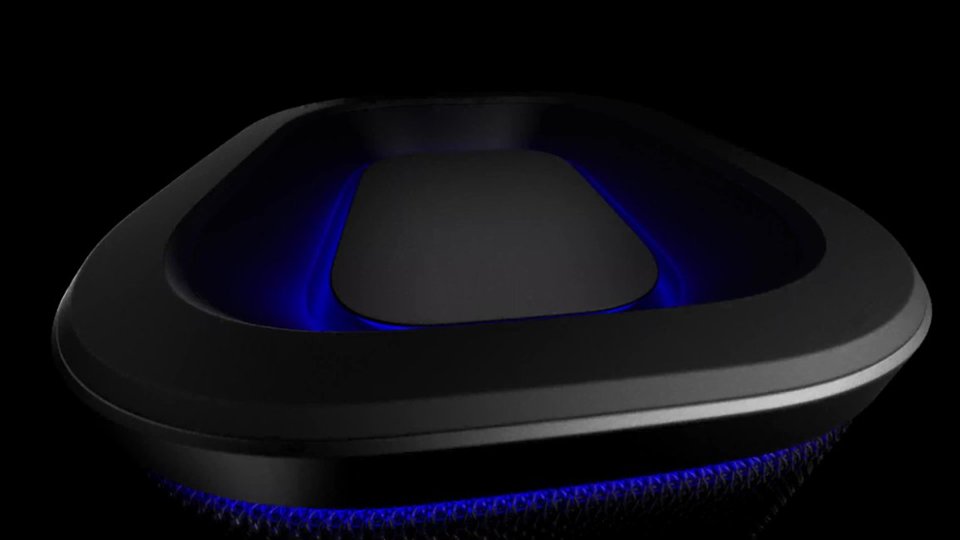
- A:Answer Yes, it has 360° Party Lights that match the vibe of your music.
This question and answer was generated by AI based on customer and product data.Q: QuestionWhat is the battery life of this Sony speaker?
- A:Answer The Sony ULT FIELD 5 speaker has a battery life of up to 25 hours.
This question and answer was generated by AI based on customer and product data.Q: QuestionCan I pair two of these speakers together?
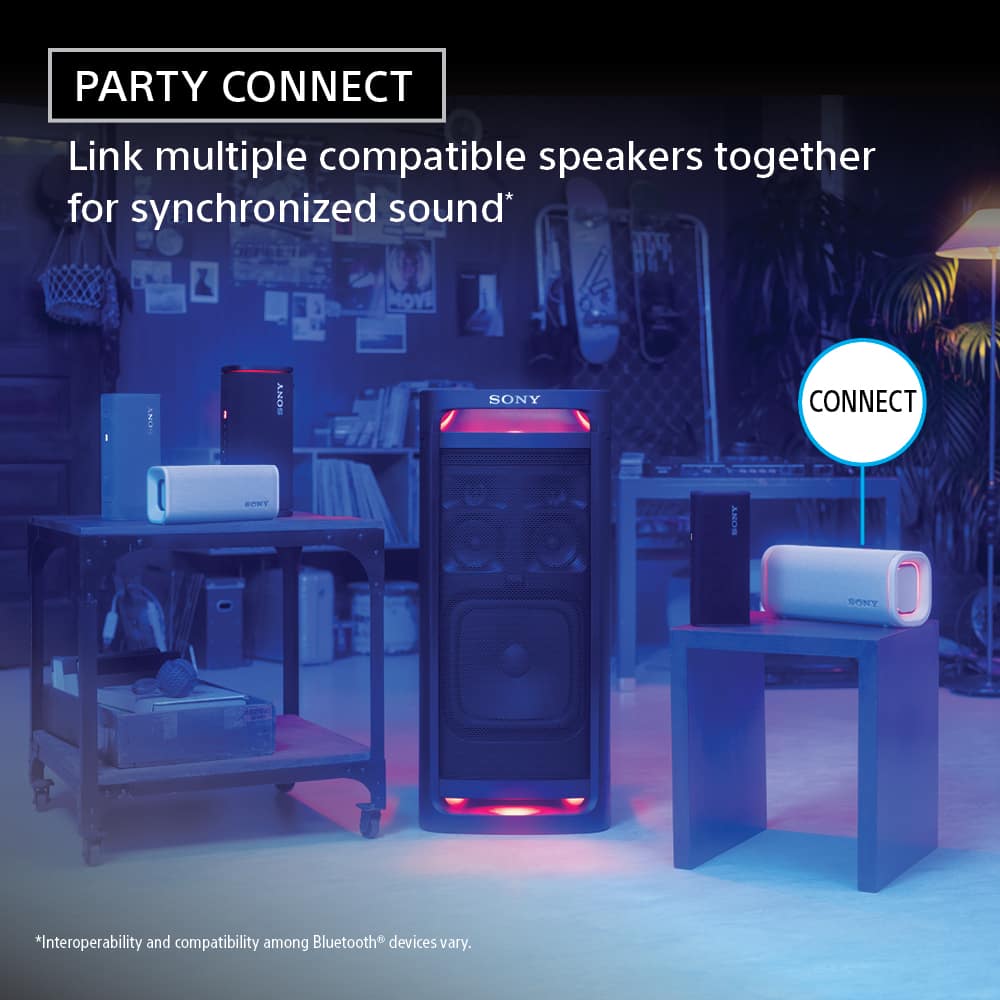
- A:Answer Yes, you can wirelessly connect two ULT FIELD 5 speakers for stereo sound.
This question and answer was generated by AI based on customer and product data.Q: QuestionDoes this speaker have a quick charge feature?
- A:Answer Yes, a 10-minute charge provides up to 100 minutes of playtime.
This question and answer was generated by AI based on customer and product data.Q: QuestionCan I keep the lights off?
Asked by Abel.
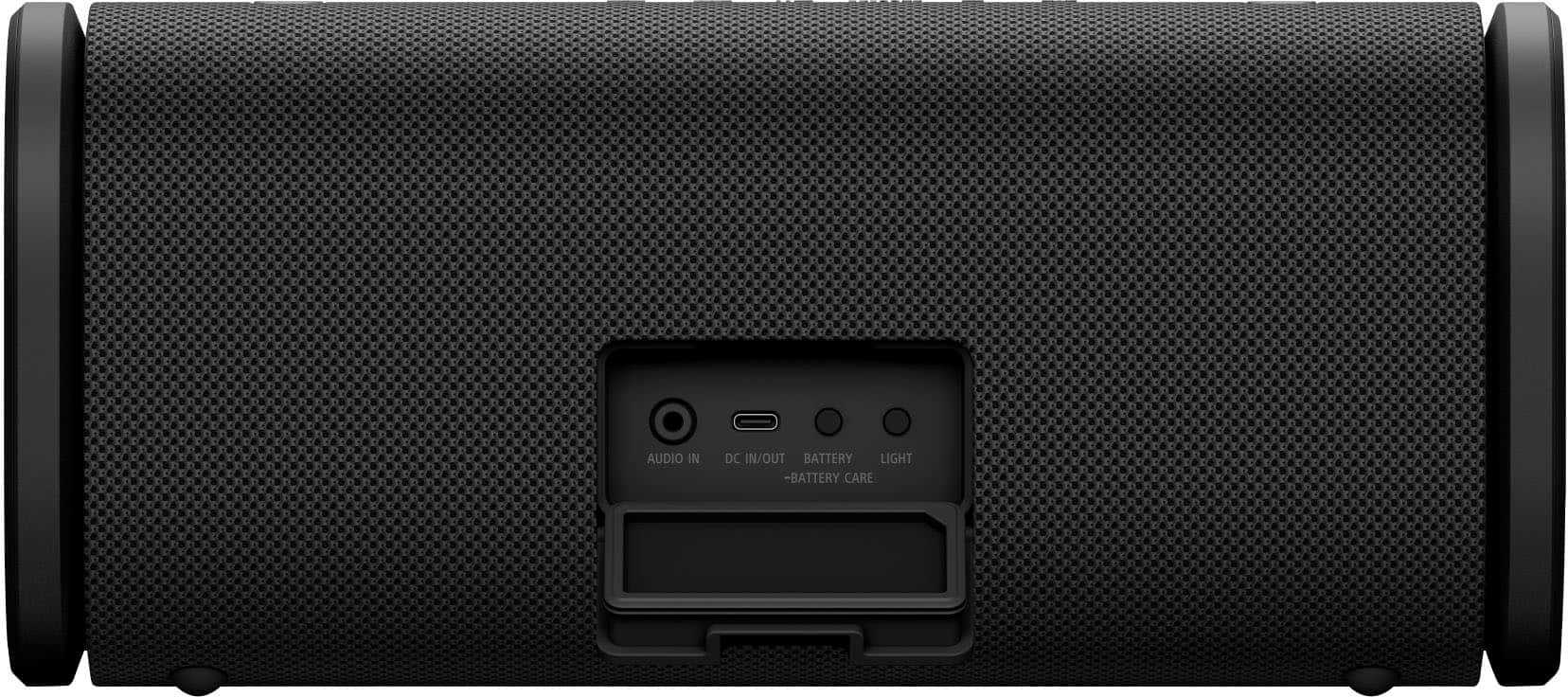
- A:Answer Hello J, Thank you for considering Sony products! We’re happy to assist you with your inquiry about the SRS-ULT50 speaker’s lighting function. You can easily turn off the lighting by pressing and holding the LIGHT button located behind the cap on the rear of the speaker for about 3 seconds until the lights switch off. Pressing and holding the button again for 3 seconds will turn the lighting back on. For detailed instructions, please visit: https://helpguide.sony.net/speaker/7859/v1/en/contents/TP1001870490.html Additionally, the "Lighting Mode" feature in the "Sony | Sound Connect" app allows you to toggle the lighting on or off and select from various lighting modes to match your mood or setting. Best regards, -Fred
Answered by SonyListens
Q: Questioni can play karoke with microphone ?
Asked by MohammadA.
- A:Answer HI there, The Sony ULT FIELD 5 speaker does not have a dedicated microphone input jack for wired karaoke microphones. However, it is fully compatible with the optional Sony ULT Mic Wireless Microphone system, which is designed to work seamlessly with the ULT POWER SOUND speakers for karaoke and voice announcements. If karaoke is a key priority, we recommend looking at the larger models in the series, such as the ULT FIELD 7 or ULT TOWER 9, which include a standard 1/4" mic/guitar input jack right on the speaker. Thanks for choosing Sony. Best regards, Eliab
Answered by SonyListens
Q: QuestionHow many watts is it
Asked by Anonymous.
- A:Answer The speaker has and output of 20 watts Maximum. It’s very powerful and loud.
Answered by WimbleyW
Q: QuestionCan the speaker be paired to a Samsung Smart TV?
Asked by Peanut.
- A:Answer Hi Peanut, Thank you for reaching out with your question. We can certainly help you with that! Yes, the Sony SRS-ULT50 can be paired to a Samsung Smart TV. As long as your television has Bluetooth capabilities, you can connect the speaker wirelessly for audio playback. For the best experience, please ensure your TV's Bluetooth is in pairing mode and that the speaker is also in Bluetooth pairing mode. For detailed instructions on how to accomplish this with the speaker, please check this link: https://helpguide.sony.net/speaker/7859/v1/en/contents/TP1001870508.html For further information on this topic, please refer to the following link: https://www.sony.com/electronics/support/articles/00159290?utm_source=glean Thanks for considering Sony products! Best regards, Estefany
Answered by SonyListens

Q: QuestionDoes this work while charging?
Asked by THANOA.
- A:Answer Short Answer: Yes . Long Answer: I can see the UTL Field 5 charging in the Sony Sound Connect app while BT streaming music. But recognize that depending on your charger output amps, along with using the party lights, and a high level of output volume, the speaker may not actually charge but just hold its existing charge. Might even lose battery charge. Example: A 500mA charger probably will not be sufficient, while a 3.5A would be just fine.
Answered by Buddy
Q: QuestionDoes it come with a USB cord to charge the speaker?
Asked by Mymea.
- A:Answer Yes it does, quite small but fast
Answered by ANDERSONH
Q: QuestionIs the ULT Field 5 wireless speaker compatible with Google Home?
Asked by Phil.
- A:Answer Hi Phil, The ULT FIELD 5 is a portable Bluetooth speaker and is not compatible with the Google Home system, as it does not have built-in Wi-Fi or smart assistant capabilities. However, you can easily stream audio to it wirelessly from your smartphone, tablet, or laptop using a standard Bluetooth connection. It is designed to deliver powerful, high-quality bass and great sound wherever you take it. We really appreciate your interest in Sony! Regards, Dominick
Answered by SonyListens
Q: Questiondoes it have microphone for phone call?
Asked by DD.
- A:Answer Hello DD! Thanks for the question! Happy to help out. No, the Sony ULT FIELD 5 does not have a built-in microphone for hands free phone calls or voice assistants. While you can connect your phone to the speaker via Bluetooth to listen to the audio of your phone calls, you will need to speak directly into your smartphone's built-in microphone. If you'd like to learn more about this product, please visit this link: https://helpguide.sony.net/speaker/7859/v1/en/index.html We appreciate you considering Sony for your next purchase! Best regards, Estefany
Answered by SonyListens
Q: QuestionDoes the Field 5 have an auxiliary port for playing music with a wire?
Asked by Isaias.
- A:Answer Thank you for contacting Sony, Isaias. Yes, the ULT FIELD 5 does have an auxiliary port. You can find a 3.5 mm Stereo Mini Jack (AUDIO IN) located under the protective cap on the rear of the speaker. We appreciate your interest in Sony products. Should you require any further assistance, please don't hesitate to reach out for support here: https://us.esupport.sony.com/support/s/support-contact?language=en_US&category=car Best regards, Gus, Sony North America Customer Support
Answered by SonyListens
Q: QuestionDoes the ULT Field 5 support Sony LDAC? The high resolution audio Bluetooth codec from Sony?
Asked by DJACE.
- A:Answer Hello DJACE, Thank you for considering Sony products! We appreciate your inquiry about whether the SRS-ULT50 supports Sony LDAC, the high-resolution audio Bluetooth codec. Yes, the SRS-ULT50 does support LDAC, allowing you to enjoy high-quality wireless audio streaming with compatible devices. LDAC provides improved sound quality by transmitting up to three times more data than standard Bluetooth codecs, making it ideal for audiophiles seeking a rich listening experience. For more details on supported codecs and features, please visit: https://helpguide.sony.net/speaker/7859/v1/en/contents/TP1001870517.html Best regards, -Fred
Answered by SonyListens
Q: QuestionDoes speaker pair with SRS-XB30
Asked by GEE.
- A:Answer Hi GEE! Thanks for reaching out! We can certainly assist you with that. The ULT FIELD 5 cannot pair or connect with the SRS-XB30. They use different technologies: the ULT FIELD 5 uses the Party Connect system, while the SRS-XB30 uses the Wireless Party Chain function. To expand your sound, the ULT FIELD 5 needs another Party Connect enabled speaker, while the XB30 requires another Wireless Party Chain speaker. You can find a list of compatible models for each function by visiting the links below: https://www.sony.com/electronics/support/articles/00247922 https://www.sony.com/electronics/support/articles/00352200 Thank you for making Sony part of your purchasing consideration! Best regards, Estefany
Answered by SonyListens
Q: QuestionWhere is the equalizer located?
Asked by TommyA15.
This question was asked about the related product: Sony - ULT FIELD 5 Wireless Speaker - Black
- A:Answer Hi TommyA15! Thank you for reaching out with your question. We can certainly help you with that! The equalizer settings for the ULT FIELD 5 speaker can be accessed and adjusted through the Sony | Sound Connect app. To adjust the equalizer to your preference: On the app, tap [Sound Effect], then select [CUSTOM]. Tap [CUSTOM EQ], and then adjust the equalizer setting to suit your preference. For more details, please see this link: https://helpguide.sony.net/speaker/7859/v1/en/contents/TP1001870493.html Thank you for making Sony part of your purchasing consideration! Best regards, Estefany
Answered by SonyListens
Q: QuestionHow long is the charging cable?
Asked by Chuck.
- A:Answer Hi Chuck, The charging cable is 20 inches long. Best regards, Eliab
Answered by SonyListens
Page 1, Showing 1-20 of 31 questions
Most-viewed items
- $449.95$449.95The price was $549.95
- $899.95$899.95The price was $1,099.95
- $549.95$549.95The price was $629.95
- $429.99$429.99The price was $449.95
- $1,504.95$1,504.95The price was $1,899.95
- $748.00$748.00The price was $899.99
- $649.99$649.99The price was $699.00
- $422.20$422.20The price was $579.95
- $43.00$43.00The price was $64.99
- $299.95$299.95The price was $499.95
- $399.00$399.00The price was $499.00
- $448.00$448.00The price was $549.99