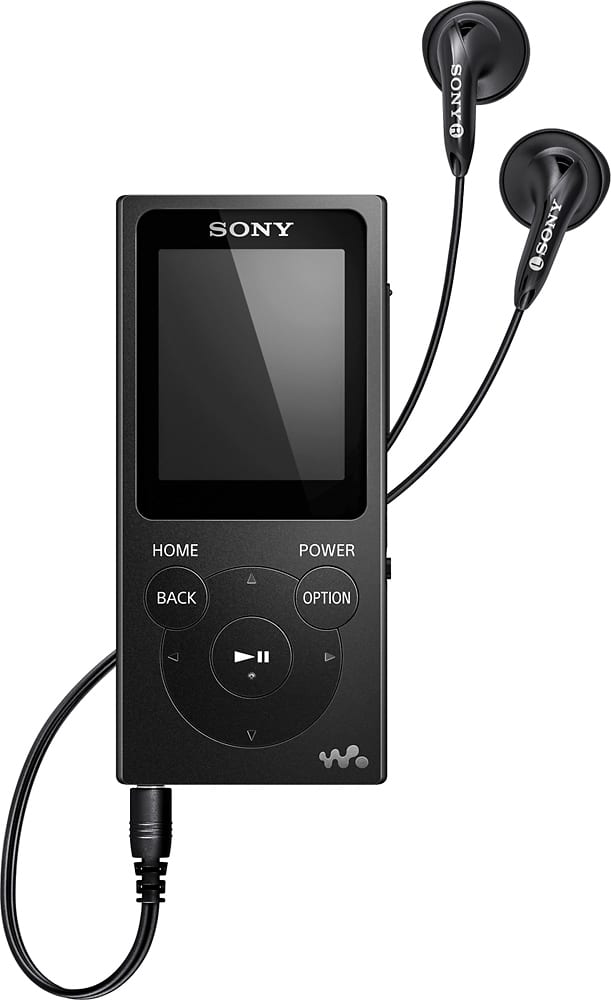
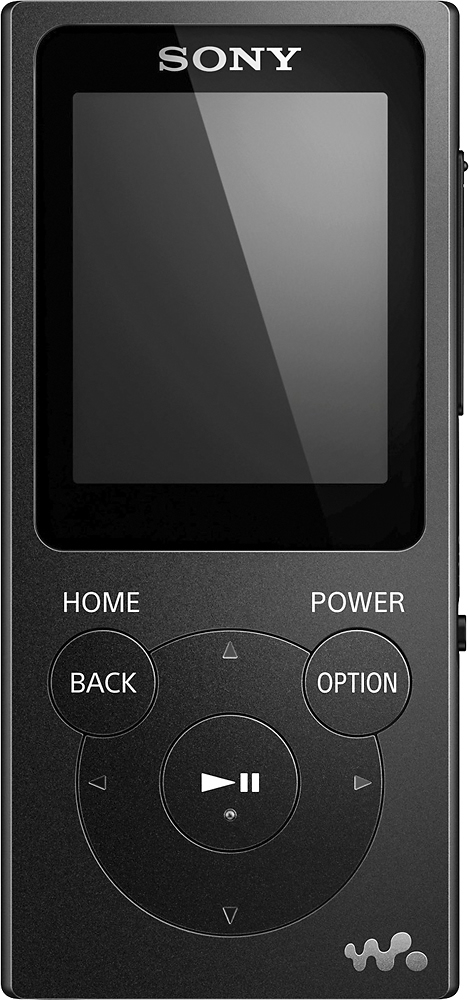
A:AnswerHi, Roto, Yes. This Sony Walkman has a sleep timer feature. Kindly visit this page for more details: http://docs.esupport.sony.com/portable/Help_4579798111/en/contents/TP0000880661.html
Regards,
Vincent
A:AnswerHi, granny, If your Walkman does not operate or the power does not turn on, you may use the restart button. Follow this link for more detail: http://docs.esupport.sony.com/portable/Help_4579798111/en/cover/level3_34.html. Thanks! -Vincent
A:AnswerPandora is not available on this device, there are no apps. This device has no WiFi or streaming capability, it plays music files that you can transfer from your computer via USB cable provided.
A:AnswerYou can create playlists on your computer, with different songs from different albums/artists, and then sync them to the Walkman. I use MediaMonkey for this, but Windows Media Player, iTunes, etc. should all work as well. Make sure you sync the playlist in .M3U format directly to the \Music\ directory on the Walkman, and everything will work fine. It took me a while to figure that out.
It holds A LOT OF SONGS... if your songs are all of very high quality MP3 (192kbps), and you have the 8GB model, you should be able to put about 1600+ songs on it. If your songs are of lower quality, you'll be able to put even more songs on the player.
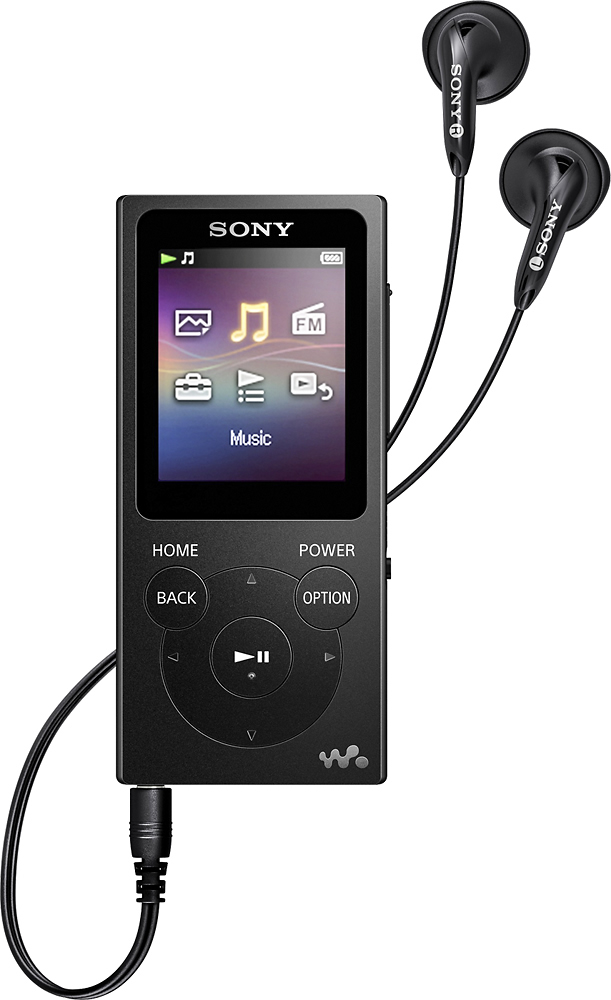
A:AnswerHi MohCA, Yes, you can simply drag-and-drop in Windows Explorer to directly transfer content to your Walkman. But if you want to manage your music, you may use Media Go software. For other details, go to this link: http://docs.esupport.sony.com/portable/Help_4579798111/en/cover/level3_14.html. Thanks, Vincent
A:AnswerYes. Since the unit is self contained the only thing you have to do is shut it off when the flight attendants require you to which is generally during take-offs and landings.
A:AnswerHi HARJO, For details on approximate number of recordable songs and time, please refer to this link (page 158): https://docs.sony.com/release//Help_4579798111.pdf -Jerome