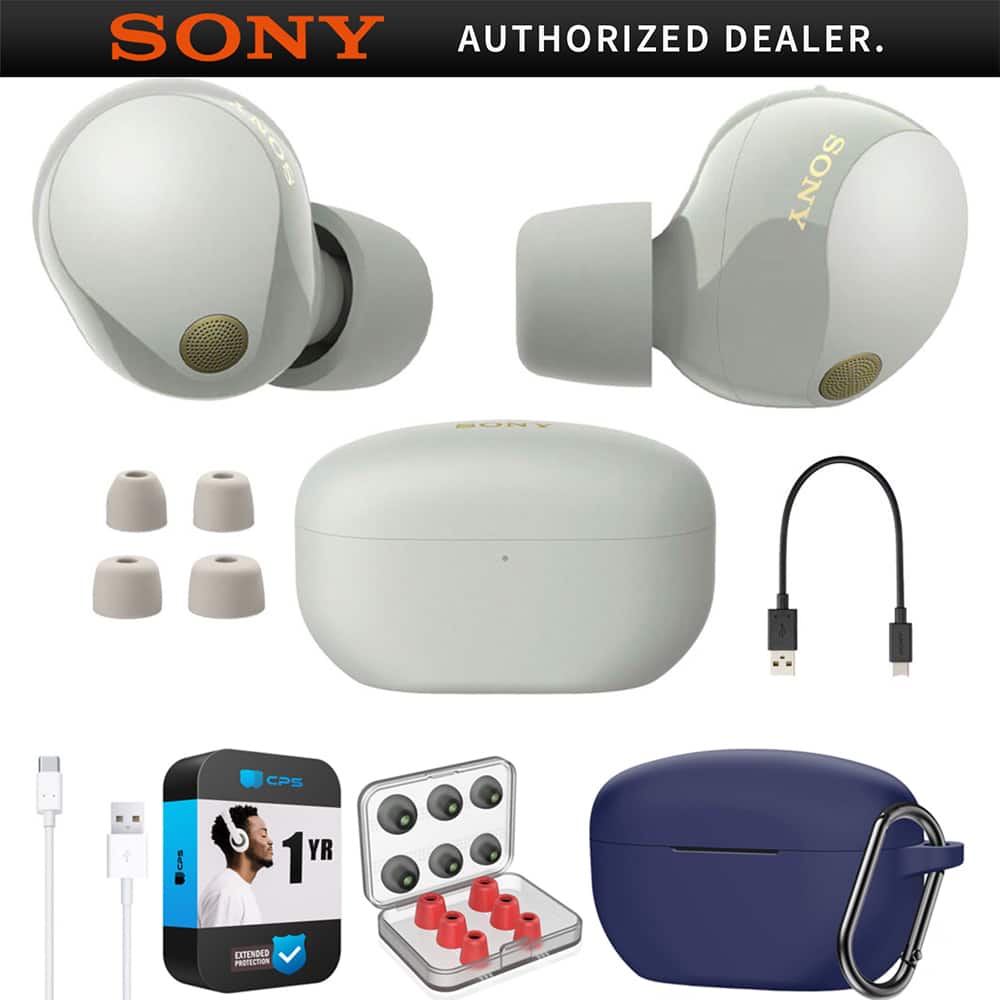
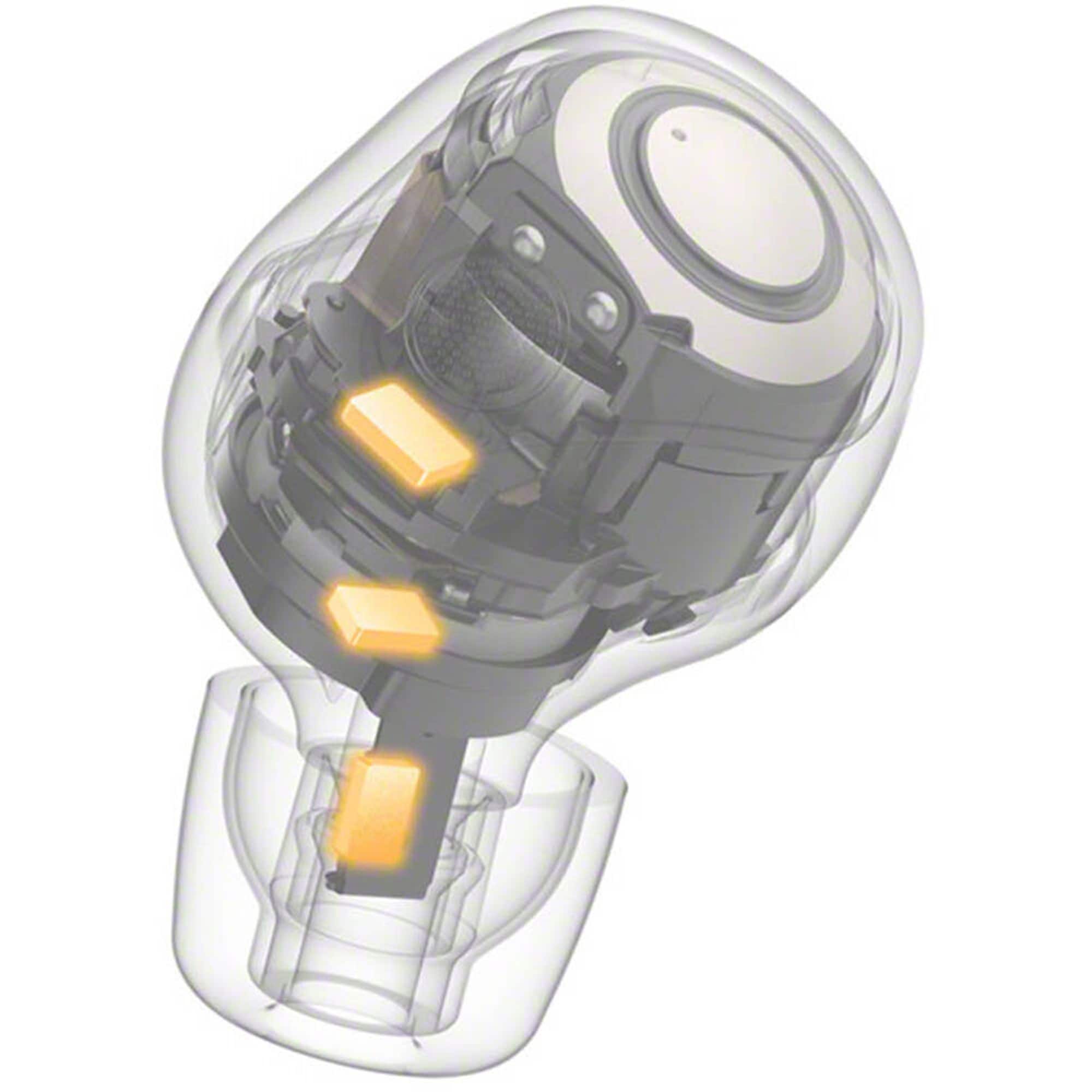
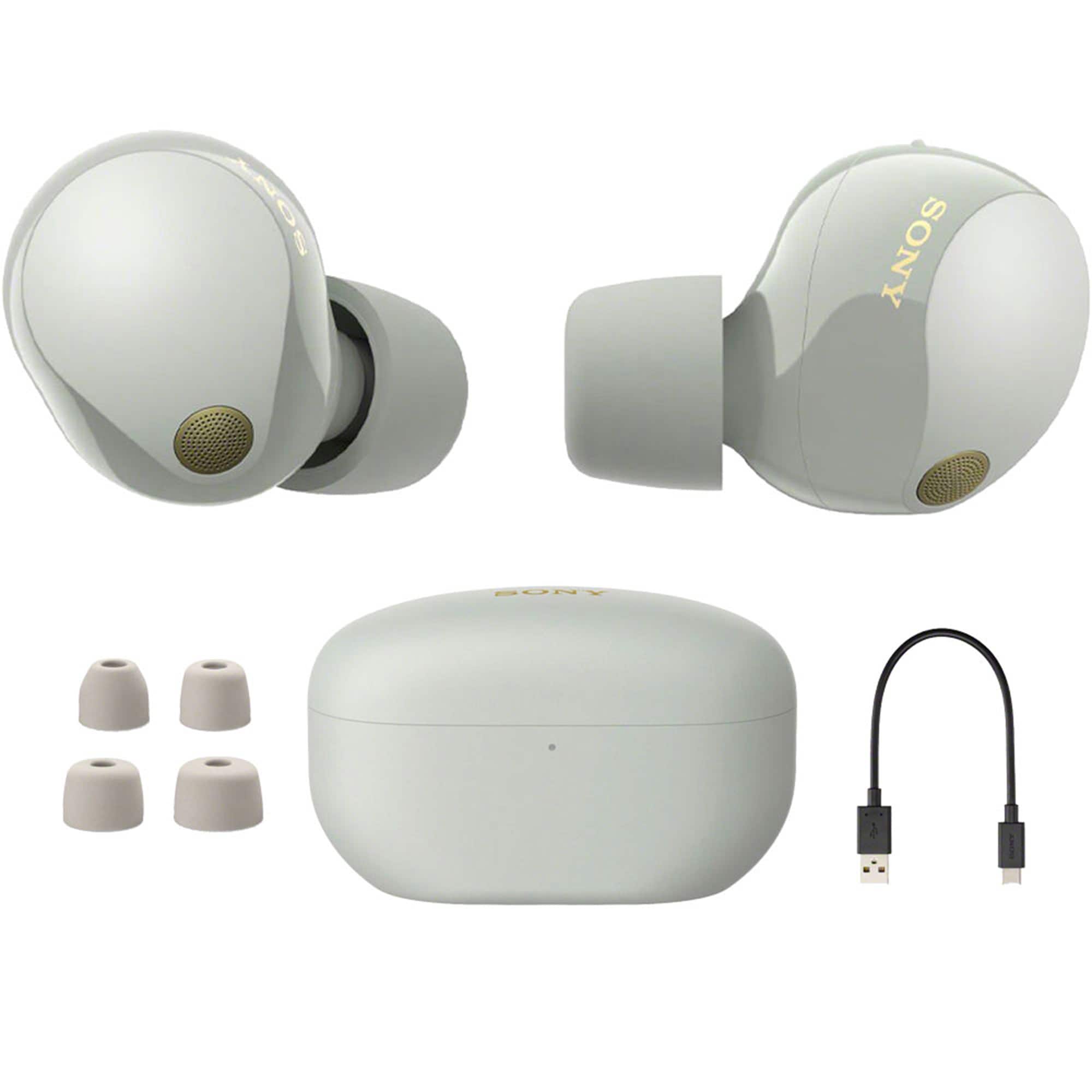
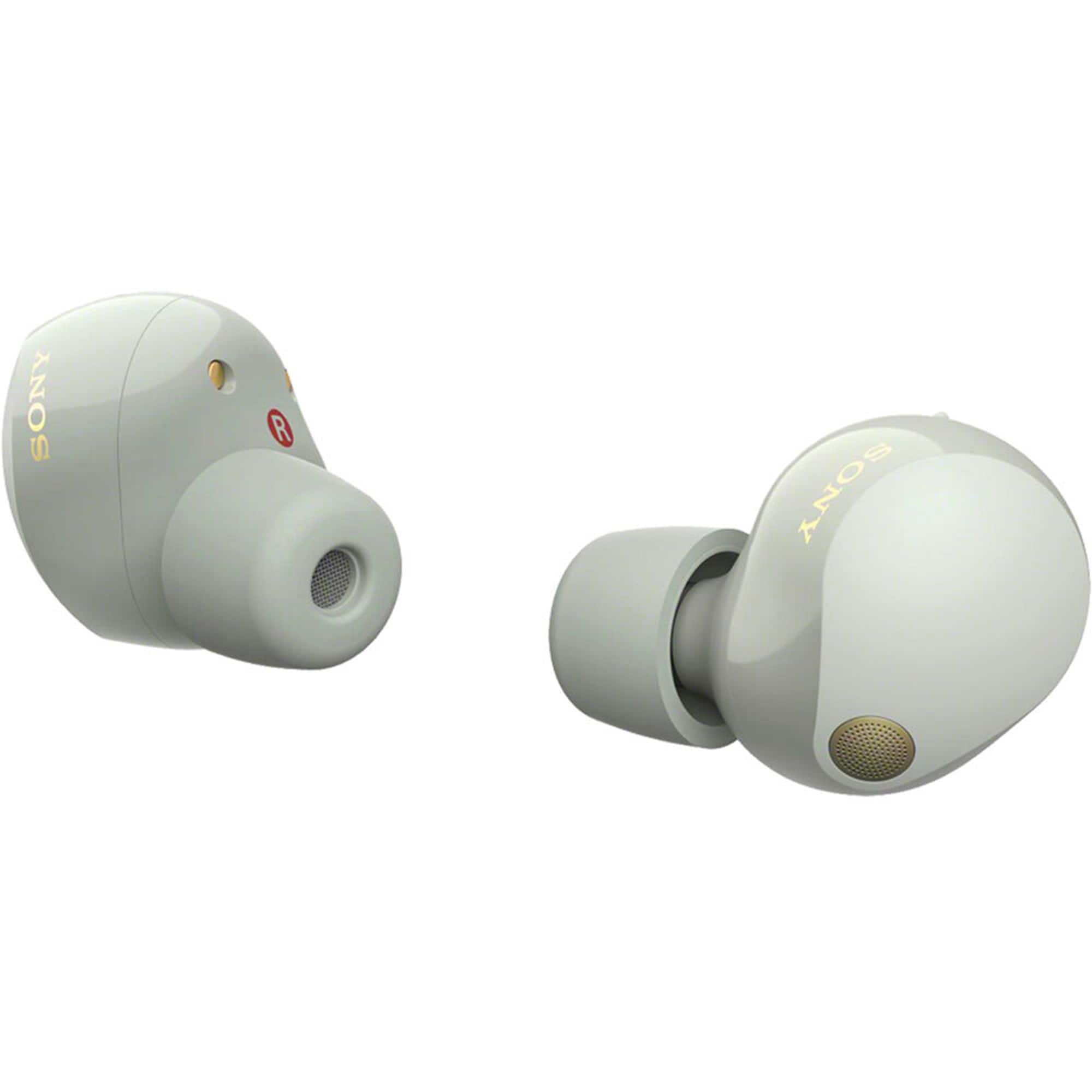
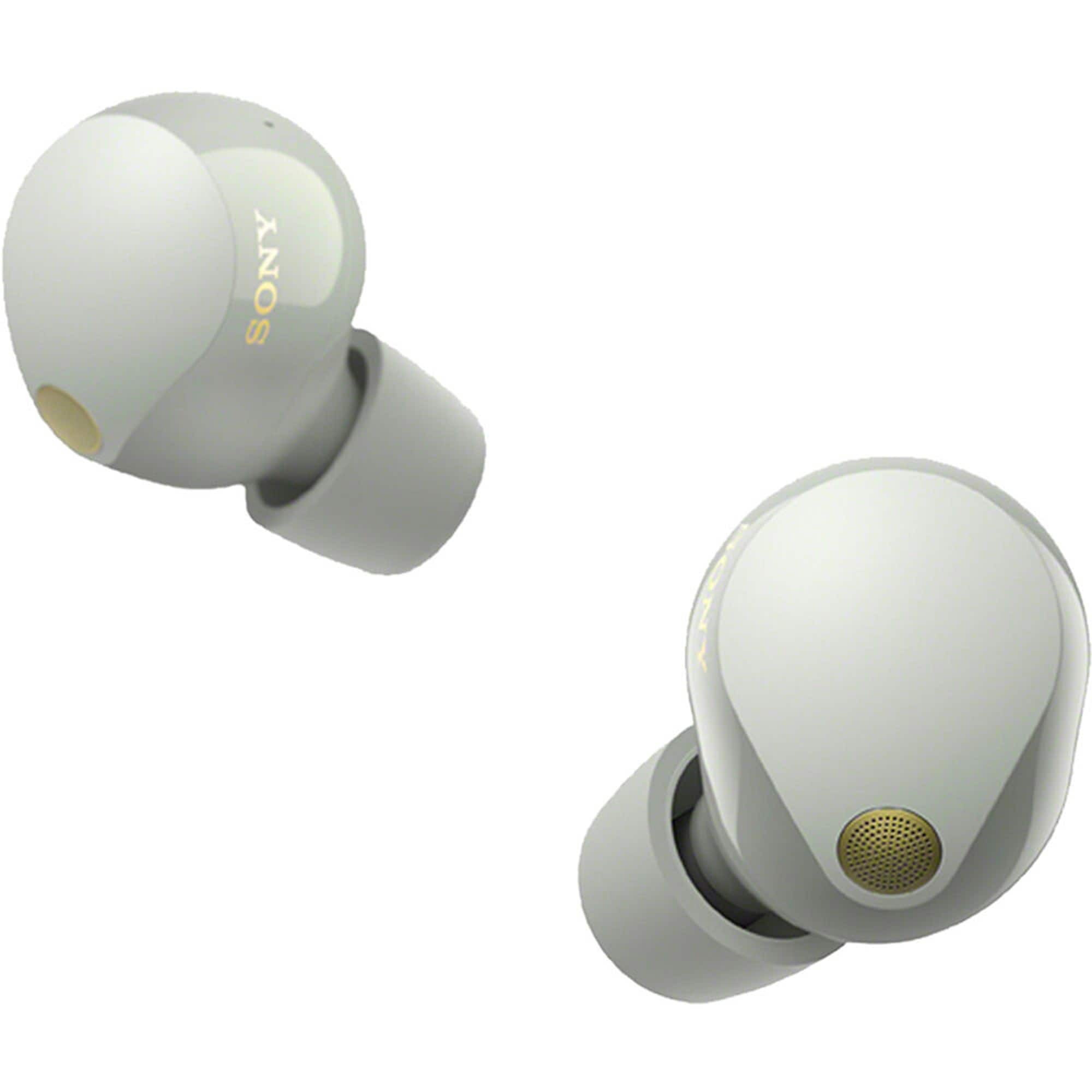
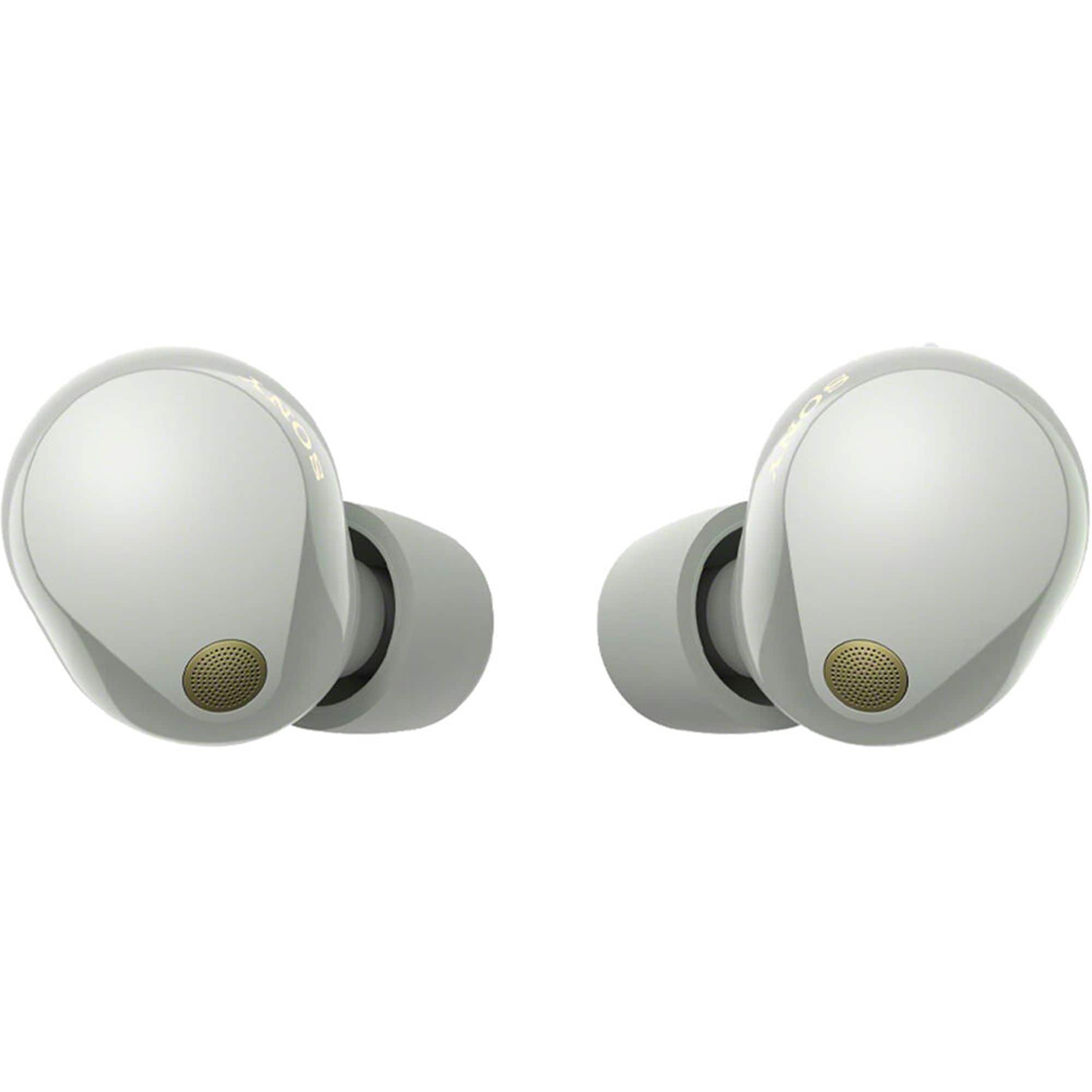
A:AnswerHi Annie, Thanks for reaching out. Yes you can. Aside from controlling the volume, you can also tap to switch function or modes, play or pause the song or skip to previous tracks. You can find out more of these functions on our product support site. The WF-1000XM5 features cutting-edge technology to deliver premium sound quality and the best truly wireless noise-cancelling performance on the market1. With a specially designed driver unit, for wide frequency production, deep bass and clear vocals, these headphones are designed to immerse you in a sound so good, it feels like you’re in the studio with your favorite artists. Thanks and regards, -Craig
A:AnswerThank you for contacting Sony, Claudia.
Yes, the WF-1000XM6 is a perfect choice. You can boost dialogue clarity by customizing the equalizer in the Sony Sound Connect app.
They will also work seamlessly with your iPhone 17 Pro Max and MacBook Neo via standard Bluetooth. They even support Multipoint connection, so you can pair to both Apple devices at the same time and switch between them effortlessly.
We appreciate your interest in Sony products. Should you require any further assistance, please don't hesitate to reach out for support here:
https://us.esupport.sony.com/support/s/support-contact?language=en_US&category=headphones
Best regards,
Gus, Sony North America Customer Support
A:AnswerHi Waldo,
Congratulations on your new WF1000XM5! regarding your question, no, Google account is not necessary to connect these earbuds to your iPhone. Follow the steps below to connect the WF1000XM5 to your iPhone:
• The operation to register the device that you wish to connect to is called “pairing”. First, pair a device to use it with the headset for the first time.
• Before starting the operation, make sure of the following:
- The iPhone is placed within 1 m (3.2 ft) of the headset.
- The headset is charged sufficiently.
1. Enter pairing mode on this headset.
• When you pair the headset with a device for the first time after purchase or after initializing the headset (when there is no pairing information on the headset)
- Lay the headset units on their sides and remove both headset units from the charging case.
- The headset turns on automatically.
- The headset enters pairing mode automatically.
- When you are wearing the headset, you will hear a notification sound from both headset units at the same time, and you will hear a voice guidance say “Pairing”. When you are wearing only one headset unit, you will hear the notification sound and voice guidance from the headset unit you are wearing.
2. Unlock the screen of the iPhone if it is locked.
3. Find the headset on the iPhone.
- Select [Settings].
- Touch [Bluetooth].
- Touch the switch to turn on the Bluetooth function.
- Touch [WF-1000XM5].
- The headset and iPhone are paired and connected with each other.
Note:
• When the headset is placed in the charging case, the indicator (blue) on the charging case flashes 10 times.
• When you are wearing the headset, you will hear a notification sound indicating that the connection is established from both headset units at the same time. When you are wearing only one headset unit, you will hear the notification sound from the headset unit you are wearing.
For more details about Bluetooth pairing and connecting with an iPhone, please visit the Help Guide (can be found in Sony's support website) of the WF1000XM5.
I hope this helps.
The WF-1000XM5 features cutting-edge technology to deliver premium sound quality and the best noise-cancelling performance on the market. Real-time audio processors and high-performance mics power the specially designed driver unit, for wide frequency reproduction, deep bass and clear vocals. They are designed to immerse you in a sound so good, it feels like you’re in the studio with your favorite artists. The WF-1000XM5 headphones raise the bar for distraction-free listening and clarity.
Should you need more information or technical assistance, don't hesitate to contact us by following the steps below:
Unfortunately, due to the current Best Buy phishing protocol for your protection, we cannot provide a direct email or phone number for customer support as of now. Please find Sony Electronics' Support information: Go to our support website > click on “Support” > scroll down click on “Contact Support” > click on "(select your product type)" and from there you'll see different ways to contact us.
Apologies if you disclosed some of this information in your review and to customer service, we just want to ensure that we have your accurate details at the time of communication.
Name:
BestBuy Username:
Model Number:
Question/concern:
Telephone Number:
Thanks for choosing Sony!
Best regards,
Romeo
Sony Social Support
A:AnswerHi JayDeed, thanks for your question. You cannot connect this WF1000XM5 directly with PS5. You can connect it with the TV that supports A2DP where the PS5 is also connected. However, the audio playback on this unit may be delayed from that on the transmitting device, due to the characteristics of Bluetooth wireless technology. As a result, the sound may not be in sync with the image when playing games.
We still recommend using headphones that are designed for consoles such as our INZONE gaming headsets/earbuds (WFG700N, WHG900N or WH-G700). Hope this helps.
The WF-1000XM5 features cutting-edge technology to deliver premium sound quality and the best noise-canceling performance on the market. Noise reduction algorithms developed with AI machine learning suppress ambient noise and ensure the person on the other end of the phone can hear your voice clearly even in noisy situations. For total convenience, the WF-1000XM5 can be paired with two Bluetooth devices simultaneously so, when a call comes in, your headphones can automatically connect to the right one. With an IPX4 water resistance rating, splashes and sweat won’t stop these headphones – so you can keep moving to the music. ~Earl
A:AnswerHi there, Thank you for your interest in Sony WF1000XM5! Yes, the Sony WF1000XM5 will work with Apple iOS devices (iPhone, iPad, etc.). Hope this helps!
The WF-1000XM5 features cutting-edge technology to deliver premium sound quality and the best truly wireless noise-cancelling performance on the market1. With a specially designed driver unit, for wide frequency production, deep bass and clear vocals, these headphones are designed to immerse you in a sound so good, it feels like you’re in the studio with your favorite artists.
Regards,
Sam
A:AnswerDepends on the source and DAC. For example, you may have a 24-bit FLAC file and these earphones support that bitrate, but if you're using your phone which supports only up to 16-bit, you won't get 24-bit audio.
A:AnswerThank you for contacting Sony, Kell.
Currently, individual replacement earbuds for the WF-1000XM5 are not available for separate purchase, and a full set would be required. However, we are working to make replacement earbuds available soon.
We appreciate your interest in Sony products. Should you require any further assistance, please don't hesitate to reach out for support here:
https://us.esupport.sony.com/support/s/support-contact?category=headphones
Best regards,
Gus, Sony North America Customer Support
A:AnswerHi Jolly,
Thank you for your interest in Sony products!
We appreciate your inquiry and are happy to assist. The charging case for the WF-1000XM5 supports wireless charging. Simply place the closed case on a Qi-compatible wireless charging pad with the Sony logo facing upward to charge it cable-free.
Alternatively, you can use the supplied USB Type-C cable to charge the case by connecting it to a USB AC adapter or a computer. A fully depleted case typically takes about two hours to charge.
For more detailed information, please visit the official Sony support page: https://helpguide.sony.net/mdr/2963/v1/en/contents/TP1000781964.html
Best regards,
-Fred
A:AnswerHi seeker,
Thanks for reaching out! We can certainly assist you with that.
To answer your question, yes, the WF-1000XM5 earbuds can connect to an Echo device via Bluetooth, and the WF-1000XM5s are also compatible with Amazon Alexa.
To connect to the Echo, you must first put the earbuds in pairing mode and then pair them with your Echo device through the Amazon Alexa app's Bluetooth settings.
For more details, please see this link. We've included extra information there that you might find useful. https://helpguide.sony.net/mdr/2963/v1/en/contents/TP1000781972.html?search=alexa
We really appreciate you thinking of Sony for your purchase!
Best regards,
Estefany
A:AnswerHi Gio, we're really sorry to hear that your WF-1000XM5 earbuds aren't charging properly. It sounds frustrating, especially since you haven't used them very much since getting them.
We're here to help and would be happy to provide some troubleshooting steps to get this resolved.
1) Sometimes dirt or dust can build up on the charging contacts of both the earbuds and inside the case. Gently wipe the metal charging points on the earbuds and the pins inside the case with a clean, dry cotton swab or a soft, dry cloth.
2) Ensure you are using the original USB Type-C cable that came with the earbuds and if you are using an adapter, try a different one to rule out any issues with the power source.
3) Try a reset and factory reset. Find detailed instructions for each procedure on the following links.
https://helpguide.sony.net/mdr/2963/v1/en/contents/TP1000783924.html
https://helpguide.sony.net/mdr/2963/v1/en/contents/TP1000783925.html
After trying these steps, see if they start charging normally.
If none of those fix the issue, it may need a professional look. Since your earbuds are outside of the original warranty period, the best next step would be to contact our service partner, Encompass, for repair service options.
You can find all their contact and service information here:
https://sony.encompass.com/parts-accessories/Sony-Repair-Services
Alternatively, you could also check your local Yellow Pages business directory for any other qualified local electronics servicers near you who might be able to help.
Thanks for considering Sony and for letting us know about this issue.
Sincerely,
Estefany
A:AnswerI have not had any issue with either bud not charging. I often use only one bud for several hours and it stays charged equal to the other when using both. No connection issues either.
A:AnswerHello there,
Thank you for choosing Sony!
Regarding your question, the WF-1000XM5 earbuds do not support the "Hey Google" voice command for hands-free activation.
Instead, you can activate Google Assistant by pressing and holding the touch sensor on the right earbud for about two seconds. After you hear the chime, you can speak your command.
For more details on the voice assist function, you can find our full help guide here: https://helpguide.sony.net/mdr/2963/v1/en/contents/TP1000781981.html?utm_source=glean
If you have any other questions, just let us know!
Best regards,
-Fred