A:AnswerYou need to put the headphones into pairing mode after the first device by holding the button down for 7+ seconds. You can not have it connected multi-point (2 devices at once) to get music from 1 device and calls from another.
A:AnswerHi Marlarose,
We appreciate your interest in our product. Yes, the WF-XB700 is compatible with TVs if it supports the A2DP Bluetooth profile. Thanks.
Regards,
Jess
A:AnswerI don't know for sure about the apple products but they should, as far as much quality is I have only had any issue bring heard if in standing by a busy street corner or the train comes by.
A:AnswerHi cougar, thank you for inquiring about the WFXB700. These headphones are designed for music playback. We cannot guarantee that it will work flawlessly with PS4. We recommend using headphones that are designed for game consoles to use all. Erin
A:Answer@Noise, thanks for your interest in our product. We apologize, the WF-XB700 doesn't support noise canceling. You might want to consider checking our industry-leading, Noise Canceling Truly Wireless headphones, WF-1000XM3, which has HD Noise-Canceling Processor QN1e that you'll surely love. - Romeo
A:AnswerHi Kelsey,
Thanks for inquiring about the WF-XB700. You can enjoy a hands-free call with a smartphone or mobile phone that supports the Bluetooth profile HFP (Hands-free Profile) or HSP (Headset Profile), via Bluetooth connection. For more information, please refer to these Help Guide links.
Making a call: https://helpguide.sony.net/mdr/wfxb700/v1/en/contents/TP0002757659.html
Functions for a phone call: https://helpguide.sony.net/mdr/wfxb700/v1/en/contents/TP0002757655.html
I hope this information is helpful.
Regards,
Jess
A:AnswerThey will pair with any device that is Bluetooth capable. If the device does not have Bluetooth capability, of course, it will not pair. So in your case, the answer is YES. You can find an apprproiate info video on YouTube regarding how to do it.
A:AnswerHi, thank you for posting your concern about your WFXB700. We are sorry to hear that you're having issues when using these for phone calls. Allow us to help you and turn your experience around. Please email us at [email protected] with the following details:
Name:
Username:
Model Number:
Issue:
Telephone Number:
Sincerely,
Erin
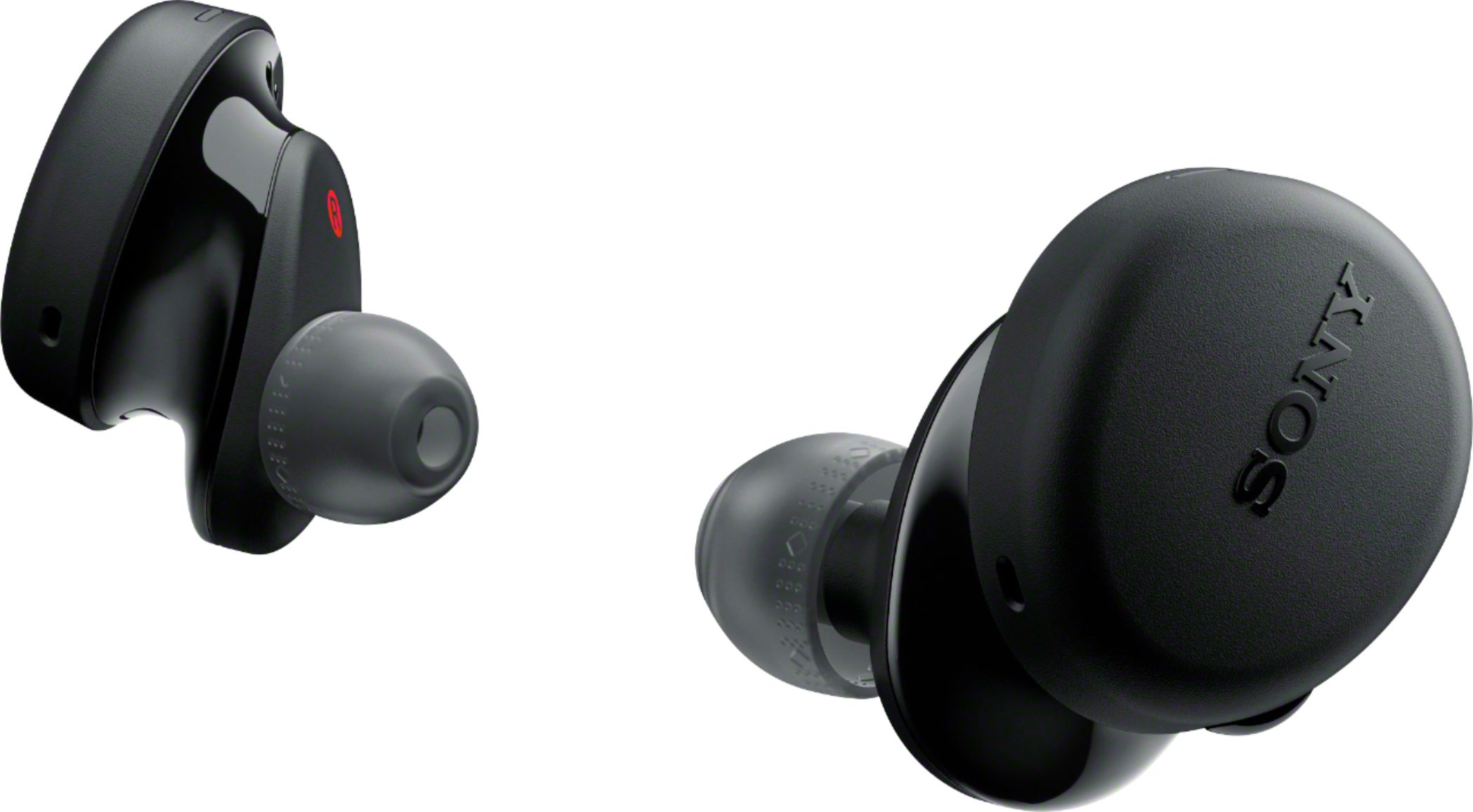
A:AnswerHi mickey, thanks for your inquiry. You can use the Siri feature that comes with iPhone, you can speak to the headset’s microphone to operate the iPhone. Please note that Siri cannot be activated when you say “Hey Siri” even when the iPhone’s “Hey Siri” setting is on. You may refer to the Help Guide below for more details on using this feature.
https://helpguide.sony.net/mdr/wfxb700/v1/en/contents/TP0002757660.html
Regards,
Erin

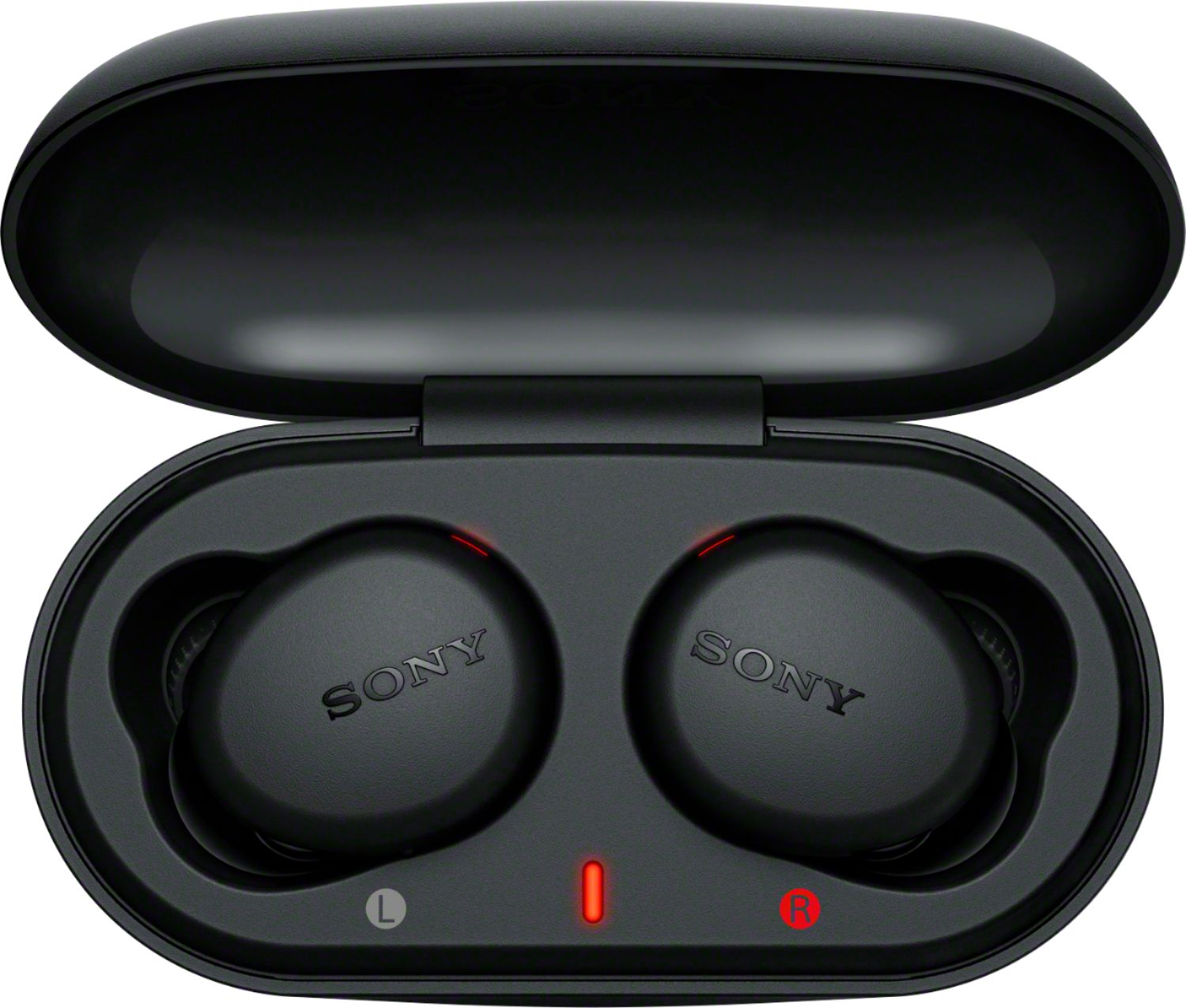
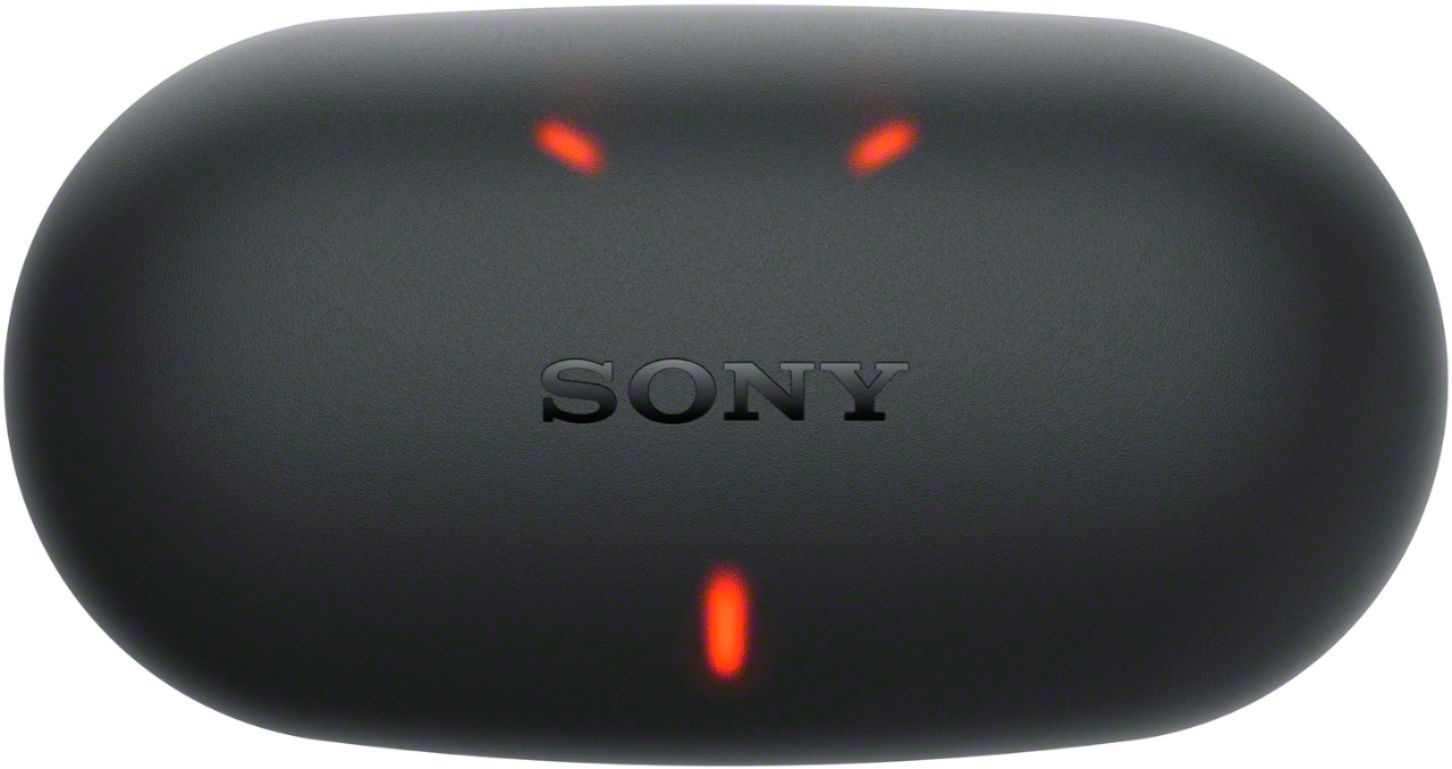
A:AnswerHi ConcernedConsumer, thanks for posting your concern. We're sorry to hear that one of the buds keeps blinking in red. When charging, The indicators (red) on the headset light up, and the headset starts charging. In this case, please ensure that the buds are set properly in the charging case. Close the lid of the charging case after setting the headset into the charging case. Reference: https://helpguide.sony.net/mdr/wfxb700/v1/en/contents/TP0002757645.html?search=charging
Should you need further assistance, please email us at [email protected] with the following details:
Name:
Best Buy Username:
Model Number:
Issue:
Telephone Number:
Sincerely,
Erin