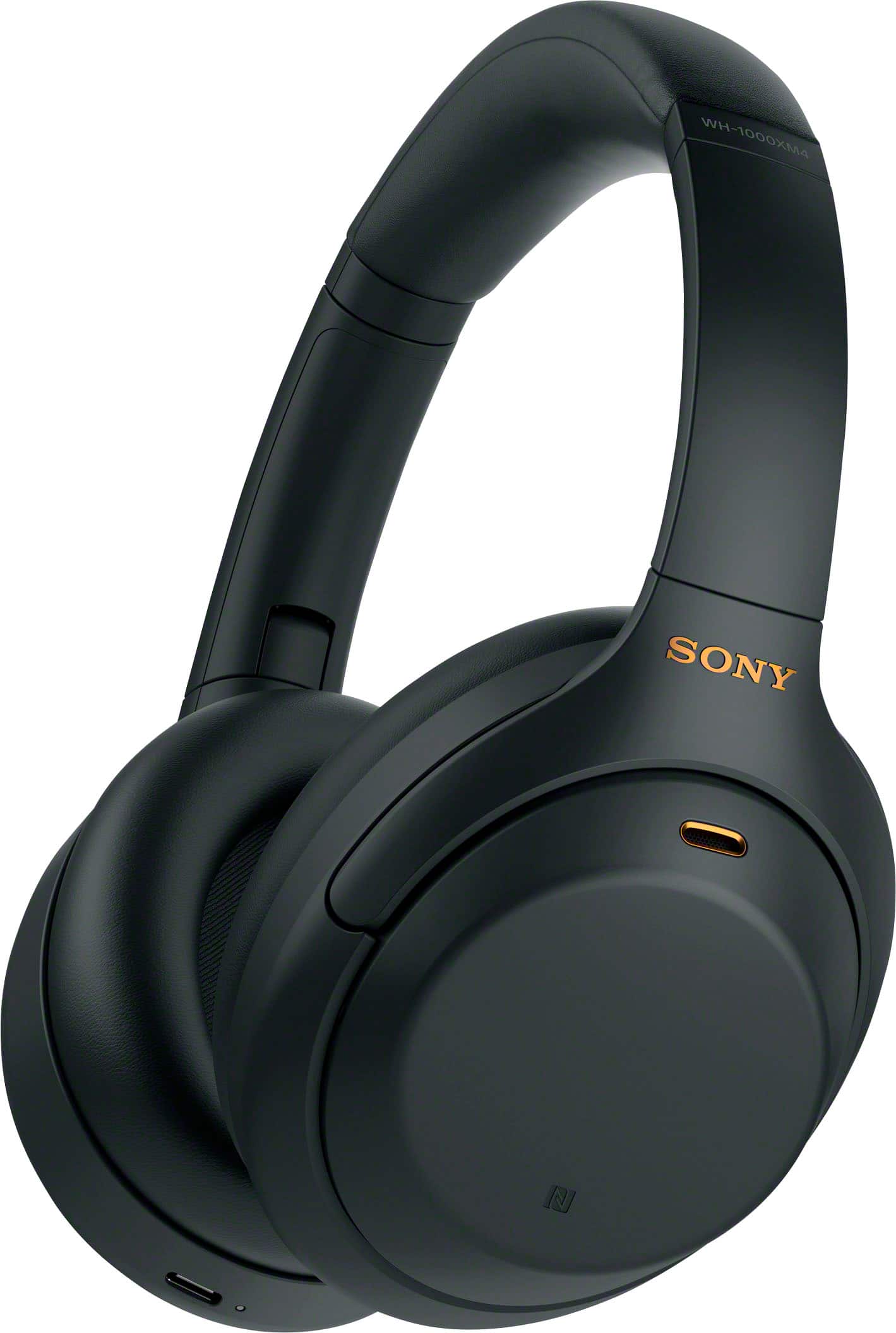
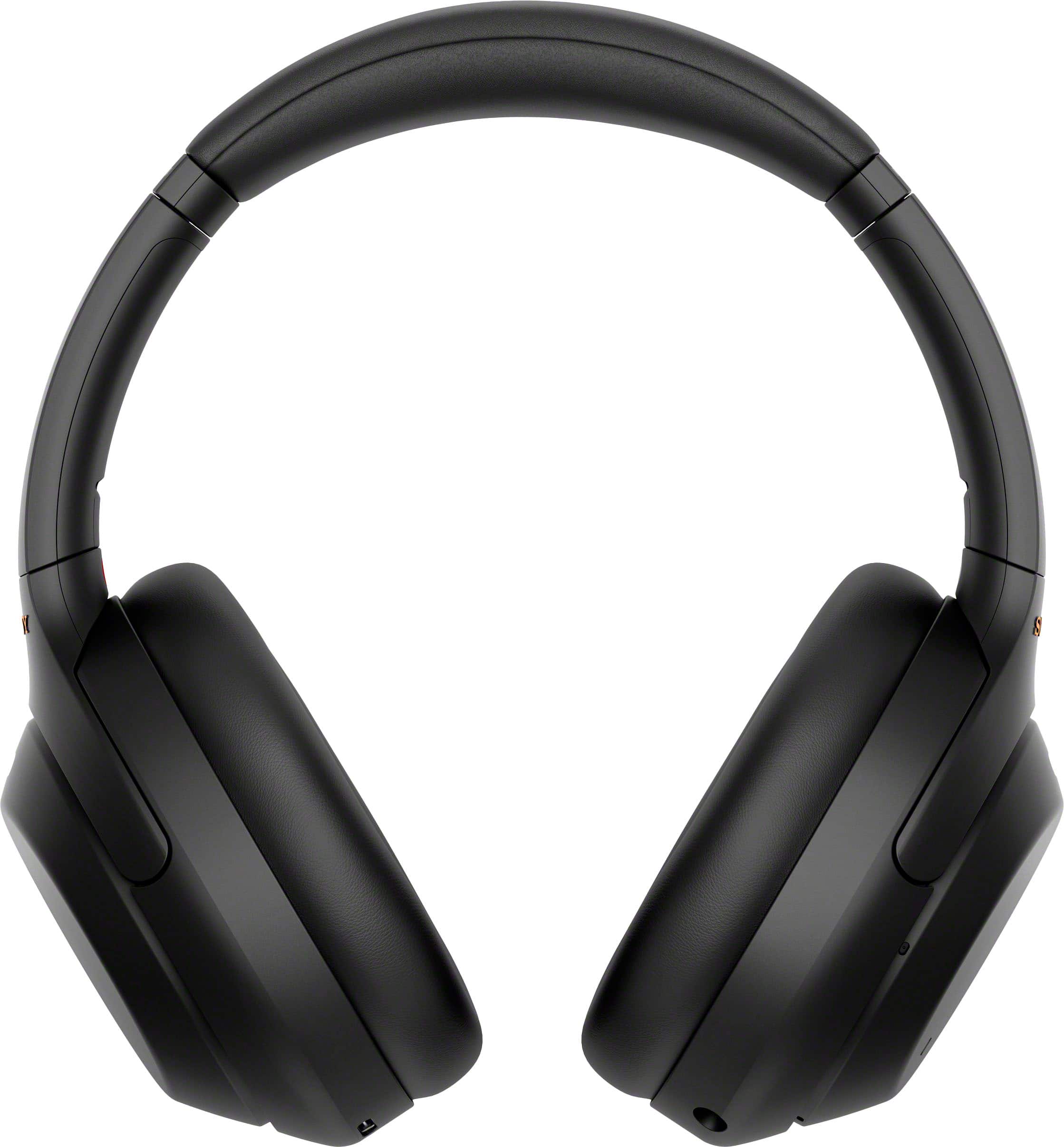
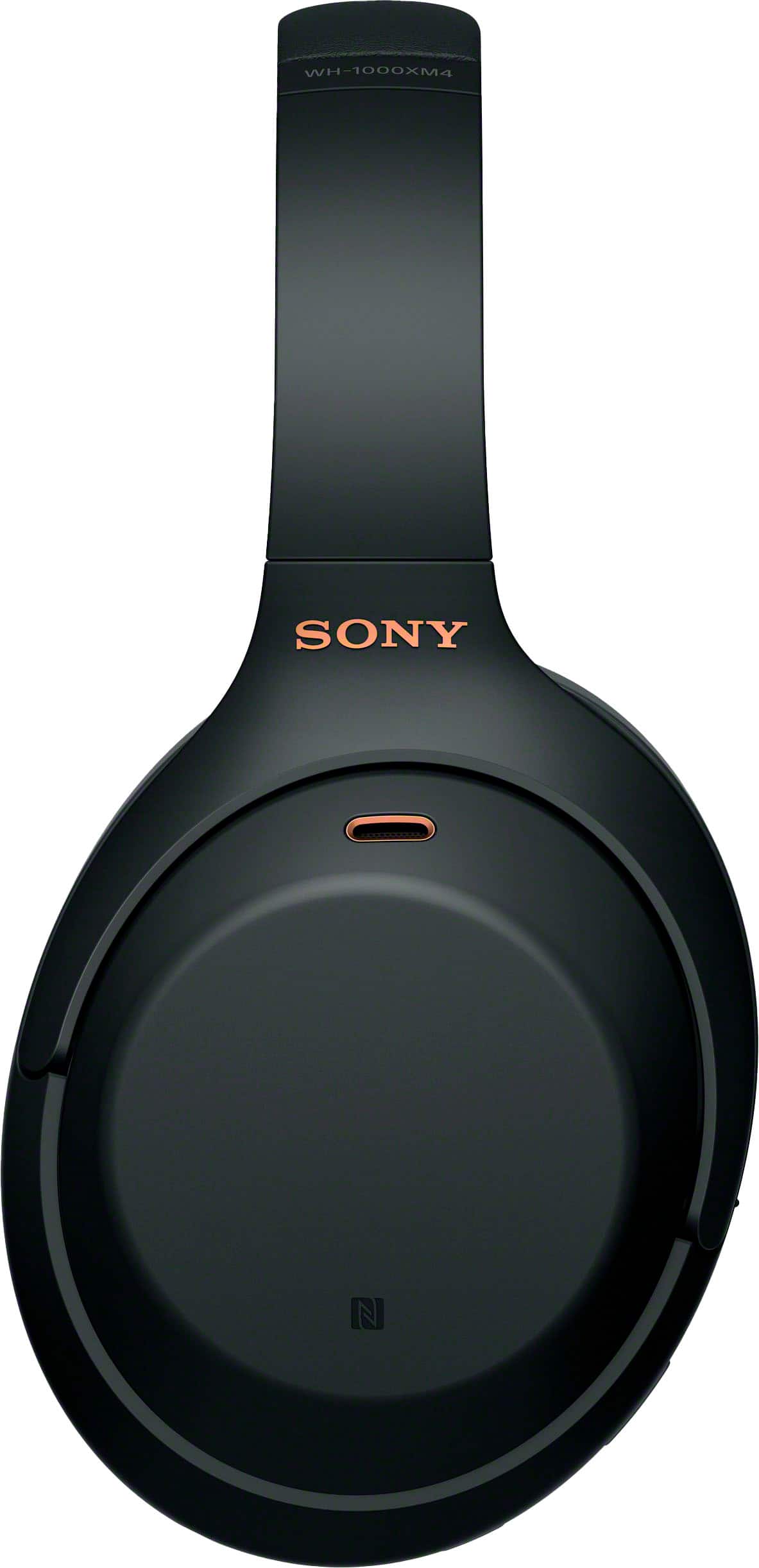
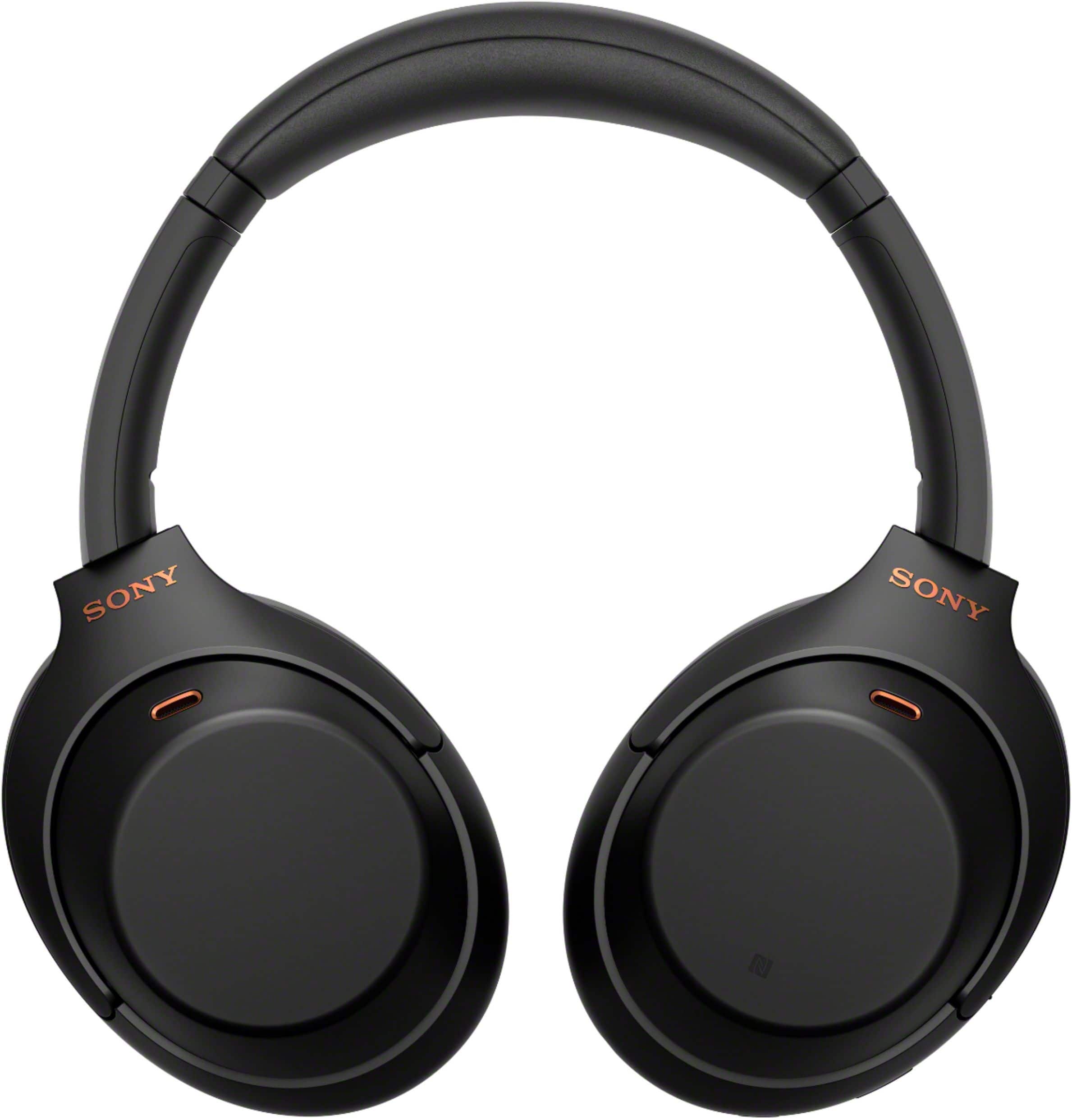
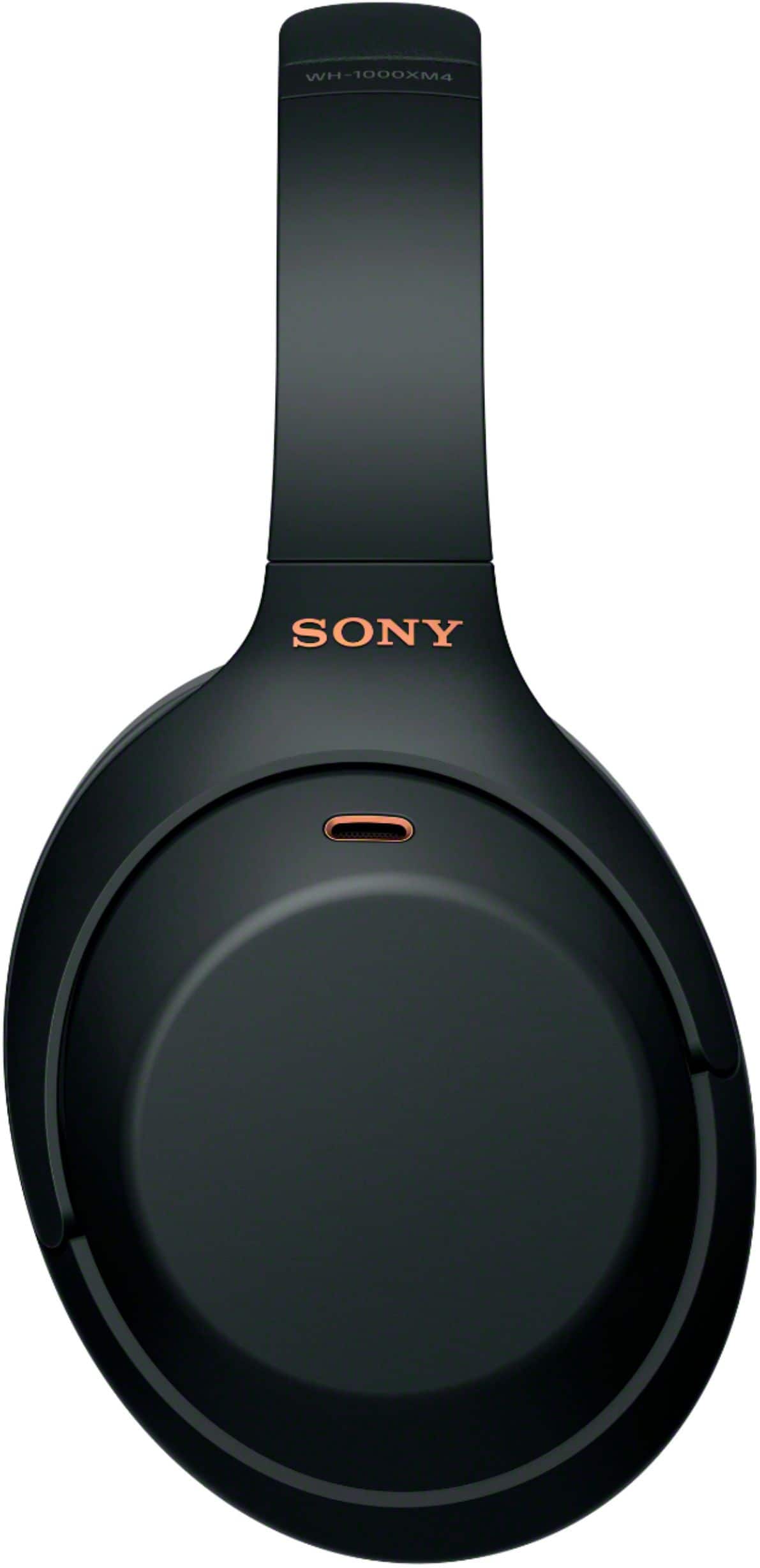
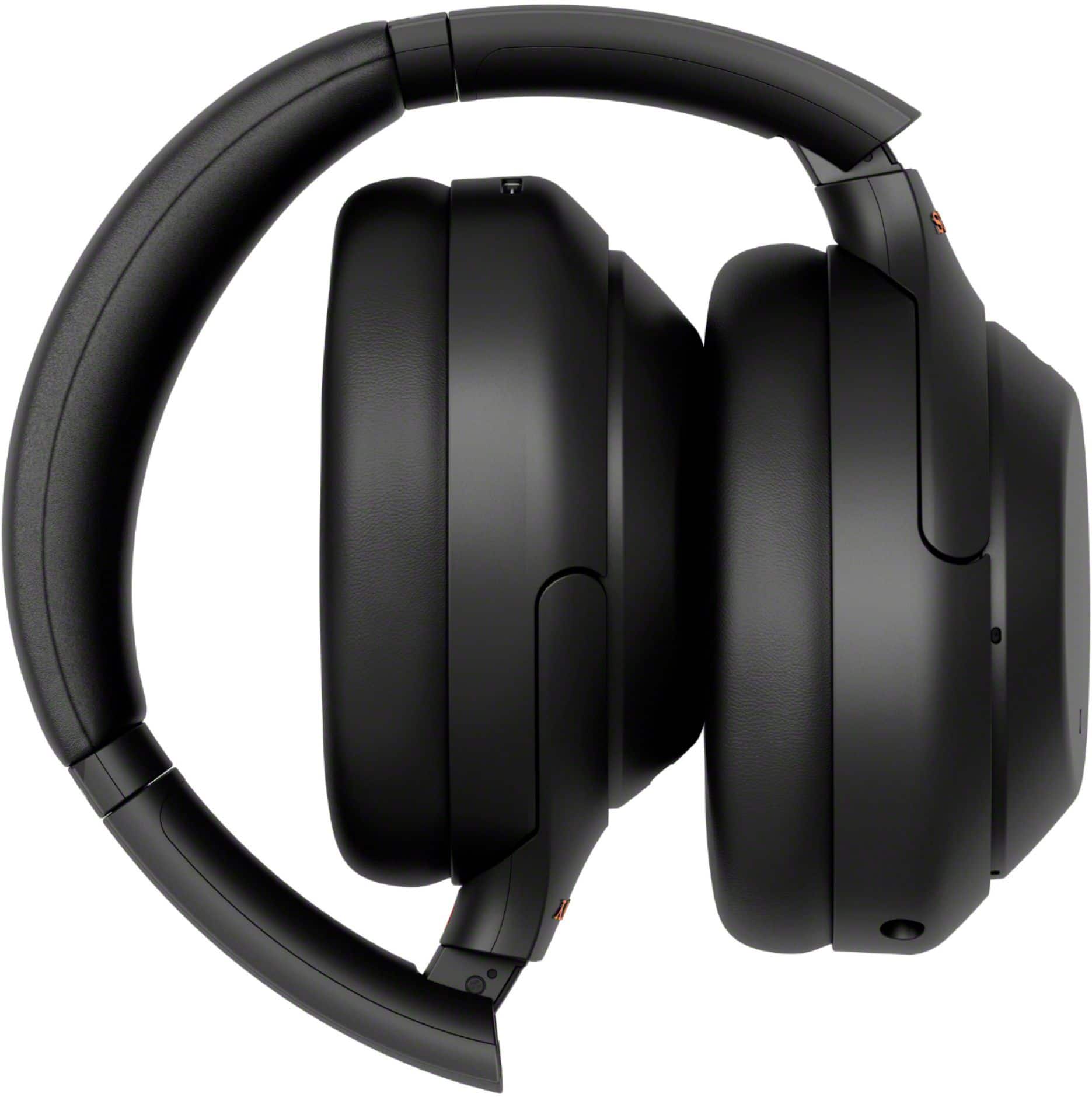
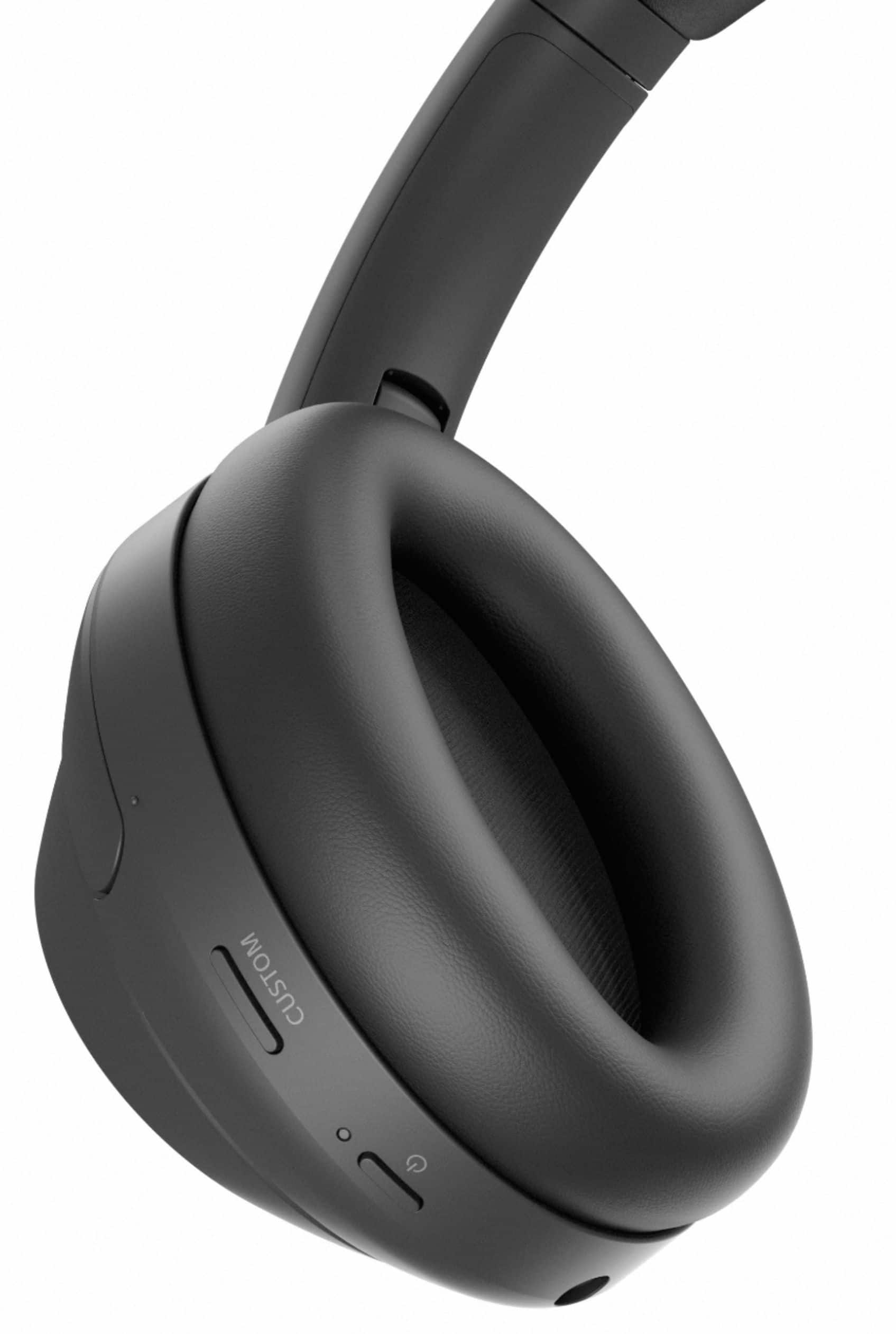
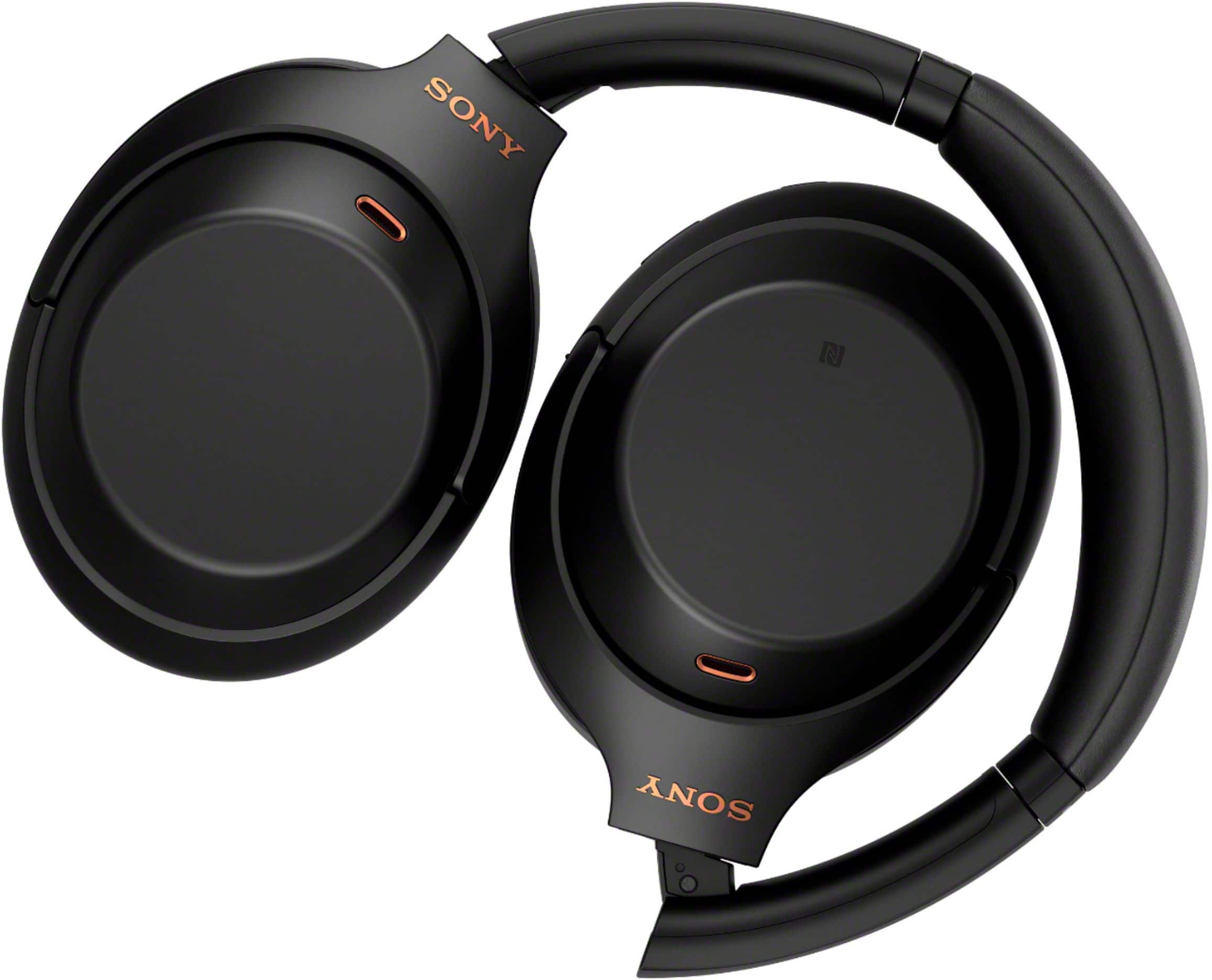
A:Answer Hi Imran, thanks for choosing and purchasing our product. We're sorry to hear that you have an issue with your SONY unit. Please isolate the issue by initializing the unit. Turn off the headset while the USB Type-C cable is disconnected and then press and hold the (power) button and the CUSTOM button simultaneously for 7 seconds or more. The indicator (blue) flashes 4 times, and the headset is initialized. This operation resets volume settings, etc. to the factory settings, and deletes all pairing information. In this case, delete the pairing information for the headset from the device and then pair them again.
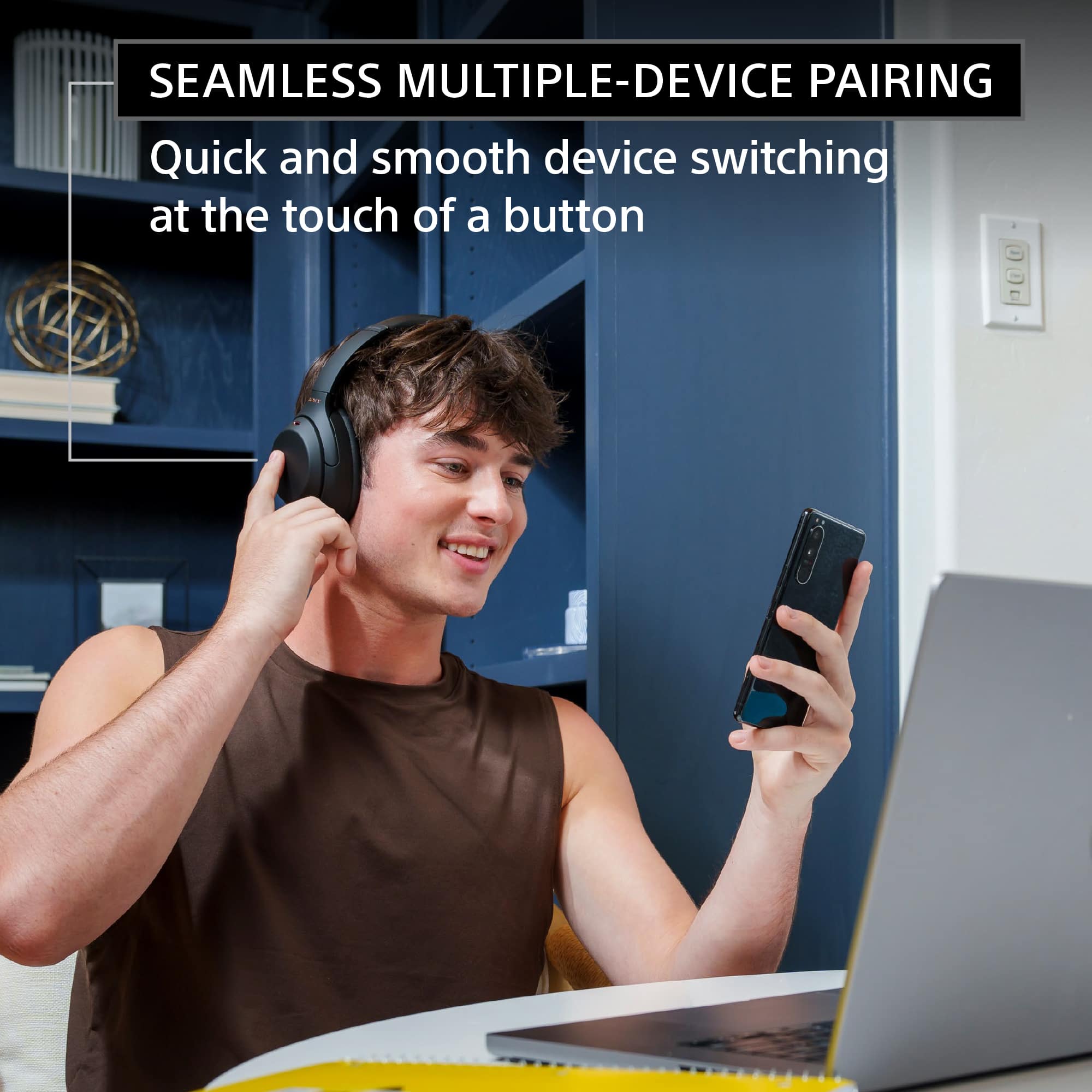
When making a Bluetooth connection, the Bluetooth device needs to be placed within 1 m (3 feet) of the headset. The headset needs to be charged sufficiently. To flawlessly connect the headphones to your device, please follow the Help Guide for this model located on our Support site.
Unfortunately, due to the current Best Buy phishing protocol for your protection, we cannot provide a direct email or phone number for customer support as of now. Please find Sony Electronics' Support information: Go to our support website > click on “Support” > scroll down click on “Contact Support” > click on "(select your product type)" and from there you'll see different ways to contact us.
Apologies if you disclosed some of this information in your review and to customer service, we just want to ensure that we have your accurate details at the time of communication.
Name:
BestBuy Username:
Model Number:
Question/concern:
Telephone Number:
~Earl