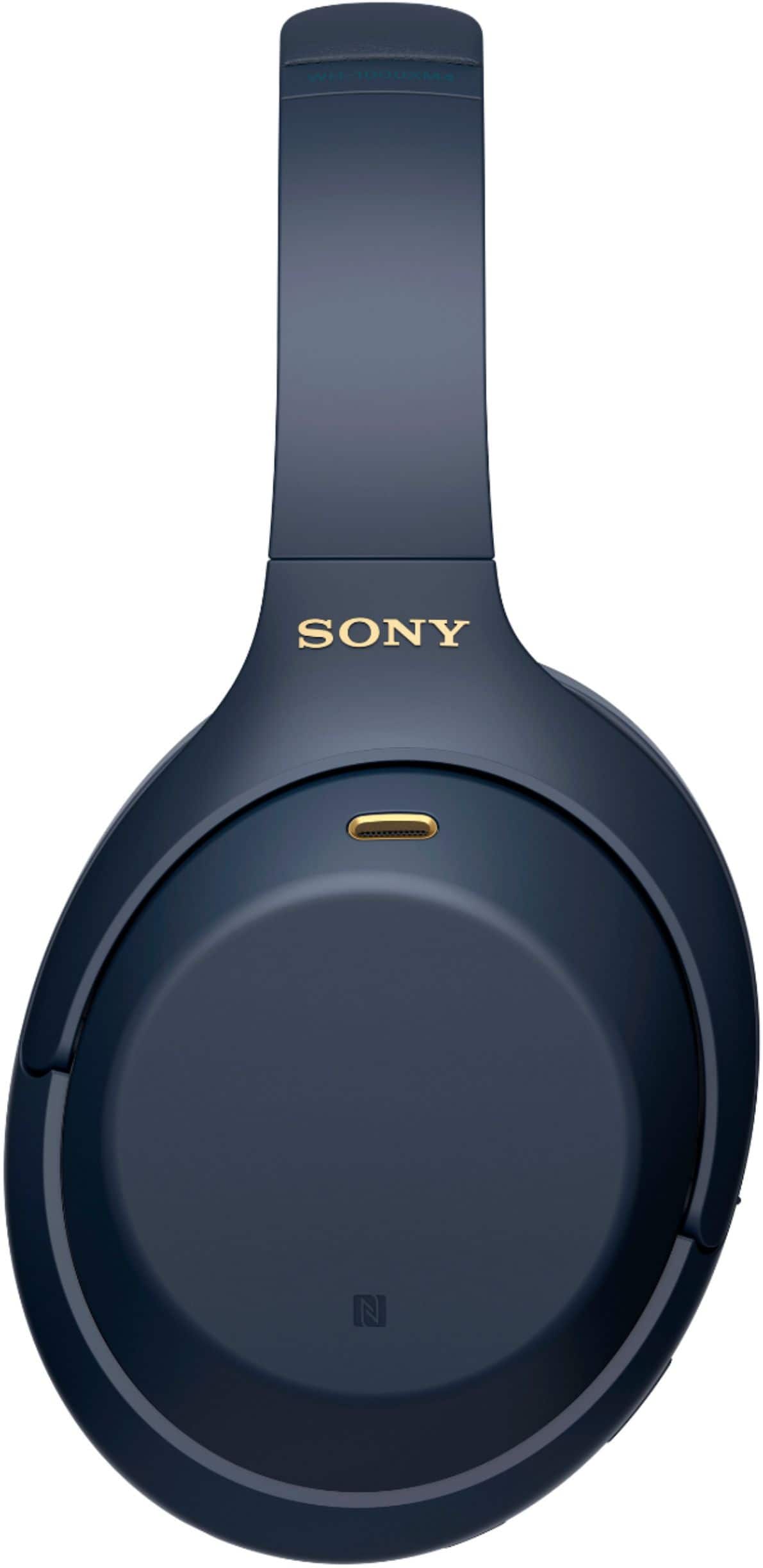
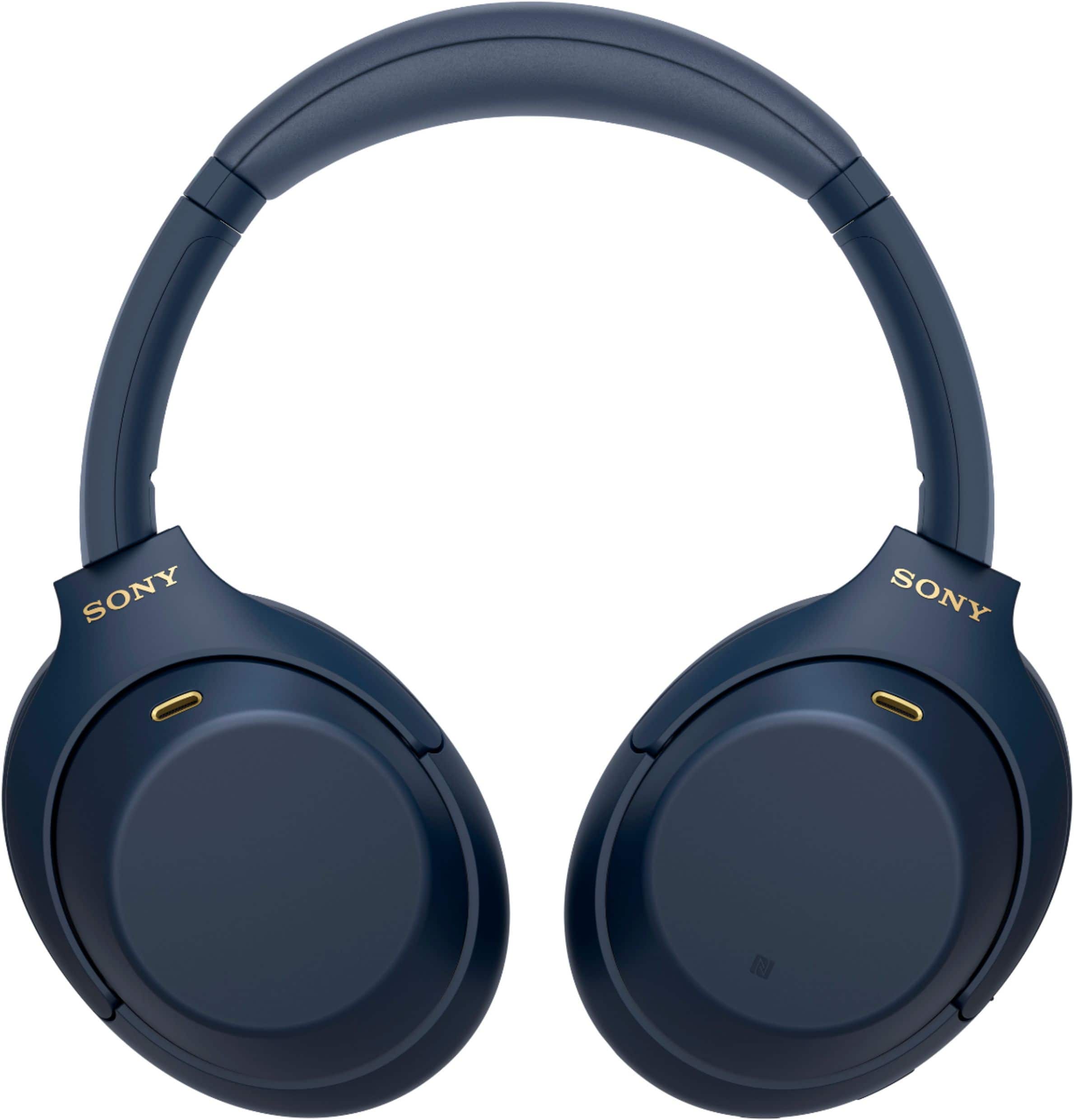
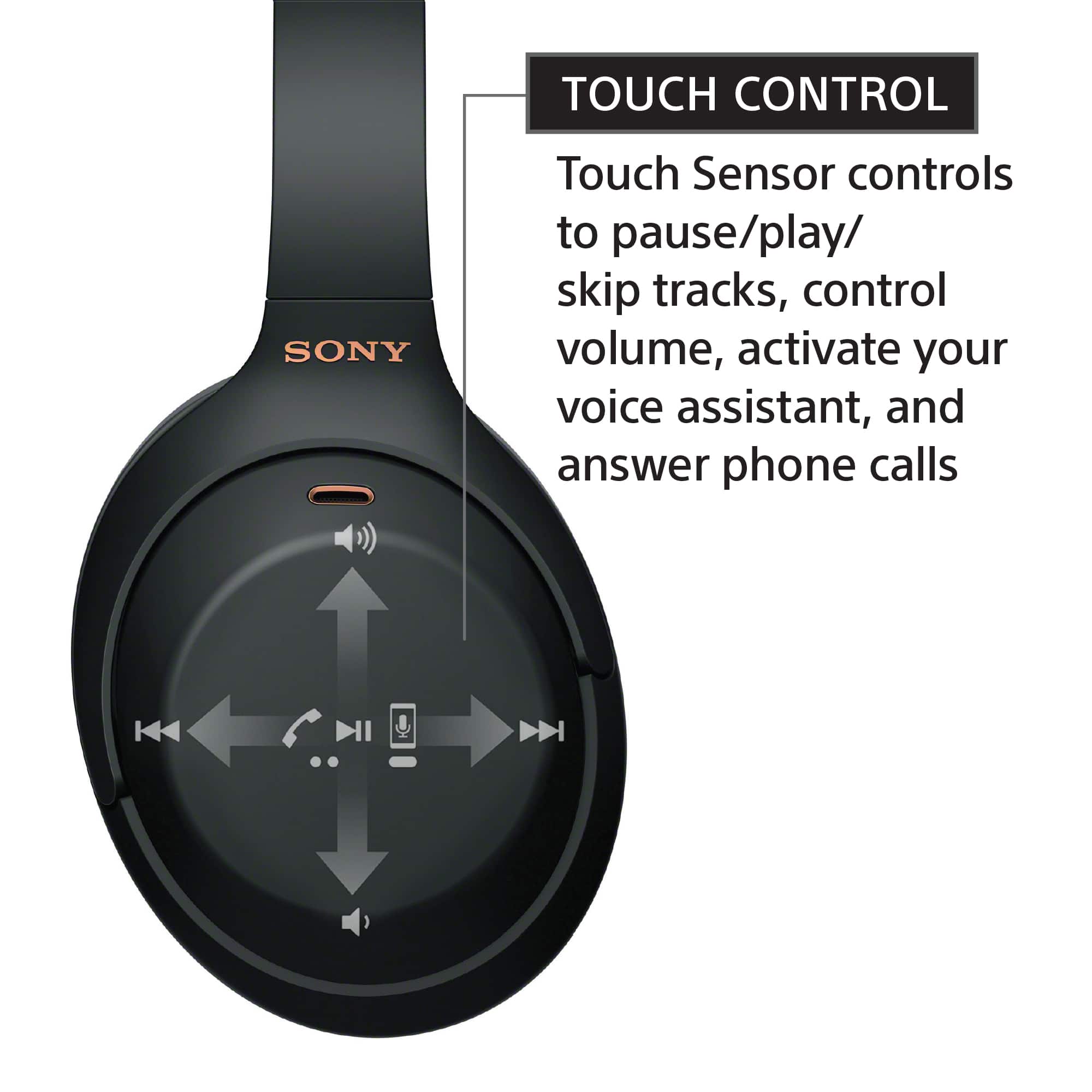
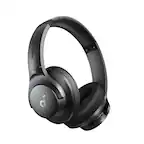
A:AnswerIn the right headphone it is a touch pannel. In the box are the instructions but I'm gonna explain you to understand. Touch the center of the pannel and move your hand making a movement of going up to turn up de volume. From the center to down for turn down the volume.
A:AnswerHello BBB,
Thank you for inquiring about our Sony WH1000XM4. It's manufactured in Malaysia.
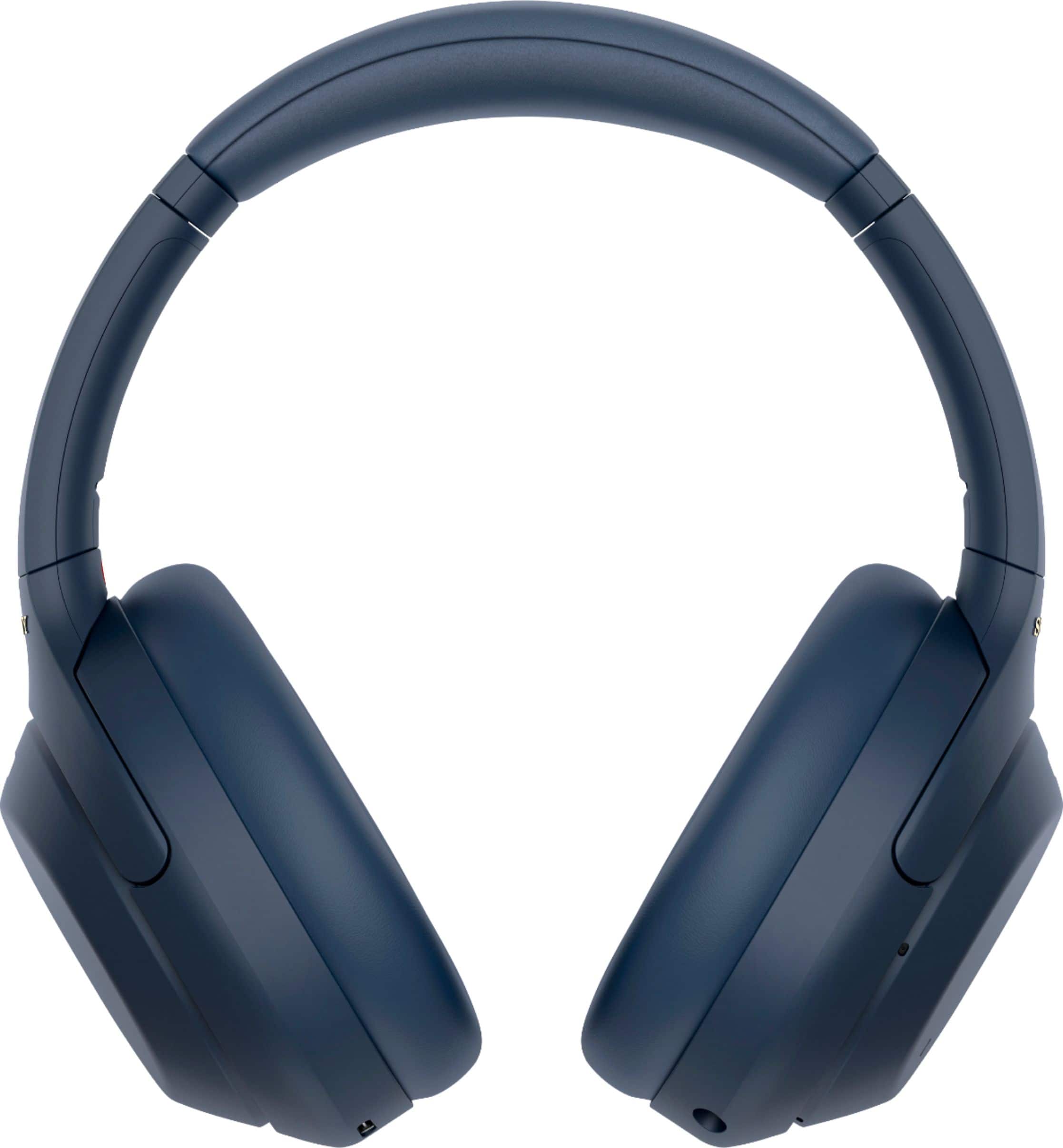
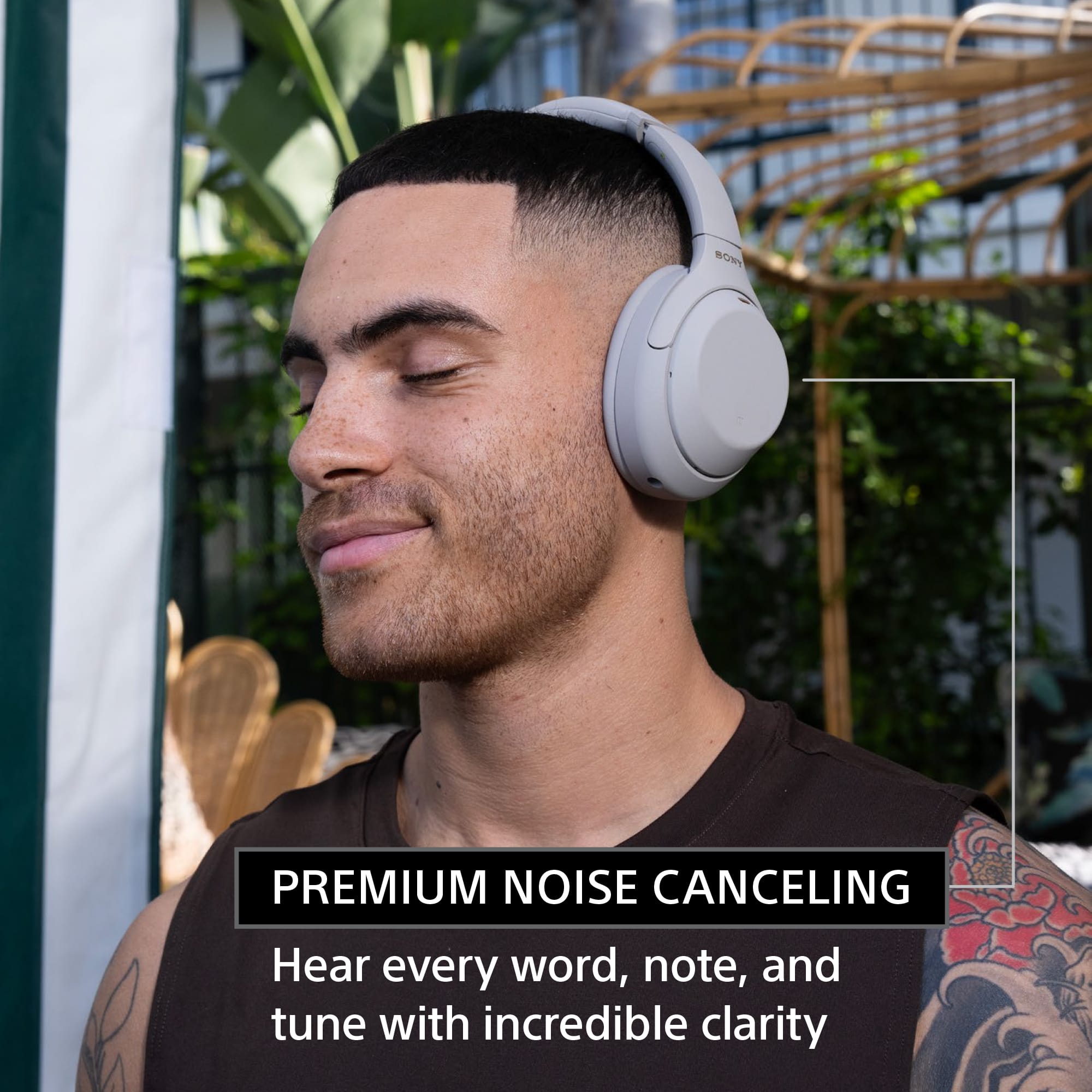
Intelligent and intuitive, the WH-1000XM4 headphones offer further improvements to our industry-leading noise cancelation, exceptional sound quality, and smart listening that adjusts to your behavior and your location. Using the Sony Headphones Connect app, Ambient Sound Control lets you adjust the volume of background sound and gives you the option to allow voices alone to be heard. Meanwhile, the Equalizer lets you customize sound levels to suit your music.
I hope this helps and thank you for having interest with Sony!
Regards,
Marco
A:AnswerI’d use the app to make sure they’re not on auto shutoff, they’ll shutoff within 30 minutes of inactivity. If that’s not the case, try resetting and reconnecting the devices again.
A:AnswerHi Teds, thanks for your question. Yes, these headphones are designed to be comfortable even when you sleep. With its lighter-weight design, you'll barely notice you're wearing them. However, if you are a side sleeper it may not be comfortable to use. Also, please take note that if you use the headset at a place where it is restricted to use Bluetooth devices such as on an airplane, you can use the headset as noise canceling headphones while the headset is connected to a device via the supplied headphone cable and the headset is turned on. You can check our Support site for more details. Hope this helps.
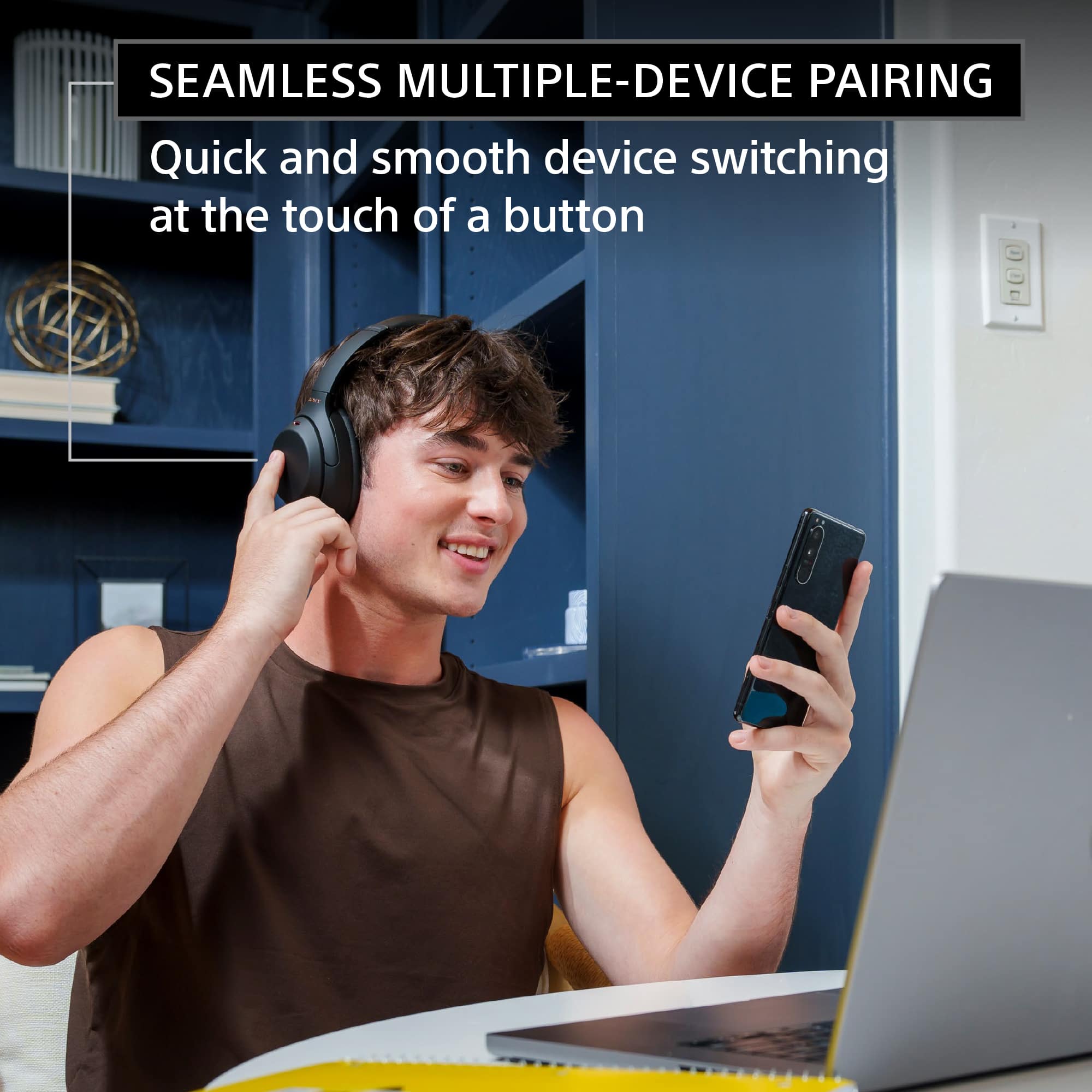
The WH1000XM4 is a new design, with intelligent and intuitive Ambient Sound Control features that include improvements to Multipoint connection and our industry-leading Noise Cancelation, exceptional sound quality, and Smart Listening that adjusts to your behavior and location. If you haven't already, please check our Sony Headphones Connect app which will let you fine-tune your music to your liking! ~Earl
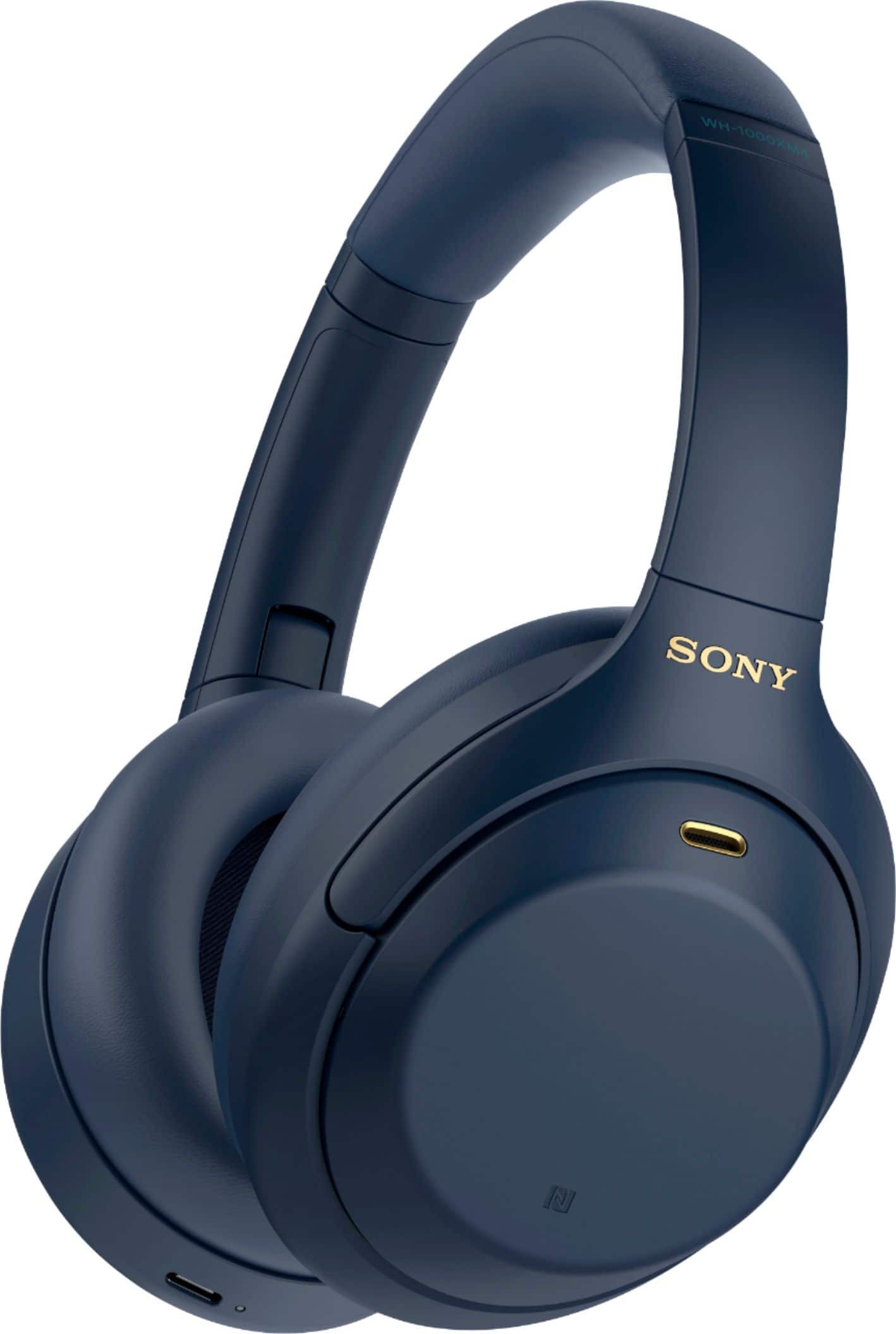
A:AnswerI think it’s because of more of a supply and demand type of situation you’d see more people choose the more basic colors like black than the blue so I believe they have more in stock than the blue ones which make it more rare and more sought after which make it more expensive when it comes to price downs
A:AnswerWhen you take the headphones off make sure you power it down beforehand. while removing the headphones will automatically pause the music they do not power off on their own.
A:AnswerHey! This happened to me and the headphones would only hold 10%. Hold down the power button for at least 30 seconds. That should reset them and they should work again.
A:AnswerHi wbsherlock, we appreciate your interest in our industry-leading noise canceling headphones! The WH1000XM4 works great with smartphones that runs Android OS like your Google Pixel 6 phone.
Intelligent and intuitive, the WH-1000XM4 headphones offer further improvements to our industry-leading noise cancelation, exceptional sound quality, and smart listening that adjusts to your behavior and your location. Using the Sony Headphones Connect app, Ambient Sound Control lets you adjust the volume of background sound and gives you the option to allow voices alone to be heard. Meanwhile, the Equalizer lets you customize sound levels to suit your music. We are looking forward for your purchase. Hope this helps! ~Earl

A:AnswerHi RobertS,
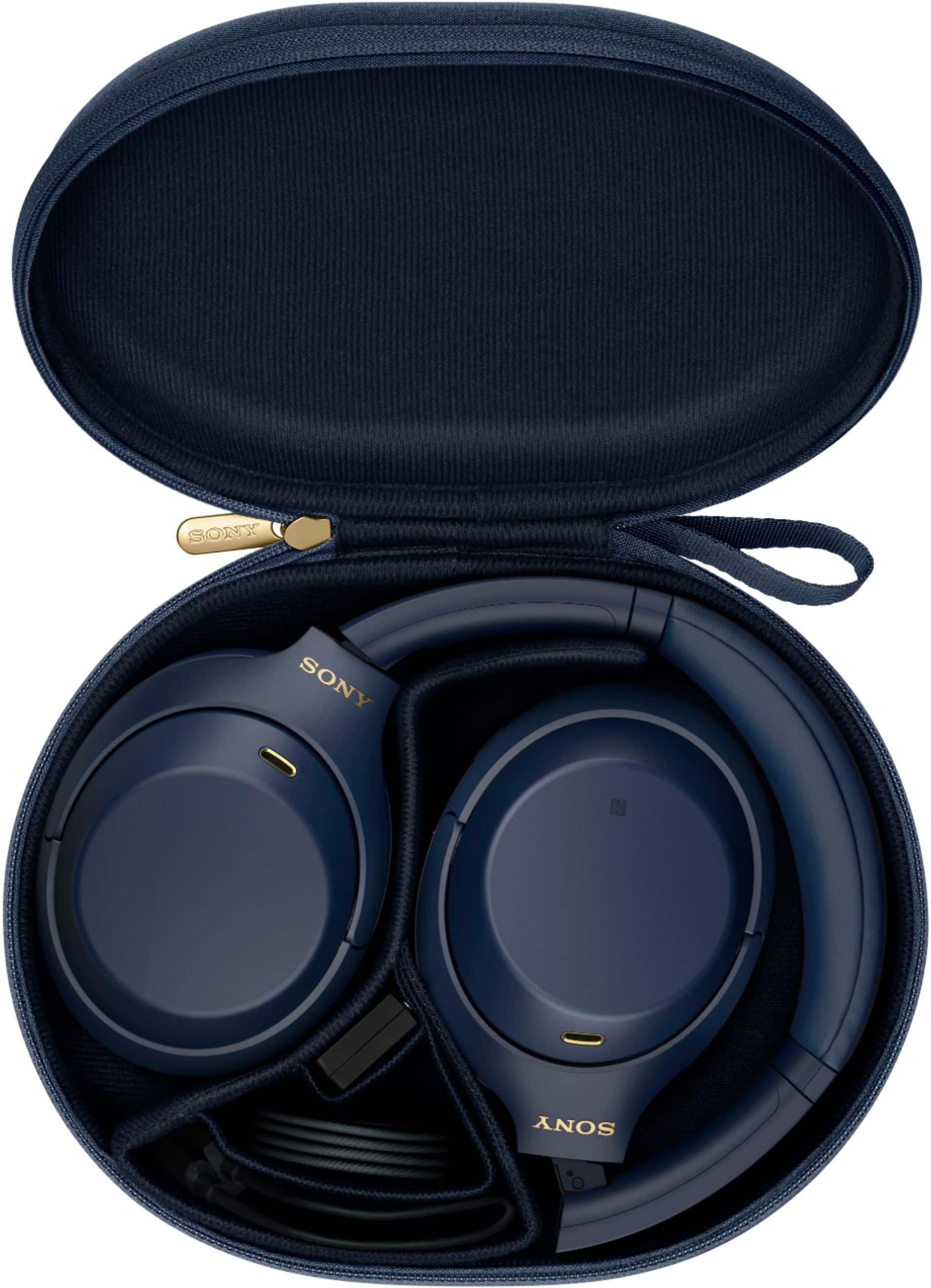
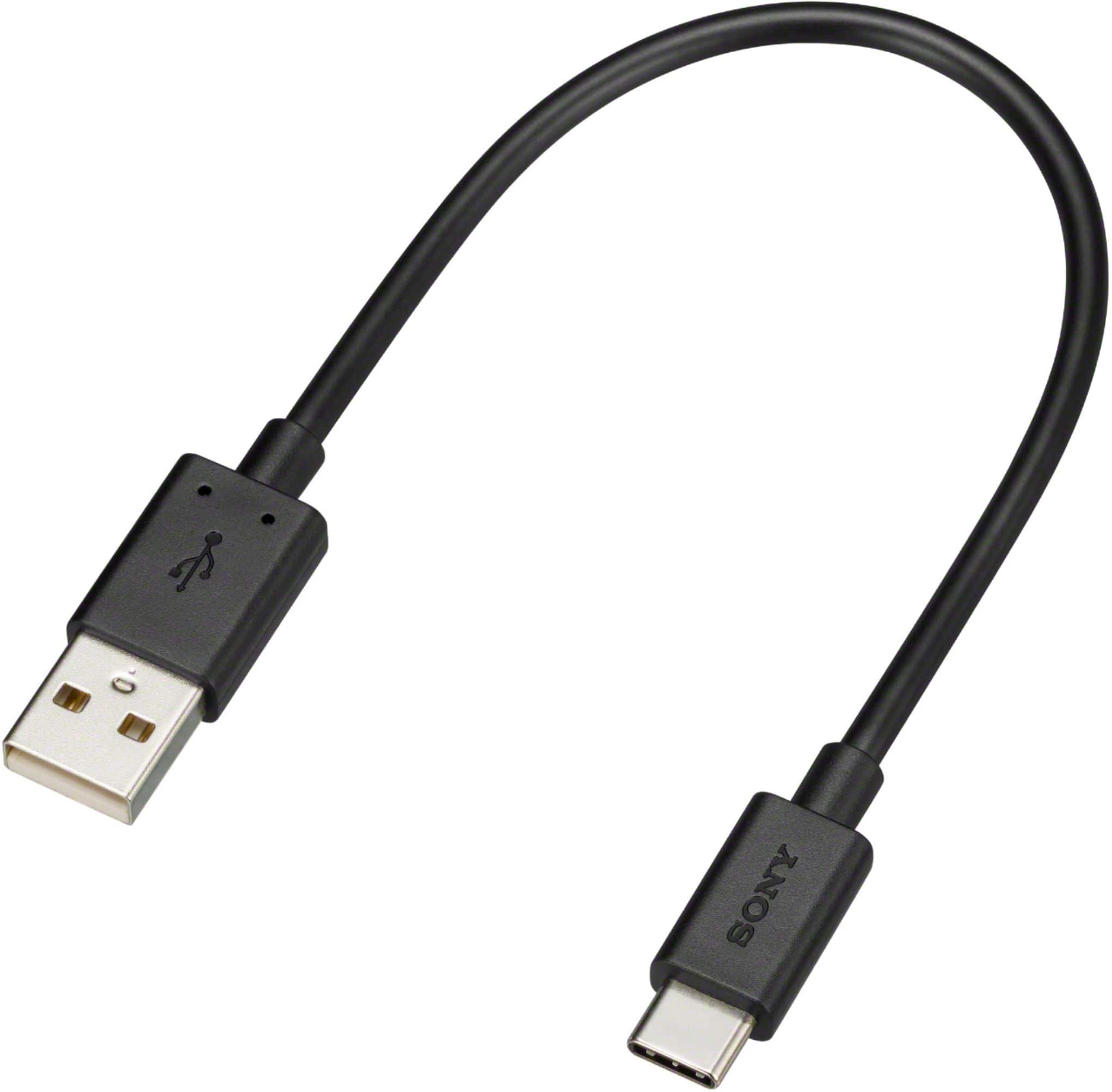
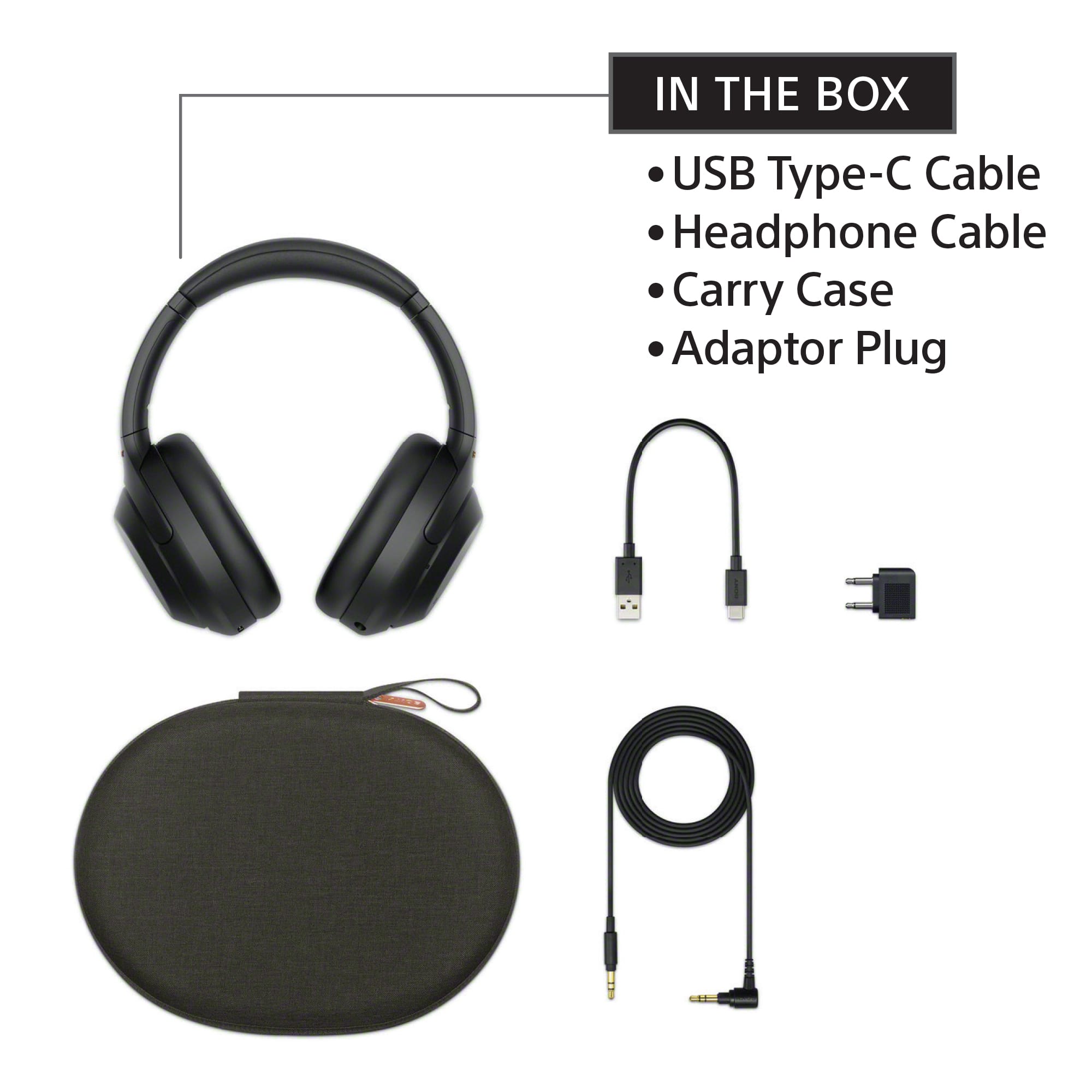
Thank you for the inquiry! You can primarily use the headphones via Bluetooth for noise canceling for your device. But If you use the headset at a place where it is restricted to use Bluetooth devices such as on an airplane, you can use the headset as noise canceling headphones while the headset is connected to a device via the supplied headphone cable and the headset is turned on. Connect a playback device to the headphone cable input jack with the supplied headphone cable.
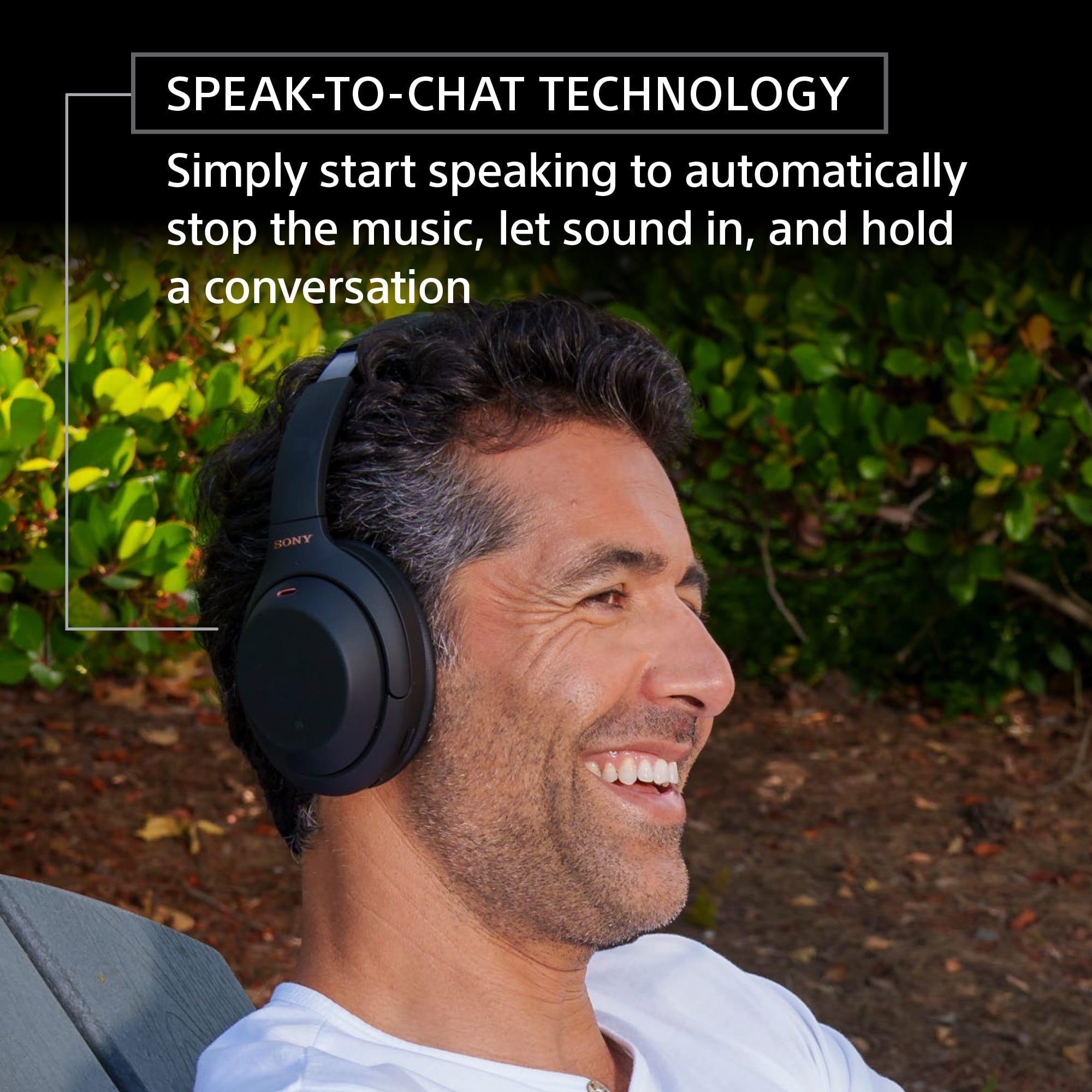
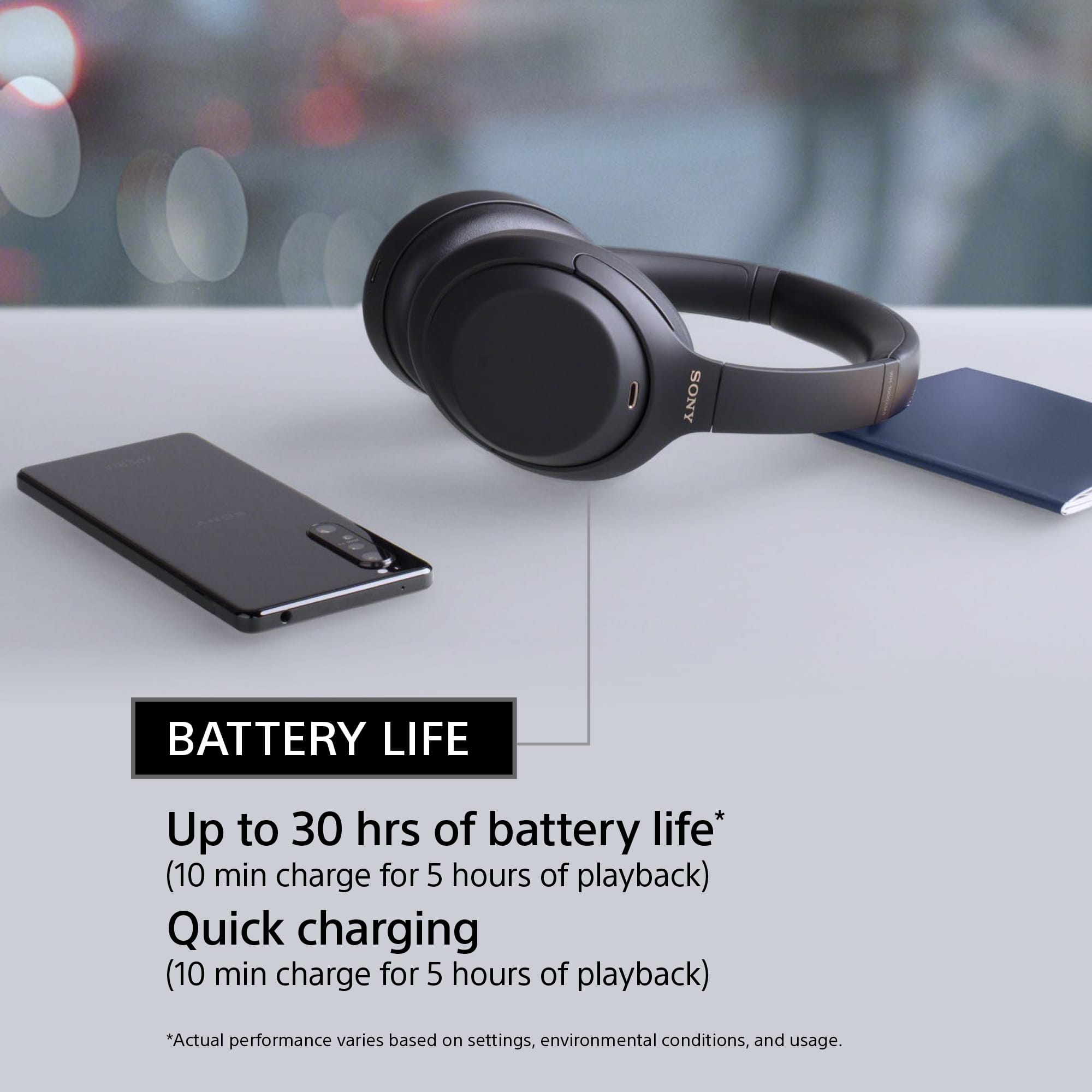
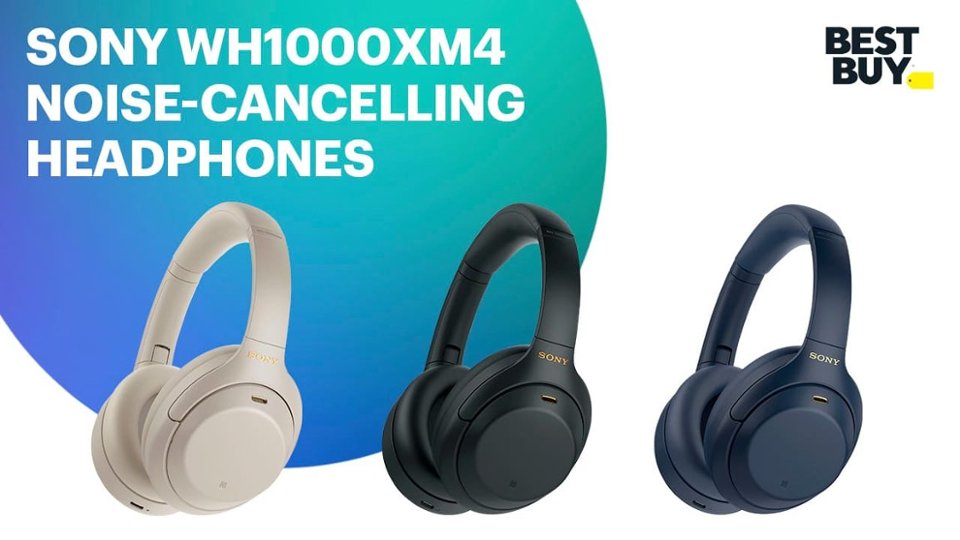
Sony’s intelligent industry-leading noise canceling headphones with premium sound elevate your listening experience with the ability to personalize and control everything you hear. Get up to 30 hours of battery life with quick charging capabilities, enjoy an enhanced Smart Listening feature set, and carry conversations hands-free with speak-to-chat.
Regards,
David