A:Answer Hello there,
Thank you for considering Sony products!
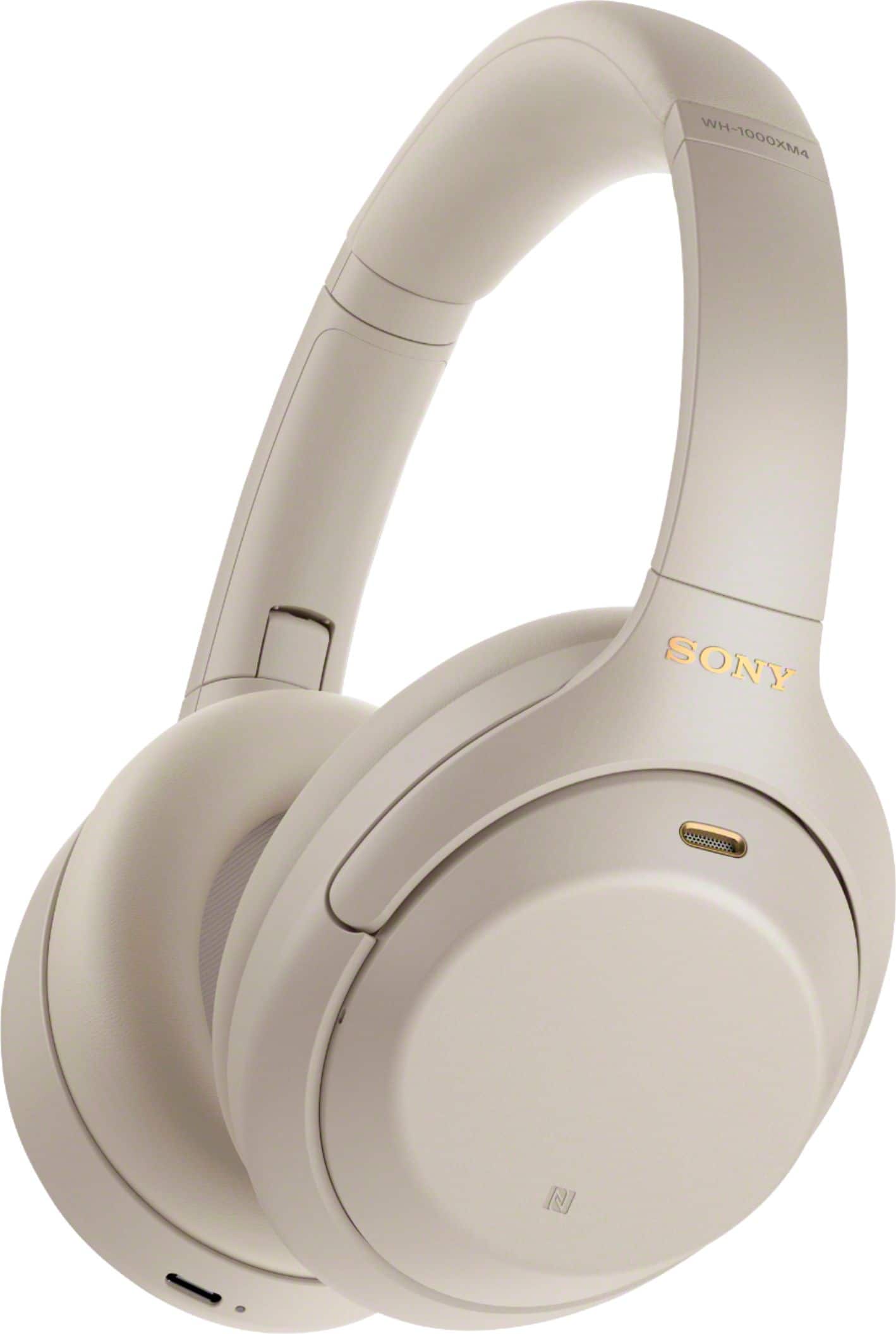
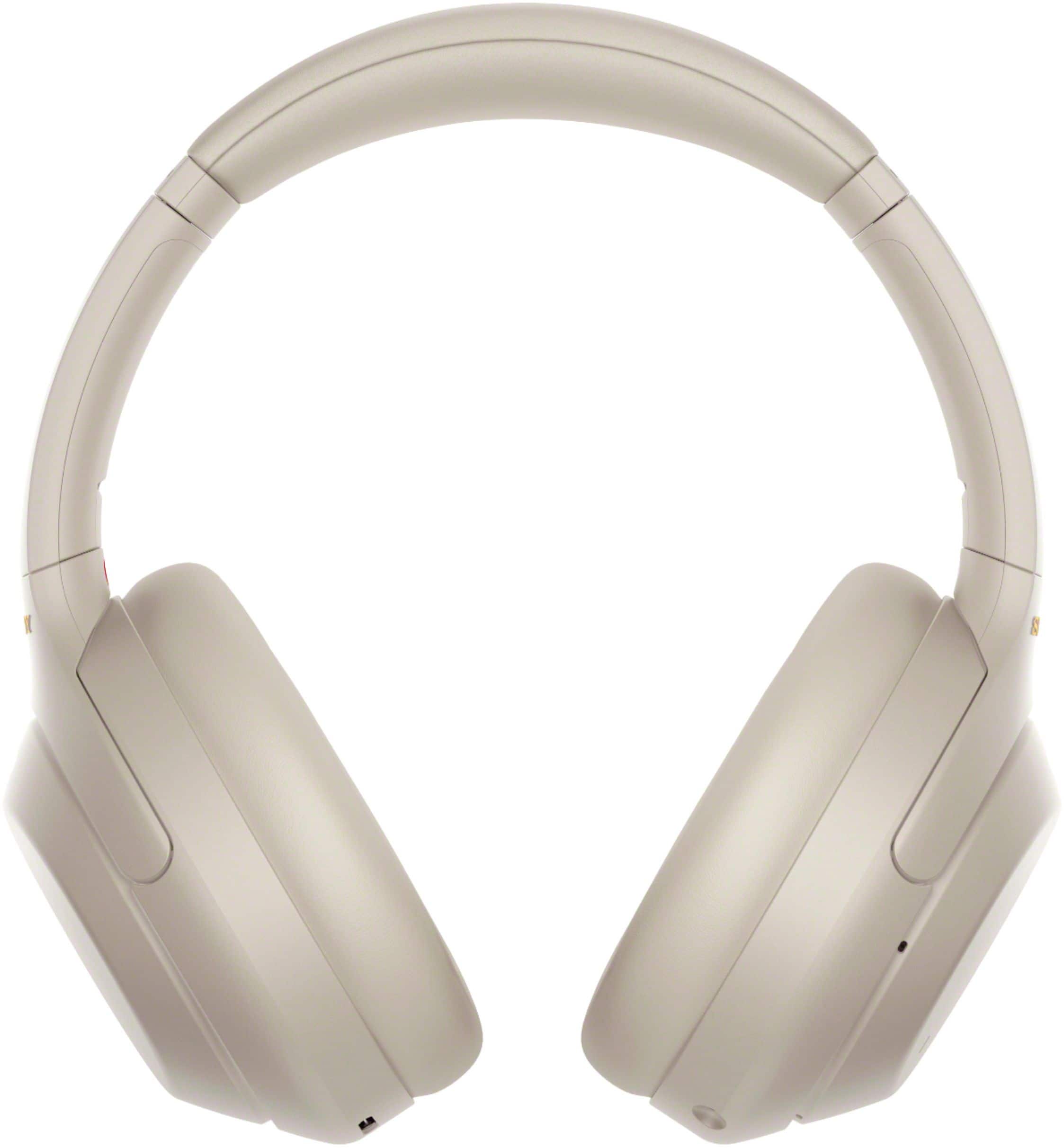
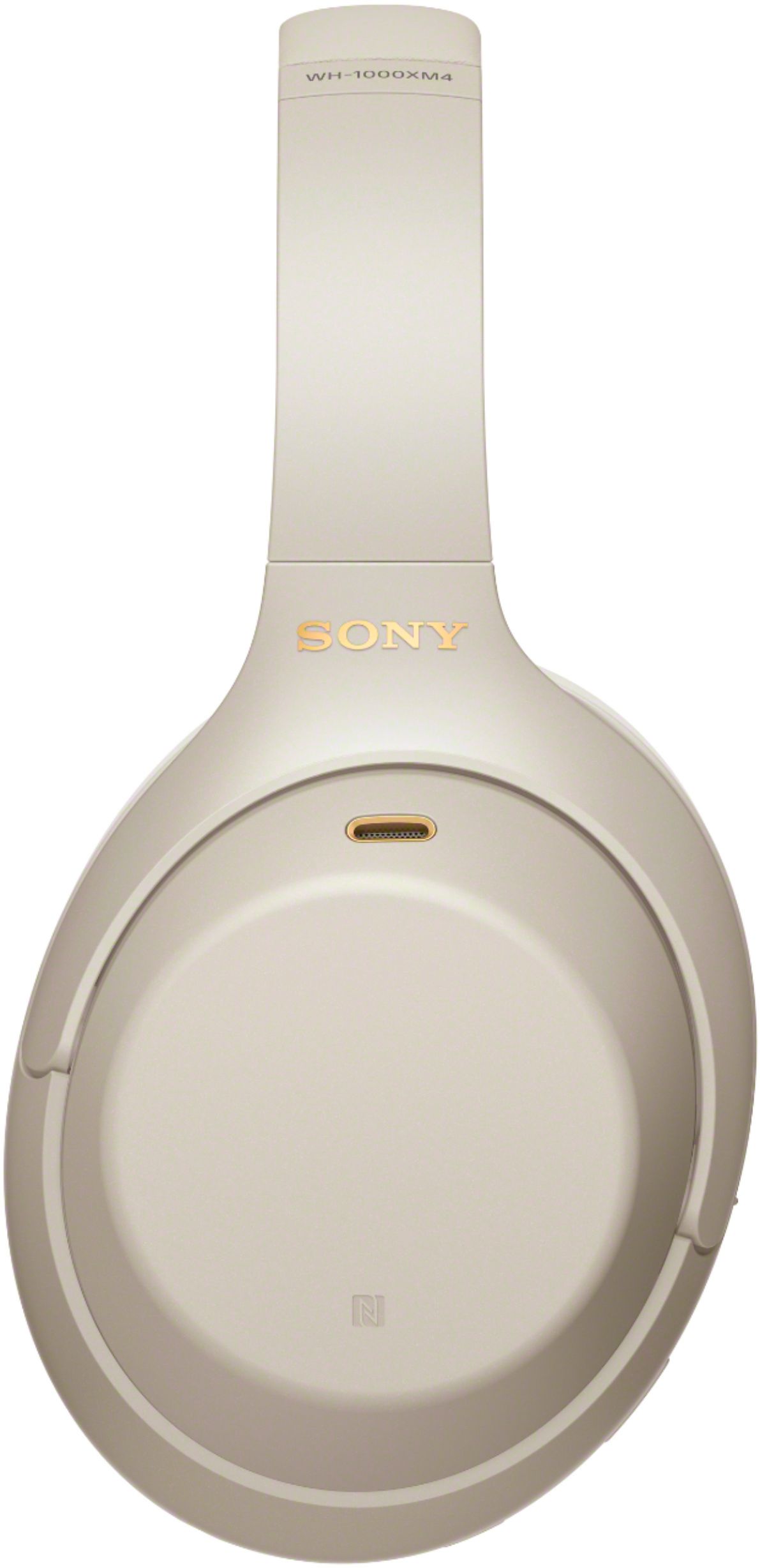
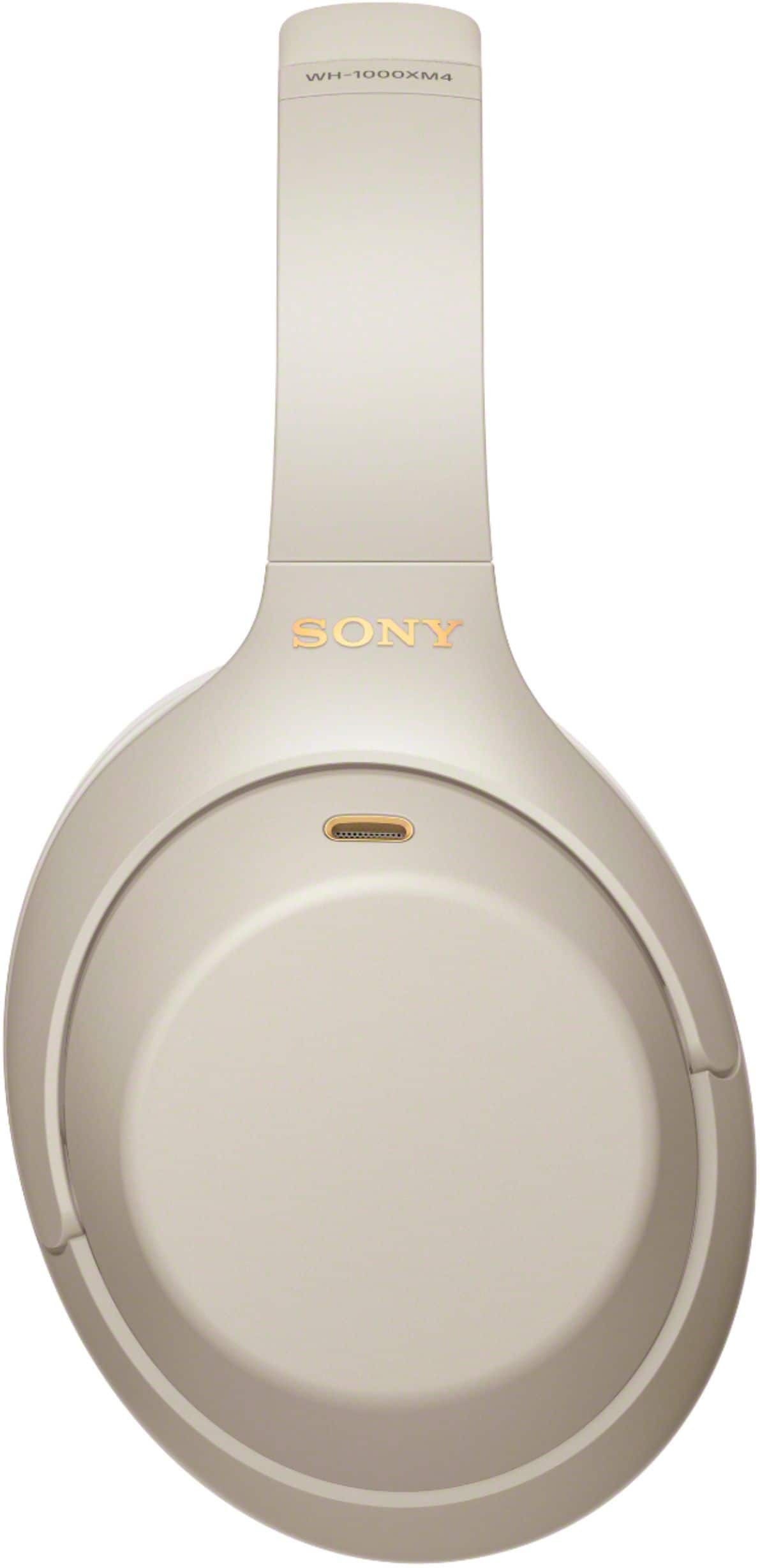
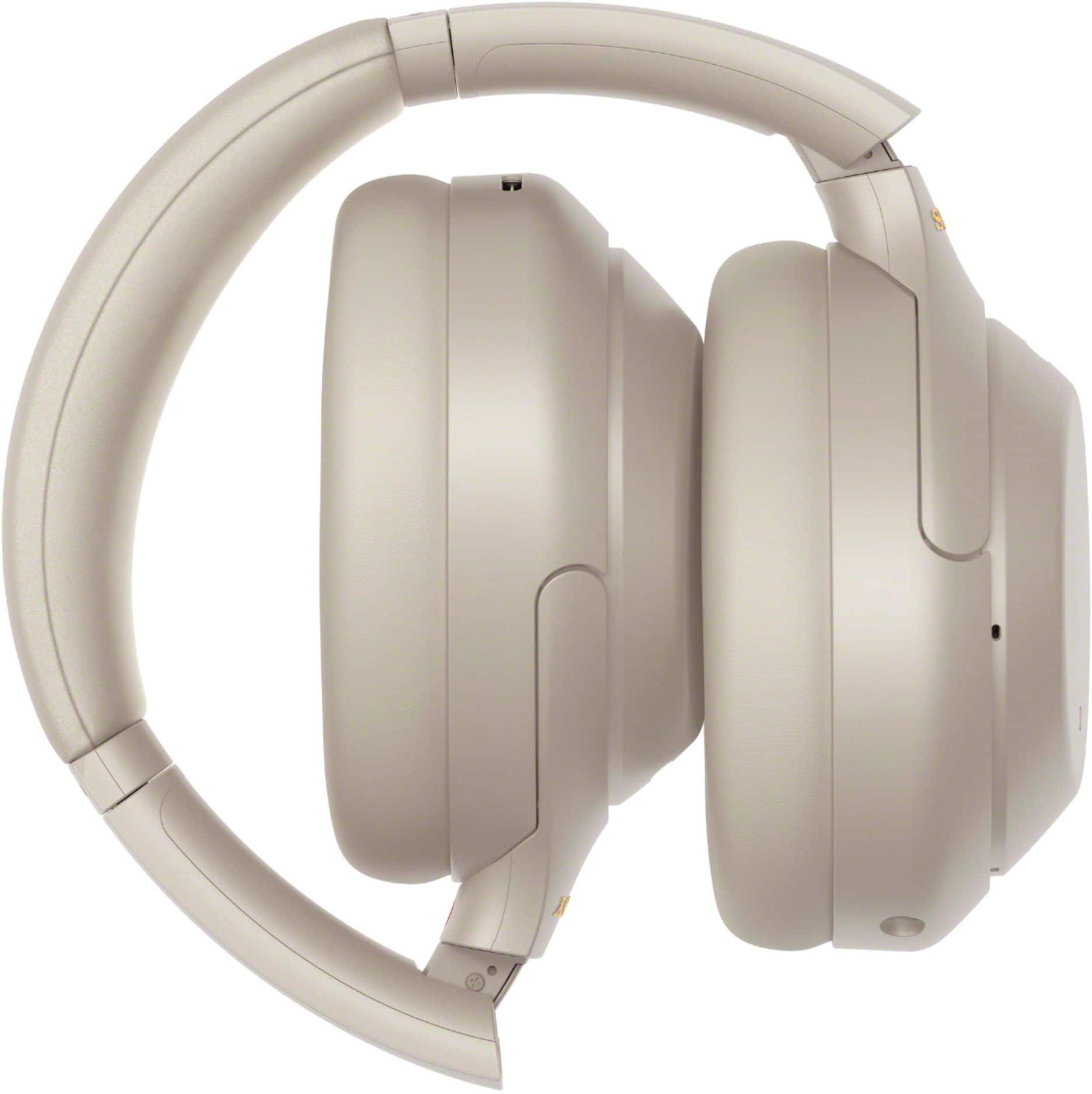
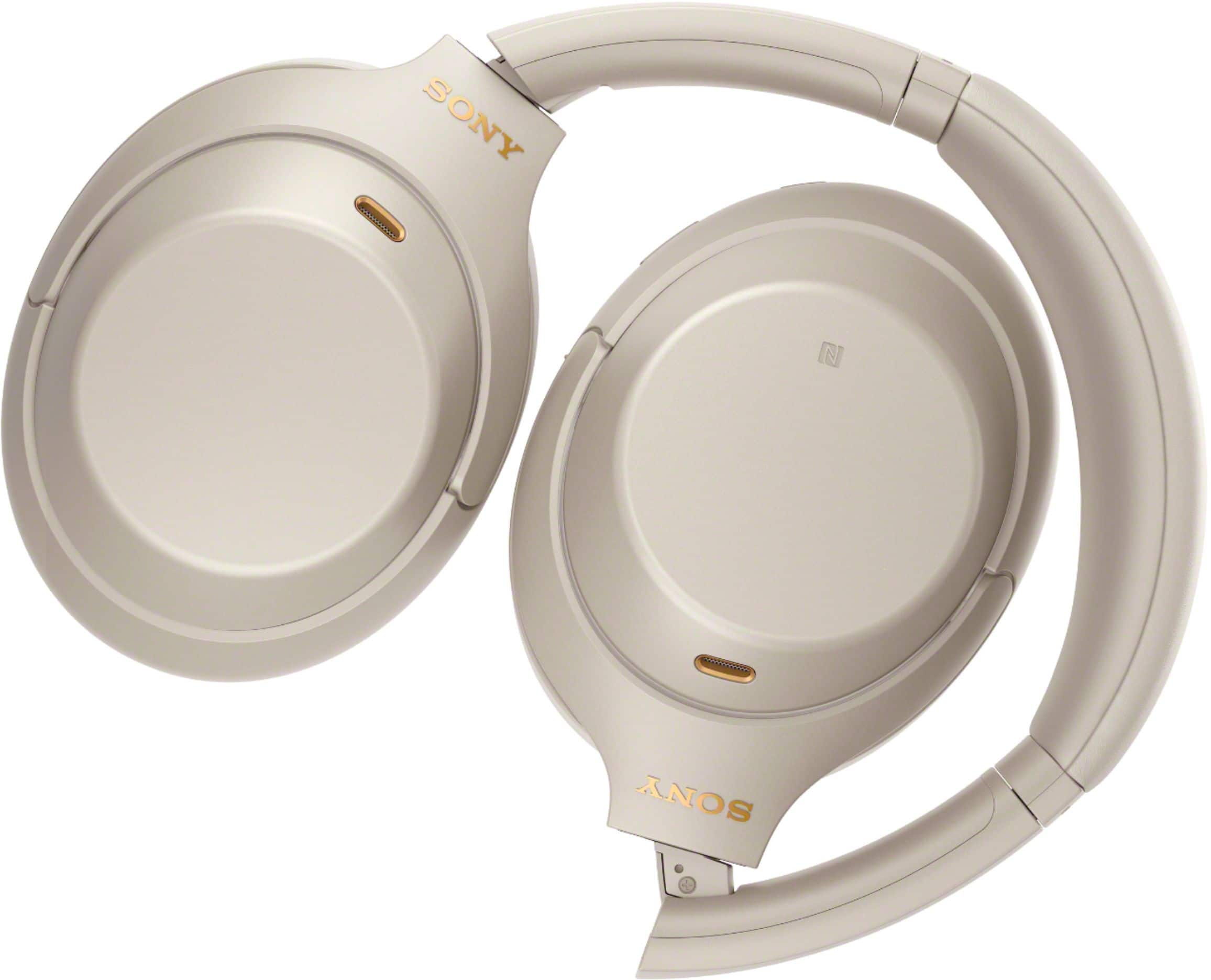
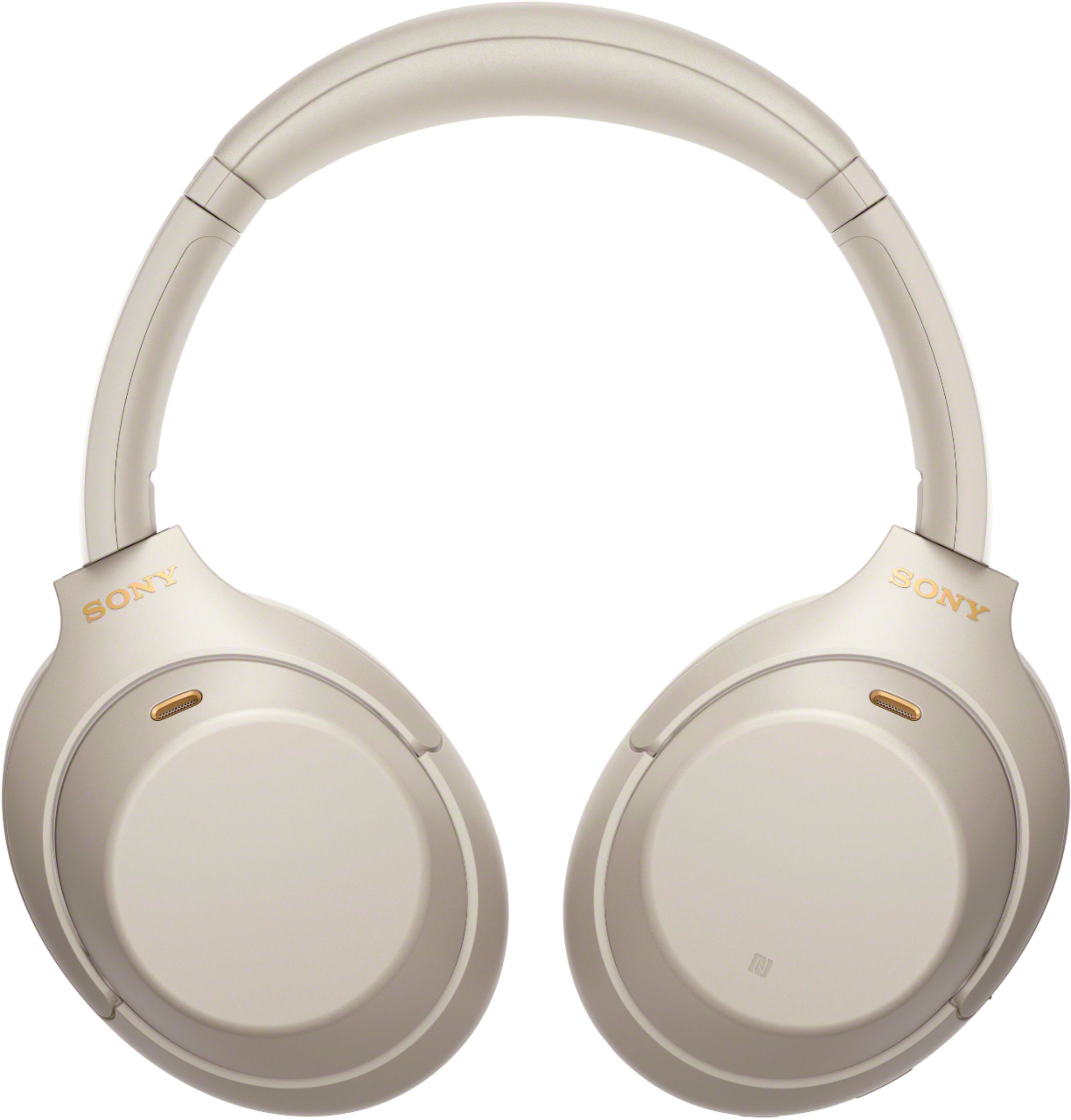
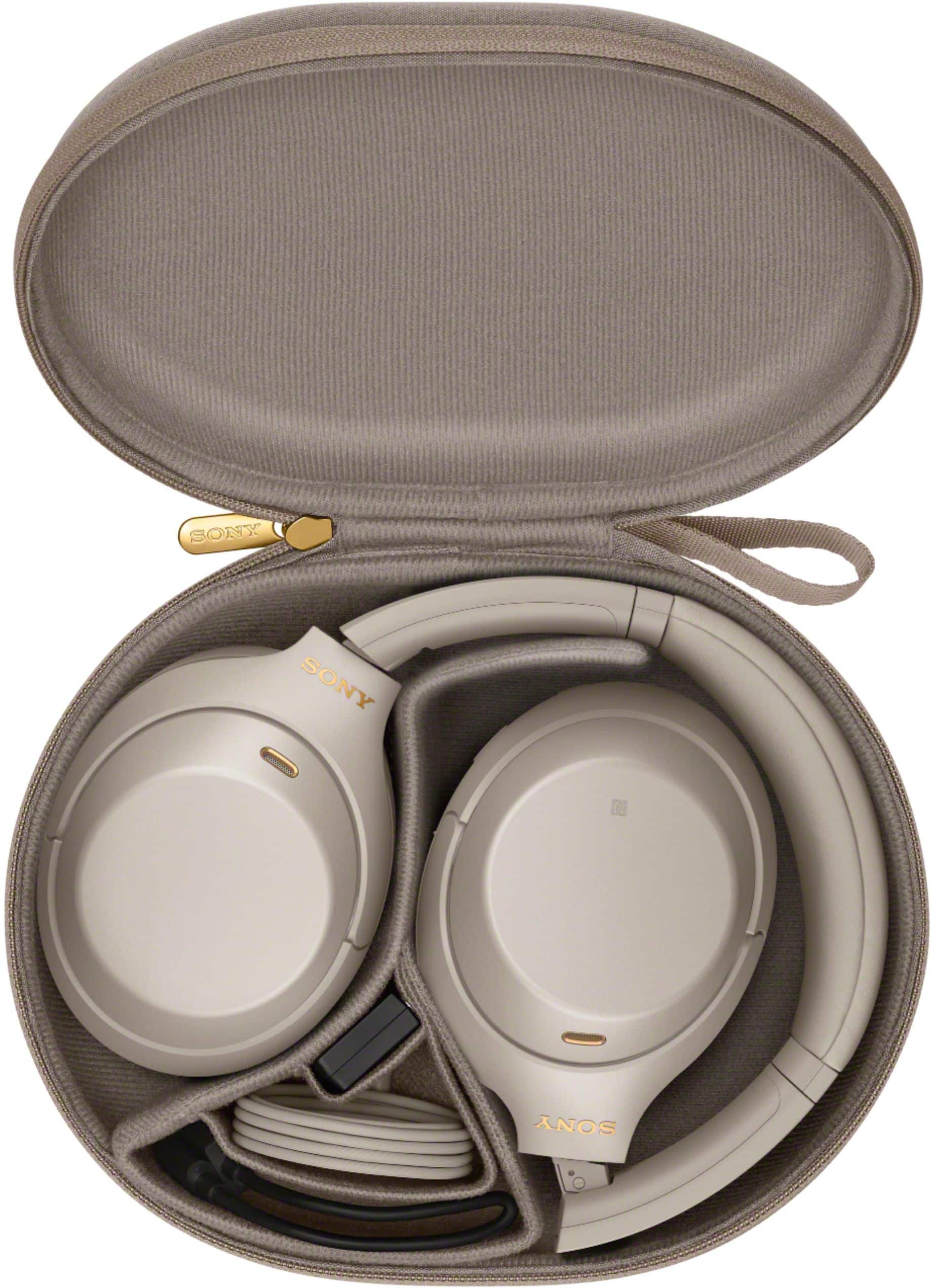
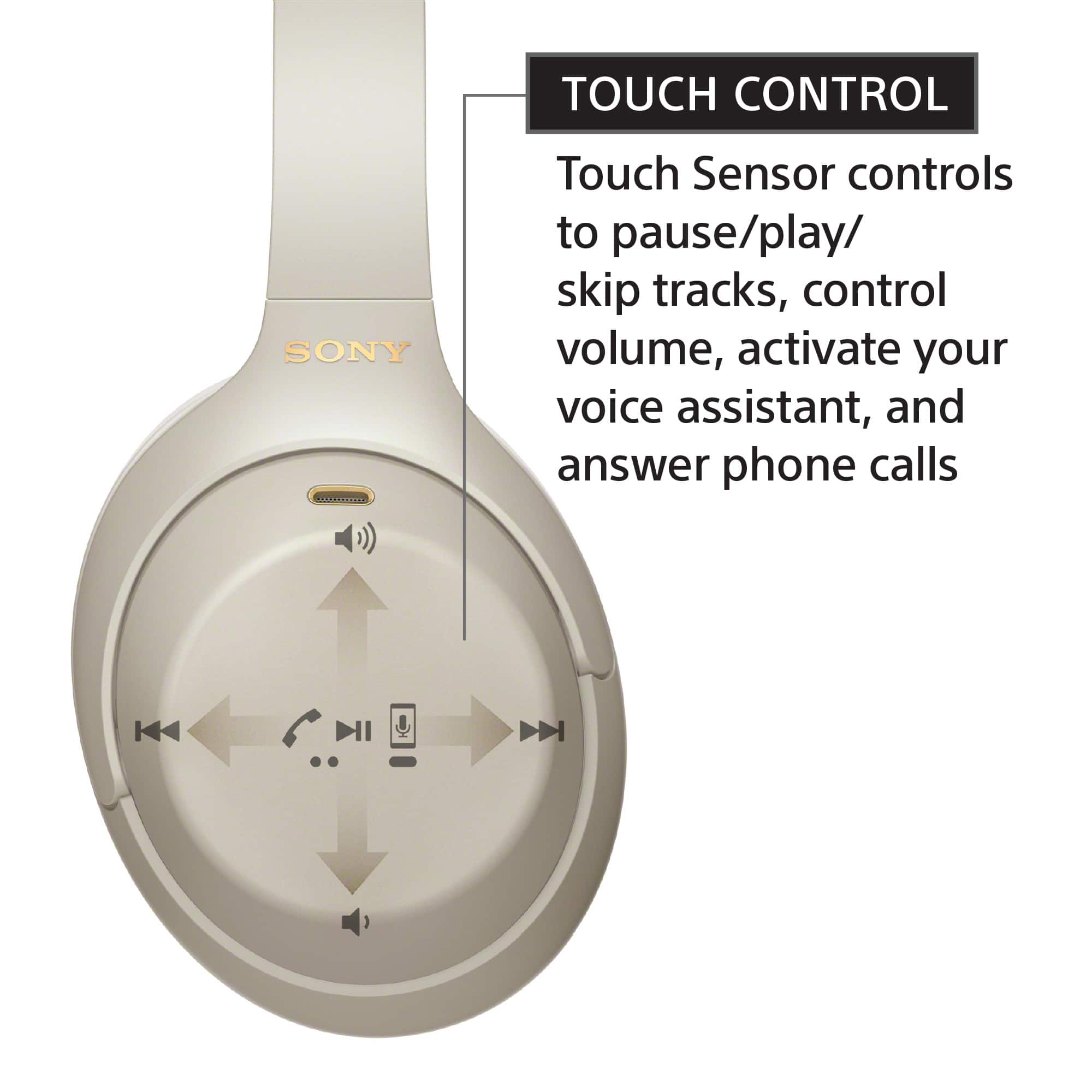
We appreciate your inquiry about connecting the WH-1000XM4 headphones to your iPhone 17 and are happy to assist you. To pair your WH-1000XM4 headphones with your iPhone 17, please follow these steps:
Press and hold the power button on your headphones for about 7 seconds until the indicator light flashes blue and you hear "Bluetooth pairing."
On your iPhone, open the Settings app, tap Bluetooth, and turn it on.
Under Other Devices, select WH-1000XM4 to connect. You'll hear "Bluetooth connected" once paired.
For a detailed step-by-step guide, please visit: https://helpguide.sony.net/mdr/wh1000xm4/v1/en/contents/TP0002752780.html
Best regards,
-Fred