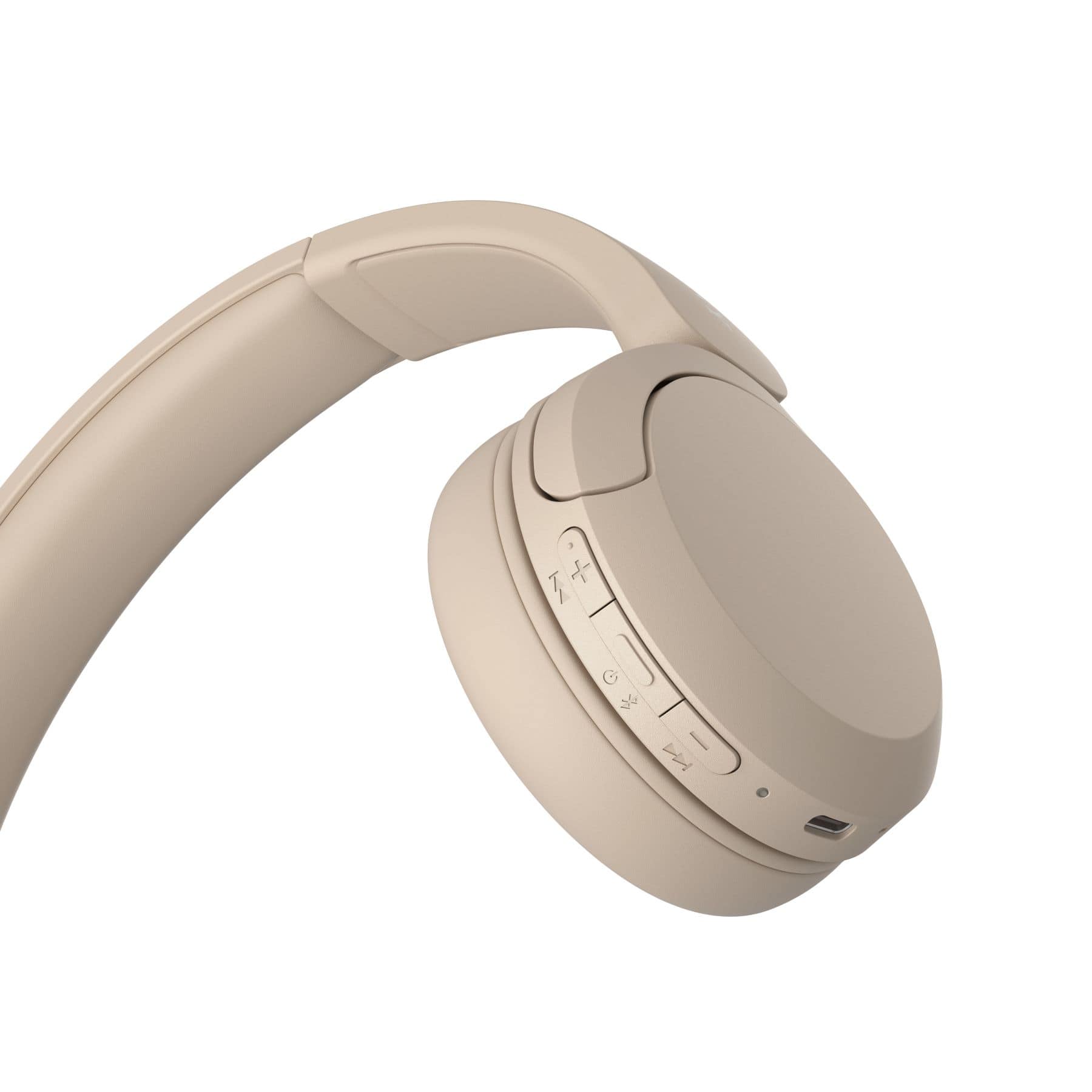
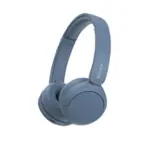
A:AnswerYes there is a volume + and volume - button which controls volume. If you long hold them, whatever you are listening to will jump content forward or back.
A:AnswerYes if you have Bluetooth. Then it’s very easy even. I have a Samsung smart tv that has Bluetooth and the headphones connected for me. These are great sound with my tv too! I love them!
A:AnswerHi there,
Thank you very much for your question!
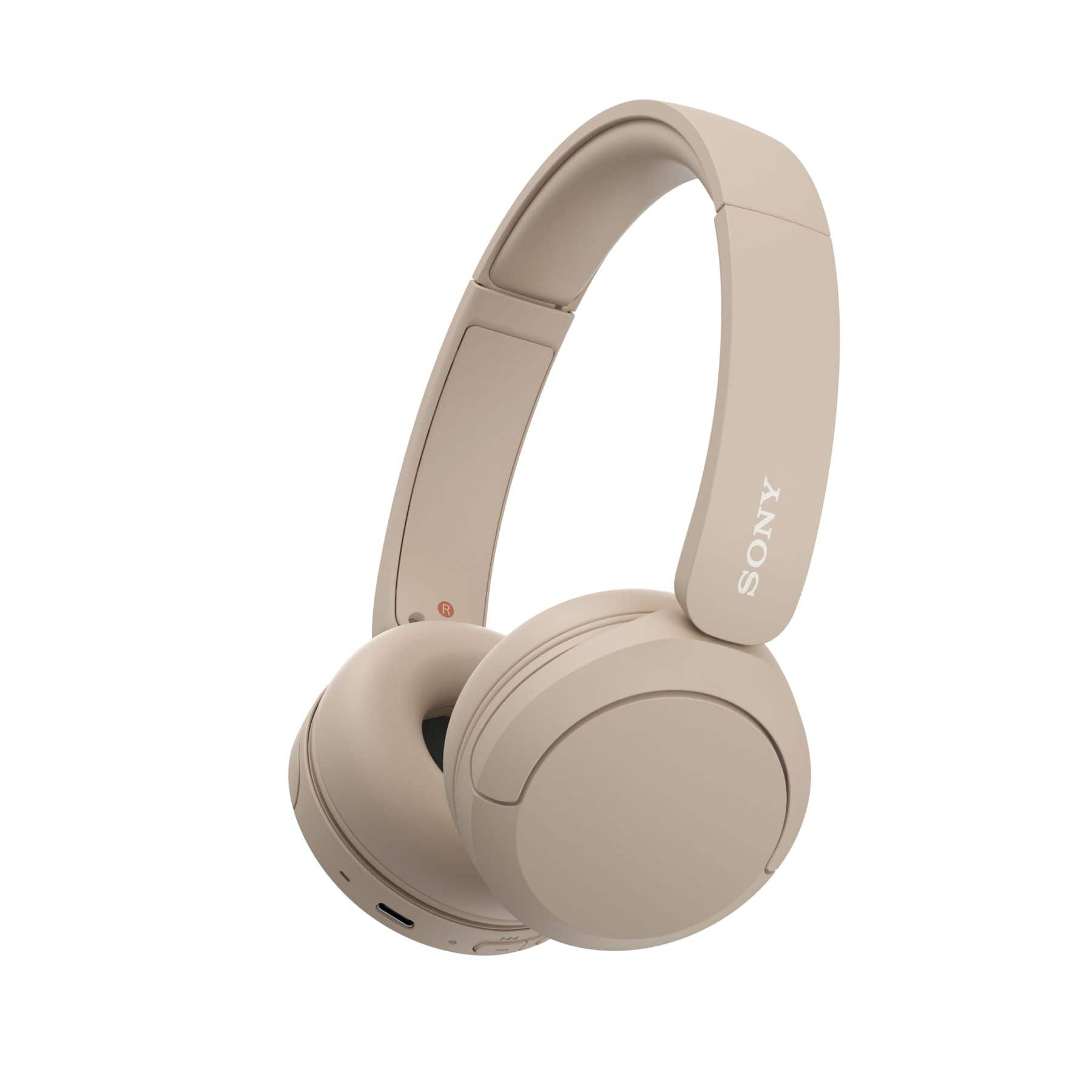
The WH-CH520 will work with any device that supports Bluetooth A2DP (Advanced Audio Distribution Profile) profile for wireless music playback. If your Vizio TV supports this Bluetooth profile, then yes, these headphones will work. Regarding your second question, yes, the WH-CH520 has a volume control located on the right side. And depending on the connected device, the volume of the device and the headset may or may not be synced.
You may check with your TV manufacturers' information to confirm the compatibility and operations of the wireless headphones.
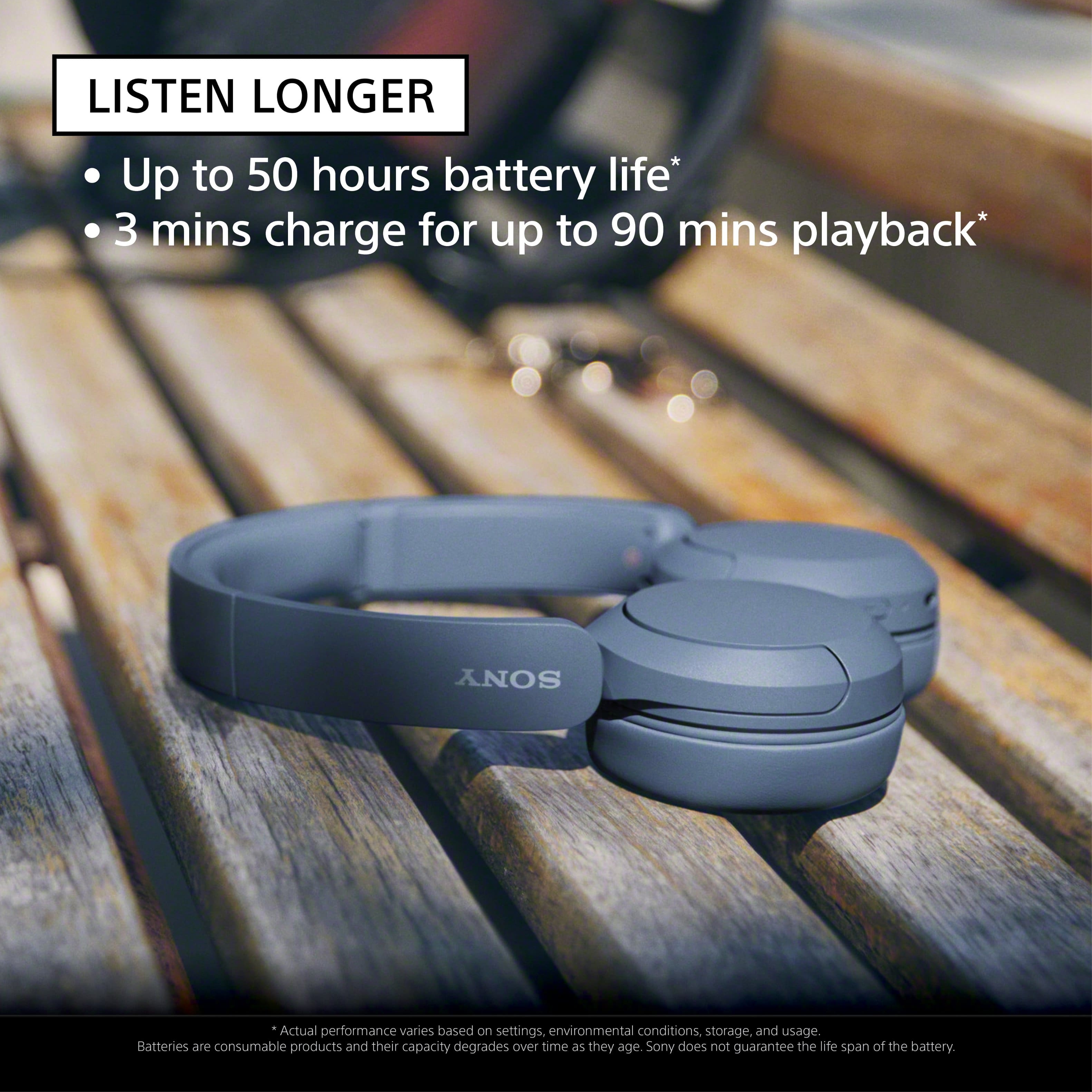
With the WH-CH520 headphones, you will enjoy high sound quality all day long. With up to 50 hours of battery life, stable connectivity, and enhanced call performance, meet the demands of your day.
I hope this helps, and thanks again for your inquiry!
- Romeo
A:AnswerHi Lissa,
Thank you very much for your question! The WH-CH520 wireless headphones have a Bluetooth specification version 5.2 with an effective range of up to 32.81 ft. However, maximum communication range will vary depending on obstacles (person, metal, wall, etc.) or electromagnetic environment.
With the WH-CH520 headphones, you will enjoy high sound quality all day long. With up to 50 hours of battery life, stable connectivity, and enhanced call performance, meet the demands of your day.
I hope this helps you, and thanks again for your inquiry!
- Romeo
A:AnswerHi Dave,
Thank you very much for your inquiry. The WH-CH520 is a Bluetooth only headphones. We are sorry, but the use of any third-party accessories to these headphones is not recommended and not guaranteed to work. If you are looking for a headset that has an aux or 3.5mm headphone port for wired connection, then we recommend the following models:
• WH-CH710N Wireless Noise Canceling Headphones
• WH-CH720N Wireless Noise Canceling Headphones
• WH-XB910N Wireless Noise Canceling EXTRA BASS™ Headphones
• WH-1000XM4 Wireless Premium Noise Canceling Headphones
• WH-1000XM5 Wireless Industry Leading Noise Canceling Headphones
To learn more about the specifications & features of each model, visit Sony support website.
I hope this helps!
Best regards,
Romeo
A:AnswerHi MassCustomer,
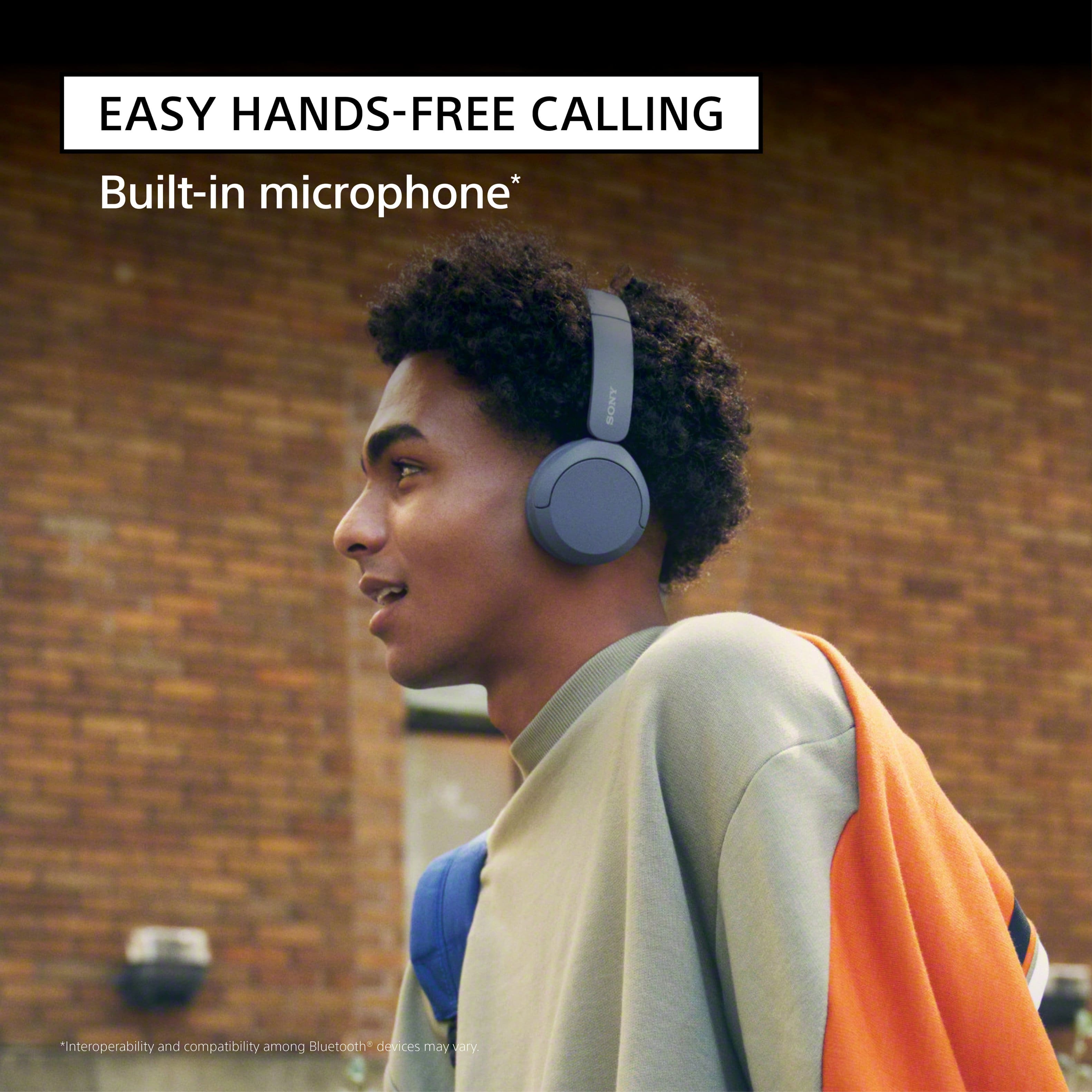
Thank you very much for your question! Absolutely, yes. The WH-CH520 Wireless Headphones have a built-in microphone (located on the right unit). These headphones should work with your iPad, provided that it supports the following Bluetooth profile:
• A2DP
• AVRCP
• HFP
• HSP
You may check with your device manufacturers' information to confirm the compatibility.
With the WH-CH520 headphones, you will enjoy high sound quality all day long. With up to 50 hours of battery life, stable connectivity, and enhanced call performance, meet the demands of your day.
I hope this helps!
Best regards,
Romeo
A:AnswerWhat I have found is if you don't have the Sony App tied to the headphones, it is difficult to sync to different devices. Make sure and download Sony | Headphones Connect app.
Once that is on your iPhone, it should connect every time you turn it on near it.
A:AnswerHi Ampman!
Thanks for reaching out. That's a great question and we're happy to help.
Yes, the WH-CH520 headphones are compatible with Windows 11. While the feature section might specifically mention Windows 10, rest assured that they will connect just as easily to your Windows 11 PC. The connection process is the same, just go through your Bluetooth settings to pair them up.
For detailed information about this topic, please check this link: https://helpguide.sony.net/mdr/2958/v1/en/contents/TP1000940509.html
As for your TV, you can absolutely connect your headphones to your television for regular program listening without any phone apps. The key is to make sure your TV supports the right Bluetooth profile. Your TV needs to have the A2DP (Advanced Audio Distribution Profile).
Most modern smart TVs have this, but you may need to check your TV's manual or its specifications online to be sure.
If your TV does support A2DP, the connection process will be straightforward: just put your headphones in pairing mode and then find them in your TV's Bluetooth settings to connect.
We sincerely hope this information is helpful to you.
Thanks for considering Sony products!
Best regards,
Estefany
A:AnswerHi Schmemmers!
Thank you for asking about the WH-CH520 headphones and sound leakage.
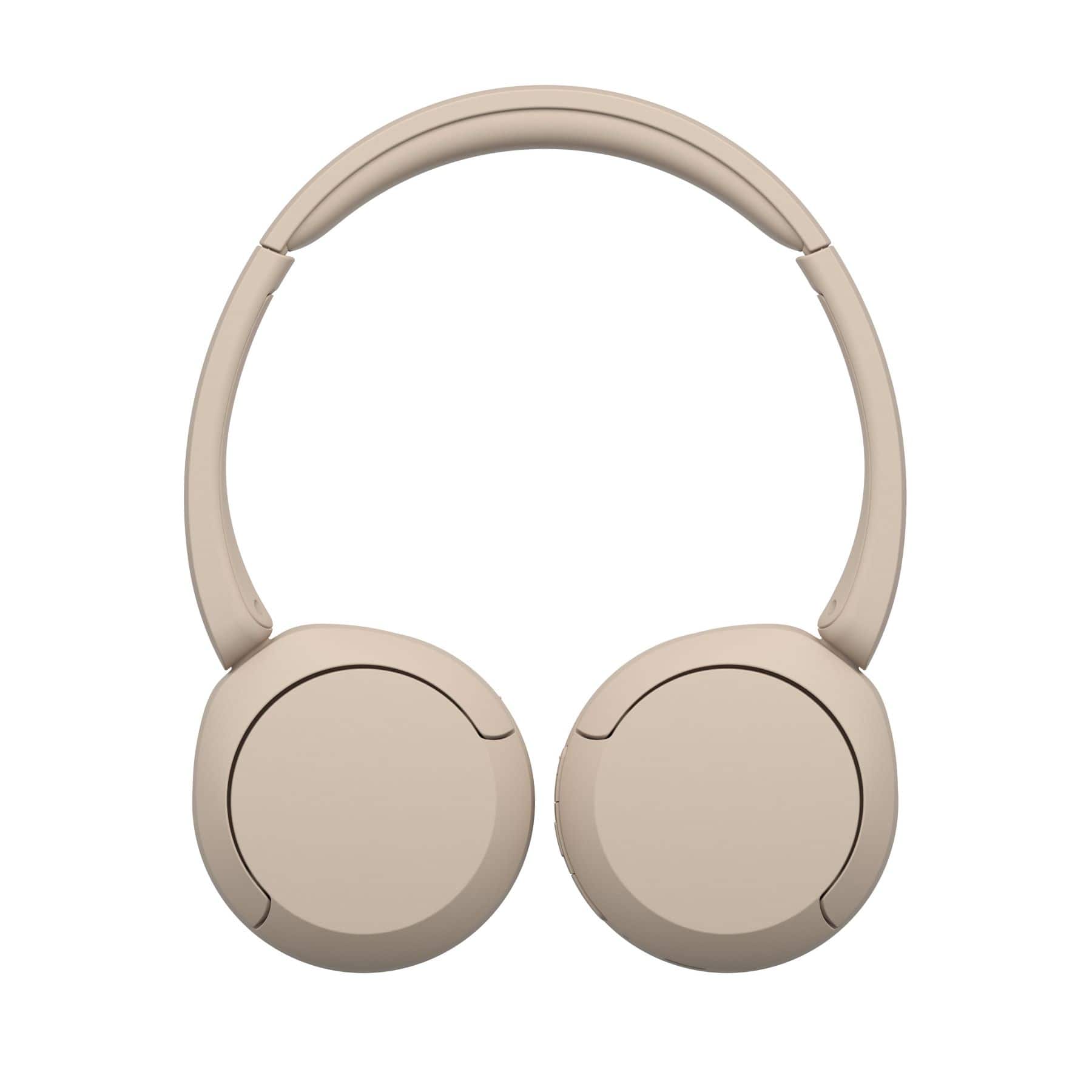
The WH-CH520 is an on-ear headphone model. Due to their design, on-ear headphones, in general, tend to have some degree of sound leakage, especially at higher volumes. They don't create a complete seal around your ear like over-ear headphones do, so some sound can escape.
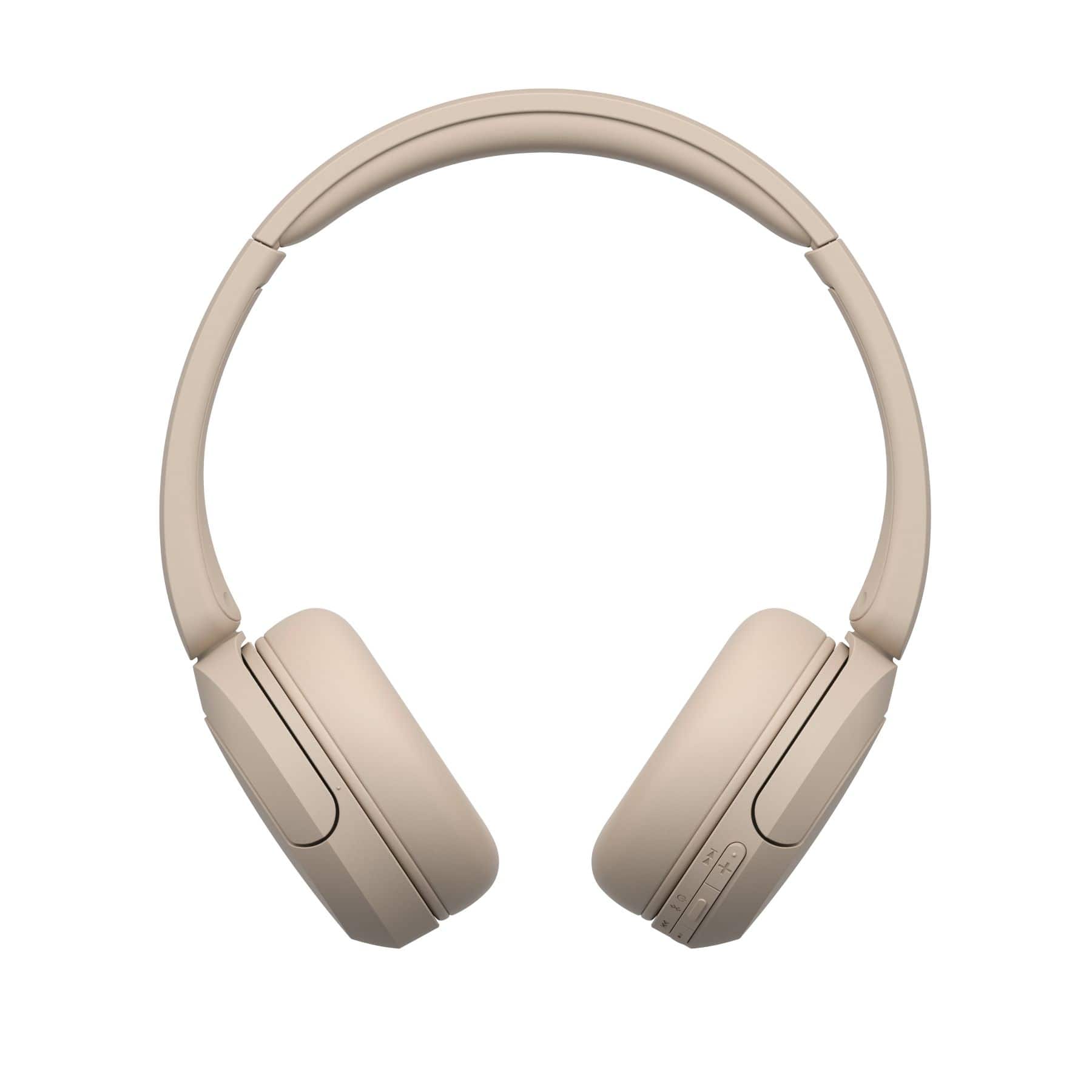
However, we've designed them with comfortable ear pads and an adjustable headband to help achieve the best possible fit and minimize leakage!
Thanks for considering Sony products!
Best regards,
Estefany
A:AnswerHi Becky,
This will depend on the airlines and in-flight entertainment system that they are using. If the airlines allow using Bluetooth headphones, then you can use the WH-CH520 Wireless Headphones. Please note that this headset doesn't offer an aux or 3.5mm headphone port for wired connection. If the in-flight entertainment system only supports 3.5mm jack (wired connection), then we recommend the following models as a compatible option:
• WH-CH710N Wireless Noise Canceling Headphones
• WH-CH720N Wireless Noise Canceling Headphones
• WH-XB910N Wireless Noise Canceling EXTRA BASS™ Headphones
• WH-1000XM4 Wireless Premium Noise Canceling Headphones
• WH-1000XM5 Wireless Industry Leading Noise Canceling Headphones
I hope you find this information to be helpful!
Best regards,
Romeo
A:AnswerHi Lizz,
Thank you very much for your question! The WH-CH520 is compatible with Apple products that support Bluetooth A2DP (Advanced Audio Distribution Profile) for wireless music playback. To confirm the compatibility with your MacBook Air, we recommend contacting Apple support.
With the WH-CH520 headphones, you will enjoy high sound quality all day long. With up to 50 hours of battery life, stable connectivity, and enhanced call performance, meet the demands of your day.
I hope this helps you, and thank you for considering Sony!
Romeo
A:AnswerHi Rush,
Thank you for your inquiry. The WHCH520 doesn't have a mute button. You will need to use the mute function of the connected audio device to mute the microphone. To learn more about the parts and controls of these headphones, please visit its Help Guide (can be found in Sony's support website) and search for "Location and function of parts."
With the WH-CH520 headphones, you will enjoy high sound quality all day long. With up to 50 hours of battery life, stable connectivity, and enhanced call performance, meet the demands of your day.
Thank you very much for your purchase and for choosing Sony!
- Romeo
A:AnswerHi abdul,
Thank you very much for your interest in Sony's WH-CH520 Wireless Headphones!
Regarding your question, unfortunately, no. The WH-CH520 doesn't have a water resistance/waterproofing feature. If this is your priority, then we recommend the following models which offers water resistance:
• WF-C500 Truly Wireless In-ear Headphones
• LinkBuds Truly Wireless Earbuds
• LinkBuds S Truly Wireless Noise Canceling Earbuds
• WF-1000XM4 Industry Leading Noise Canceling Truly Wireless Earbuds
To learn more about the specifications & features of each model, visit Sony support website.
And with the With the WH-CH520 headphones, you will enjoy high sound quality all day long. With up to 50 hours of battery life, stable connectivity, and enhanced call performance, meet the demands of your day.
I hope this helps you, and thanks again for your inquiry!
Best regards,
Romeo
A:AnswerHi DAN,
Thank you for your question. The WHCH520 offers high sound quality with up to 50 hours of battery life. Unfortunately, it doesn’t offer noise cancelation. If you are looking for a headset that can give you the best noise canceling experience, then we recommend the following models:
• WH-CH710N Wireless Noise Canceling Headphones
• WH-XB910N Wireless Noise Canceling EXTRA BASS™ Headphones
• WH-1000XM4 Wireless Premium Noise Canceling Headphones
• WH-1000XM5 Wireless Industry Leading Noise Canceling Headphones
To learn more about the specifications & features of each model, visit Sony support website.
I hope this helps!
Best regards,
Romeo
A:AnswerHi Patty,
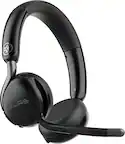
Thank you very much for your question! When an incoming call arrives, a ring tone will be heard from the headset, and the indicator (blue) flashes quickly. You will hear either of following ring tones, depending on your smartphone or mobile phone.
• Ring tone set on the headset
• Ring tone set on the smartphone or mobile phone
• Ring tone only for a Bluetooth connection set on the smartphone or mobile phone
If no ring tone is heard via the headset, then the headset may not be connected with the smartphone or mobile phone over HFP (Hands-free Profile) or HSP (Headset Profile) Bluetooth profile. Check the connection status on the smartphone or mobile phone.
I hope this helps.
With the WH-CH520 headphones, you will enjoy high sound quality all day long. With up to 50 hours of battery life, stable connectivity, and enhanced call performance, meet the demands of your day.
Thanks for considering Sony!
- Romeo
A:AnswerHi there,
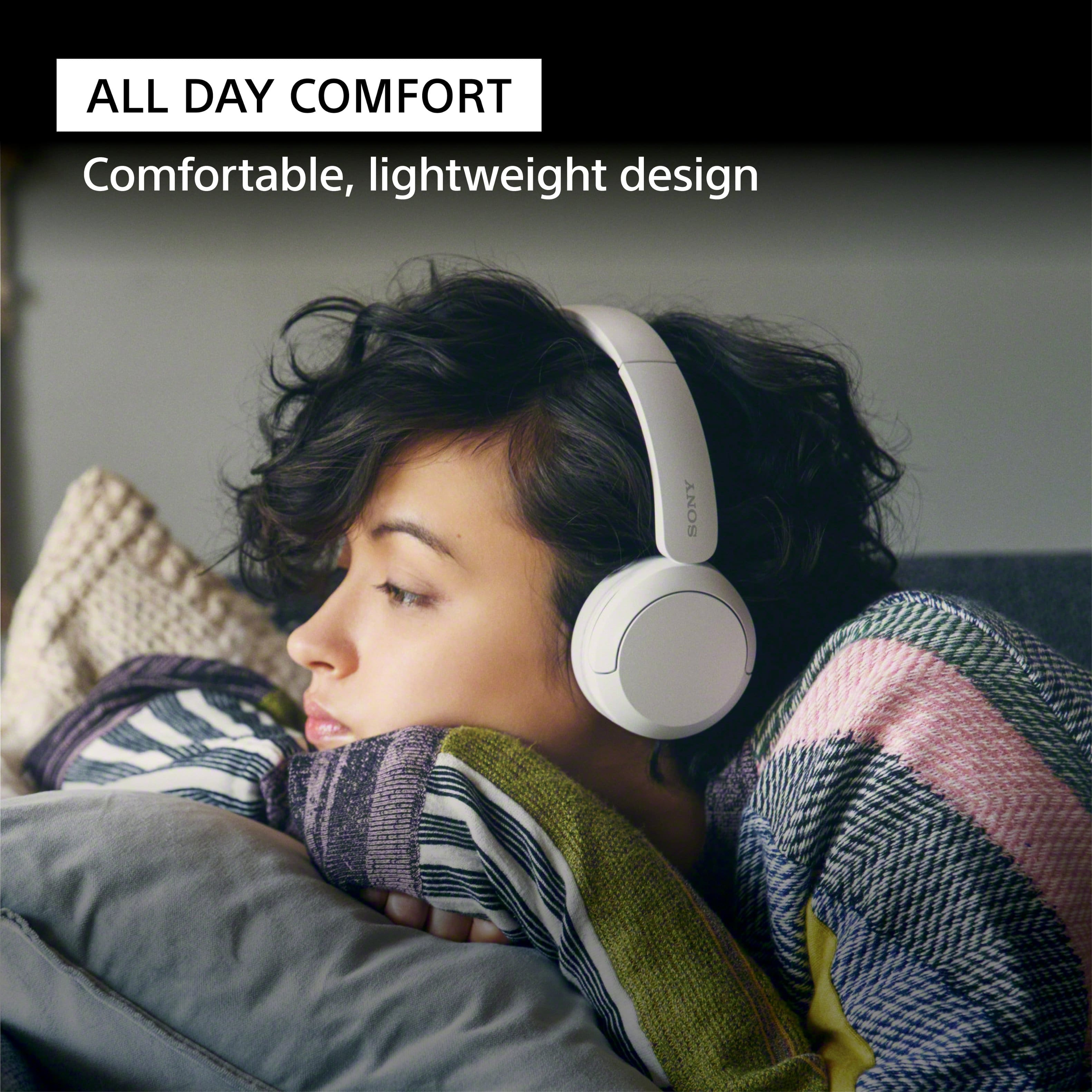
Thank you very much for your question. Absolutely, yes! You'll find the WH-CH520 comfortable to use while wearing eyeglasses. This model features a slider that you can adjust for a snug, comfortable fit. For more details, check out the Help Guide.
With the WH-CH520 headphones, you will enjoy high sound quality all day long. With up to 50 hours of battery life, stable connectivity, and enhanced call performance, meet the demands of your day.
I hope this helps you, and thanks again for your inquiry!
- Romeo
A:AnswerHi Sharon, thanks for your question! We're happy to assist.
The Sony WH-CH520 headphones do not have a built-in mute button.
To mute the microphone during calls, you'll need to use the mute function on the device you're connected to, such as your smartphone or computer.
If you'd like to learn more about this product, please visit this link: https://helpguide.sony.net/mdr/2958/v1/en/index.html
Thanks for considering Sony products!
Best regards,
Estefany