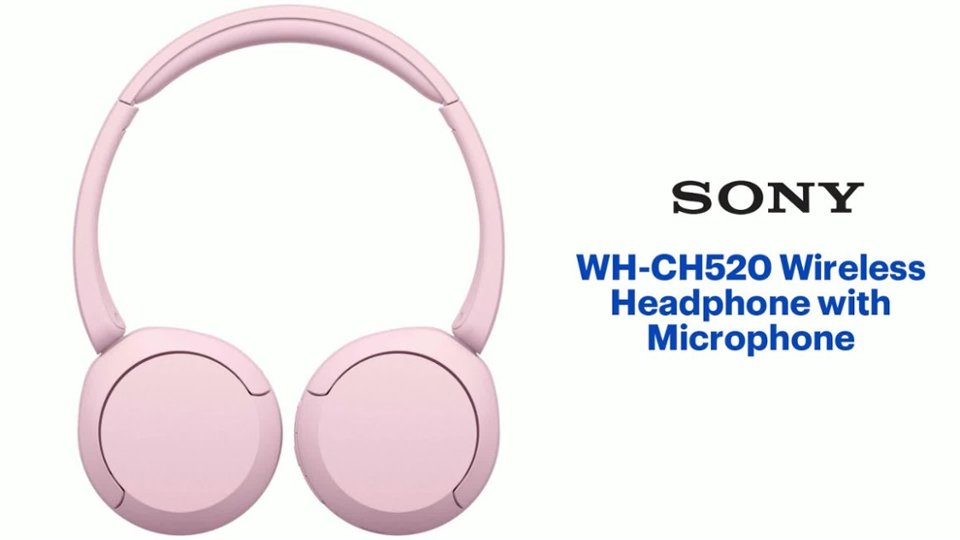
A:AnswerTry resetting. If that doesn't work they probably have failed. The first pair I purchased failed similarly within 3 weeks. It was within the exchange period so I exchanged for another pari
A:AnswerYes, IF your Samsung TV has Bluetooth built-in. You can pair the headphones directly to the TV (like you would with a phone). Go to Settings → Sound → Bluetooth Speaker List on the TV and pair them.
Once connected, audio should play through your Sony headphones wirelessly. Most modern Samsung smart TVs (from the last several years) support Bluetooth headphone connectivity.