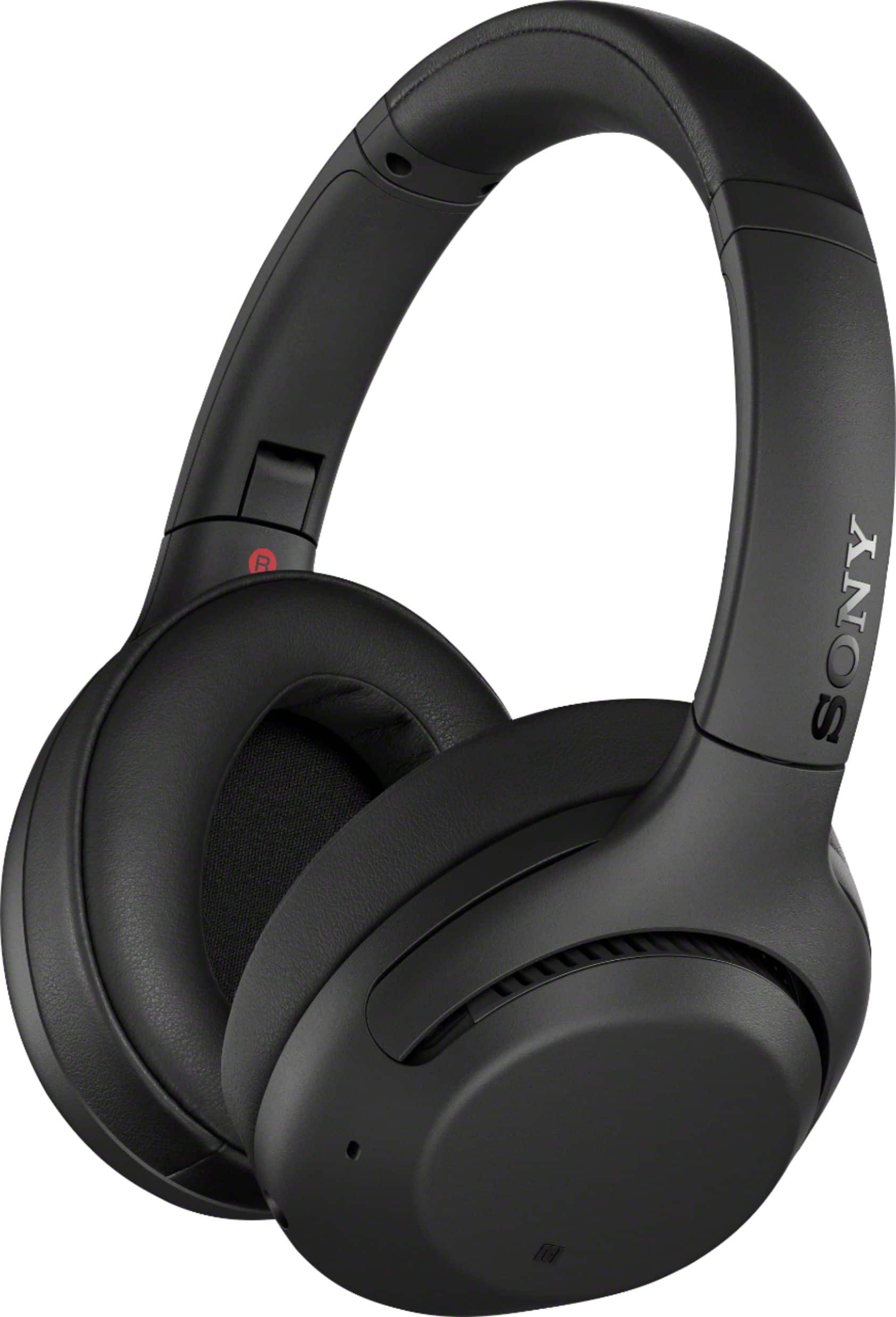
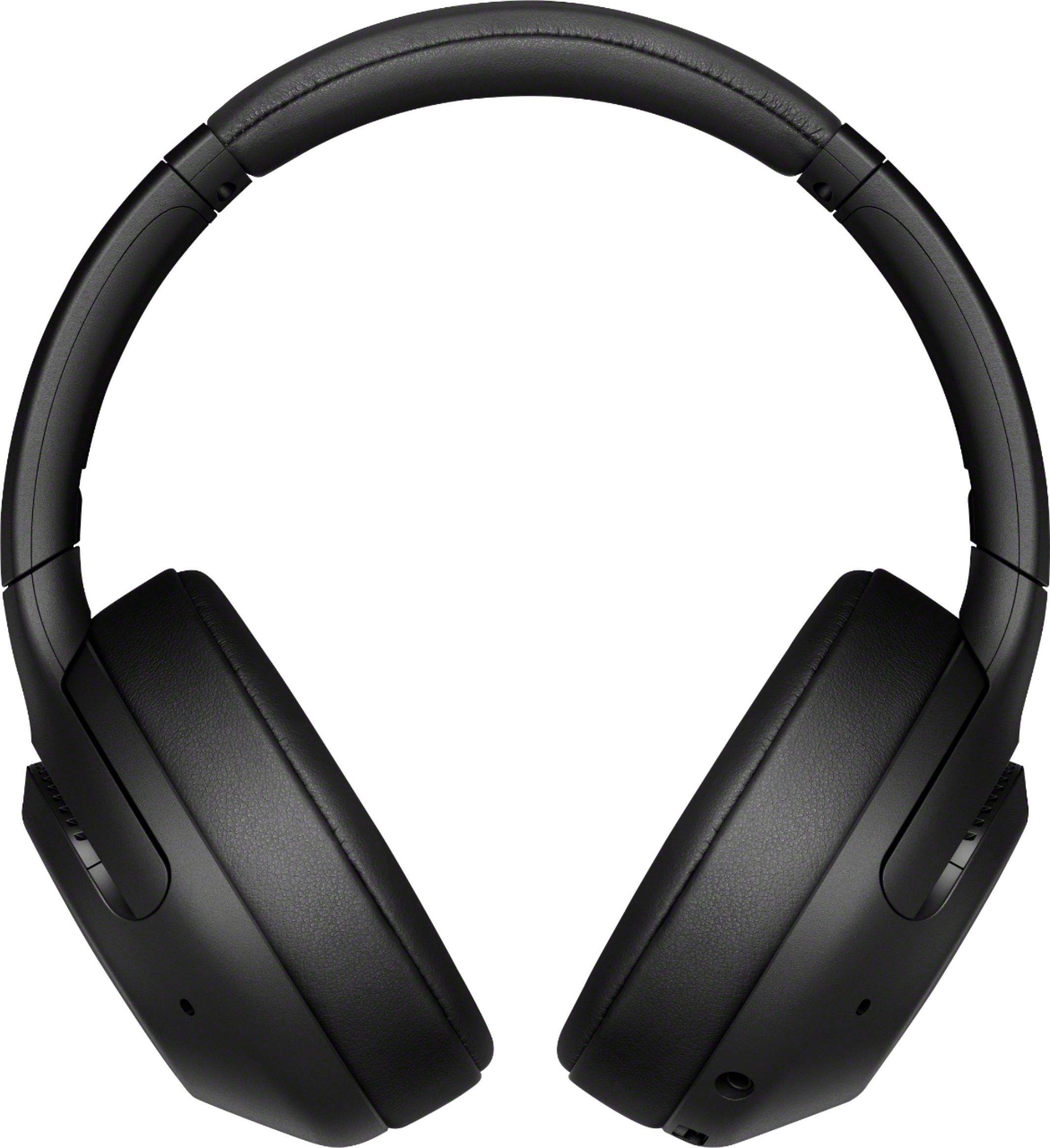
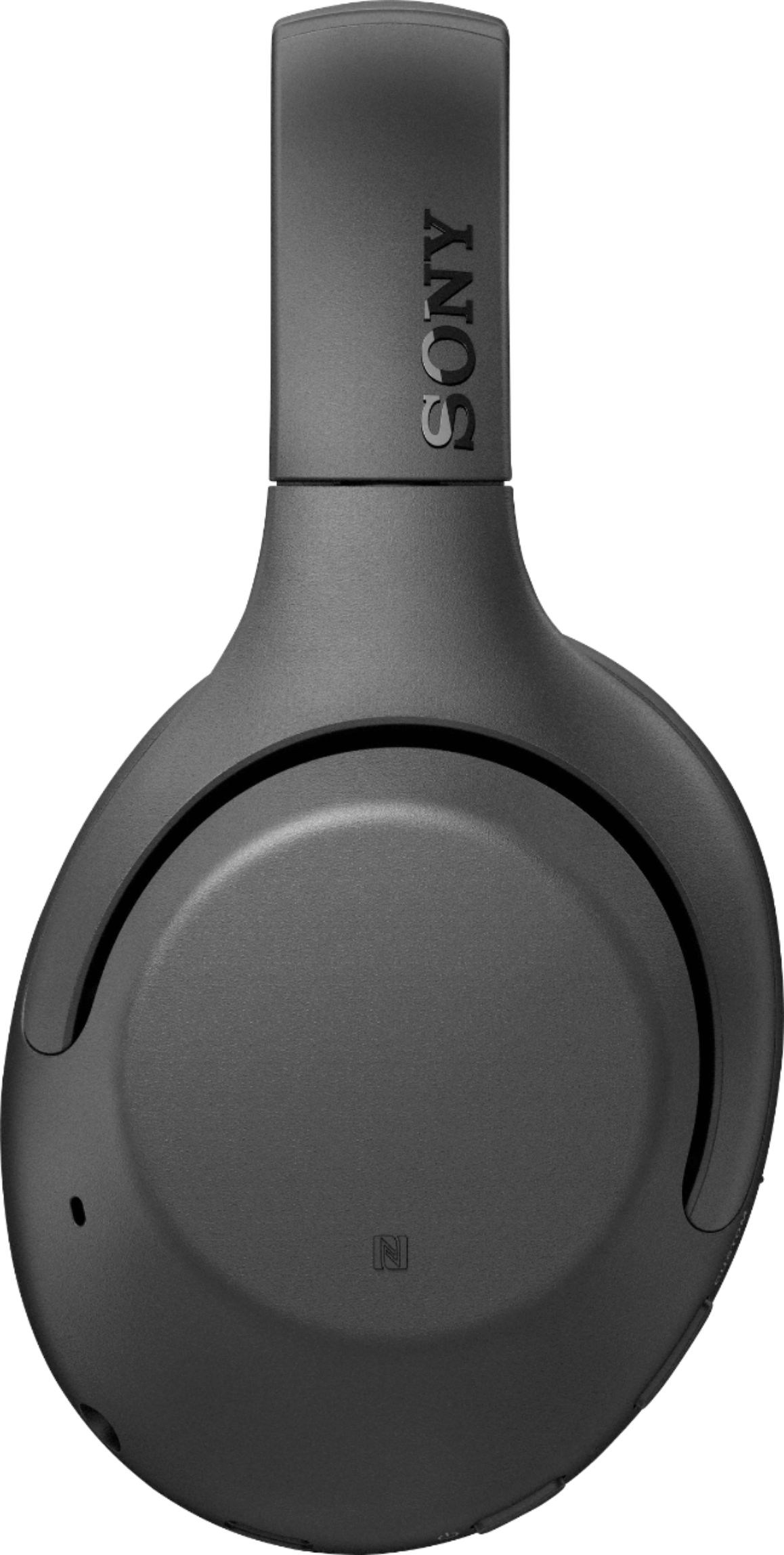
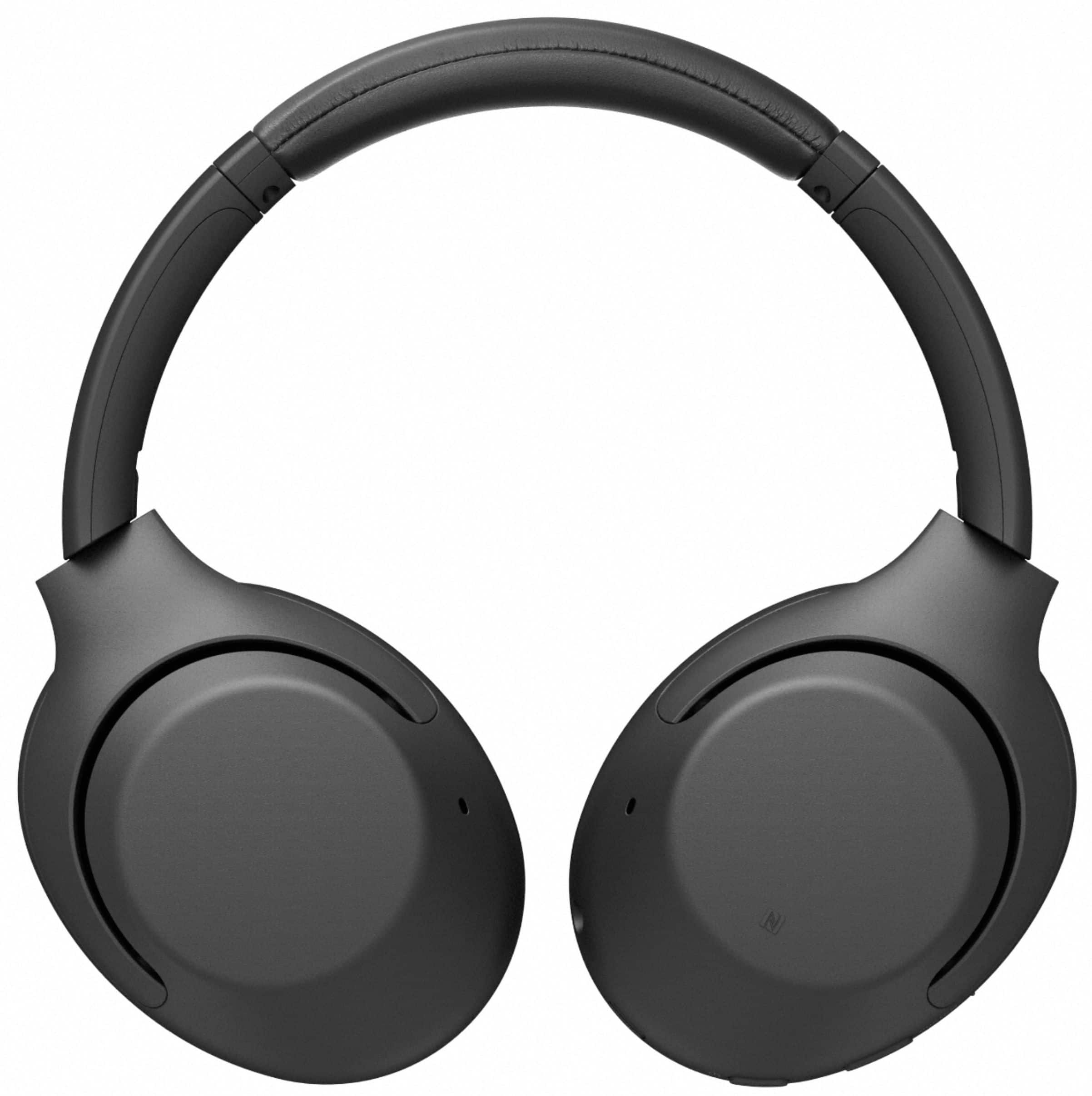
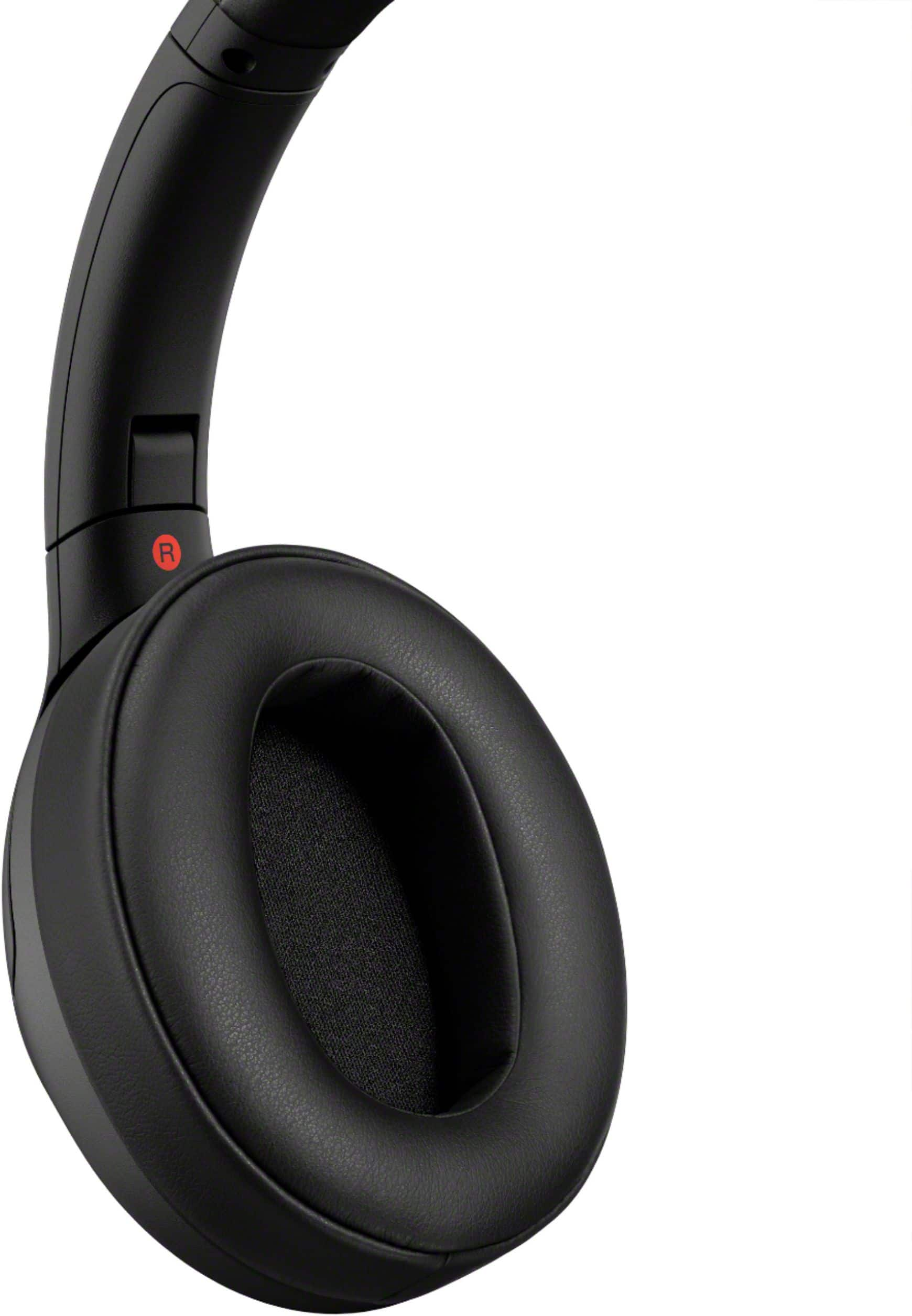
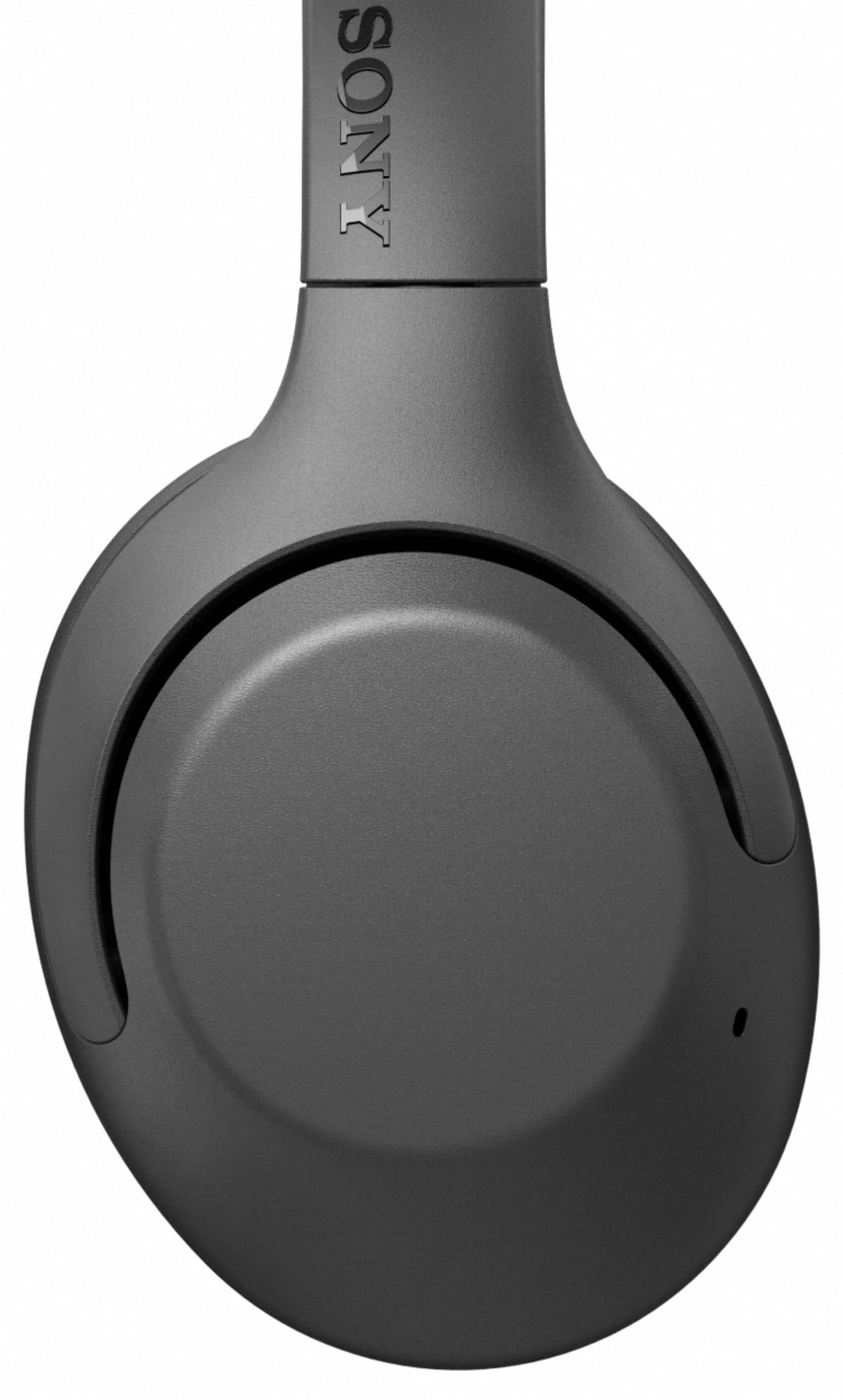
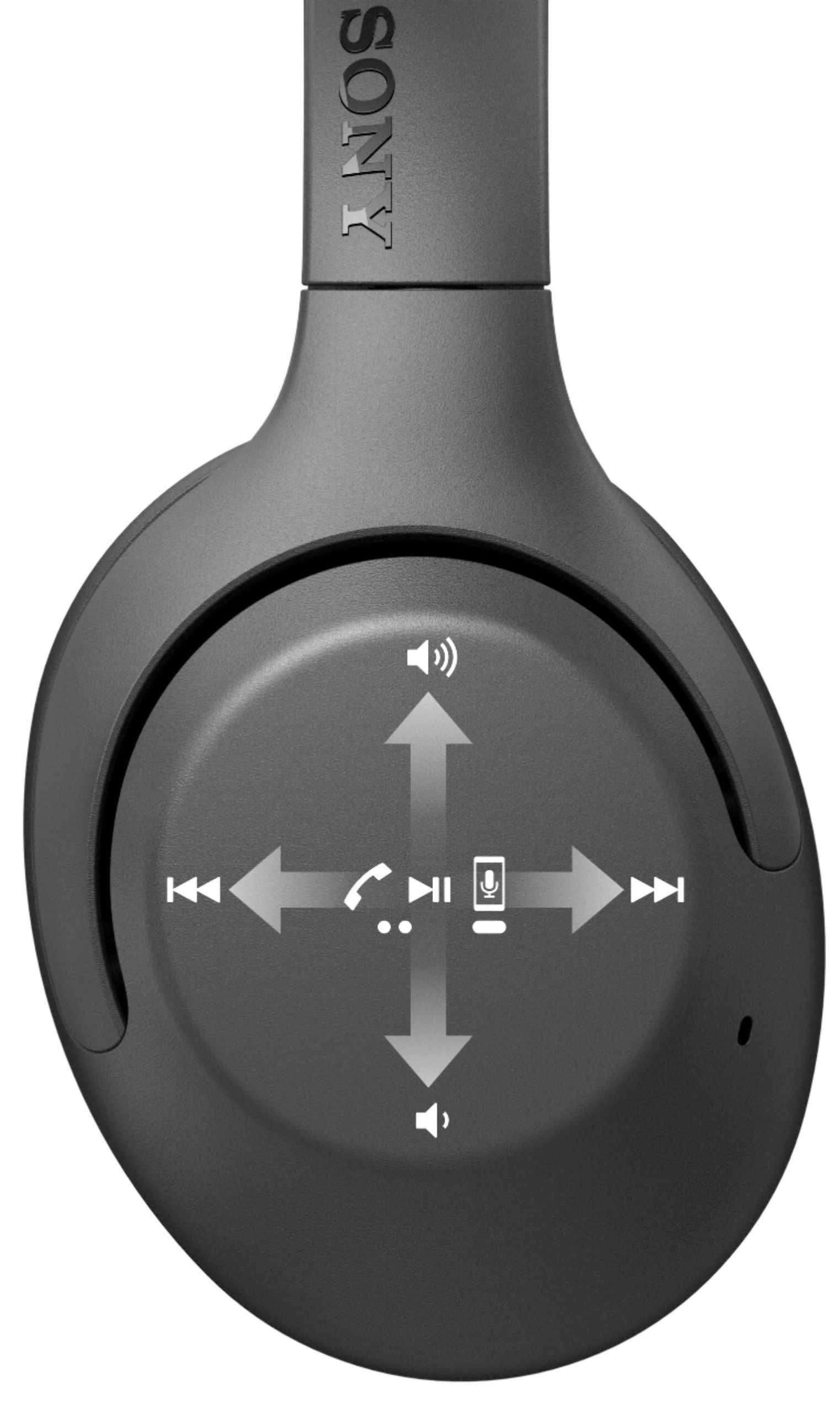
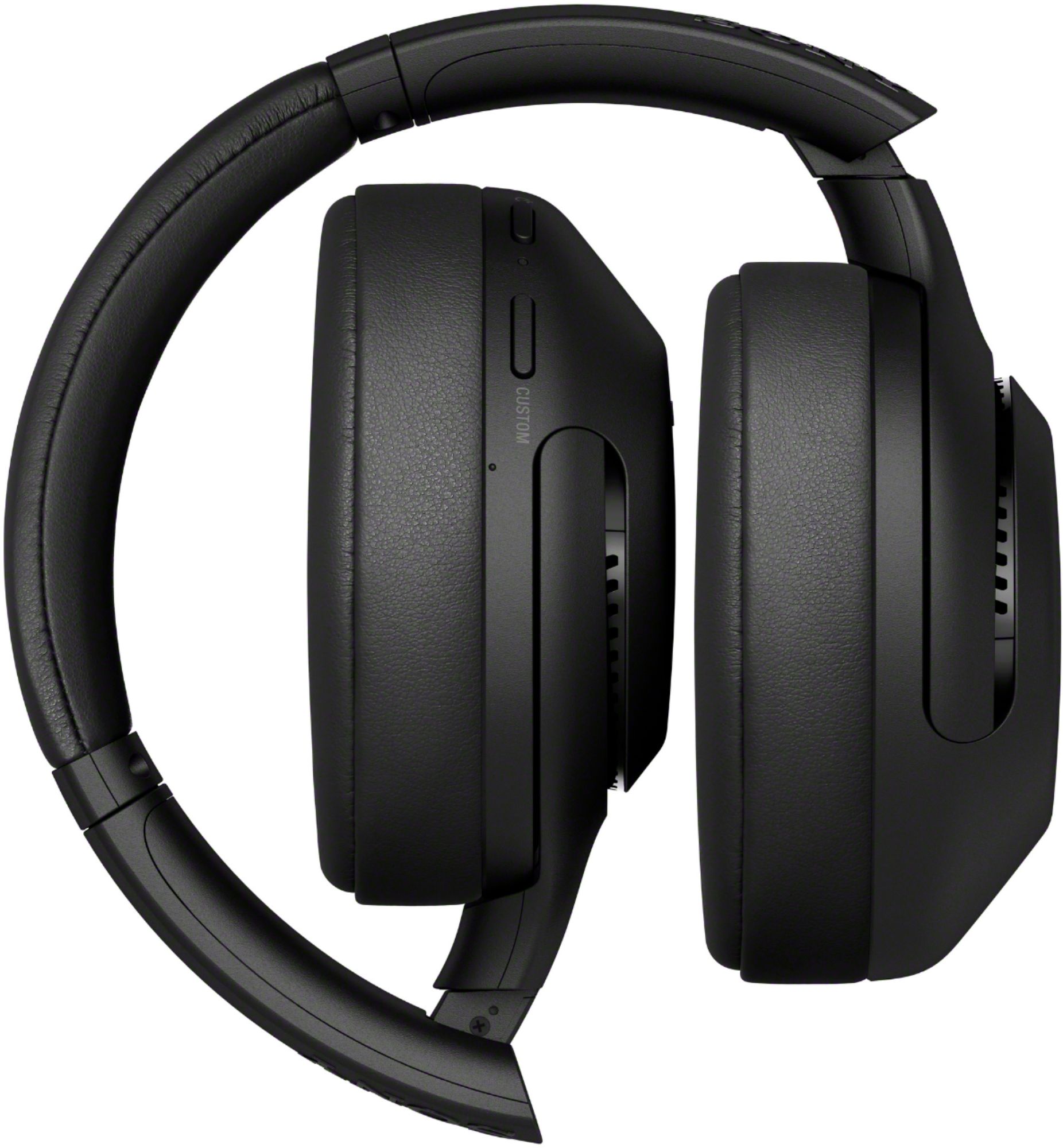
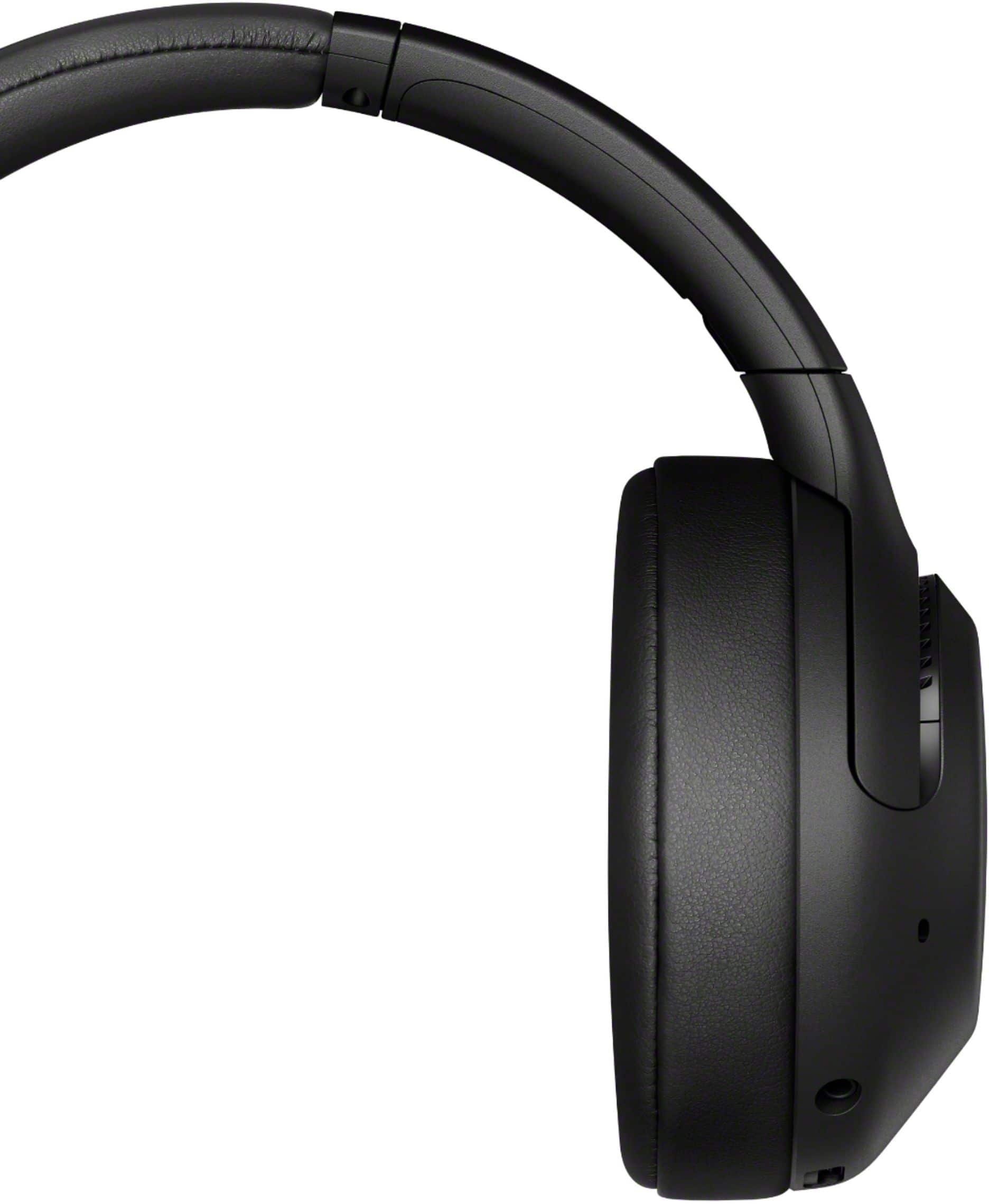
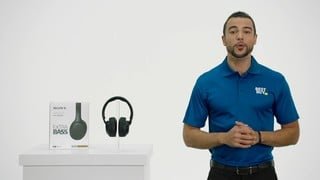
A:Answer The smart TV should have Bluetooth to connect with the headphones. Go to the settings on the TV and find the bluetooth settings for add device. Put the headphones on & press the power button & hold it down until you hear bluetooth pairing, then click on the TV remote button to connect with the headphones, you should hear bluetooth connected. Go to a TV program and check if can hear the sound, if not, then you to try a different menu button on the TV remote & find the bluetooth volume setting. Click on the link, use the volume up button on the remote & raise the volume level between 30 and 50 percent, then try a TV program for the volume level. The Sony WH-XB900N wireless headphones volume control is on the right side, swipe up to increase the volume, swipe down to decrease the volume. At least that's how mine works. (NOTE: it was simpler before a recent Android TV software update.)
Good luck and remember, if all else fails, read the manual for your devices!