Black Friday is hereShop new DoorbustersShop now

Main Content

Questions & Answers

Your price for this item is $88.00
The comparable value price is $178.00
Page Showing 21-40 of 152 questions
  • QuestionI love my new headphones. I use them for walking outside while talking with friends. I have paired them with my Samsung S24. How do I power off the headphones, but maintain the pairing/connection for the next use? I seem to be losing the connection.

    Asked by Ebd12345.

    • Answer To power off your Sony WH-CH720N headphones while maintaining the pairing for future use, simply hold down the power button until the headphones turn off (you’ll hear a confirmation tone or see the indicator light turn off). This will not delete the pairing; the connection with your Samsung S24 will remain saved. The next time you turn on the headphones, they should automatically reconnect to your phone if Bluetooth is enabled. If the connection isn’t automatic, make sure your phone’s Bluetooth is on, and select the headphones from the Bluetooth list. If you’re losing the connection frequently, try the following: Ensure your Samsung S24’s Bluetooth is turned on before powering up the headphones. Reset the headphones (hold the power button for 7 seconds) and re-pair them. Check for software updates on both your phone and the headphones. This should solve any connectivity issues!

      Answered by Joybiswas

  • QuestionThe instructions say not recommend if you have a pacemaker. Do all wireless devices have this problem or what is the difference?

    Asked by Pacer.

    • Answer Hi Pacer, Thanks for reaching out. All headphones have this warning concerning pacemakers. It is important to note that the headphones contain magnets and emit radio waves, which can interfere with cardiac pacemakers and other medical devices. Therefore, it is advised not to use the headphones near medical devices or in crowded places such as trains or medical institutions. If you use a pacemaker or any other medical device, it is recommended to consult your doctor before using the WH-CH720N headphones. Regards, -Craig

      Answered by SonyListens

  • Questionare they adjustable

    Asked by deb.

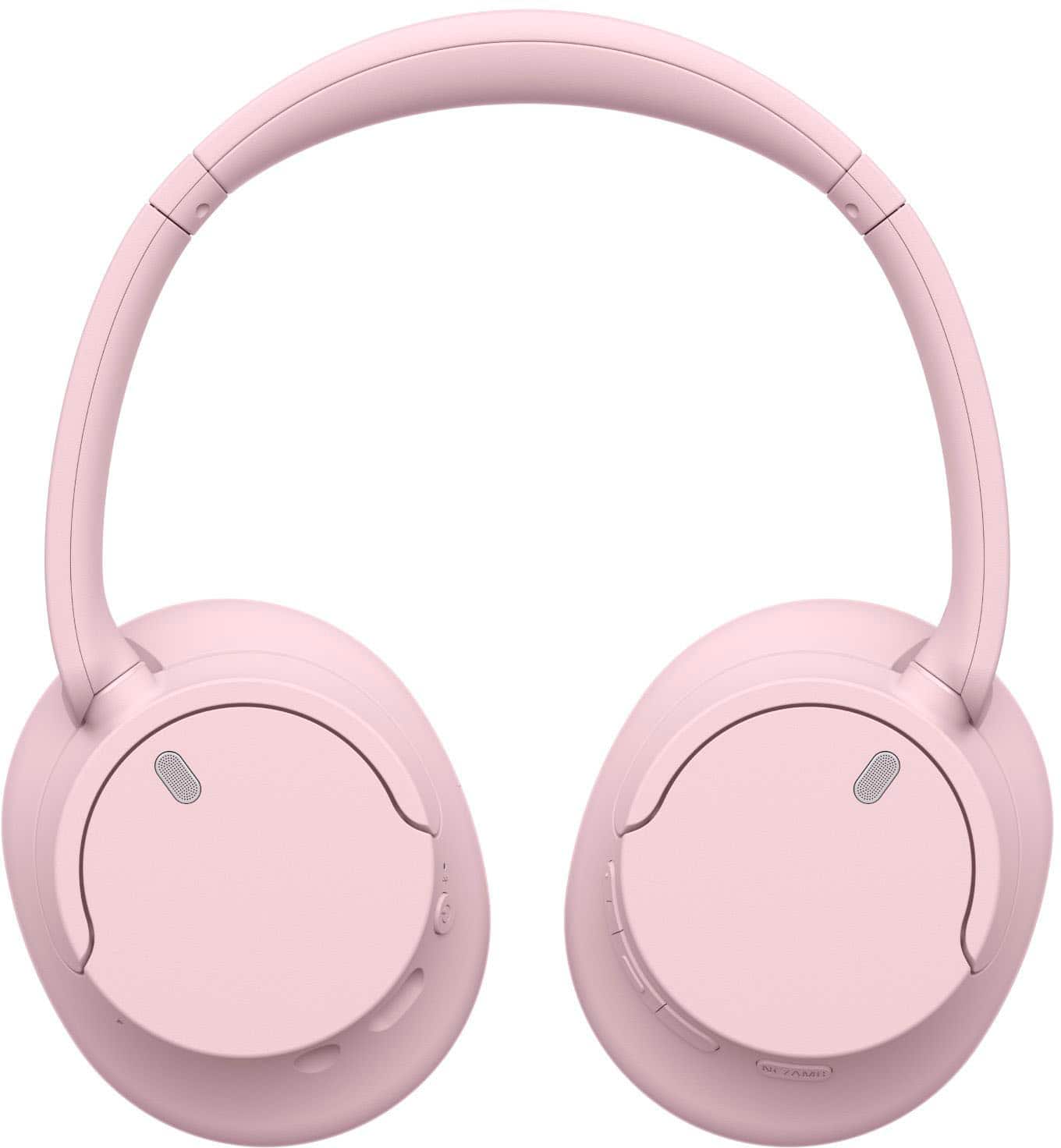
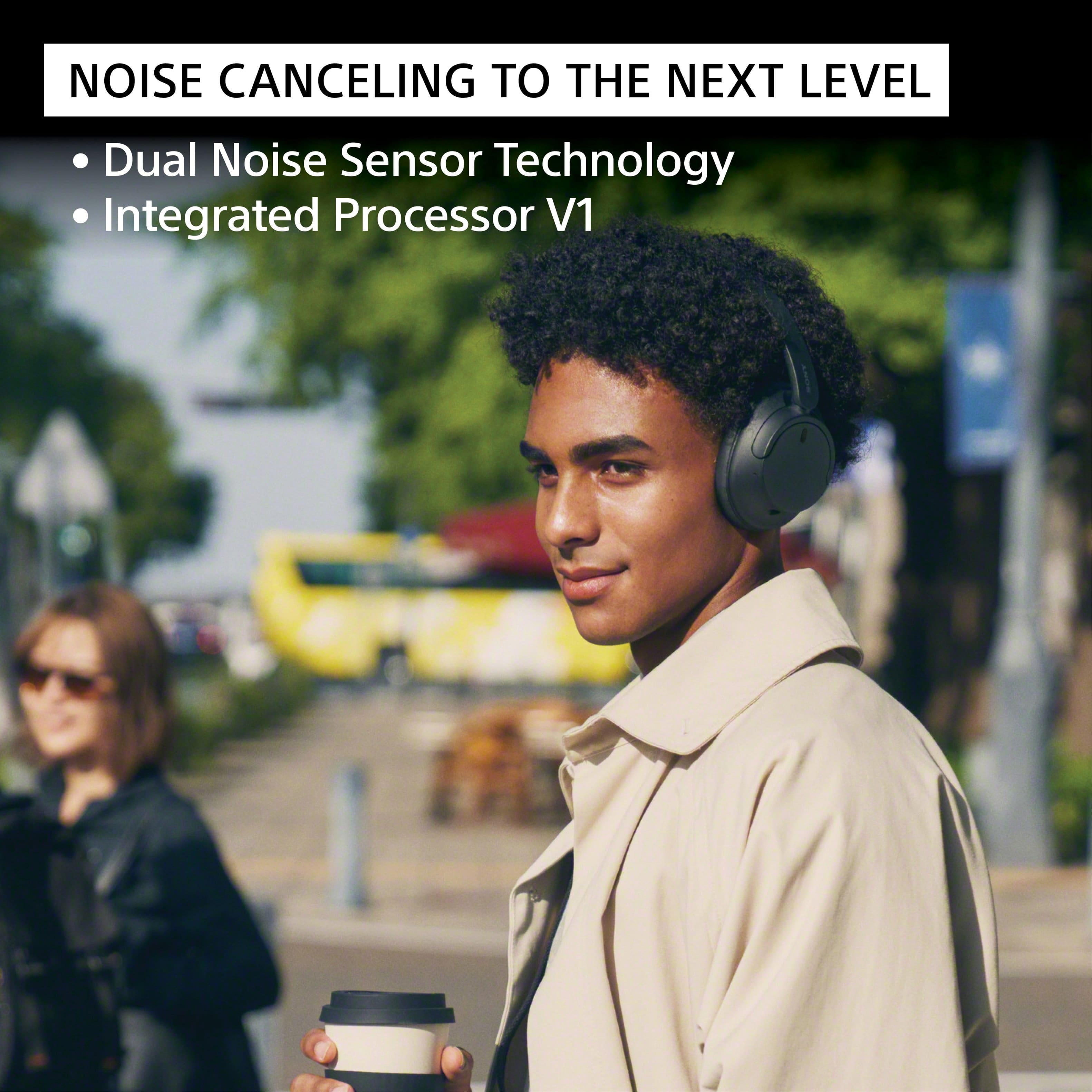
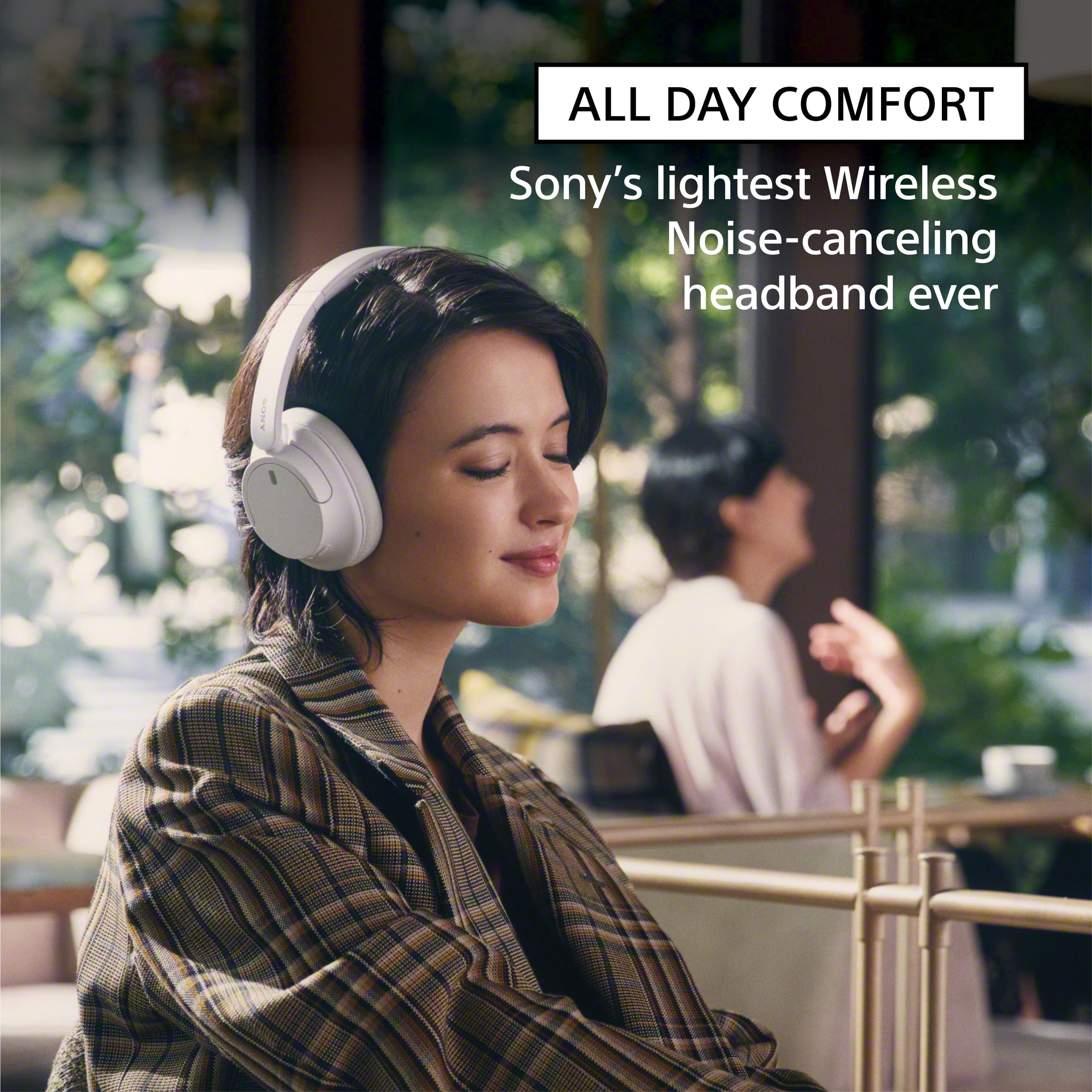
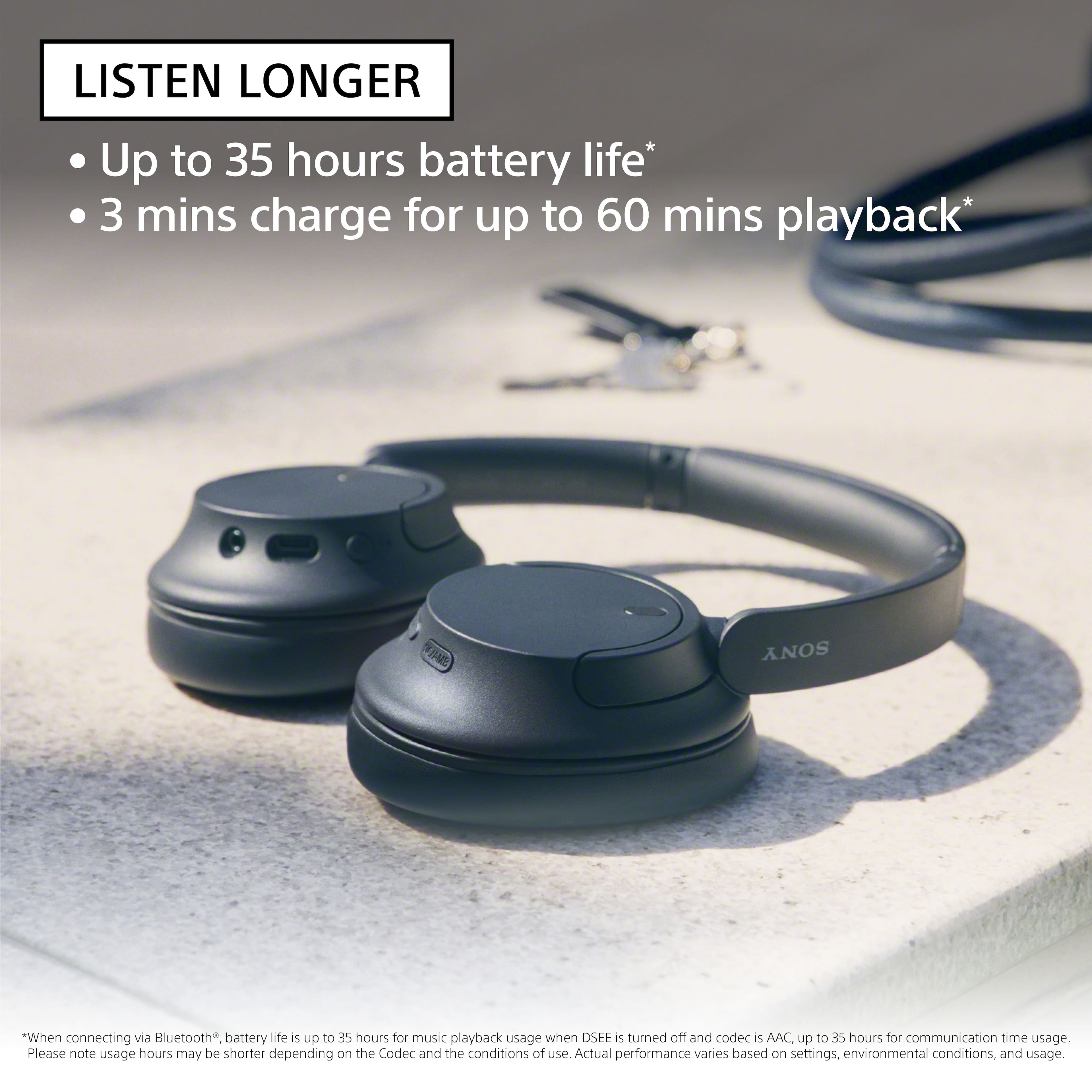
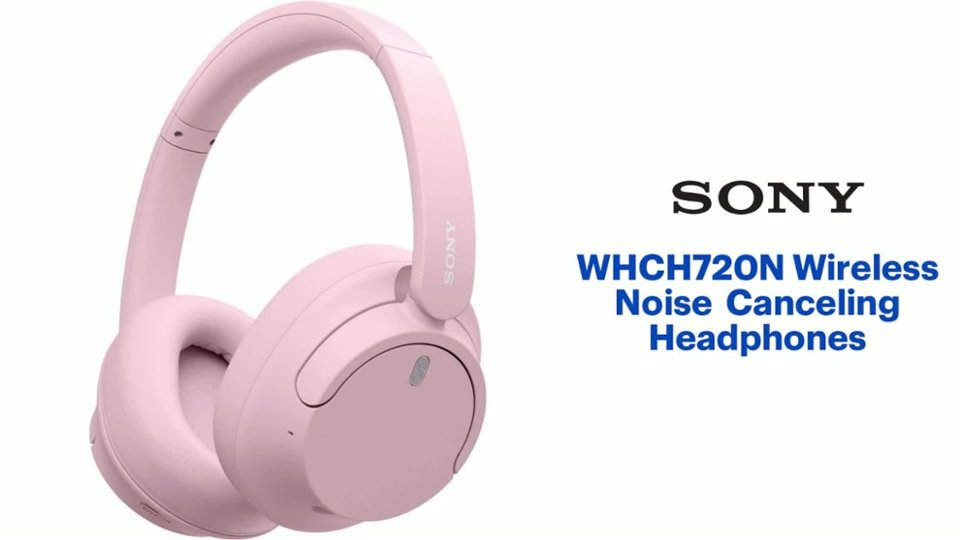
    • Answer Hi deb, Thanks for the inquiry. Yes. To ensure the headphones fit you well, adjust the slider to a length where the headband touches the top of your head then adjust the orientation of the left and right units so that the earpads fit snugly all around your ears. Turn down the world's noise with the long-lasting noise cancellation performance. Featuring Dual Noise Sensor technology and an Integrated Processor V1, the WH-CH720N allows you to fully immerse yourself in music without any distractions. Ergonomically designed to be lightweight, comfortable, and with up to 35 hours of battery life, you’ll almost forget you’re wearing it. Regards, -Craig

      Answered by SonyListens

  • Questiondo these also have a USB dongle or just bluetooth?

    Asked by sam.

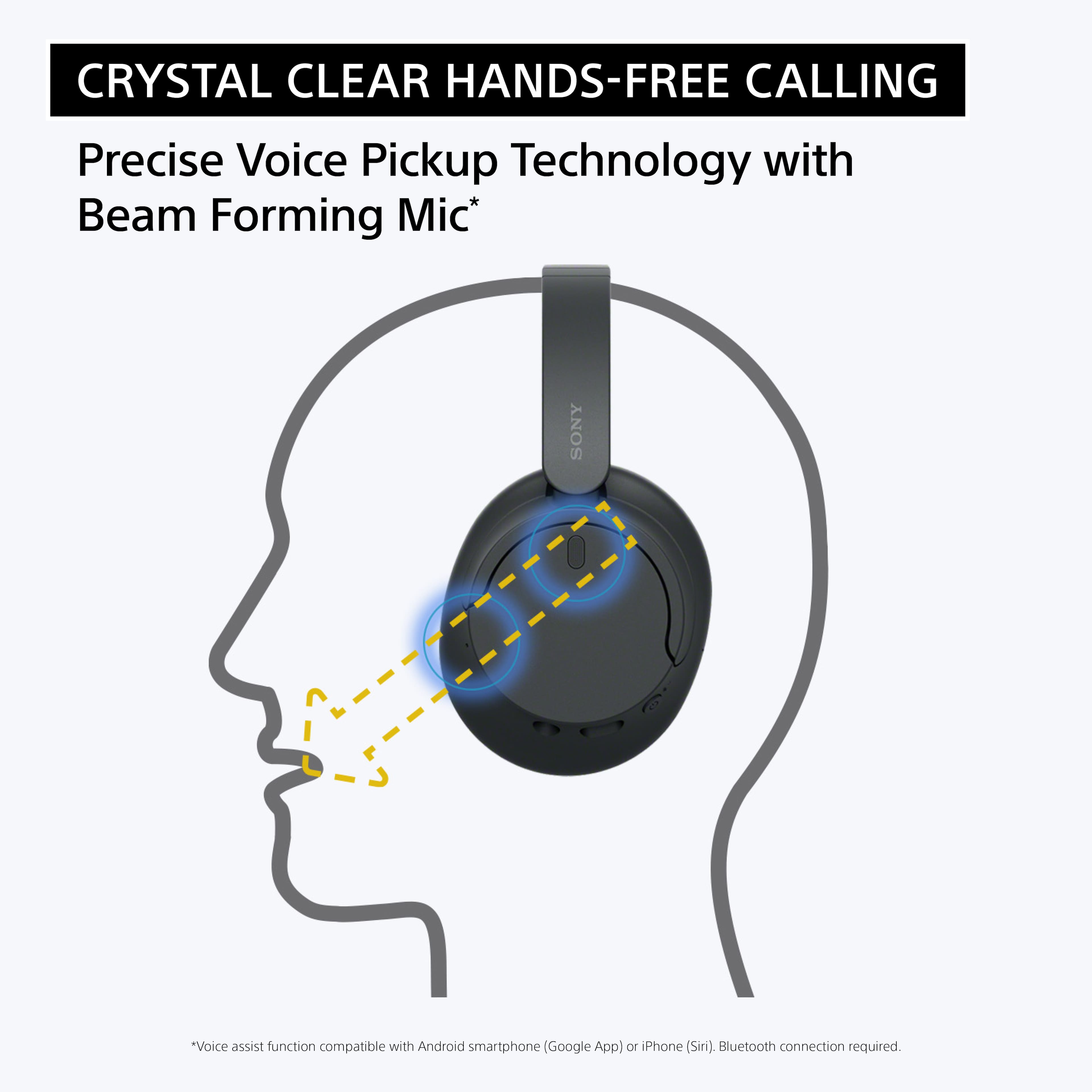
    • Answer Hi sam, Thank you for your inquiry! These headphones have a Bluetooth function which is built-in to them. They do not come with a USB dongle. Our WH-CH720N headphones allow you to enjoy natural vocals, crystal-clear sound and balanced tuning audio, thanks to the Integrated Processor V1 and Digital Sound Enhancement Engine (DSEE), producing a high-quality sound exactly as the artists intended. The Precise Voice Pickup technology Wind Noise Reduction Structure will give you a clear and natural conversation during calls. Hope this helps! -Vincent

      Answered by SonyListens

  • QuestionCan I watch TV with them?

    Asked by Lolo.

    • Answer Yes as long as your TV has Bluetooth

      Answered by DarinS

  • QuestionAre they water proof? For like the sauna at the gym

    Asked by Bichota.

    • Answer absolutely not

      Answered by user261124

  • QuestionCan you turn off the noise cancelling function?

    Asked by Cathy.

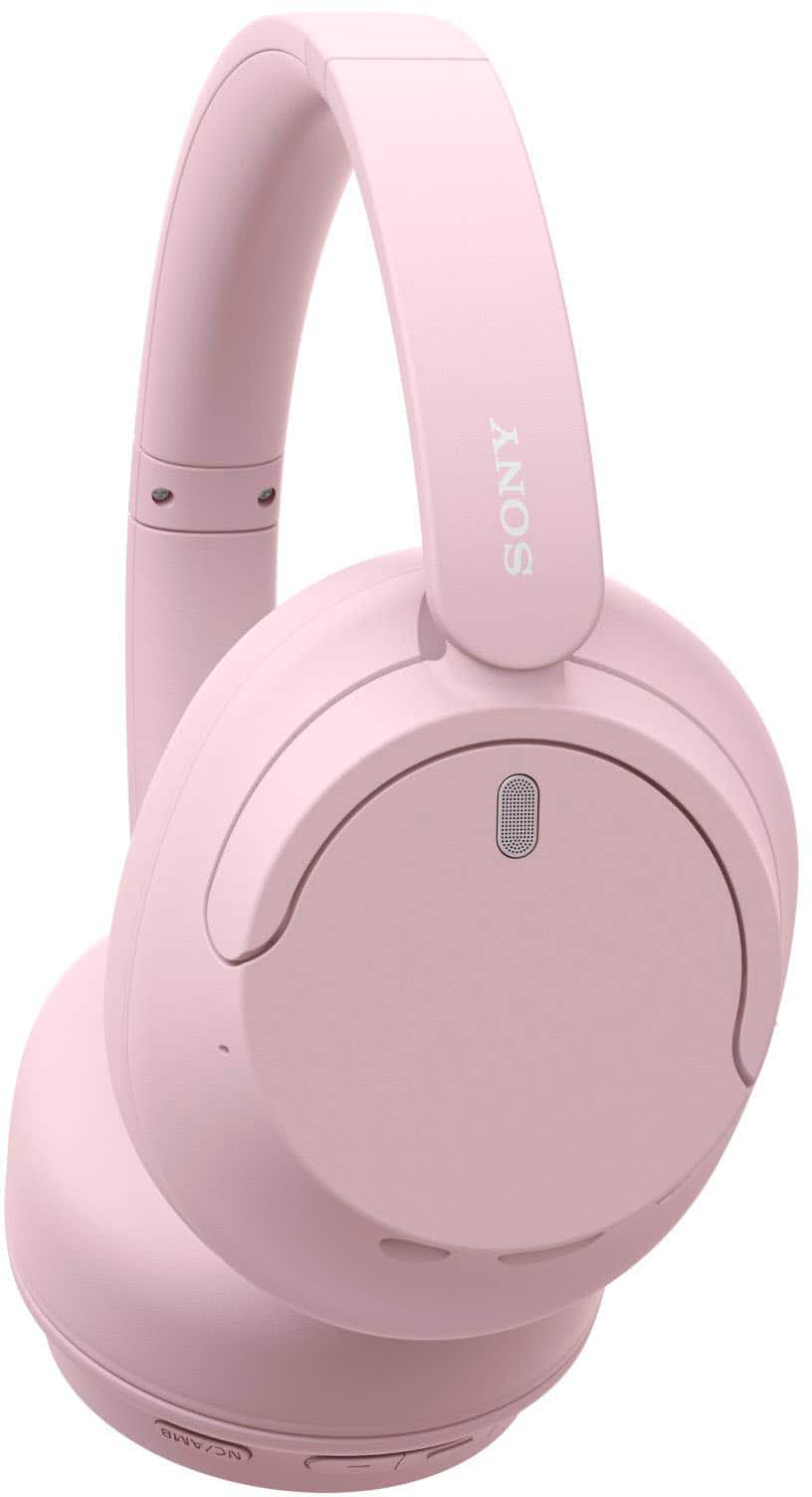
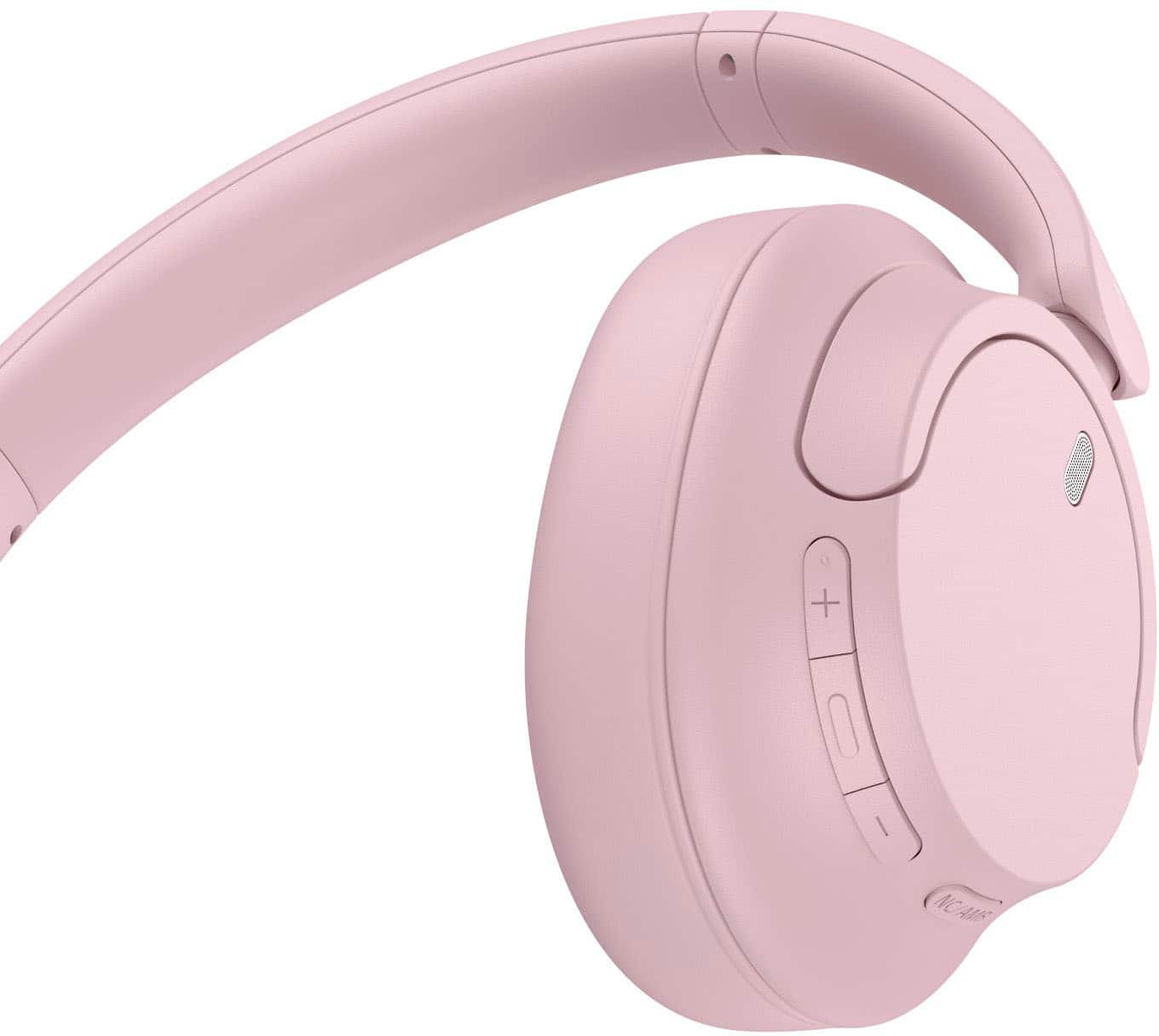
    • Answer Hi Cathy, thanks for your question. Yes, you can turn the noise canceling function. Press the NC/AMB (noise canceling/Ambient Sound Mode) button to change the settings of the noise canceling function. You can select one of the following on the “Sony | Headphones Connect” app to set how you want the functions to change when you press the NC/AMB (noise canceling/Ambient Sound Mode) button. Noise canceling function: ON Ambient Sound Mode: ON Noise canceling function: OFF/Ambient Sound Mode: OFF Noise canceling function: ON Ambient Sound Mode: ON Ambient Sound Mode: ON Noise canceling function: OFF/Ambient Sound Mode: OFF Noise canceling function: ON Noise canceling function: OFF/Ambient Sound Mode: OFF With noise-cancelling technology, a lightweight design and a long-lasting battery life you can enjoy your music for longer and without background interruptions. With Dual Noise Sensor technology and an Integrated Processor V1 takes Noise Cancelling to the next level. Now you can shut the world around you out and immerse yourself in the music. Hope this helps. Erin

      Answered by SonyListens

  • QuestionIs there a way to mute the mic while on a phone call so people can not hear me when I'm talking to them? If not, do u have a headset that does and is also ANC, AND AROUND THE SAME Price??

    Asked by Tina.

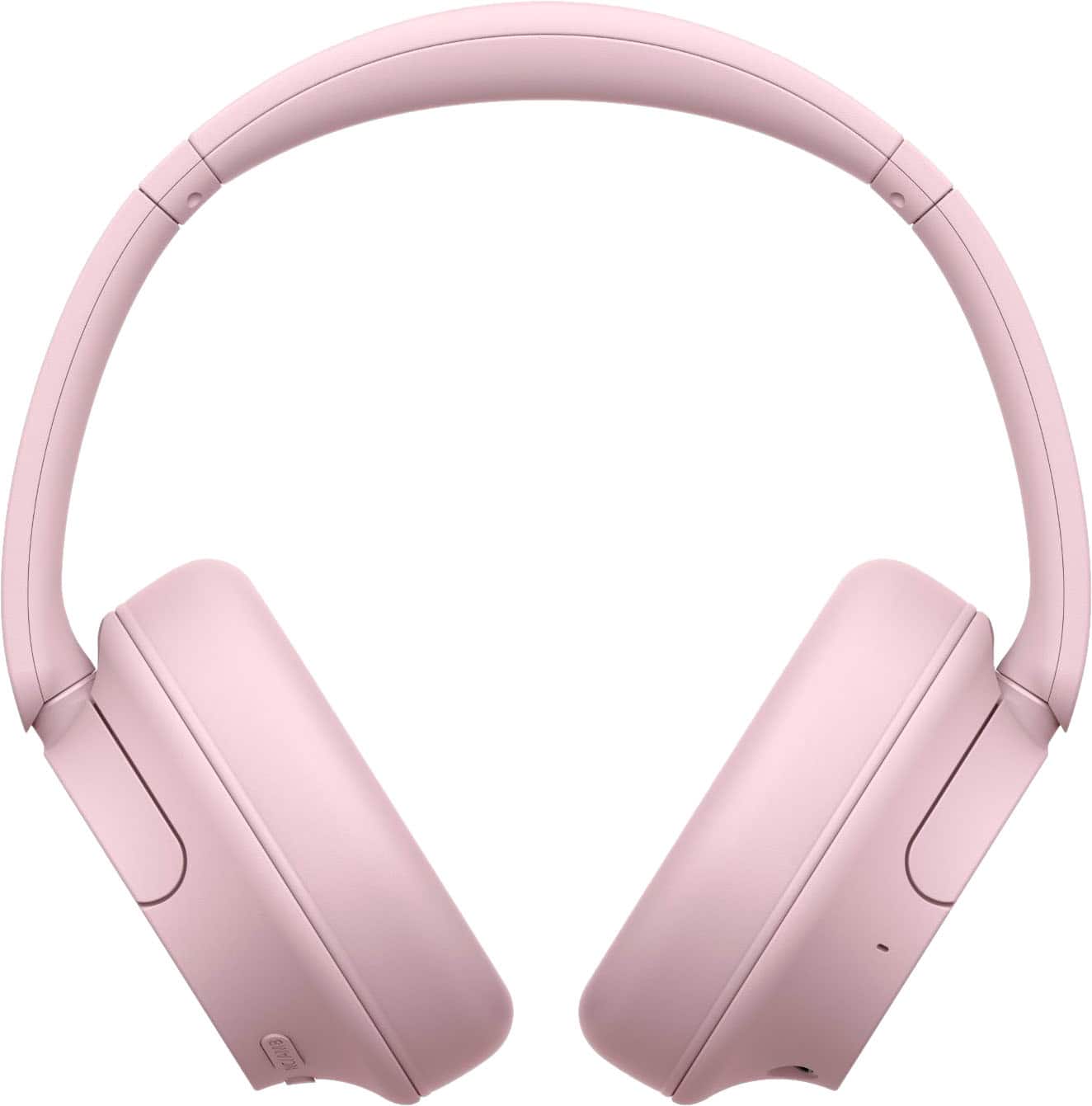
    • Answer Hi Tina, Thank you for the question! Unfortunately, the Sony WH-CH720N headphones do not have a dedicated mute function for the microphone during phone calls. While you can use the headphones for phone calls and the built-in microphone will pick up your voice, there is no specific button or feature to mute the microphone during a call. If muting the microphone is necessary, you may need to use the mute function on the phone itself. Turn down the world's noise with the long-lasting noise cancellation performance. Featuring Dual Noise Sensor technology and an Integrated Processor V1, the WH-CH720N allows you to fully immerse yourself in music without any distractions. Ergonomically designed to be lightweight, comfortable, and with up to 35 hours of battery life, you’ll almost forget you’re wearing it. Hope this helps! - Kris

      Answered by SonyListens

  • QuestionWould these work for watching TV. I want something wireless so I dont have to turn the sound up when others are watching.

    Asked by Jany.

    • Answer Absolutely assuming your TV has Bluetooth connectivity. I believe a lot do now. I use a Roku box so it works fine for me.

      Answered by Nrsdj6

  • QuestionI have paired with my Samsung s95b TV, but not getting sound from speakers. Can you help?

    Asked by Anonymous.

    • Answer Hi, Thank you for reaching out to us. We're sorry to hear if you are not getting sound from the speakers when the WHCH720N is connected to your TV. The function where you want to hear both sound from an external speaker and Headphones at the same time is a feature you need to check on your TV. With our Sony TVs, if you connect an external audio device to the TV headphone jack, the HDMI ports, or through a Bluetooth connection, the TV can't output sound from both the TV speakers and the audio device at the same time. We recommend to contact your TV manufacturer for better assistance. In case you need our help with your new headphones, feel free to contact us by sending an email to [email protected] with the following: Name: Best Buy Username: Telephone Number: Model Number: Issue: Turn down the world's noise with the long-lasting noise cancellation performance. Featuring Dual Noise Sensor technology and an Integrated Processor V1, the WH-CH720N allows you to fully immerse yourself in music without any distractions. Ergonomically designed to be lightweight, comfortable, and with up to 35 hours of battery life, you’ll almost forget you’re wearing it. We apologize for the inconvenience and thanks again for purchasing Sony. - Kris

      Answered by SonyListens

  • QuestionCome with a case?

    Asked by Anonymous.

    • Answer no

      Answered by Anonymous

  • QuestionDo these headphones connect to a smart tv?

    Asked by Gertie.

    • Answer Hello Gertie, Thank you for considering Sony products! We appreciate your question and are here to assist you. The WH-CH720N headphones support the Advanced Audio Distribution Profile (A2DP), enabling wireless audio streaming from compatible devices. To connect your WH-CH720N headphones to your TV wirelessly, ensure that your TV also supports the A2DP Bluetooth profile. You can verify this by checking your TV's specifications or user manual. If both devices are A2DP-compatible, you should be able to pair them directly for wireless audio playback. For TVs lacking A2DP support, consider using a third-party Bluetooth transmitter connected to your TV's audio output to enable wireless connectivity with your headphones. For instructions on how to put your headphones into pairing mode, please visit this page: https://helpguide.sony.net/mdr/2966/v1/en/contents/TP1000776852.html?search=pairing Best regards, -Fred

      Answered by SonyListens

  • QuestionWill the Bluetooth be compatible with Play Station as a Sony owned company?

    Asked by Gail.

    • Answer Hello Gail, Thank you for considering Sony products! We appreciate your question and are here to assist you. The Sony WH-CH720N won’t connect to a PS4/PS5 over Bluetooth, since the consoles don’t support standard BT audio. They will only work wired through the controller for game sound, and the microphone may not function with the included cable. If you want full wireless compatibility and proper game chat, it’s better to go with Sony’s gaming headsets, like the Inzone models, which are designed specifically for PlayStation. Here you can find compatibles wireless gaming headset: https://electronics.sony.com/audio/gaming-audio/c/all-inzone-headsets Best regards, -Fred

      Answered by SonyListens

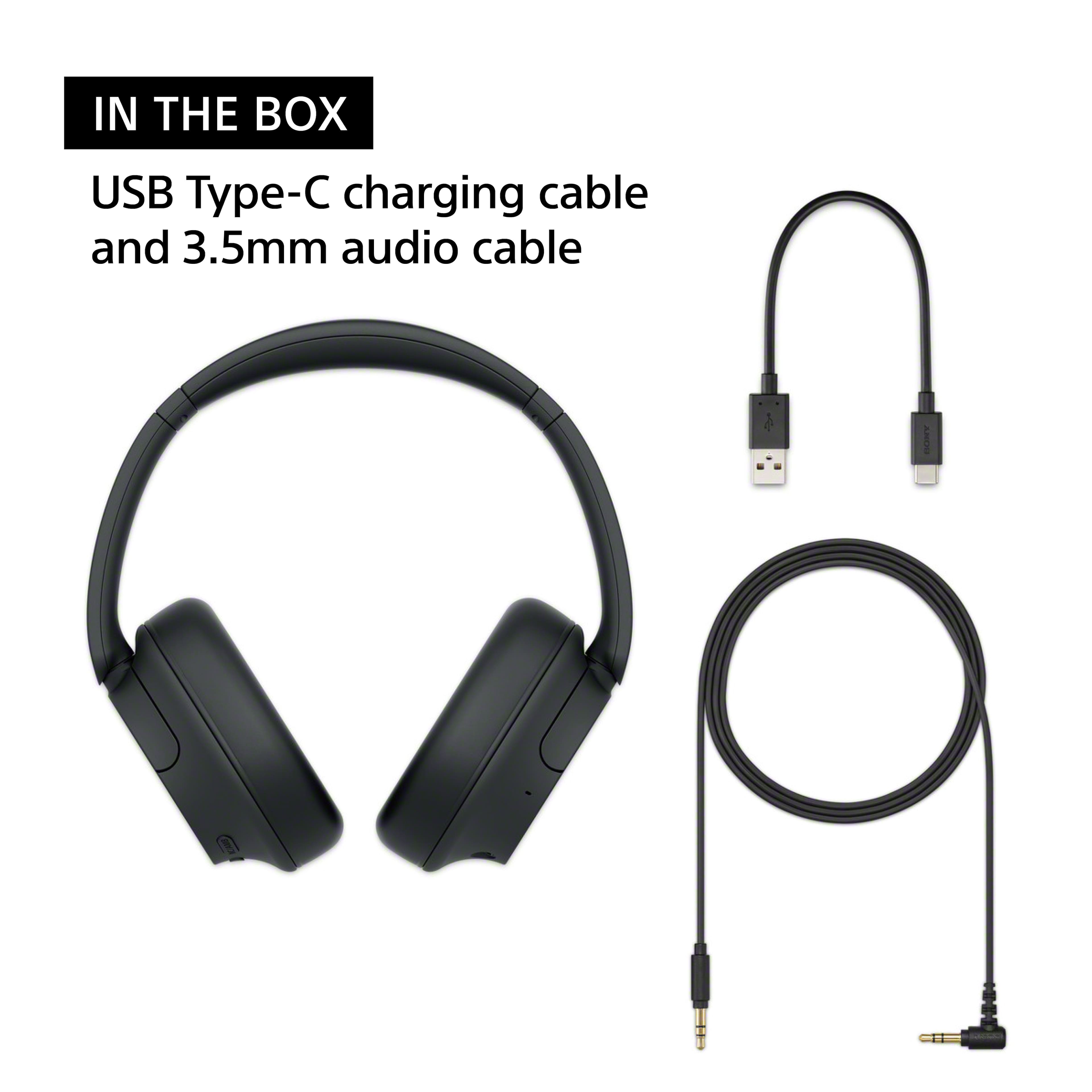
  • QuestionWhat comes in the box? Does it come with carry case?

    Asked by Bubu.

    • Answer Hello Bubu, Thank you for considering Sony products! We appreciate your inquiry and are happy to assist. The WH-CH720N headphones include a USB-C charging cable (USB-A to USB-C), a headphone cable (3.5mm stereo mini plug for wired listening), and documentation such as a reference guide/manual and warranty information. Please note that a carrying case is not included. Best regards, -Fred

      Answered by SonyListens

  • QuestionCan they be paired to a computer pc and can they be used for gaming?

    Asked by 1234.

    • Answer Hi 1234! Thanks for your interest in our headphones. The WH-CH720N headphones can be easily paired to your PC, whether it's a desktop or a laptop. They use Bluetooth technology, so the connection is easy as long as your computer has that capability. Regarding using them for gaming, the short answer is yes, they will work, but there is a small limitation. The audio quality will be excellent for casual gaming, watching streams, or playing less competitive games. They do, however, have a small amount of audio latency, just like the majority of conventional Bluetooth headphones. It's best to connect them directly using the included audio cable if you're a serious or competitive gamer. That Bluetooth latency is totally eliminated when you go wired. Now, if gaming is your top priority, we do want to point out that Sony offers a range of products, such as our INZONE H9 model, that are designed with that in mind. These headsets are designed from the ground up to give you a competitive edge and excellent communication. Please click this link to find out more information about the WH-CH720N headphones: https://www.sony.com/electronics/support/wireless-headphones-bluetooth-headphones/wh-ch720n/manuals Thank you for making Sony part of your purchasing consideration! Warm regards, Estefany

      Answered by SonyListens

  • QuestionSony WHCH720N Headphone's . I currently us headphones that connect to my TV through a Toslink cable so I can hear all my HDMI connections (Chromecast, Roku). Will these Sony headphones work?

    Asked by Corvette.

    • Answer Hello Corvette, Thank you for your interest in Sony products! We appreciate your inquiry and are happy to assist. The Sony WH-CH720N headphones are Bluetooth-only and do not feature a Toslink (optical) input. As a result, they cannot connect directly to your TV’s Toslink output. To use these headphones with your TV, your TV must support Bluetooth audio output. Alternatively, you can use a Bluetooth transmitter connected to your TV’s Toslink or headphone jack. This setup will enable the headphones to receive audio wirelessly from all devices connected via HDMI. For more detailed information about the connection options supported by the WH-CH720N headphones, please visit: https://helpguide.sony.net/mdr/2966/v1/en/contents/TP1000776866.html If you require headphones that directly support Toslink (optical) input, we recommend the Sony WH-L600 model. This headphone allows you to enjoy TV audio via Toslink connection. You can find more details about this model here: https://www.sony.com/electronics/support/res/manuals/W001/W0015180M.pdf Best regards, -Fred

      Answered by SonyListens

  • QuestionWill these headphones work with an Insignia TV? NS-40D420NA16

    Asked by JR.

    • Answer Hello JR! Thanks for your interest in our headphones. We're happy to assist! To answer your question, yes, your WH-CH720N headphones will absolutely work with that TV! The only thing is that since your specific Insignia model doesn't have the built-in capability to send its audio out to headphones wirelessly via Bluetooth, you'll simply need to connect them using the audio cable that came with your headphones instead of going wireless. All you need to do is plug one end of that cable into the TV’s Headphone/Audio Out jack, which is typically found on the side or back of the unit, and plug the other end into the input on your Sony headphones. For more details, please see this link: https://helpguide.sony.net/mdr/2966/v1/en/contents/TP1000777054.html We hope this helps! We truly value you choosing to look at Sony products! Best regards, Estefany

      Answered by SonyListens

  • QuestionI have a hearing loss and am looking for headphones that will allow me to watch TV. Are these suitable for this application?

    Asked by Mcgreggr.

    • Answer Hi Mcgreggr, Thank you for considering Sony products! We appreciate your question and are here to assist you. Yes, you can watch TV while using the WH-CH720N headphones, as long as your TV supports the A2DP Bluetooth protocol, which is needed to transmit sound to the headphones. The Sony WH-CH720N headphones are compatible with the A2DP profile. To determine if your TV also supports this protocol, you can check the TV's specifications. If it does, you should be able to pair the headphones directly with your TV for wireless audio. For instructions on how to put your headphones into pairing mode, please visit this page: https://helpguide.sony.net/mdr/2966/v1/en/contents/TP1000776852.html Best regards, -Fred

      Answered by SonyListens

  • QuestionHey I just wanted to know how good the bass is for these headphones, I’ll like hearing every detail of my songs i listen to

    Asked by Anonymous.

    • Answer Hi there, The bass is strong and punchy by default, making the sound energetic. To hear every detail (which can be a challenge with heavy bass), you should use the free Sony | Headphones Connect app to adjust the Equalizer (EQ). You can easily turn the bass down slightly and boost the high-end frequencies to get the perfect balance of bass and clarity for your songs. Best regards, Eliab

      Answered by SonyListens

  • QuestionWill the Sony earphones work with a Samsung model un43nu6900 ? Thank you

    Asked by Daniel.

    • Answer Hello Daniel, Thank you for choosing Sony! We appreciate your question and are here to assist you. The Sony WH-CH720N headphones use Bluetooth and are designed to connect with any device that supports Bluetooth audio streaming (specifically, the A2DP profile). Whether they will work with your Samsung UN43NU6900 TV depends on the TV itself. We strongly recommend that you check your TV's specifications to confirm it has the A2DP Bluetooth audio output required to transmit sound to the headphones. You can learn how to put the unit into pairing mode to connect with any device supporting the A2DP profile by visiting the following link: https://helpguide.sony.net/mdr/2966/v1/en/contents/TP1000776852.html?search=pairing Best regards, Fred

      Answered by SonyListens