Explore the latest Back to School techShop now

Main Content

Questions & Answers

Page Showing 21-40 of 129 questions
  • QuestionWill these headphones work with a Samsung UN50DU7200FXZA tv. If not, which Sony headphone model will work. Thank you.

    Asked by Anonymous.

    • Answer Hi there, Thank you for contacting us. We are very glad to address your question about the WH-CH720N headphones! To answer your question, the WH-CH720N headphones utilize Bluetooth 5.2 and your Samsung TV also features Bluetooth 5.2. This means they should pair and connect without any issues for wireless audio enjoyment. Our WH-CH720N supports the A2DP Bluetooth profile, which is the standard for transmitting high-quality stereo audio, so you'll get the full sound experience from your TV through the headphones. For detailed instructions on how to connect them to your TV, please click on the following link: https://helpguide.sony.net/mdr/2966/v1/en/contents/TP1000776852.html Thanks for considering Sony products! Best regards, Stephanie

      Answered by SonyListens

  • QuestionIs this headphone compatible with an LG TV?

    Asked by Anonymous.

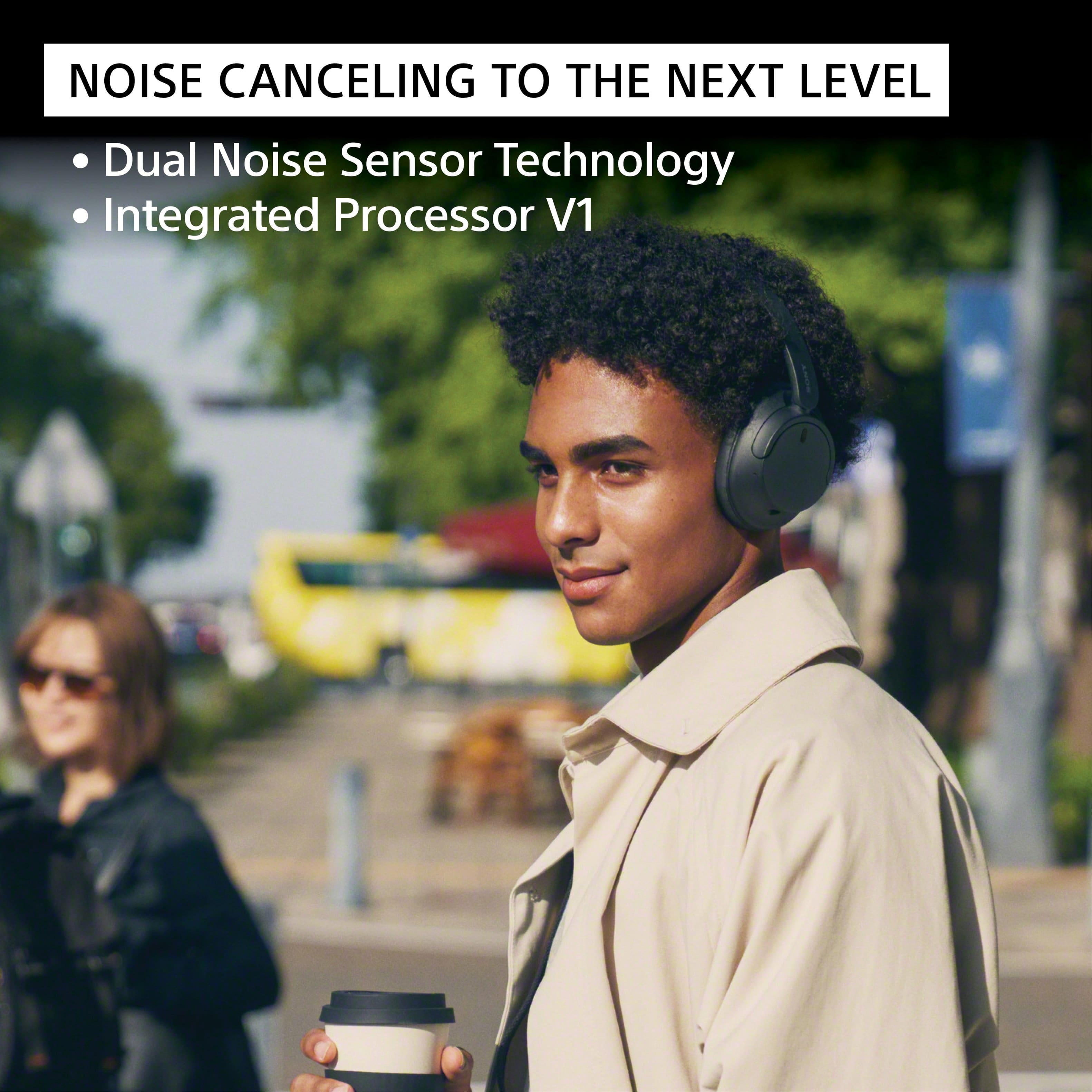
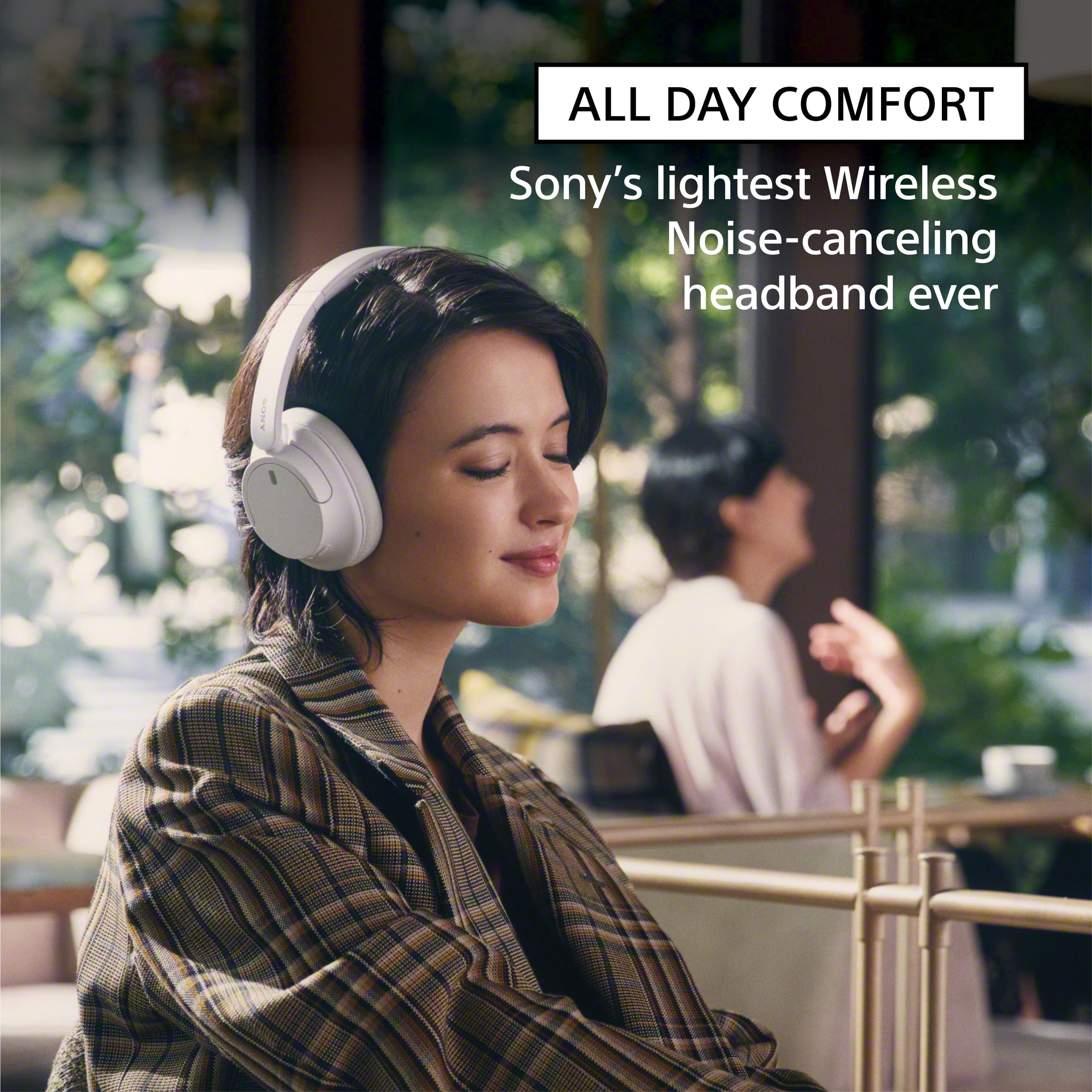
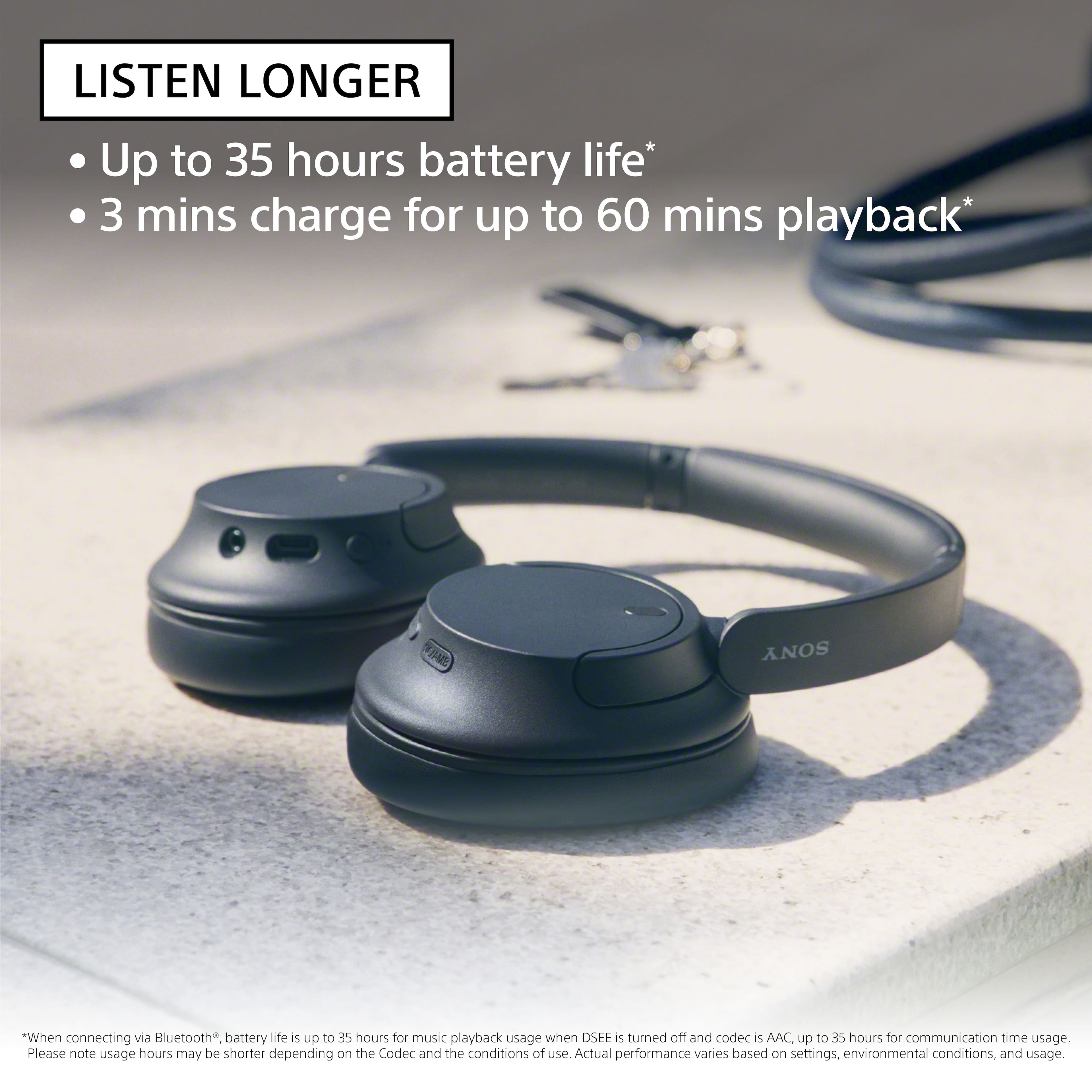
    • Answer Hi, thank you for your question. Yes. You can connect Bluetooth devices such as headphones or speakers and enjoy TV sound through those devices if the TV supports the Advanced Audio Distribution Profile (A2DP). Turn down the world's noise with the long-lasting noise cancellation performance. Featuring Dual Noise Sensor technology and an Integrated Processor V1, the WH-CH720N allows you to fully immerse yourself in music without any distractions. Ergonomically designed to be lightweight, comfortable, and with up to 35 hours of battery life, you’ll almost forget you’re wearing it. -Carl

      Answered by SonyListens

  • QuestionThe instructions say not recommend if you have a pacemaker. Do all wireless devices have this problem or what is the difference?

    Asked by Pacer.

    • Answer Hi Pacer, Thanks for reaching out. All headphones have this warning concerning pacemakers. It is important to note that the headphones contain magnets and emit radio waves, which can interfere with cardiac pacemakers and other medical devices. Therefore, it is advised not to use the headphones near medical devices or in crowded places such as trains or medical institutions. If you use a pacemaker or any other medical device, it is recommended to consult your doctor before using the WH-CH720N headphones. Regards, -Craig

      Answered by SonyListens

  • Questionare they adjustable

    Asked by deb.

    • Answer Hi deb, Thanks for the inquiry. Yes. To ensure the headphones fit you well, adjust the slider to a length where the headband touches the top of your head then adjust the orientation of the left and right units so that the earpads fit snugly all around your ears. Turn down the world's noise with the long-lasting noise cancellation performance. Featuring Dual Noise Sensor technology and an Integrated Processor V1, the WH-CH720N allows you to fully immerse yourself in music without any distractions. Ergonomically designed to be lightweight, comfortable, and with up to 35 hours of battery life, you’ll almost forget you’re wearing it. Regards, -Craig

      Answered by SonyListens

  • Questiondo these also have a USB dongle or just bluetooth?

    Asked by sam.

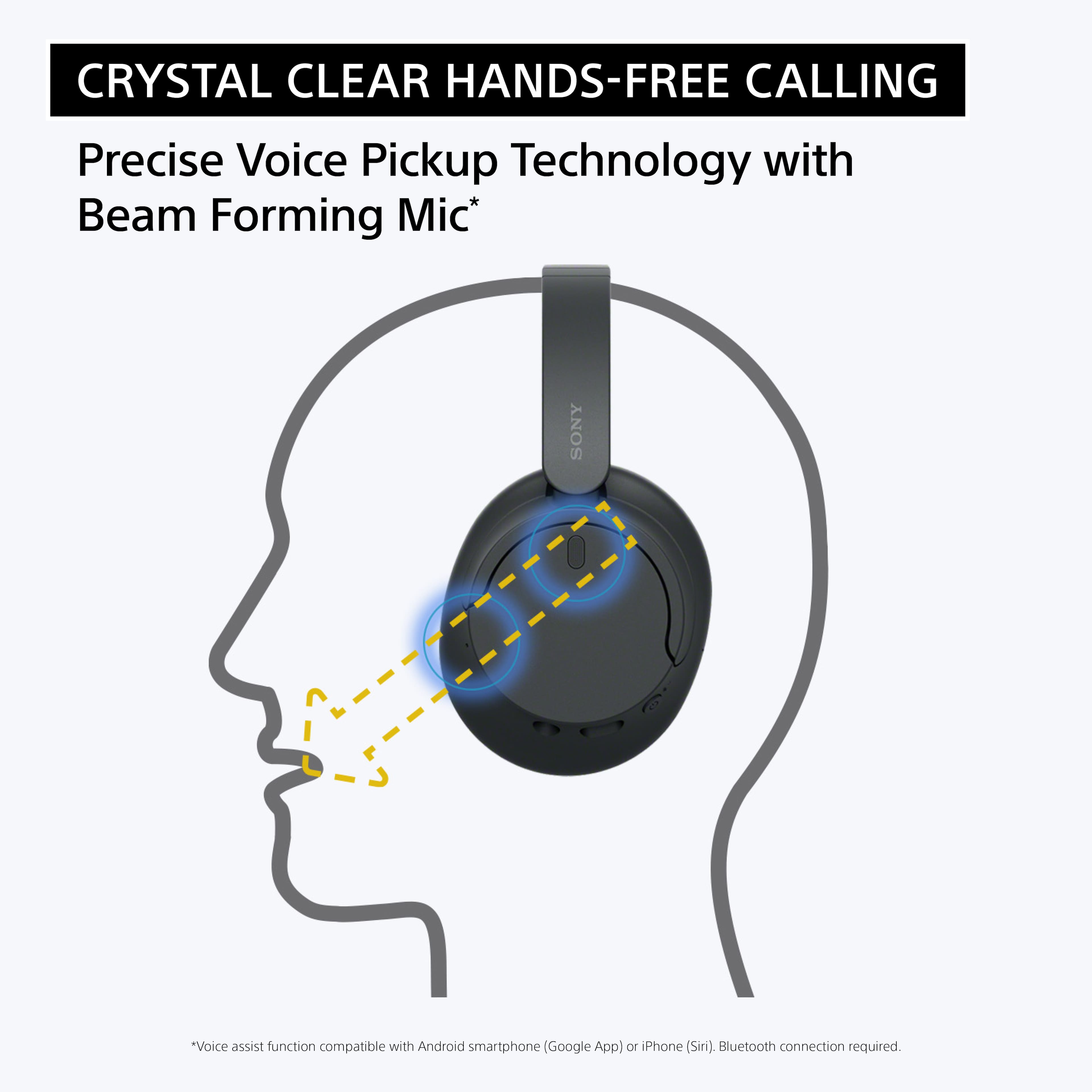
    • Answer Hi sam, Thank you for your inquiry! These headphones have a Bluetooth function which is built-in to them. They do not come with a USB dongle. Our WH-CH720N headphones allow you to enjoy natural vocals, crystal-clear sound and balanced tuning audio, thanks to the Integrated Processor V1 and Digital Sound Enhancement Engine (DSEE), producing a high-quality sound exactly as the artists intended. The Precise Voice Pickup technology Wind Noise Reduction Structure will give you a clear and natural conversation during calls. Hope this helps! -Vincent

      Answered by SonyListens

  • QuestionAre they water proof? For like the sauna at the gym

    Asked by Bichota.

    • Answer absolutely not

      Answered by user261124

  • QuestionCompatible with android

    Asked by Anonymous.

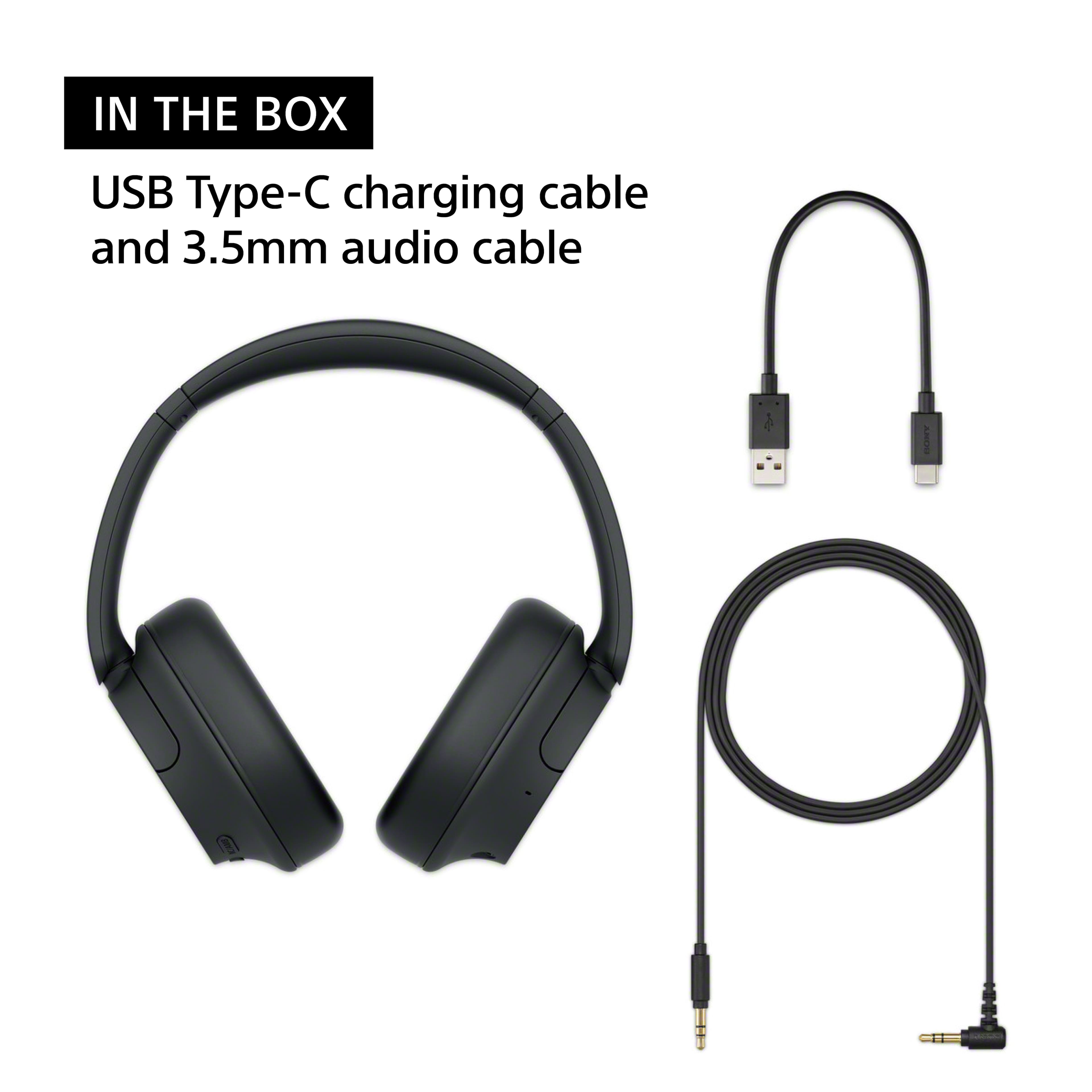
    • Answer Hi there, thanks for considering Sony products! We're happy to help. The Sony WH-CH720N headphones are fully compatible with Android devices. To connect them, hold down the power button until the indicator light flashes, then select the headphones from your phone's Bluetooth settings menu. If your phone has a headphone jack or an adapter, you can also use the included audio cable for a wired setup. Once connected, you can download the Sony | Sound Connect app from the Google Play Store to customize your sound preferences, update firmware, and manage noise canceling levels. Find more details here: https://helpguide.sony.net/mdr/2966/v1/en/contents/TP1000776846.html Kind regards, Estefany
      Answered by SonyListens

  • QuestionAre these headphones good for mowing grass

    Asked by Daddio.

    • Answer No

      Answered by TobyP

  • QuestionCan you change the battery

    Asked by Anonymous.

    • Answer Hello there, Thank you for considering Sony products! We appreciate your inquiry about the WHCH720N headphones and are happy to assist you. The battery in the WHCH720N is built-in and not user-replaceable. However, these headphones offer a long battery life of up to 35 hours on a full charge, and quick charging provides up to 60 minutes of playback with just a 10-minute charge, making them convenient for daily use. For more details, please visit the official Sony support page: https://www.sony.com/electronics/support/wireless-headphones-bluetooth-headphones/wh-ch720n/manuals Best regards, -Fred

      Answered by SonyListens

  • QuestionDoes this work with a Roku tv?

    Asked by TIMS.

    • Answer Hi JDTR, Yes, the Sony WH-CH720N headphones can work with a Roku TV, provided your specific TV model supports Bluetooth audio. Because these headphones connect wirelessly via Bluetooth, your Roku TV will need to support the Bluetooth A2DP profile to pair with them directly. We hope you find this information helpful, and thanks for considering Sony! Regards, Dominick

      Answered by SonyListens

  • QuestionAre these headphones good for listening to the tv?

    Asked by Anonymous.

    • Answer Hello there, Thank you for considering Sony products! We appreciate your inquiry about using the WHCH720N headphones for listening to the TV and are happy to assist you. Yes, these headphones are good for TV listening as long as your TV supports the A2DP Bluetooth protocol, which allows high-quality stereo audio streaming. This ensures a clear and enjoyable wireless audio experience. For more details, please visit the Sony support page here: https://www.sony.com/electronics/support/wireless-headphones-bluetooth-headphones/wh-ch720n/manuals. Best regards, -Fred

      Answered by SonyListens

  • QuestionCan these headphones connect to a television

    Asked by Anonymous.

    • Answer Hello there! Thanks for the question! We are happy to assist you today. The WH-CH720N headphones can definitely connect to your television. If you want to connect them wirelessly, your TV needs to support Bluetooth audio. Specifically, the TV needs to support a feature called the A2DP profile, which allows it to send music and movie sound to headphones. Since not all TVs have this feature, we highly recommend checking your television's manual or specifications to confirm it supports A2DP before you try pairing them. If your TV does not support Bluetooth, you can still connect very easily by using the standard audio cable that came inside the box with your headphones. You just plug it right into the headphone jack on your TV. If you'd like to learn more about this product, please check this link: https://helpguide.sony.net/mdr/2966/v1/en/index.html Thank you for considering Sony headphones! Best regards, Estefany
      Answered by SonyListens

  • QuestionHow can I tell if my Sony WHCH720N headphones are charging?

    Asked by Anonymous.

    • Answer Thank you for contacting Sony. When you plug in your WH-CH720N, a solid orange indicator light will turn on right near the USB-C charging port to let you know they are juicing up. Once the headphones are completely fully charged, that orange light will automatically turn off. We appreciate your interest in Sony products. Should you require any further assistance, please don't hesitate to reach out for support here: https://us.esupport.sony.com/support/s/support-contact?language=en_US&category=headphones Best regards, Gus, Sony North America Customer Support

      Answered by SonyListens

  • Questiondo these work with the sony bravia tv

    Asked by bob.

    • Answer Hello Bob, Thank you for considering Sony products! We appreciate your inquiry about whether the WH-CH720N headphones work with Sony Bravia TVs. Yes, this model will work with Sony TVs that support Bluetooth headphones. To confirm compatibility, you can check your TV model's specifications on our support website. Look for "A2DP" in the Bluetooth profile section, which indicates it supports Bluetooth audio devices like headphones. You can find and verify your TV model here: https://www.sony.com/electronics/support Best regards, -Fred

      Answered by SonyListens

  • QuestionCan these headphones work with an android phone

    Asked by Lisa.

    • Answer Hi Lisa! Thanks for reaching out! We’re here to help. Yes, the Sony WH-CH720N work seamlessly with Android phones. You can easily connect them wirelessly via Bluetooth or use an aux cable for a wired connection, and you will have full access to features like voice assistants and call controls. For more details, please see this link: https://helpguide.sony.net/mdr/2966/v1/en/contents/TP1000776846.html We appreciate you considering Sony for your next purchase! Best regards, Estefany
      Answered by SonyListens

  • QuestionAre these headphones compatible with an iPhone 16

    Asked by AnnaW.

    • Answer Hi AnnaW, thanks for the question! Happy to help out. Yes, the Sony WH-CH720N headphones are compatible with the iPhone 16. You can easily connect them via standard Bluetooth to listen to music, make phone calls, and use active noise cancellation. If you'd like to learn more about this product, please visit the link and click on 'Help Guide' for additional information: https://www.sony.com/electronics/support/wireless-headphones-bluetooth-headphones/wh-ch720n/manuals Thanks for considering Sony products! Best regards, Estefany
      Answered by SonyListens

  • QuestionCan this headset be used to listen to TVs?

    Asked by Fred.

    • Answer Hello Fred, Thank you for considering Sony products! We appreciate your inquiry about using the WH-CH720N headset to listen to TVs and are happy to assist you. The WH-CH720N headphones can be paired with TVs or any Bluetooth-enabled device. To ensure compatibility, please check if your TV supports the A2DP (Advanced Audio Distribution Profile), which is essential for Bluetooth audio streaming. If your TV supports this feature, you can easily connect your headphones for an exceptional audio experience. If your TV is not compatible, using a Bluetooth transmitter can enable audio streaming. For detailed instructions on pairing and connecting your headphones with a Bluetooth device, please visit: https://helpguide.sony.net/mdr/2966/v1/en/contents/TP1000776852.html Best regards, -Fred
      Answered by SonyListens

  • QuestionDoes this headphone be connected to a smart tv?

    Asked by Snowy.

    • Answer Thank you for contacting Sony, Snowy. Yes, your WH-CH720N headphones can definitely be connected to a smart TV as long as your TV supports Bluetooth audio (A2DP profile). Most modern smart TVs have this capability, allowing you to enjoy your movies and shows wirelessly with the added benefit of Sony's noise-canceling technology. Just put your headphones into pairing mode and look for them in your TV's Bluetooth settings menu to get started! We appreciate your interest in Sony products. Should you require any further assistance, please don't hesitate to reach out for support here: https://us.esupport.sony.com/support/s/support-contact?language=en_US&category=tv Best regards, Gus, Sony North America Customer Support
      Answered by SonyListens

  • QuestionWill these mute the TV speakers while using

    Asked by Kip.

    • Answer Hello Kip, Thank you for considering Sony products! We appreciate your inquiry about the Sony WH-CH720N headphones and are happy to assist you. When you connect these headphones to your TV via Bluetooth, the TV typically prompts you to switch the audio output to the headphones. Selecting "Yes" usually mutes the internal speakers, allowing you to enjoy audio through the headphones without external sound. Please note that this behavior depends on your TV's settings and may vary by model. Best regards, -Fred

      Answered by SonyListens